Studio : Dr Rock Publisher : Dr Rock Binding : Electronics Product Description
How to Connect
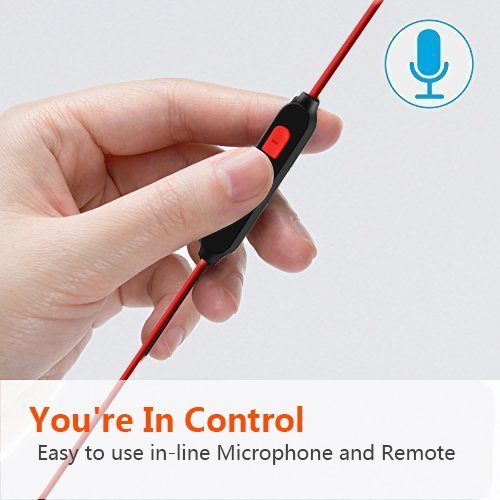
1. In Headphone turned off state, long press Button [Start/Pause] about 4-5 seconds, until the Headphone indicator appears Red and Blue flashing state, entering into the search state.
2. Open Bluetooth Function on your phone, Search the Bluetooth Device, Choose the Headphone Model.
3. Blue LED will flash after connected.
Notice: [ If require Password,please input "0000" ].
Once the first connection is successful,.The subsequent connections will be very convenient.
The first step--Open the bluetooth function of the phone.
The second step---Open the headset
Then,they will connect automatically.
And the Voice Prompt Function will prompt you that they are connected.
Technical specification
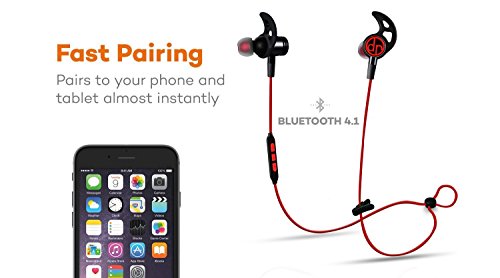
- Bluetooth Specification: 4.1 EDR with APT-X compression
- Bluetooth profiles: Headset, Hands free, A2DP, AVRCP
- Frequency Response: 20 -22kHz
- Charging Port: Micro USB
- Charging Time: 1-2 Hours
- Playback Time: Up to 8 Hours
- Standby Time: 240h
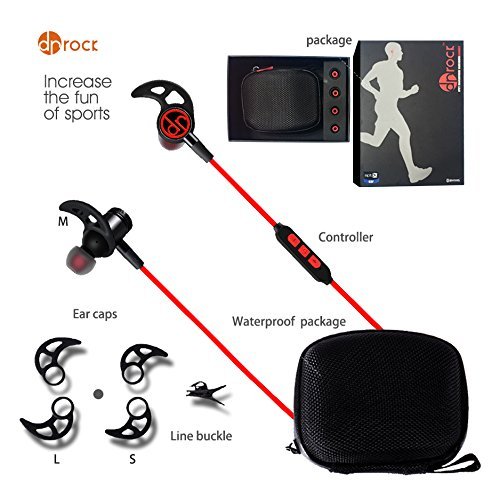
Package Included
? Bluetooth Headhpone
? Carrying Case
? Short Charging Cable
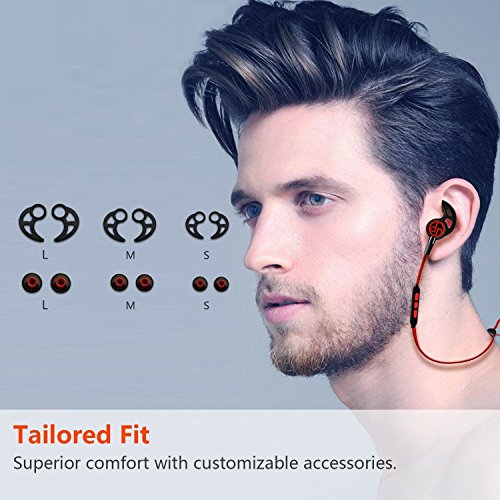
? 3 Sets of Ear Tips - Small, Medium, Large
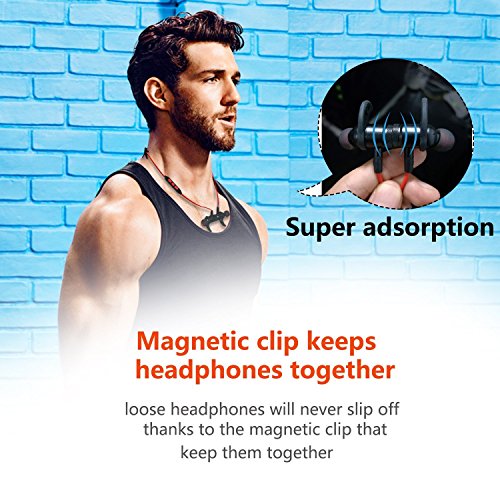
? Cable Management Clip
? User Manual
Warm Tips!!!
1. Please read the instructions carefully before using.
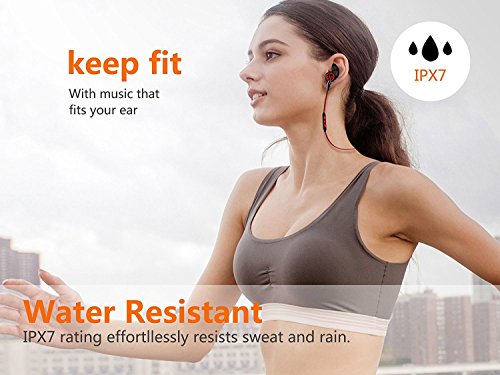
2. You can use the headset in the rain, but you can't use it in water because it can't connect to your device under water.
3. When charging please use Output:5V--1A charger or USB port of Computer
4.Any problems,please feel free to contact us. We hope to help you solve any problems concerning our products and services.
0
|