Studio : GDEALER Publisher : GDEALER Product Description
How to use:
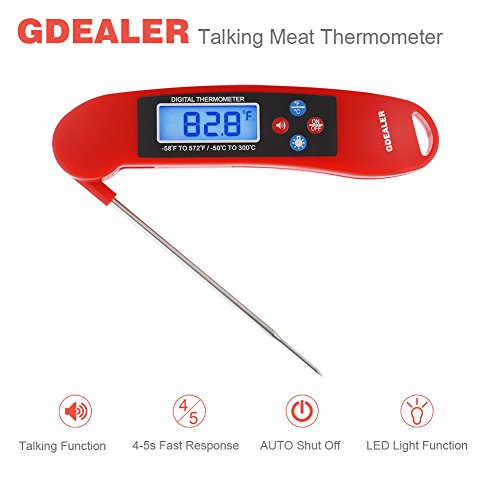
1. To turn on the thermometer, pull the probe away from the thermometer body. The LCD screen will turn on, display all options, then display the current probe temperature. To turn off, press the "ON/OFF" button.
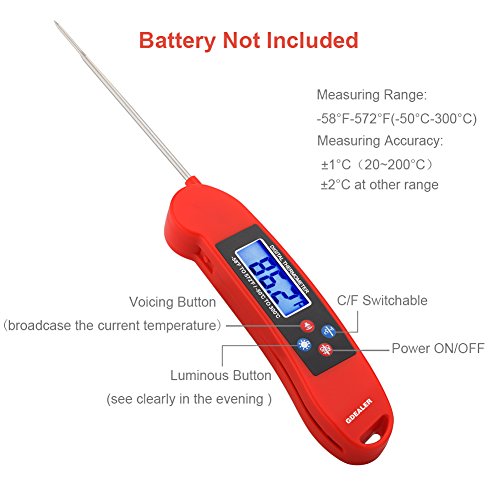
2. The thermometer is set to display temperatures in degrees Fahrenheit. To switch to Celsius, press the "°C/°F" button.
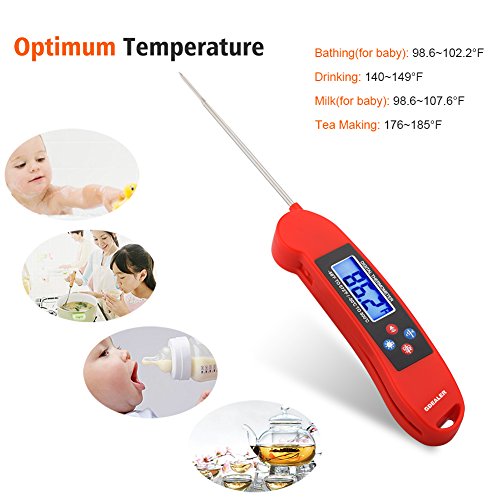
3. Insert the probe into the thickest part of the food to get its temperature.
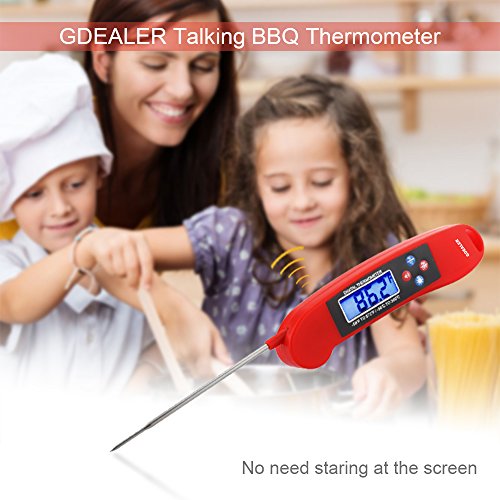
4. Voicing button: Click this button to voice broadcast the current temperature.
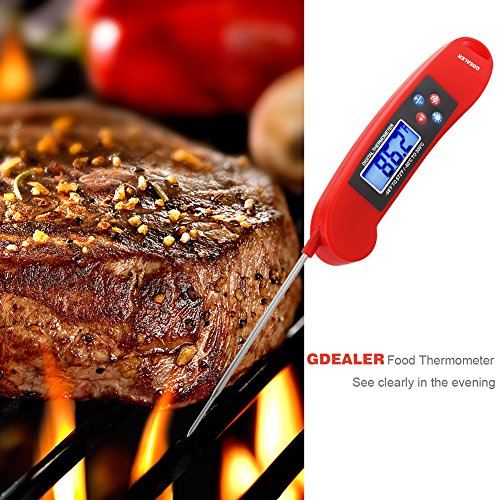
5. Luminous button: you can see the current temperature clearly from the screen by pressing this button in the evening.
Notice:
1. Do not leave thermometer in oven while cooking, do not touch hot probe with bare hands.
2. Wash the metal probe in soapy water. Clean thermometer by hand. Do not completely immerse in water.
3. The metal probe can be sterilized by soaking in boiling water for several minutes.
Package Included:
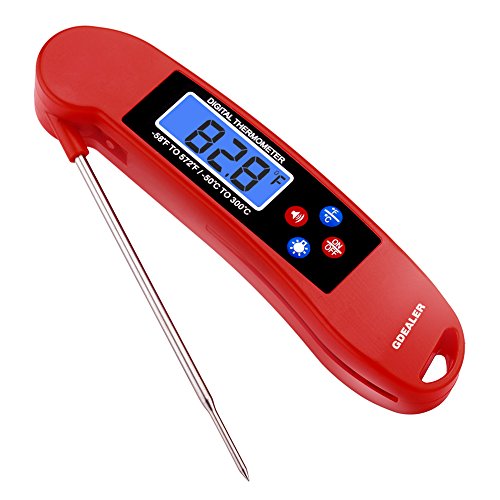
1 x GDEALER Digital Cooking Thermometer
0
|