Studio : Zonkin Publisher : Zonkin Binding : Toy Product Description
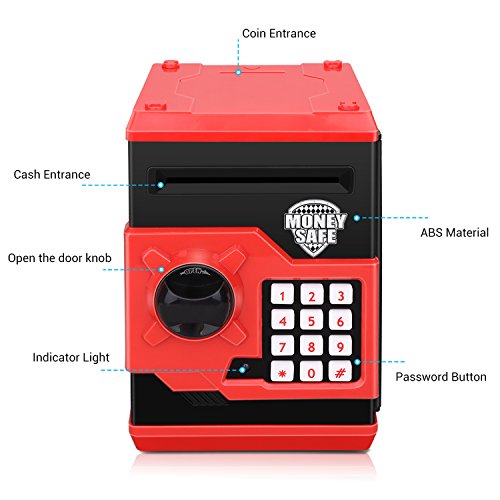
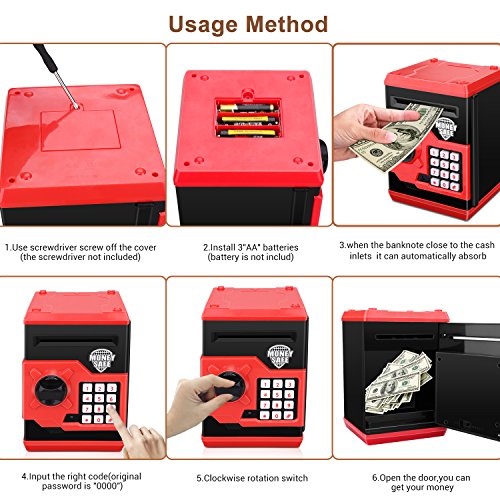
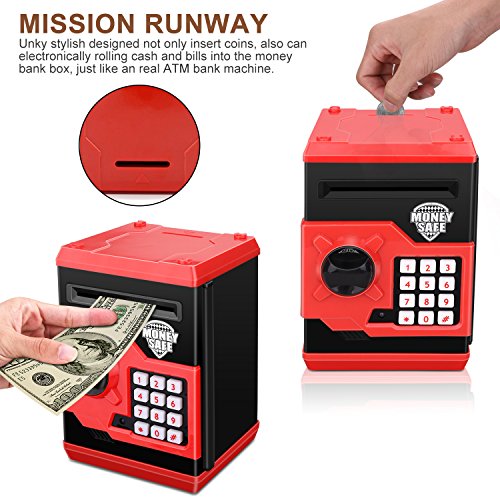
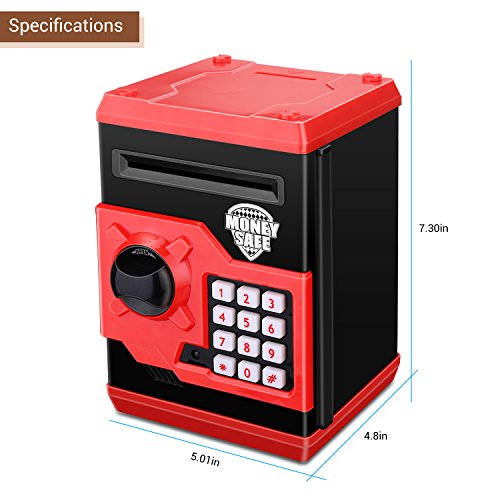
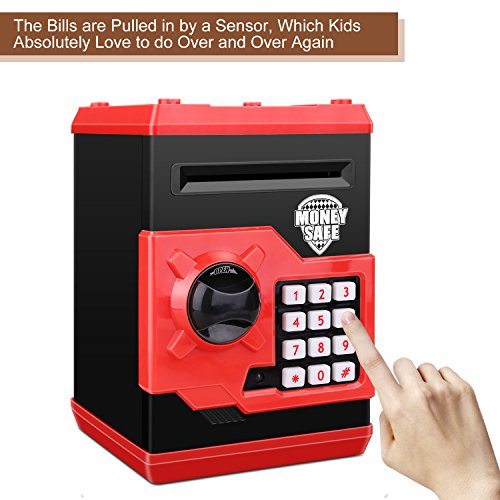
Product instructions: ★ How to use: 1.Install your ordinary 3 AA batteries. Enter the four-digit passwords (default 0000); 2.Green lights on, then rotate the knob clockwise to open the door. Note:If you enter the wrong passwords, the red light will be illuminated,and remind you "please try again". ★ How to change password: 1.Enter the current password (default 0000) to open the door of the safe.Long press "*" button, green light and red flashing. 2.Input 4 new passwords in 15 seconds, according to the "#" confirm new password storage. Two lights stop flashing. 3.If the new password is not entered in 15 seconds, the program will stop and the program must be restarted.Release the "*" button and close the door. Note:If you forget your password,you can remove the battery and then insert the new password is 0000. Reset again. ★About Batteries: 1.Please use the new battery,3x1.5V AA Battery(Product not included) 2.Do not mix the use of new and old batteries. 3.If you don't use it for a few weeks, remove the battery. Specifications: 1.Material: Environmental ABS plastic 2.Color: Red black 3.Power Source: 3x1.5V AA Battery(Not included) 4.Product Size: 8.5 X 5.1x7.1 Inches 5.Product weight: 900 g Package includes: 1X Zonkin Electronic Piggy Bank 1 x English Use Manual Our products are well tested before delivery,please feel confortable to buy, If any problem, please feel free to contact us ,we'll help you at once.
0
|