
Product Features:
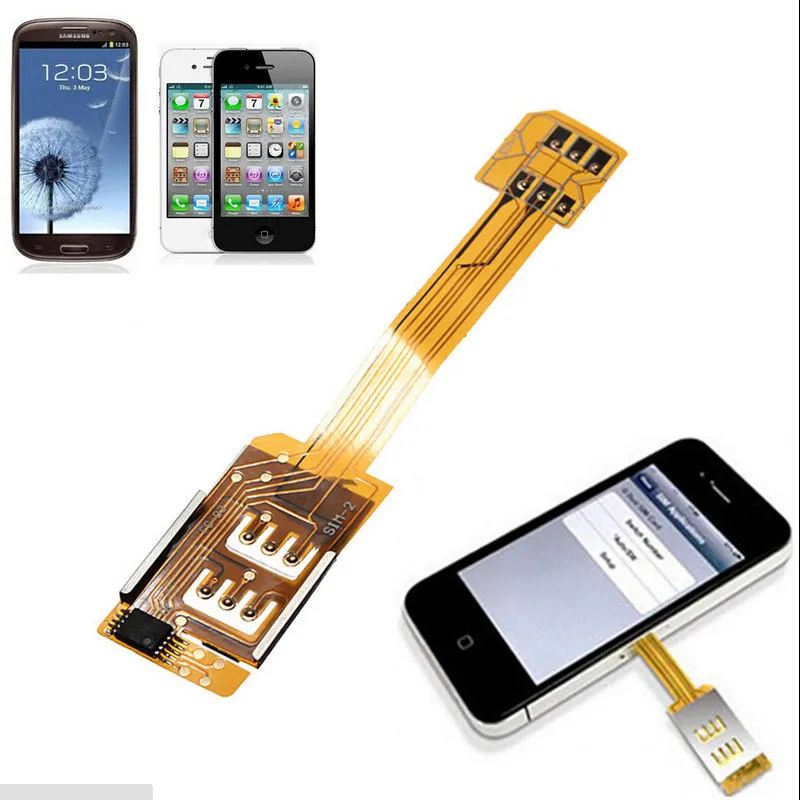
Cut outs for all the Android Phone and For iPhone 4 4S, features - without removing it from the case.
Slim fitting design adds no extra bulk - Fits perfectly in your pocket.
Easy to install and remove.
Menu option for SIM switching.
Perfectly Compatible with Samsung Galaxy S2 s3 s4 s5 Note 2 3 4 Google Nexus for HTC one Xperia for iPhone and other Android phone and for iPhone 4 4s.
How to switch the sim card: Home ==> settings ==> Phone ==> SIM Applications: select your desire SIM card
- This Dual SIM Card Adapter allows you to use your Samsung Galaxy S2 3 4 Note 2 3 Google Nexus for HTC one Xperia for iPhone and other Android phone and for iPhone 4 4s with two SIM cards.
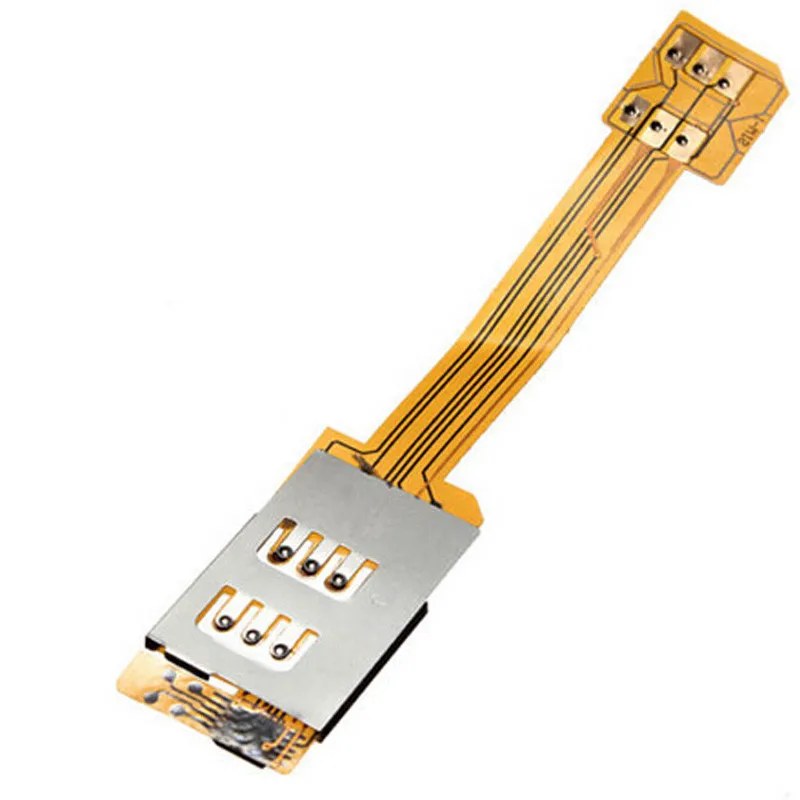
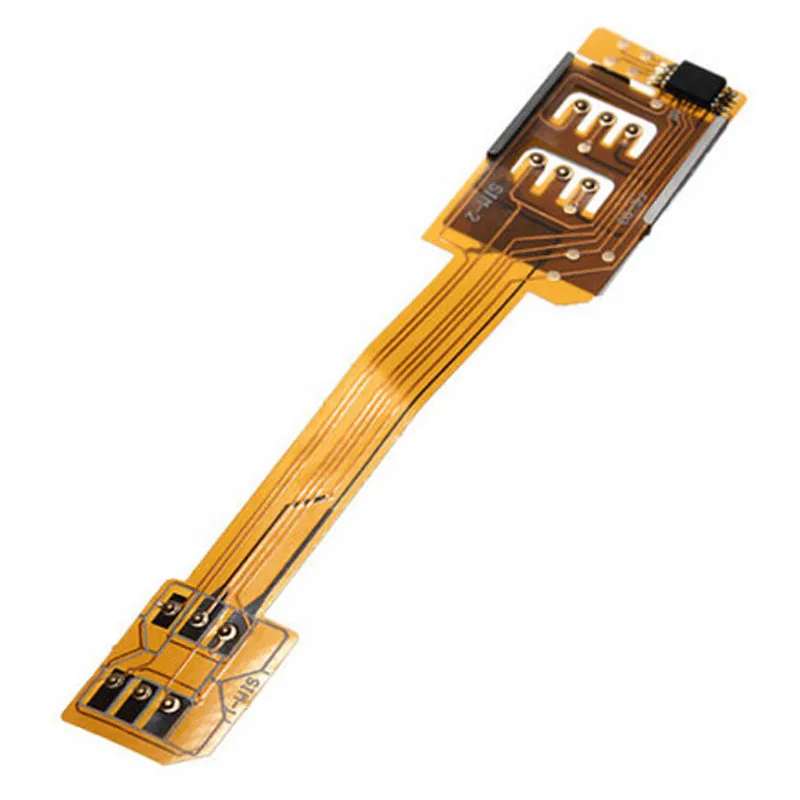
- An interface ribbon cable connects the micro-SIM card tray (SIM 1) to a standard SIM card adapter (SIM 2).
- Perfectly fitting for iPhone gives a non-slip coating.
- It folds around the back of the Phone to a place where the case holds them in to position.
- One SIM Cards available in one mobile phone at the same time.
- It supports 3G/4G Sim Card too!
- CDMA network is not compatible.
Setup and Operation Instructions:
The operation is very simple: with the settings we can choose which card to use.
With a few clicks then we can move between SIMs, without having to constantly open and close the SIM compartment


![aeProduct.getSubject()]()
![aeProduct.getSubject()]()


INSTRUCTIONS:
- 1. No JAILBREAK needed, No Software to install, Works on ALL iPhone new firmware versions This Dual SIM case foriPhone 4/4S simply makes life very simple , you can happily use
- 2. To get the dual SIM cards connected to the iPhone 4 /4S a ribbon cable is provided that you insert in to the micro/nanoSIM slot. This then folds around the back of the iPhone 4/4S to a place where the case holds them in to position.
- 3. The adapter provides a way to switch between SIM cards without switching the iPhone 4/4S off which is handy for times when you want to use more data for example, or switch to a SIM card that has more text messages available.
- 4. Let's say you have a unlocked iPhone 4/4S and posses more than one network simcard and wish to swap the network simcards around from diffrent providers be it any reason you like.
- 5. Currently by phyically switching network simcards manually can get complicated and become time cumsuming and can cause damage to the iPhone 4/4S sim gate and internal click in mechanism.
- 6. How to set-up your DUAL SIM adaptor - Home ==> settings ==> Phone ==> SIM Applications: select your desired SIM card (If you don't want it to select SIM card for you when the signal is low, please don't select "auto/SW)
- 7. Note once you've chosen to another sim card, it will have a message "No SIM Card installed", please wait 1 or 2 minutes, it needs aound 1 ~ 2 minutes to search, during this time, "No SIM" will appear in the top right of your iphone's screen.
- 8. Support UMTS/3G Cards and 3G Networks
- 9. STK Menu:A very simple Powerful STK menu to select default number for making calls, use any of the 2 numbers to make call at any time and divert the primary number to receive calls on both numbers.
