Studio : Guihx Publisher : Guihx Binding : Electronics Product Description
Operating video:
http://en.ssk.cn/Product/Intelligent/wireless-cast/4.html
▶Specification:◀
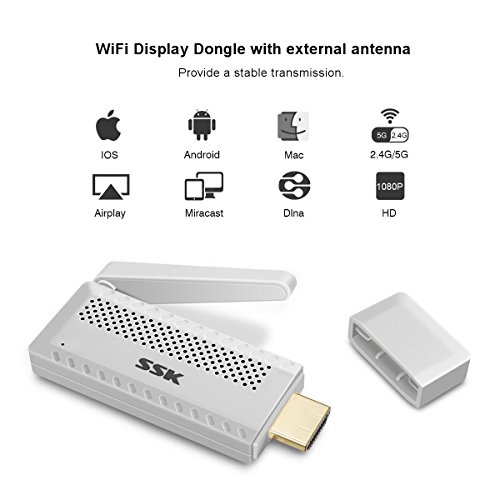
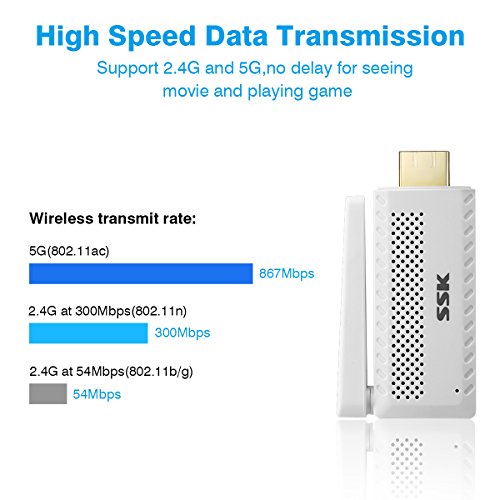
Dual band transmission: 2.4G/5G
WiFi: IEEE 802.11b/g/n
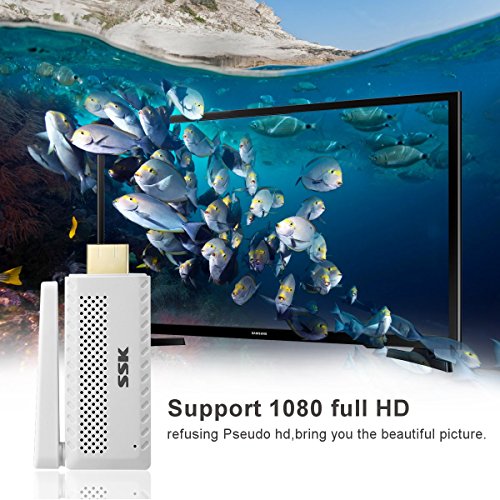
Maximum Resolution: 1080P
Power Supply: USB5V/1A
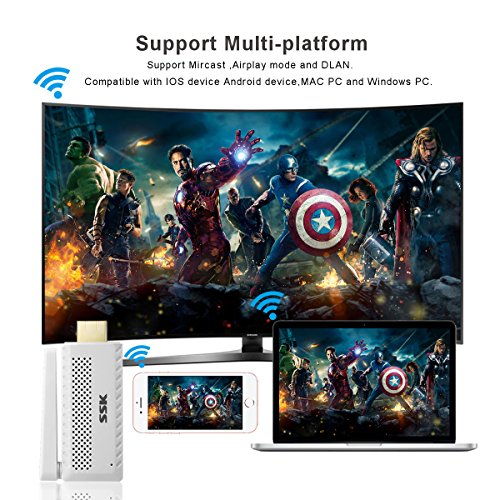
Support three mode: MiraCast/AirPlay/DLNA
▶Features:◀
①Easy to set up.No need App or drivers.
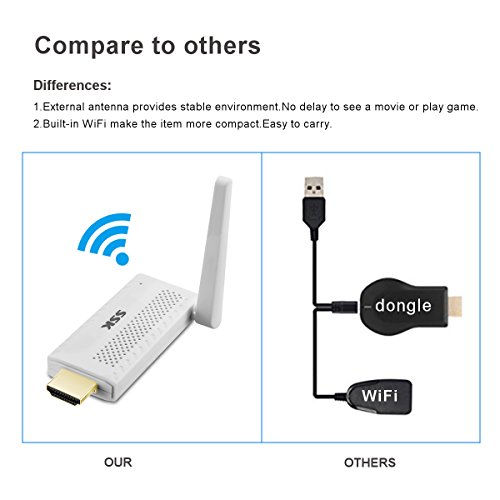
②Lightweight and portable pocket size to carry.
③Support 1080P online movies/ videos/audio/ TV/ web browsing.
④Support multi-screen interactive features like DLNA/Miracast/Airplay.
⑤ Built-in hot spots, support 2.4 /5G technology, ensuring no delay or buffer.
⑥Compatible with Android, IOS, MAC OS system, all Windows desktop / notebook with WiFi function.
▶How to Setup:◀
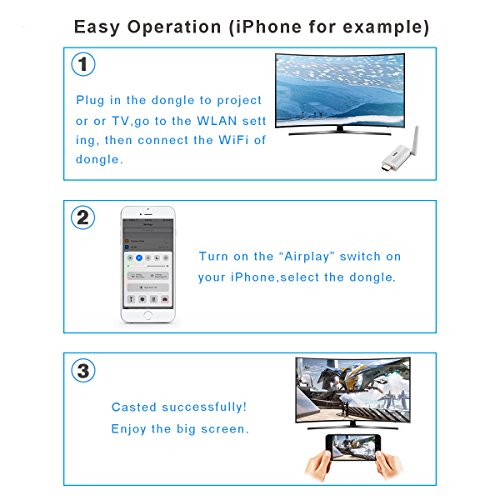
Before setting, please plug the dongle in your TV.(Equipped with an HDMI extension cable for easy switching)
Press the top button of dongle to switch the mode.
?For iOS devices,before using Airplay function, please connect the dongle to home WiFi first.
Turn on the WiFi of your smartphones or other devices and search the WiFi of dongle (SSID:SSK-Z100-XXX, password: 12345678).
Open the browser,visit 192.168.49.1 > Choose icon "WiFi" > Select your WiFi of router,enter password> Connect.
After the dongle connects to WiFi, please turn on the Airplay function of your device. Connect automatically.
?For Android devices, please turn on Miracast function directly,also called screen-sharing or screen-mirroring or not.
(Because different brands of smartphone or PC have their customized system,the name of wireless display will be different.)Then find the dongle (SSID:SSK-Z100-XXX).Select and connect.
♥After the first setting,next time when you open the function of wireless display,It will mirror automatically.No need to setup again.
▶Packing included: ◀
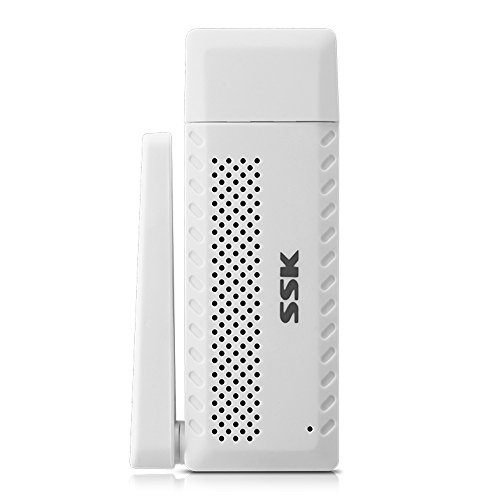
1 X WiFi Display Receiver
1 X HDMI extension cable
1 X USB cable
1 X Manual
0
|