VR Virtual Reality 3D Glasses Oculus Rift Head Mount set With Resin Lens For 3.5-6.0 inch Phone with controller
How to use 3D Glasses ?
1.Down load vr app or side by side 3D movies ,or 3D games into your phone .
2.Put your phone into 3D glasses .
3.Wear the 3D glasses , adjust it until you feel comfortable and you can see the screen clearly
4. If you want to play 3D games , you can connect your phone with remote control via bluetooth to control your phone .
1.Pupil distance adjusting button .
2.Adsorption type switch.
3.The object distance adjusting button.
4.Removable adsrption front cover .
5.Human body engineering cortical patch .
6.Optical glasses.
7.Focus adjustment knob.
How to Use ?
1.Download and play test video:
Pls use a mobile phone to scan qr cose into the software download interface , according to choose to install 3d broadcast sowing APP phone system , download the test about whether or not split screen video and games and normal play .
2.How to use the device :
Gently open the adsorption type switch at the top , hold the mobile phone screen facing inwardly , gently touch scale adjustment card slot , place your phone , and then close the cover plate , if you find the picture is upside down , pls adjusting the direction of mobile phone .
3.The Lens adjustment function :
PD adjustment : Adjust the PD of lens.
Object distance adjustment : Object distance adjustment can adapt myopia , without wearing myupia lens.
Package include: 1 X Head Mount Plastic Version 3D Vr Virtual Reality Glasses+ 1 blutooth controller

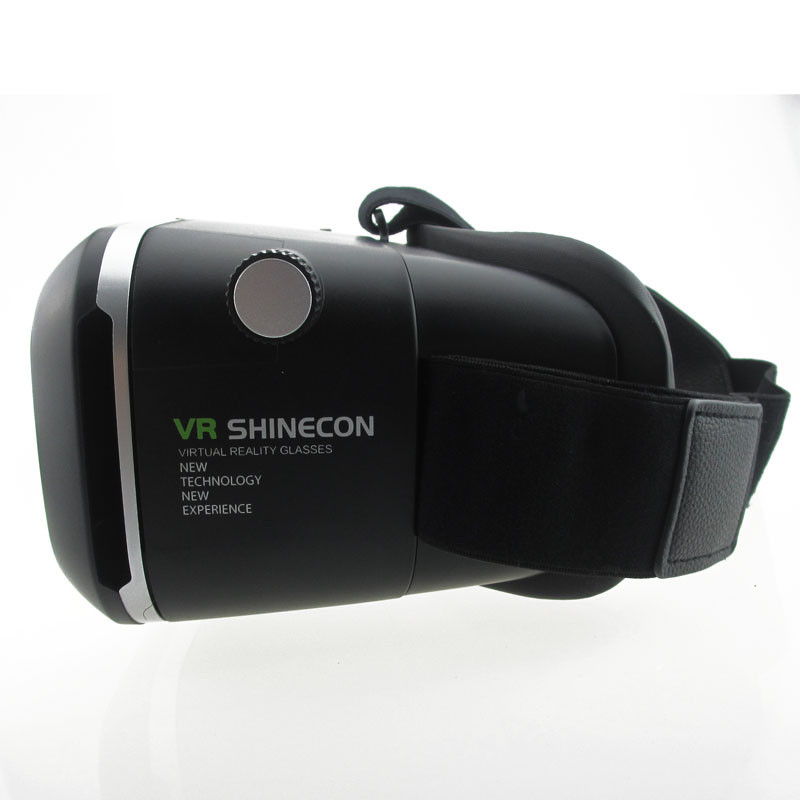
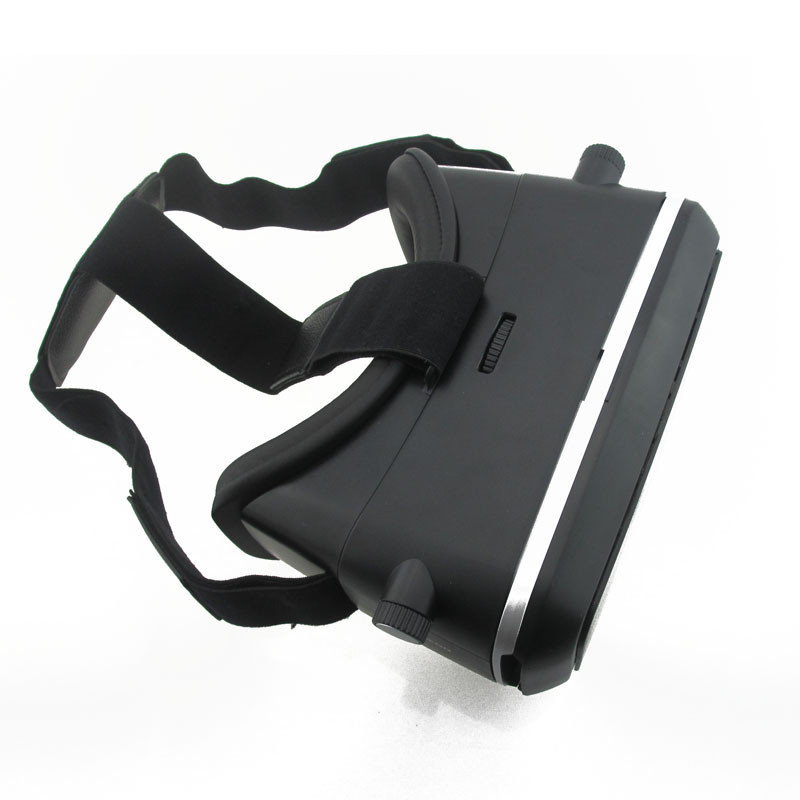

VR Virtual Reality 3D Glasses Oculus Rift Head Mount set With Resin Lens For 3.5-6.0 inch Phone with controller
';


