How to use?
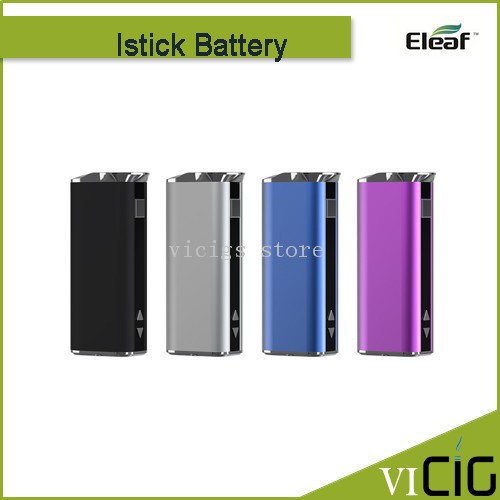
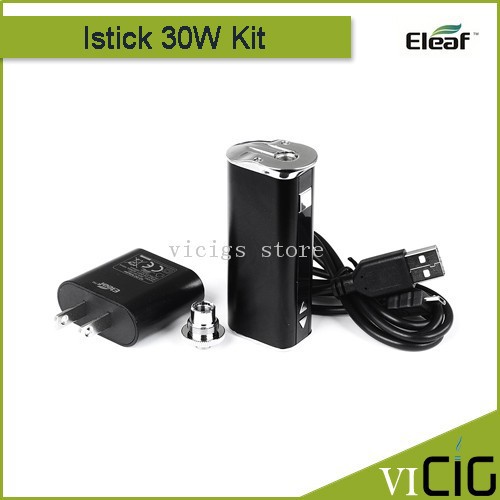
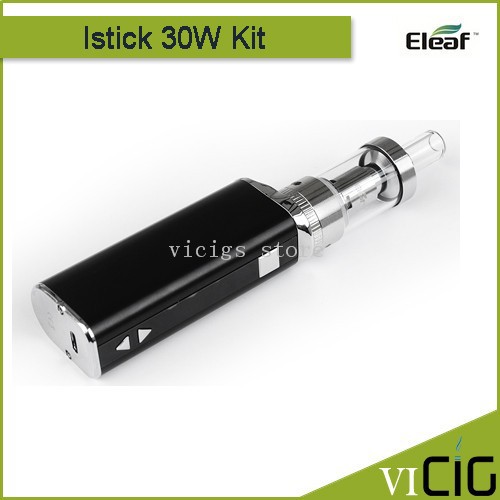
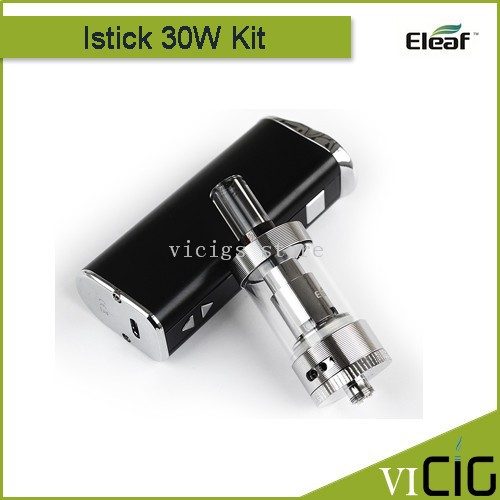
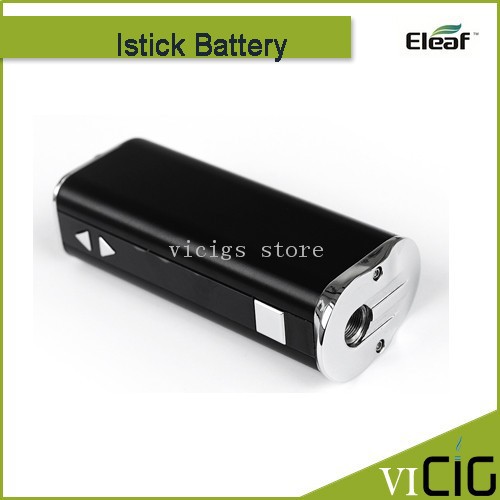
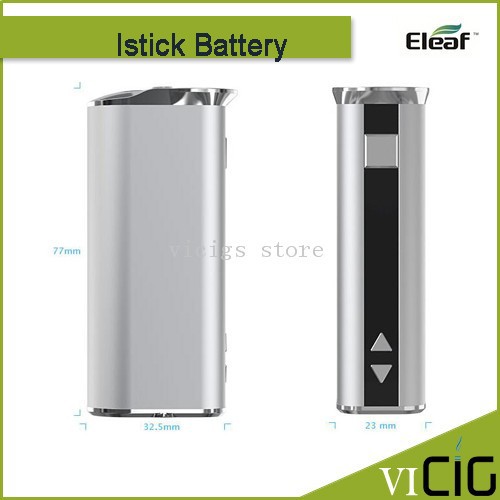
Press the square button for five times to turn on the battery、 and then long press the square button to get a puff. Loosen the square button to stop puff.
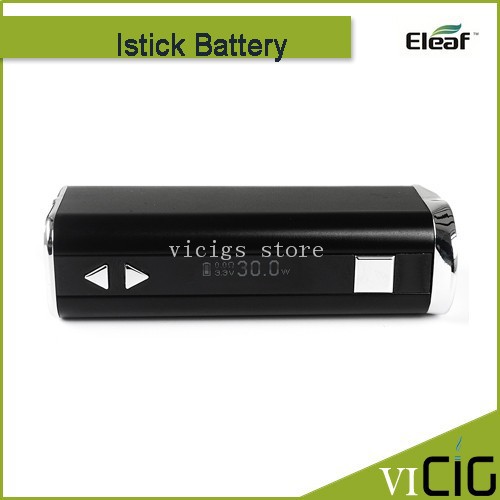
Switch the VV/VW mode: Press the square button for three times to switch the VV/VW mode when the battery is turned on. In VV mode、 you can adjust output voltage between 2.0V-8.0V. In VW mode、 you can adjust output wattage between 5W-30W.
Adjust the voltage/wattage: Press the up-and-down arrow buttons to increase or decrease the voltage/wattage. Keep pressing the up/down arrow button、 voltage/wattage will increase or decrease slowly at first、 then they will increase/decrease at a constant high speed. The number will stop increasing/decreasing when you loosen the up/down arrow button.
Button lock functionality: Keep pressing up-arrow button and down-arrow button simultaneously for 2 seconds when the battery is on、 then they will be locked and the screen will reflect “Lock”. Still keep pressing simultaneously for 2 seconds to unlock them and the screen will reflect “Unlock”. Through these operations、 you can protect the buttons from unintentional presses and prolong their service life.
Switch the display mode: Keep pressing up-arrow button and down-arrow button simultaneously for 2 seconds when the battery is off、 the screen display will rotate 180 degrees. You can view the screen from two kinds of angle through this operation.