Studio : TouMei Publisher : TouMei Binding : Electronics Product Description
Upgrade happycast of portable projector
Happycast latest version:6.6.1.9
Open Happycast it will automatically detect and prompt version upgrade, select the update.
Manually upgrade, in the home page,use up button on the remote control to enter the menu, choose the settings to select the version update.
Connect android phone to portable projector
1:Android device and the portable Projector are connect with same WIFI.
2:Open wifi display in portable projector(Samsung phone open happycast app in portable projector,the phone Scan the QR code install happycast),select setting to set the device name.
3:Open the Android Multi-Screen,search for equipment and choose to connect the device.
4:The mini projection screen pops up the Android device,choose to accept,and then the Android device and the projector to achieve the connection.
Connect iPhone and ipad to portable projector
1:iPhone and the portable projector are connected to the same WIFI.
2:Open happycast app in the portable projector.
3:Open Airplay Mirroring in iPhone to search equipment,click to achieve iPhone large screen delivery.
4:Close Airplay Mirroring to disconnect.
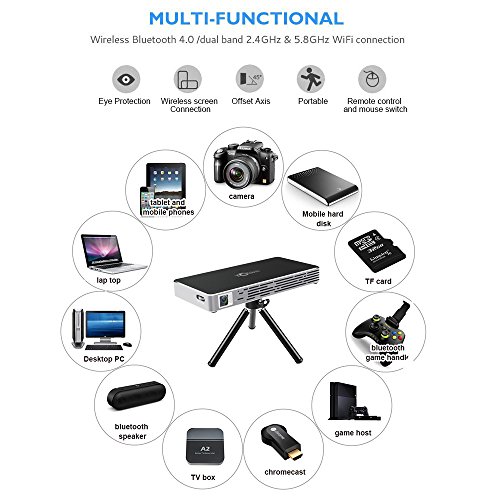
Connect the portable projector's Bluetooth
1:Open the setting center in the portable projector
2:Search bluetooth devices(likes audio equipment, headphones, ect.),click to achieve sound output
3:Close bluetooth to disconnect
Specifications
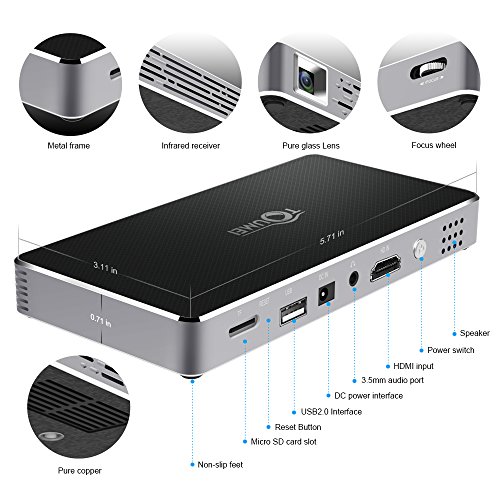
Lamo:OSRAM LED lamo
Lamp life: 30000 hours
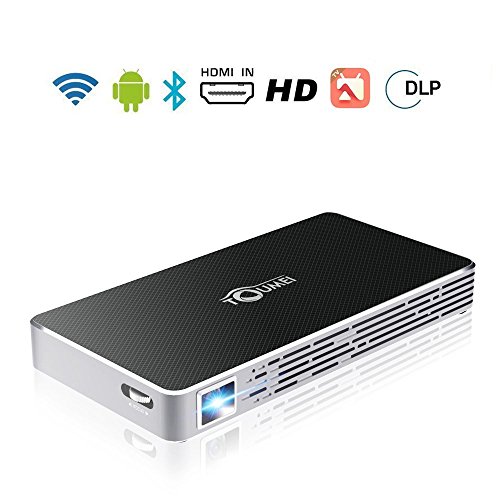
WIFI: 2.4G/5G Dual-band WIFI
USB: USB HOST 2.0
TF Card: Maximum supported 32G
HDMI: HDMI input
Bluetooth: BT 4.0 (Support external Bluetooth Speaker, mouse
Brightness: Real DLP 100 anls lumens
DDR: 1GB DDR3
Memory:8GB
CPU: Quad-Core ARM Cortex-A7 with up to 1.2GHz
List
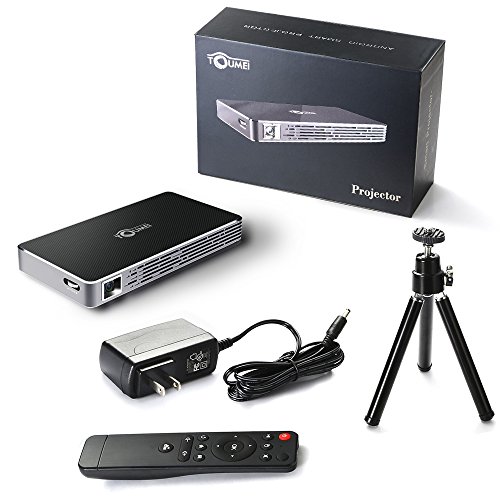
1 x Portable Projector
1 x Remote Controller
1 x Power Adapter
1 x USB cable
1 x Tripod
1 x User Manual
0
|