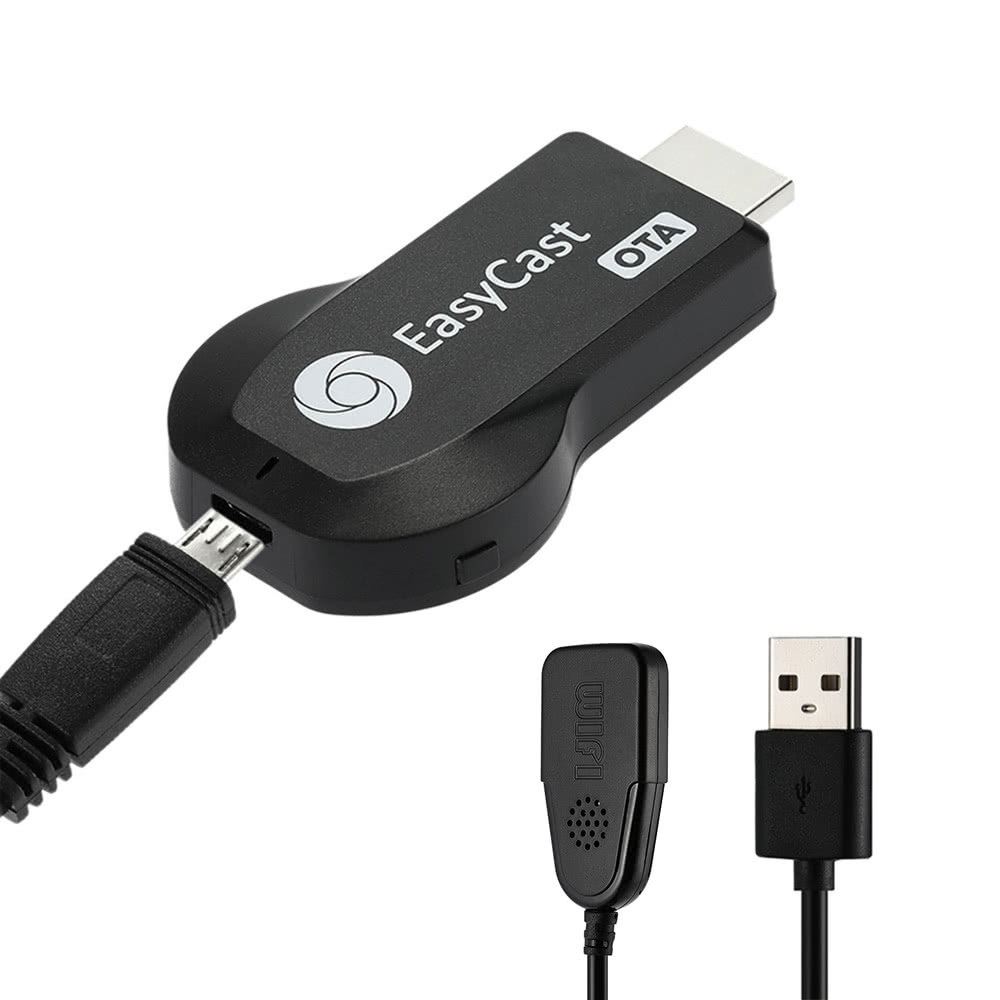
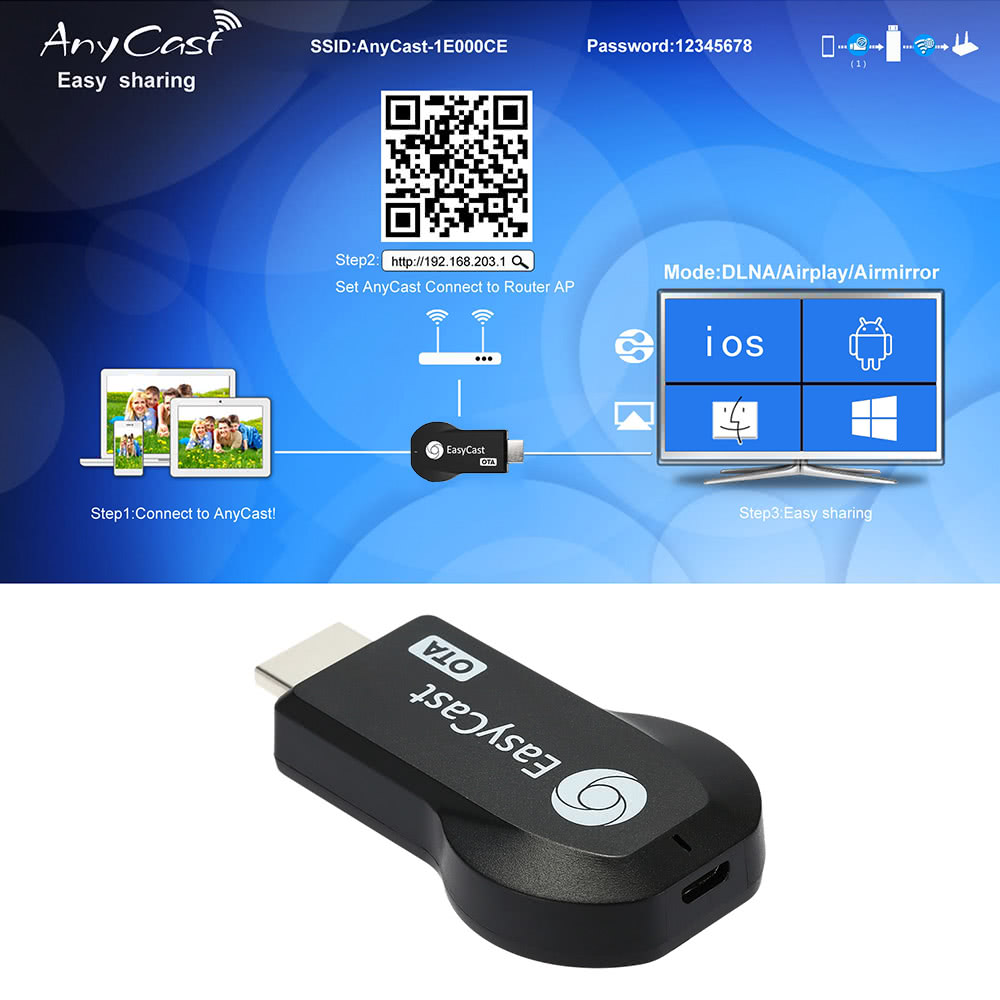
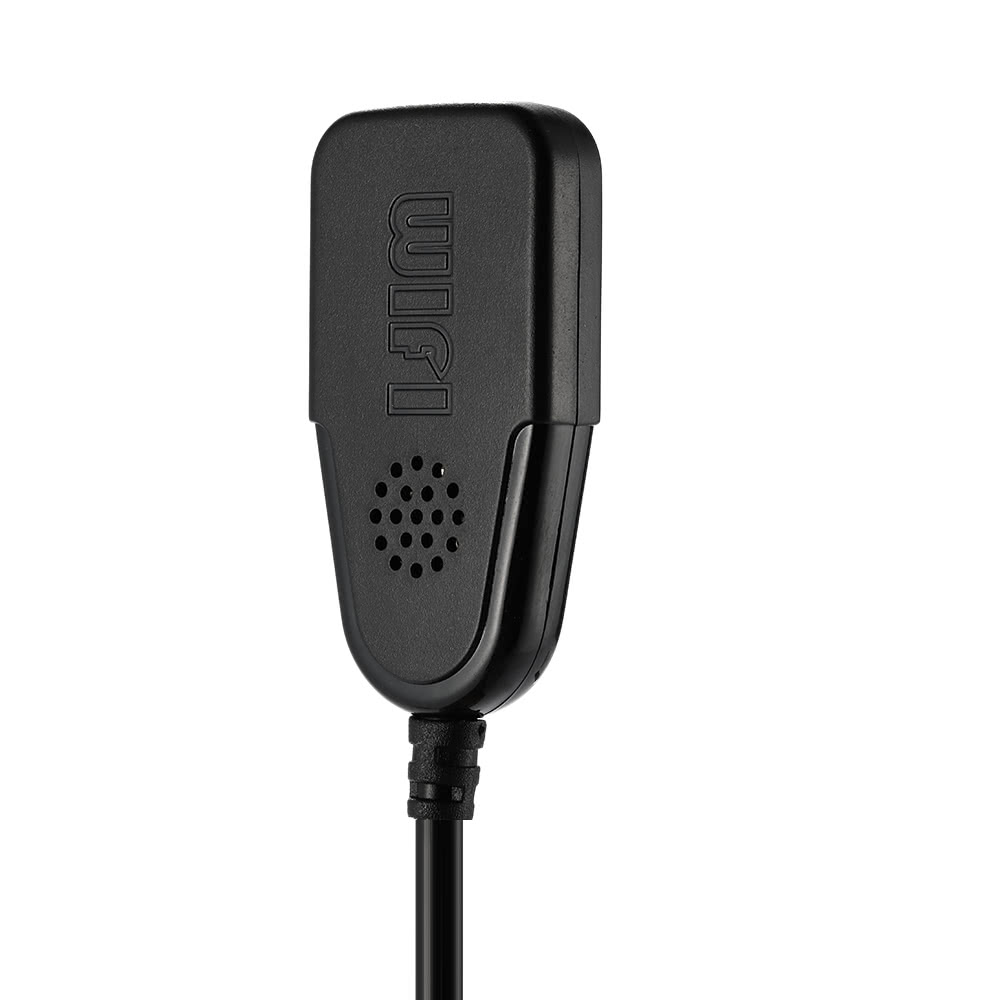
Most families now have multiple screens: smart phones?∨ tablets?∨ laptops?∨ PCs and big-screen TVs. And?∨ you prefer playing your games or watching videos on bigger screens. This Cast OTA is a special device to project your mobile phone/MID/Notebook to another big screen through WiFi connection?∨ under the popular standards like DLNA?∨ Miracast?∨ AirPlay and Airmirroring. You can enhance your TV/Projector/Monitor which have HDMI input port?∨ with more features like streaming video?∨ websurfing?∨ viewing photo?∨ like camera?∨ internet video and more?∨ to enjoy excellent multi-display sharing. With this product?∨ You can easily enjoy your favorite movies?∨ videos?∨ music?∨ photos?∨ websites with your friend and family on a big HDTV screen.Features:Can wirelessly cast smart phones?∨ tablets?∨ laptops?∨ PCs' whole screen (Photos / videos / music / office file / Word / Excel document / PPT / PDF file / webpage ) to your big HDMI HDTV or LCD monitor with 1080 resolution by Wi-Fi.Can simultaneously transmitted videos?∨ sound and picture for great enjoyment. Supports airplay mirroring display: Wirelessly mirror everything on your screen while surfing internet.Support online movies / videos?∨ online TV channels?∨ online webcast/web browsing.Hardware Features:CPU: Action AM8252(600Hz/1GHz)RAM: DDR-128MBStorage: Flash 128MBOS: LinuxUI: Standard UISoftware Features:OTA: Over The Air?∨ permanently free to upgrade the firmwareAPP: Needn'tSupport: Windows / MacOS / Android / iOS / iOS9(sharing local and streaming content to TV screen)One touch share: YesMulti language: Recognize your IP address and match your local language automaticallyDLNA: Display photo?∨ audio and videos base on DLNA protocol AndroidEZMirror(Miracast): Support Miracast function(certified with WiFi display)EZ Air (Airplay): Support iOS airplay with EZAirAirmirror: Support iOS Airmirrorsoft AP: Cell phone can connect to EasyCast M2 OTA-AP to another WIFI routerWi-Fi Module: Yes(have be built-in wi-fi module)Wi-Fi: 802.11b/g/n 150Mbps 2.4GhzVideo: MPEG-2?∨ H.264?∨MPEG-4?∨at 1080PAudio: MP3?∨ WMA?∨ OGG?∨ WAVE?∨...Ports:Output interface: HDMI 1.3 type A maleUSB HOST: one USB HOST for charging Power: 5V / 500mA USB cable USB type A to Micro USBKey: Fn key to change the modeWireless interconnection?∨ sync cast photo / video / music / office file / web browser / live camera from iPhone / Android smartphone / tablet PC to large screen TV / Projector?∨ perfect for PPT presentation and video meeting.10 meters wireless transmission range.Mini?∨ small-size?∨ lightweight?∨ convenient for travel.Note 1: Apple devices and Android smartphone / tablet PC / laptop must support Miracast?∨ DLNA or Airplay.Note 2: You had better buy a 5V-1A Power Adapter by yourself. And you should connect the Power Adapter to the item before use.Note 3: In order to have a good use experience?∨You had better read the User Manual before use. Note 1:The WiFi Wireless Display Receiver uses Miracast standard Protocol. Due to the Netflix and YouTube videos which are encrypted?∨ the product will cannot achieve the function of projecting your Smart Phones / Tablet PC to another big screen devices.Note 2: Windows 10 OS supports Miracast on the foundation of Windows 8.1 OS. That is?∨ it also supports wirelessly cast video?∨ audio & Pictures on big-screen displayer. However?∨ not all notebook & Tablet PC supports Miracast function. You can test & verify whether it support Miracast function via the way of operating Dxdiag.exe order. Windows 10 supports Miracast function in theory?∨ but the function of drive program have to give fully play. The Graphics drivers must supports Intel Miracast engineering driver version 10.18 WDDM 1.3 (Graphic Driver Version support WDDM 1.3). In addition?∨ Wireless LAN Driver Version requires at least Ndis 6.30 Version. The best way of verifying whether the computers with Windows 10 OS support Miracast function is making a fast test of system. As follow: First: Press key combination WIN + R to start to operate program. Second: Input dxdiag.exe into the input field of operating program?∨ sure. Third: Popup DrectX diagnostic tools?∨ select YES to start to test.Forth: It means that the testing ends when the Test schedule bar disappear. preserve all information on computer.Fifth: Open preserved TXT document?∨ edit & search Miracast. If can search the Miracast means that cannot supports Miracast function. PS: Not Available means that cannot supports Miracast function; Available?∨ with HDCP means supports Miracast function. Specifications: Color: Black Item Size: 6.7 * 3.6 * 1.3cm / 2.63 * 1.41 * 0.51inItem Weight: 15.5g / 0.53ozPackage Size: 14.9 * 10.1 * 2.9 cm / 5.86 * 3.97* 1.14inPackage Weight: 64.5g / 2.27ozPackage list: 1 * HDMI TV Dongle 1 * USB with Wi-Fi 2 in 1cable1 * User Manual (English)"