Studio : Besteker Publisher : Besteker Binding : Wireless Phone Accessory Product Description
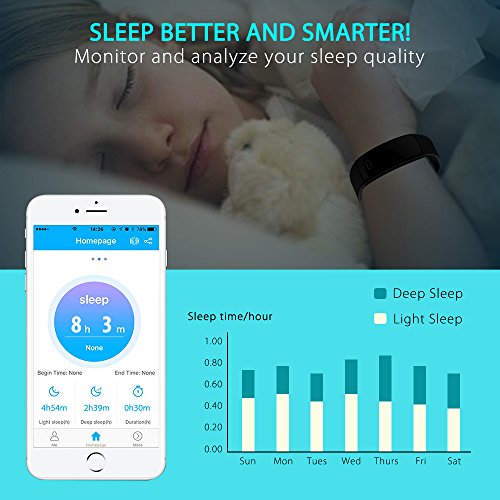
APP Connection
1. Download the APP
Android: Please search and download the APP "Fundo Bracelet " via Myapp or SnapPea
IOS: Please search and download the APP "Fundo Bracelet " via App Store
2.Scan the QR code and download
Bluetooth Connection
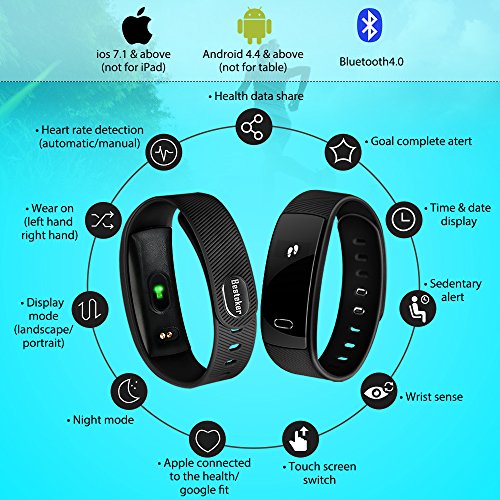
Select the bracelet device name(QS-80), and tap to connect.Bluetooth 4.0 is compatible with Android 4.3, IOS7.0 or later.
Better to Know
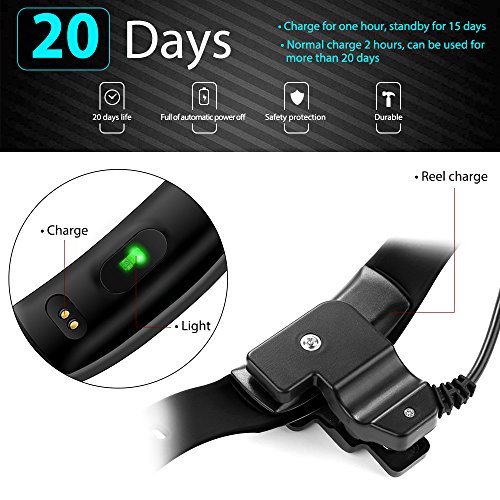
1. Please connect the charger to activate the bracelet for the first use
2. If the bracelet does not receive the push notification, make sure the APP is run in background and the notification reminder is turned on
Basic Specification
Chipset: Nordic 51822
Sensor: 3D G-Sensor
Screen: 0.42OLED
Bluetooth: Version 4.0
Battery Capacity: 70mAh
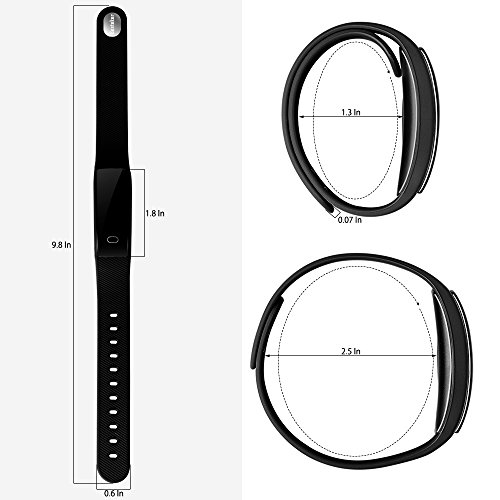
Wristband Length: 200-130mm
Weight: 20g
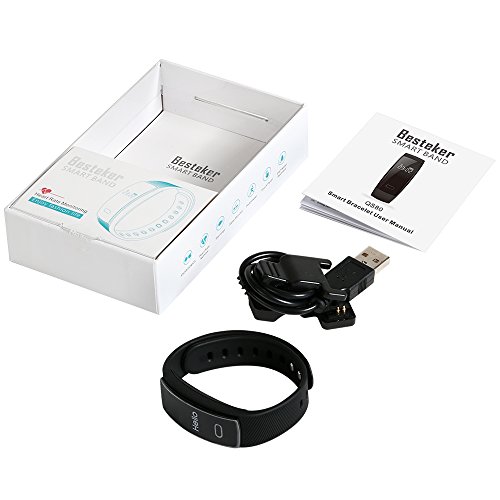
Charging: Clip-on Charge
0
|