Studio : Intsun Publisher : Intsun Binding : Kitchen Product Description
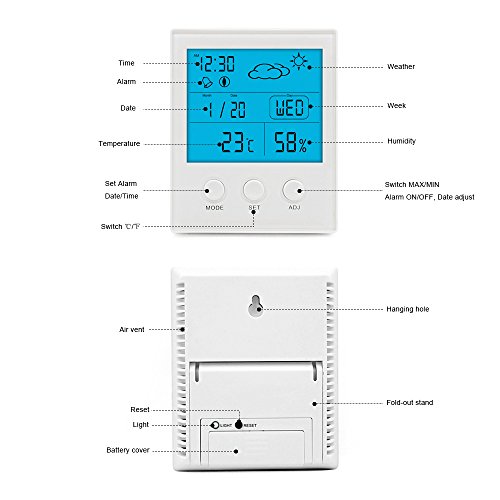
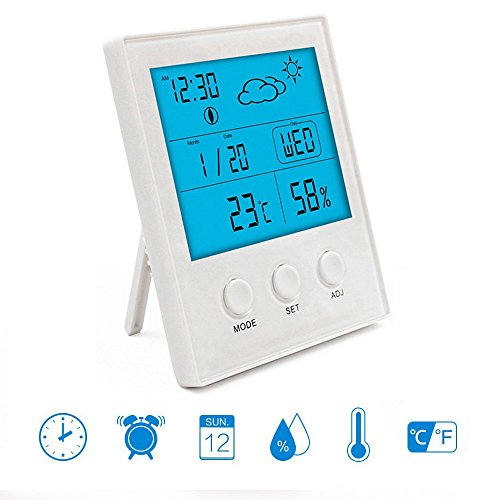
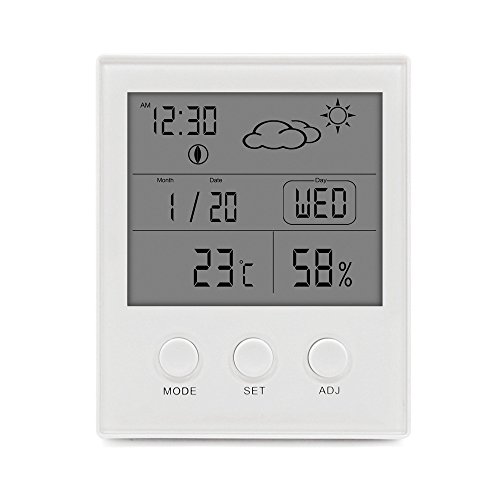
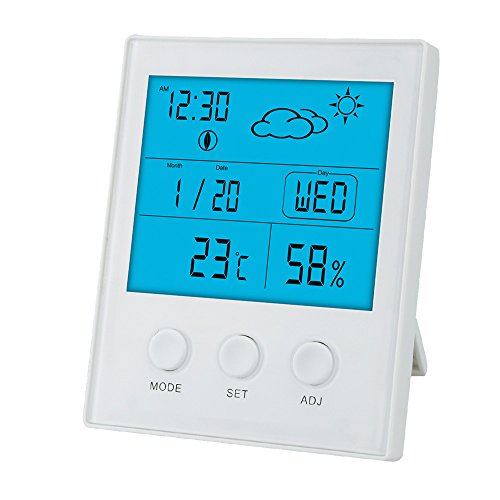
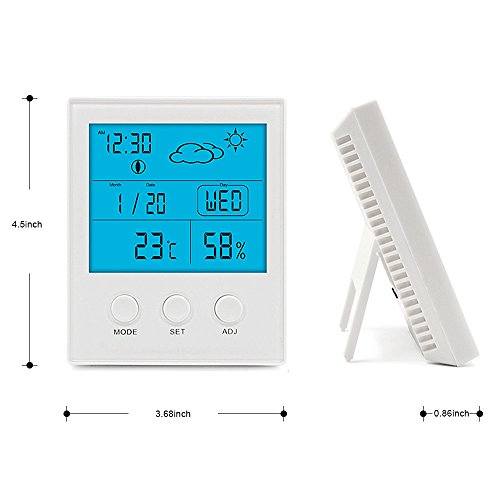
Function description of back button: ♥ Press "LIGHT" button, the screen will on 5s ♥ "LIGHT" button is also with SNOOZE function. ♥ Press"RESET" button, the product restore to initial state. Set time, date, week: ♥ At initial state, press"SET" button for 3s to get into 12/24 hour mode, and press"ADJ" select 12hr mode, ♥ press the"SET"again to get into the time setting, press"ADJ" to adjust the time upwards. ♥ press the"SET"again to switch to minute setting, press"ADJ"to adjust the data upwards, after setting, press"MODE" to confirm. ♥ Press"MODE"again to get to date setting. Press"SET"button for 3s, press"ADJ"to adjust the year data upwards. ♥ Press"SET"again and shift to month set, press"ADJ"to adjust the time upwards, ♥ Third press"SET"and shift to date set, press"ADJ" to adjust the time upwards, press" MODE" to confirm. ♥ Week Set: the day of the week will automatically change with the date set. Set Alarm, Snooze: ♥ Press"MODE" button shift to alarm time set. Hold"SET" for 3s, press"ADJ" to adjust the data upwards, press "SET" again and shift to minute set, press"MODE" to confirm. ♥ After that, press"ADJ" to turn on/off alarm function(display icon or not), When alarm clock at default time, it will sound BBB, press"ADJ" turn off the alarm, when press"LIGHT" at back, it into snooze state, the alarm doesn't sound, the snooze icon display and keep flickering, the alarm will sound again 5 minutes later. ℃/℉ "MAX/MIN" operation: ♥ Press"SET" to switch ℃/℉, press"ADJ" to check max/min temperature and humidity memory, the memory is for powered on or after pressing "RESET" Package includes: 1x Intsun Temperature and Humidity Monitor 1 x User Manual
0
|