Product Description
Compatibility List Apple: InnoGear Shutter works on all IOS 6.0+ devices (current IOS version is 7) with a camera on it. i.e. Kindle Fire, iPhone 5s/5c/5, iPhone 4S/4, iPad 3/2, iPad mini, iPad with Retina Display, iPod touch 4th generation or above. InnoGear Shutter works with the camera app of iOS. Just pair it up and shoot right the way.
Android: NO APP NEEDED for Samsung Galaxy S4, S3, Note 3, Note 2, Note Tab 2, Note 8, 10.1. ( The Shutter MAY NOT works with low-end or old Samsung model, including S2, Notes 1, S3 mini etc). Moto X, Droid 2, Nexus 4, 5, 7, 8 and all newer version with bluetooth 3.0+ and Android 4.1+
For Sony Xperia Z, HTC New One and X+, simply download the app "Camera360" from Google Play.
Video Mode Switch your native camera app to video mode and you can start taking videos with your Shutter. InnoGear Shutter will sleep in 1-2 minutes if not used, so you might need to press twice to stop the video (once to reconnect from sleep model and a second time to stop the video).
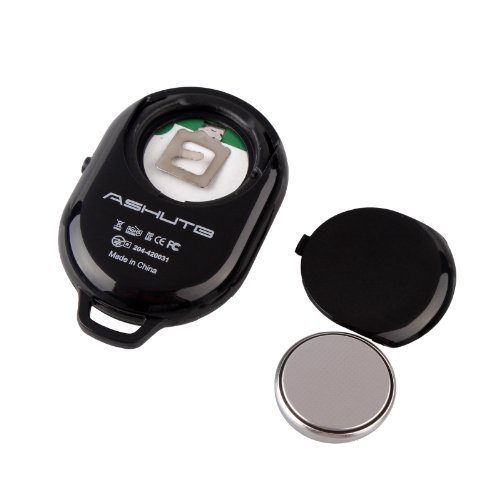
Battery Life Battery life of up to two years if InnoGear Shutter is turned off after use. The RC2025 battery can be replaced if/when necessary.
3rd Party Camera App Compatibility: InnoGear Shutter IS Compatible with the following iPhone Apps: Camera, Camera+, Hipstamatic, Fisheye Cam, 645 ProII, Pure Camera, Pixlromatic, Popstamatic, iDarkroom, Camera360, Duomatic, SlowShutter, TtV Camera, CrossProcess, Big Lens, Diptic, ShakeItPhoto, Vintagio, and Rawporter.
Other Camera App may not be compatible.
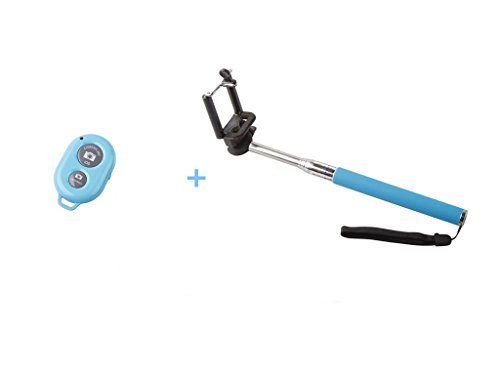
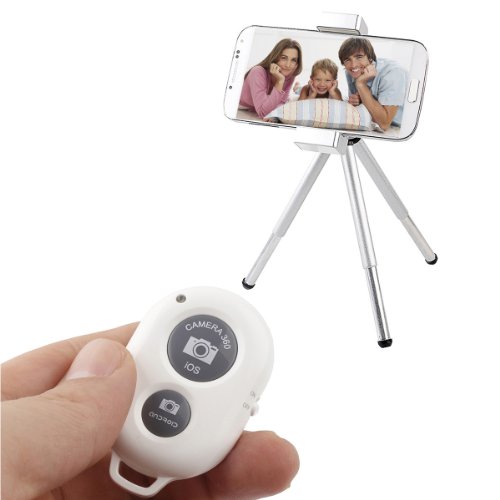
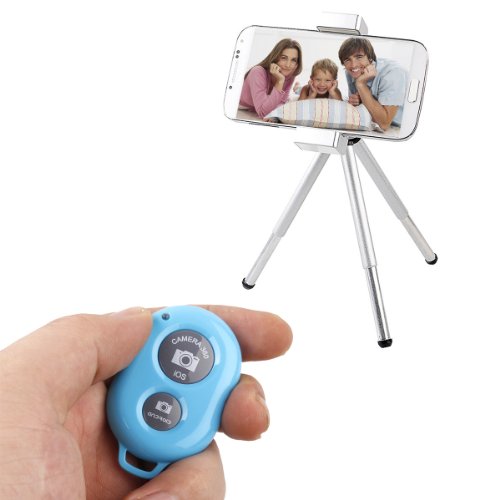
Size: 50mm x 33mm x 10.5mm Weight: 9g
Feature
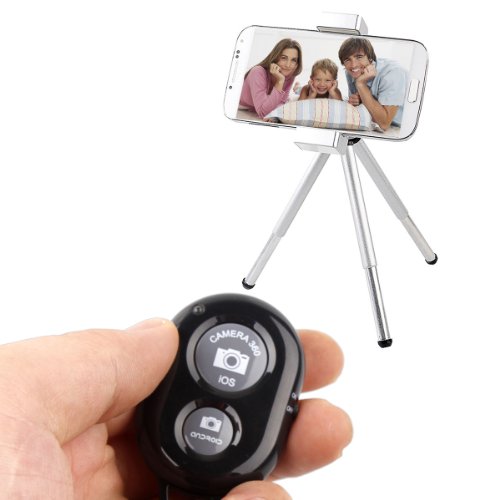
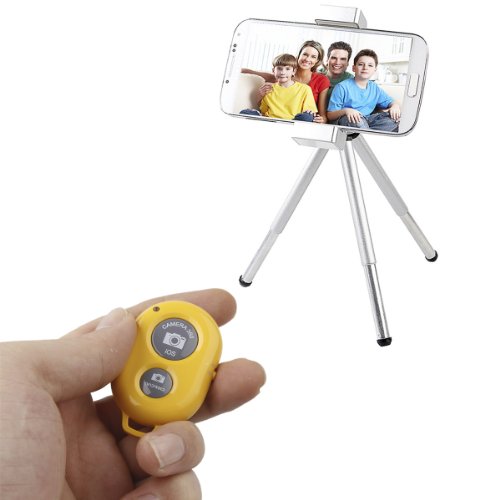
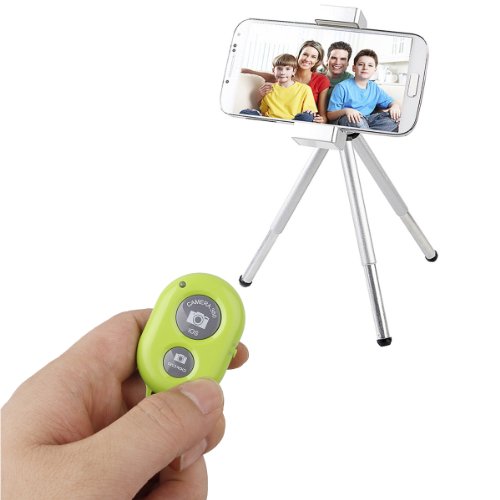
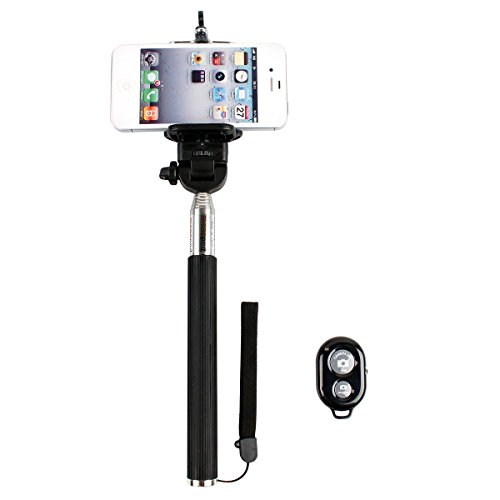
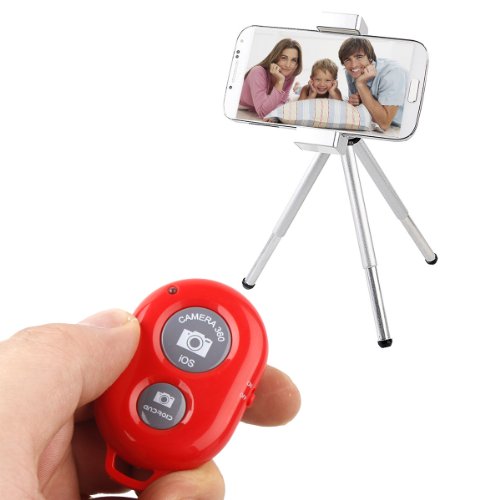
Simple and easy camera shutter remote control for iPhone, iPad, Android and Samsung Galaxy / Notes
NO APPS TO DOWNLOAD when using an iPhone, iPad, iPod Touch, Samsung Galaxy S3, Galaxy S4 S3, Galaxy Note 3 2, Galaxy Note 8 10.1 Moto X, Nexus 4, Nexus 5, Nexus 7 or Nexus 8; For Sony Xperia Z, HTC New One and X+, simply download the app "Camera360" from Google Play.
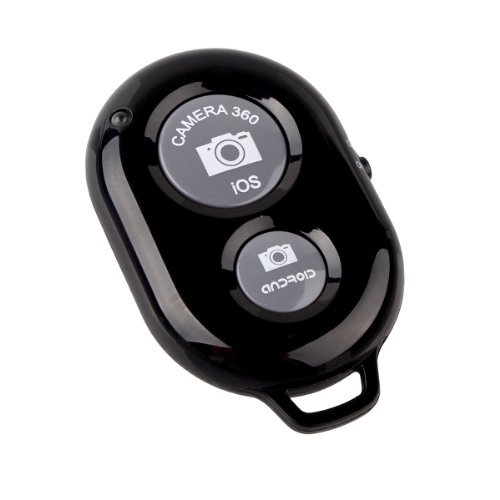
Size: 50mm x 33mm x 10.5mm Weight: 9g. The InnoGear shutter is small enough to have with you on your keychain whenever you need it
Note: 1. Please confirm your phone system Android or IOS then press the correct button, it may messes the volume if you press the wrong one. 2. Correct way to install battery: Point the '+' on the battery to the bent hook inside, press the battery then put cover back on.
Latest Version Rechargeable Remote Shutter with Zoom In/ Out function is available now, search ASIN B00L9S4NKU to find more!
Item model num : I226