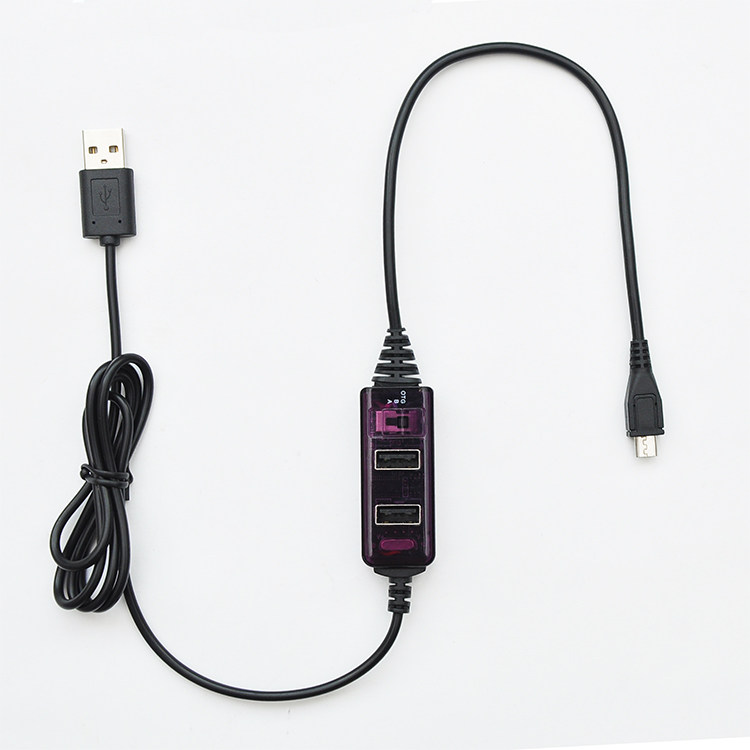
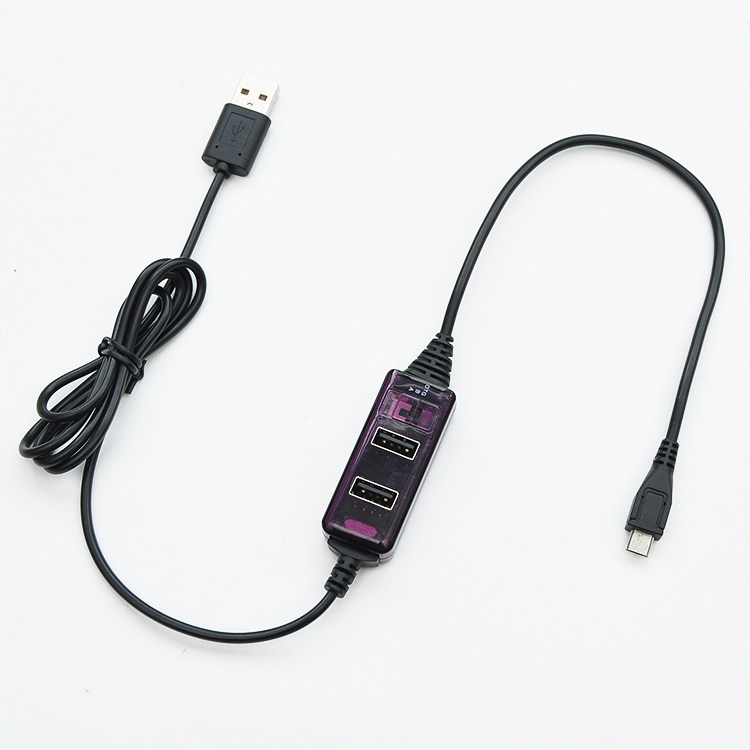
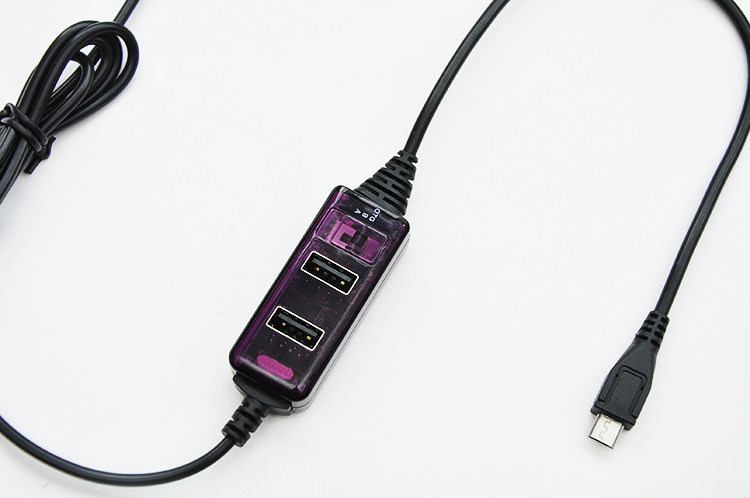
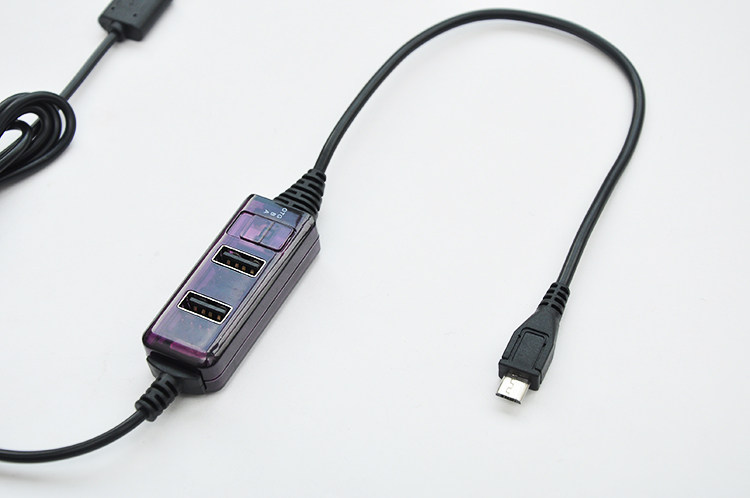
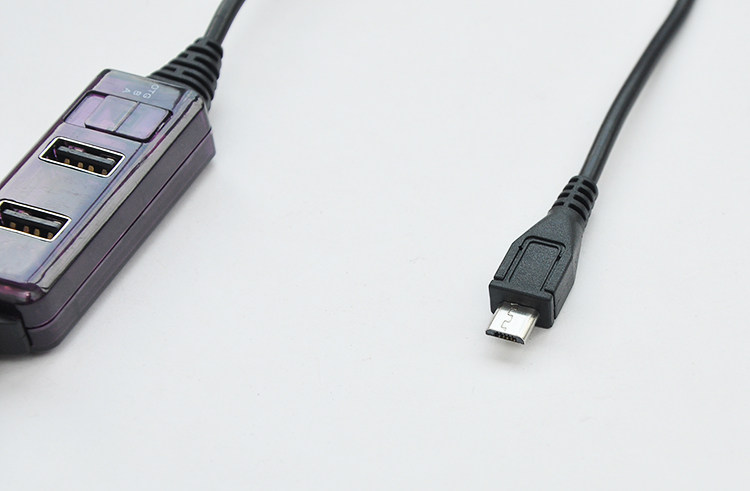
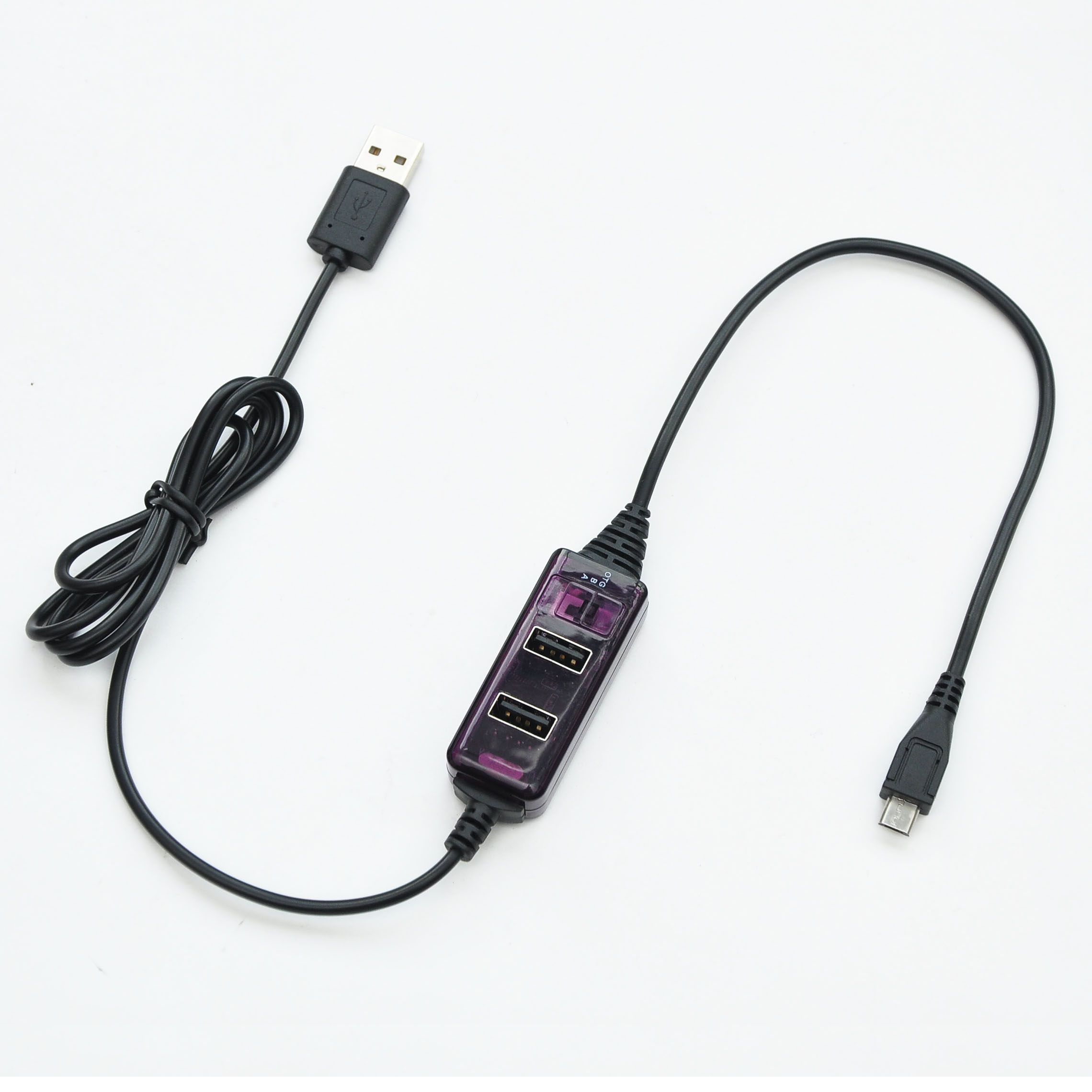
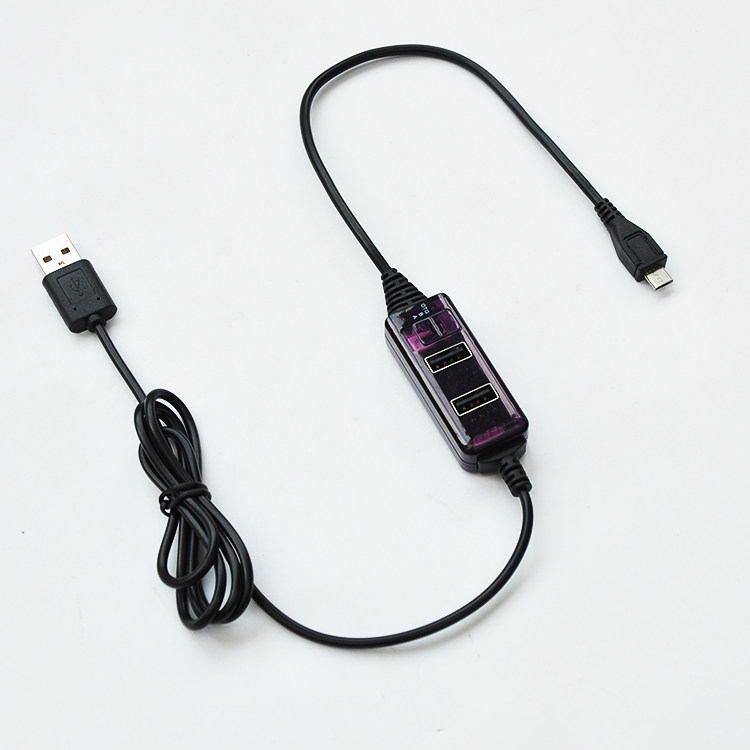
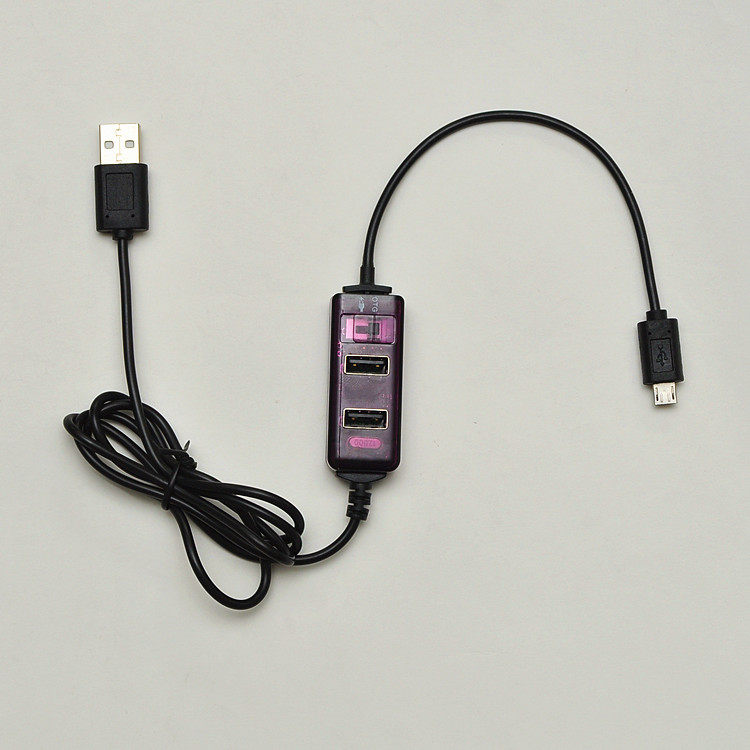
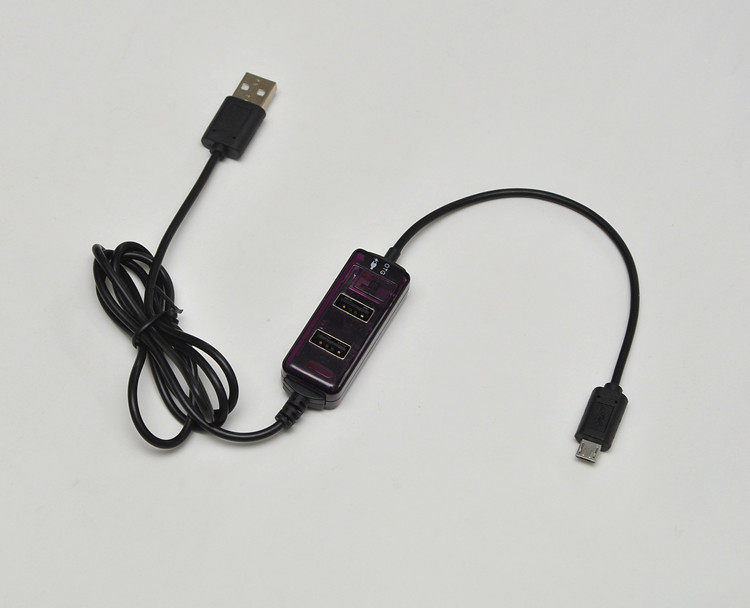
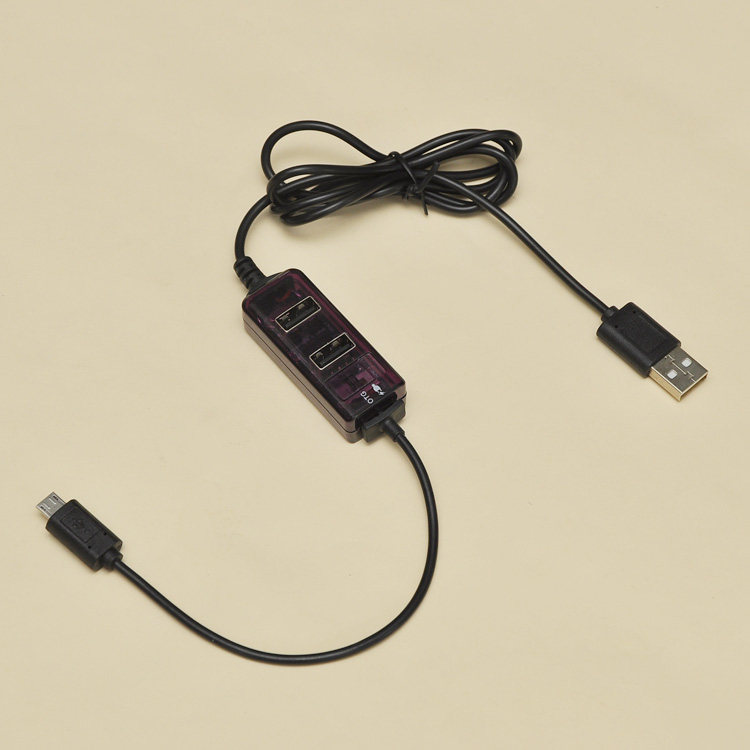
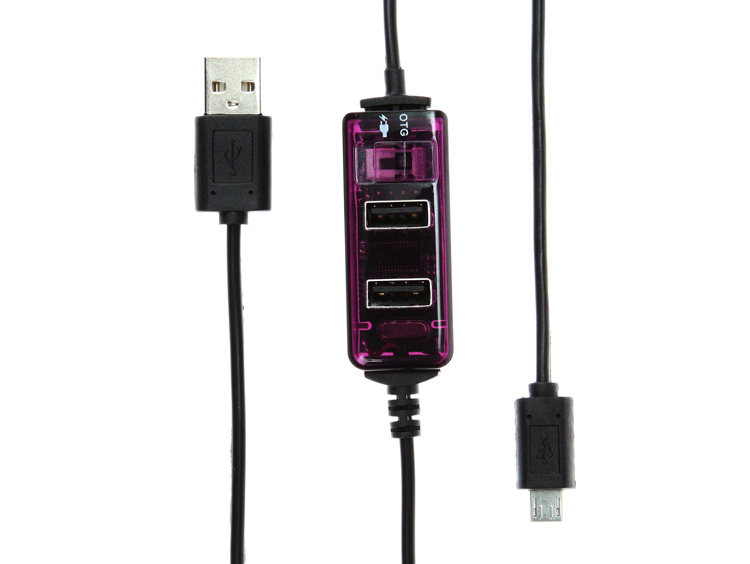
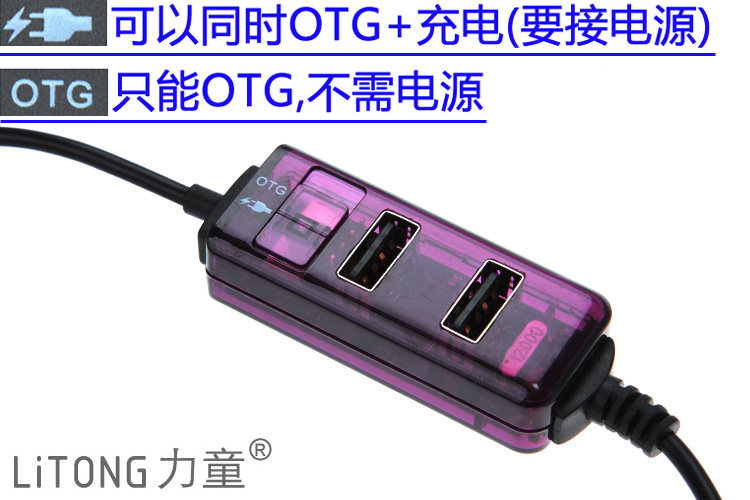
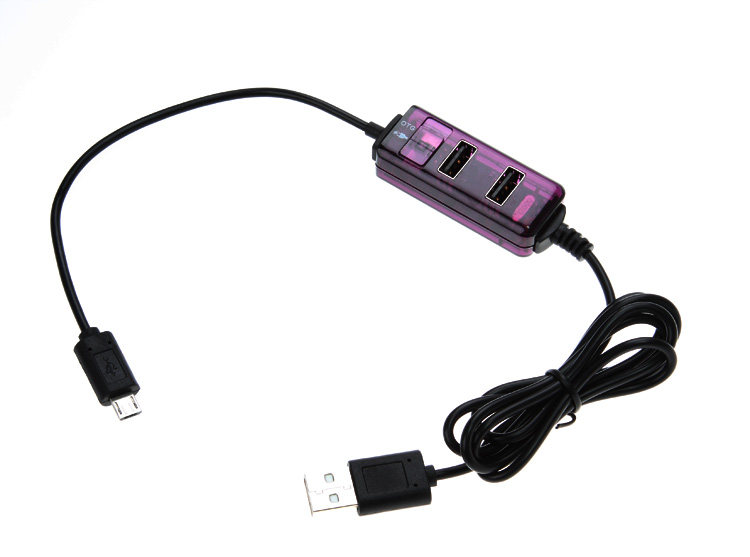
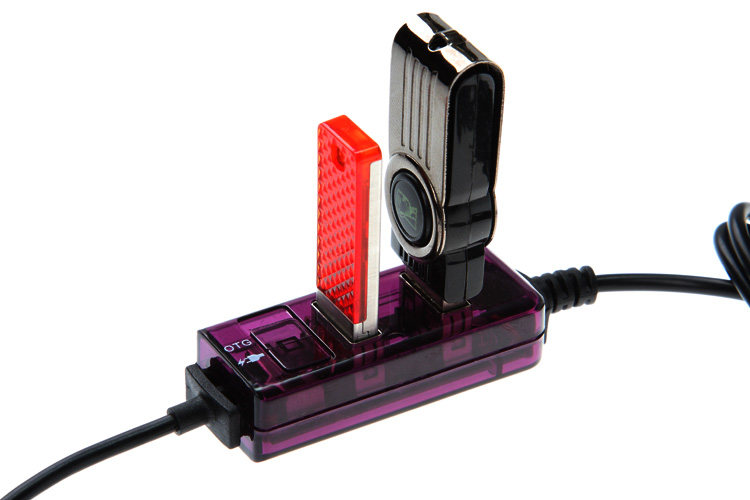
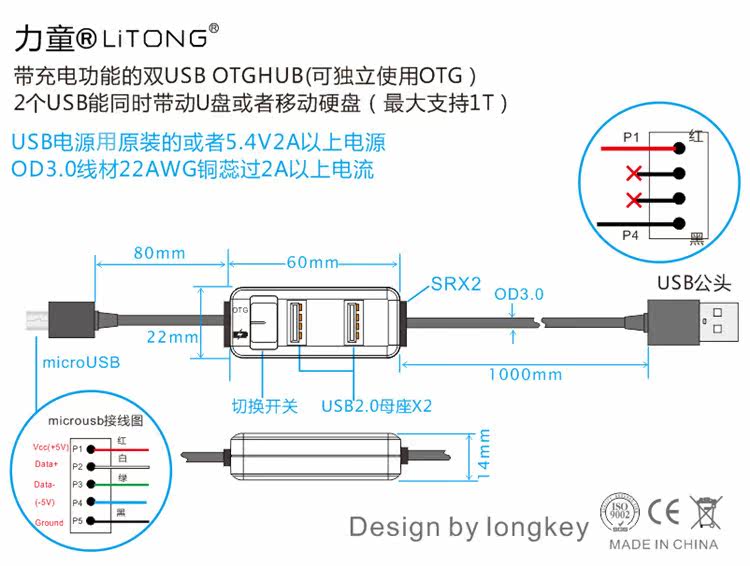
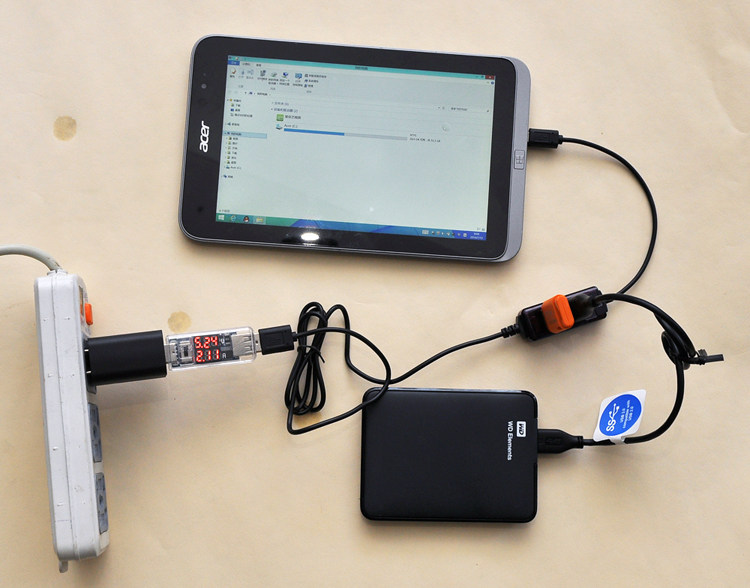
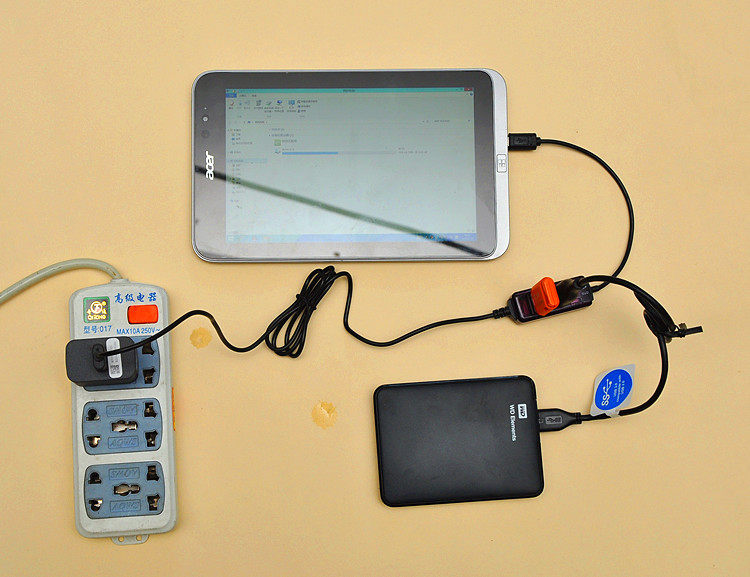
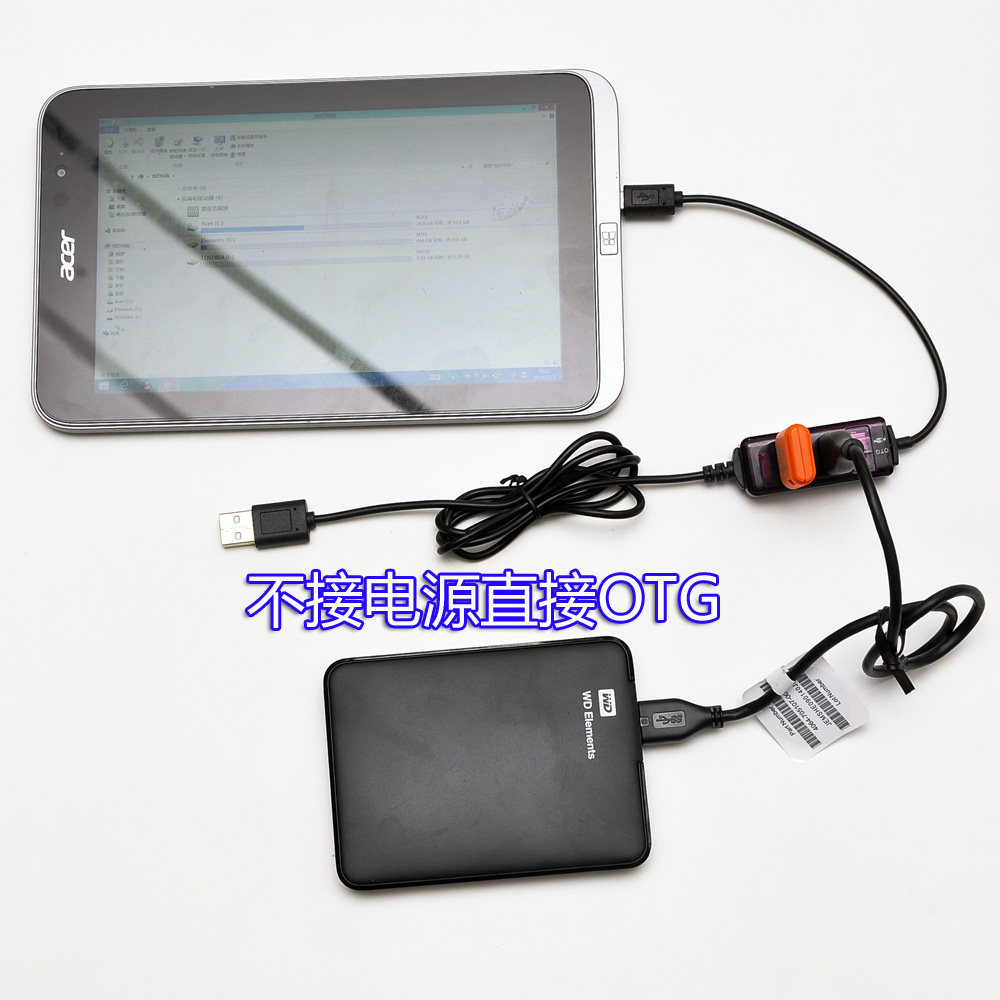
■ The following panels use "OTG-only gear" to charge the following models and OTG data simultaneously. 1. Acer w4-820 2.ASUS m80ta/T100ta/ASUS TF103C (※Note that the charging icon will disappear when you use this device. You can only keep the battery power and you cannot charge it) 3. Lenovo Miix2 8
■ The following plates use the “charging symbol A range” to charge the following models and OTG data simultaneously. 1. Toshiba WT8/WT10 (Toshiba Tablet can only be used in win8 system, win10 system can not be charged at the same time +OTG!) ■ The following plates use the “charging symbol B range” to charge the following models and OTG data simultaneously. (※Note that the following tablet charging +OTG data can only use Win8 system, Android does not support simultaneous charging +OTG)
1. Taipower: X98AIR II/Air 3G Dual System/X89HD/X80H/X10HD/X16HD/ 2. Onda: V975I(w) / V819I(W)/V891W (※ Note that Onda V919 3G Air Dual System cannot be used) 3. Cooler Cube: iwork6/iwork7/iwork8 4. Blue Devils: i8pro (※ Note that Blue Devils i9s cannot be used) 5. The original road: W8C/W8S 6. Lefan: F8C 7. Running for: vx8 3G/ V10HD/ 8. Pnell: MOMO8W/MOMO9W 9. Dell: Dell v8p (※ this tablet is best to buy a 5.4V USB booster in the shop to use together while charging + OTG more stable) 10. Product platinum W4/W5/W6 11. Five elements ifiveMX2 12. Pioneer w10 13. HP stream7 14. Samsung Mobile Phone S4/Note 2 /Note 3/GALAXY J/N5100/Tab S-T800)