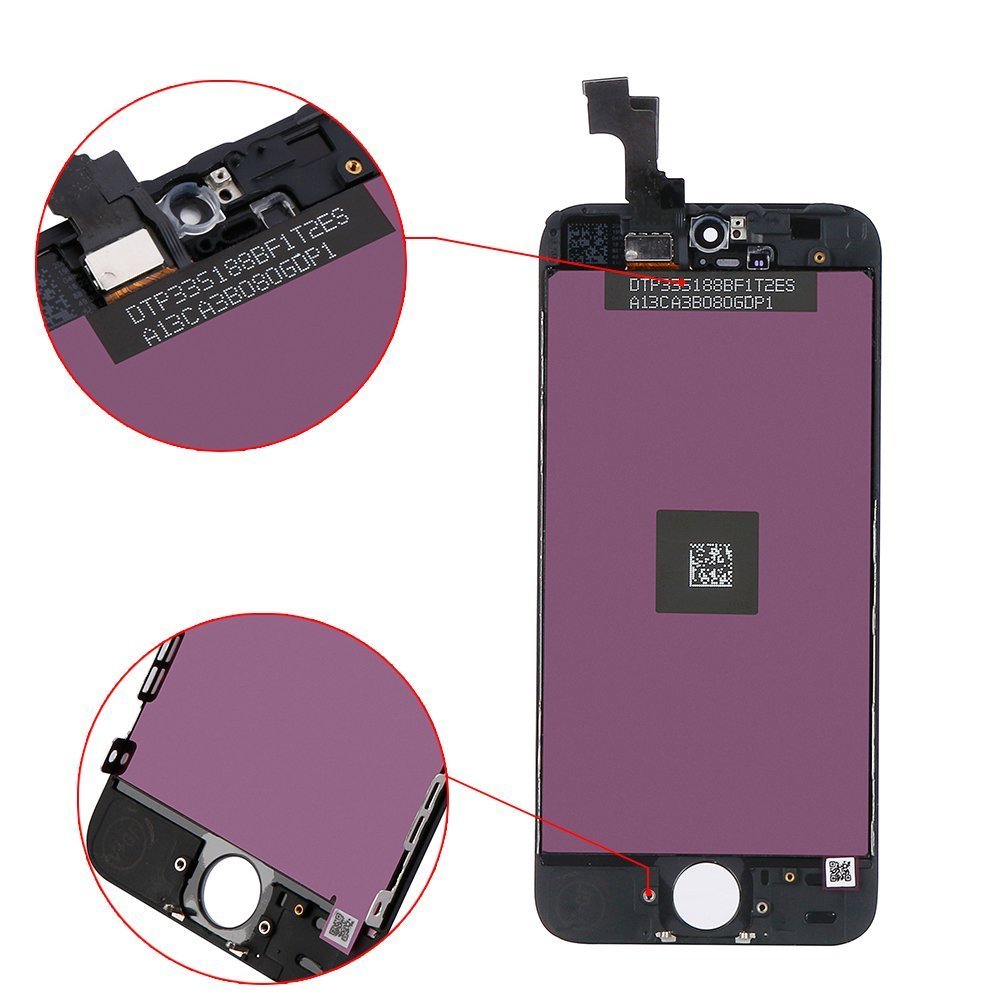
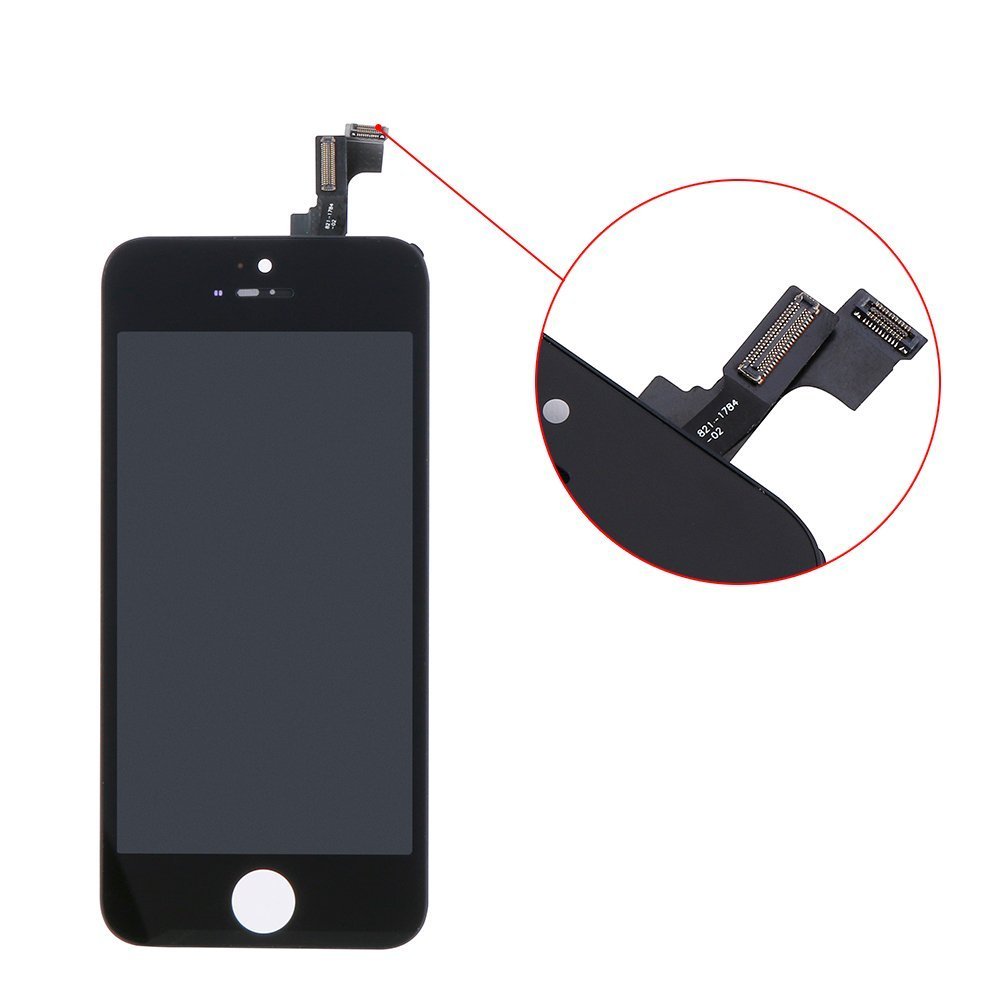
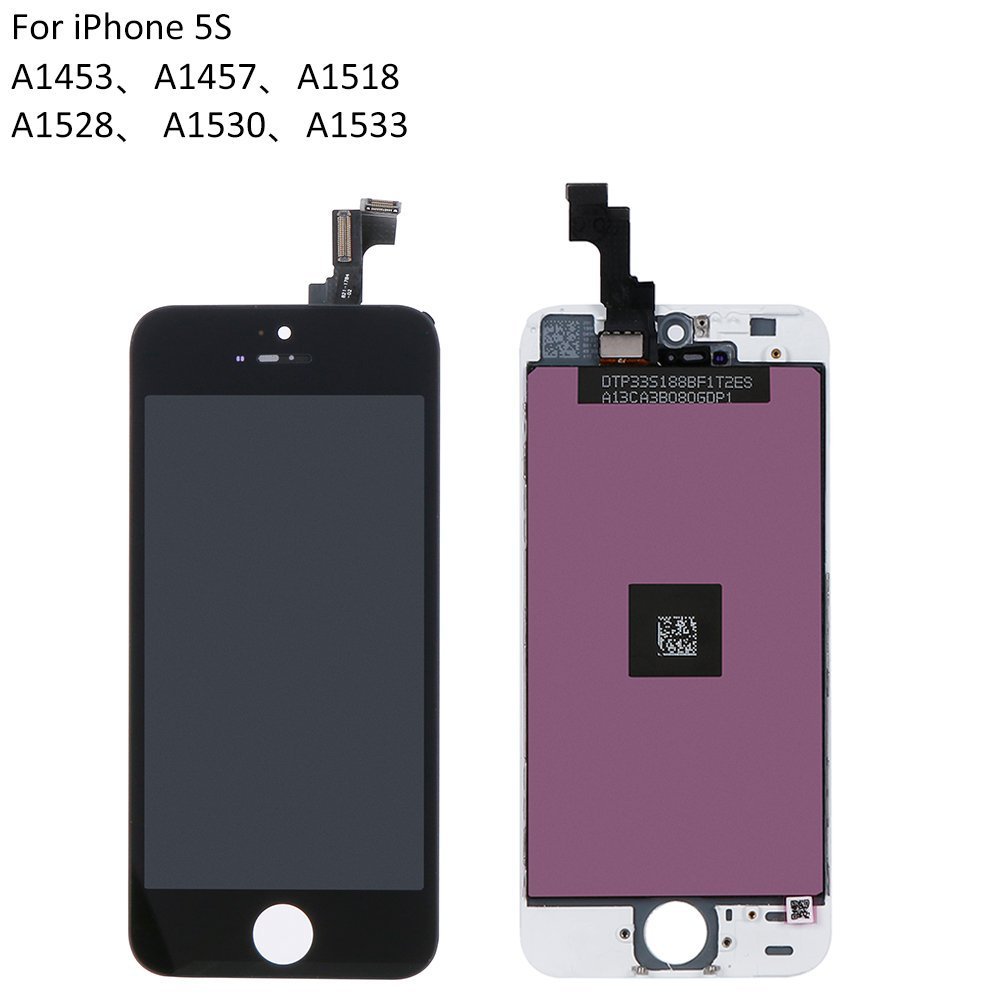
Item Descriptions:
Color:
iPhone 5s Black
step 1:
First turn off the power.
Remove the screws on both sides of the main unit's bottom Lightning connector.
A dedicated driver is required because of the special shaped screw called penta lobe (star).
Step 2:
Pull the suction cup to the front button side of the front panel and pull slowly to open the front panel.
If the panel is tightly fitted, at the stage where a slight gap is formed between the panel and the case, inserting a plastic spatger or the like makes it easy to open it.
Notes on opening the main unit:
There is a fingerprint sensor cable between the front panel and the back cover of the iPhone 5S. Since there is a danger of cutting the fingerprint sensor cable, please do not open it significantly when opening the main body.
Step 3:
Remove the fingerprint sensor cable.
There is a cable connector, but since there is a protective metal fitting on it, insert a spatger and remove it by raising the metal fittings.
When the metal fittings are disengaged, remove the connector in the same way.
Step 4:
Remove the liquid crystal screen or the fixing plate of the cable connecting the digitizer and the logic board.
Remove the screw holding the fixing plate, remove the fixing plate when the screw comes off.
(Caution: Be sure to note the screw position as the screws here are different in size depending on the location.)
(Length 1.2 mm / head diameter 1.9 mm)
(Length 1.7 mm / head diameter 1.9 mm)
Step 5:
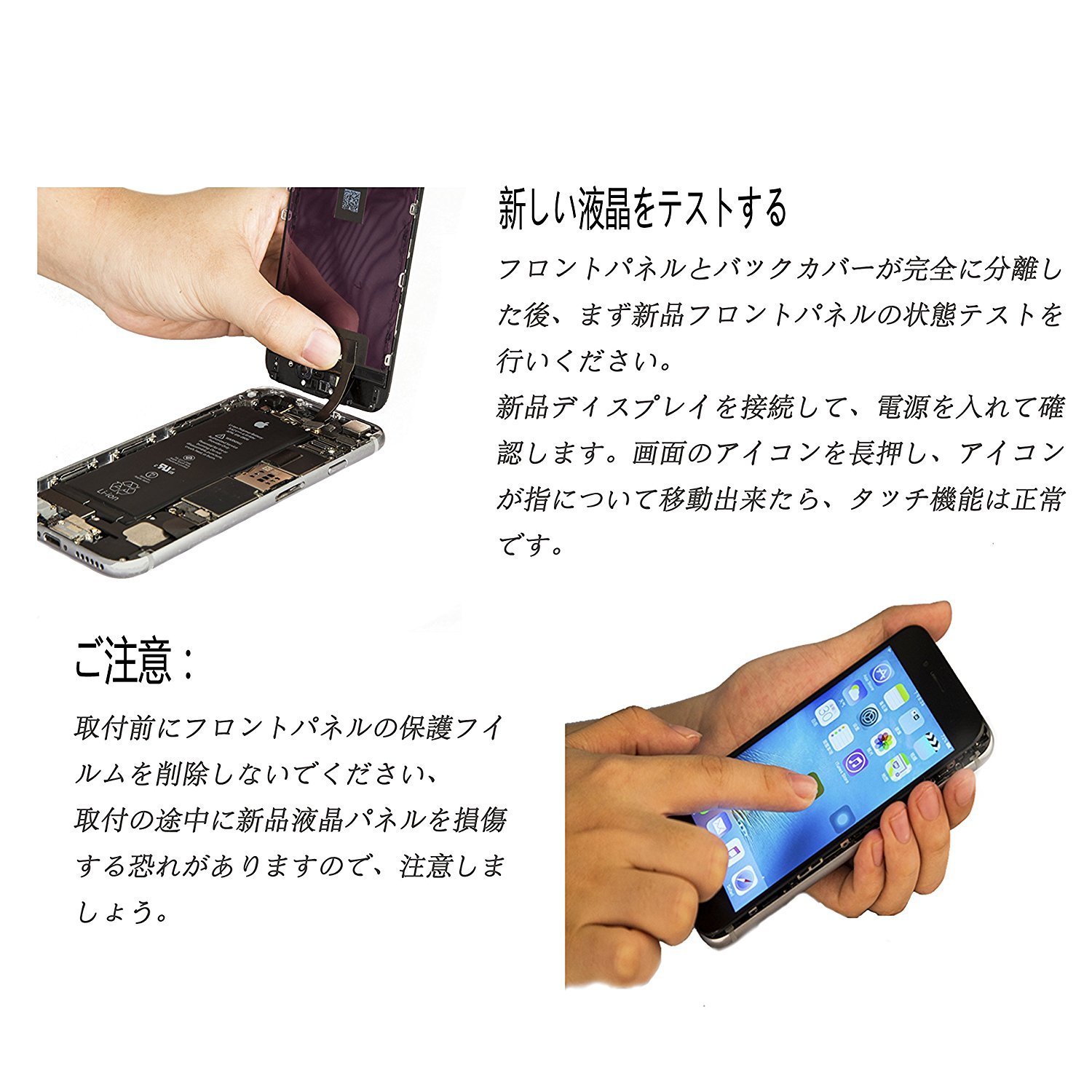
Disconnect the LCD screen, digitizer, front camera, etc. and the cables connecting the logic board in order.
Remove it by raising the connector part with a plastic spatger or the like as shown in the photo on the right.
When the cable is disconnected at the end, the front panel and the bottom case side are separated.
please note:
When installing the cable in the position of ①, do not put too much force;
Please be sure to note the original position of the screw because the size of the red circle part varies depending on the place; (Note: If you use a long screw at the short screw part, the circuit may short-circuit
Let's be careful (since there is a circuit under the screw hole);
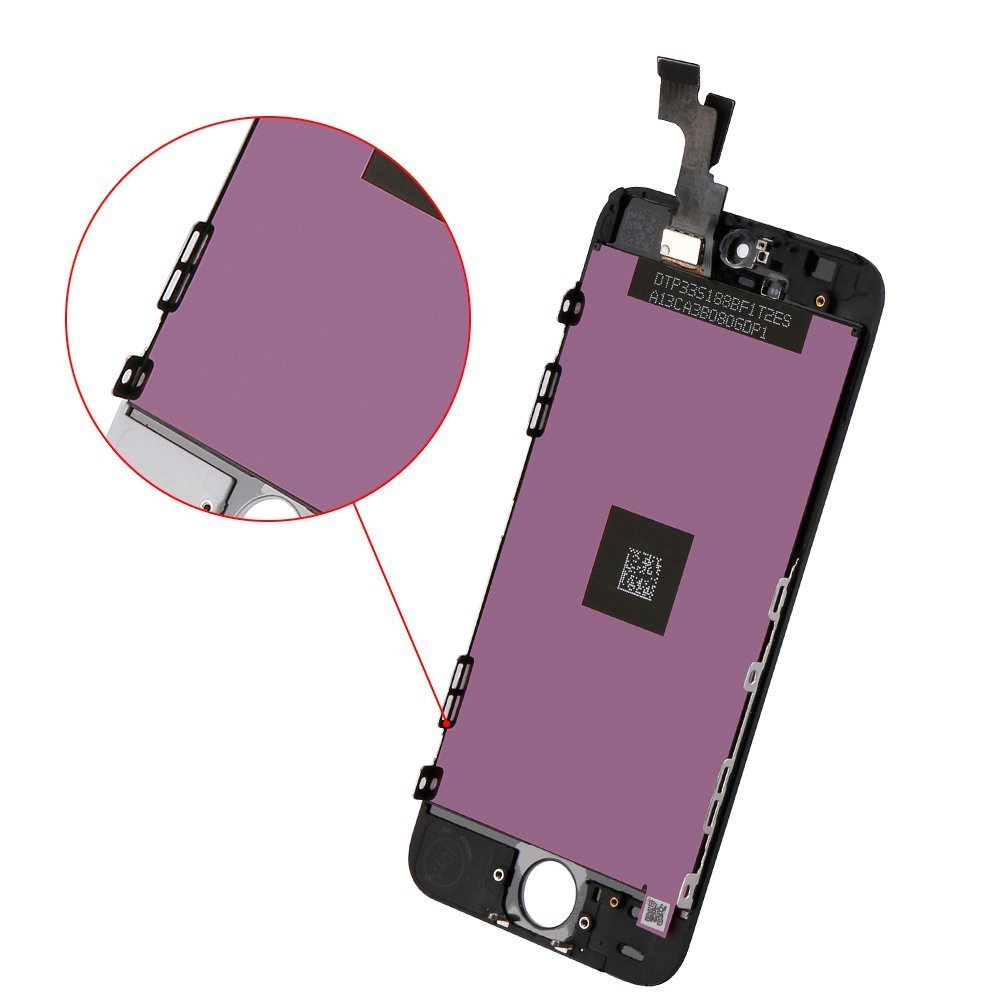
Do not press the inside of the red frame of the screen on the right, either when removing the LCD panel or mounting it, as it is easy to break, please proceed carefully.
Features:
- Please enter model number Confirm this is compatible:
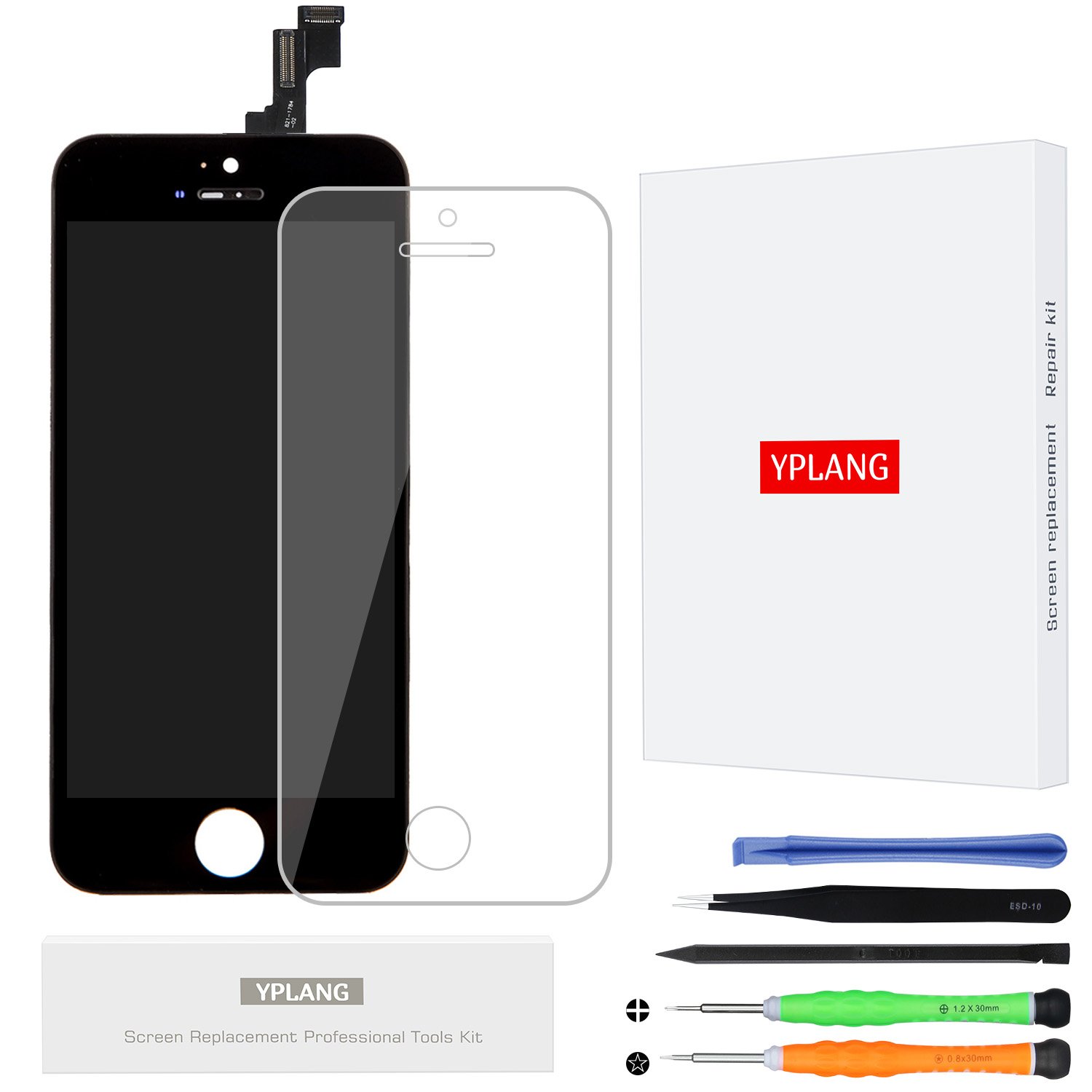
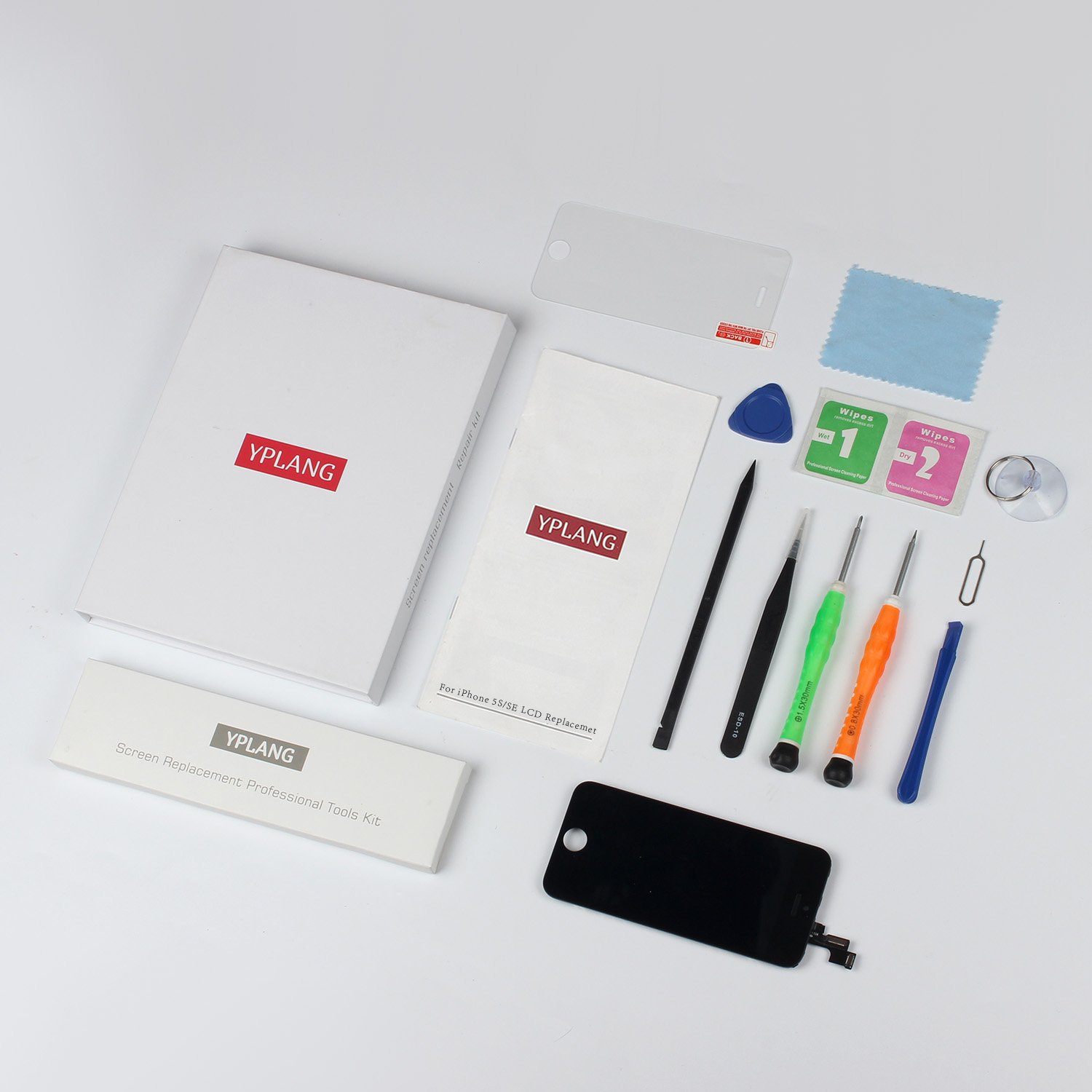
- [Applicable model] A digitizer (touch panel) for iPhone 5S and an integrated set of liquid crystal LCD, and a tool kit for repair replacement are attached.
- Repair troubles such as display trouble, LCD screen cracking, broken pixels, troubles of coloring, damage of the screen, etc.
- Japanese instructions for installation and replacement are included, installation requires some knowledge and skill, so if you can not install it, you better ask experts or youtube.
- Since it becomes the cause of failure (such as dark screen, lines, touch failure, crank-in failure, startup screen interruption, etc.) due to deformation of the motherboard frame, malfunction of the motherboard, contact failure of various cables at the time of installation etc.
- Be sure to be careful, if you have any questions or anything to do, please contact us anytime.
- To ensure that all liquid crystal panels are used normally before shipment, we have carried out rigorous inspections, so we have quality, so please purchase with confidence.
Product information:
Shipping Weight: 181 g
Package Dimensions: 2.01 x 15.01 x 19.61 cm
SHIPPING METHOD
Delivered directly from Japan by Japan Post. It will take 3 to 5 business days to prepare the order for shipping. We guarantee careful packing and safe shipping.Please note that in some cases additional import or VAT charges may incur and have to be borne by the client.
1. Japanpost registered mail
Shipment by Japanpost Registered Mail (Standard). Trackable any time with tracking number. Insurance is not available. Delivery time usually is between 1-3 weeks from the date of dispatch. Some items are not eligible for Standard Shipping.
2. Qxpress Standard
Shipment by Qxpress standard service. Trackable at any time with tracking number. Registered and insured up to a value of item price and shipping fees.Delivery time is usually between 5-10 business days from the date of dispatch.
3. EMS
Shipment by Expedited Mail Service. Trackable at any time with tracking number. Registered and insured up to a value of $200 and usually delivered in 2-6 business day from the date of dispatch.

| Japanpost registered mail | Qexpress | EMS | |
|---|---|---|---|
| Shipping Method | Japanpost Registered Mail (Standard) | Standard Qexpress | EMS (Expedited Mail Service) |
| Trackable | Yes | Yes | Yes |
| Insured | N/A | Yes (Up to item price and shipping fees) | Yes (Up to $200.00) |
| Asia | 1-3 weeks | 5-10 days | 2-5 days |
| Oceania; North America; Central America and the Middle East | 2-4 weeks | 6-14 days | 2-6 days |
| Europe | 2-4 weeks | 6-16 days | 3-8 days |
| South America and Africa | 2-4 weeks | 10-18 days | 4-8 days |
NOTICE:
- For overseas delivery, please be aware that damage to the outer box can be seen.
- If you would like to avoid as much damage as possible, please choose the EMS shipping method.
"According to Qoo10 guide line,overseas shipping fees will be charged to you extra if you choose Qxpress standard shipping.We recommend you to compare the total price of your purchase with EMS."
