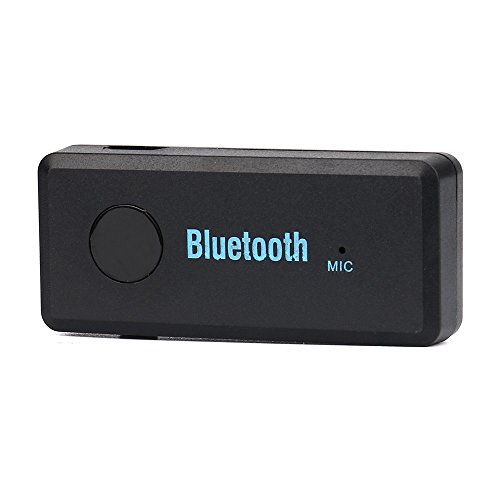
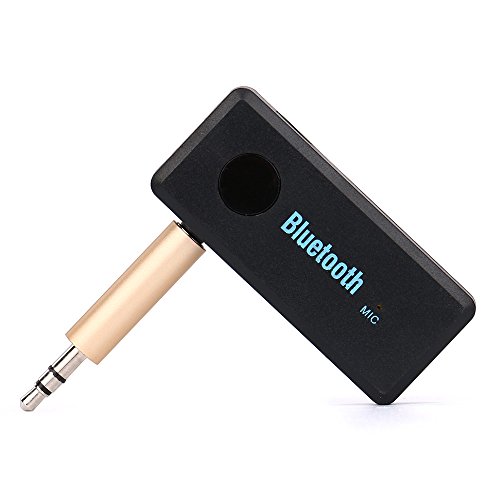
Studio : Sikye Publisher : Sikye Binding : Wireless Phone Accessory Product Description
Specifications:
Dimensions : 52mm(L) x 21mm(W) x 11mm(D)
Bluetooth v3 EDR, Class 2
Support A2DP V1.2 (built in Mic)
Powered by USB 5V DC
Transmission Rate:3(Mbps)
Built-in microphone
Transmission distances of up to 10M
Support A2DP stereo
3.5mm stereo inlet socket
Sleep mode for energy saving
Support Bluetooth hands-free function
Up to 8 hours music playback or continuous
Wireless music receiver connects to 3.5mm headphone jacks
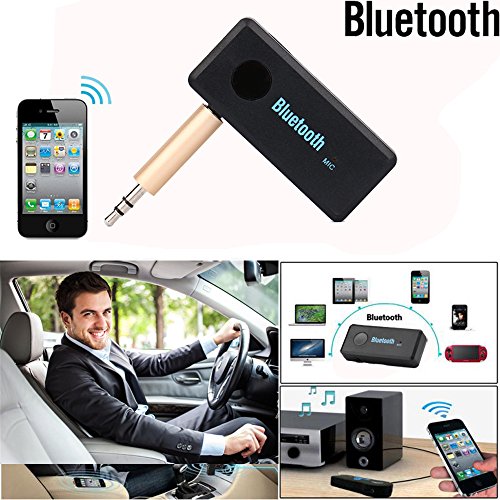
Use with home stereos/speakers, car stereos,headphones etc.
How to Use:
Power on/off
Power on: Press and hold the ON/OFF button for 5-7 seconds until you hear a "ready for connecting or a sound", it will auto connect the phone which was paired
Power off: Press and hold the ON/OFF button for 4-5 seconds until you hear a "Long be or red led"
Connect the receiver to your speakers
With 3.5mm Male to Male Audio Connector or 3.5mm Male to Male Audio Cable to connect the speakers and the receiver (if no sound, Please make sure it was inserted completely).
Pairing
Ensure the speakerphone is under OFF mode
Pairing: Press and hold the ON/OFF button for 7 seconds until you hear the "Ready for connecting or a sound" (when you holding the button until you hear the voice report "Ready for connecting"). The LED indicator will flash between red and bluealternately. It is now ready for pairing
Activate your mobile phone's Bluetooth function and search for available Bluetooth devices by referring to your mobile phone user manual for details
Selet "BT310REV or DL-LINK" from the list
When paring is completed, the voice report "connected or short bebe" The LED indicator will flash Blue alternately
Package Included:
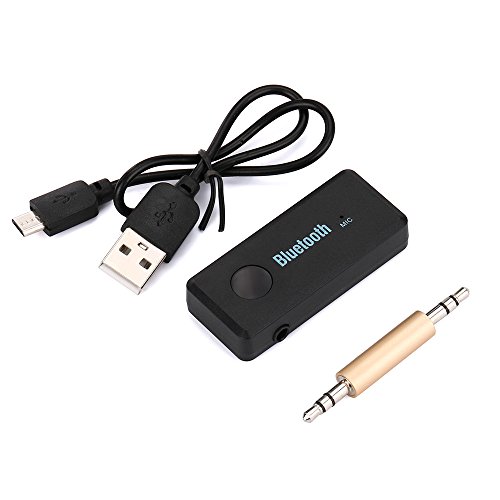
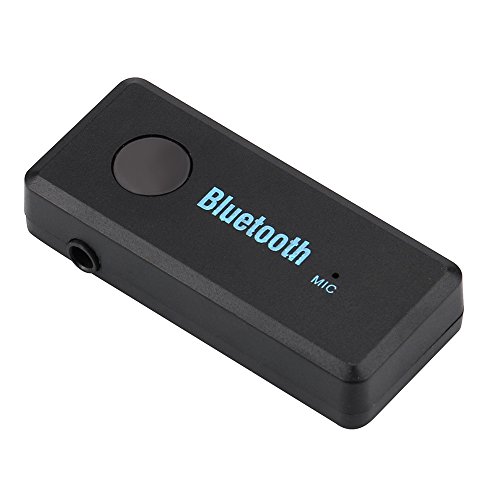
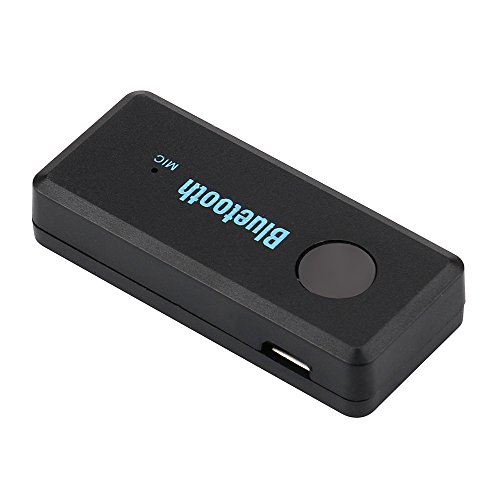
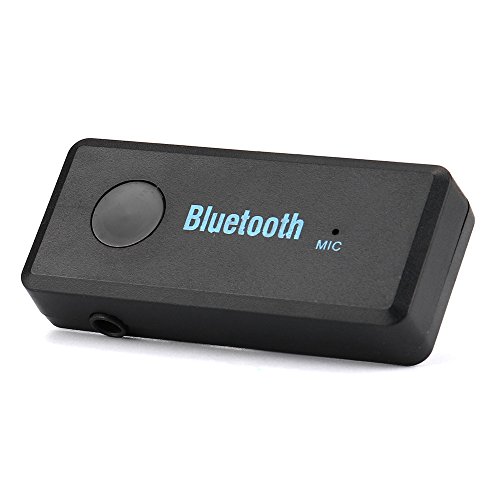
1 x Bluetooth Music Receiver Built-in Mic
1 x Micro USB Power Cable
1 x 3.5mm Stereo Inlet Socket
1 x User Manual
0
|