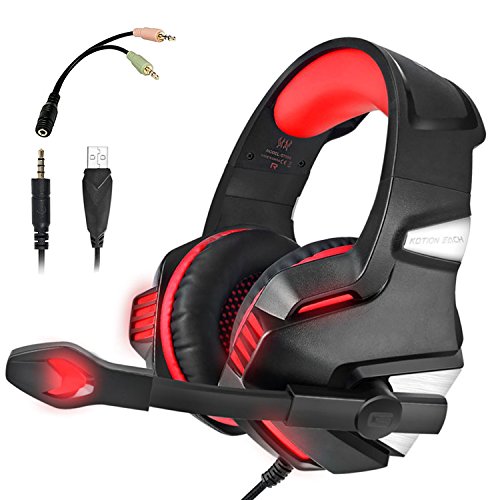
KJ-KayJI Gaming Headset for PS4 Xbox One Over EarGaming Headphones with Mic Stereo Bass Surround Noise Reduction,LED Lights and Volume Control for Laptop PC Mac IPad Computer Smartphones Xbox (Red)
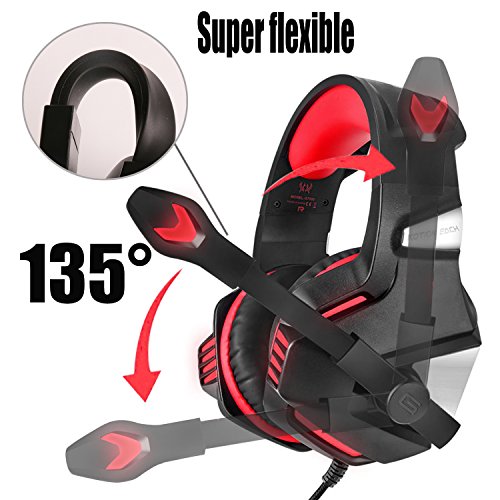
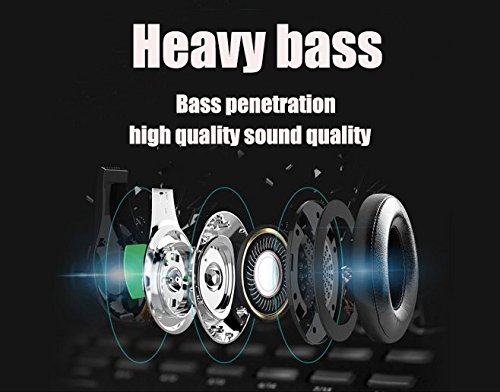

Product Description
System Requirements•Computer: Support Windows XP / Vista / 7/8 / 8.1 / 10
• Phone: Android and iOS
How to use it on PS4?
1. Please test it with your cellphone before apply the headset on your PS4, to make sure it works well.
2. Insert the headset with 3.5mm jack plug into the Gamepad
3. Then long press the PS4 button to enter the System Settings
4. There is a choice "PERIPHERAL MACHINES", choose it and then choose "ADJUST SOUND AND DEVICES", next choose "Output to the headphones", then change it to "All audio" NOTE:
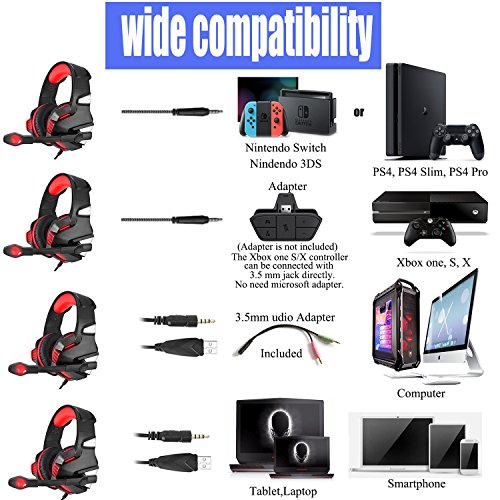
1. The USB connector is only for LED light. This headset can be used without connecting the USB cable.
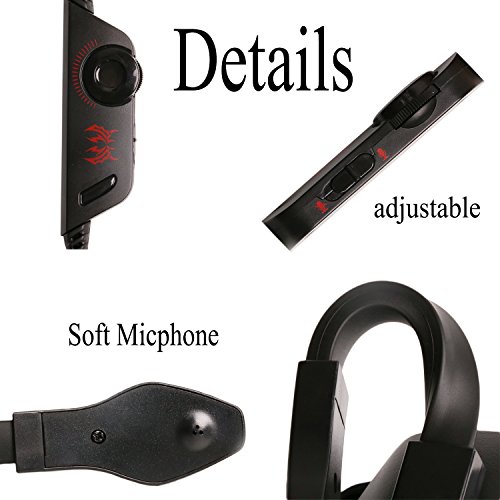
2. In the cable control, there is a small button which can be turn on and turn off. Please make sure to turn it on to let the microphone work.
3.This headset only work for the New version Xbox One. If you want to apply it on an old version Xbox One controller, you would need a Microsoft Adapter(Not Included)Troubleshooting Methods: 【Sound is too small or no sound】
1.Ensure that your audio devices work properly and sound switch has been turned on.
2.Turn up the sound volume level, Ensure connecting the plug of headset to audio source correctly. Specification:
Driver diameter: 50mm
Impedance: 20±15%Ω
Sensitivity:115±3dB
Frequency range:20Hz-20KHZ
Mic:6.0 x 2.7mm
Mic sensitivity:-38±3dB
Mic impedance:2.2kΩ Directivity:Omnidirectional
Cable length:2.1±0.15M
LED operation voltage:DC5V±5%
Working current:≤100mA
Headset jack: USB+3.5mm 4Pin
Package Contents: 1 x Gaming Headset
1 x Mic Splitte
1 x Operating Instruction
Feature
【UNIVERSAL COMPATIBILITY】Support PS4, PS4 Pro/Slim, Xbox One, Xbox One S/X, PC, Nintendo Switch/3DS, PSP, Laptop, Computer, Tablet, iPad, Mobile Phone. An extra Microsoft Adapter is required (Not Included) when connecting with an OLD VERSION Xbox One controller.