Studio : Greleaves Publisher : Greleaves Binding : Electronics Product Description
Pairing Steps:
(1)Before using the receiver first time,please be sure to have it fully charged;
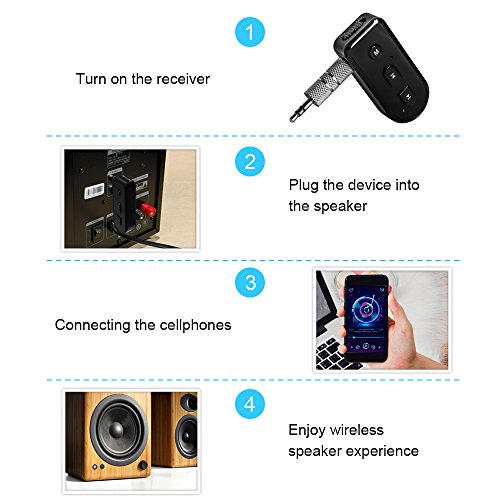
(2)Press the power switch to ON, until the blue and red indicator lights start flashing alternately;
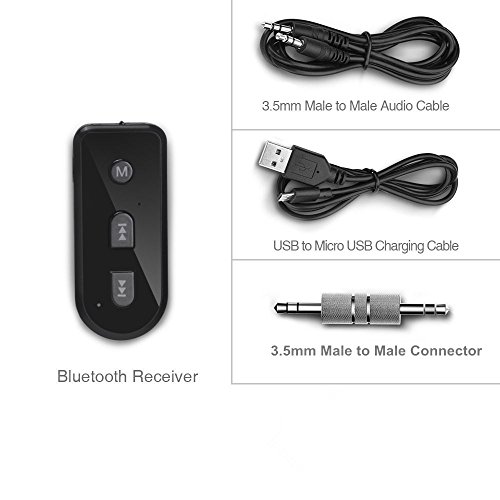
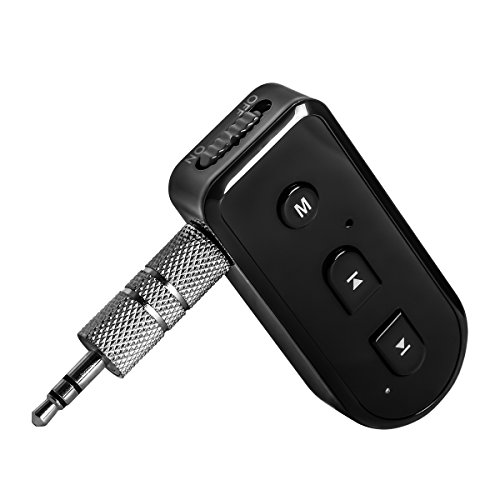
(3)Connect bluetooth receiver with your car stereo by 3.5mm plug or 3.5mm audio cable;
(4)Turn on the Bluetooth function of your phone;
(5)Search for the Bluetooth devices and select "BT-1";
(6)If pairing is successful,the blue indicator light would flash slowly;
Play Music
(1)Pair the bluetooth receiver with your smartphone;
(2)The bluetooth receiver couldn't control the volume by itself, when you pair the bluetooth receiver with your smartphone, you could increase the volume or reduce the volume by adjusting the volume of your iphone and car stereo;
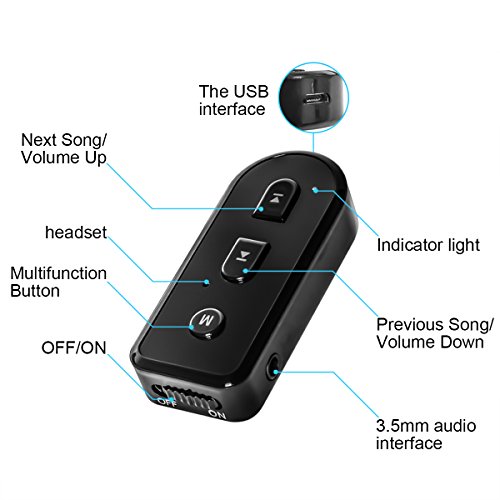
(3)When Press M button one time to control music play and pause. Answer the phone;
Call/End calls:
(1)Press M button One time to answer calls, then press again to end calls.
(2)Press M Button Two times Continually redial the last called number with ease.
(3)Press next or last button to recline the call;
Start Siri
Press M button for a little long time to start Siri function;
Remark:
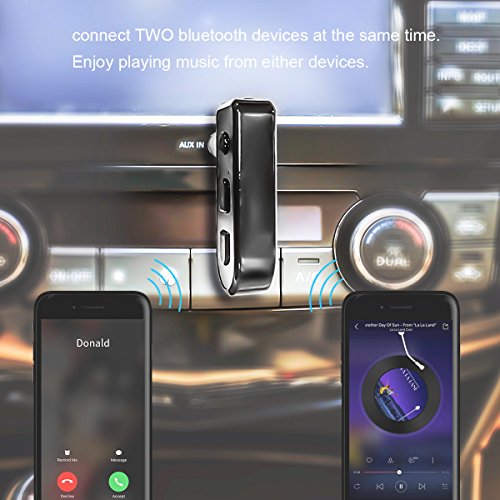
(1)It would connect the last connected phone automatically when it turns on.(Please make sure the Bluetooth function is on.)
(2)The bluetooth receiver does not turn on automatically when your car is starting.You need to turn it on manually.
Safety First:
(1)For the consideration of safety, please kindly do not use it when it is charging.
(2)The red indicator will blink if the battery is low. Please charge it in time(5V/1A), and the indicator will turn off when the charge is completed.
0
|