WI-FI connection :
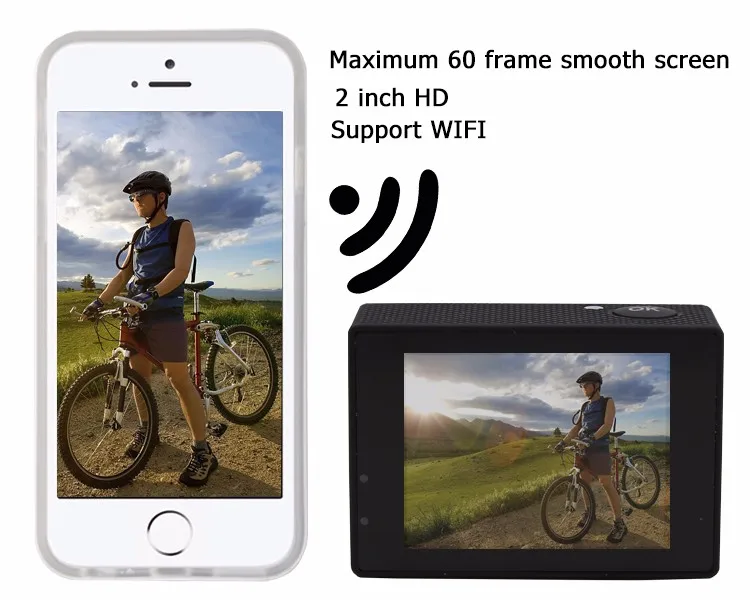
1.This product can connect a mobile phone with android or IOS system or a panel computer via WIFI,
the operation steps are as following:
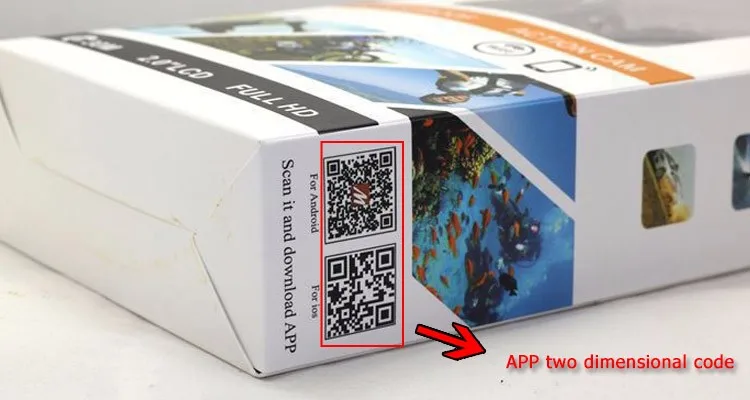
1) . Install" GoPlus Cam " software on a mobile phone or a panel computer
(you can search and download on Google Play for android system, or search and download on APP Store for IOS system.
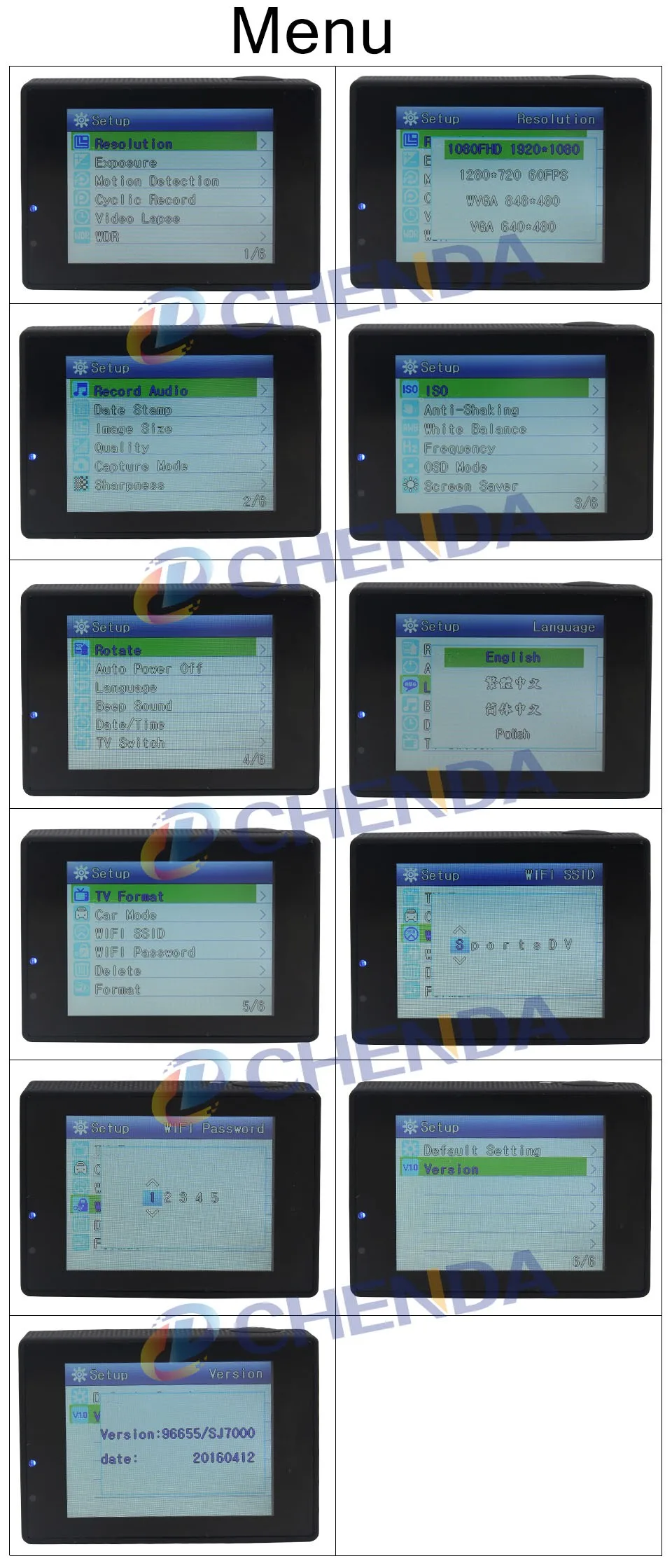
2). After power on, press WIFI key on the camera, WIFI icon displays on the screen, SJ7000WiFi displays.
3). Enable WIFI on a mobile phone or a panel computer, search WIFI account Sport dv WIFI for the camera, then connect,
and the initial Password " 12345" will display on SJ7000 screen.
4). When WIFI connected, WIFI Connection Ready displays on the screen,
5). After "GoPlus Cam" software operates on a mobile phone or a panel computer,
images recorded by the camera will be real-time displayed on a mobile phone or a panel computer.
You can operate via related icons related to the software or set function parameters of the camera
2.WI-FI password change
1). Power on and enter WIFI setting menu, the password can be set as per your requirement.