




Tips:How to connect the Bluetooth?
Make the keyboard full charged before first using.
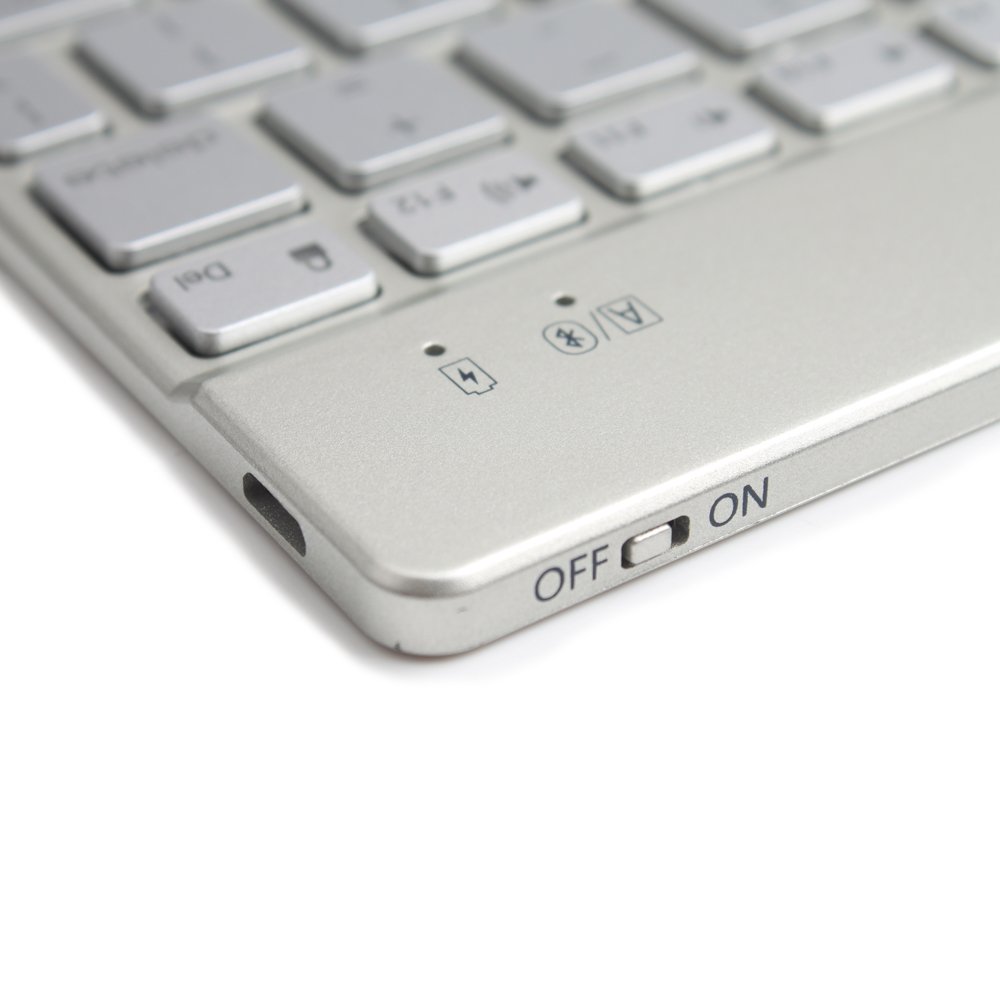
Turn on the keyboard.
PS: After you turned on the keyboard」ャ the indicator LED will only light up for a while」ャ and then it will turn off」ャ but the keyboard is still on.
Click the combination key: "Fn" + "C" on the keyboard to open the Bluetooth of the keyboard.
Turn on the Bluetooth of your device.
Find the "Bluetooth 3.0 Keyboard" and select it」ャ the Bluetooth will be connected automatically.
Features:
Neednt?password automatically connect bluetooth.
Ideal for home and office use.
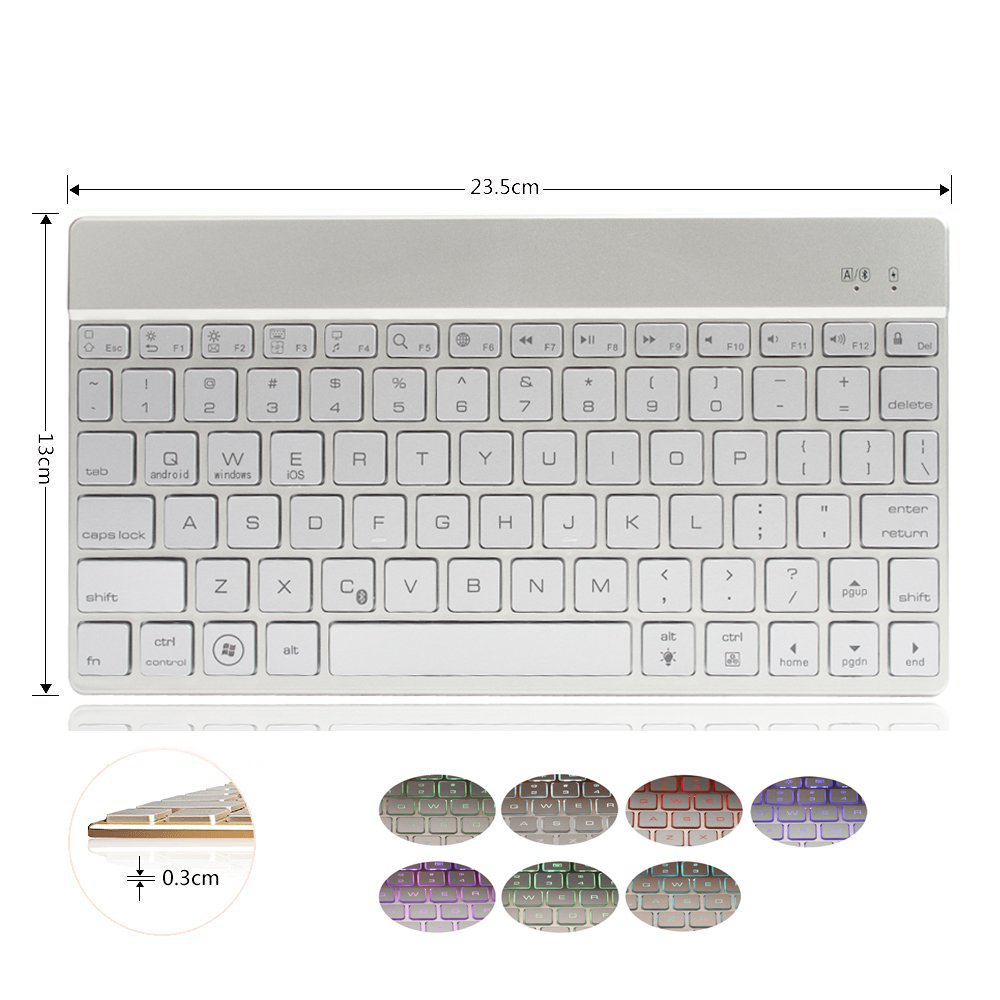
Product Dimensions: 23.5*13*0.4cm
Weight: 500g
Specifications:
Bare Metal Product Size: 23.7 * 12.9 * 0.4cm
Color box size: 28 * 14 * 1.8cm
Single GW: 0.43kg
Single Product Weight: 0.25kg
With a backlit version Battery capacity: 400mah battery capacity without backlight version: 150mah charging time: 4-5 hours
Working current: 2.5-3.5mA
Sleep current: <0.2mA
Operating voltage: 3.7 ~ 4.2V (Power by Li-on)
Uninterrupted work time: 55 to 70 hours
Standby time: 60 days
Use of distance: within 10 meters
Package Included:
1 x Bluetooth Keyboard
1 x USB Charging Cable
1 x User Manual