Item Descriptions:
color:
iGS 10
1,
Work mode
type
Left Bodin
Right Bodin
Shut clip
Start-up ------
Launch click
Recording start / record stop data display display switch indication;
(Calculate the number of times stopped simultaneously)
Activate long press
Shut Press and hold for 2 seconds, enter mode installation
2,
Mode setting
E1 flash mode
Left Bodin:
Click, enter E1 mode (ANT +)
Right Bodin:
Switch to E2 mode; press and hold, exit mode setting
E2 flash mode
Left Bodin:
Click, enter E2 mode (wheel diameter installation)
Right Bodin:
Switch to E3 mode; press and hold, exit mode setting
E3 Flash mode
Left Bodin:
Click, enter E3 mode (time setting)
Right Bodin:
Switch to E4 mode; press and hold, exit mode setting
E4 flash mode
Left Bodin:
Click, enter E4 mode (installed in British inch)
Right Bodin:
Switch to E1 mode; press and hold, exit mode setting
Out of operation
After 6 seconds, mode setup automatically save
3,
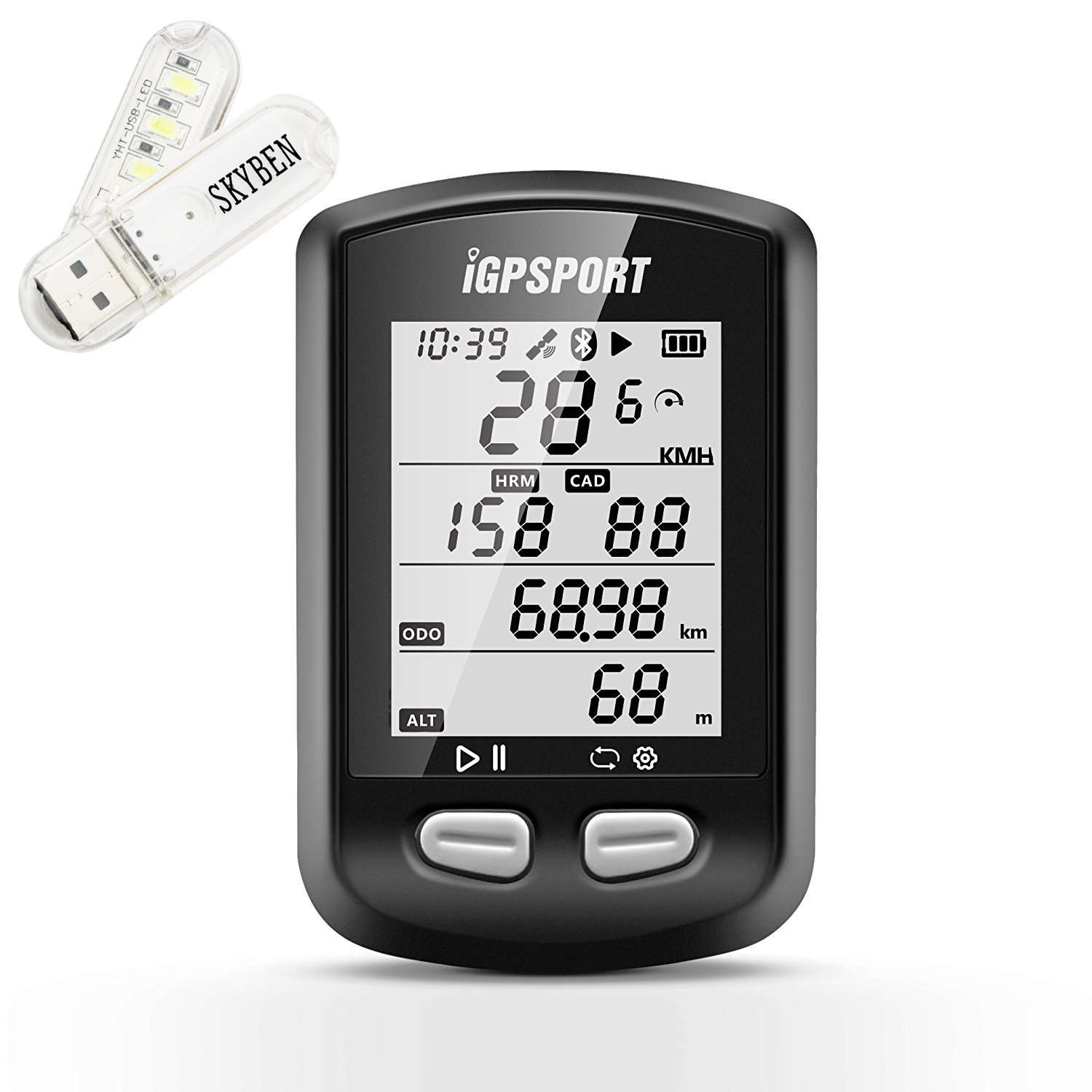
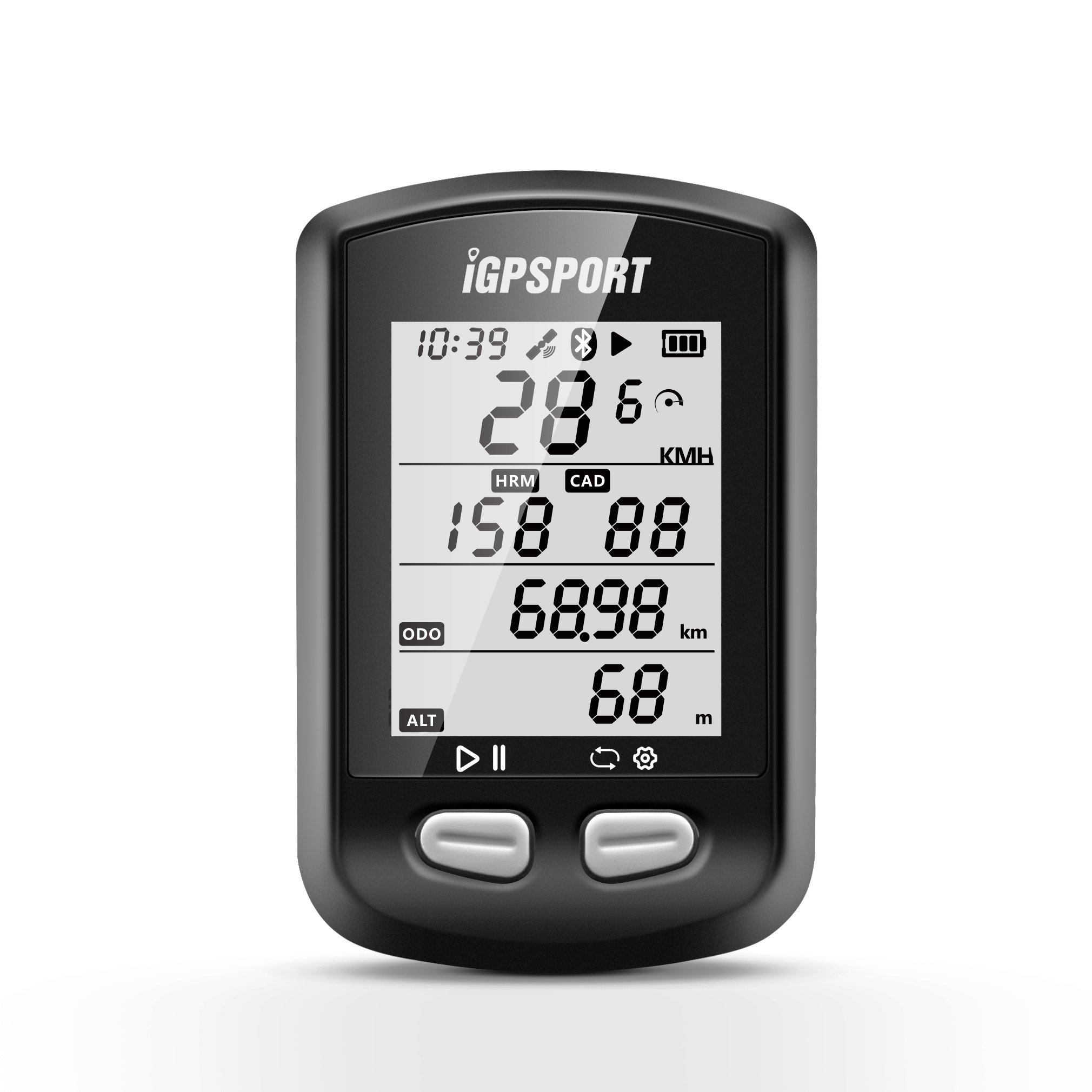
Icon Description
icon
Description
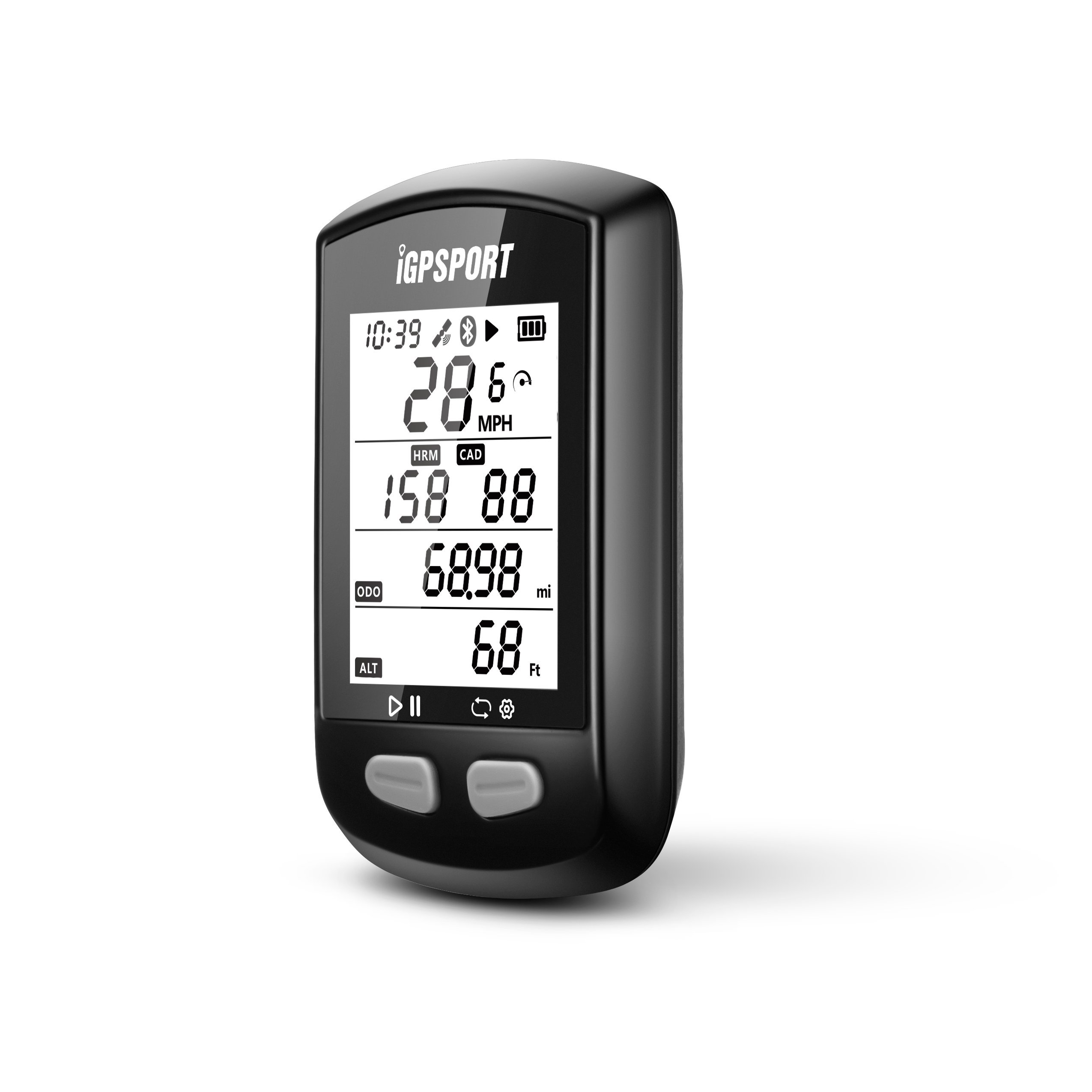
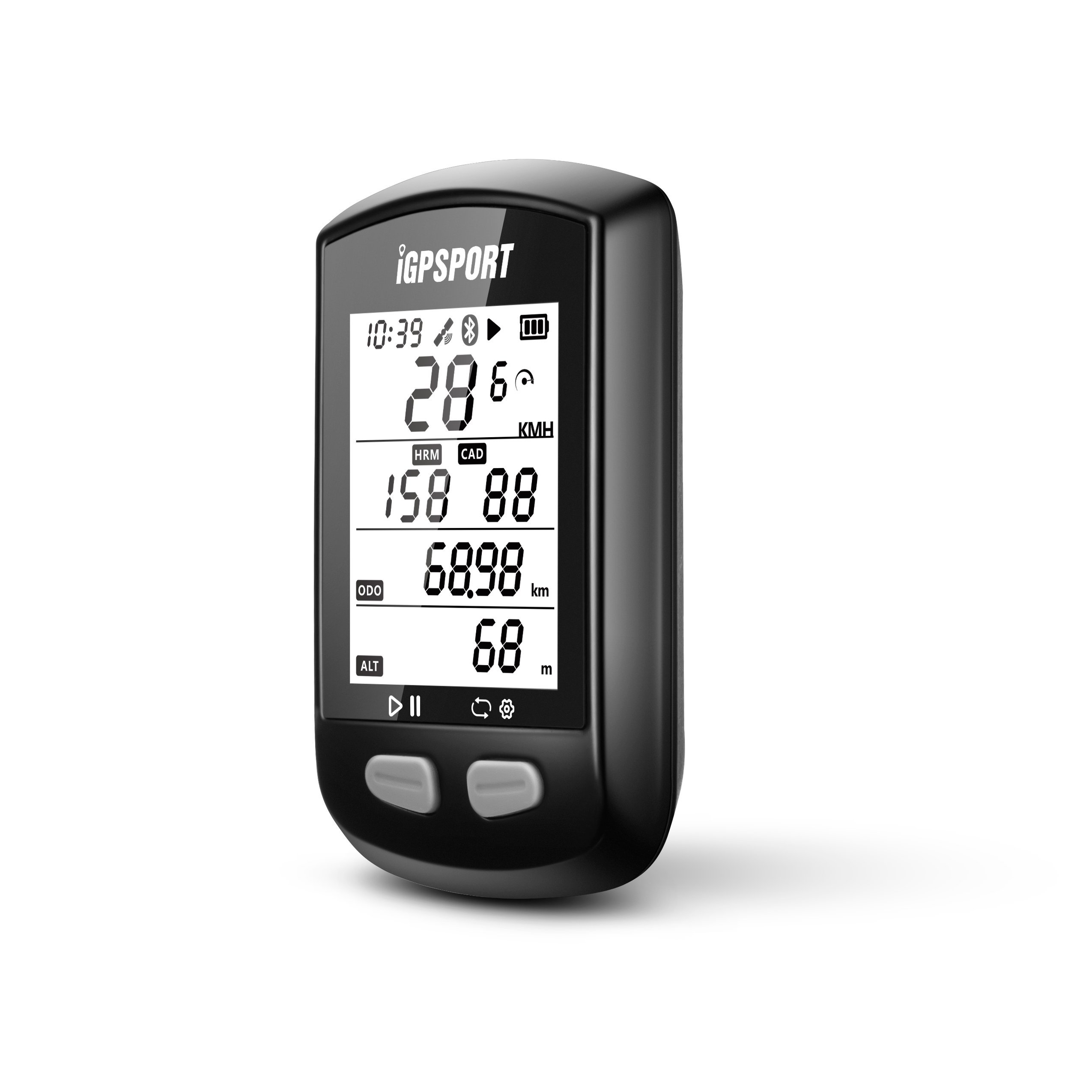
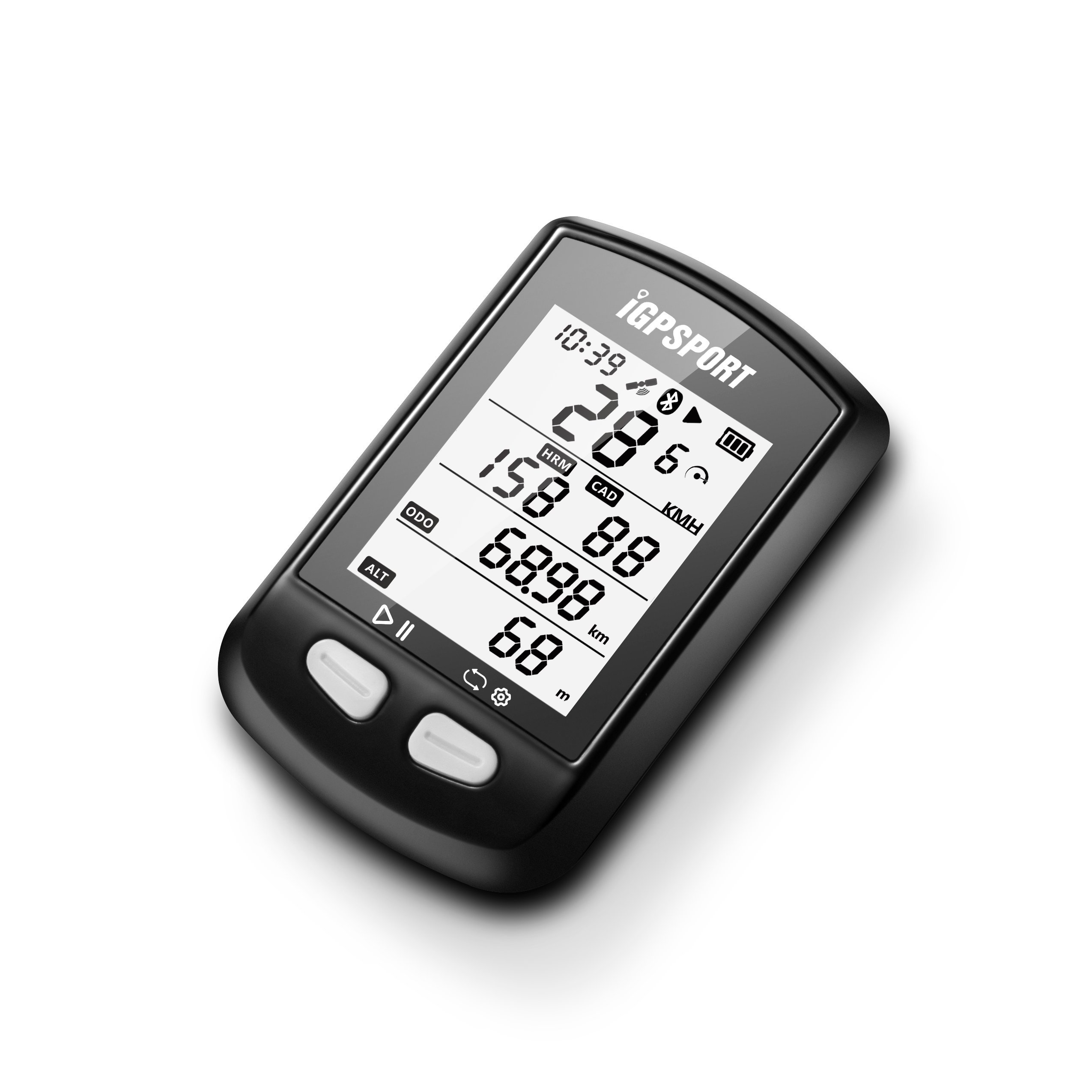
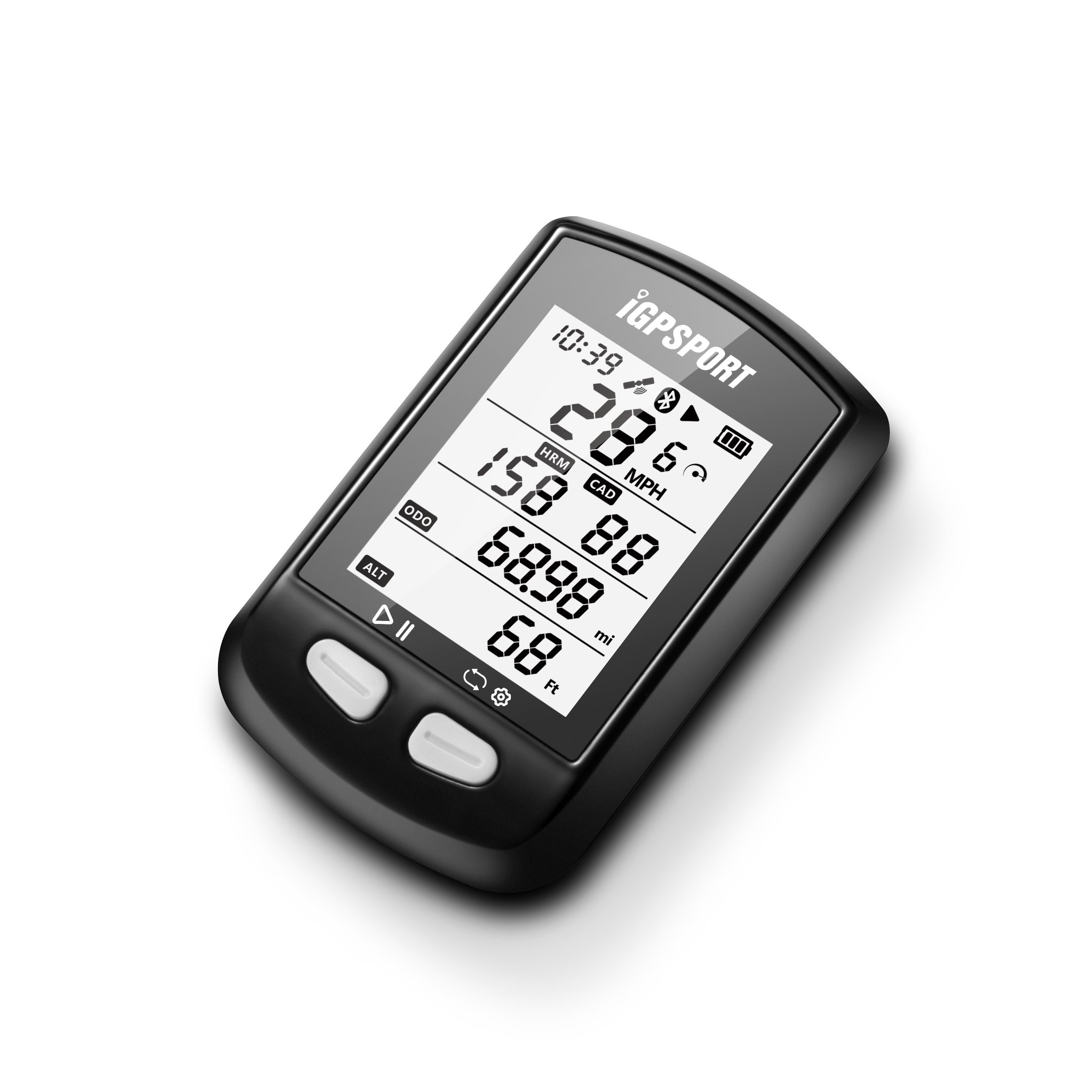
Remaining amount indication: remaining amount 3, full tank; remaining amount 2, roughly enough; remaining amount 1, missing; no remaining amount, flashing immediately after shutdown;
Recording status indication: Motorcycle operation data record display record stop indication
GPS signal display: GPS signal not found GPS signal normal GPS signal Good
Bluetooth display: Without this icon, Bluetooth closed; Icon flash, under investigation;
Speed icon: Without this icon, not connected with ANT +; flash, ANT + under investigation; light already connected with ANT +;
7,
Investigation and
ANT +
And connection explanation
For the first time use ANT +, the meter needs an investigation of ANT +;
operation:
1) ANT + normal state;
2) Press and hold the right button of iGS 10 for 2 seconds to enter the installation page.
Click on the right button to enter the E1 flash mode, click the left button, enter ANT + investigation mode, the meter will automatically proceed ANT + investigation;
1.ANT + When connecting, the icon flashes;
2. If you can not find ANT +, 6 seconds later, the meter automatically exits the investigation mode.
3) After the connection is completed, the icon glows;
Note:
1) If there is a meter that has connected ANT +, or if you have not investigated again, iGS 10M will automatically connect, normal status is not necessary to investigate again;
2) It is necessary to investigate ANT + again in situations such as battery replacement;
8, Which wheel diameter setting
Normal wheel diameter: 2096 mm
Press and hold the right button for 2 seconds to enter the installation page, single click on the right button, enter E2 flash mode, single click the left button, enter E2 mode, flush the ring diameter value;
Select a number from the left button, set a numerical value from the right button, the unit is mm;
After confirmation, save and exit automatically (or no automatic operation save for 6 seconds) by long pressing the right button;
9, what time installed
Ordinary time: +8 hours
Press the right button for 2 seconds to enter the installation, press the right button, enter the E3 mode, select the order from the left button, set the numerical value from the right button, after confirming, hold the right button long to automatically save and
Leave (or for 6 seconds without auto-save / exit);
Ten,
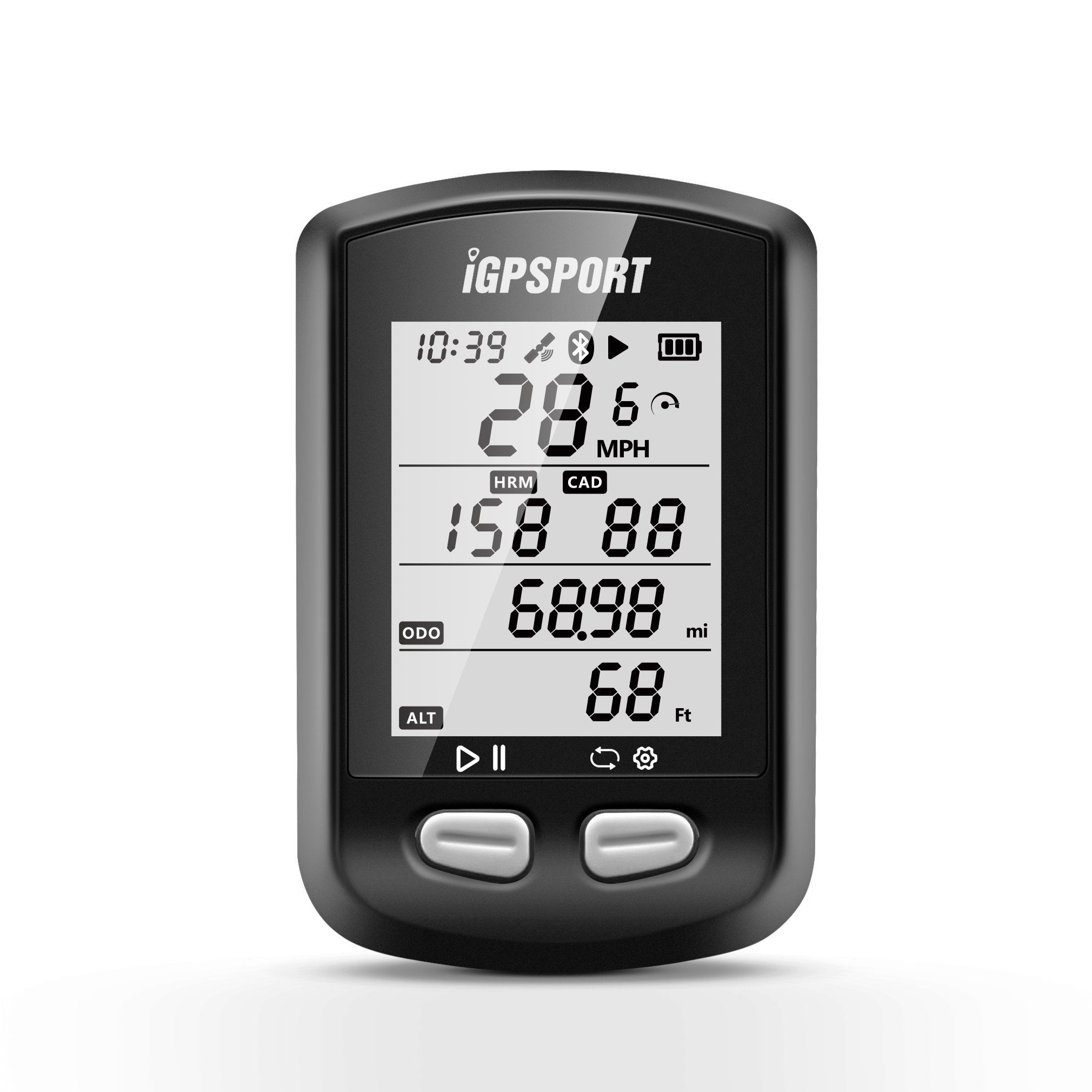
Whatever inch switching
Unit: inch
Press and hold the right button for 2 seconds to enter the installation mode, click the right button, press the E4 flash mode, left button to enter E4 mode, then press and hold inch from the left button, confirm from right button and press and hold
Automatically save and exit (or automatically save for 6 seconds without operation)
APP and cell phone continuous
Mobile system: Android 4.3 version or higher, or Bluetooth 4.0 BLE mode supported;
IGPSPORT investigated from applied stores such as applied treasure.
Download site: http: //www.igpsport.com/About_Download.aspx
iPhone mobile: iPhone 4S version or higher (not supporting iPad), iGPSPORT investigation from iPhone application store
Step 1) iGS 10 normal operation state (At that time, Bluetooth is continuous state); Step 2) Activate Bluetooth function, Open operation APP; Equipment menu entry -> Scanning equipment click -> iGS 10 facility appearance -> Detailed message viewing,
At that time, Bluetooth icon light of iGS 10, already display continuous, select the data you want to upload to your mobile phone.
Features:
- IGS 10 GPS waterproof IPX6 micro USB charging, multifunction bicycle computer, after first installed, it will operate automatically and will operate automatically.
- Total 18 types of functions: Including meter itself: before speed, average speed, max speed, time, driving time, date, distance, curlie, total distance, gradient, temperature, height ANT + and after: consecutive frequency, average
- Frequency, Max frequency, Pre-heart beat, Mean heart beat, Max heart beat
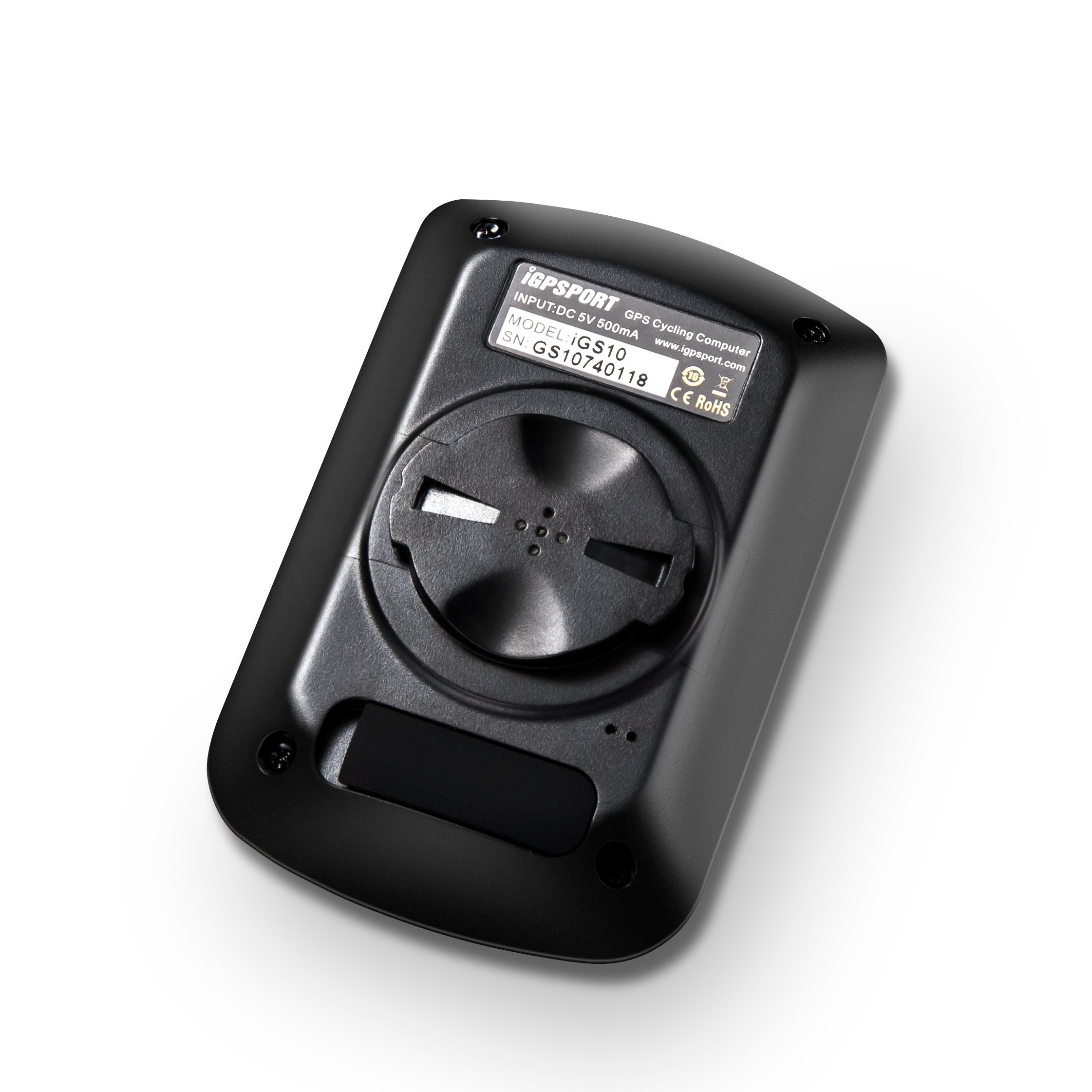
- Supported by Bluetooth and mobile APP connection, size 75 * 48 * 20 mm Weight 56 g, (There may be no GPS signal indoors)
- Packing list: ① IGB 10 ② MicroUSB cable ③ Bike base ④ ○ Ring ⑤ Manual
- Quality 5 years free warranty, if there are any problems in use, we will resolve it immediately by inquiries Quality Absolutely confident, do not worry
Product information:
Shipping Weight: 190 g
Package Dimensions: 3.61 x 11.51 x 19.89 cm
SHIPPING METHOD
Delivered directly from Japan by Japan Post. It will take 3 to 5 business days to prepare the order for shipping. We guarantee careful packing and safe shipping.Please note that in some cases additional import or VAT charges may incur and have to be borne by the client.
1. Japanpost registered mail
Shipment by Japanpost Registered Mail (Standard). Trackable any time with tracking number. Insurance is not available. Delivery time usually is between 1-3 weeks from the date of dispatch. Some items are not eligible for Standard Shipping.
2. Qxpress Standard
Shipment by Qxpress standard service. Trackable at any time with tracking number. Registered and insured up to a value of item price and shipping fees.Delivery time is usually between 5-10 business days from the date of dispatch.
3. EMS
Shipment by Expedited Mail Service. Trackable at any time with tracking number. Registered and insured up to a value of $200 and usually delivered in 2-6 business day from the date of dispatch.

| Japanpost registered mail | Qexpress | EMS | |
|---|---|---|---|
| Shipping Method | Japanpost Registered Mail (Standard) | Standard Qexpress | EMS (Expedited Mail Service) |
| Trackable | Yes | Yes | Yes |
| Insured | N/A | Yes (Up to item price and shipping fees) | Yes (Up to $200.00) |
| Asia | 1-3 weeks | 5-10 days | 2-5 days |
| Oceania; North America; Central America and the Middle East | 2-4 weeks | 6-14 days | 2-6 days |
| Europe | 2-4 weeks | 6-16 days | 3-8 days |
| South America and Africa | 2-4 weeks | 10-18 days | 4-8 days |
NOTICE:
- For overseas delivery, please be aware that damage to the outer box can be seen.
- If you would like to avoid as much damage as possible, please choose the EMS shipping method.
"According to Qoo10 guide line,overseas shipping fees will be charged to you extra if you choose Qxpress standard shipping.We recommend you to compare the total price of your purchase with EMS."
