Studio : USBNOVEL Company Publisher : USBNOVEL Company Binding : Electronics Product Description
How to use:
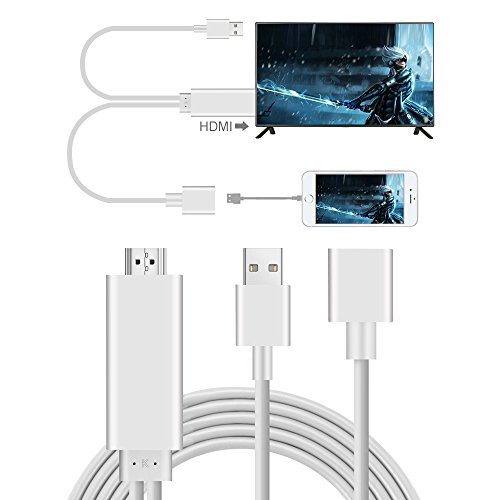
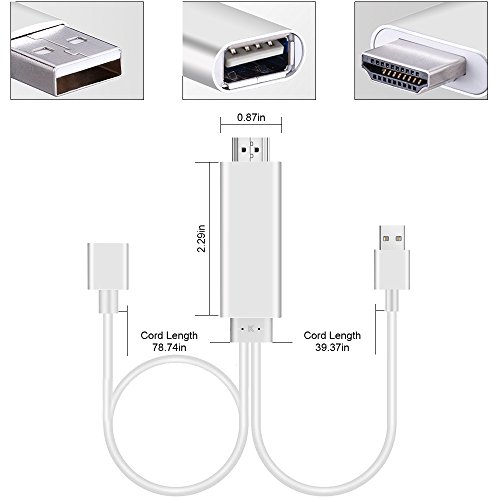
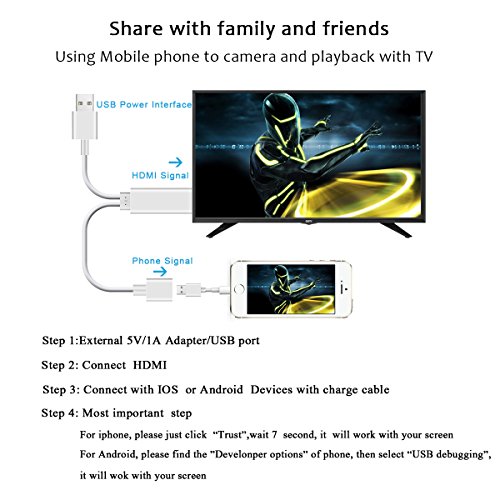
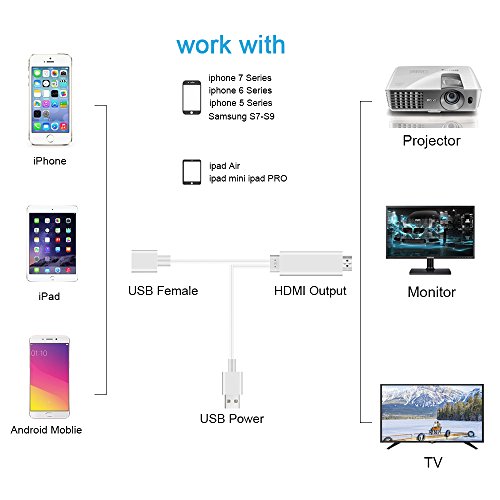
This lightning to HDMI adapter has three ports, please make sure all ports are well connected, otherwise, it will not work.
1. Plug the HDMI port into the TV/Projector HDMI port.
2. Connect the USB port to a power adapter(5V 1A) or the projector or TV's usb port for power.
3. Plug USB female port into your iPhone/Samsung/iPad through charging cable.
4. Switch the tv/projector's output to corresponding HDMI.
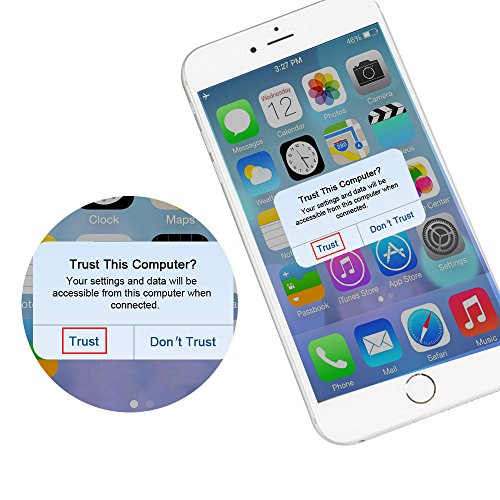
5. For IOS System, the phones' screen will pop out a "Trust" option, just click it and it will connect automatically.
6. For Android Cellphones, please open your cellphone" Developer Options", then choose "USB debugging", then click"OK", it's done.
Compatible:
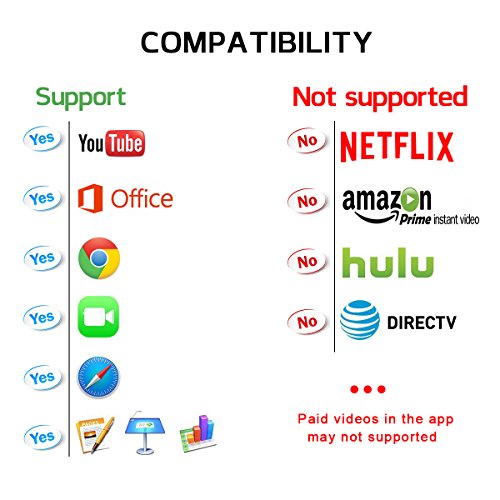
For iPhone 5/5S/SE/6/6 Plus/6s/6s Plus/7/7 Plus(iOS 8.0 or above)
For iPad mini/mini 2/mini 3/mini 4/Air/Air 2/Pro (Only 3G/4G version of iPads supported)
For iPod Toch 5th Generation and 6th Generation
For Samsung S7/S8/S9Note 5 /Note 6 /Note 7
For Huawei P8/P9
Support Resolution:1080p
NOT SUPPORT IOS 11 SYSTEM
Package Include:
1 x Lightning to HDMI Cable
1 x User Manual
0
|