Studio : Samshow Publisher : Samshow Product Description
Easy Settings LCD Digital Alarm Clock Black
Easy Setting:
1. Time set: Press and hold "TIME SET" button on the back of the clock and then press "H" for the hour and "M" for the minute.
2. Alarm set: Press and hold the "Alarm Set " button on the left side of the clock on the silicone, and again use the "H" and "M" button.
3. Alarm ON/OFF: On the opposite side there is an " on/off" button for turning the alarm on or off when the alarm is on, you see an alarm bell on the screen.
Light Snooze Function:
1. Pls press Light/ Snooze button to active the display light. It will last 6 seconds. Backlight is Pink color.
2. Pls press Light/ Snooze button after which alarm will sound again approximately 5 minutes later.
Changing Battery Maintenance:
1. You should replace the battery immediately when the display and alarm becomes weak.
2. Please uninstall the batteries and lay up the unit in a dry place when not in use.
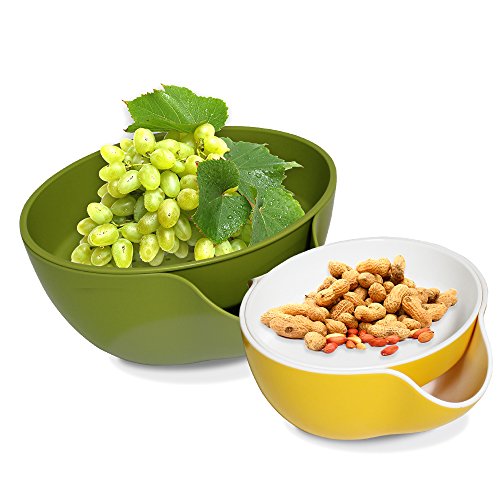
3. A soft paper towel maybe used to clear the clock and don't use corrosive cleaner or chemical solution on it. Samshow Colander Nesting Bowl
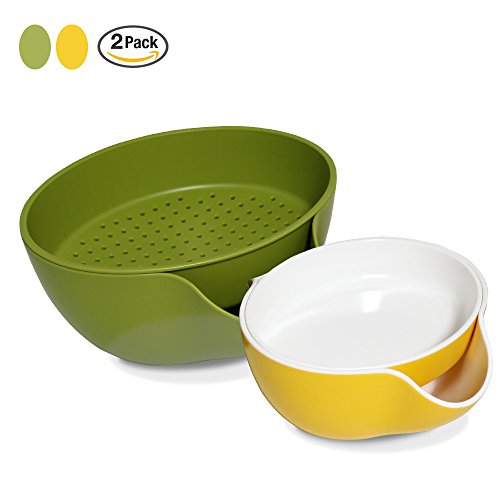
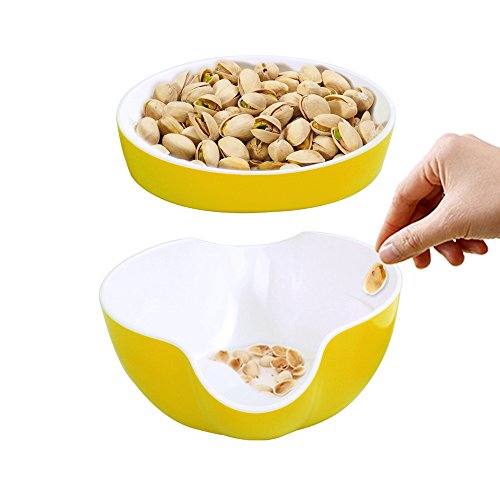
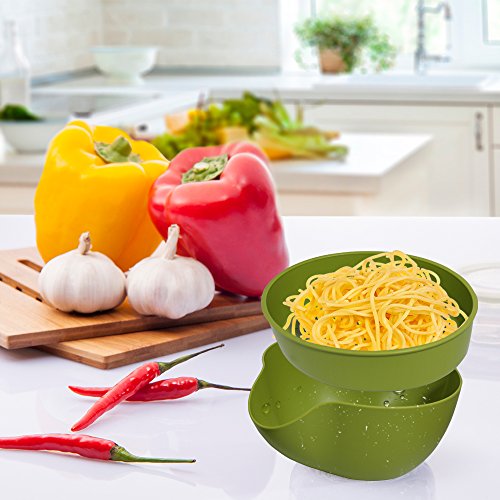
1. Problems saver: It is solve the problem of how to gracefully dispose of pits, shells
and food waste. No unsightly remnants are visible, and you won't need extra
bowls or a trash can to collect the waste.
2. Two colors available: The striking white and green colors are the perfect addition
to add style to your event and make your home more fun.
3. Dishwasher and Freezer Compatible: Our bowls are safe to place in the
dishwasher, saving you time from hand washing, and you can also use them to
store food in freezer safely.
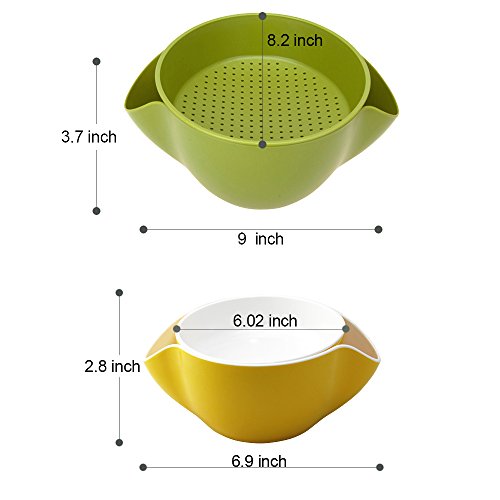
4. Specifications:
Quantity --2 PCs (1 Sets)
Inner Bowl Size -- 8.3in *6.8in *2in
Outer Bowl Size -- 8.4in * 9in *4.6in
1 Set Weight-1.3lb
0
|