Ready Stock in Singapore - SG Seller !
~~~~~~~~~~~~~~~~~~~~~~~~~~~~~~~~~~~~~~~~
Slight color deviations may occur due to camera and lighting settings.
Buyer's Aware: Registered Mail is recommended to prevent mail delivery loss.
~~~~~~~~~~~~~~~~~~~~~~~~~~~~~~~~~~~~~~~~
Photos of TV from using AirPlay and Screen Mirroring

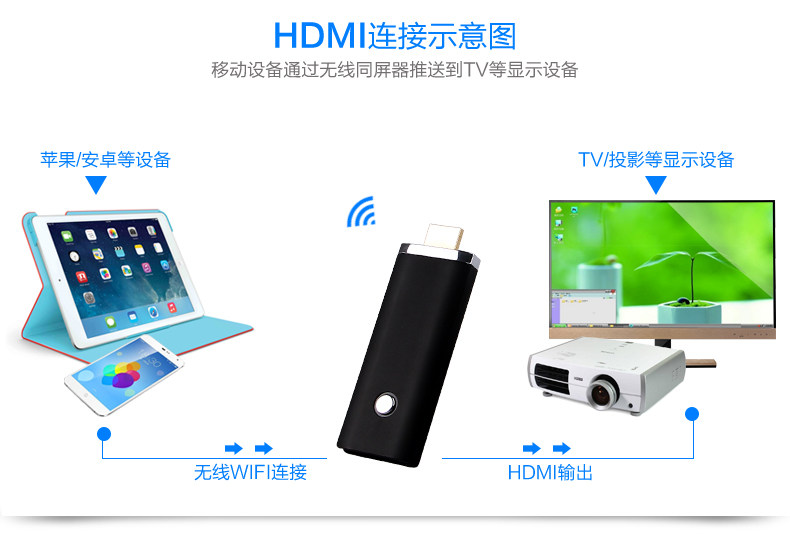
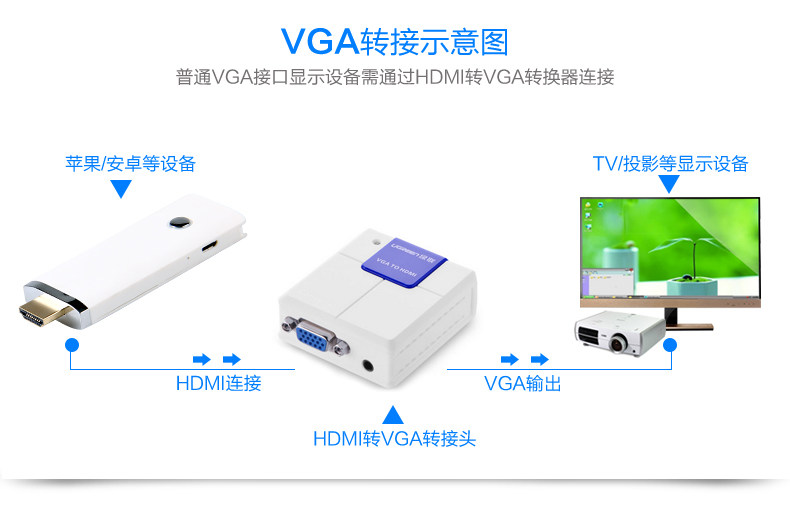
★ 5GHz Wireless HDMI Dongle ★
✔ Android, iOS, MacOS, Win8.1
✔ Smooth, Portable, Easy Setup
✔ MiraCast, AirPlay, Screen Mirroring Supported
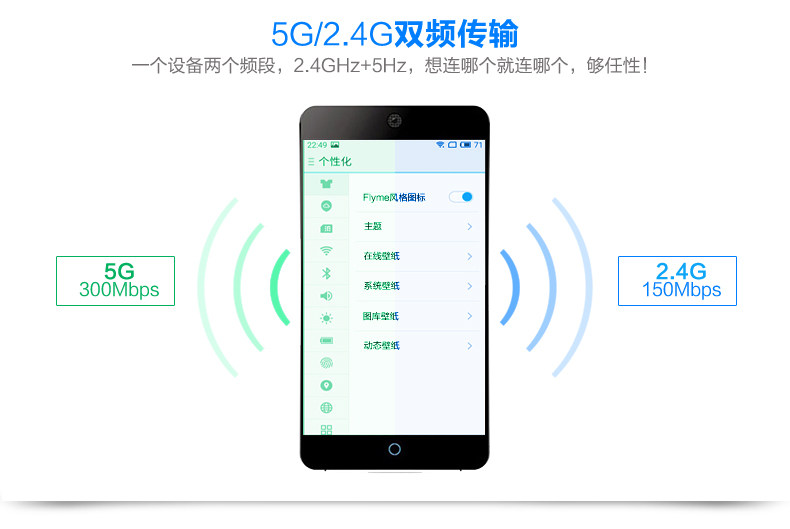
✔ Full HD & Smoother Display (than 2.4GHz)
Watch Dramas on Small Screens No More!
✔ Android, iOS, MacOS, Win8.1
✔ Smooth, Portable, Easy Setup
✔ MiraCast, AirPlay, Screen Mirroring Supported
✔ Full HD & Smoother Display (than 2.4GHz)
Watch Dramas on Small Screens No More!
 |
 |
 |
 |
 |
 |
Photos of TV from using AirPlay and Screen Mirroring
 |
 |
 |
 |

Comparisons

Features
English Instruction Manual


Easy 1-time Setup
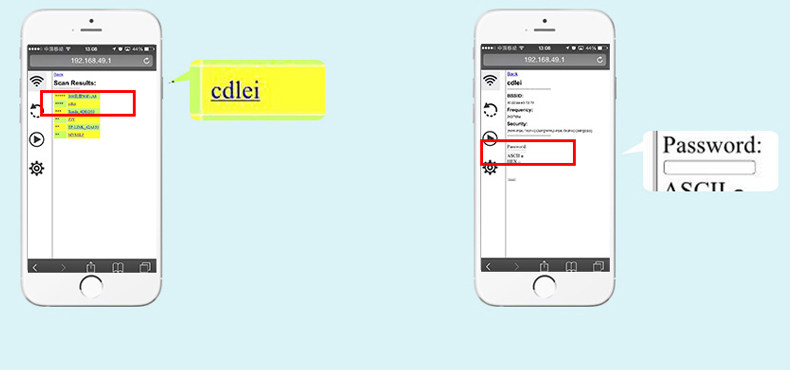
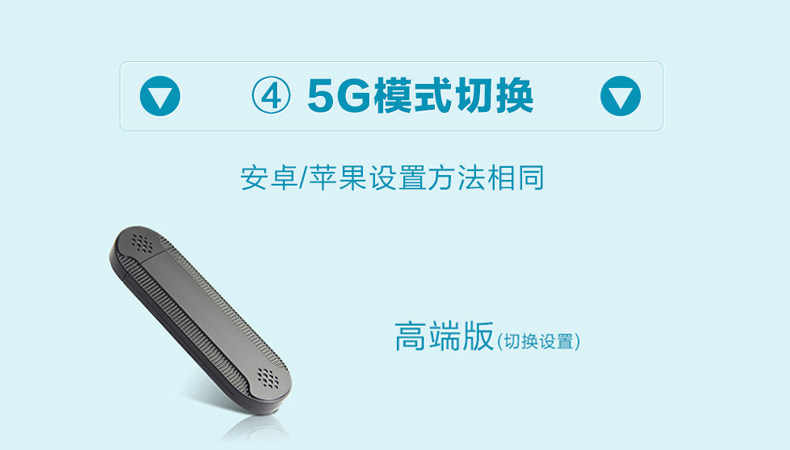
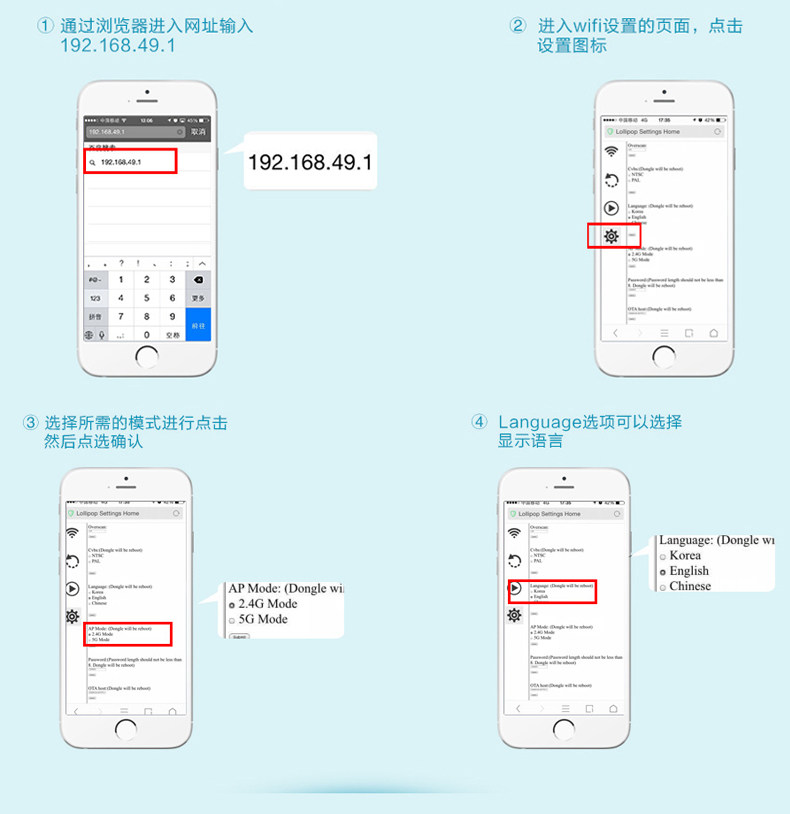
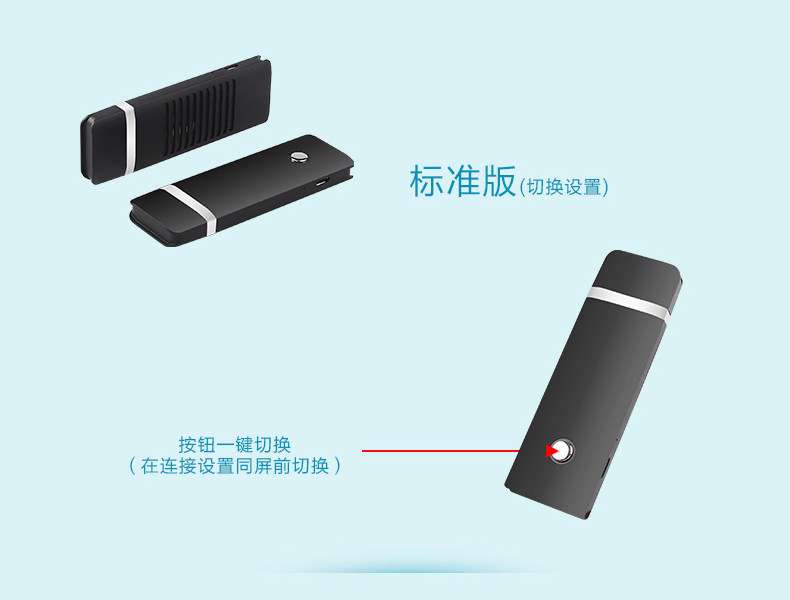
Detailed Step-by-Step Instructions



Features
 |
 |
 |
 |
English Instruction Manual


Easy 1-time Setup
|
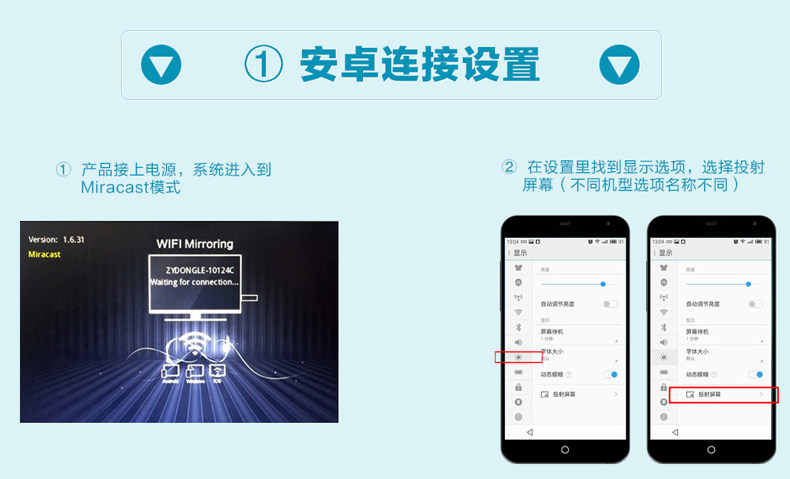
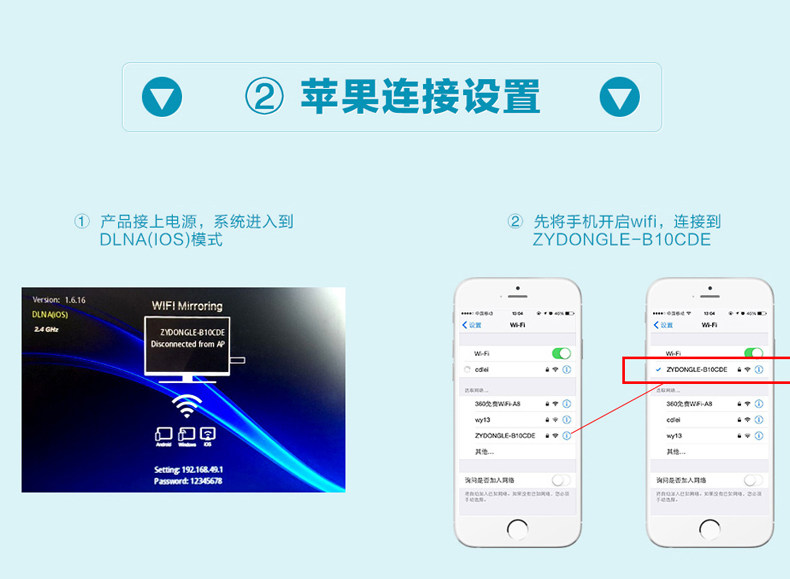
Instructions On TV for all Supported OS: 1. Connect Device to Dongle in WIFI Settings |
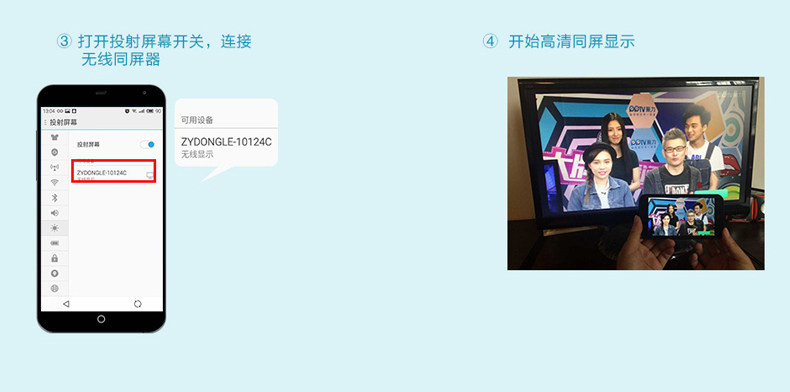
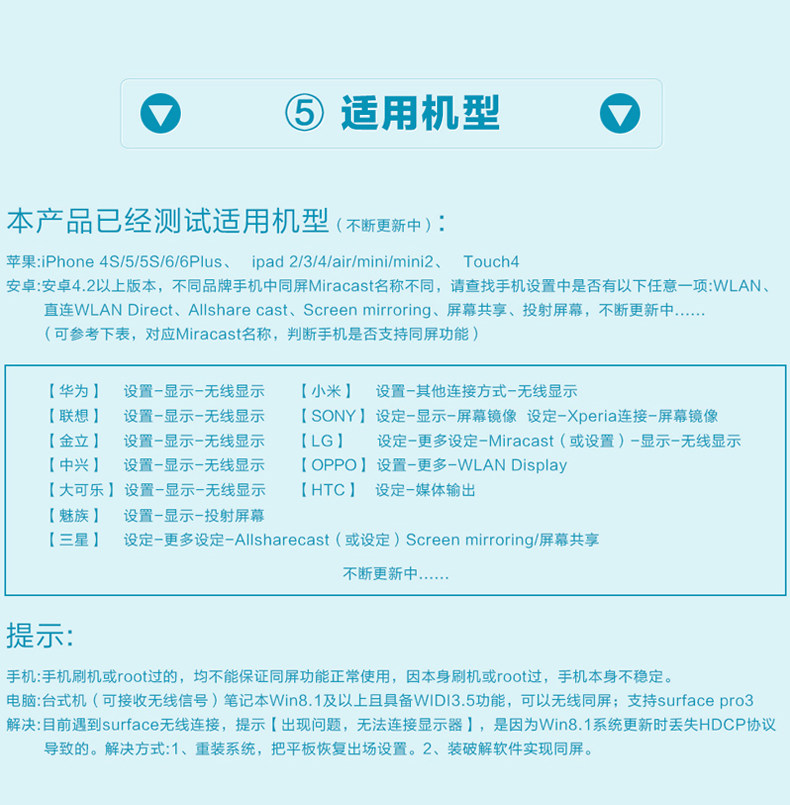
How to Turn on Screen Mirroring Android 4.2 & Above : Settings → More Settings → Screen Mirroring Android 5.0 & Above: 1. Swipe down from top 2. Tap on 'Edit' on Notification Panel 3. Switch on Screen Mirroring |
 |
  |
 |
 |
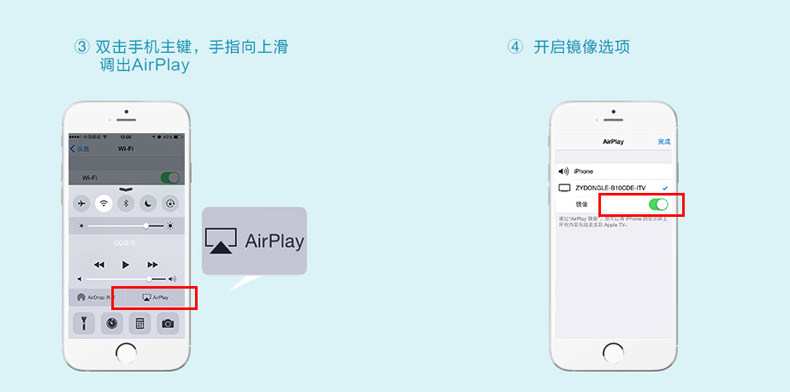
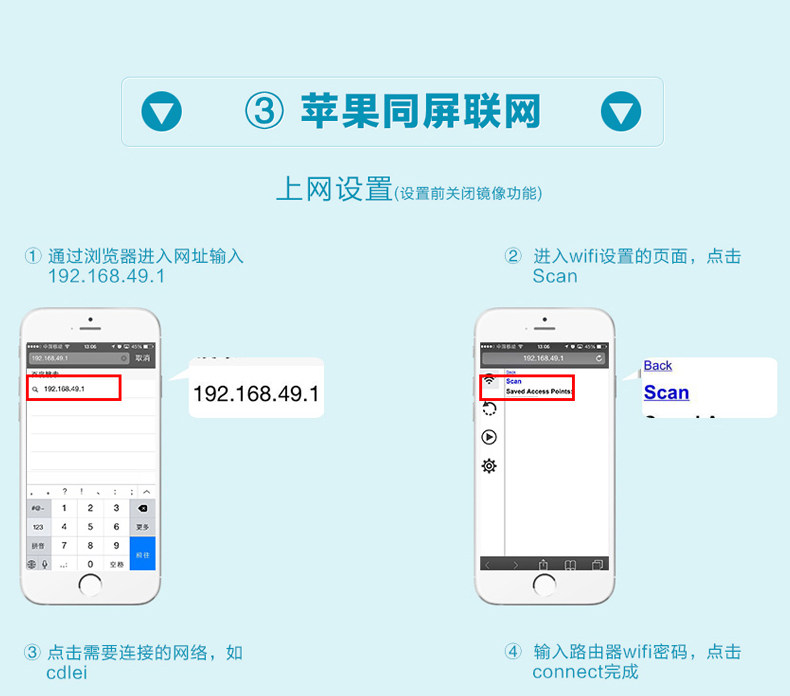
| iOS: Most Require Mirroring to be ON | iOS: If some apps don't display on TV, turn OFF Mirroring |
Detailed Step-by-Step Instructions
 |
 |
 |
 |
 |