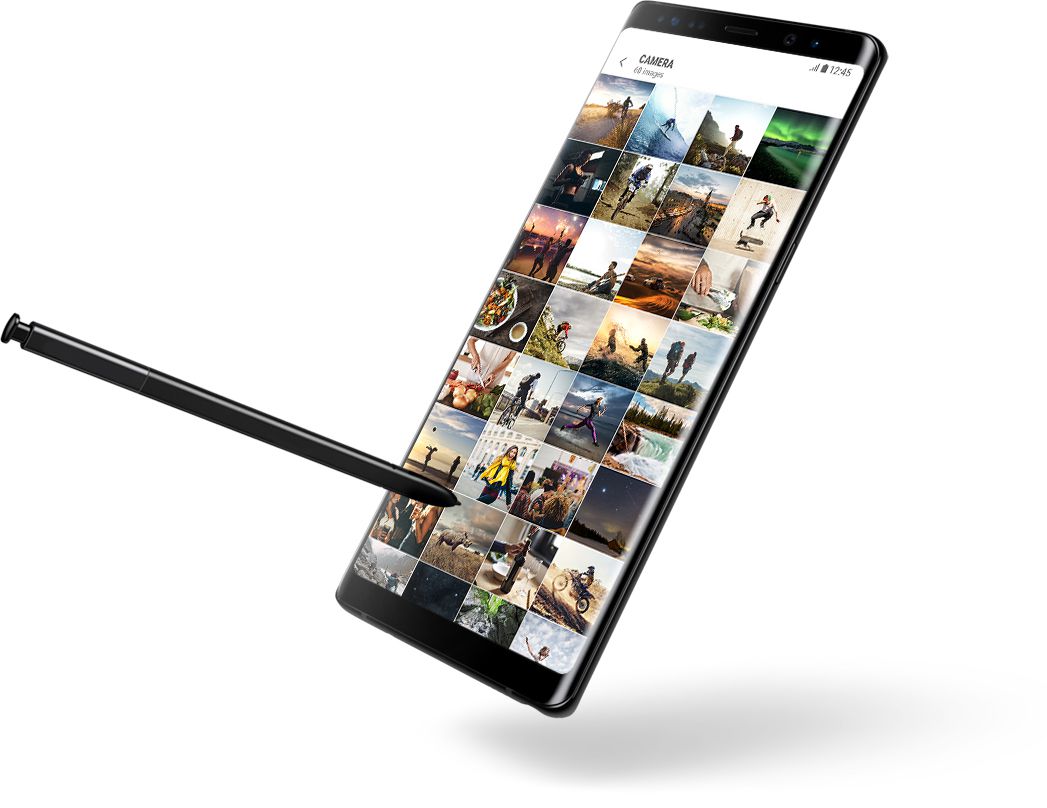
Design

The big screen that fits in your hand. Infinity Display.

  • 6.3" screen
  •  
  • 18.5:9 aspect ratio
  •  
  • Wider view
Image of hand holding Galaxy Note8

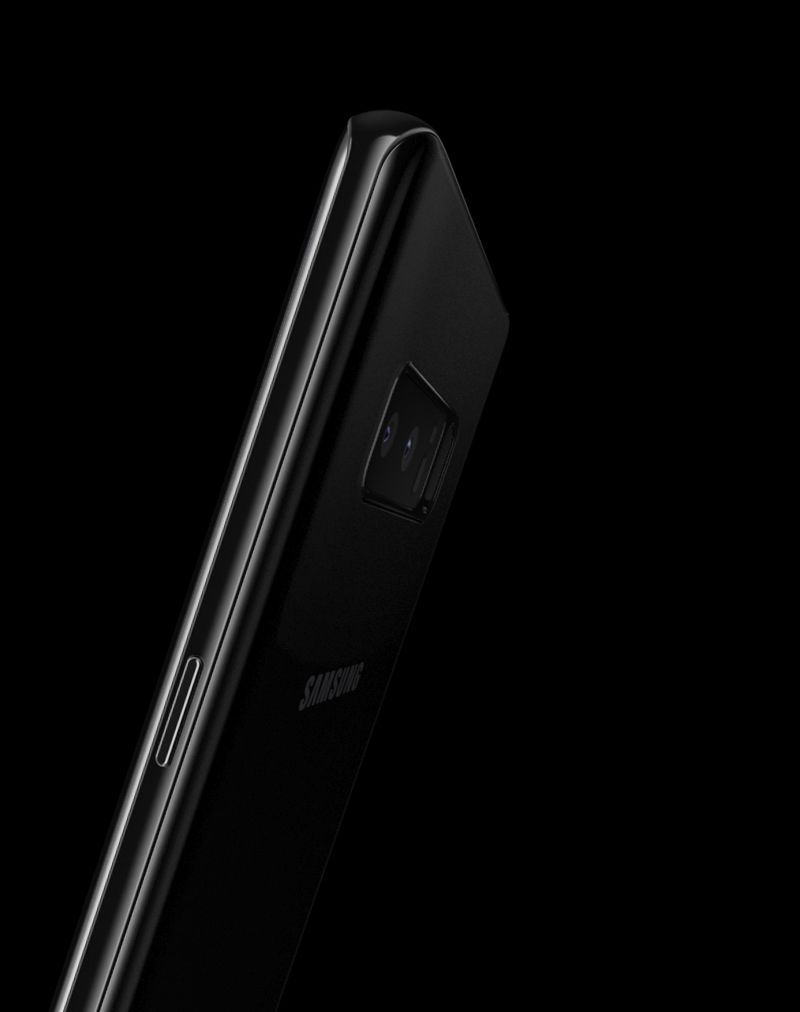
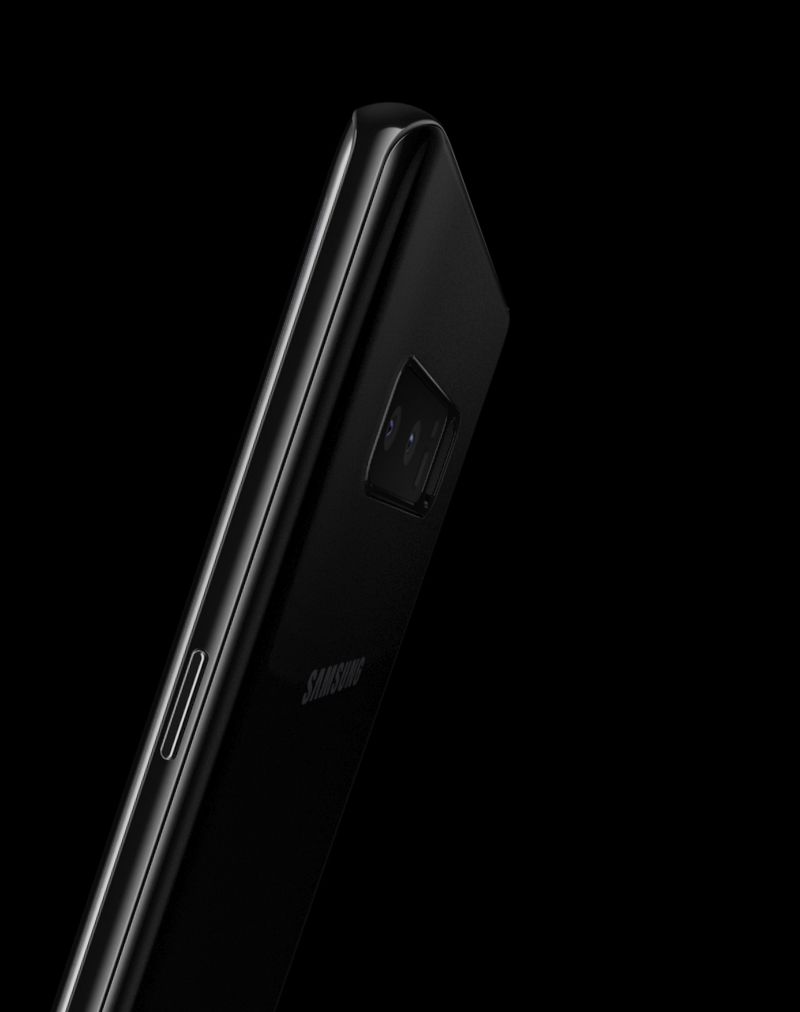
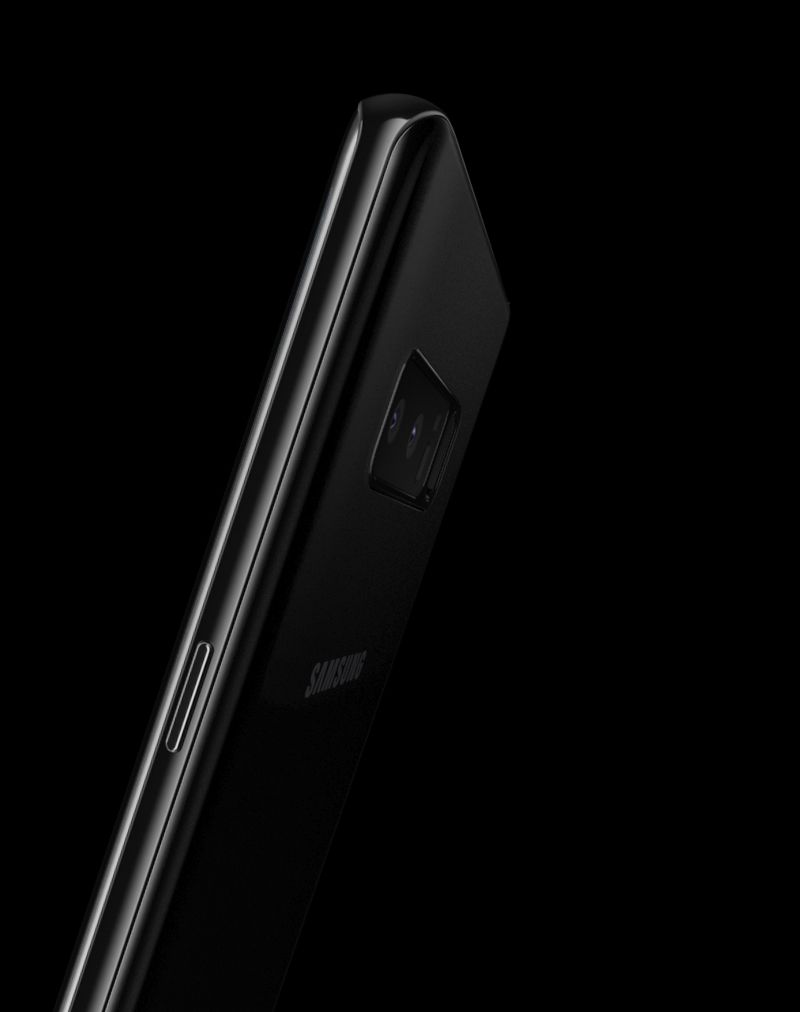
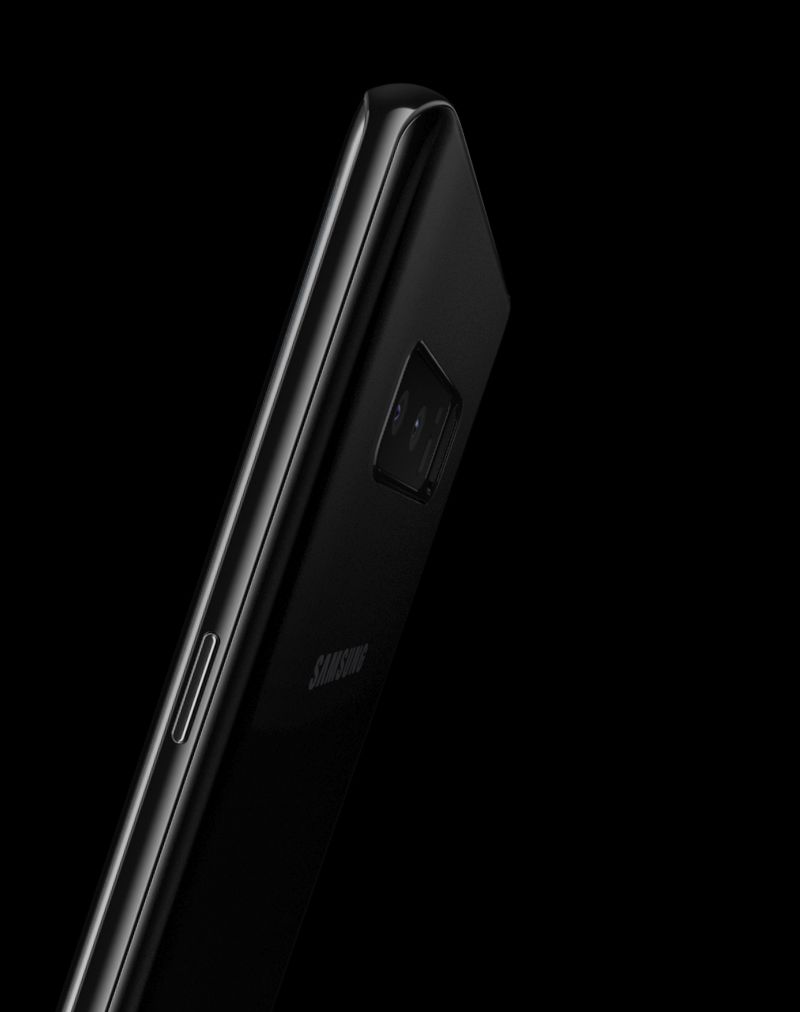
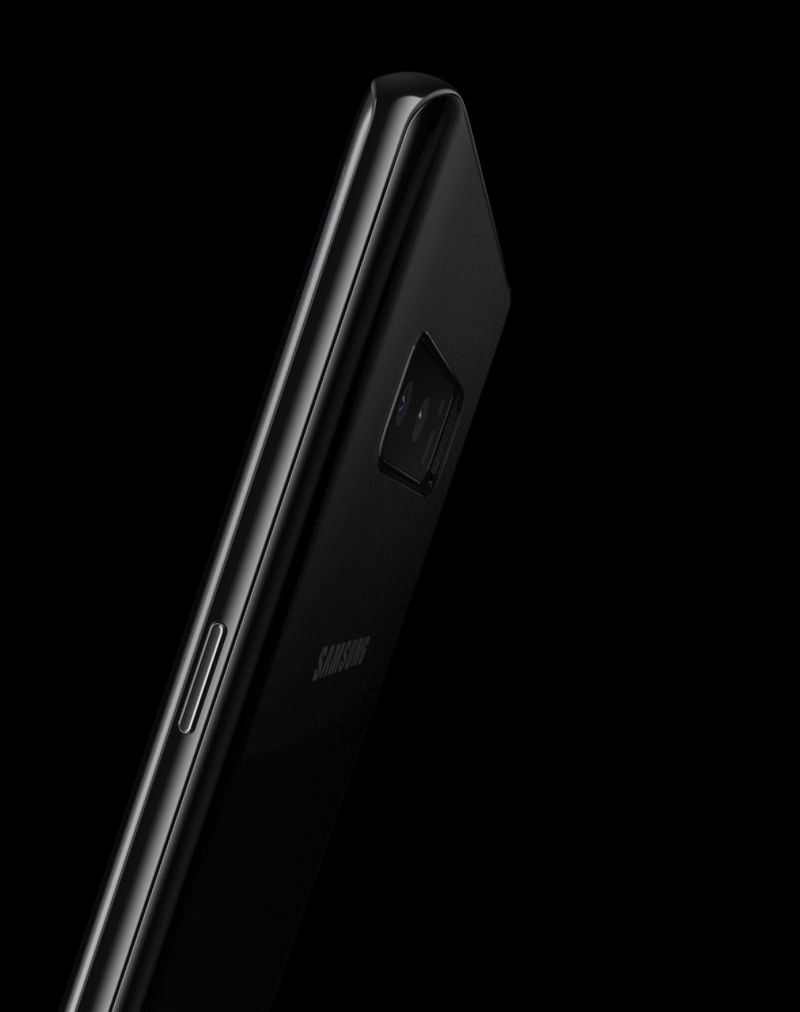
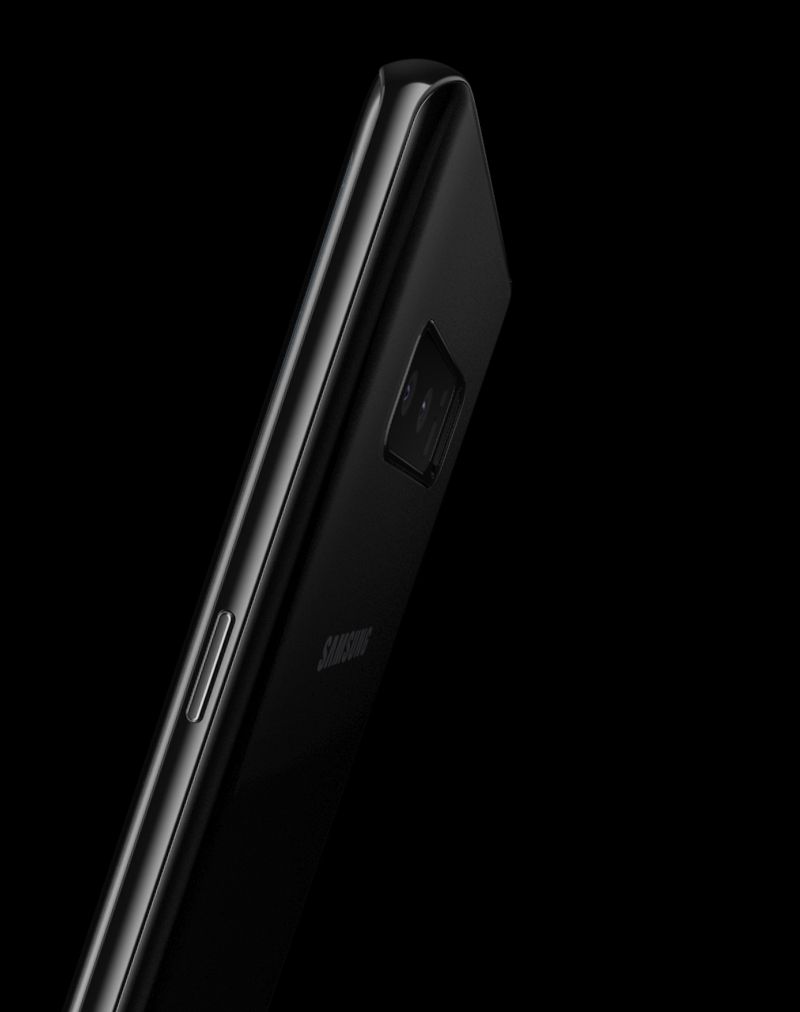
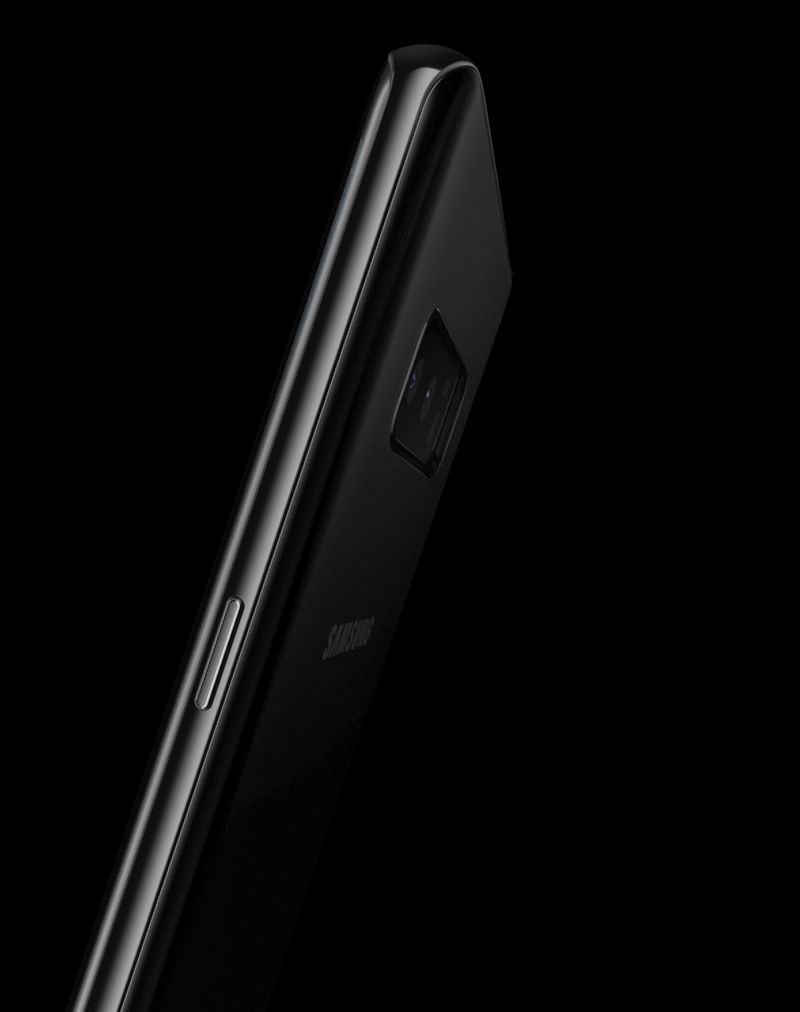
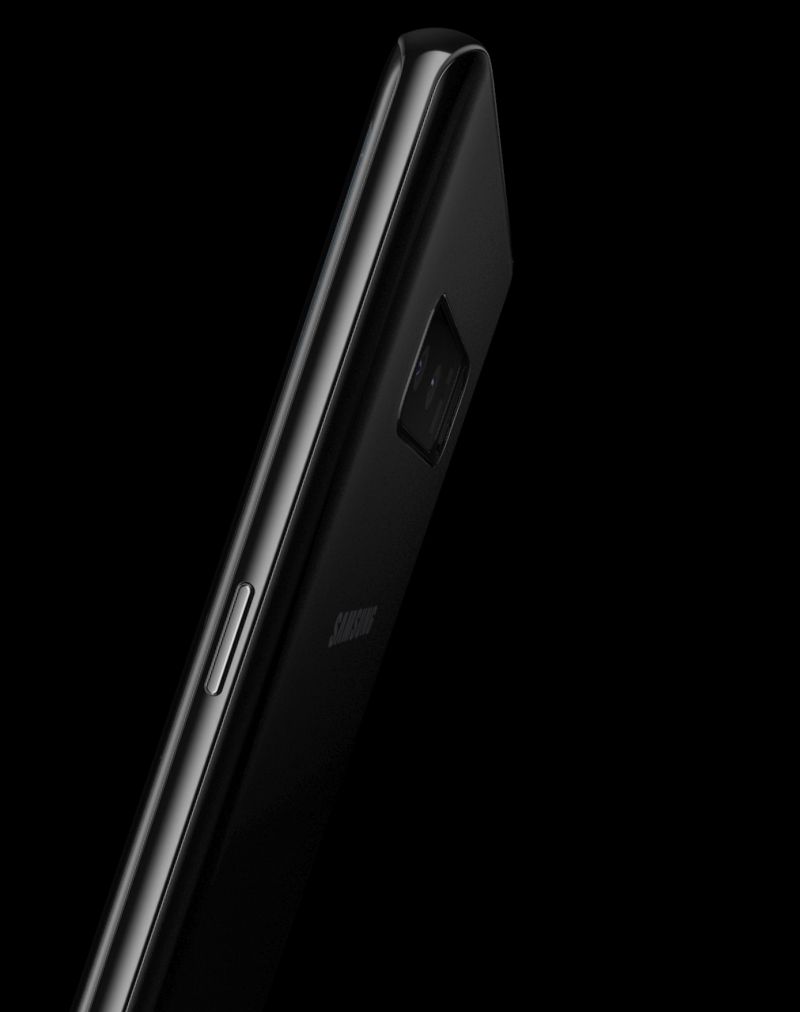
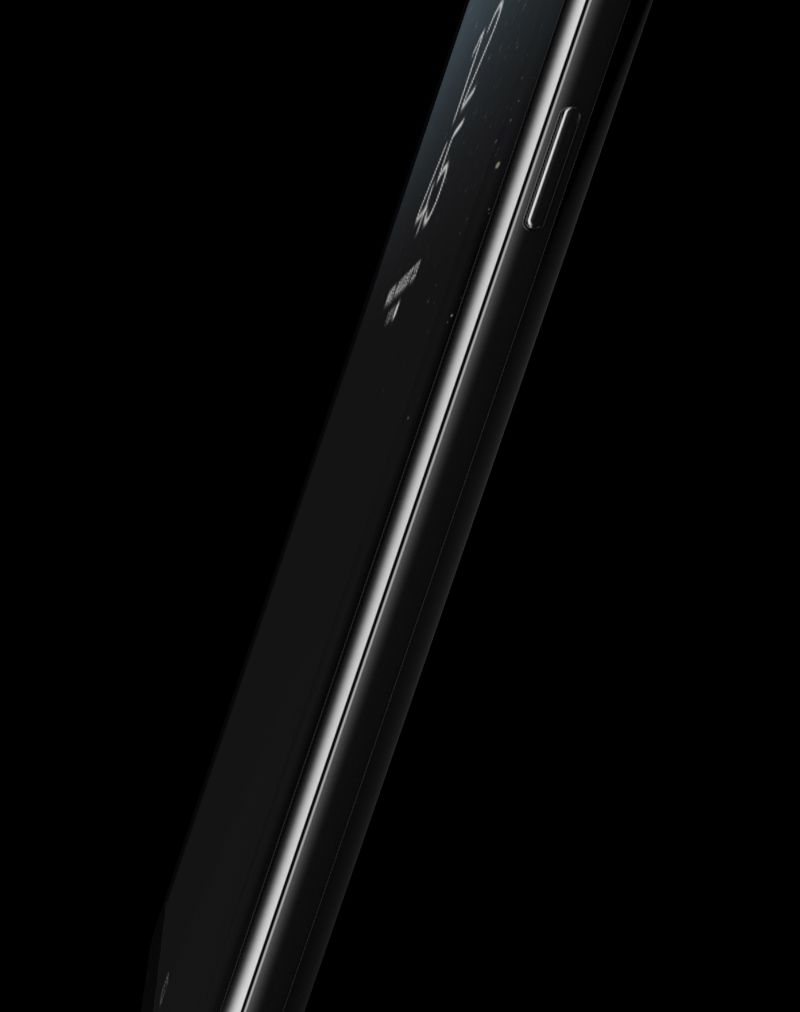
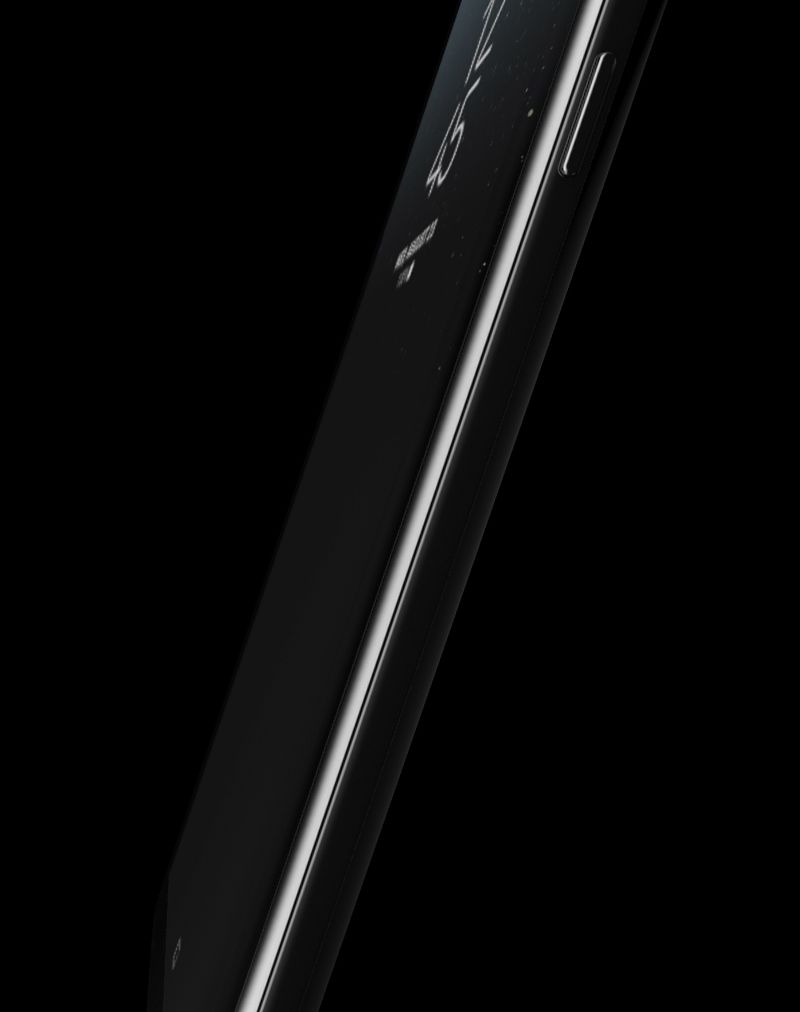
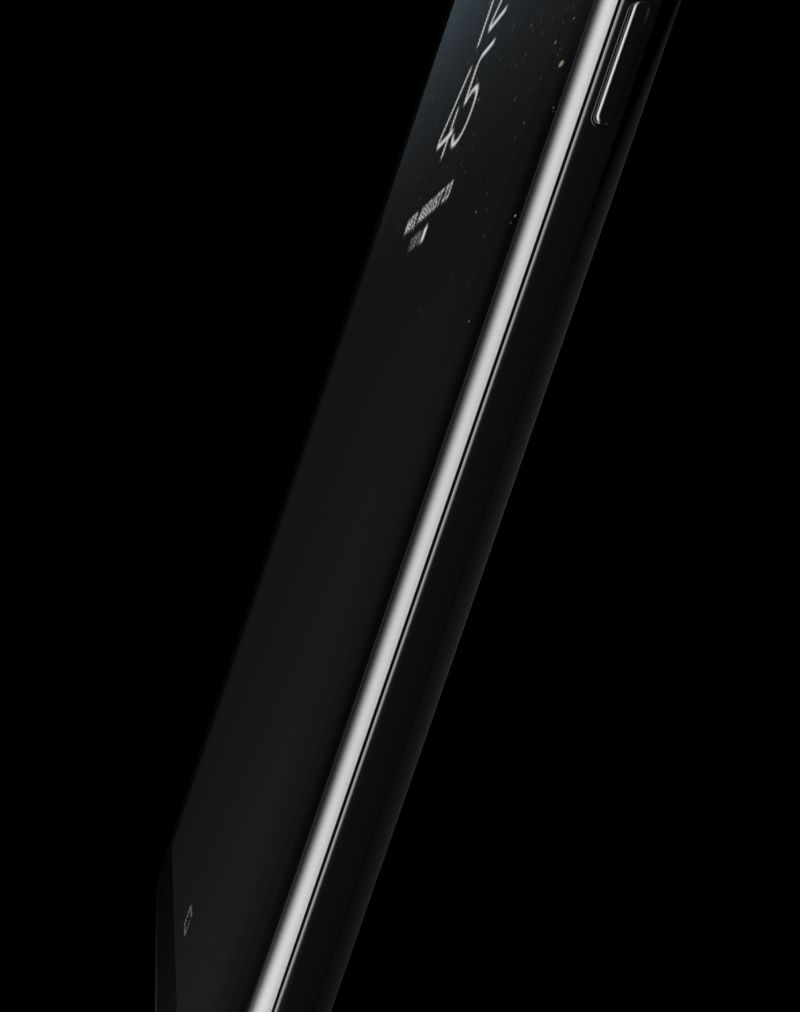
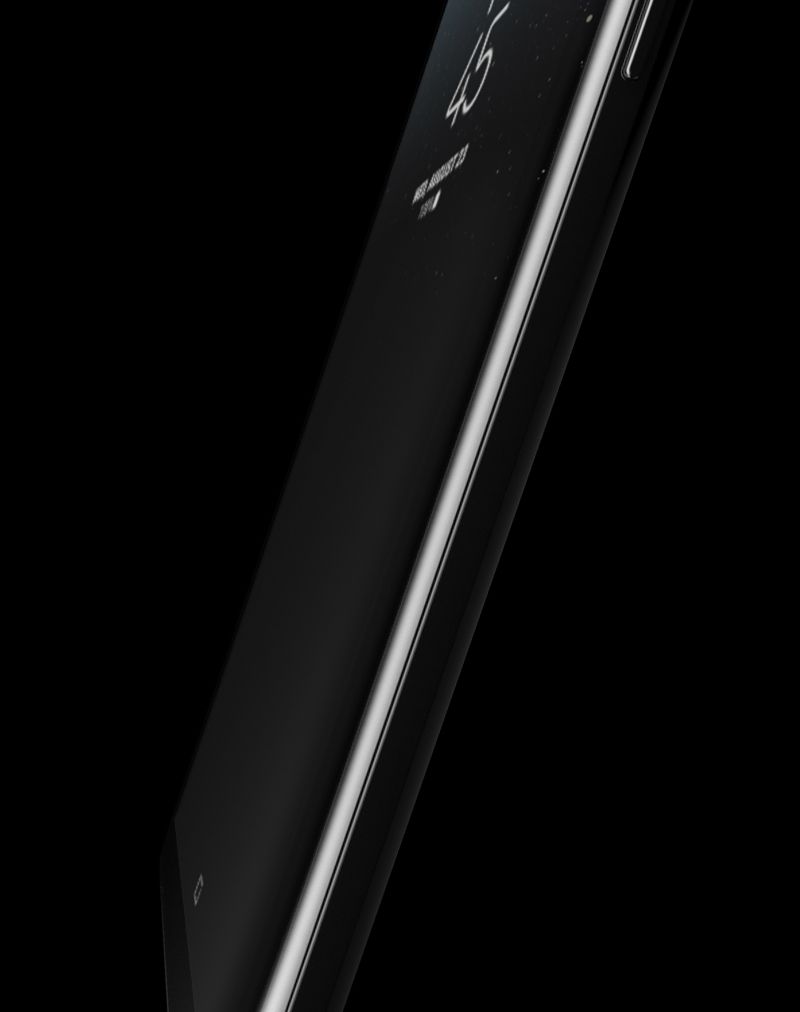
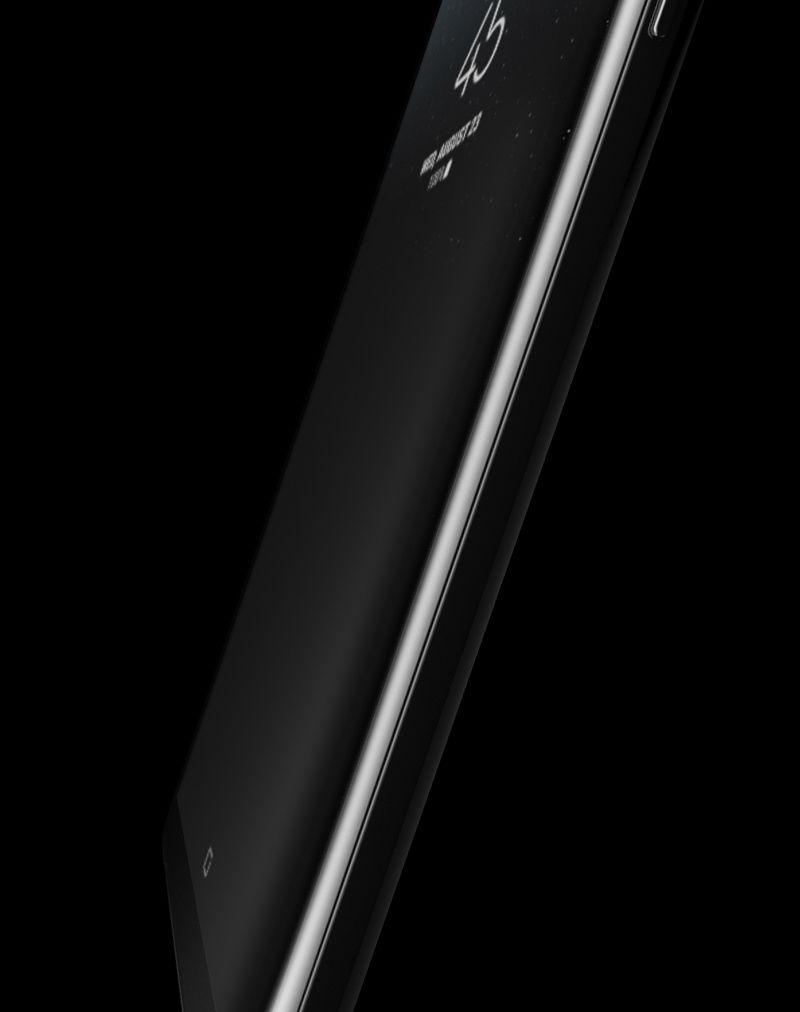
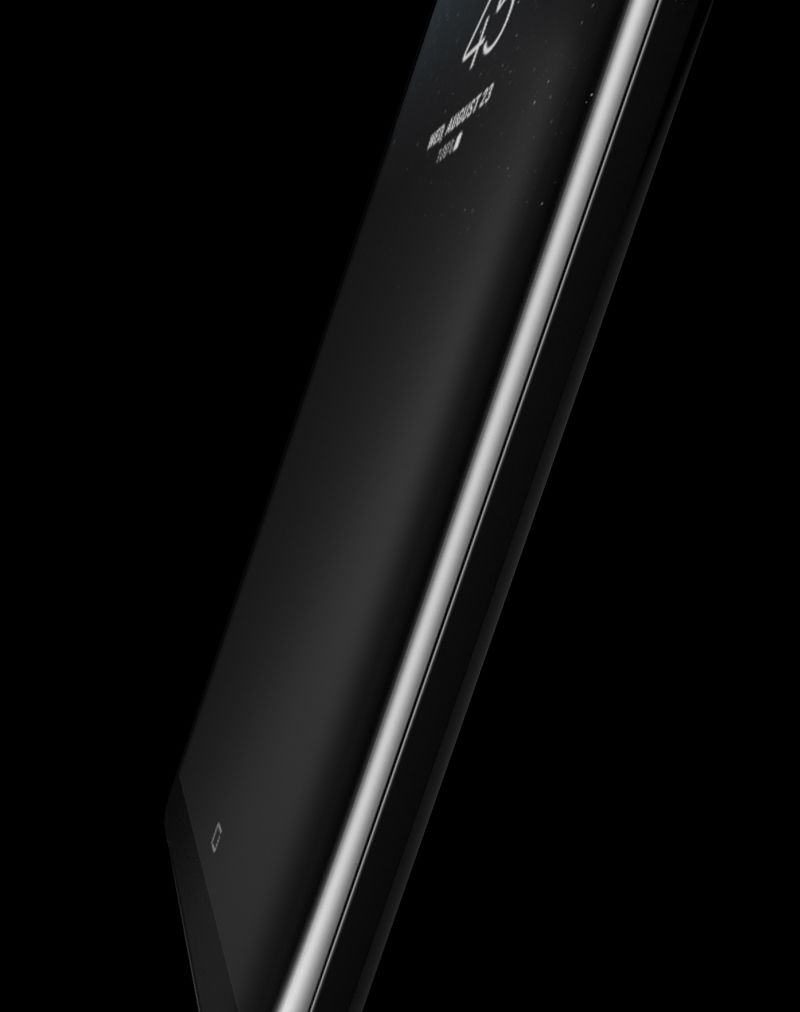
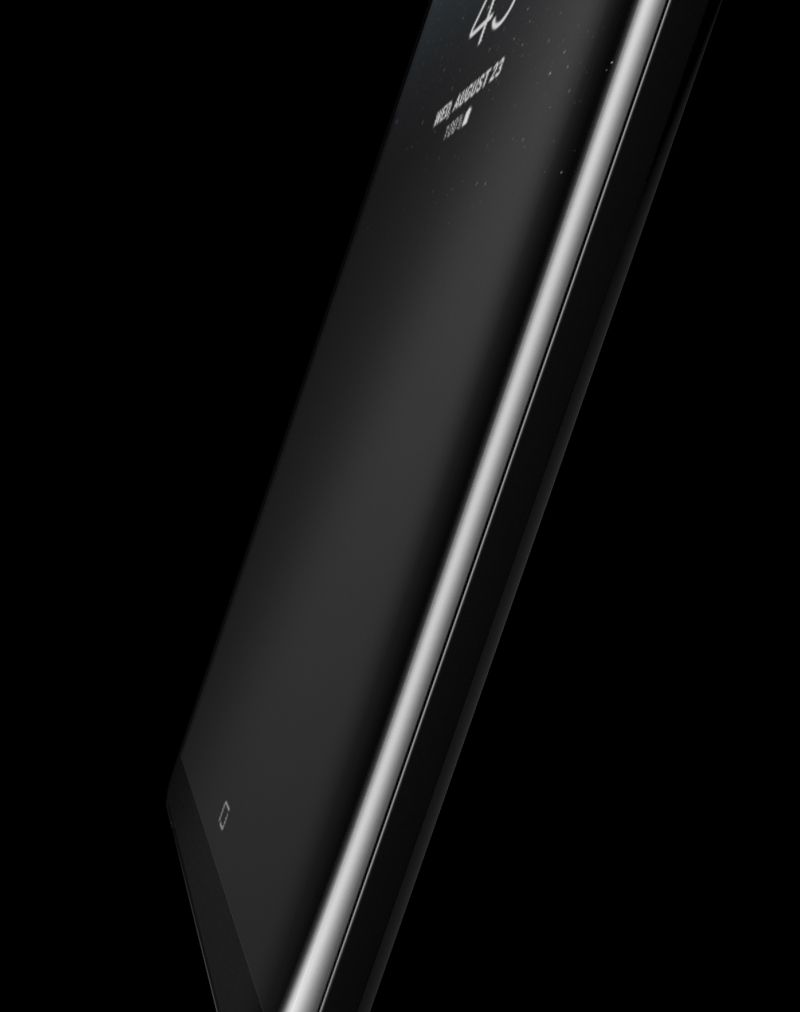
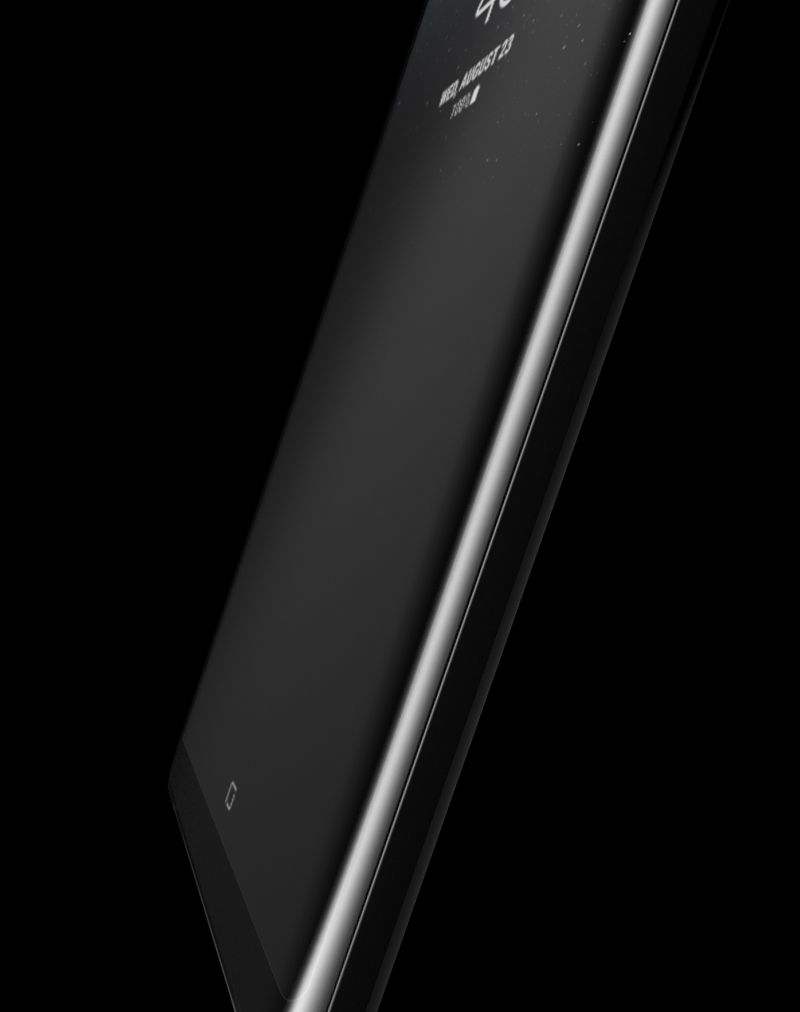
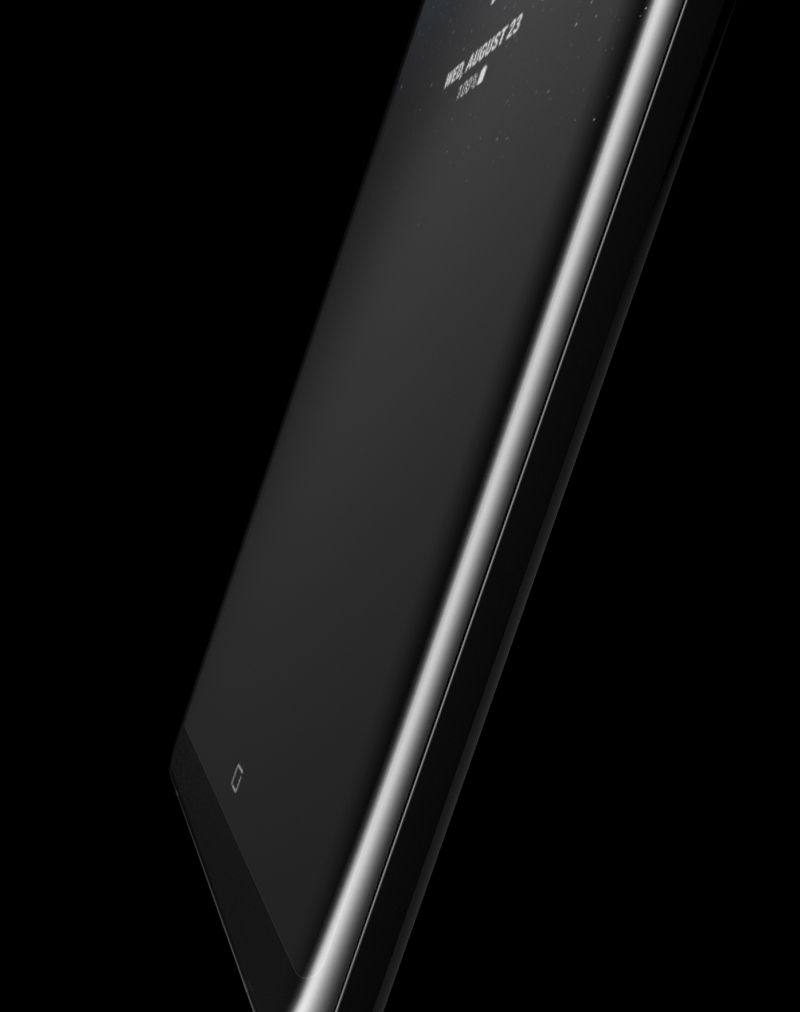
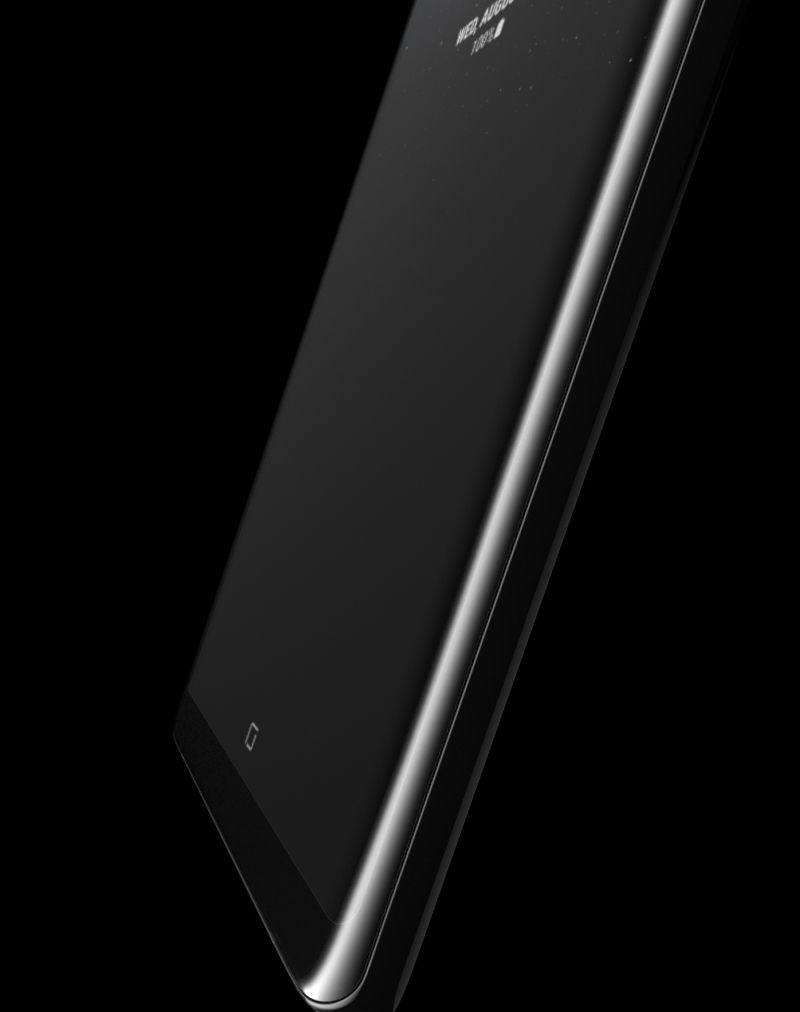
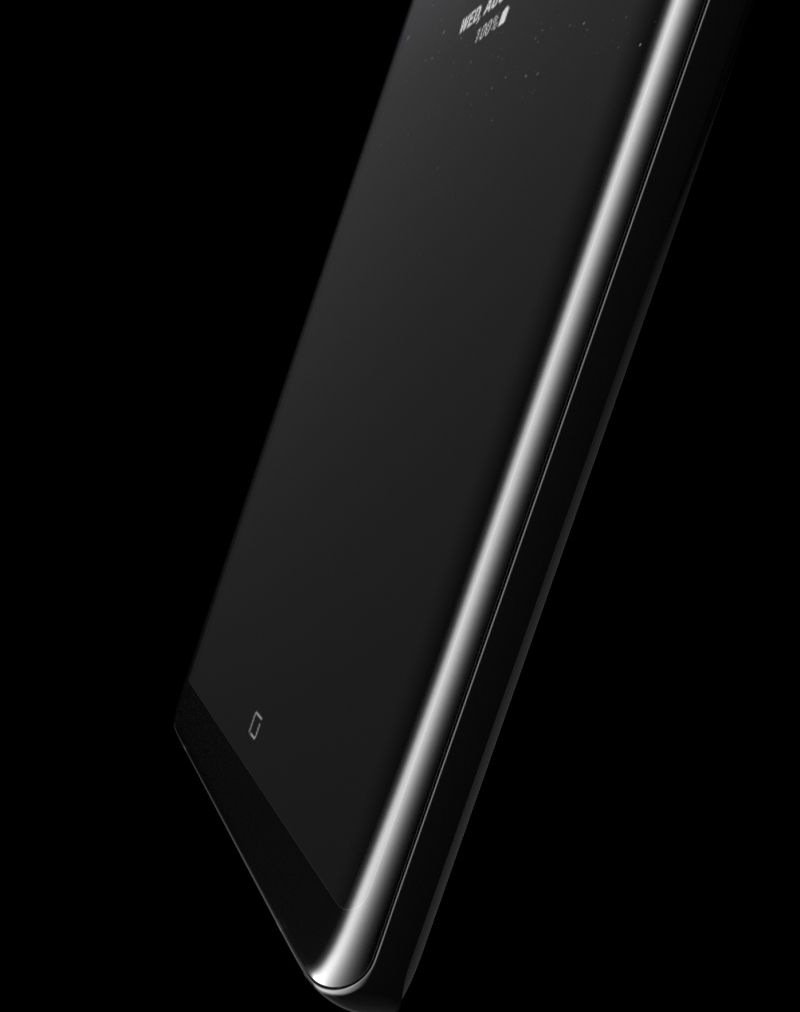
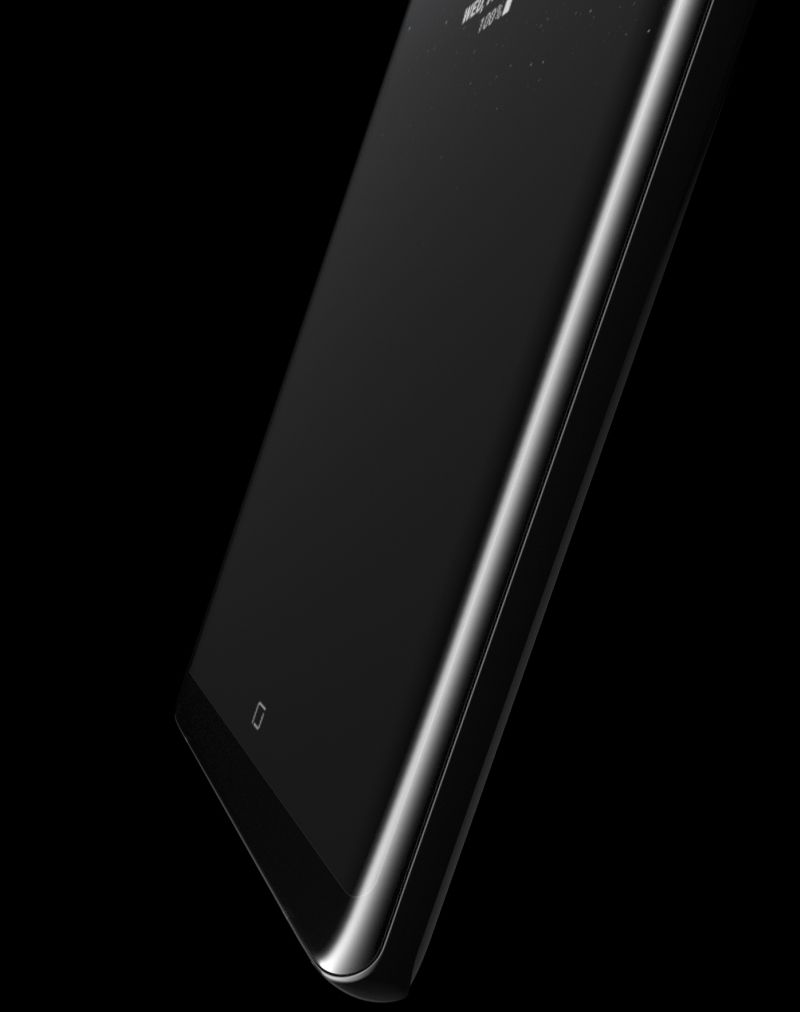
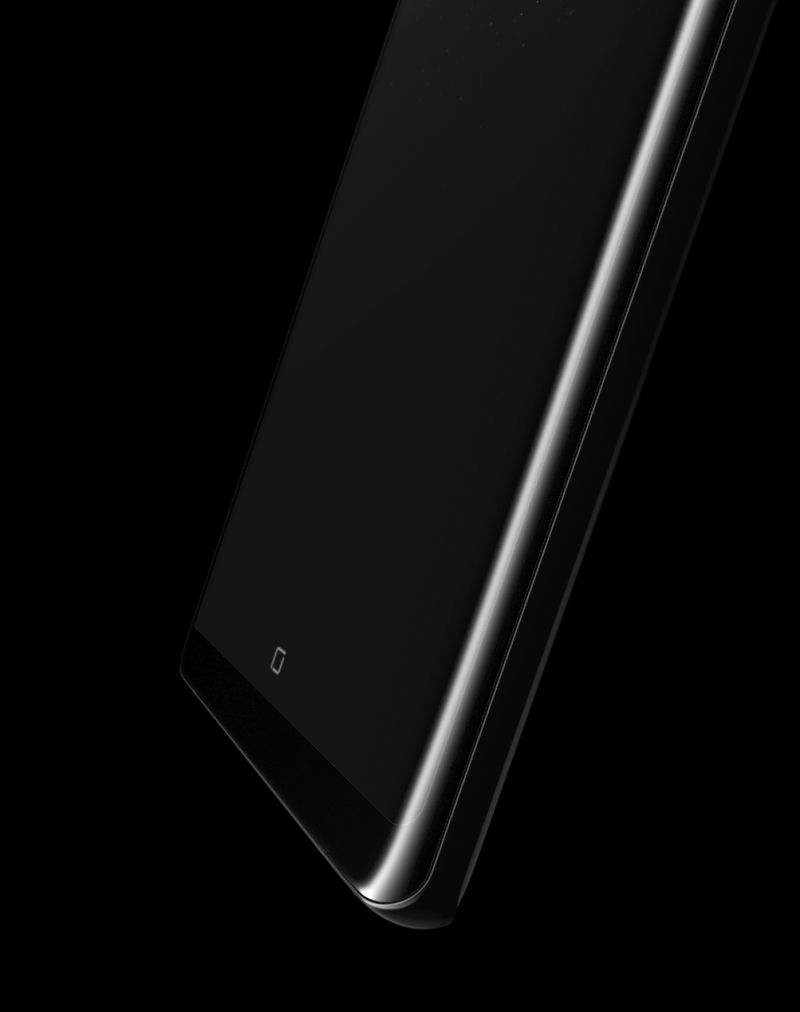
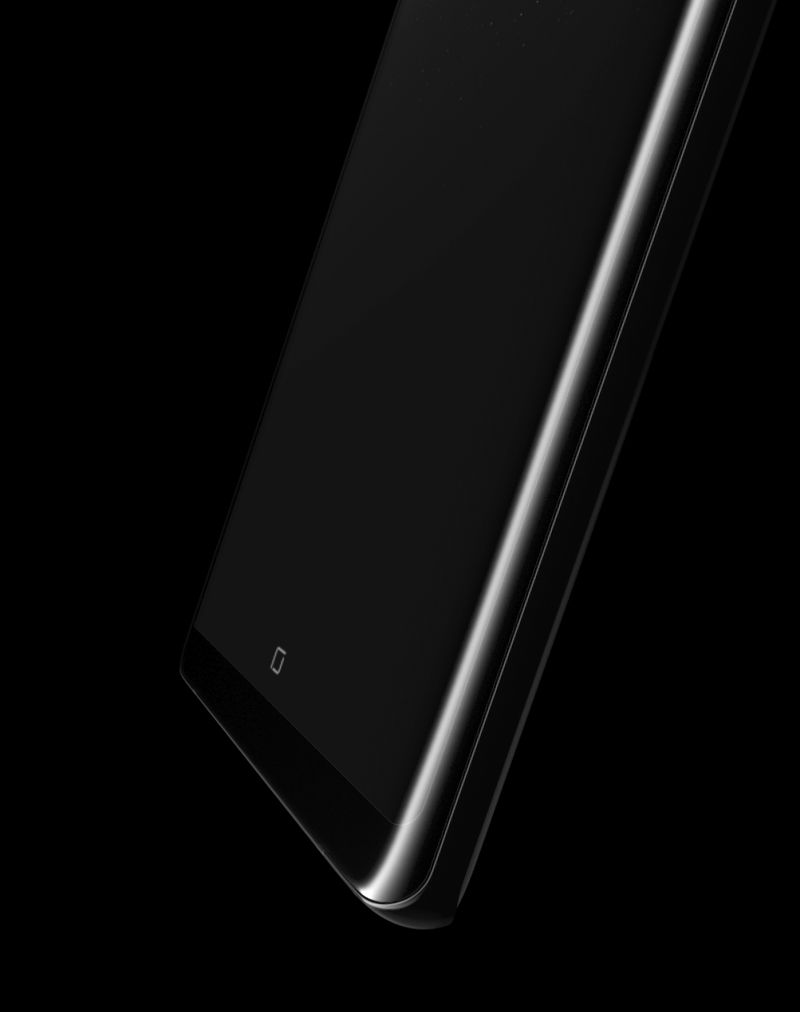
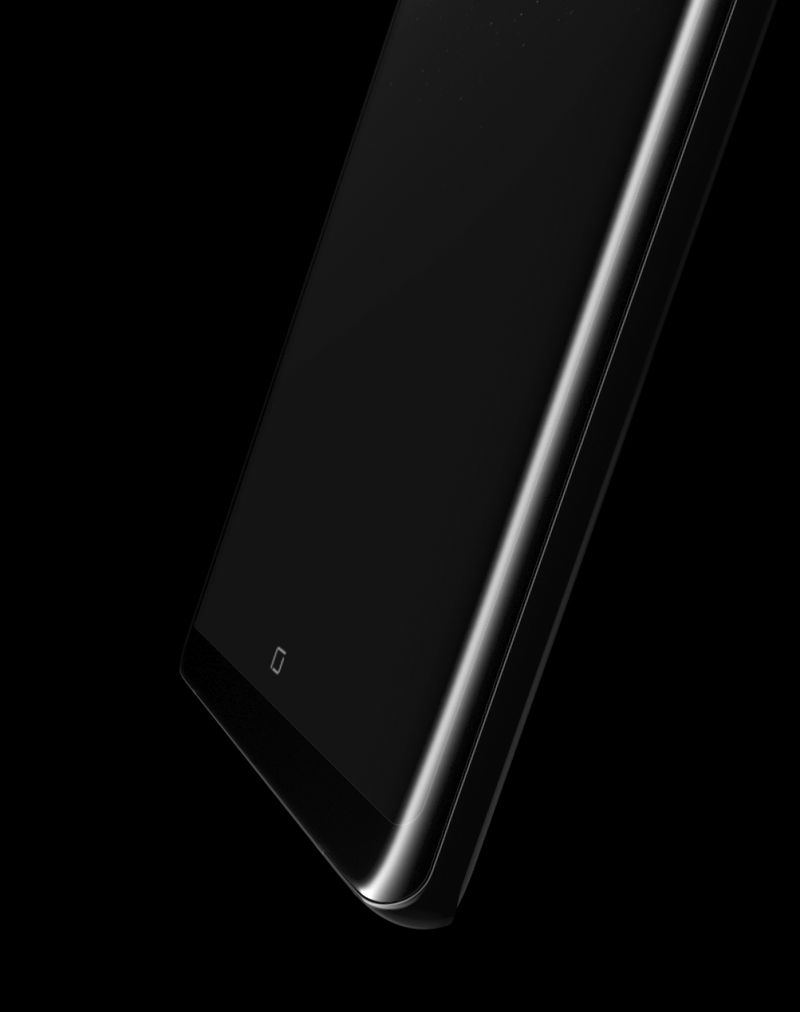
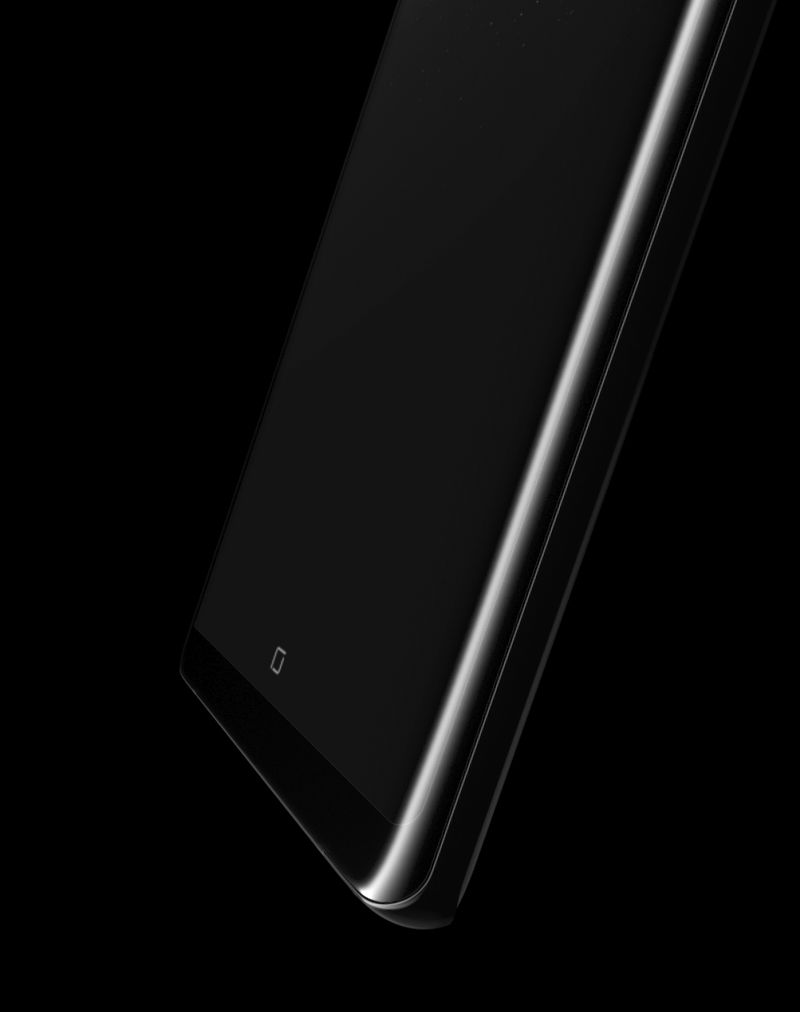
The innovation of the Galaxy Note8's design makes possible the 6.3" Infinity Display. It's the biggest ever for a Galaxy Note—giving you more screen for a bigger view and more space to use the S Pen. And it still fits comfortably in your hand because the symmetric curves and 18.5:9 aspect come together for a narrow body.

*Infinity Display: a near bezel-less, full-frontal glass, edge-to-edge screen.

*Default resolution is Full HD+ and can be changed to Quad HD+ (WQHD+) in Settings.

*Screen measured diagonally as a full rectangle without accounting for the rounded corners.
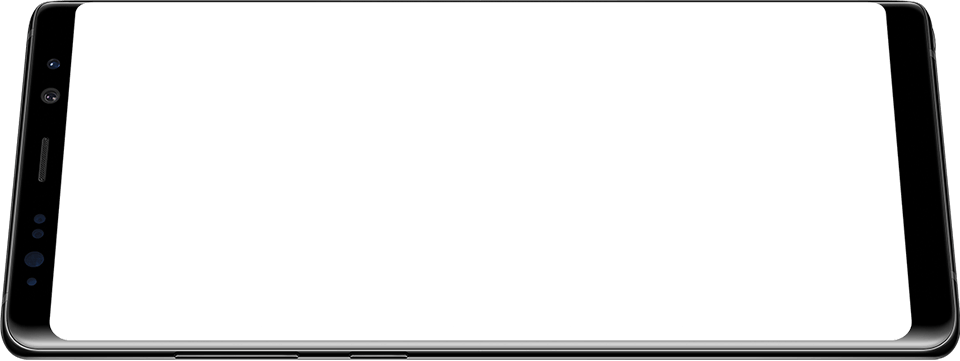
Galaxy Note8 in landscape mode half lying on surface
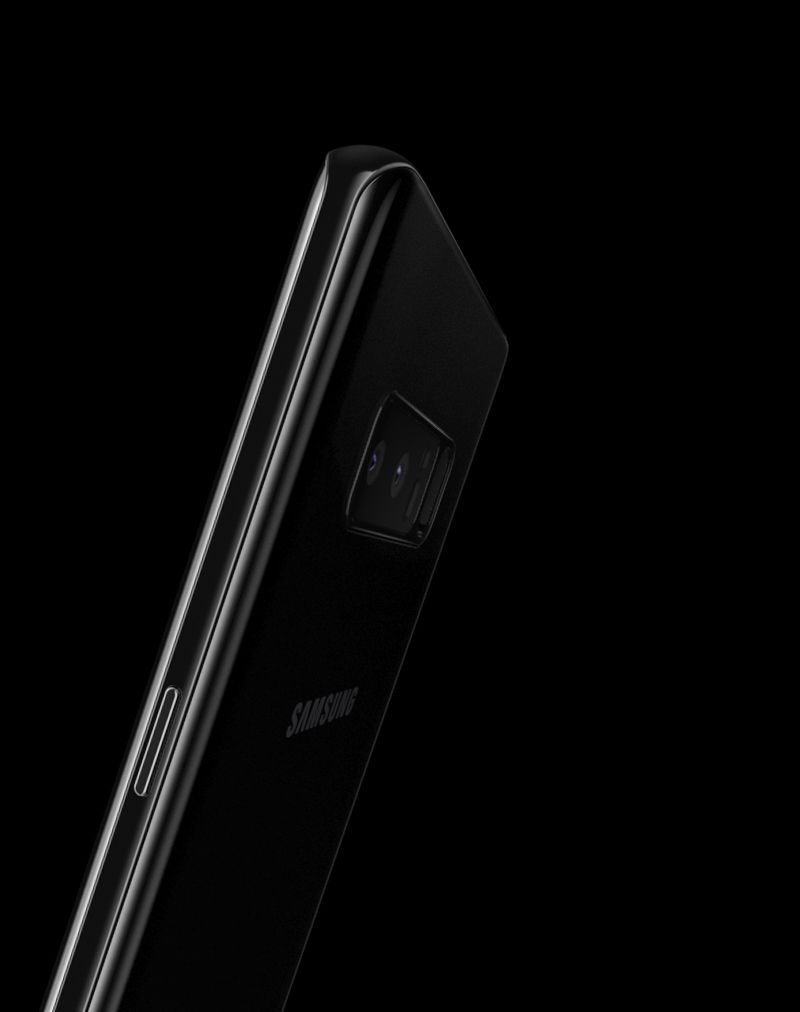
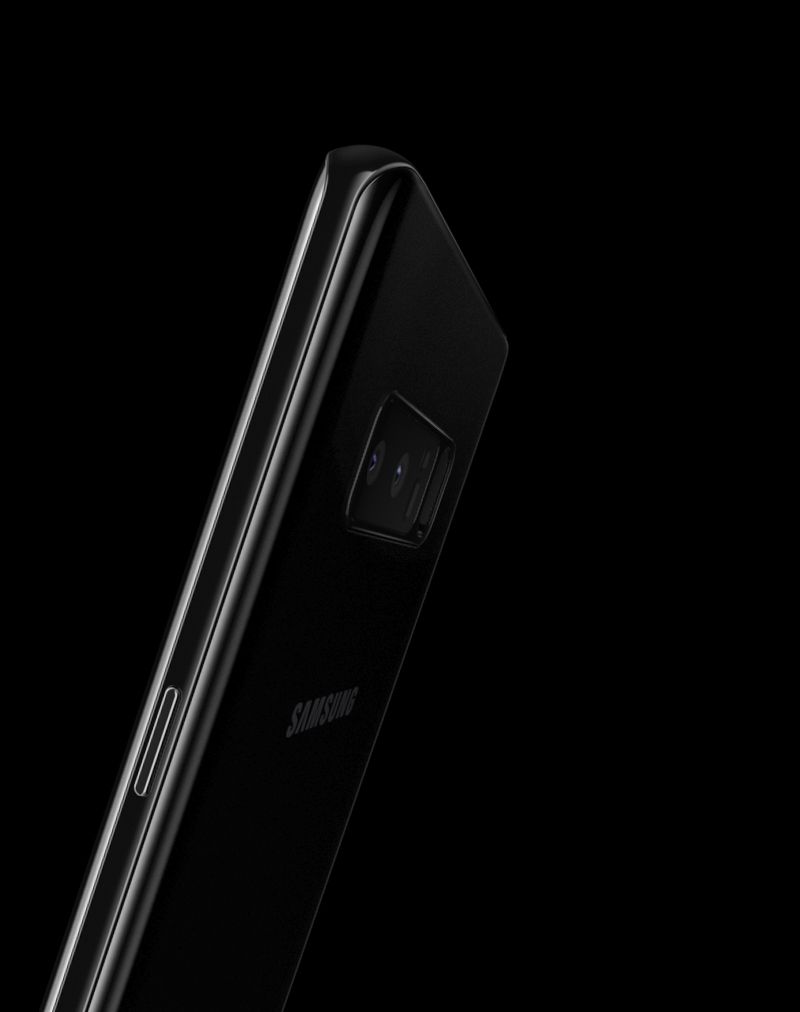
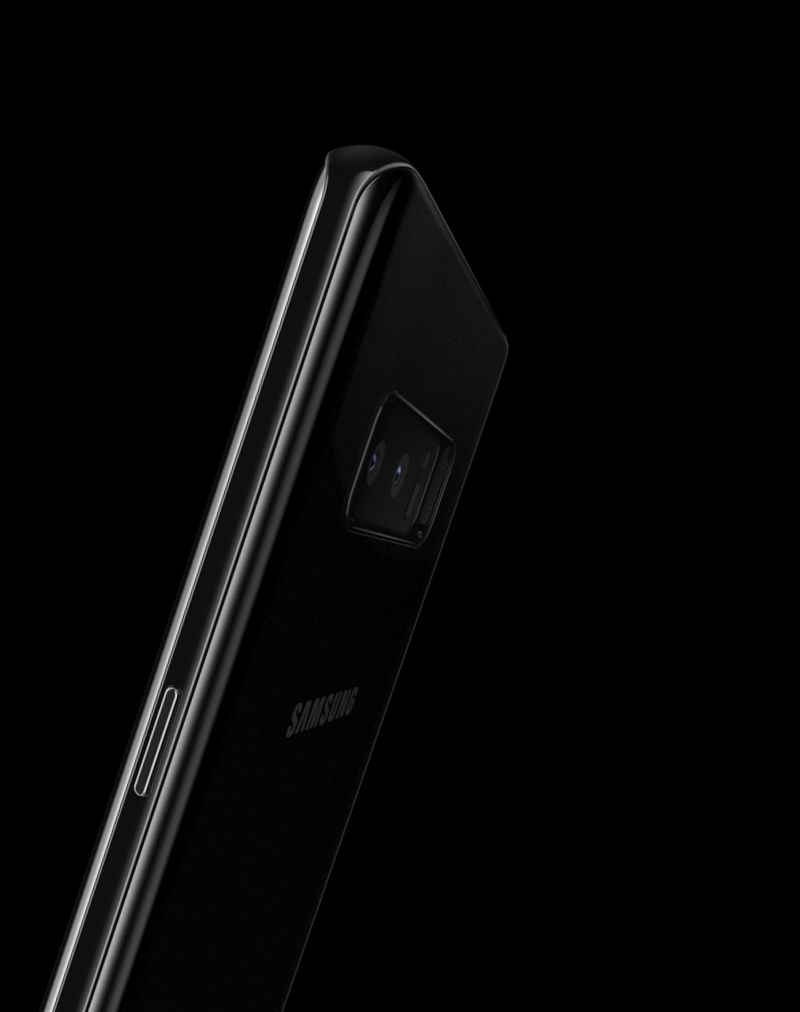
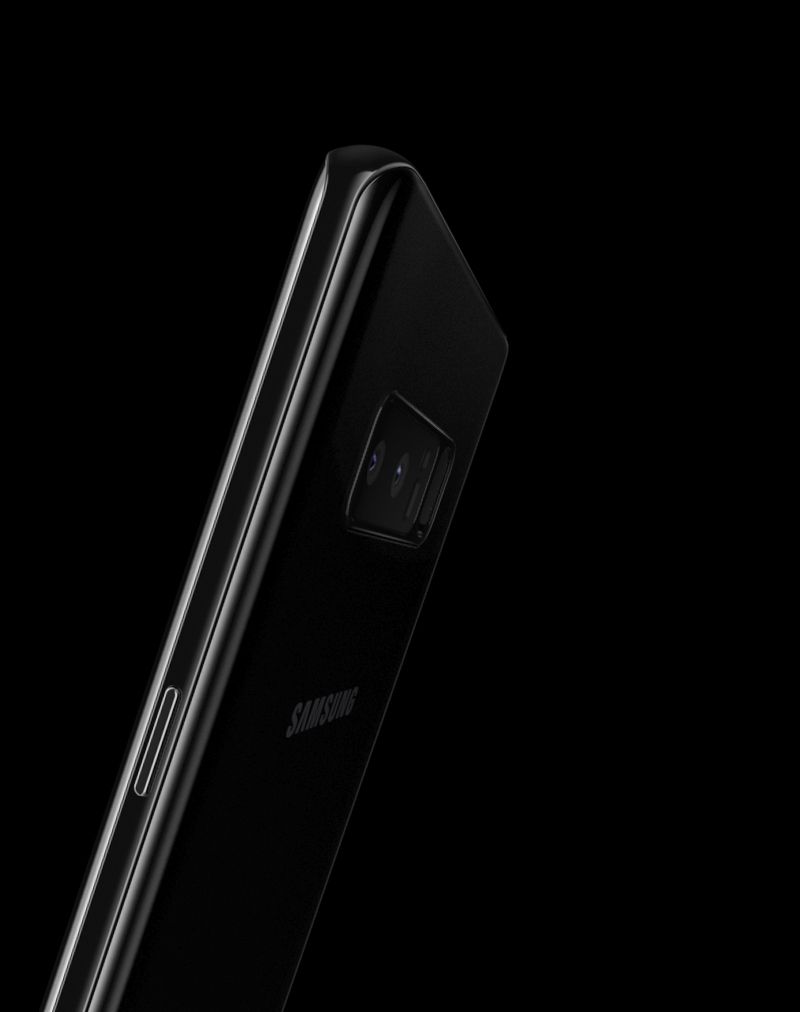
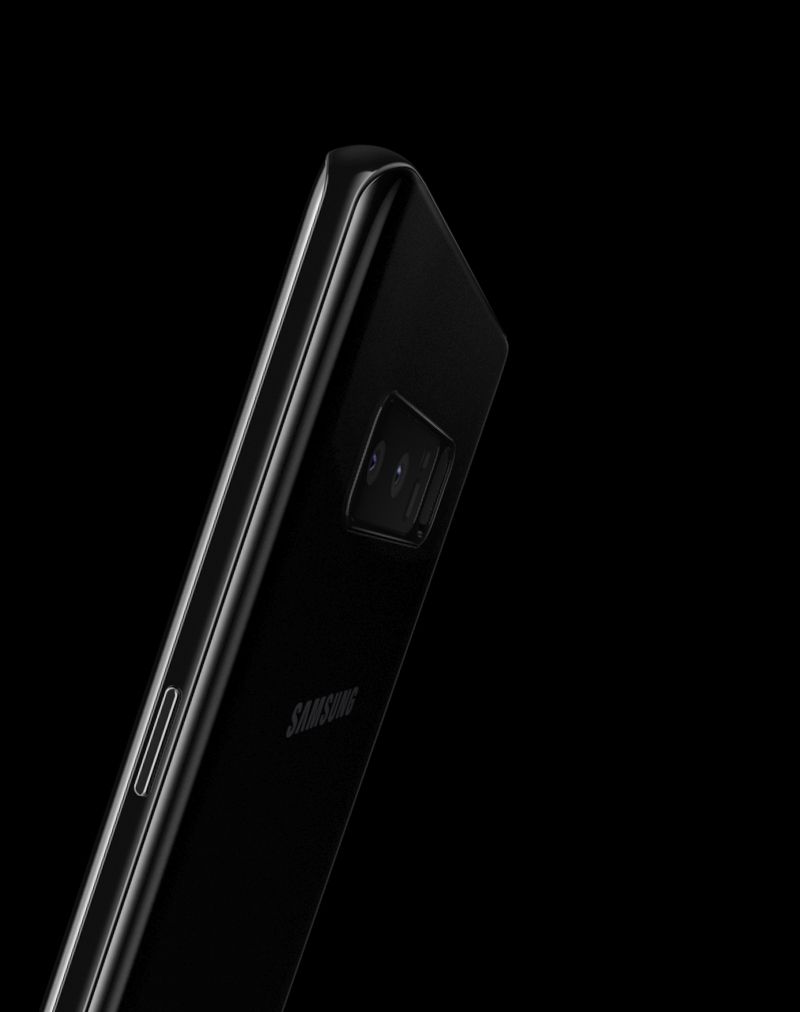
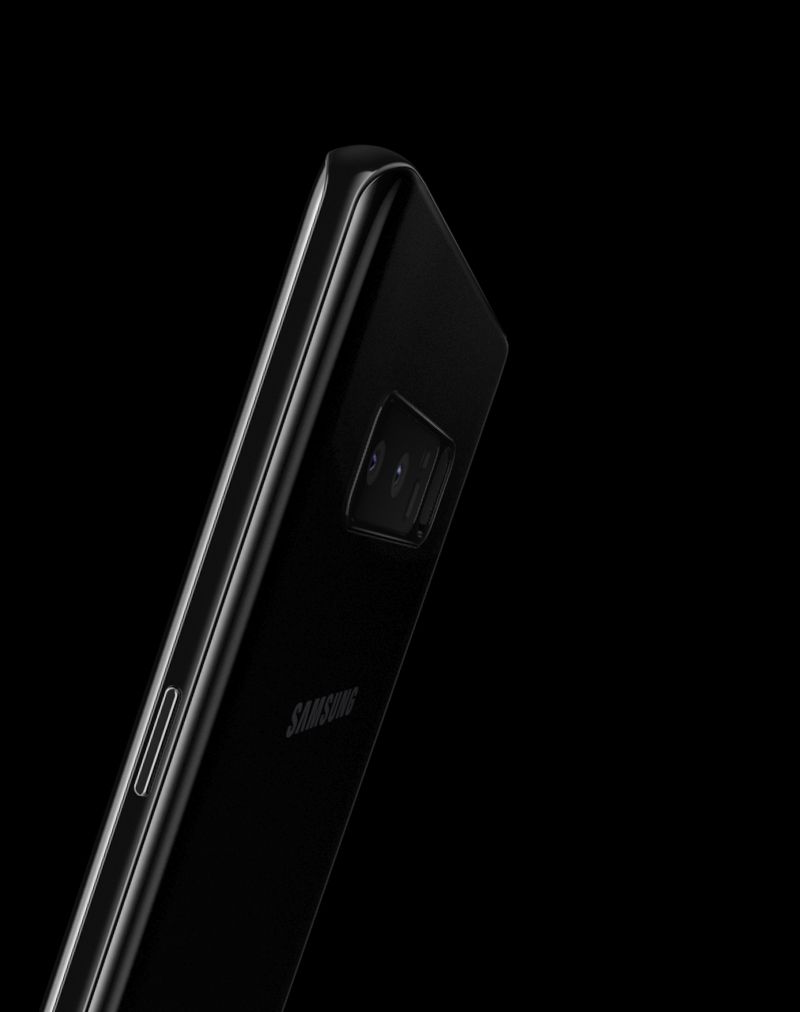
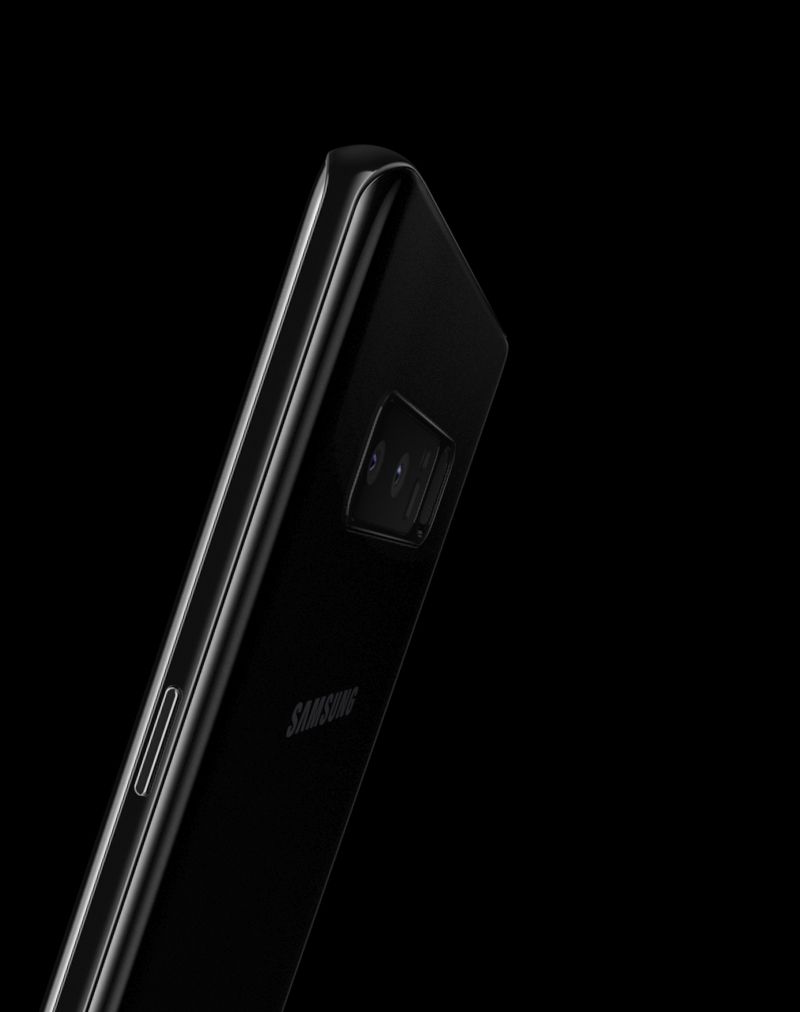
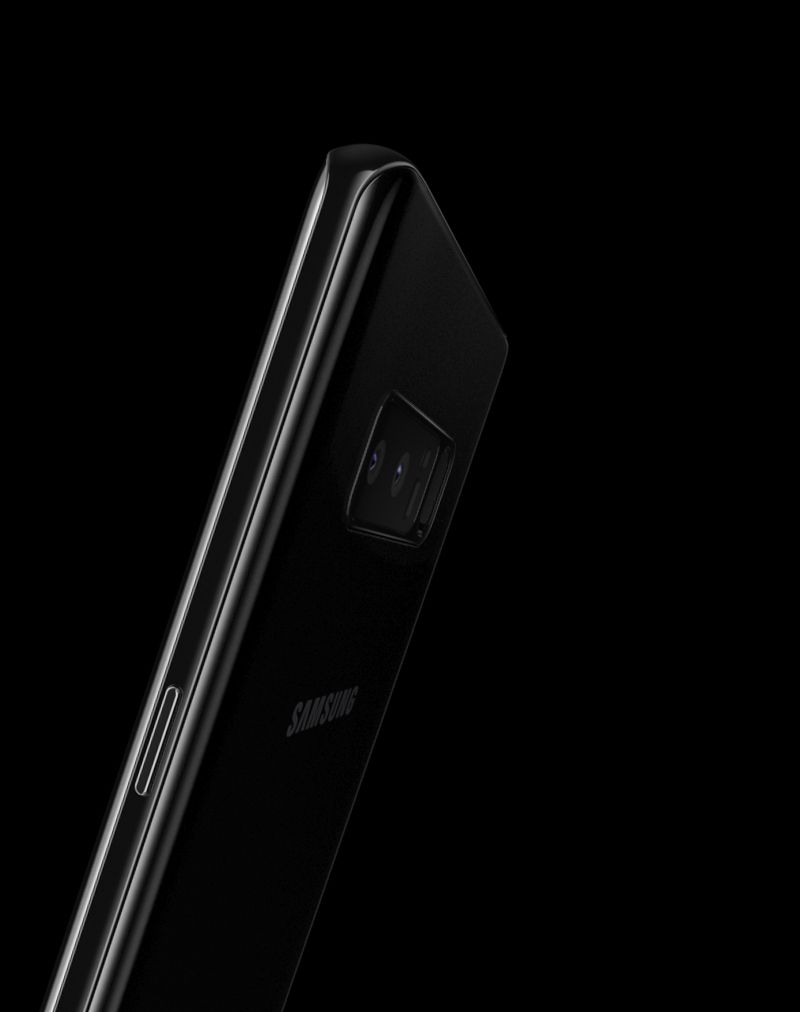
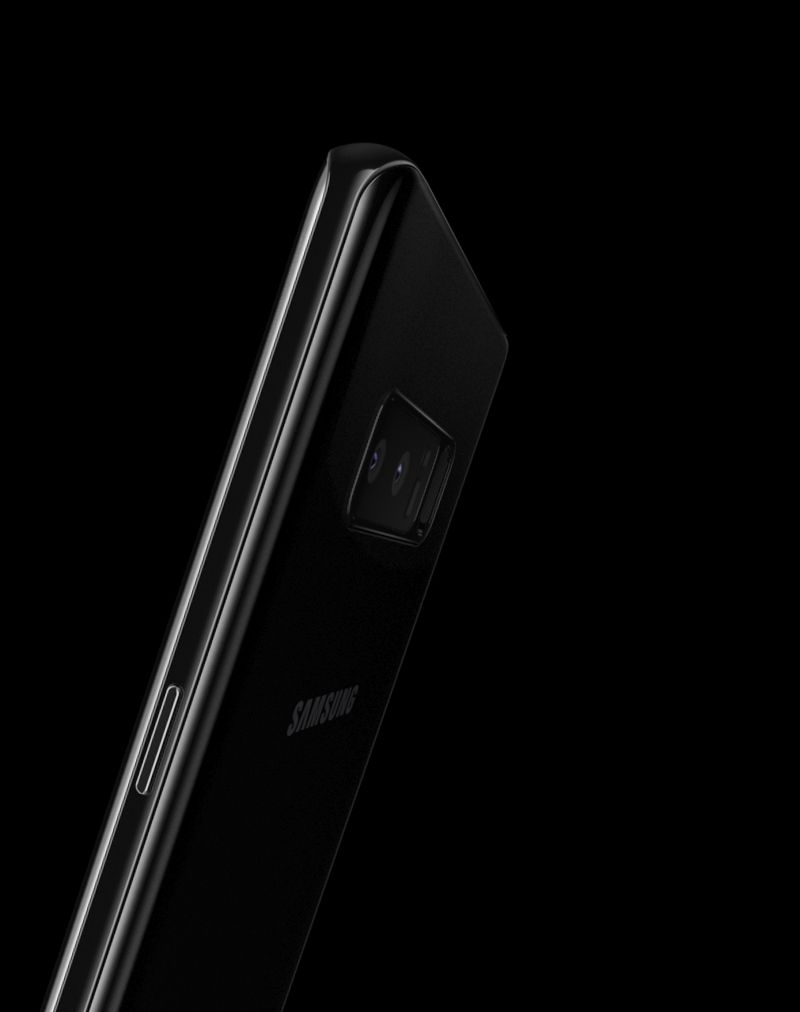
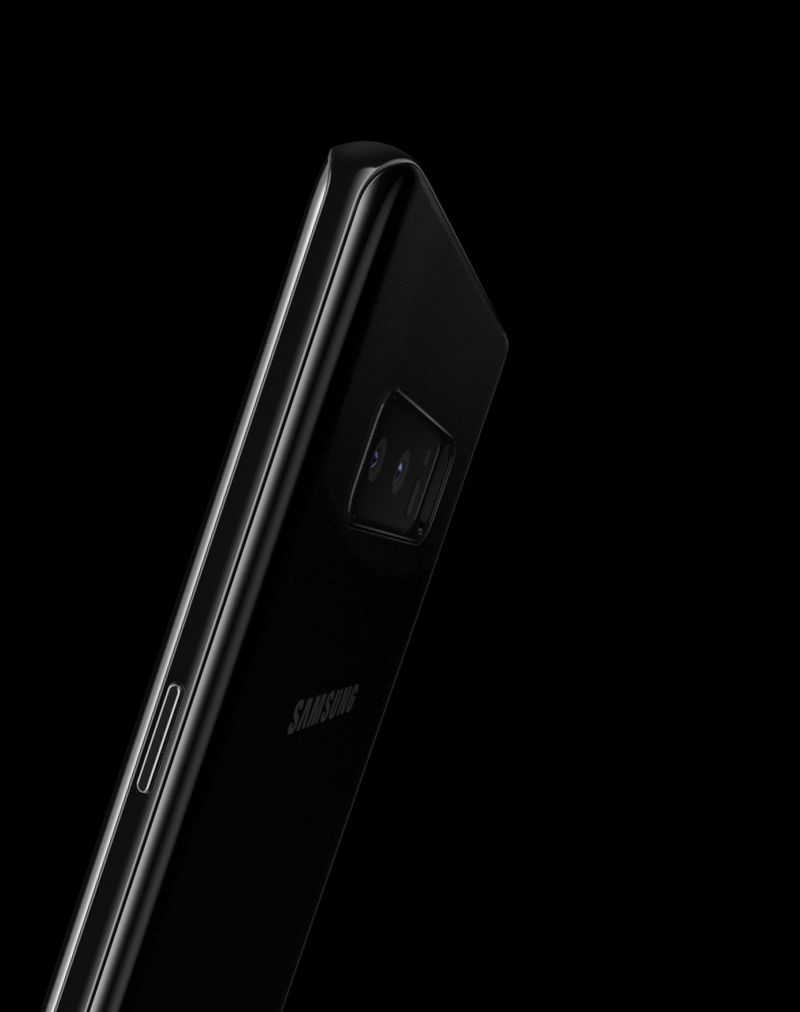
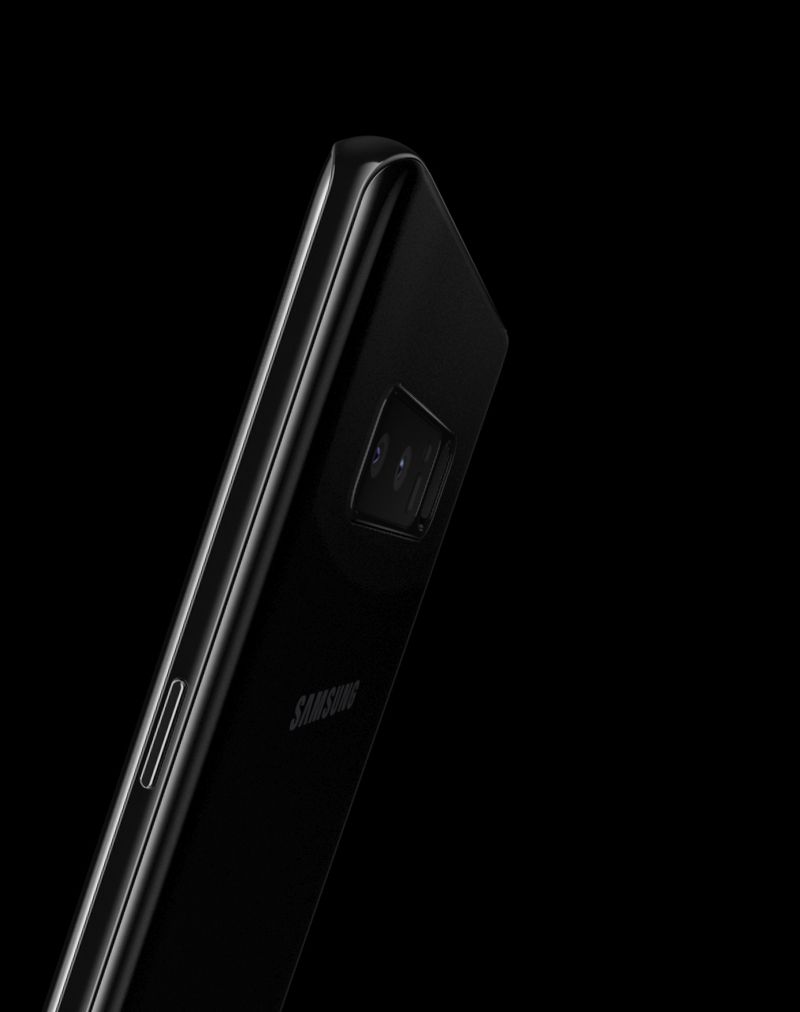
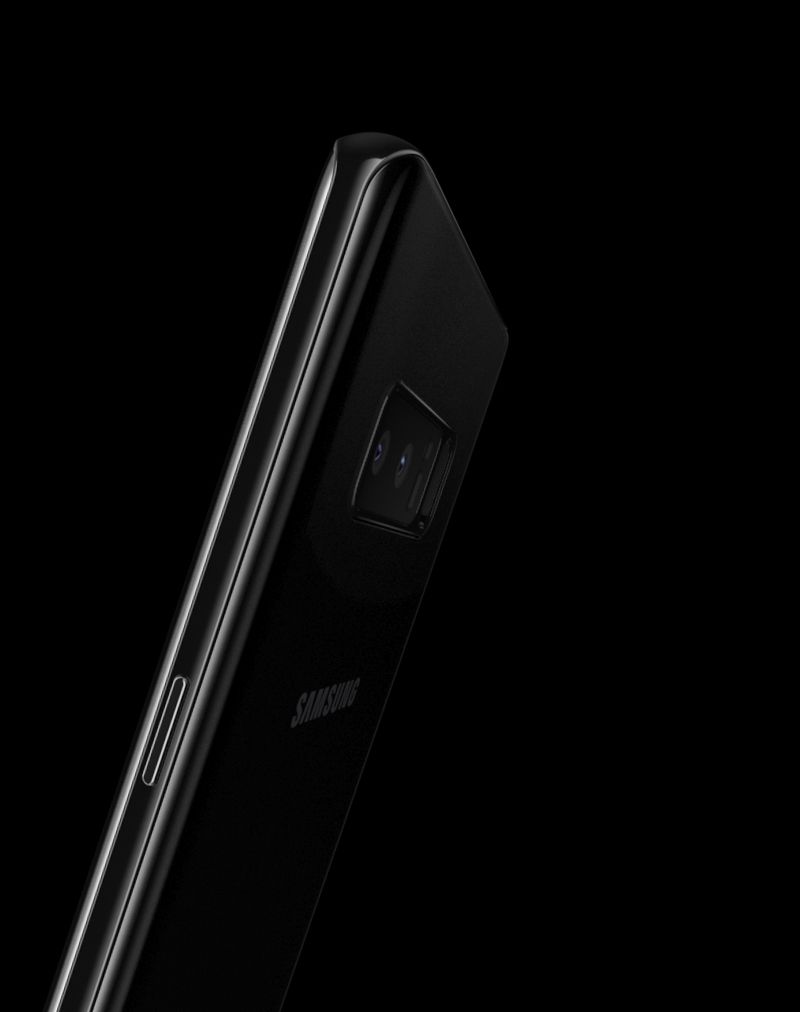
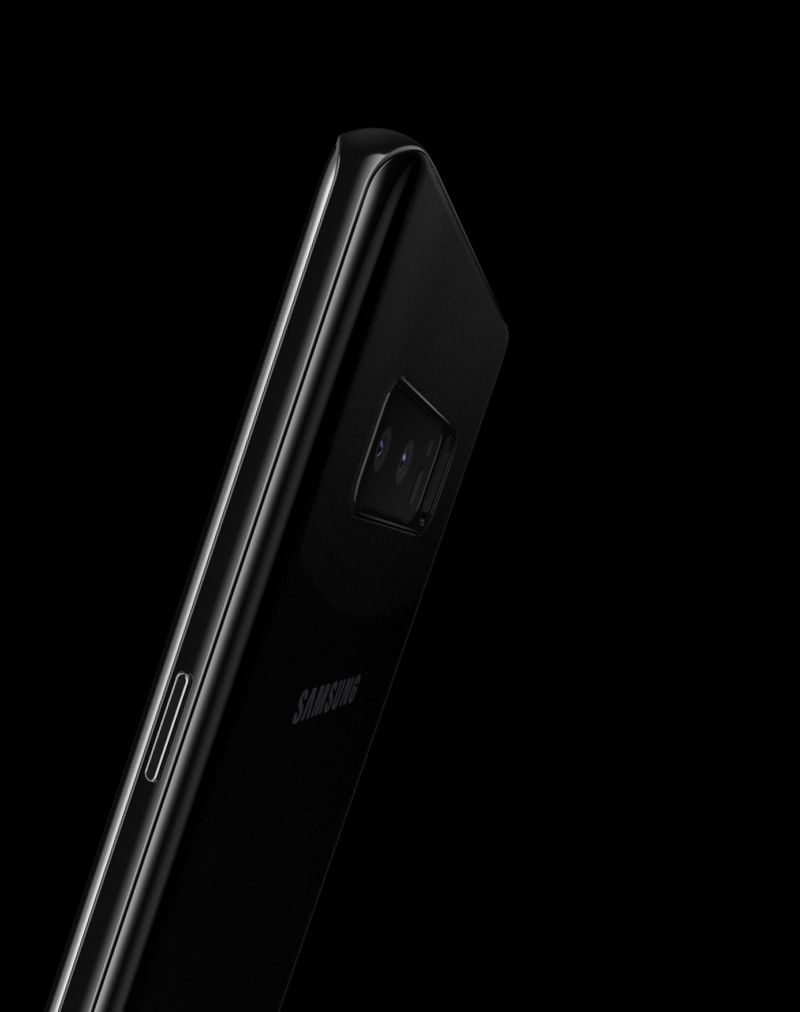
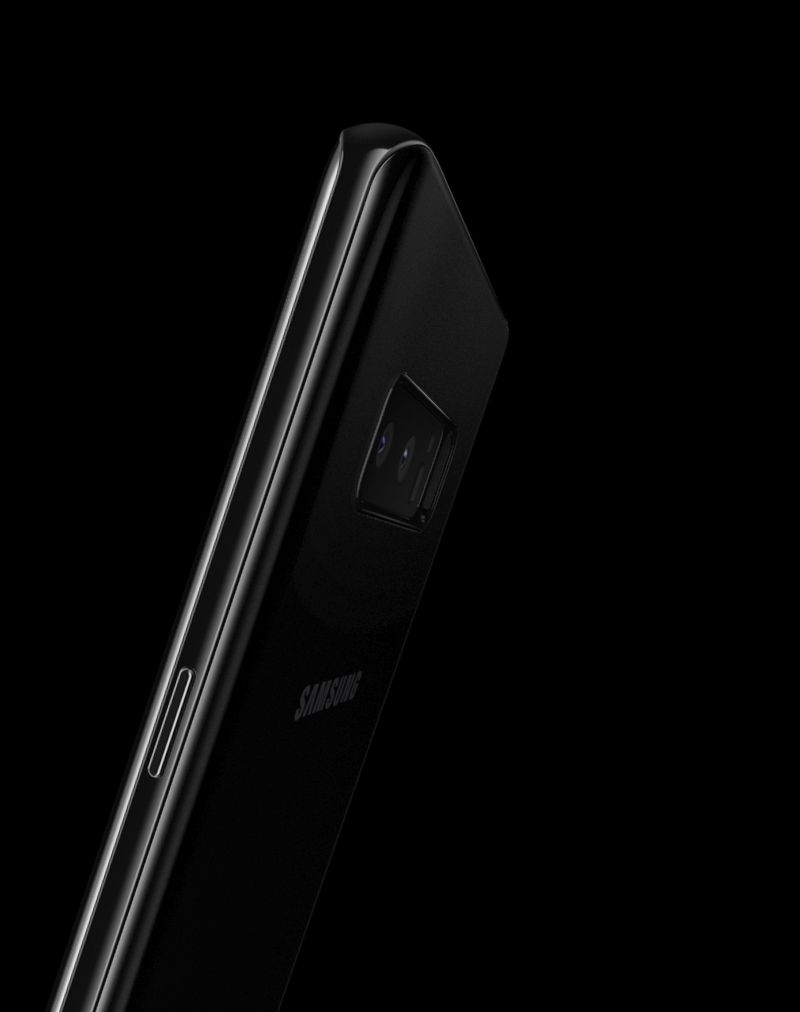
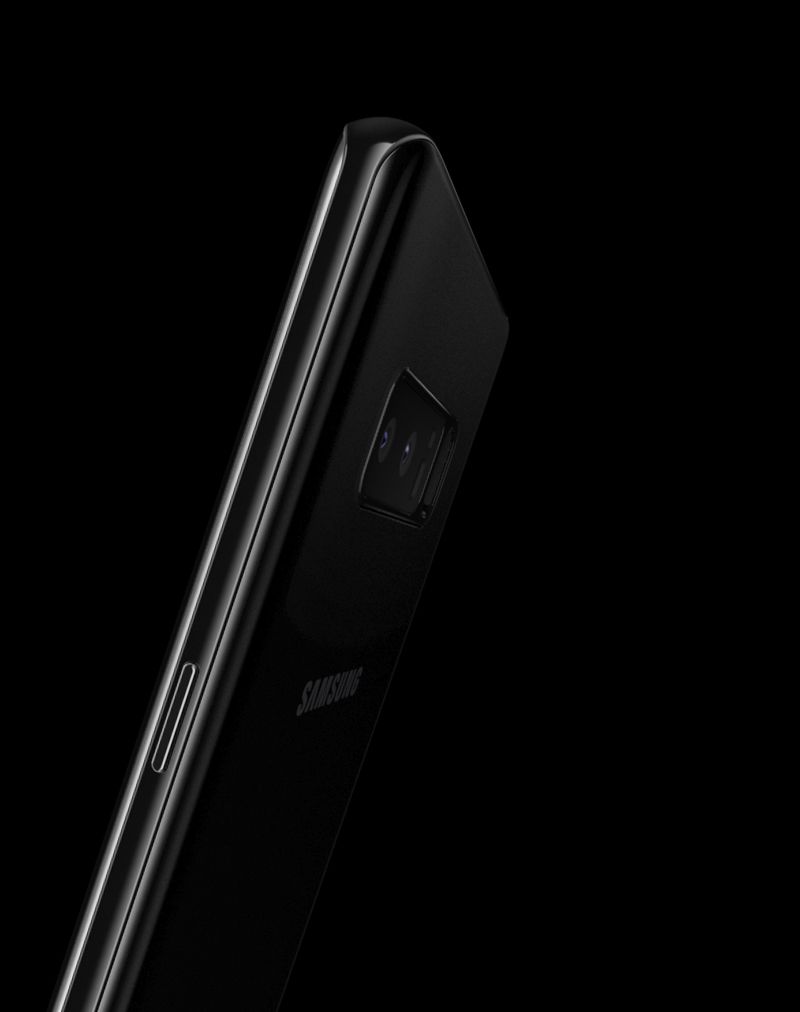
Upper half of the back of Galaxy S8

Wider view

Cinematic experience

Even watching movies is simply more enjoyable with the Infinity Display's 18.5:9 aspect ratio. In landscape mode, the Galaxy Note8 offers a 14% wider viewing area that makes for a richer, more immersive experience that pulls you in wherever you are.

*14% wider viewing area compared to Galaxy Note5.

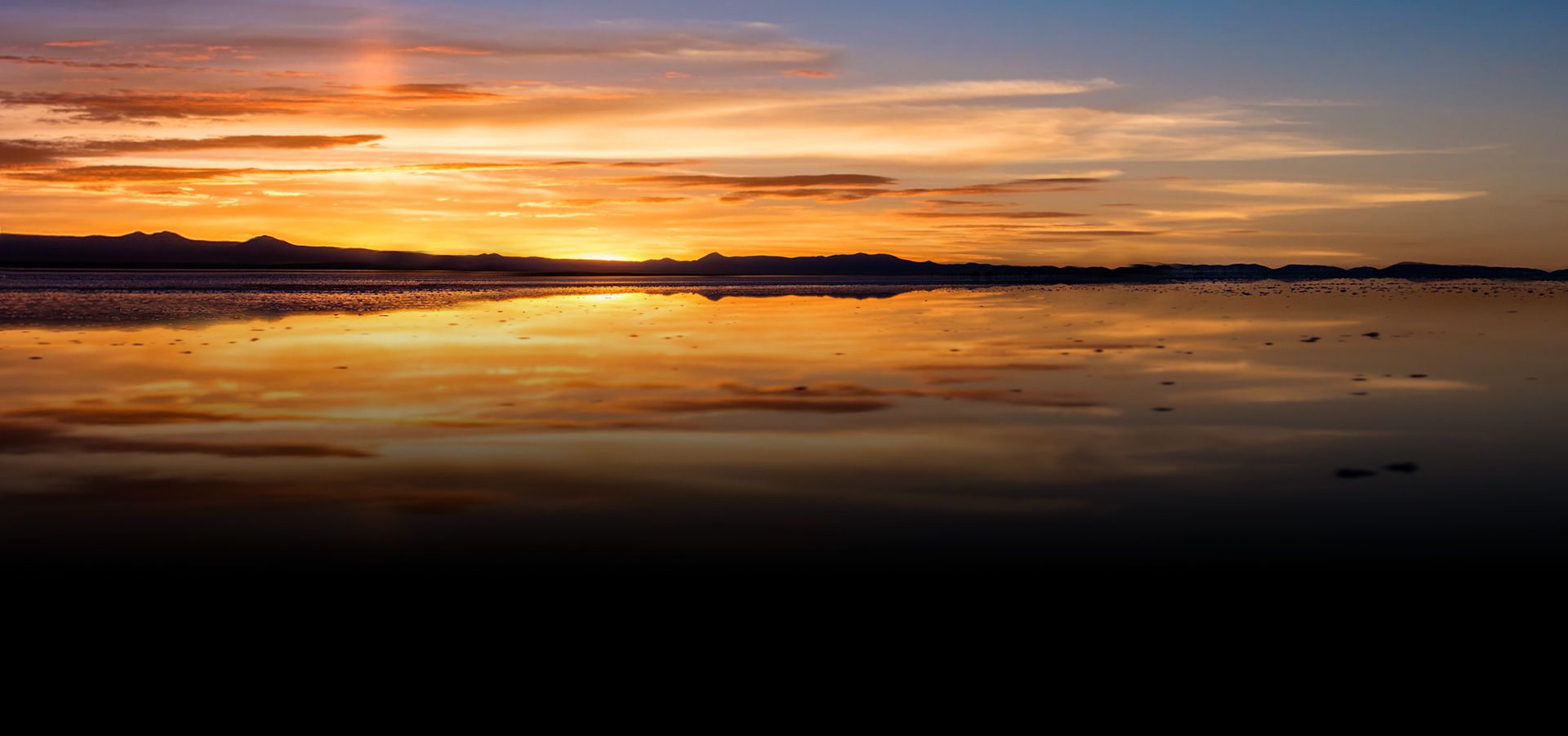
Image of clouds in sky at sunset

Perfect symmetry

Design that works

  • The fingerprint scanner is shown on back of the Galaxy Note8 which then turns to to show the home button on the front

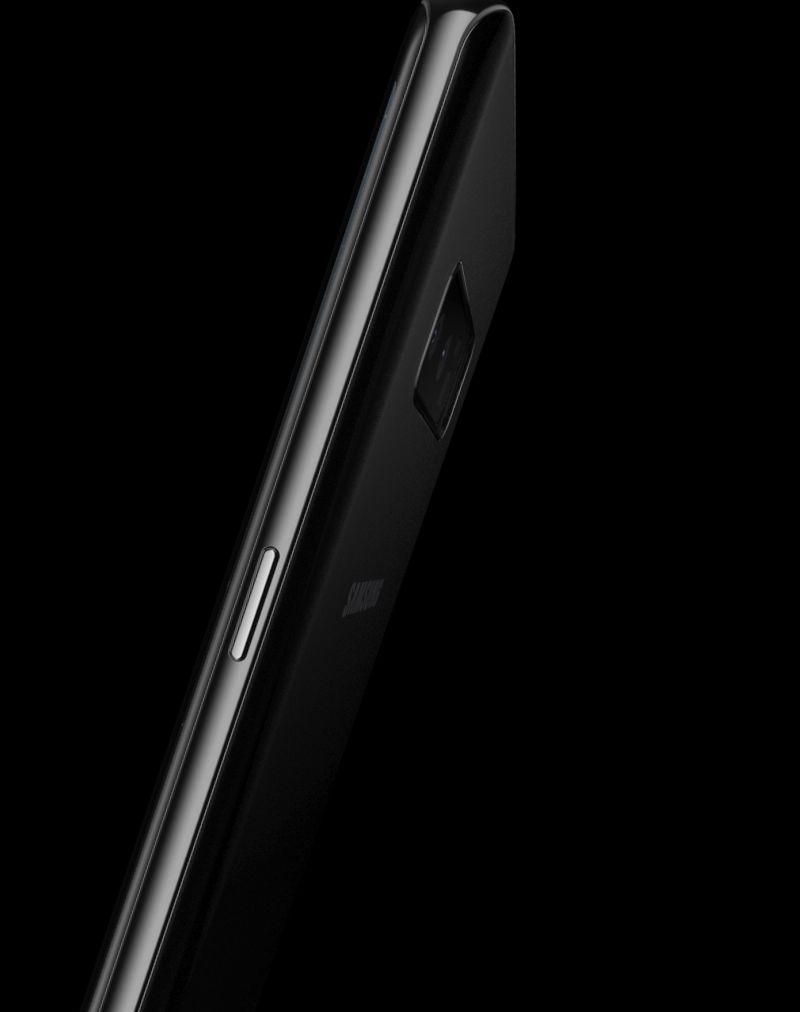
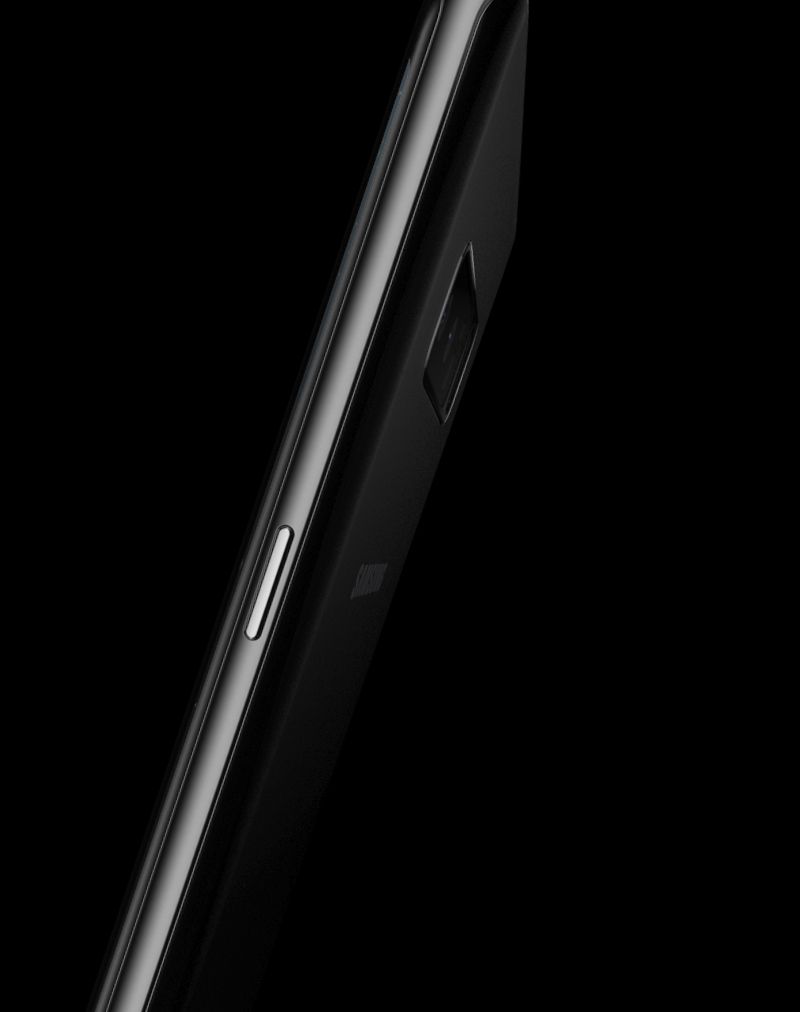
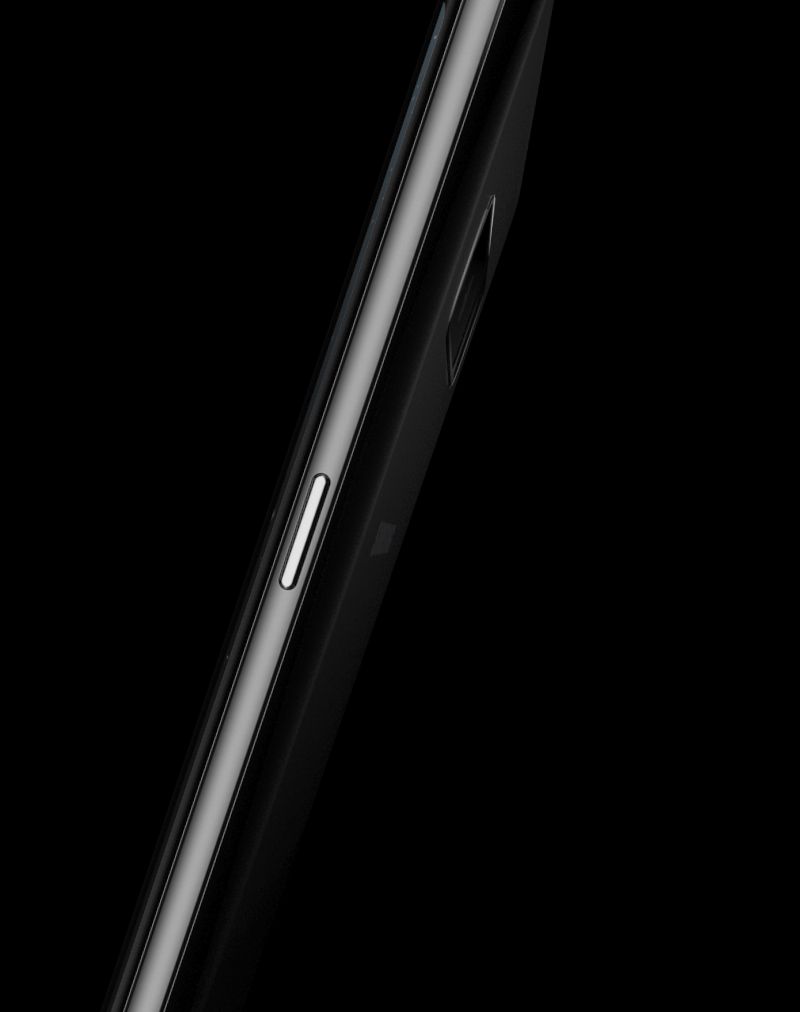
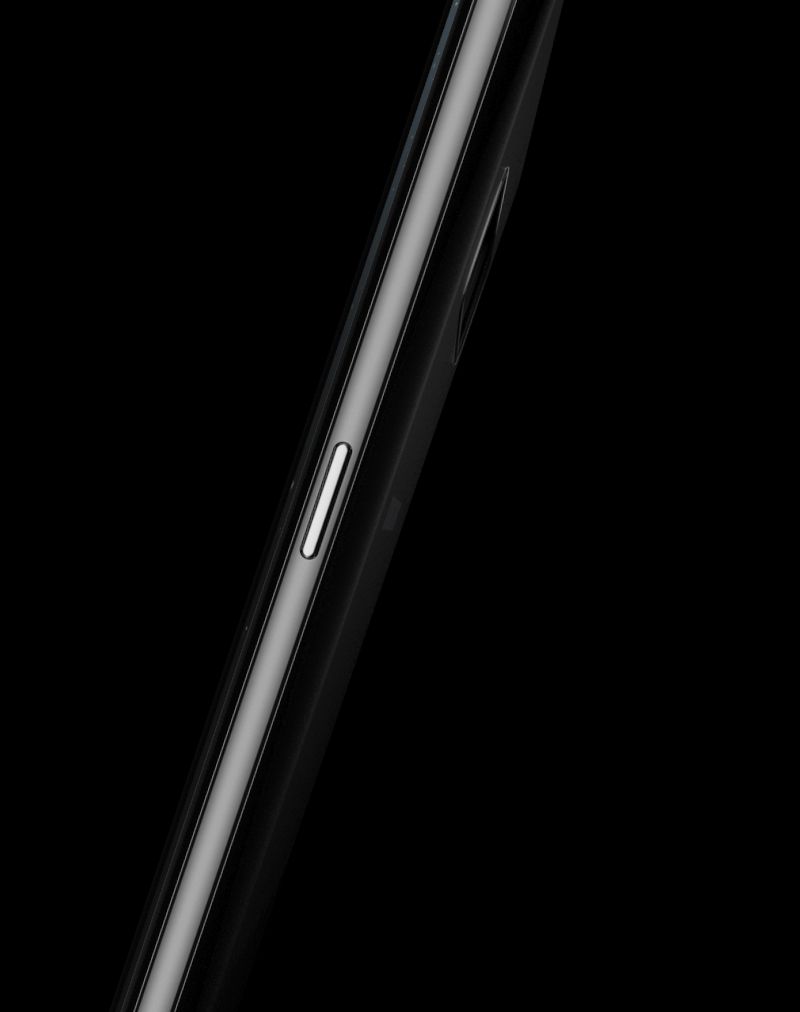
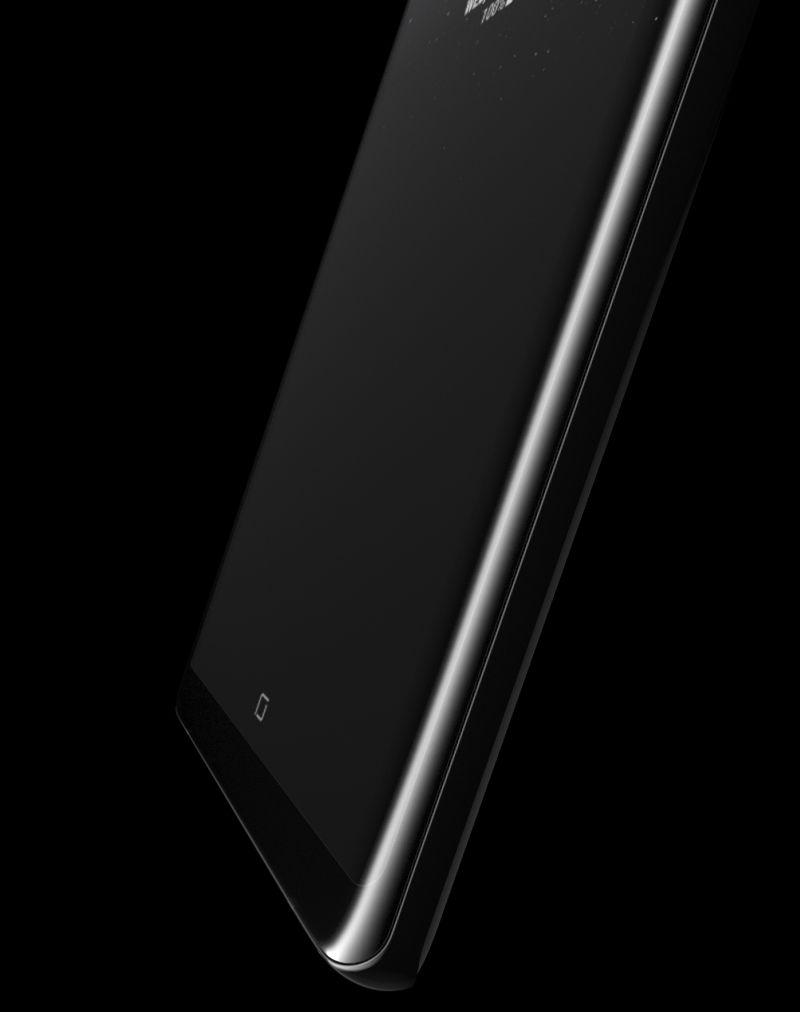
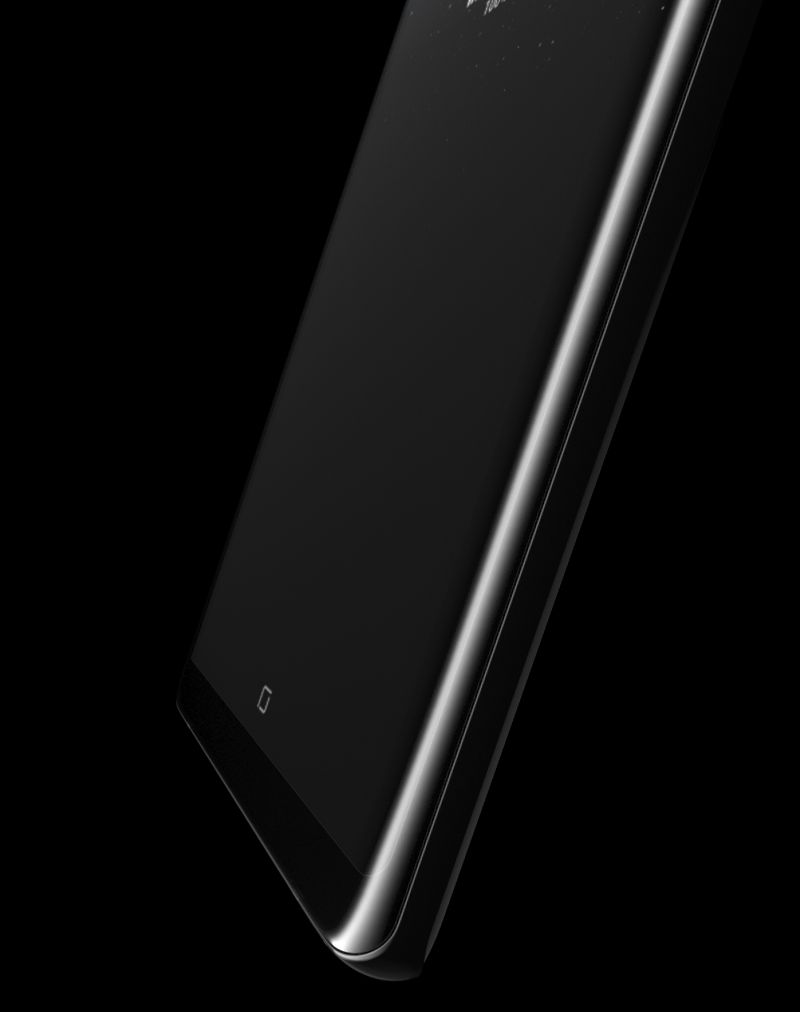
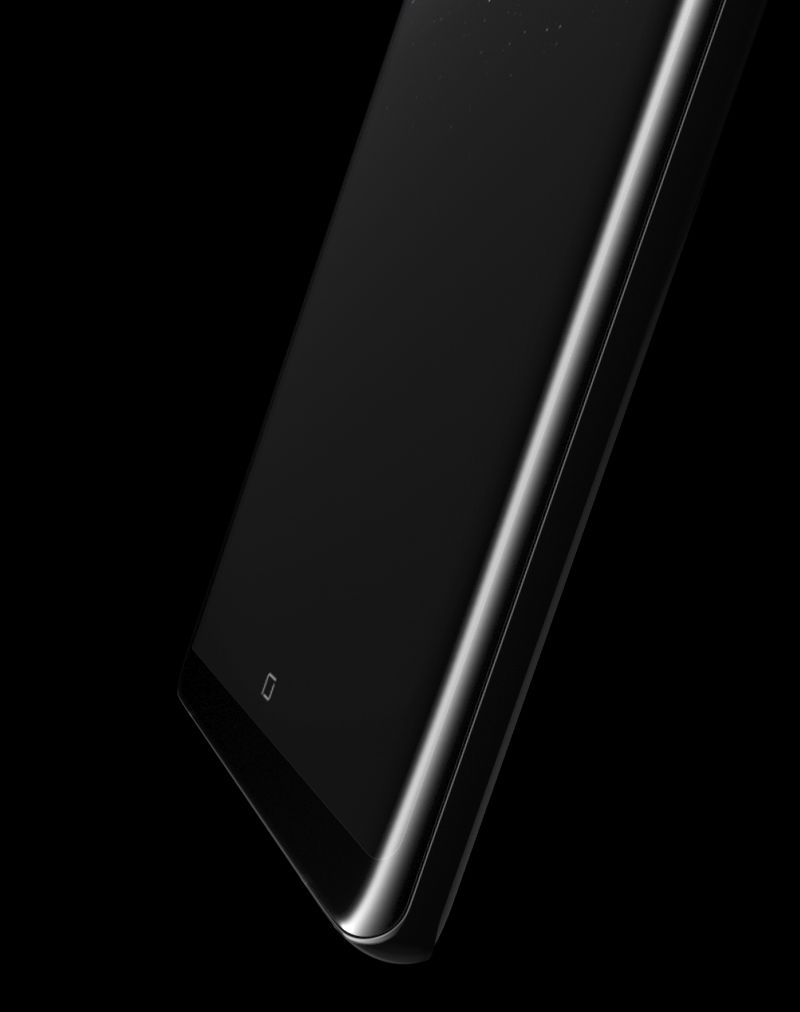
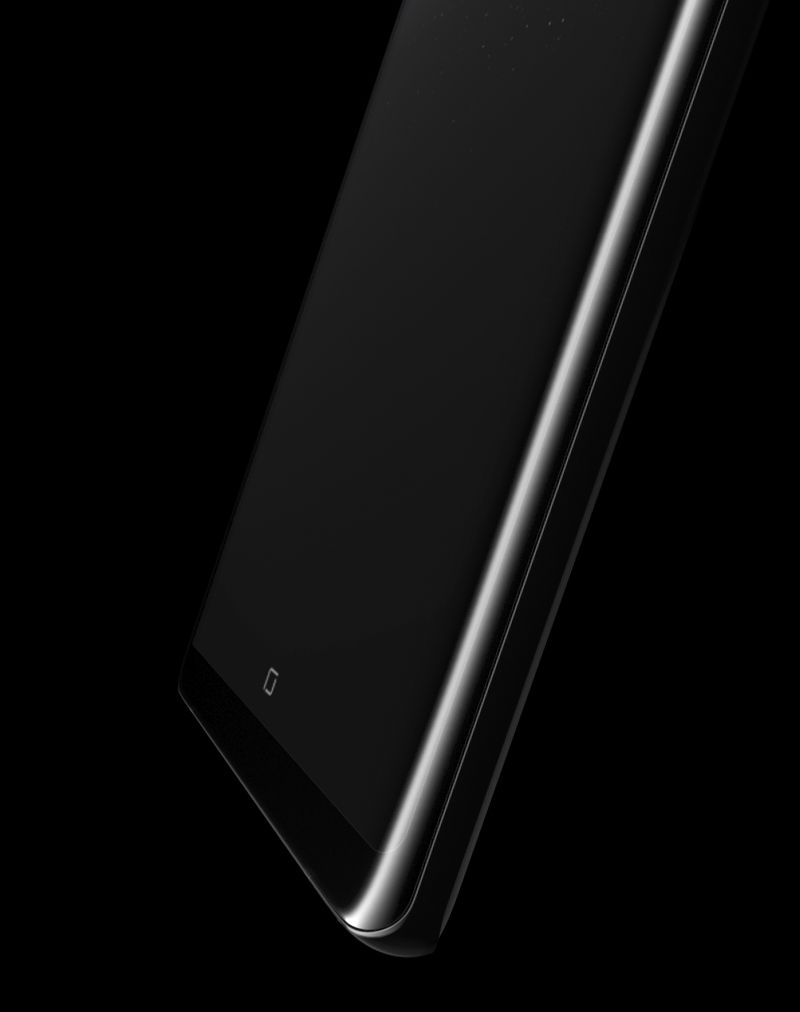
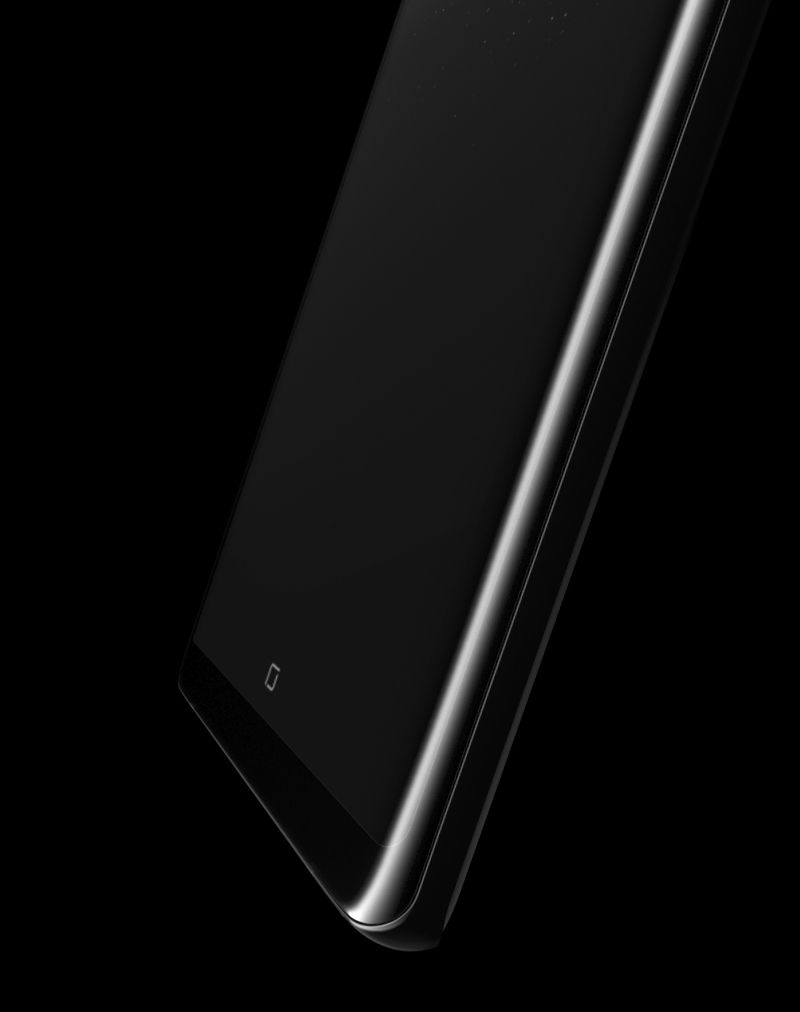
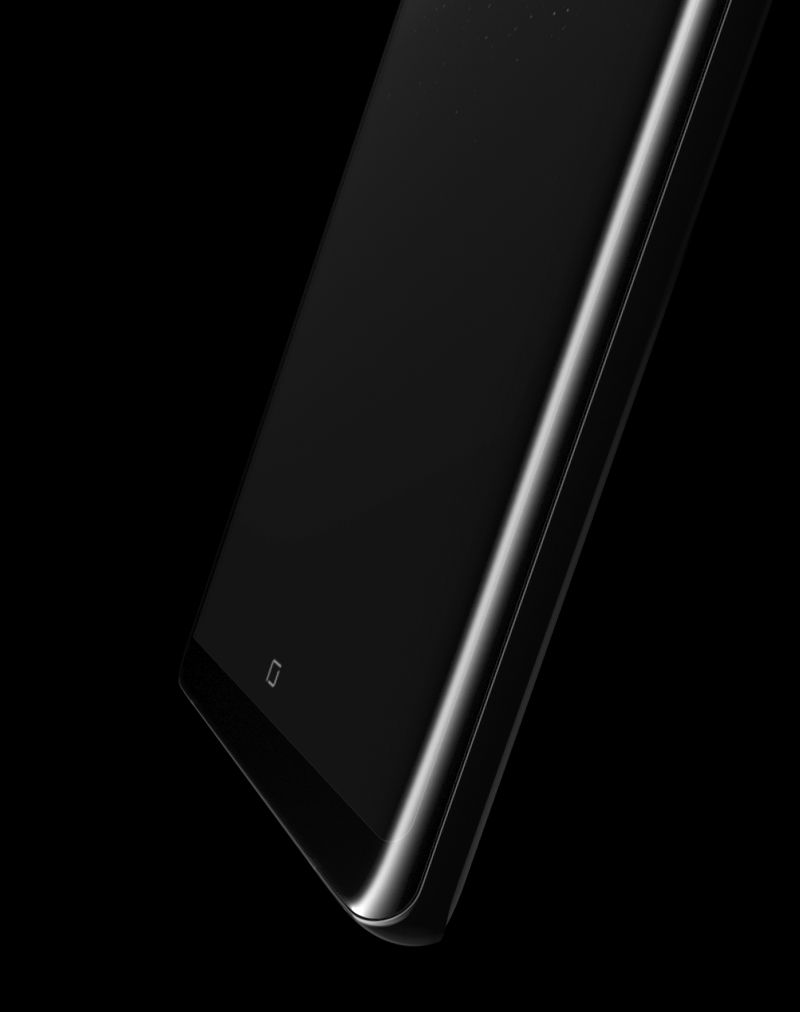
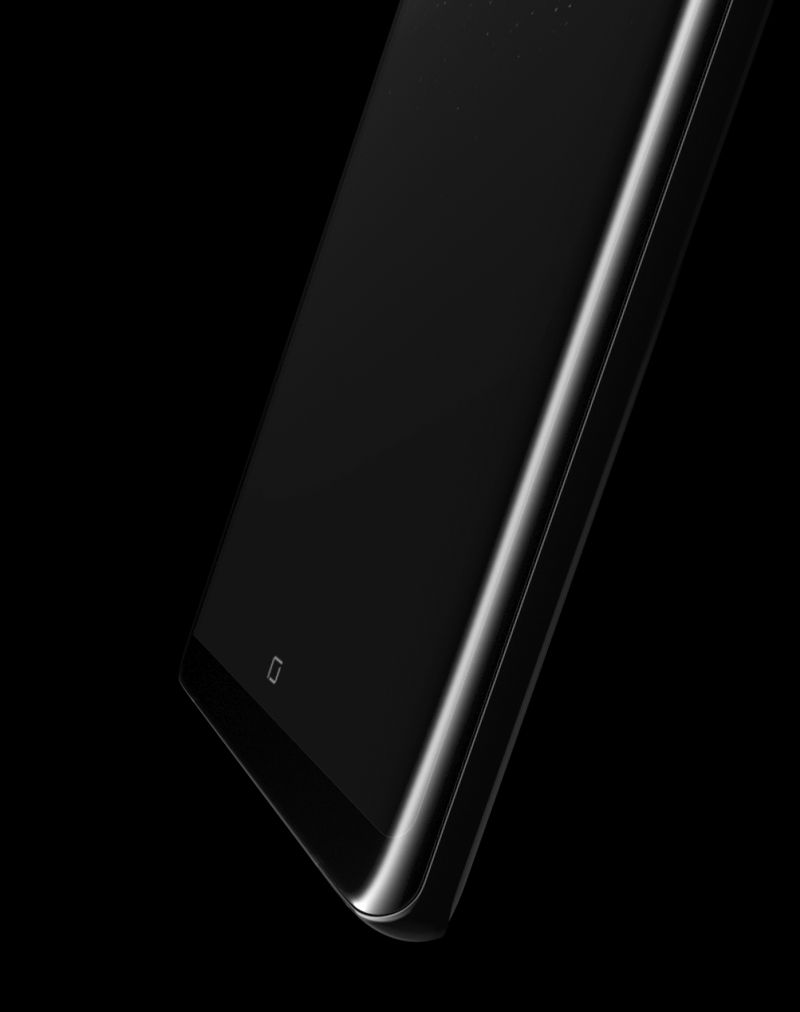
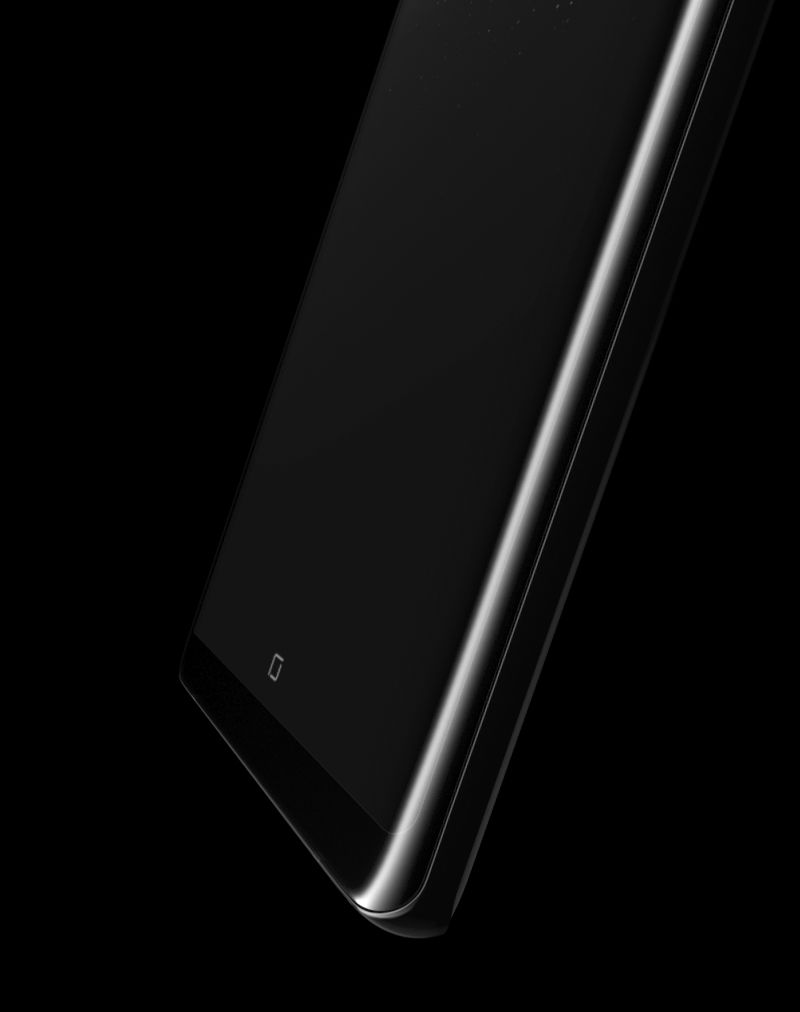
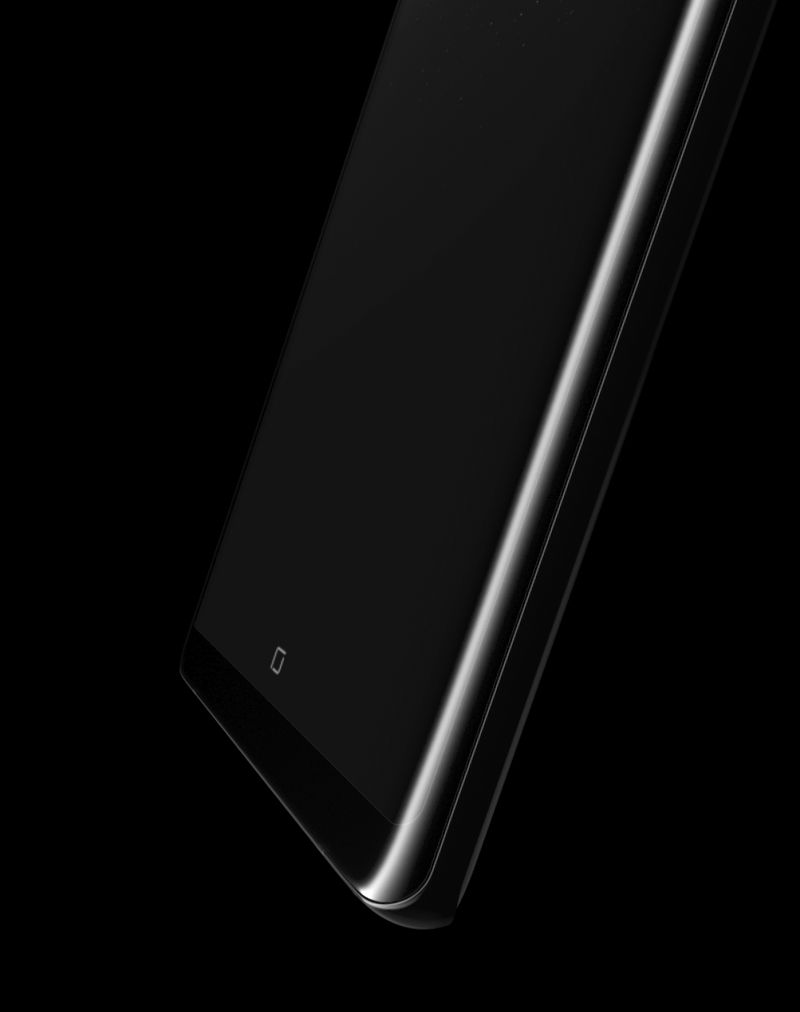
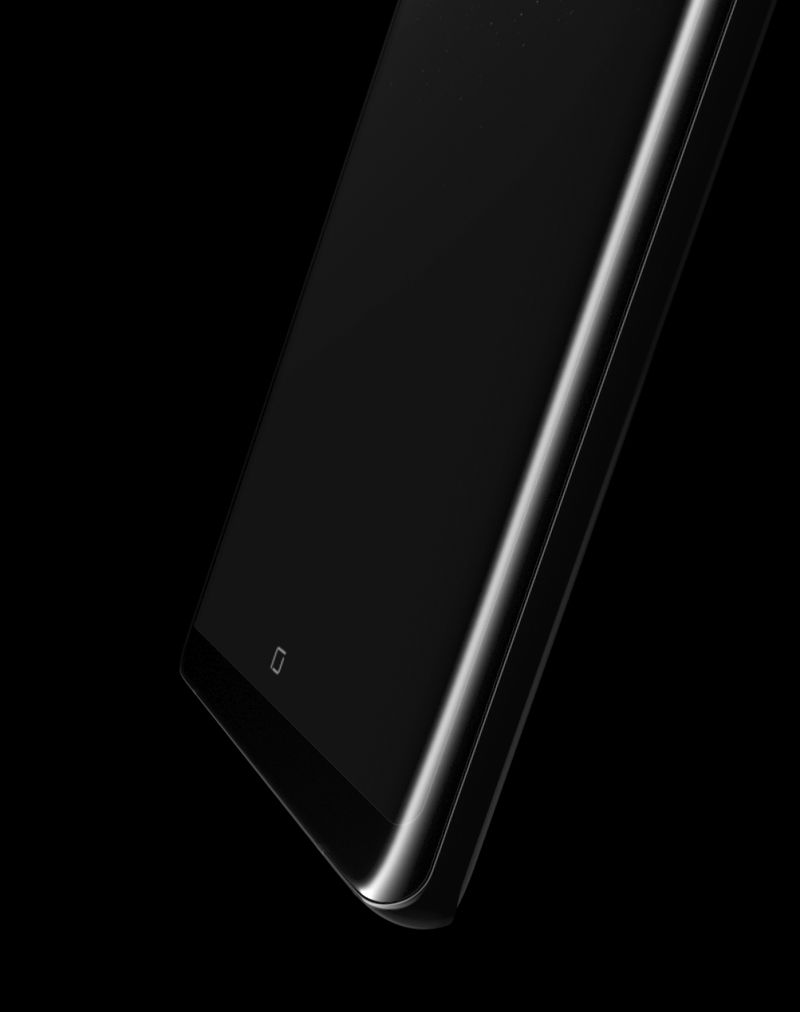
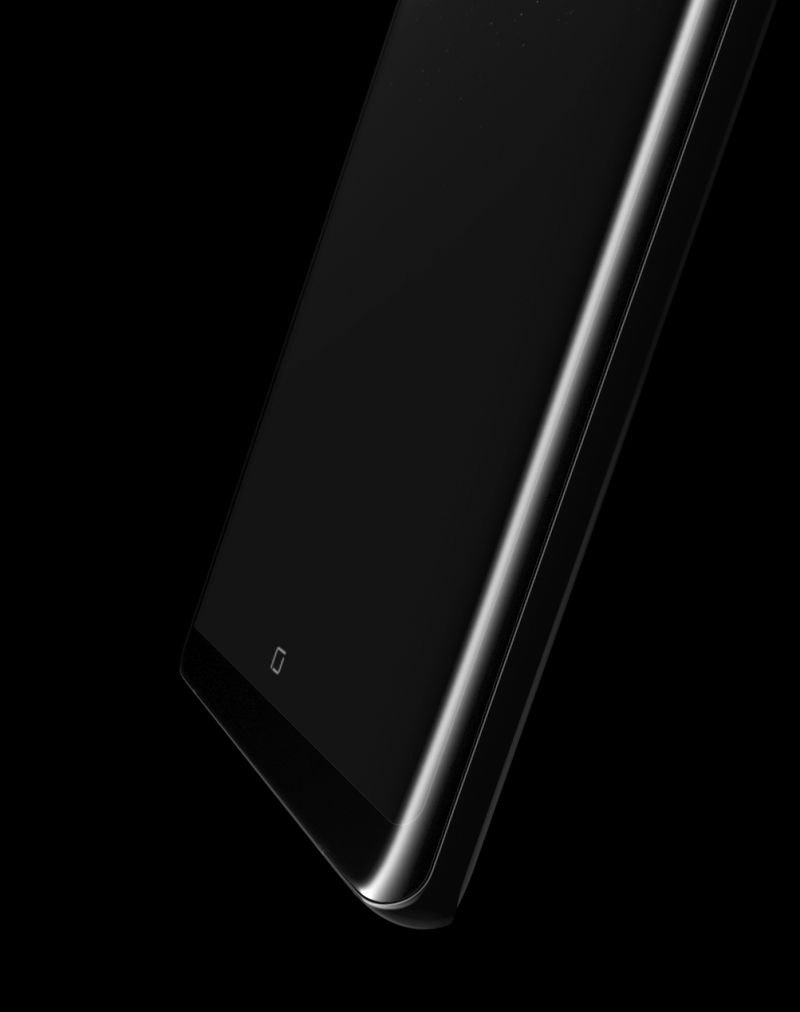
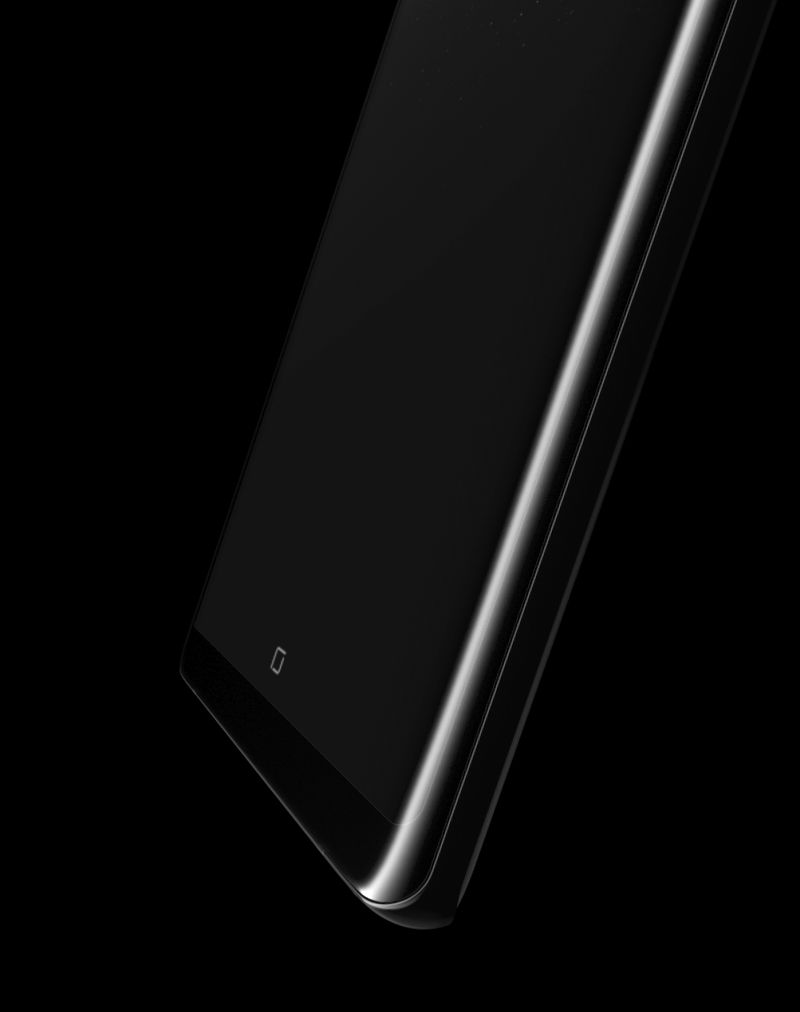
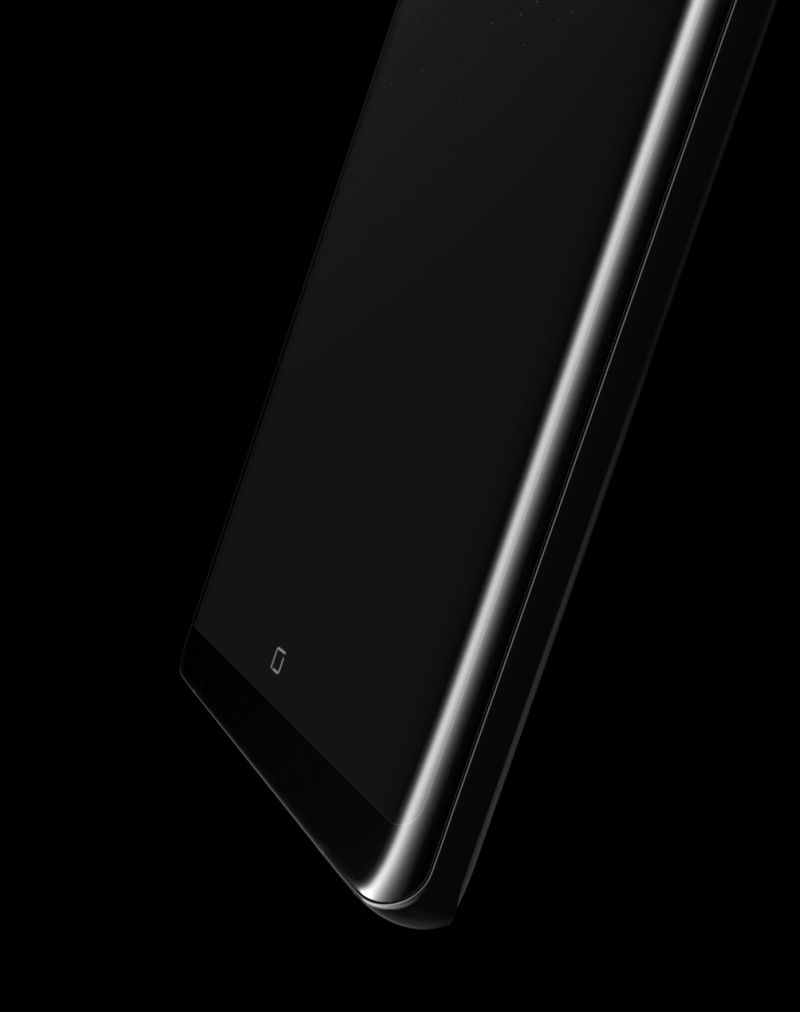
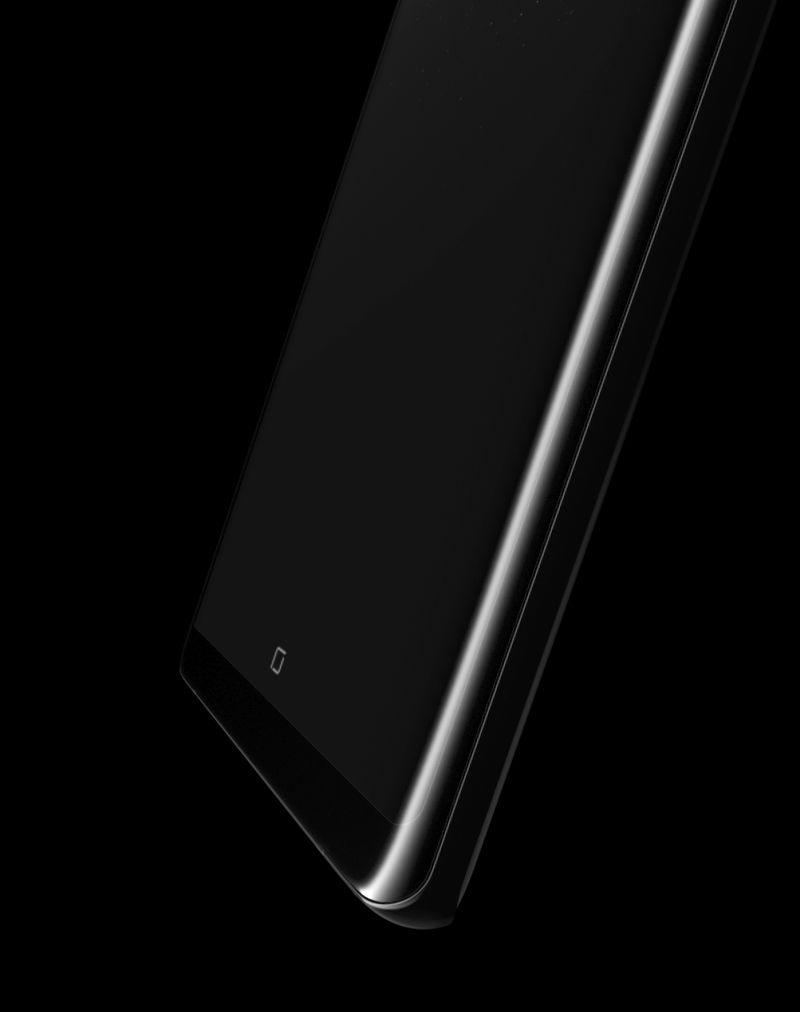
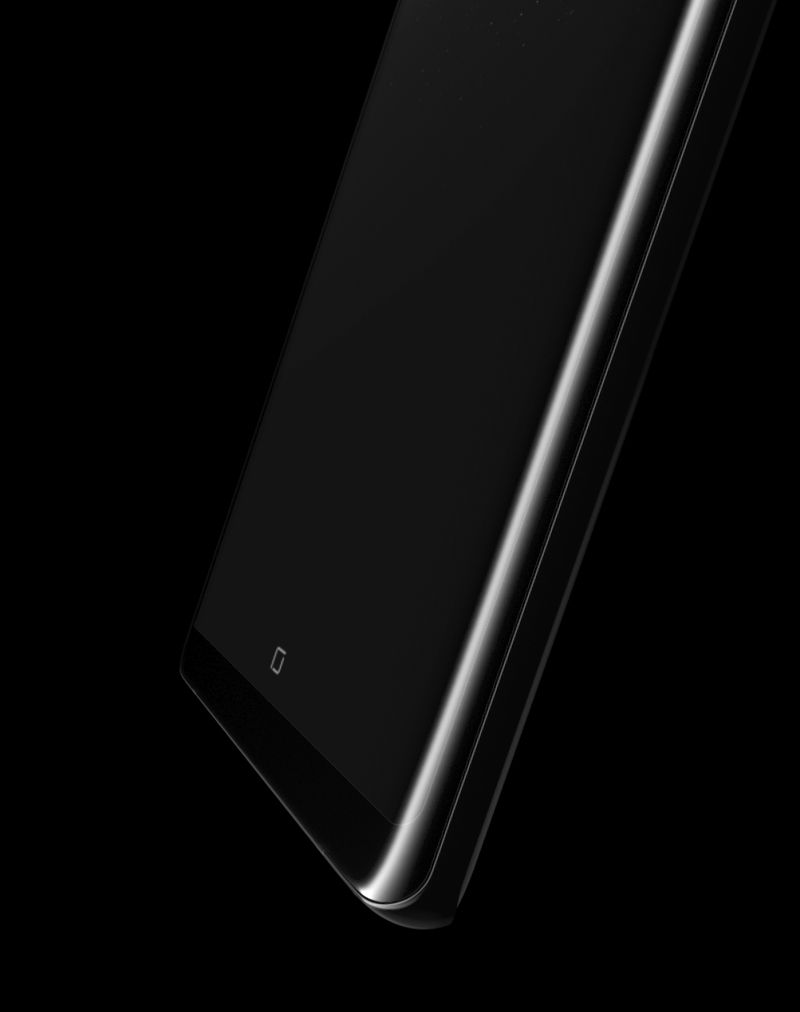
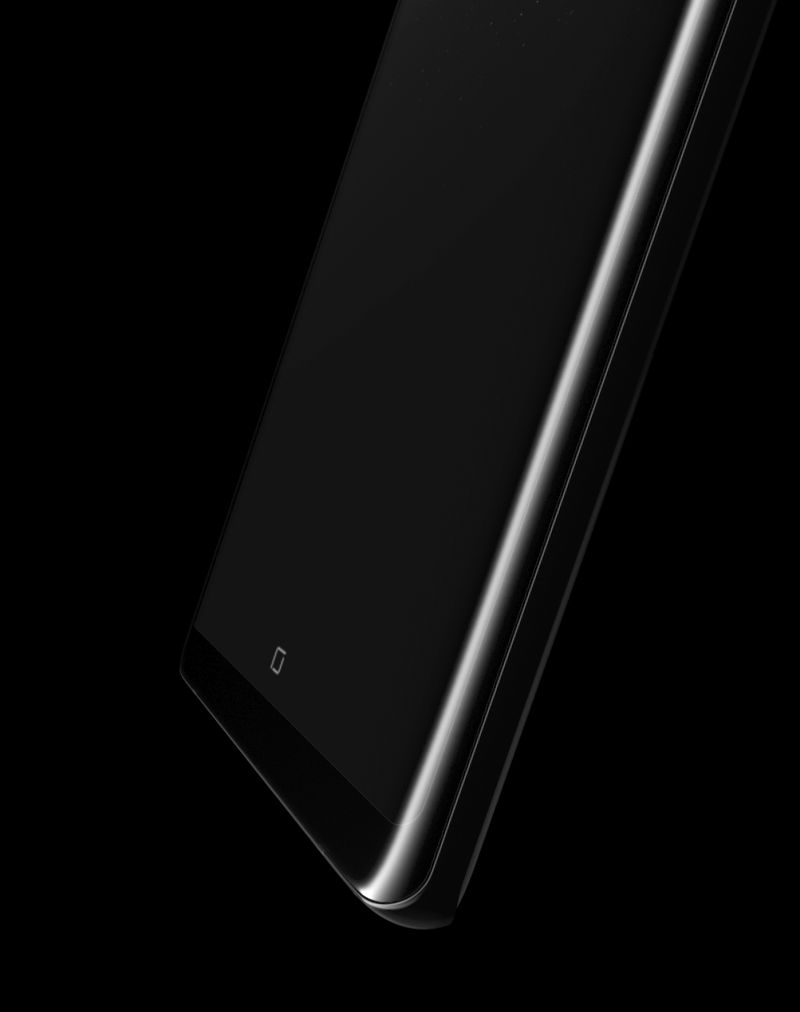
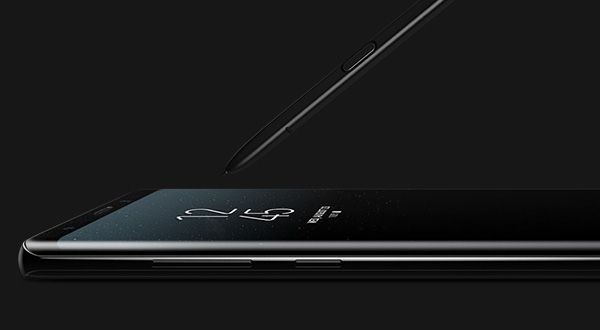
The Galaxy Note8 is designed for you to use with ease and simplicity. The beautiful curves and seamless body are engineered to offer you a comfortable grip and more space for you to write freely with the S Pen. The fingerprint scanner is virtually flush with the back, and the Home button is embedded underneath the Infinity Display to stay invisible until you need it. It's the beginning of a seamless experience.

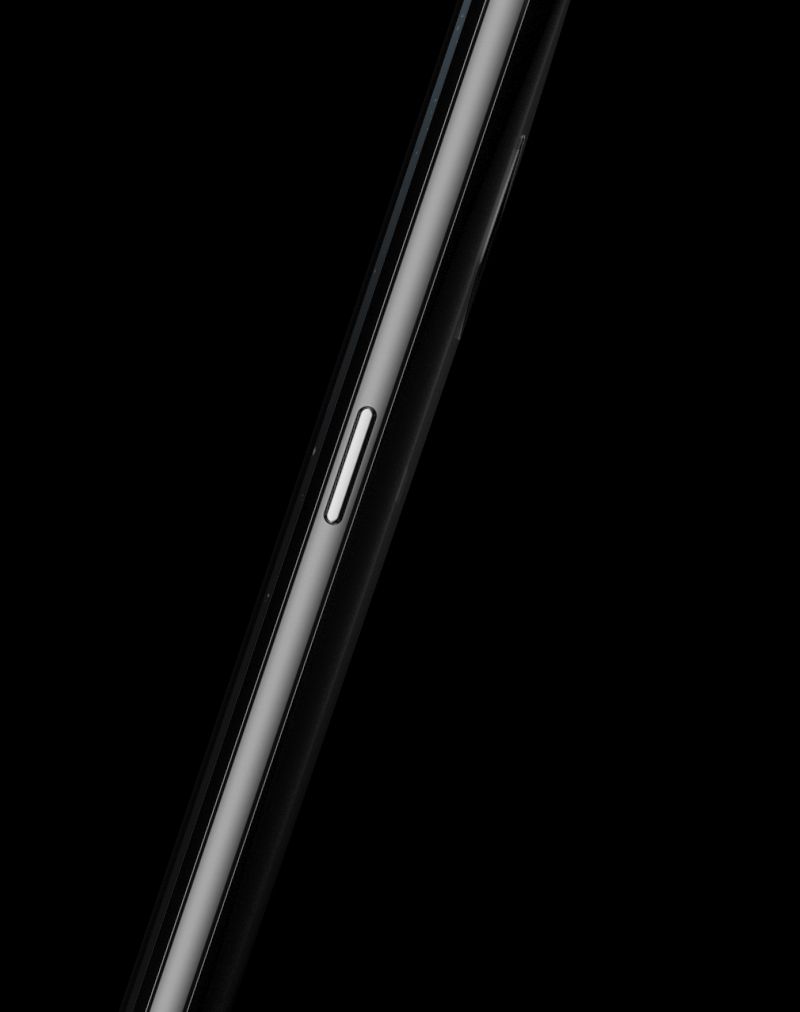
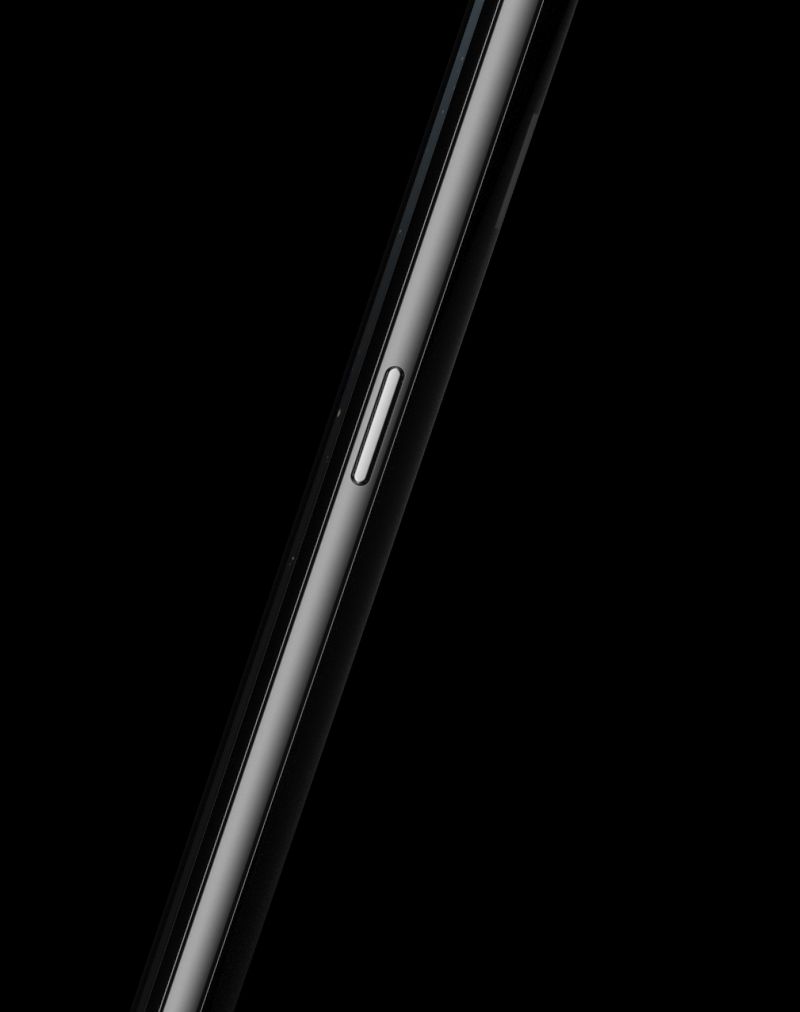
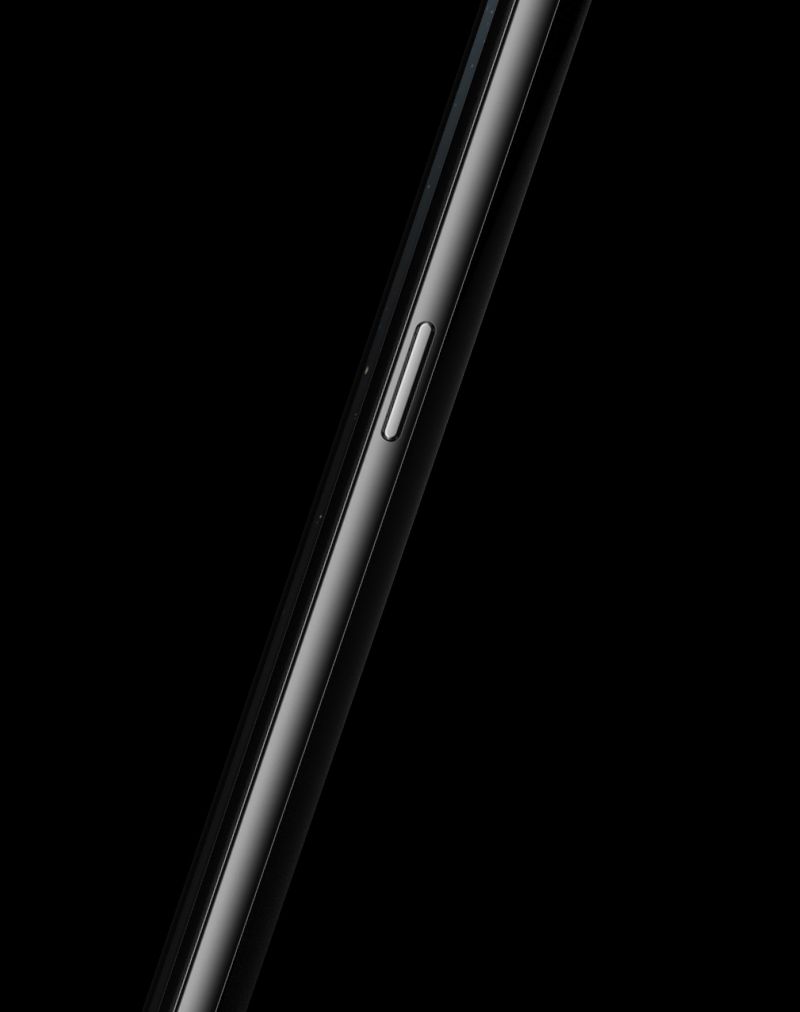
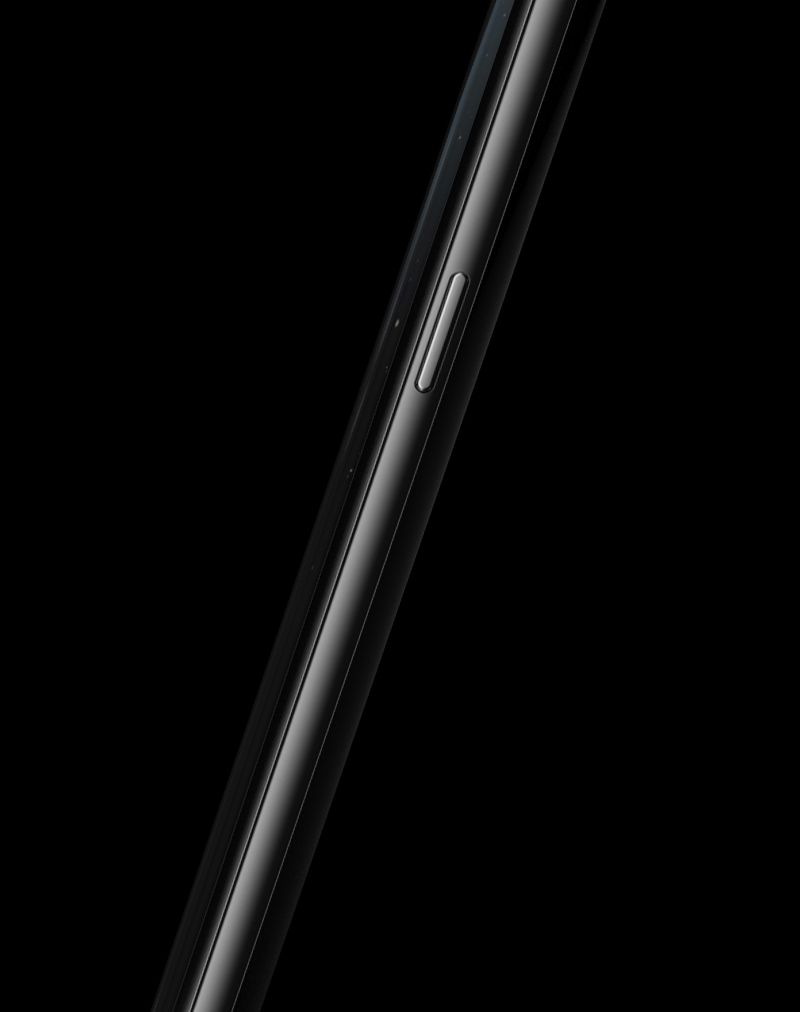
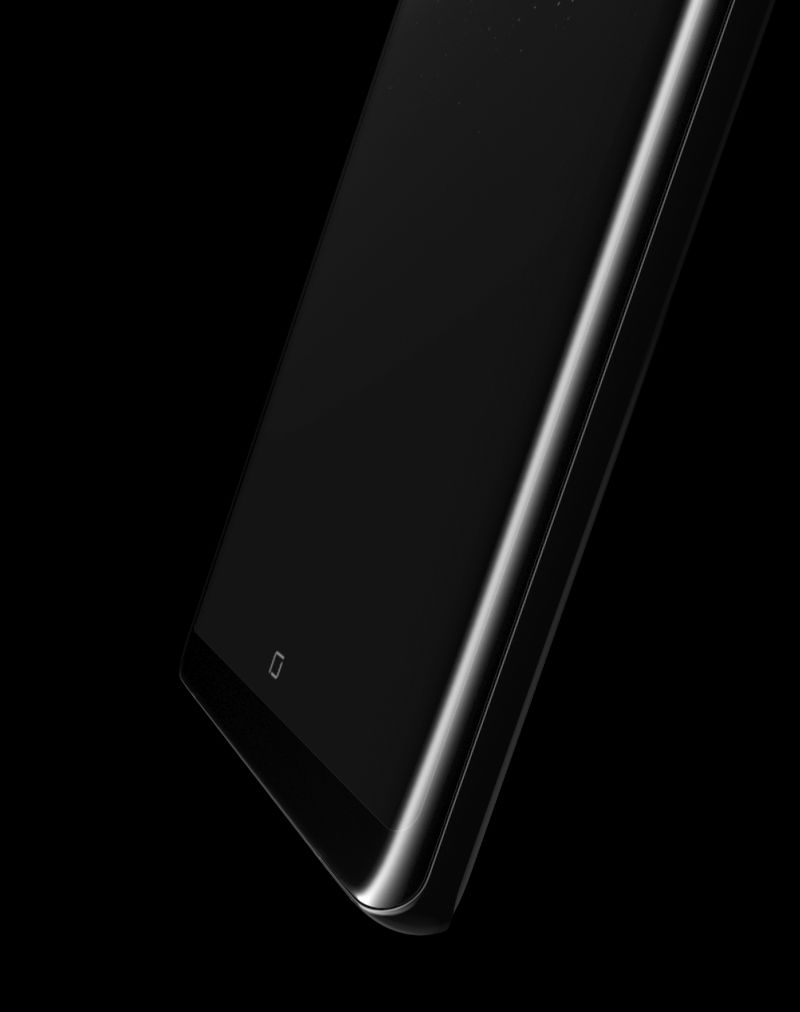
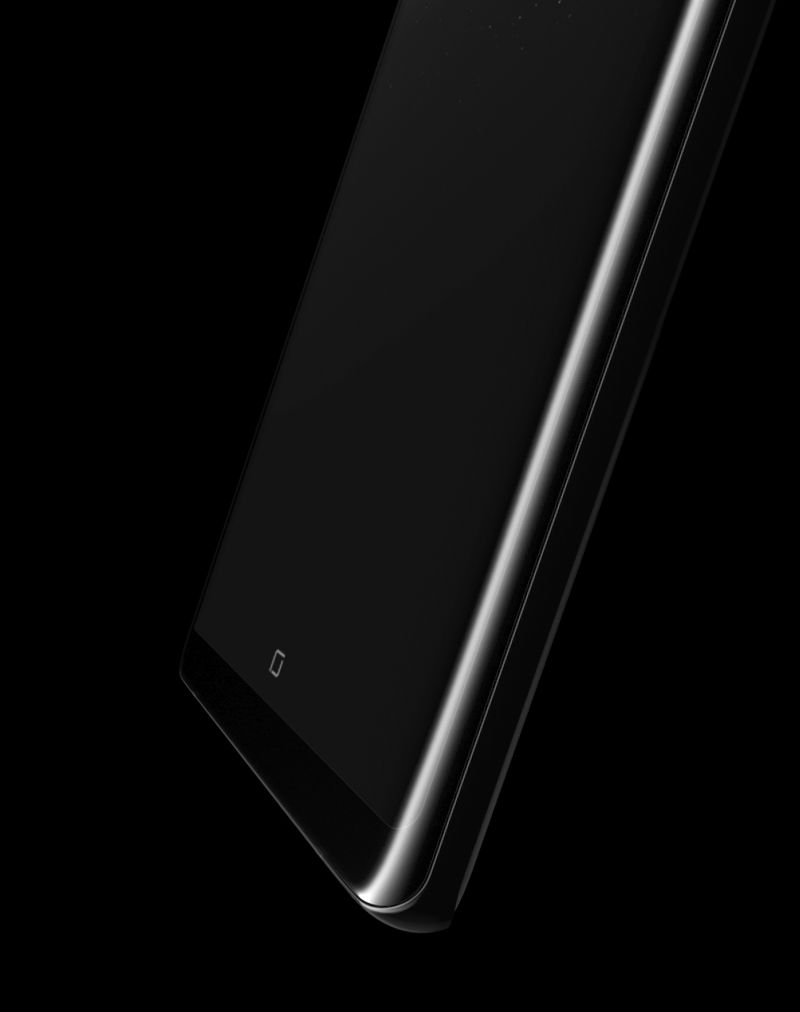
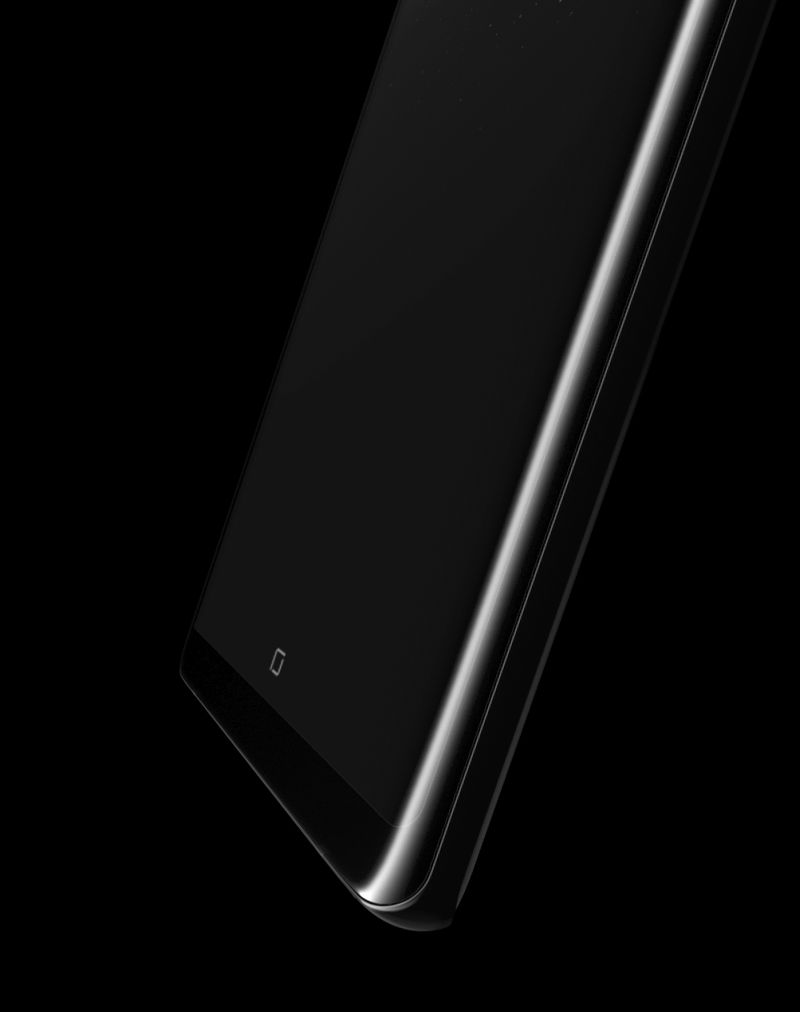
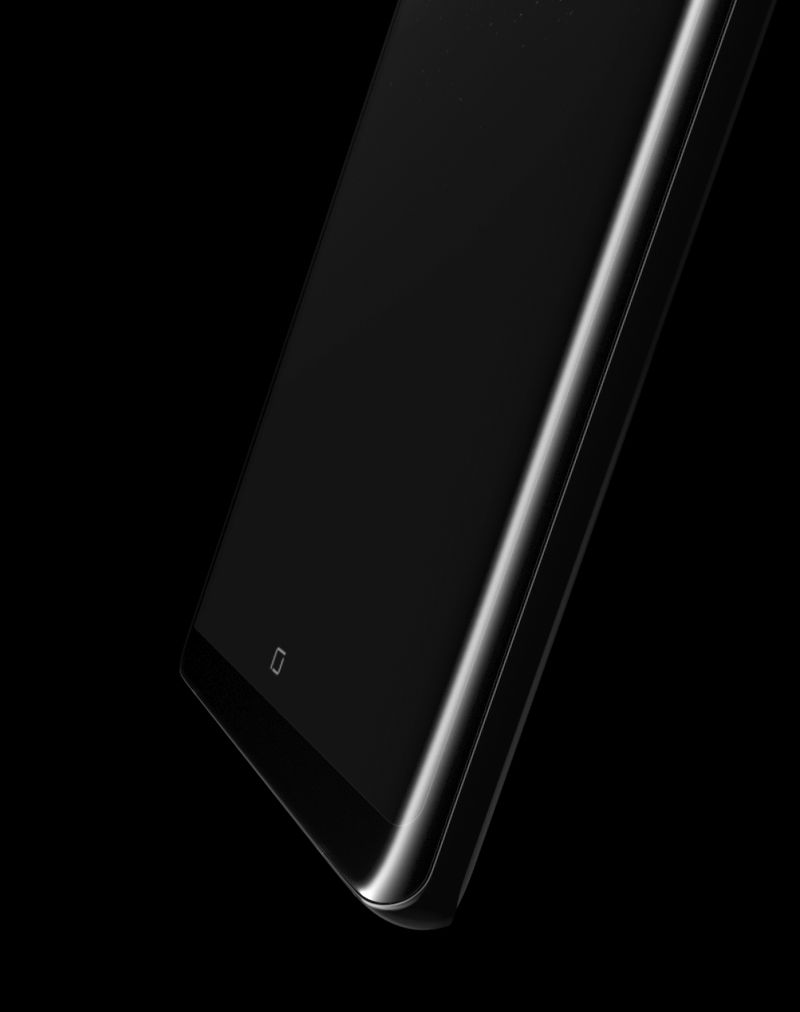
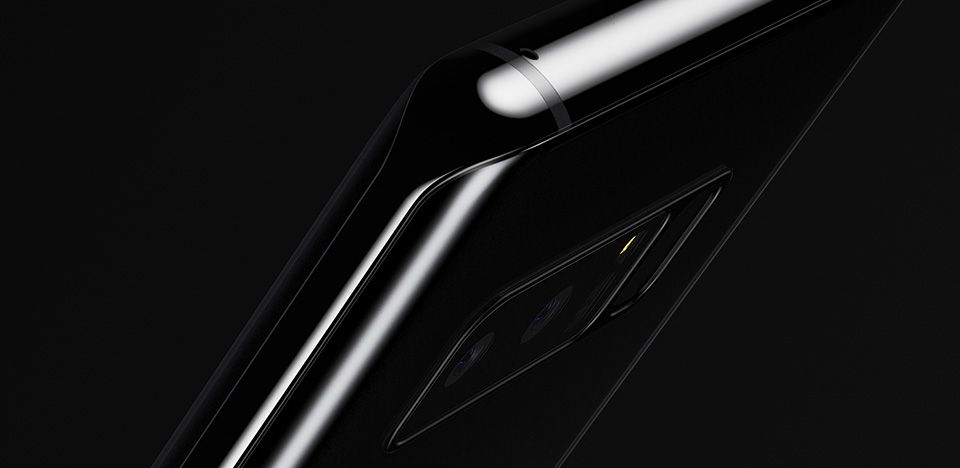
  • Closeup of the Galaxy Note8 showing its symmetric curves
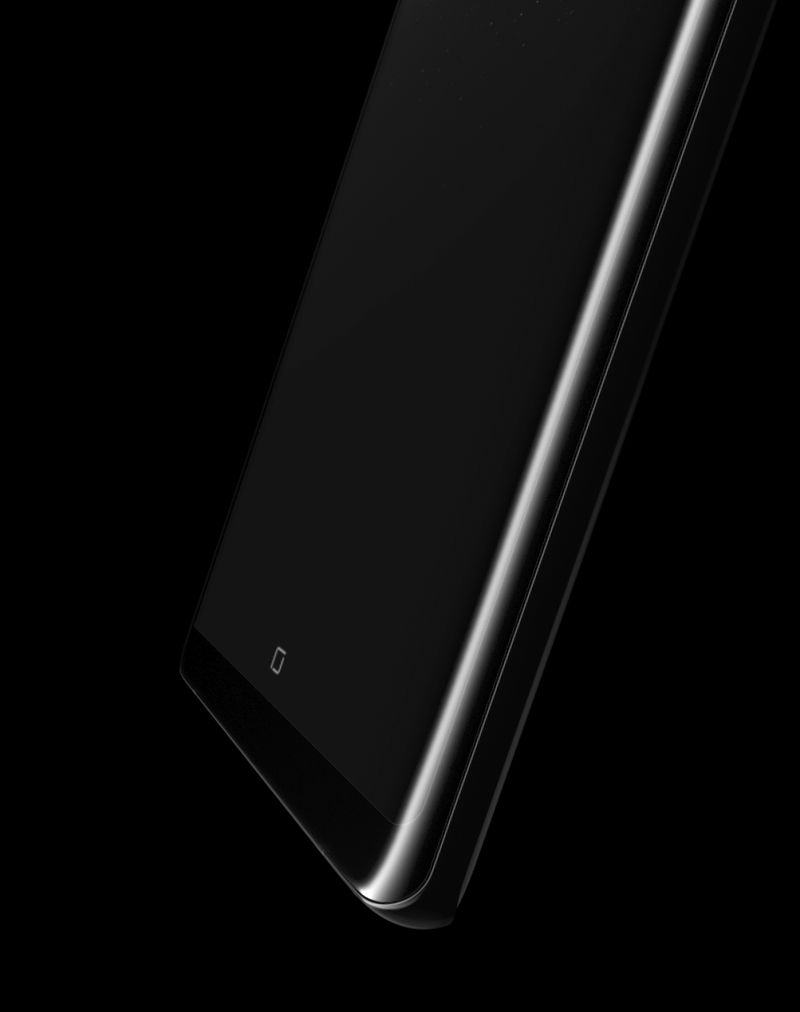
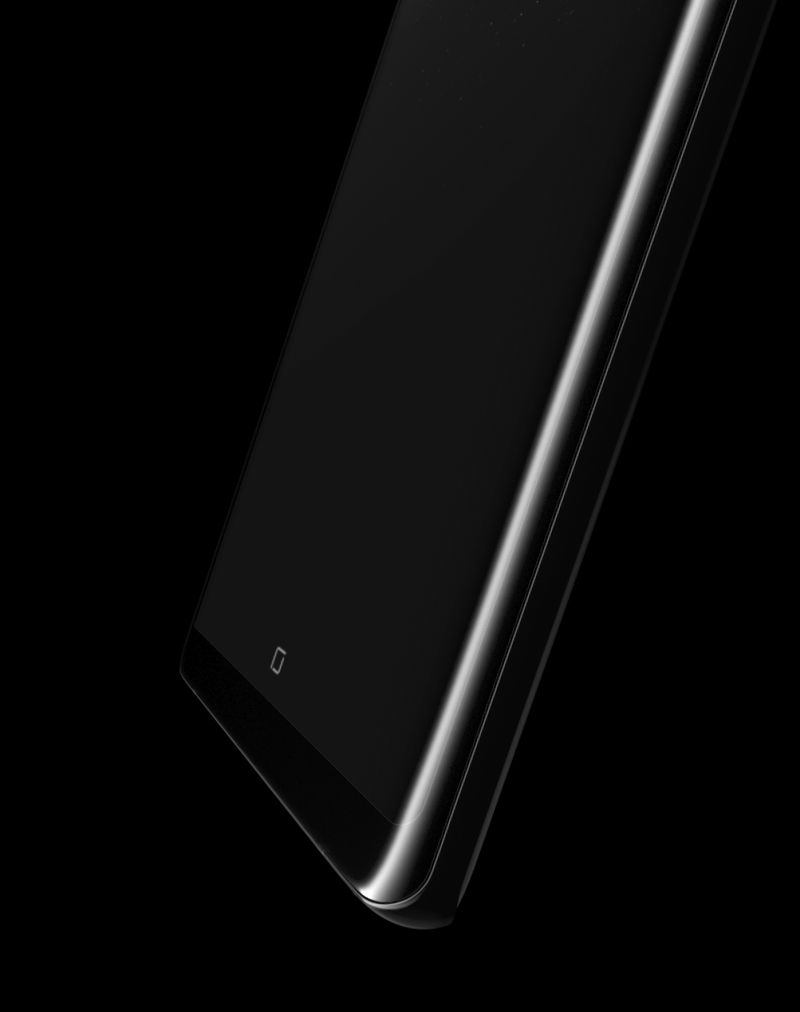
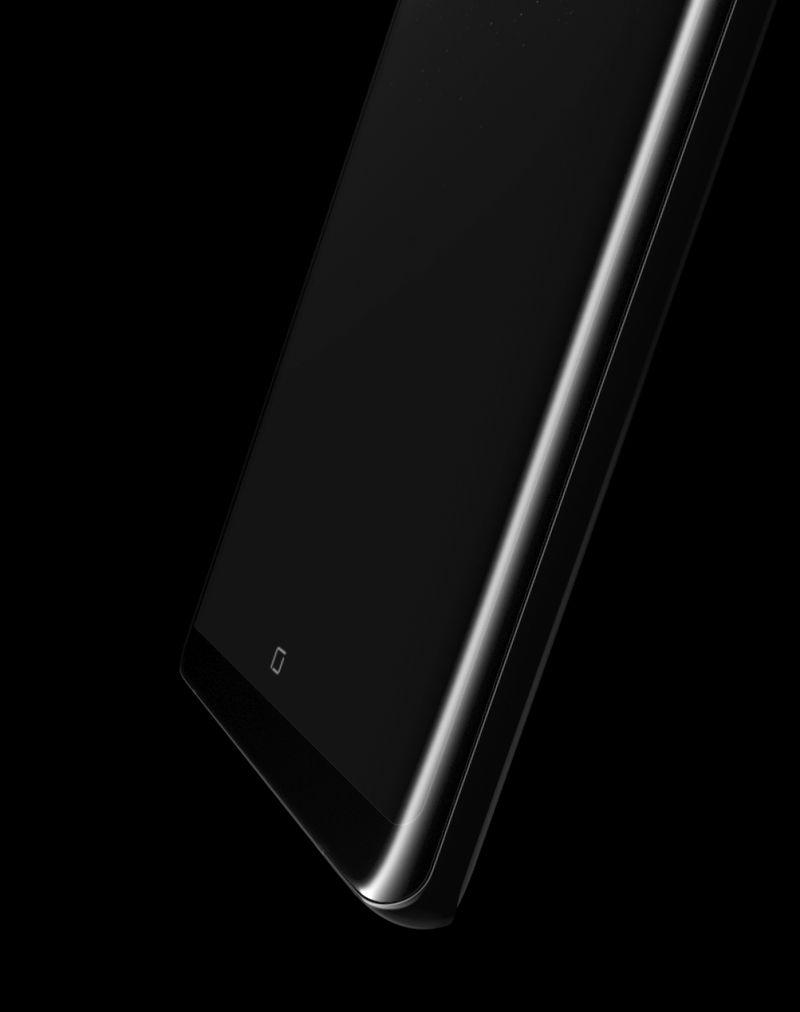
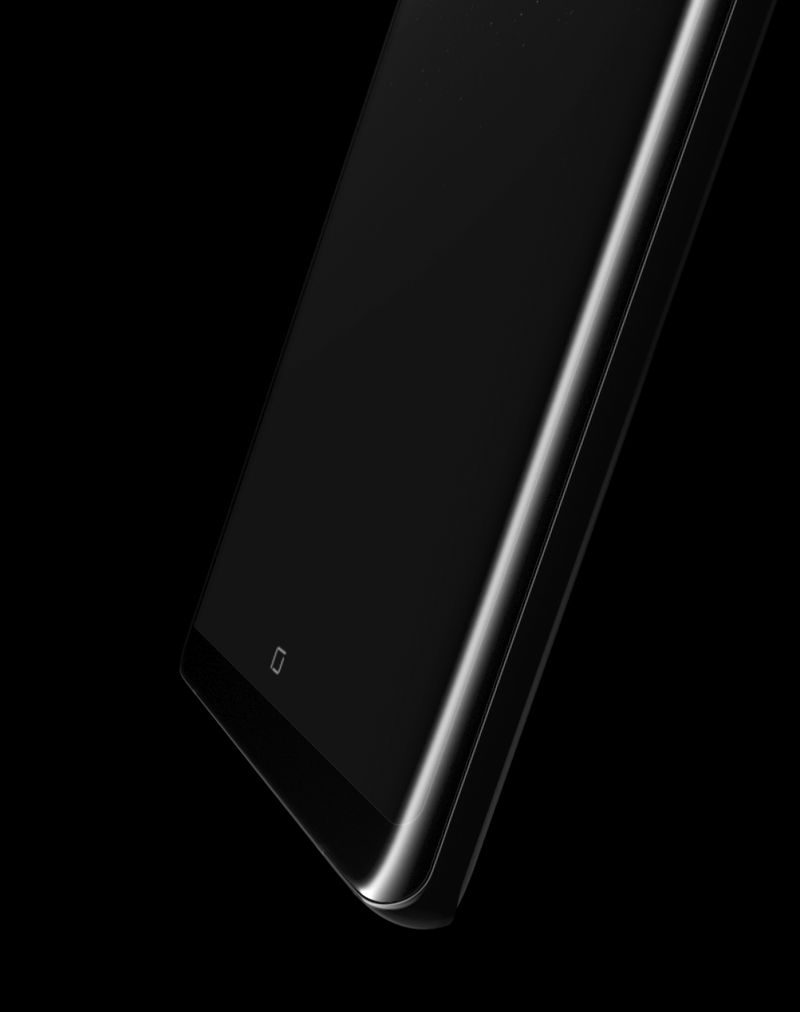
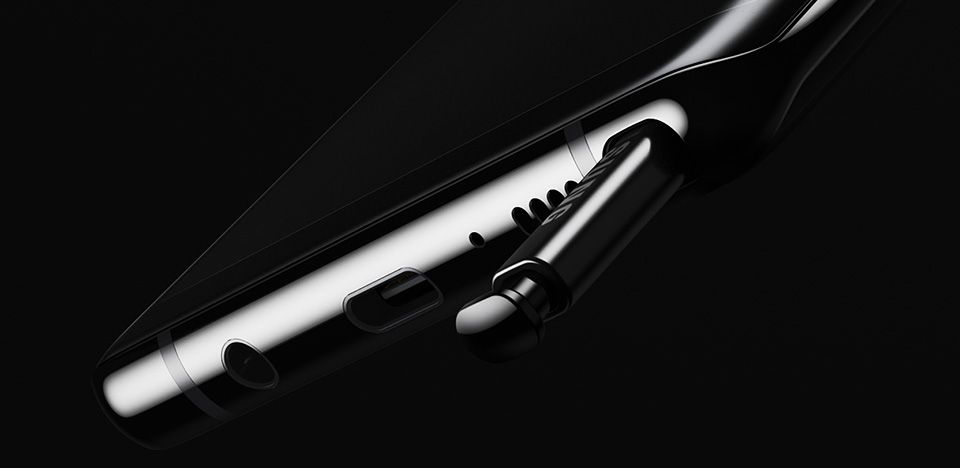
  • Closeup of the bottom of the Galaxy Note8
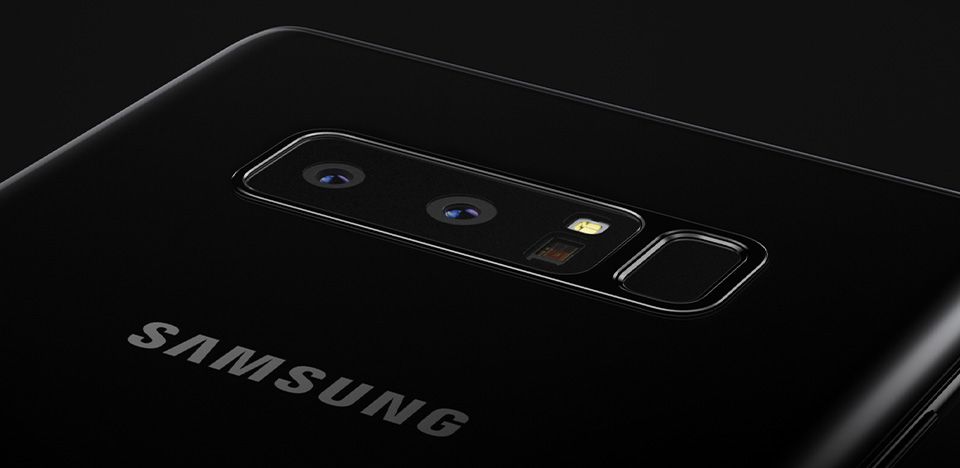
  • Closeup of the fingerprint scanner on back of the Galaxy Note8
  • Closeup of the S Pen halfway out of its slot in the Galaxy Note8

The big screen for bigger things

  • Multi Window
  •  
  • Optimized for lists

Multi Window

Launch two apps with a single tap

The 18.5:9 aspect ratio was made for multitasking. Turn on Multi Window mode to have two apps open at the same time. And for those two apps that you use together, App Pairing presets let you open them simultaneously with a tap. Now it's simpler than ever to listen to music as you find your way or read reviews as you shop.

*Simulated images used onscreen for illustrative purposes.

Big Babushka's Place

Note Hwy

7 km

DIRECTIONS
SOUNDALIVE
Over the Horizon
Galaxy Note8 in Landscape mode
Image of man driving
Image of woman playing her guitar

Optimized for lists

View more, scroll less

Whether you're going through your social media feed or writing a recipe in Samsung Notes, you see more and do more with less scrolling on the tall 18.5:9 display ratio.
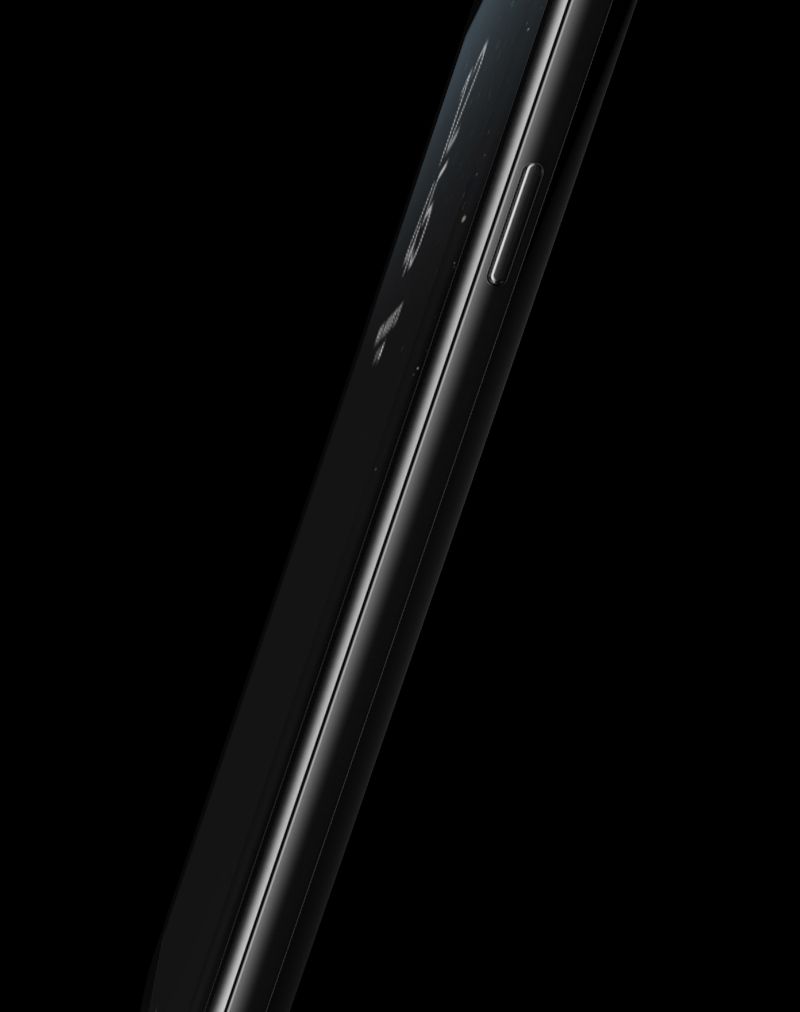
Right angled view of the Galaxy Note8

What's in the box

Image of the items included in the packaging with the Galaxy Note8

Components

  1. 1. Device with S Pen
  2. 2. Tweezer and Pen nibs
  3. 3. USB power adaptor
  1. 4. Micro USB connector
  2. 5. USB connector (USB Type-C)
  3. 6. USB cable
  1. 7. Ejection pin
  2. 8. Earphone
  3. 9. Case
PreviousHighlights
Click to Go to Highlights
NextS Pen
Click to Go to S Pen

Be among the first.

PRE-ORDER
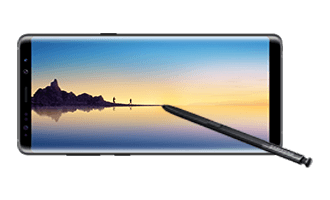
Left view of Great lying flat on surface with the S Pen angled toward the Galaxy Note8 screen
 

*All specifications and descriptions provided herein may be different from the actual specifications and descriptions for the product. Samsung reserves the right to make changes to this document and the product described herein, at anytime, without obligation on Samsung to provide notification of such change. All functionality, features, specifications, GUI and other product information provided in this document including, but not limited to, the benefits, design, pricing, components, performance, availability, and capabilities of the product are subject to change without notice or obligation. The contents within the screen are simulated images and are for demonstration purposes only.