Product Description
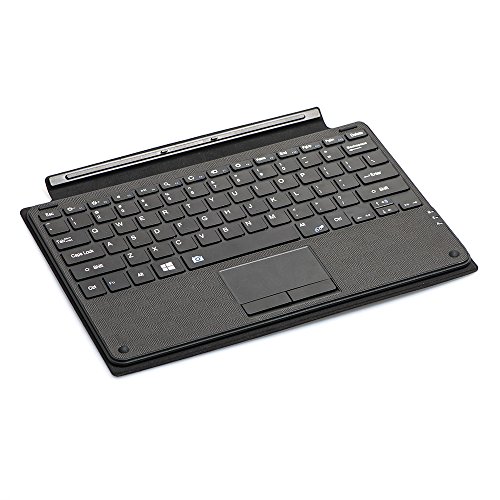
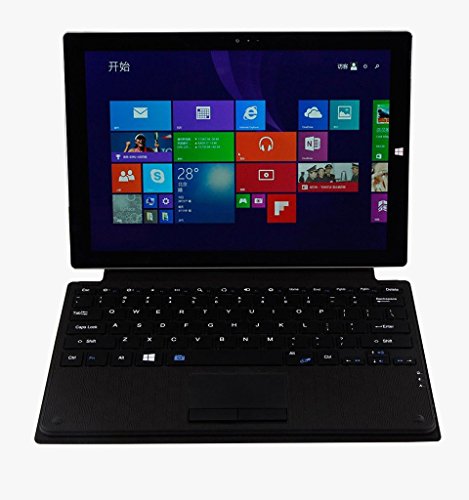
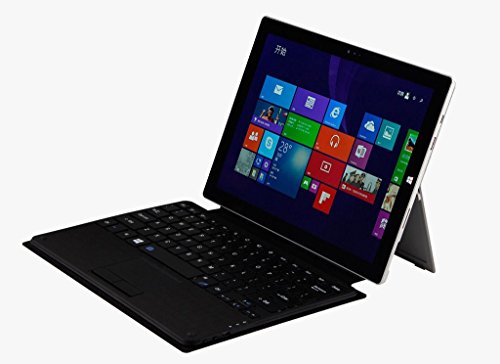
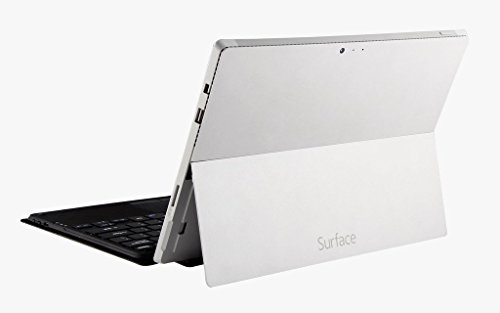
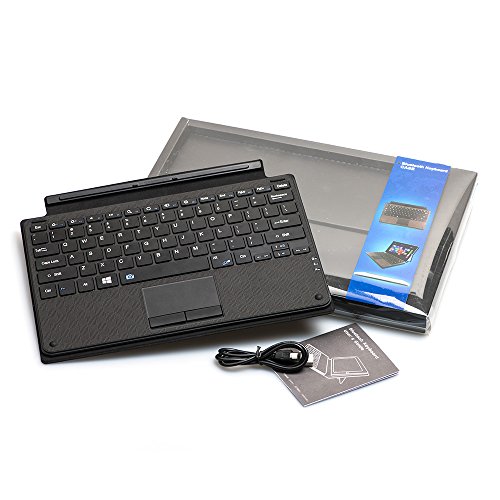
Main features 1.Bluetooth keyboard for Microsoft Surface Pro 3 12.2"
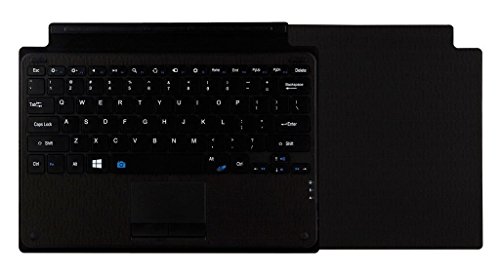
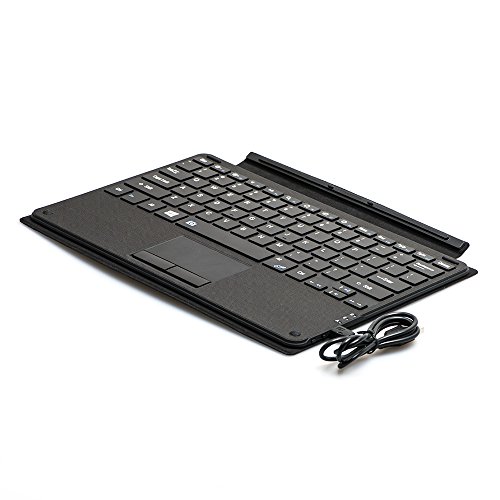
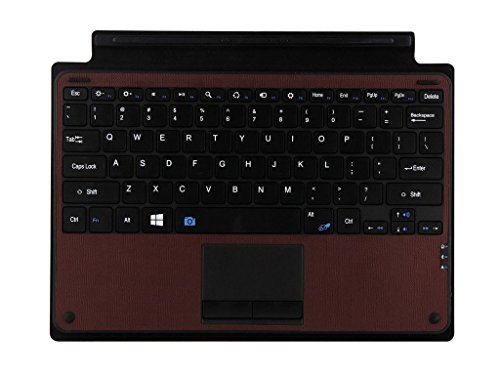
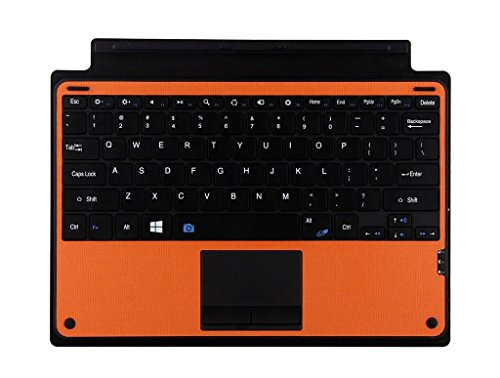
2.Function keys, media control key, touchpad
3.PU leather & ABS keyboard
4.Built-in rechargeable battery
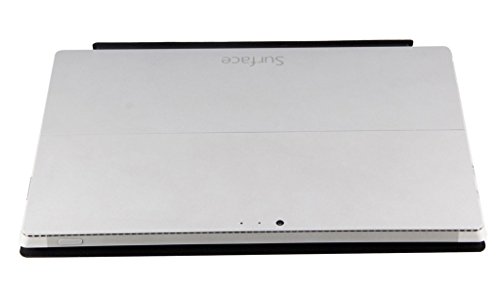
5.Magnetic protective keyboard cover
Specification 1.Bluetooth version:3.0 Operation distance:10m
2.Battery capacity: 200mAh
3.Standby time: >100Days
4.Uninterrupted working time: 100hours
5.Charging time: 4-5hours
6.Lithium battery life: 3Years, Key life: 5million strokes
Accessories 1.1pc Charging Cable
2.1pc User Manual
Packing details 1.Color:Black/Brown/Orange
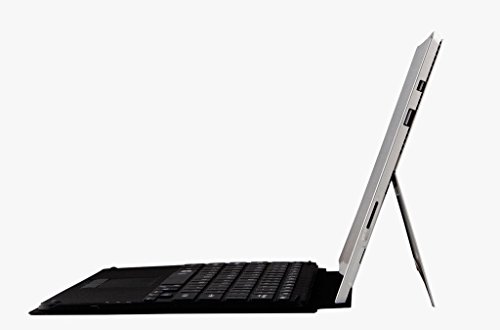
2.Keyboard size:L292xW205xH8mm
3.Keyboard weight:400g
4.Packaging size:L342xW230xH32mm
5.Total weight:612G
Bluetooth connection 1.Turn on the keyboard, the blue light display 3 seconds then closing.
2.Then click on the connect button(next to the on-off button), the light flashing.
3.Find your surface Settings - opens Wireless and network - turn on Bluetooth - search near the equipment - [Search the bluetooth keyboard name (Bluetooth keyboard) ]Click to connect.
4.Tablet screen prompts [Bluetooth pairing request (passcode XXXX paired "Bluetooth keyboard")], enter the number displayed on the screen on the bluetooth keyboard and press the Enter key, the connection is done successfully! The light off. Then you can use the keyboard.
Please know that if you don't catch the passcode, you can reset it and get a new passcode to connnect it again.
Feature
Designed for your precious Microsoft Surface Pro 3 12 inch tablet
Built-in rechargeable battery, PU leather & ABS keyboard
With touchpad, function keys and media control key
Provide you more convenient and fast typing experience with your surface
More bluetooth connect instruction in description
Brand : LinDon-Tech
Item model num : BK8122-2
MPN(PartNumber) : BK8122-2-black
EAN : 6979972584754