




HyFi Device Frequently Asked Questions Summary
Q1: What is HyFi Smart Wireless?
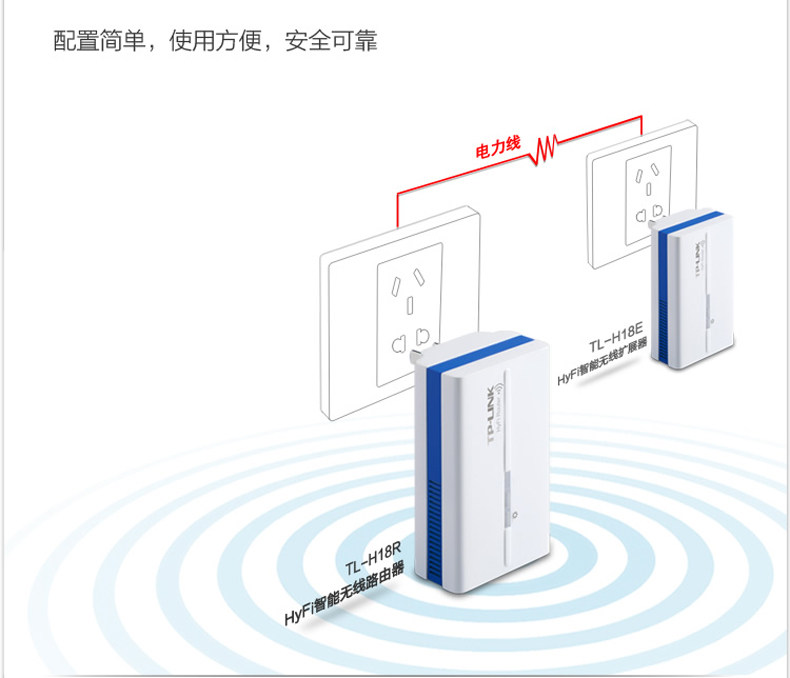
A: HyFi (full name: Hybrid Wi-Fi) refers to the same product at the same time using "wired" and "wireless" two technologies to "cable" as the backbone, "wireless" as access, so that the product has a stable and reliable cable Sex and wireless mobility convenience. Intelligent means to "HyFi intelligent wireless router" for the network control center, real-time automatic discovery and configuration, management network all HyFi intelligent wireless expander, without human intervention, to achieve intelligent home network.
Q2: Can HyFi products be used alone?
A: TL-H18R can be used as a single LAN port wireless router alone, TL-H18E must be used with HyFi smart wireless router can be used.
Q3: What is the default management address for HyFi products?
A: TL-H18R default management address is 192.168.1.1, TL-H18E default management address 192.168.1.254, but when TL-H18E TL-H18R is not registered, TL-H18R will automatically assign IP address for TL-H18E, You can see the specific IP address through the list of expanders for the TL-H18R management interface.
Q4: Can HyFi products be used without other power line adapters?
A: TL-H18R and TL-H18E are available with the HomePlugAV standard and can be used with TP-LINK power line adapters TL-PA200, TL-PA201, TL-PA500, TLPA501 and power lines AP TL-PWA2701N, TL-PWA2801N. In this case, you need to pair the devices manually by setting them to the same private network name.
Q5: What is the range of use of HyFi Smart Wireless Router / Extender? What is the coverage of a single H18R and 18E?
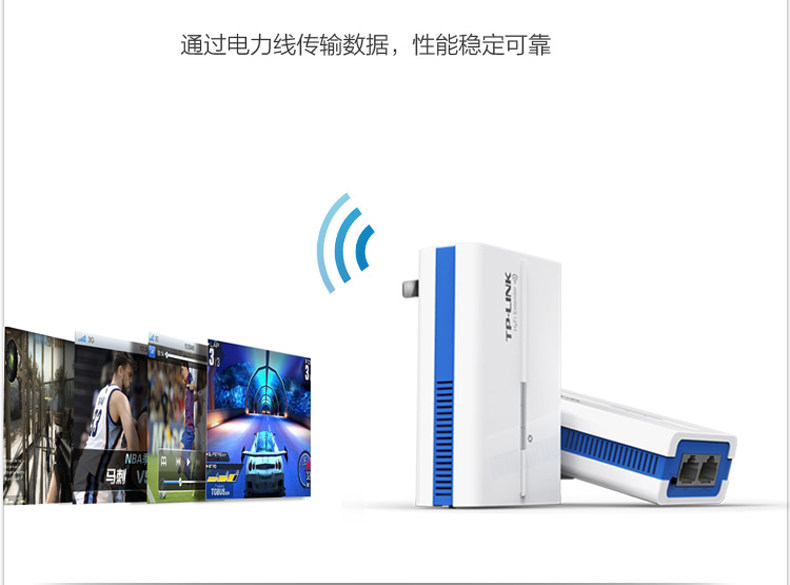
A: TL-H18R / TL-H18E data transmission along the power line, the same meter along the power line transmission distance of up to 300 meters, to meet the general family environment. H18R and H18E are built-in 1.5dbi antenna, transmit power 18dBm, it is recommended to use in a single space.
Q6: use the power line adapter to transmit data on the power line, will be disturbed by household appliances?
A: Appliances use the power cable adapter performance has no effect, but the board, charger, air switch may have a greater impact on the use of power line adapter, in use, as far as possible the power line adapter device plug in the wall, and close as far as possible Avoid using chargers, power adapters, and more.
Q7: a HyFi smart wireless router can support up to several HyFi smart wireless: expander?
A: 7 sets.
Q8: how to set up a front-end router HYFI products?
A: see TP-LINK official technical documents: http: //service.tp-link.com.cn/detail_article_443.html (please copy the link to the browser open)
Q12. How to set up HyFi Smart Wireless Devices TL-H18R TL-H18E?
A: See TP-LINK technical documentation: http: //service.tp-link.com.cn/detail_article_291.html (Please copy the link to the browser to open)
Q13. HyFi Equipment Other Frequently Asked Questions.
A: See TP-LINK technical documentation: http: //service.tp-link.com.cn/detail_article_439.html (Please copy the link to the browser open)