Product Description
Tips for driver: After install the driver that could get the touch function work.
1.)Step1, Install Raspbian official mirror
a)Download Raspbian official mirror(latest version):
https://www.raspberrypi.org/downloads/
b)Use"SDFormatter.exe"to Format your TF Card
c)Use"Win32DiskImager.exe" Burning mirror to TF Card
2.) Step2, Clone my repo onto your pi
sudo rm -rf LCD-show
git clone https://github.com/goodtft/LCD-show.git
chmod -R 755 LCD-show
cd LCD-show/
3.)Step3, According to your LCD's type, excute:
In case of 3.5" LCD
sudo ./LCD35-show
If you need to switch back to the traditional HDMI display
sudo ./LCD-hdmi
Wait a few minutes,the system will restart automaticall , enjoy with your LCD
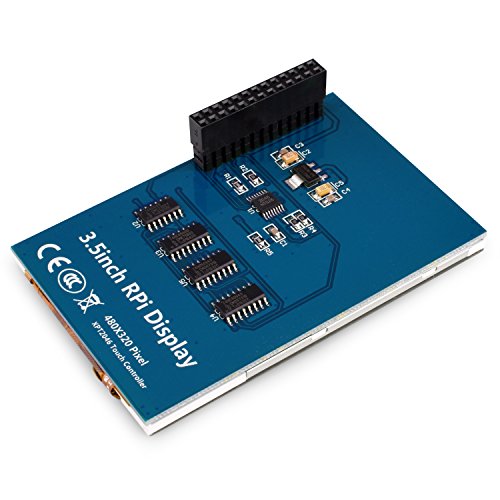
Key Parameters LCD Interface: SPI
LCD Type: TFT
Backlight: LED
Colors: 65536
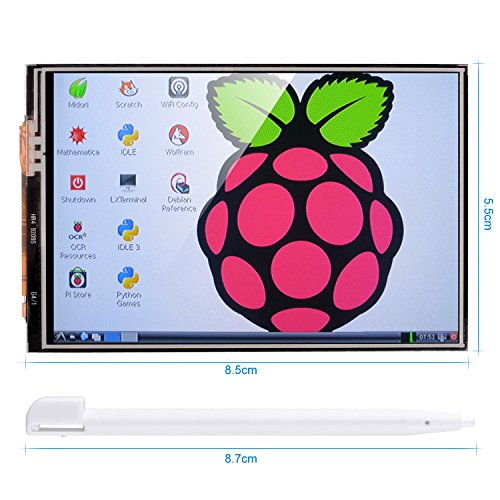
Aspect Ratio : 8:5
Resolution: 320*480 DOTS
Power Consumption: TBD
Backlight Current: TBD
Package Contains 1x 3.5inch LCD for Raspberry Pi
1x CD instruction
Note:Installing on existing systems is not supported. Please backup your system before attempting this
If you want to use the 3.5inch at your current system, you should add the Driver debugging system by yourself (need more time to do that ). So we suggest that you use our Driver debugging system and then the 3.5 inch lcd panel can be working well. regarding Our debugging system, Write the System Image(Raspbian) to the SD card in Windows,Mac OS X or Linux.We have tutorials and software for you to download, please contact us to get all information.
3.5inch Raspbian image software: PI 3-LCD35-2016-03-18-raspbian-jessie
PI 2-LCD35-2015-03-03-raspbian-jessie
Feature
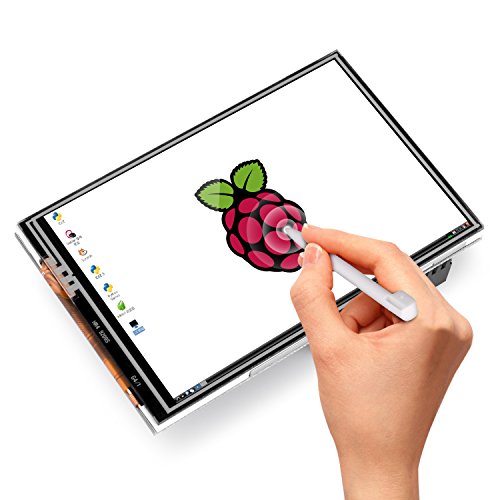
3.5 inch resistive touch screen designed for Raspberry Pi 3B 2B/B+/A+ /A/B, 320*480 resolution, better display. No external power supply needed
Raspberry Pi not included. Software package contains everything you need to start from zero.please email to us
Convenient Men-Machine interface for Raspberry Pi, combined with the portable power, DIY anywhere anytime.
Please note that you need to install our jessie OS with the pre-installed drives on a new or format SD card, if you dont install our jessic OS with the pre-installed drives, you will be starting at a white LCD panel.We have do test on OS, if you want to use other system, maybe you need to add drivers by yourself.
Detailed tutorials including project introduction and source code CAN BE PROVIDED FOR FREE,contact us BY Email to get documents.
Brand : kuman
Item model num : SC06-3.5TFT-US
MPN(PartNumber) : SC06-3.5TFT-US
Product Dimensions(LxWxH) : 12x8x4cm ; 181 g
Package Dimensions(LxWxH) : 12x8x4cm ; 181 g