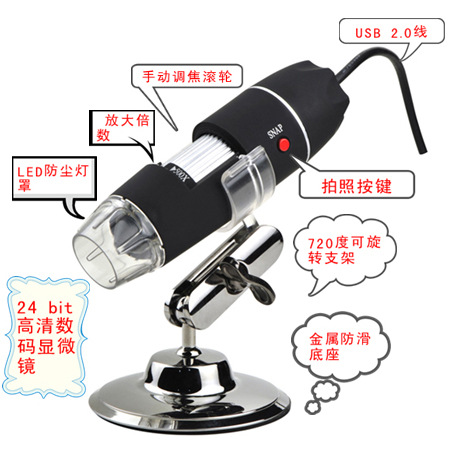
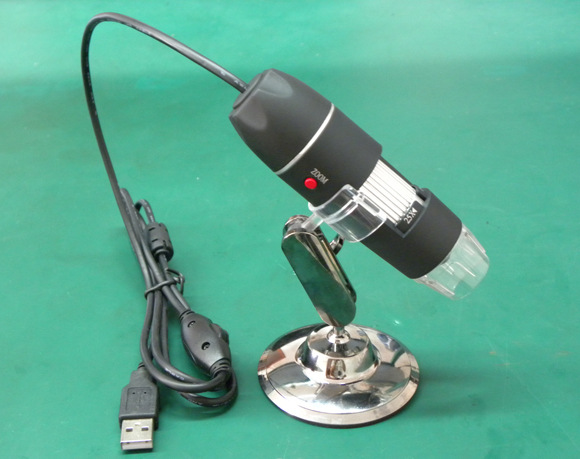
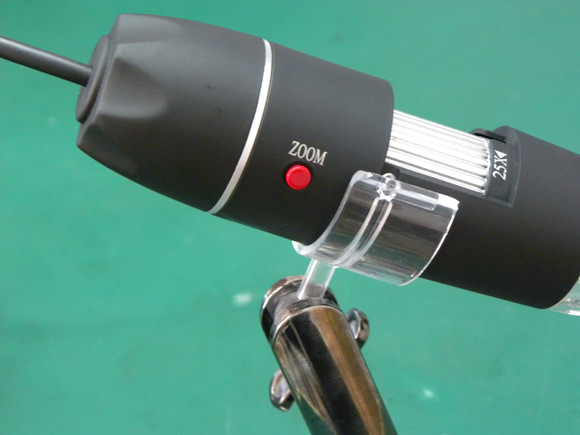
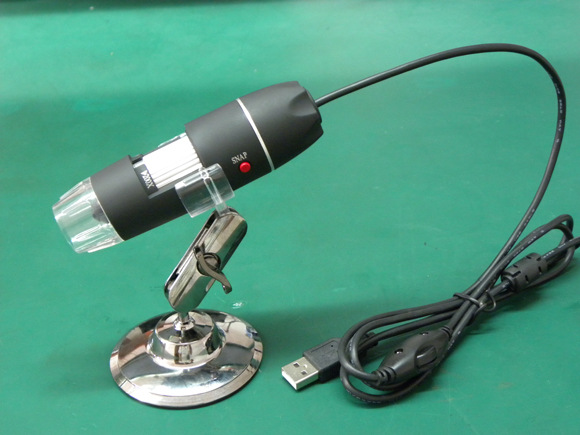
product description:
First, the simple instructions:
First, insert the USB interface.
Second, install the drivers and software programs.
Third, open the software after you can start the operation.
Fourth, the microscope close to the site to be enlarged.
Fifth, adjust the LED light switch to the appropriate brightness.
Sixth, adjust the rotation axis to the appropriate focus.
Seventh, save the picture as (JPG or BMP).
Second, the product application:
Laboratory testing, computer research tools, insect anatomy / examinations, plant anatomy / examinations, skin examinations, scalp examination, textile inspection, jewelery, medical examinations, computer parts testing, telecommunications component testing, scientific teaching tools, laboratory research, medical analysis Inspection, collection / coin inspection, printing inspection, reading help, online video chat, etc.
Third, the product specifications:
1, pixels: 2 million pixels.
2, the controller: high-speed DSP.
3, lens: 5G
4, focal length: manual focus.
5, take pictures JPEG or BMP.
6, video capture picture pixels: 1600x1200 (2MPixel), 1280x1024 (1.3MPixel), 1280x960,1024x768,800x600, 640x480, 352x288, 320x240, 160x120. Also can be adjusted with the size of the display zoom.
7, the lens rate: 30f / s in the brightness of 600 lux under the light.
8, flash control: 50Hz / 60 Hz
9, video format: AVI
10, light source: white LED lights eight, you can control the light of the bright and dark + switch lights.
11, magnification: 50 ... up to 500, you can zoom 40 times.
12, power supply: USB interface (5V DC)
13, software compatible: TWAIN / VFW and so on
14, the hardware requirements: Petium above, 20M hard drive, CM ROM drive, 128MB memory, Direct X VGA card.
15, computer interface: USB2.0 and USB1.0
16, the operating system: Windows2000 platform SP4 / XP / Vista / Win7
17, product size: 112MM (long) x33MM (diameter)
?