Features:
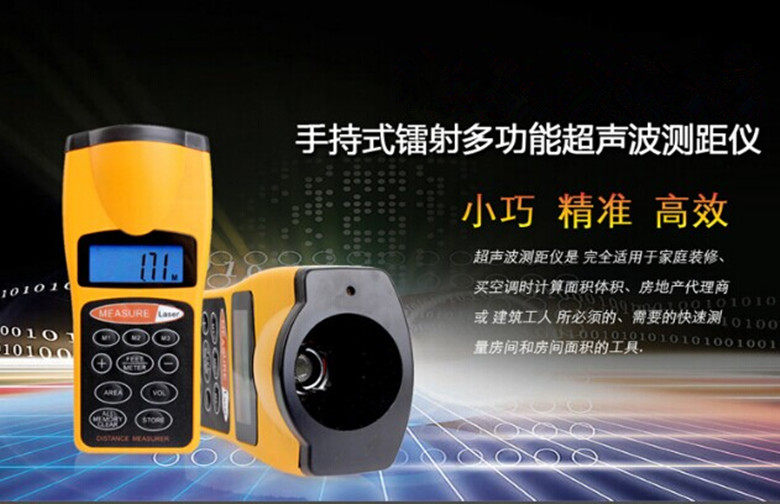
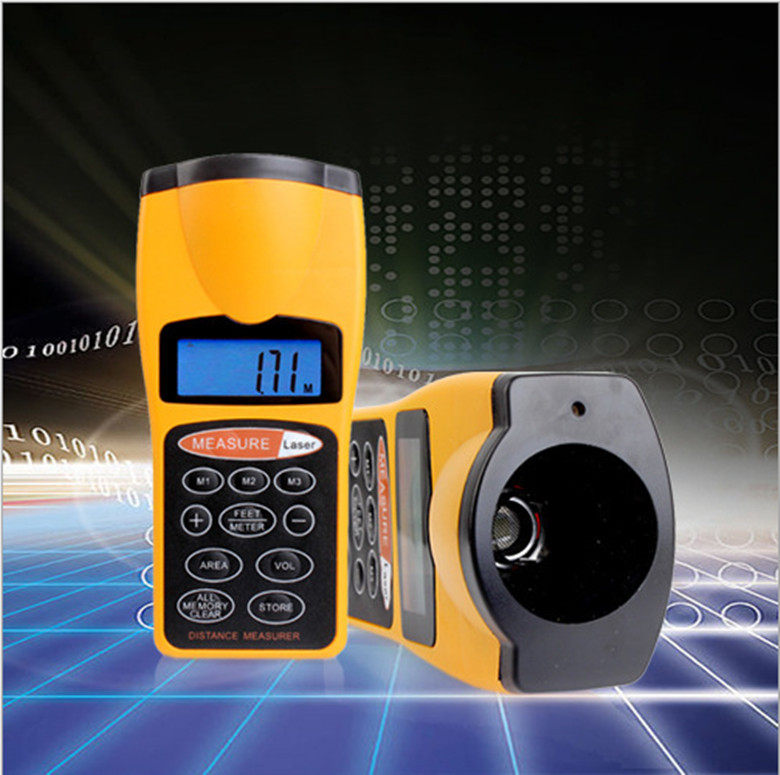
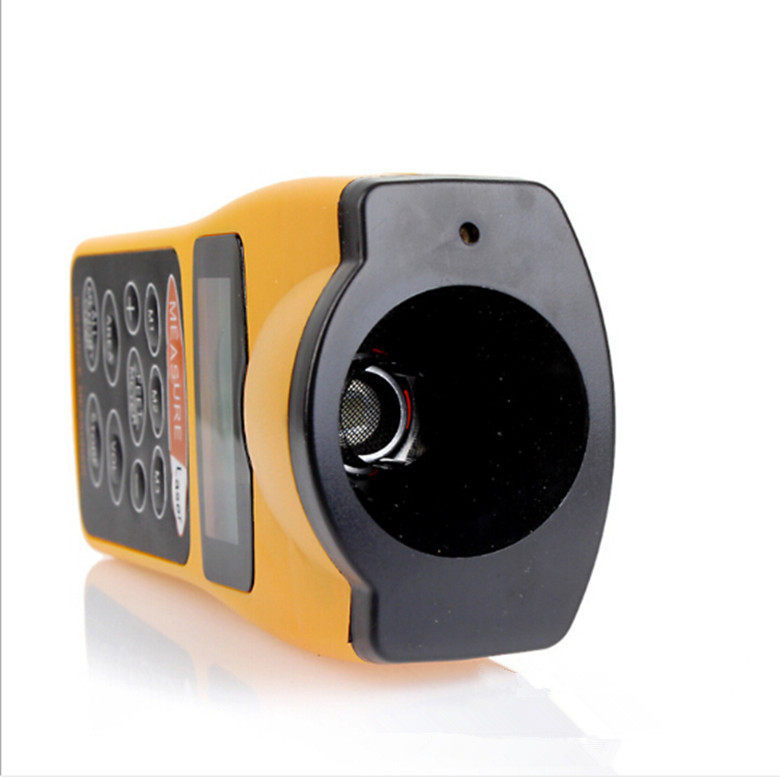
Ultrasonic distance meter is a tool that is suitable for home decoration, buy area air conditioner, calculate area volume, real estate agent or construction worker, and need to quickly measure the room and room area. Ultrasonic distance meter can measure straight line distance from 0.50M. To 18M. (1.5 ft - 60 ft) Ultrasonic range finder uses ultrasonic waves emitted to the measured object, and then calculates the ultrasonic round-trip time to determine the measurement distance.
Reference parameters:
Measuring range: 50 cm to 18 meters
Error: 5/1000
Resolution: 0.01 meters
The maximum measurement distance: 18 meters
The sum of the maximum distance: 180.00 meters
The maximum calculation area: 18 x 18 square meters
The maximum calculation volume: 1800.0 cubic meters
Battery: 9v
Transmission frequency: 40kHz
Accuracy: ±0.5%
Resolution: 0.01m
Working temperature: 0°C ~ 50°C
product description:
Ultrasonic distance meter is called "electronic tape measure" in foreign countries and is suitable for construction, decoration, engineering and other places. It can measure the traditional measuring tape. Ultrasonic range finder sold by our shop is based on the data provided by manufacturers is already a relatively good product in the international market, and the market share in Europe and the United States is quite high, compared to other brands of range finder in the ultrasonic launch angle, anti-jamming processing There are obvious differences in such aspects.
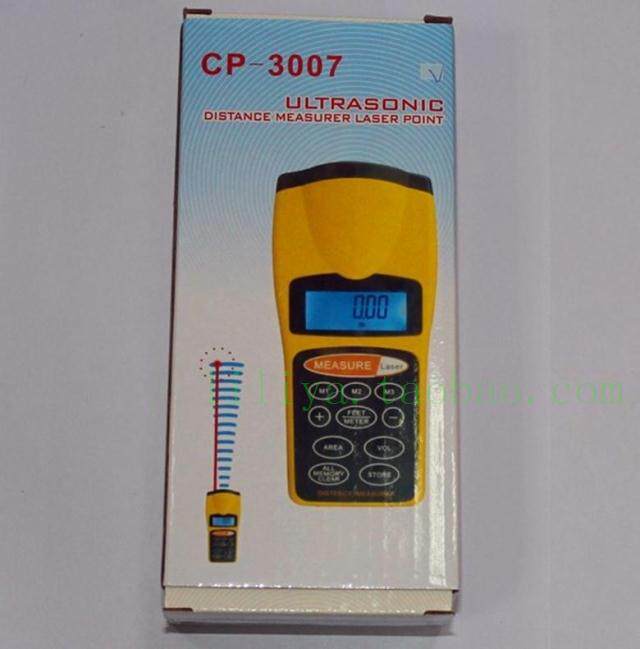
Model Number:CP-3007
Export products, English instructions! If you need Chinese manuals to provide electronic documents.
Infrared rangefinder Ultrasonic rangefinder Project Ranging Wireless ranging Really easy!
Precautions for measurement:
1. The ultrasonic distance meter measures the distance from the bottom of the machine to the bottom of the machine, not the distance to the top. If you use the top, you will find that the distance between the display and the actual distance is always a few ten centimeters.
2. The body and wall should be kept as perpendicular as possible during the measurement. Especially when the measured distance is long, the more vertical, the higher the accuracy of the measurement data. On the contrary, the larger the slope, the greater the error. For long-distance measurement, it is recommended to open laser positioning to keep it as vertical as possible
The latest CP3007 laser rangefinder Ultrasonic rangefinder
Detailed Chinese instruction manual:
CP-3007 Ultrasonic Rangefinder User Guide
ready
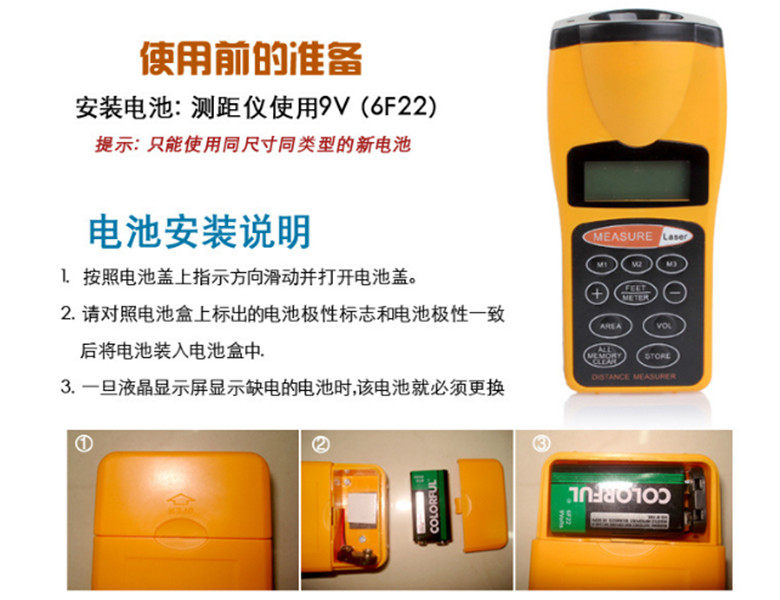
Install the battery
Your rangefinder requires a 9V battery. For better use and longer life, we recommend that you use alkaline batteries.
Please install the battery according to the following steps:
1. Place in the direction of the battery compartment arrow;
2. The lid is pushed open and the battery compartment has positive and negative (+ and -) poles.
3. Open the lid
4. When the battery is showing low or the range finder is not working, replace the battery.
Warning: If it is not used for one month or more than one month, please take out the battery to avoid damage to the instrument without leakage for a long time.
Ranger stabilization:
The instrument is sensitive to temperature and humidity. Wait 15-30 minutes before use until the range finder stabilizes to room temperature.
use
Rangefinder switch:
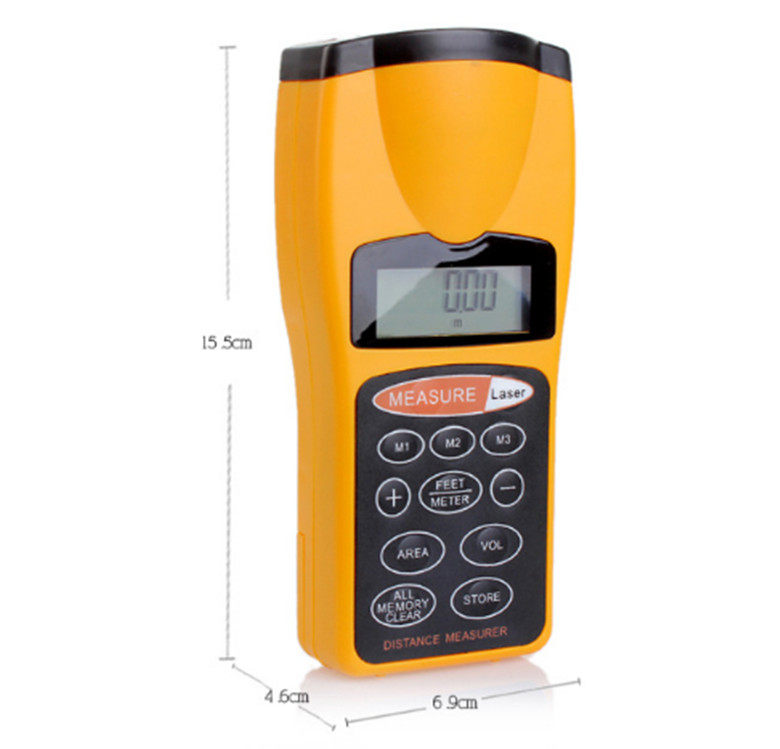
To turn on the instrument, press “MEASURER” to display the screen easily even in dim light. When the voltage is stable, you can see the ambient temperature at that time.
30 seconds automatically closes if not used.
When measuring:
1. Click "MEASURE" and the instrument's radar will measure the instrument's arrival at the other end of the measurement.
2. Keep the bottom of the instrument close to the wall, which is probably the distance from the ceiling to the floor. Make sure that there is no obstacle between the distances you measure, and your head or your hand should not be in front of the meter.
3. Repeatedly press “FEET” or “METER”, “FEET” indicates measuring in feet, or “METER” indicates measuring in meters.
Explanation:
The meter's display is generally around 30 seconds, and it takes about 30 seconds if you change another mode.
If your measurement range is less than 2 feet (0.5 meters) or is greater than 60 feet (18.288 meters), "ERROR" will be displayed
Measuring Tips:
Some curtains can absorb sound waves and cause the meter to measure inaccurately. If you measure in a room with curtains, place the curtains on the other side of the window and close the windows.
If there are obstacles in the measured distance, the data measured by the ultrasound is incorrect, such as tables, chairs, or other obstacles. If you are not sure if you are measuring correctly, then you will make multiple measurements from different angles.
If you are not measuring a flat place or a very narrow corner, then the data you get is wrong.
If the distance to be measured is greater than 60 feet (18.288 meters) then select the middle point of the house, say: measure from the midpoint to each side, then add up.
Reduce measurement error:
1. Follow these steps to measure a size with "measurement."
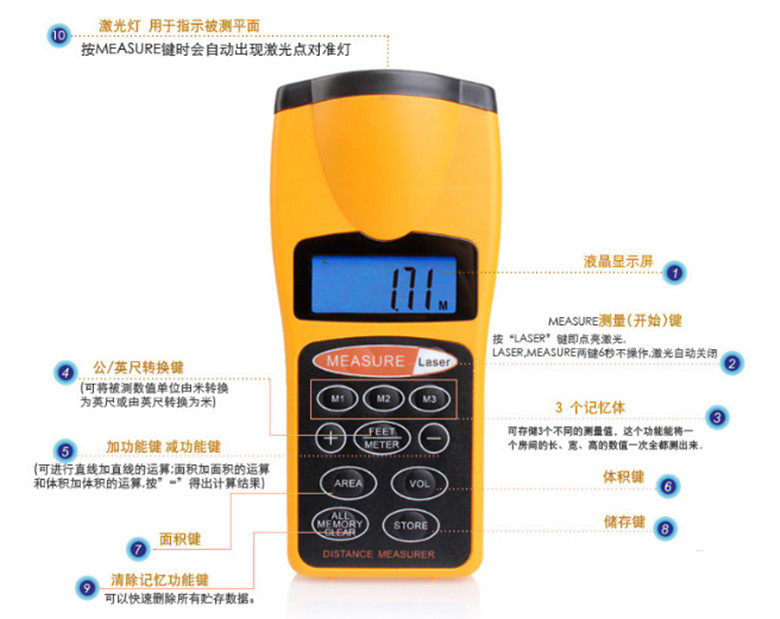
2. Press the “STORE” button and you can store the measured data in the memory card M1, M2 or M3 card.
3. If necessary, repeat the first and second steps above to store the data.
4. Press the M1, M2, or M3 card if you want to store the data on which memory card. This data exists inside.
5. If you want to store new data, delete the original data directly.
6. If you want to delete all the data, then press "ALL MEMORY CLEAR" hold down for 3 seconds, then all the data there are M1, M2, M3 and the like will temporarily disappear.
Note: Date and sound cannot be saved after deletion
Measure the volume:
To measure the acoustics of your home, first measure height, width, length, then store each data to a different memory card. See "Saving a Measurement" and press "VOLUME" to calculate and store the sound effects.
Measuring area:
Follow these steps to find two empty storage spaces:
1. The measured height and width are stored on the memory cards of M1 and M2. Press “AREA”, “M1” and “M2” and the data is stored.
Addition, subtraction, multiplication and division storage
1. Any two measured dimensions are stored in M1 and M2,
2. Press the ALL MEMORY CLEARE button
3. Press “M1” plus “M2” plus other data to be added or “M1” minus “M2” minus other data to be subtracted. The data to be added or to be subtracted comes out.
4. If you want to store additional data or want to clear the memory, please press "ALL MEMORY CLEARE" on it.
Use laser:
To use the laser, press "LASER". If you do not move for 5 seconds, the laser's function will be turned off automatically.
specification:
Battery: A 9V battery. (Not included)
The units of the meter are feet and meters.
Accuracy: 0.005+1
Frequency: 40 kHz
Measuring range: 0.50 to 18.288 meters
Typical specifications may change individually and specifications may change without notice.
note:
Laser emission of 650 nm is a visible laser wavelength.
Don't stare at the laser beam, and don't shoot anyone's eyes with a laser