1

Description:
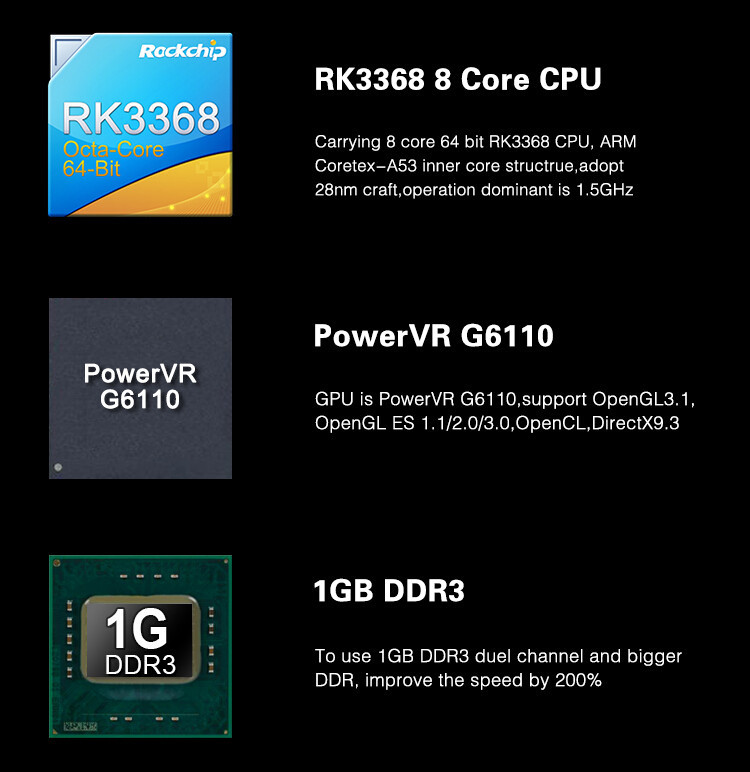
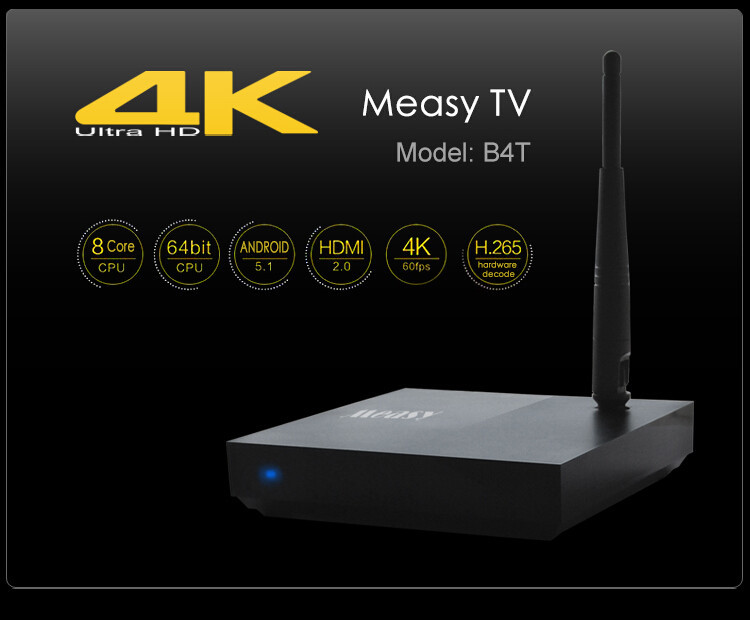
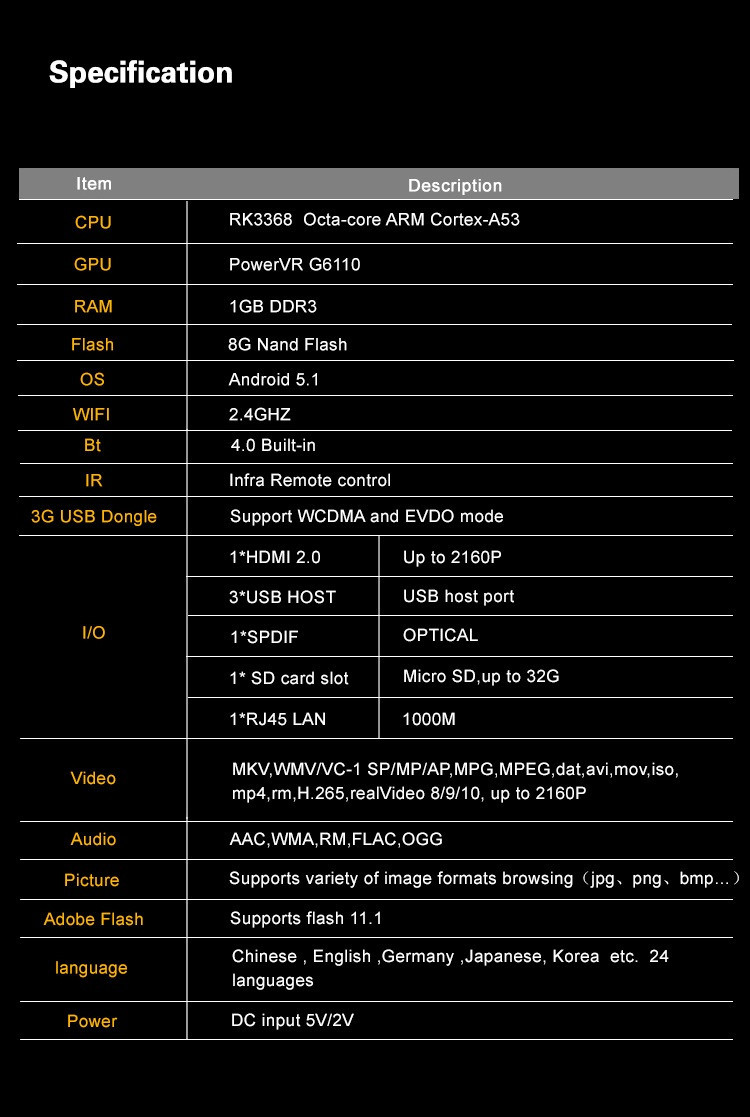
CPU: PK3368 Octa-core ARM Cortex-A53
GPU: PowerVR G6110
RAM: 1GB DDR3
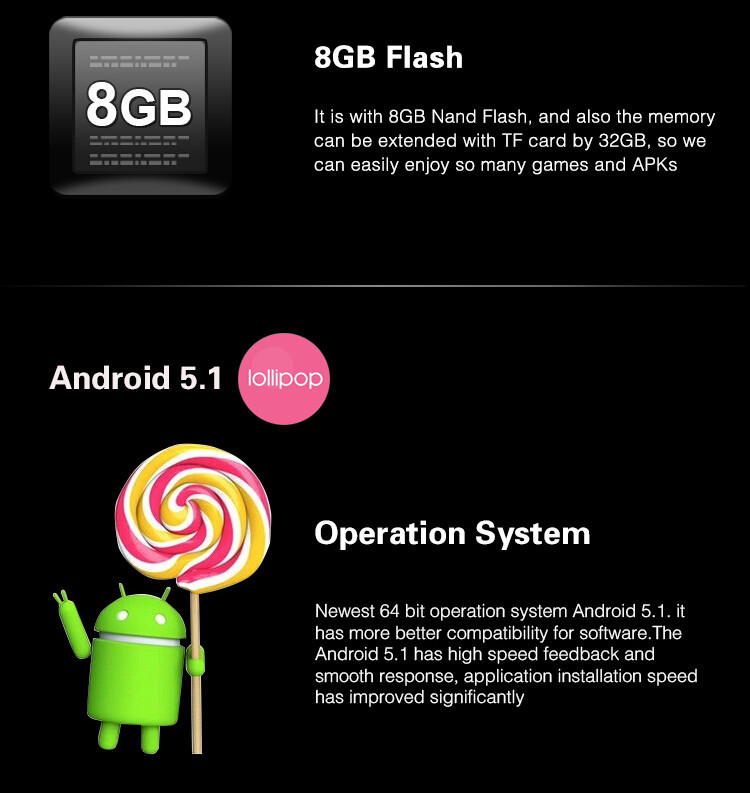
Flash: 8G Nand Flash
OS: Android 5.1
WIFI: 2.4GHz
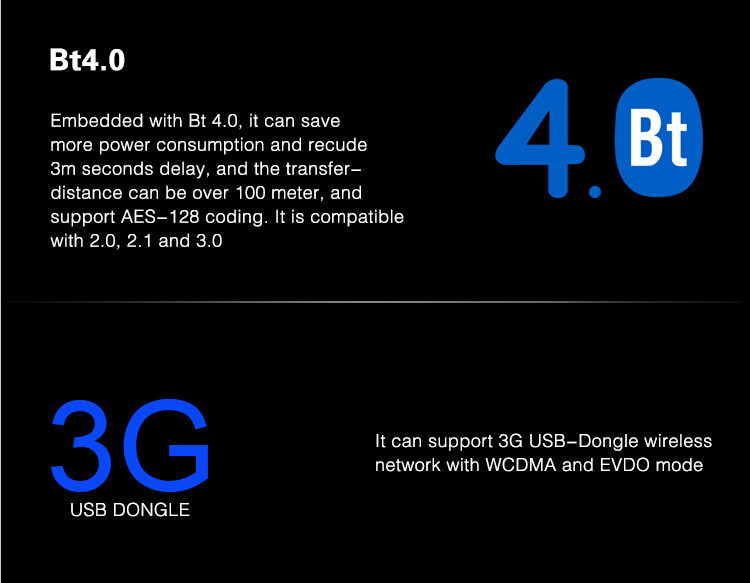
BT: 4.0 Built-in
IR: Infra Remote control
3G USB Dongle: Support WCDMA and EVDO mode
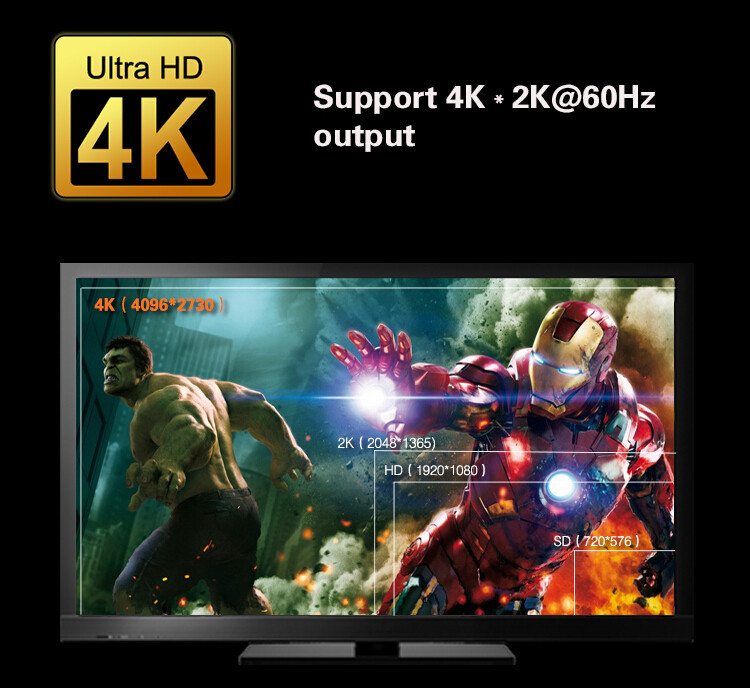
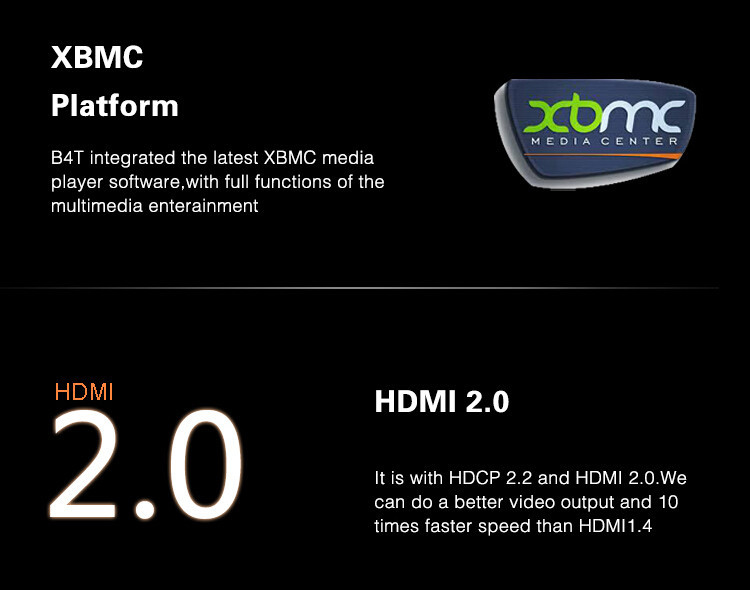
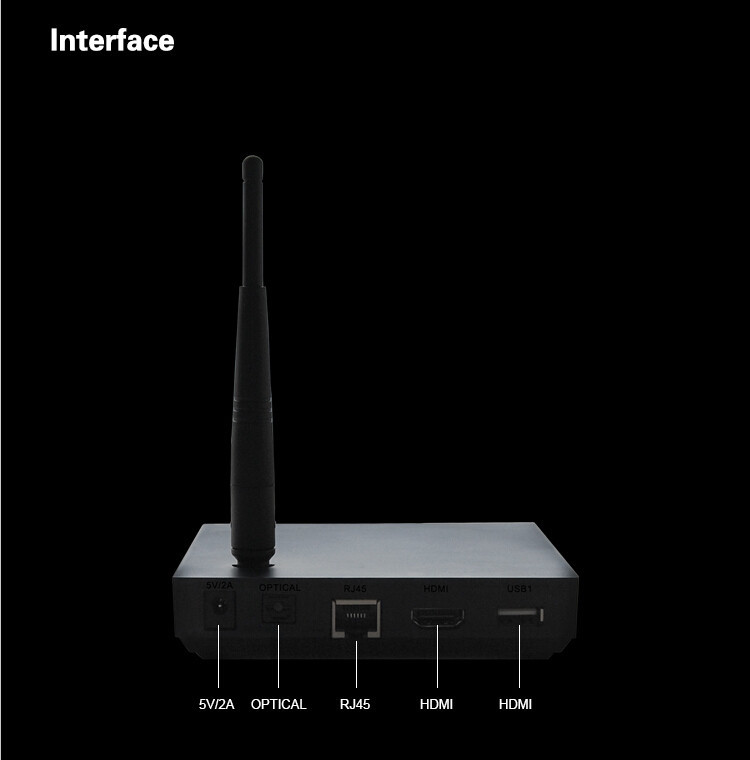
I/O:  1*HDMI 2.0: Up to 2160P
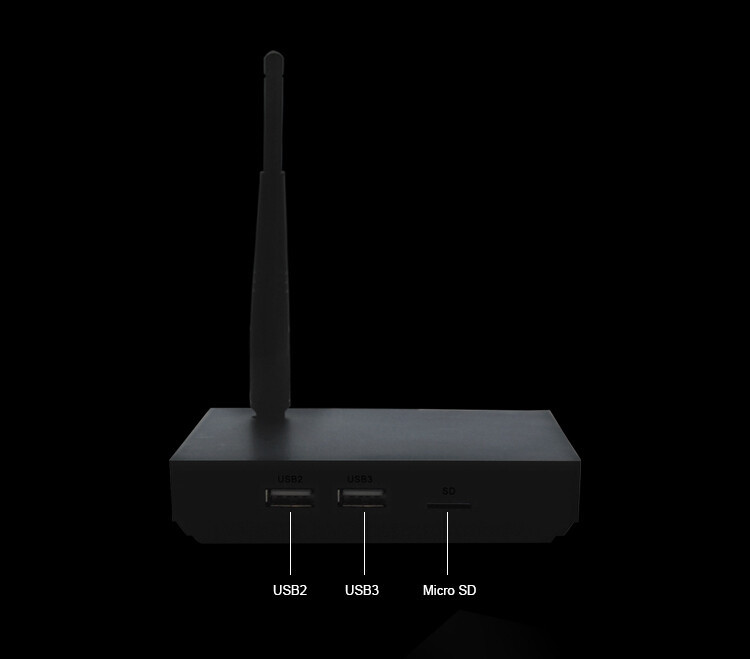
      3*USB HOST: USB host port
      1*SPDIF: OPTICAL
      1*SD card slot: Micro SD, up to 32G
      1*RJ45 LAN: 1000M
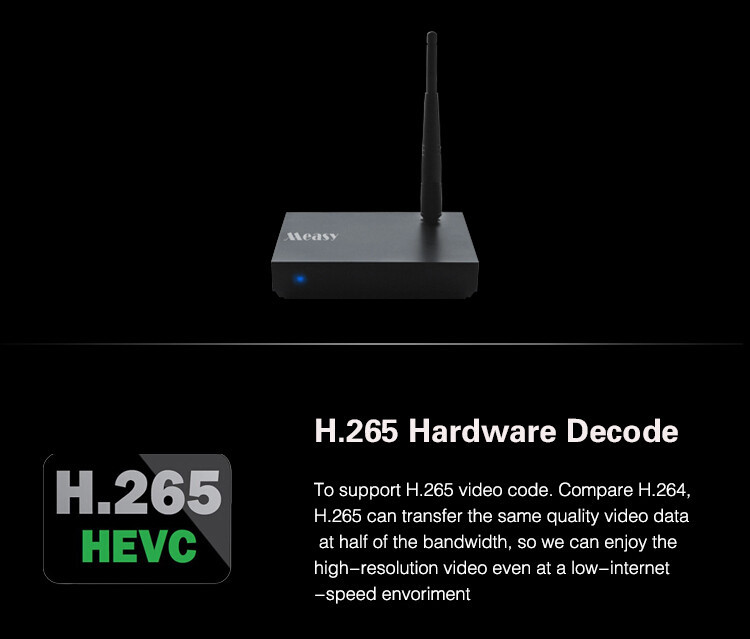
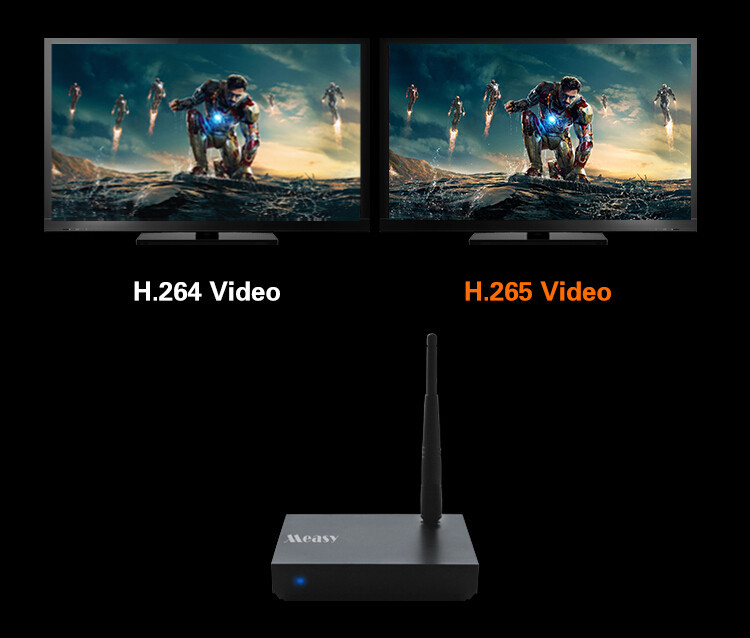
Video: MKV, WMV/VC-1 SP/MP/AP,MPG,MPEG,DAT,AVI,MOV,ISO,MP4,RM,H.265,RealVideo 8/9/10, up to 2160P
Picture: Supports variety of image formats browsing (jpg, png, bmp...)
Adobe Flash: Supports flash 11.1
Language: Chinese, English, Germany, Japanese, Korea etc. 24 languages
Power: DC input 5V/2V


Packaging:

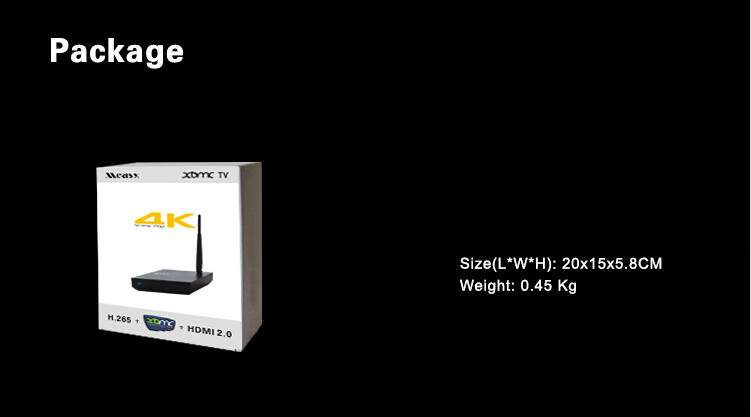
Measy B4T TV box*1

User’s manual*1

Adapter*1

Remote control*1


2345678910111213


Screenshot_2013-12-29-03-56-42Screenshot_2013-12-29-02-59-14Screenshot_2013-12-29-03-56-49Screenshot_2013-12-29-03-02-30Screenshot_2013-12-29-03-02-38Screenshot_2013-12-29-03-03-01

Screenshot_2013-12-29-03-02-03Screenshot_2013-12-29-03-02-13

New Fly Air Mouse RC13+Built-in Mic Speaker RC13 2.4G Wireless Keyboard Air Fly Mouse Remote Control for Android TV Box Mini PC
 
Feature :
Wireless(RF 2.4G)connection,smart!#!amp!*!portable size
To enjoy PC Multi-media Entertainment at home
To enjoy Android TV BOX and Smart TV convenient!#!amp!*! efficient for Conference,Presentation!#!amp!*! lecturing
To share large TV and projector screen
Built-in speaker and mic for video chat
1. This is the RC13 Wireless air Fly mouse and QWERT keyboard remote control for TV BOX UG802 MK808 MINI PC speaker and MIC for Skype
 
2. RC13 is the newly released muti functions device ,including Air fly mouse ,QWERTY Wirless keyboard ,Remote control ,Speaker and mic.
 
3. The most important breaktrough is that it can used to chat with Skpye and other software,apps can chat online.
 
4. All can be done wirlessly,Next,let step into the world without wire.
 
Package:
1 x Flying Mouse
1 x Receiver
1 x Manual
(Battery Not Included)


=======================================================================================================
=======================================================================================================
 
 
Brand Measy RC9 Mini Gyroscope 3D Air Mouse 2.4GHz Wireless for Andriod TV Box PC


Package contents:
1 x RC9 air mouse
1 x USB Cable


=======================================================================================================
=======================================================================================================


Mini wireless keyboard air mouse RC11
2.4G Mini Wireless Keyboard !#!amp!*! Air mouse
 
 
Features:
* Wireless 2.4GHz radio frequency with USB receiver
* All of the keys lifespan up to 1,500,000 times
* Auto sleep mode: Automatically into sleep mode 2 minutes left without operation
* To enjoy PC multi-media entertainment at home
* To enjoy Android TV box and smart TV
* Convenient and efficient for conference, presentation and lecturing
* To share large TV and projector screen
* Large PAD for handwrite
Specifications :
* 2.4GHz DSSS radio transceiver, 30m max distance
* Powered by 3 x AAA battery (Not included)
* System requirements: Windows 98/ 2000/ Me/ Vista/ NT/ XP/ 7, Android, Linux (Debian-3.1, Redhat-9.0)
* Product weight: 126 g
* Package weight: 165 g
* Product size (L x W x H): 20.0 x 5.6 x 2.5 cm / 7.8 x 2.14 x 0.88 in
Package Contents :
1 x RC11 Air Mouse + Keyboard
1 x Receiver
1 x Manual


=======================================================================================================
=======================================================================================================
 
 
Measy RC12 2-IN-1 Smart Wireless 2.4GHz Air Mouse + Touchpad Handheld Keyboard Combo -Black
 
 
Specifications:
* 2.4GHz DSSS radio transceiver, 10 feet max distance
* Powered by 3 x AAA battery (Not included)
*System requirements: Windows 98/ 2000/ Me/ Vista/ NT/ XP/ 7, Android, Linux (Debian-3.1, Redhat-9.0)
* Product weight: 123 g
* Package weight: 158 g
* Product size (L x W x H): 20.0 x 5.6 x 2.5 cm / 7.8 x 2.14 x 0.88 in
Package Contents:
1 x RC12 Air Mouse + Touchpad Keyboard
1 x Receiver


=======================================================================================================
=======================================================================================================
 
    
                              RC7 Air Mouse


Measy RC7 is an wireless input device which integrated dual funcation: of flying mouse and wireless keyboard.Because of its convenient design and also used 2.4G wireless technology, no need to be placed on any flats. You can use it directly by shaking or moving in the air. As a wireless mouse and wireless keyboard, compared with traditional mouse and keyboard, RC7 rid the operation which must be used on the desktop thoroughly.
1. Used for Android Smart TV Box
2. Android TV box
3. Android Mini PC
4. Projector
2. Smart code paired technology ,USB port,plug and use.
3. Be be inputted with full buttons of the keyboard.Humanized layout
4. Integrated multimedia cases function of Windows(GOOGLE TV hotkey)
5 The indicator lights of the functions are clear at a glance
6. Use AAA dry batteries,can be used in all countries without any worries.
When the cursor appears to drift and hard to control,please do initialize setting for the air mouse as following
operations
1. Please put the device on the desktop,press the up arrow  、down arrow  and Enter key 
 key  ,sequentially.Don't release other keys when you press each one. While holding down these
three keys for 1 second, the LED key of the air mouse will become falshing.
2. When the LED key become flashing state, at the same time plug the USB receiver into the USB intterface of
the device. the air moue will start to initialize code.The LED key  will become lit state after 5 seconds after
 about 5 seconds,that means the air mouse initialize setting successful.
Size(L*W*H): 65x31x205 mm
Weight: 0.146 Kg


=======================================================================================================
=======================================================================================================
 
    
                              RC8 Air Mouse

Measy RC8 is an wireless input device which integrated dual funcation: imput keyboard and tochpad. Because of its small and convenient design and also used 2.4G wireless technology, no need to place on the desktop, you can hand it to input any character or move the cursor of the mouse easily. No matter you stand, sit or lying, you can use it very convenient, control it easily.


1. Android Mini PC


2. Android TV box


3. Smart TV


4. Projector


1. 2.4G RF wireless connected ,the distance can be up to 30 meters


2. Smart code paired technology ,USB port,plug and use.


4. Be be inputted with full buttons of the keyboard.Humanized layout


5. Integrated multimedia cases function of Windows(GOOGLE TV hotkey)


6. The indicator lights of the functions are clear at a glance


7. Use AAA dry batteries,can be used in all countries without any worries.


When the cursor appears to drift and hard to control,please do initialize setting for the air
mouse as following operations
1. Please put the device on the desktop,press the up arrow  、down arrow  and Enter 

key ,key  ,sequentially.Don't release other keys when you press each one. While holding down these three keys for 1 second, the LED key of the air mouse will become falshing.
2. When the LED key become flashing state, at the same time plug the USB receiver into the USB intterface of the device, the air moue will start to initialize code.The LED key  will become lit state after 5 seconds after about 5 seconds, that means the air mouse initialize setting successful.


ModelRC8
ColorBlack
MaterialABS housing
KeyboardQWERTY
Key Number79
Connection MethodWireless
Power Supply3 x AAA (not included)
OS SystemWindows XP / Vista / 7 / 98 / NT / Me
Other Features
Operating distance: 10m; Modulation system: RF
adopt DSSS mode; Great anti-jamming capability;
Built-in backlight multimedia control key
Packing List
Mouse keyboard X1
2.4GHz mini receiver X1
English manual X1
Dimensions162.8x58x18 mm
Weight140g


Size(L*W*H): 65x31x205 mm
Weight: 0.146 Kg
 =======================================================================================================
=======================================================================================================
 
    RC10 Laser Air Mouse

RTTE Certicate


Whether in the company conference or in the business report, when you want to show up the report information of the computer throught the high-defenition big screen TV or the projectors, you need to use a mouse ,a TV remote control and a laser show pen. Then you can to demonstrate .And you have to switch back and forth of those remote devices,which make your hands and brain so busy and confused.
Measy RC10 wirless laser air mouse integrates the master of wisdom, makes the mouse, keyboard, remote control and laser pen four functions as a whole. Only need a RC10, you can move the computer mouse cursor, input keyboard character, switching TV video model, conrol the sound up and down, flip the slides, and show with laser pen annd other operations. RC10 wireless laser air mouse can hlep you make everything simply, manipulate all easily. No need too much, only a RC10 can help you to achieve many of the complicated operations.RC10


Measy RC10 is a wireless air mouse, which can fully realize the traditional keyboard and mouse functions. Its biggest feature is that you can use it in the air. You only need to wave the RC10 like your hand a remote control and wave it in the air, then RC10 will be able to make the swing action of the hand respond quickly on the screen by the cusor's moving, and make a precise cusor positioning. RC10 uses a precise sensor, which combinates with 3D gyro perfectly. The user can do precise operation at 360 degrees freely. The cusor will moves to where while the RC10 is pointing where of the screen, so that you can completely freed from the around of the computer or the TVs. You only can sit down with relax, then can enjoy browsing the web everywhere by using the RC10.


When the cursor appears automatic driftor cannot manipulate, please do initial setting for the air mouse as following:Please put the device flat on thedesktop, press the cursor key and the left key of the mouse simultaneously , and then the blue LED of the air muse willbecome  +  ,flashing. Now please plug the USB receiver into the USB port of thecomputer, the air mouse will enter into the initialization setting status. Theflashing blue LED will become lighting after 1 second, which means the airmouse had completed the initial


Now we often watch digital TV via a digital set-top box, so there are often need two remote controls: a TV remote control and a set-top box remote control. When watching the TV, the set-top box remote control is mainly used to watch TV programs and do program-related settings, the TV remote control is mainly used to turn on or turn off the TV or adjust the volume and others. It is very trublesome if use two remote control together. So it will be a good idea if can copy these basic functions of the TV remote control into the set-top box remote control.
RC10 is all a IR remote control, its special key learning-function can staisfy this requirement of the user very well. It can copy the key functions of different types of remote contro with different brand into RC10, and makes one remote control can control multiple devices.
1. Make sure the indicator of the remote control is red , , If not , you can long pressthe toggle key of the IR remote contorol and sir mouse remote control about 1.5 seconds to switch
2. While holding down the cursor key +the left key of the mouse simultaniously  + ,the red indicator light become slow flashing state, that means the remote control is in learning mode.
3. Make sure the emission direction of the TV remote control align with the infraredtransmitter of the RC10
Press the button of the TV remote control "voice-" ,when the RC10 receives the code value of the "voice-"which emitted from the TV remote control , the slow flashing light will bemcome quick flashing
Now press the volice- button. of the RC10, the quick flashing light of the RC10 becomes slow flashing state ,that means the RC10 learns successful and enter upon learing state again .Then you can press the "voice+"button of the TV remote control or other buttons to enter other buttons learning according to the flashing state of the RC10
when finish learning the keys ,need to press the right key of the mouse  to back from the learning standby status.Now the light becomes lit from the red flashing status


RC10 is also a wireless presenter. The reasonable arrangement of the keys and the bright red laser pointer, make you operate it simple and easy to control. So you can controlthe presentation rhythm with confident, and attrack the audience' s attention on your wonderful presentation much more effortless and easily.


RC10 laser air mouse with unique wheel desgin. You need only turn the wheel a litte simply, then you can browser the web pages and documents quickly. In the air, you only need to scroll the wheel with a finger, then you can locate the content which you need accurately when you browse the web pages, browser the lists, slides and images documents.


Please plug the USB receiver into your PC or Android player, then you could use wireless RC10 at will. The control distance is up to 15m, you could control use the air mouse flexibly no matter at your room or parlor.


RC10 using the most famous CPU, low consume high efficiency, works well with 2 pieces NO. 7 dry batteries, no need to charge like lithium battery or worry about the lithium battery used life. What’s more, RC10 has integrated a humanized design-hibernated automatically, electricity saving and perfect durability.


No need to install any driver.Please the receiver into the USB port of the device, then you can use it directly. The unique built-in storage design, which can allow you to put the receiver into the presenter after you finish the demonstration in order to avaid loss.


1. Blue light indicates RC10 is in Air moue state
2. Red light indicates RC10 is in IR remote control state
3. Press Laser Pen button to switchover the laser pen
function no matter in air mouse or RF remoter state.
4. Change the batteries while Red or Blue indicator
flashing slowly.


PowerShort press to turn on/off laser pen, long press
1.5 seconds to set RC10 in standby mode
Cursor KeyAir mouse switch on/off function
Air mouse
initialization
Cursor key + Mouse left key