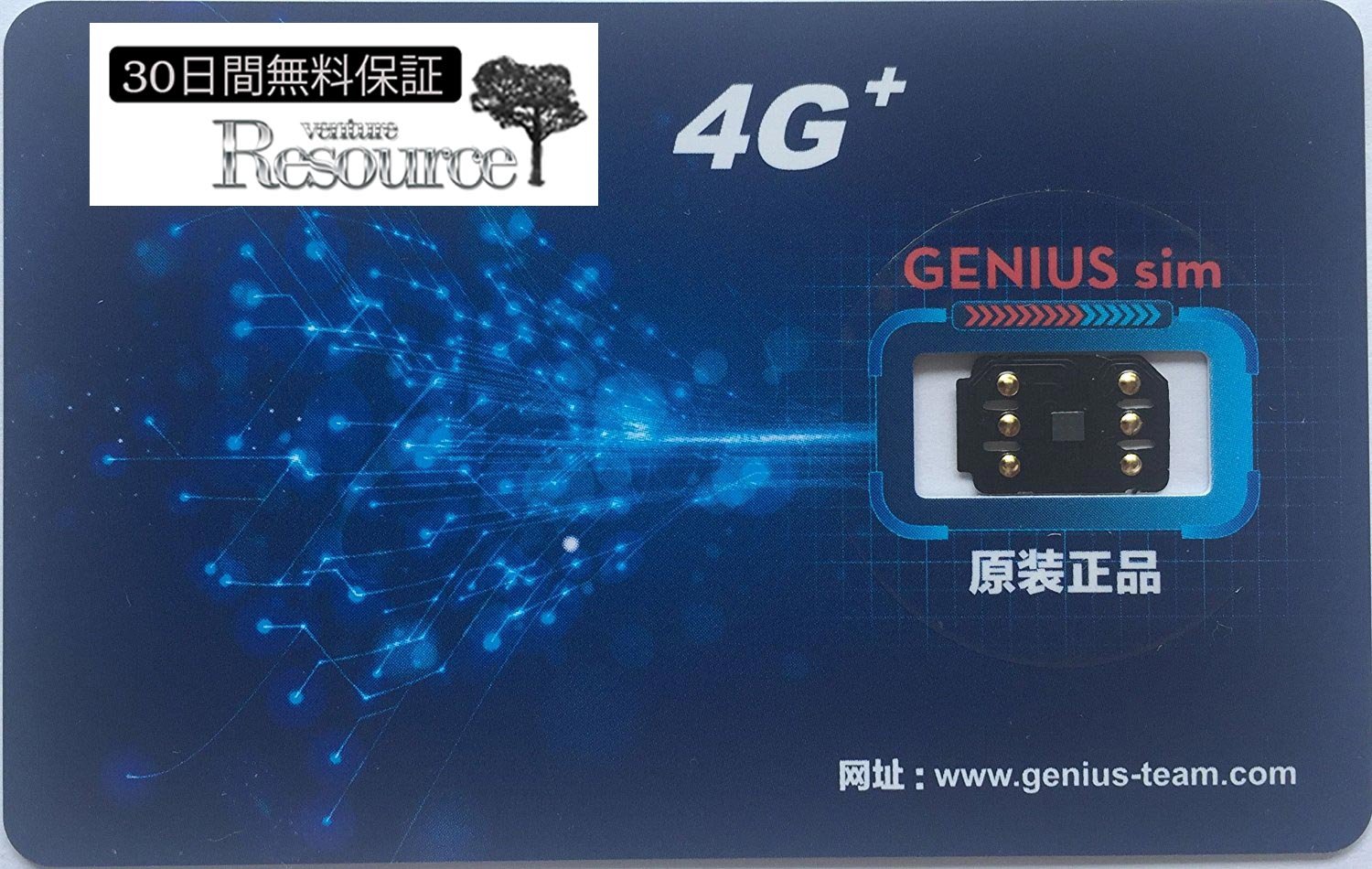
Item Descriptions:
【Sky Presentation
Store]
Is an authorized Japanese online selling authorized Genius 4G company!
【Sky Presentation
Store]
We only offer purchase, we offer safe warranty service.
[Carpooling exhibition / cheap copy] Please note the product.
DocoMo type cheap SIM is supported Voice call / 3G & 4G-LTE communication deactivated canceling clog
SoftBank / Au / DocoMo's iPhone can be used with docomo type cheap MVNO-SIM card such as mineo, LINE mobile, OCN, IIJ, biglobe
● Put it on ⇒ just ⇒ just activate.
(Wi-Fi environment required)
● Contents: Unlock base
● Easy specification that does not require difficult setting.
● docomo, au, SoftBank iPhone 7/7 Plus, iPhone 6s / 6s Plus, iPhone 6 / 6plus, iPhone 5S / 5c / 5 / se only.
■ Supported OS: iOS 7.0 to 11.0
■ Confirmed SIM: Docomo type cheap SIM mineo, LINE mobile, OCN, IIJ, biglobe etc DocoMo based cheap MVNO-SIM card
■ APN setting → The adapter is chewed into the SIM and inserted and activation is set just by activation ■
1: APN setting is done first.
(Please check the instructions of your SIM card, Wi-Fi environment is required.)
2: Set the adapter in the SIM tray by engaging the SIM, and attach it to the main body.
Activation starts automatically.
Please be careful of the position of the pero part like the commodity image 2 when you teeth tooth.
(Please connect the internet with Wi-Fi in advance)
3: Setting complete.
Voice call and 4G-LTE communication are available.
※ It may take a while to catch the first radio wave a while.
[When you can not use the above procedure]
1: Delete APN and reset APN from all network reset.
[When you can not use it even if you tried Step 1 above]
2: Activate after resetting all contents and settings with iphone setting, APN reset with the same contents.
* Be sure to back up the data before resetting all contents and settings.
【Precautions for purchasing】
· It is not possible to guarantee the operation of SIM cards of all carriers
· APN setting is absolutely necessary for packet communication, Wi-fi environment is required for APN setting.
· When paying in and out of SIM tray, pay close attention.
- The APN setting is a setting to do to the iPhone, not the release base.
Because it depends on each contract, we do not support.
· This product does not guarantee that all SIM cards in the world are compatible.
· This product actually does not remove the lock, it will be a product that can avoid lock only while wearing the release base.
It is effective only when inserted with the SIM card in a stack.
· Product specifications · Packages etc. are subject to change without notice.
【important】
· It does not guarantee that 100% re-lock will not be applied
· To maintain the state of cancellation, please refrain from changing SIM after cancellation.
· Please never delete updates or delete all contents and settings via iTunes while wearing this product.
· There is a possibility that it can not be used due to iOS update etc.
Please note.
Features:
- Please enter model number Confirm this is compatible:
- From October, there is a possibility that Apple's countermeasure against Simlock release program entered.
- There is a report reporting that it can not be used fully automatically from ios 10.3.
- Please do not upgrade the OS to 10.2 or higher.
- First of all, please make sure that your OS is 10 or less and take action to avoid updating absolutely.
- Also, even for terminals with OS 10 or less, it may be configured to automatically read the exclusion program of the shim lock release program when shim adapter is replaced.
- Despite the fact that I do not remember updating the OS, the phenomenon that the shim adapter does not function after the message "Update is completed" has been reported.
- Please do not change the combination of the shim base and the sim and the iPhone body once succeeded.
- In the exclusion program, it is also determined here and the second time it is eliminated.
- (Please leave it if you succeed)
- Also, please do not change the combination of shim base and shim once succeeded.
- In the new OS this will also be identified and the second will be eliminated.
- (Please leave it if you succeed)
- Customers whose full automatic operation has stopped due to the problem of IOS, please avoid the shim rejection by the method described below.
- When this product and the SIM card are caught and set on the main body, a screen saying "Activation is necessary" is displayed.
- When you click "OK", "SIM is invalid" is displayed, but if you press the Home button once in this state, the item of the emergency phone will be displayed at the bottom of the screen.
- If you tap here, we will transition to the number entry screen, so please enter "* 5005 * 7672 * 00 #" here and tap the call button.
- After the above operation, the black selection screen will be displayed, so please tap the "fourth from top" part.
- Continue with the black selection screen, it becomes the display screen of carrier selection, so select "* carrier of main body *".
- ※ It is not a carrier of the SIM card!
- In the next screen, when you tap "OK" button, we will transition to the emergency phone screen earlier, so please tap "cancel" part there.
- After the above procedure, we will move to the screen "SIM is invalid".
- Please remove and insert the SIM once in this state.
- On 1 January the latest disturbance program is distributed from Apple.
- Never update the OS or reset the terminal.
- Unlocking is restricted to the network only on terminals that have installed the shim lock release infringement program.
- As a result, carrier services (voice call, SMS, tethering, identity verification) etc can not be used.
Product information:
Shipping Weight: 9 g
Package Dimensions: 0.30 x 5.89 x 16.21 cm
SHIPPING METHOD
Delivered directly from Japan by Japan Post. It will take 3 to 5 business days to prepare the order for shipping. We guarantee careful packing and safe shipping.Please note that in some cases additional import or VAT charges may incur and have to be borne by the client.
1. Japanpost registered mail
Shipment by Japanpost Registered Mail (Standard). Trackable any time with tracking number. Insurance is not available. Delivery time usually is between 1-3 weeks from the date of dispatch. Some items are not eligible for Standard Shipping.
2. Qxpress Standard
Shipment by Qxpress standard service. Trackable at any time with tracking number. Registered and insured up to a value of item price and shipping fees.Delivery time is usually between 5-10 business days from the date of dispatch.
3. EMS
Shipment by Expedited Mail Service. Trackable at any time with tracking number. Registered and insured up to a value of $200 and usually delivered in 2-6 business day from the date of dispatch.

| Japanpost registered mail | Qexpress | EMS | |
|---|---|---|---|
| Shipping Method | Japanpost Registered Mail (Standard) | Standard Qexpress | EMS (Expedited Mail Service) |
| Trackable | Yes | Yes | Yes |
| Insured | N/A | Yes (Up to item price and shipping fees) | Yes (Up to $200.00) |
| Asia | 1-3 weeks | 5-10 days | 2-5 days |
| Oceania; North America; Central America and the Middle East | 2-4 weeks | 6-14 days | 2-6 days |
| Europe | 2-4 weeks | 6-16 days | 3-8 days |
| South America and Africa | 2-4 weeks | 10-18 days | 4-8 days |
NOTICE:
- For overseas delivery, please be aware that damage to the outer box can be seen.
- If you would like to avoid as much damage as possible, please choose the EMS shipping method.
"According to Qoo10 guide line,overseas shipping fees will be charged to you extra if you choose Qxpress standard shipping.We recommend you to compare the total price of your purchase with EMS."
