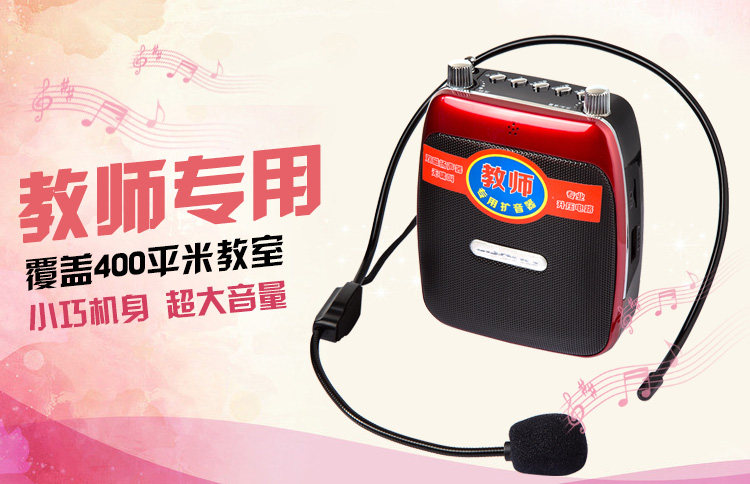
音量大、音质清晰,教学导游专用
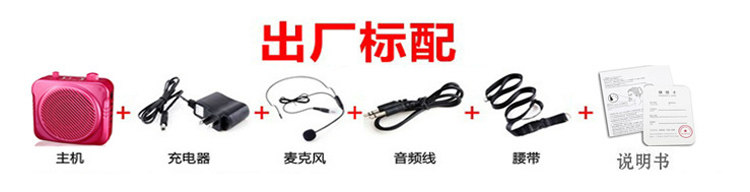
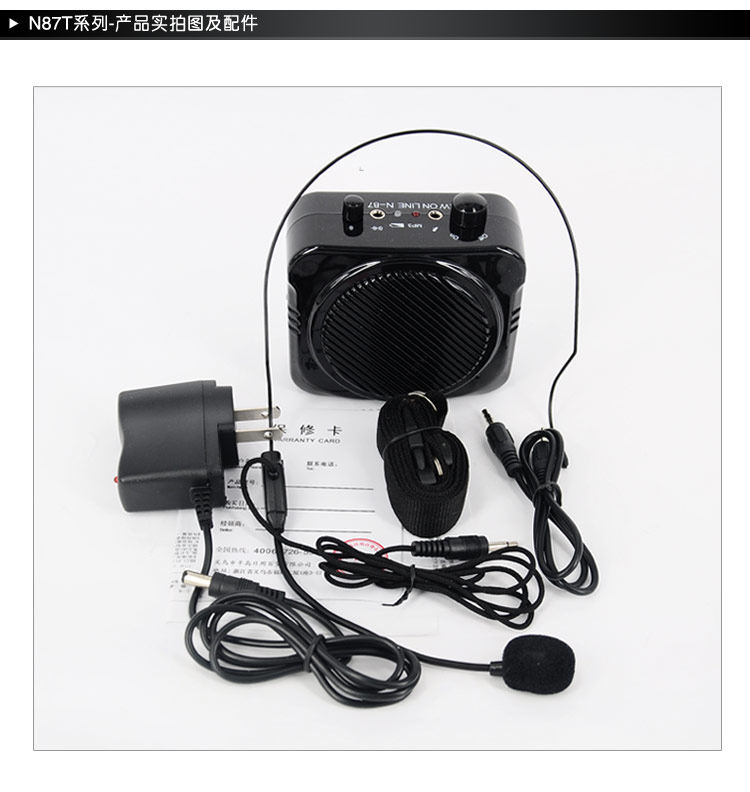
另外有加铁领夹话筒配置选择,就是在标配外再多配了一个领夹式话筒!
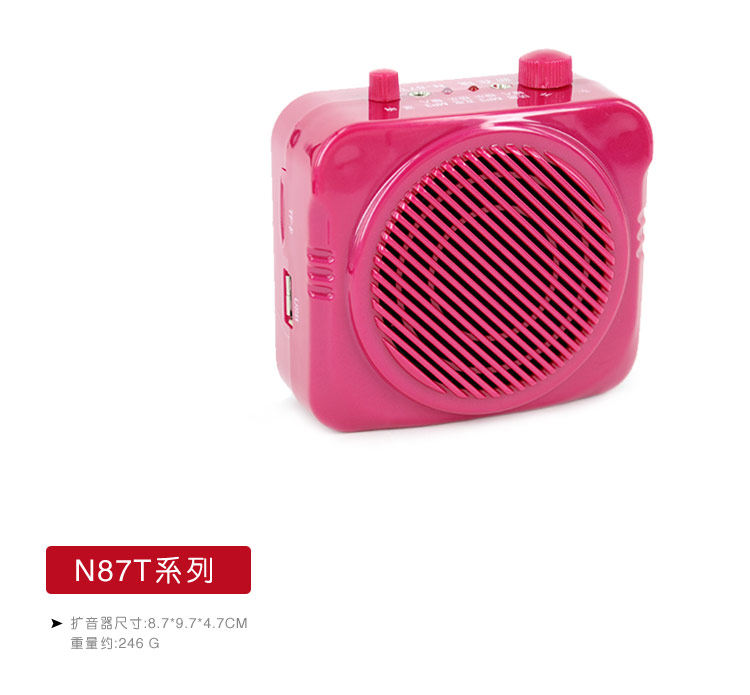
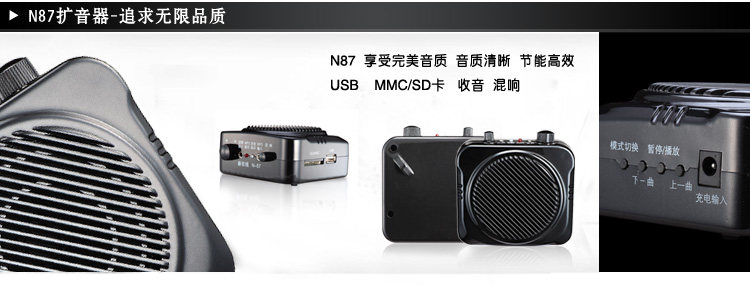
N87T升级款-音量超大-音质清晰
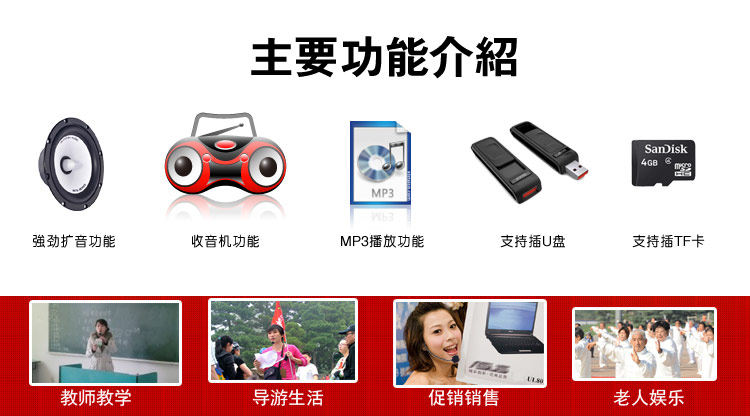
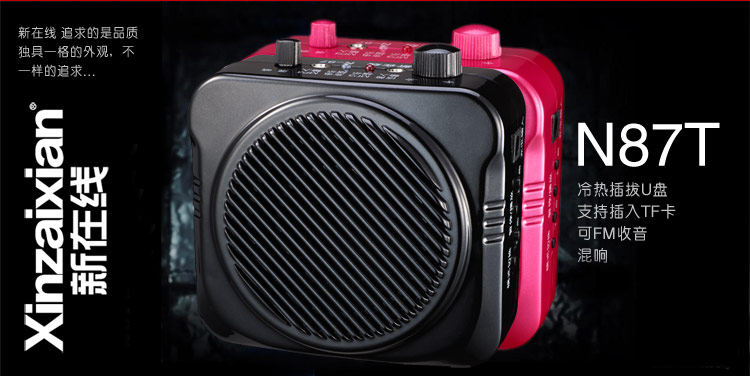
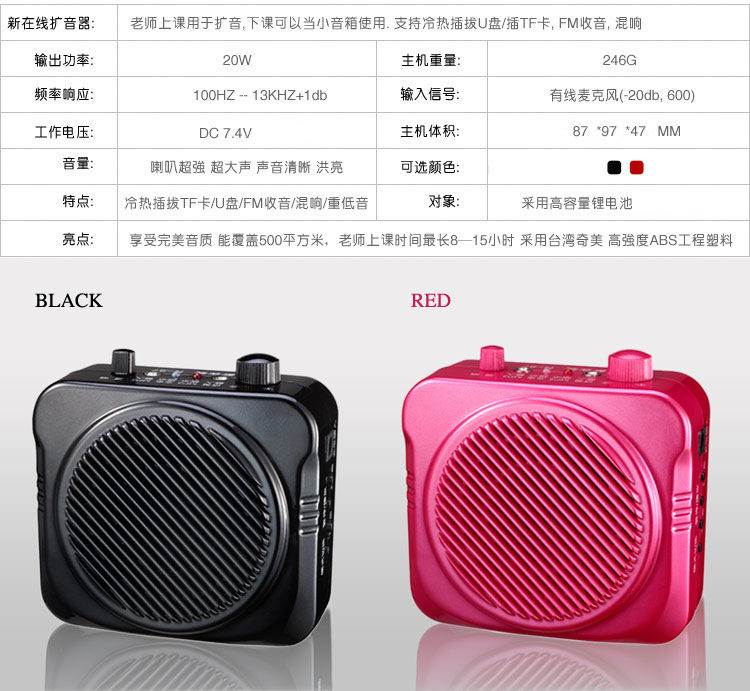
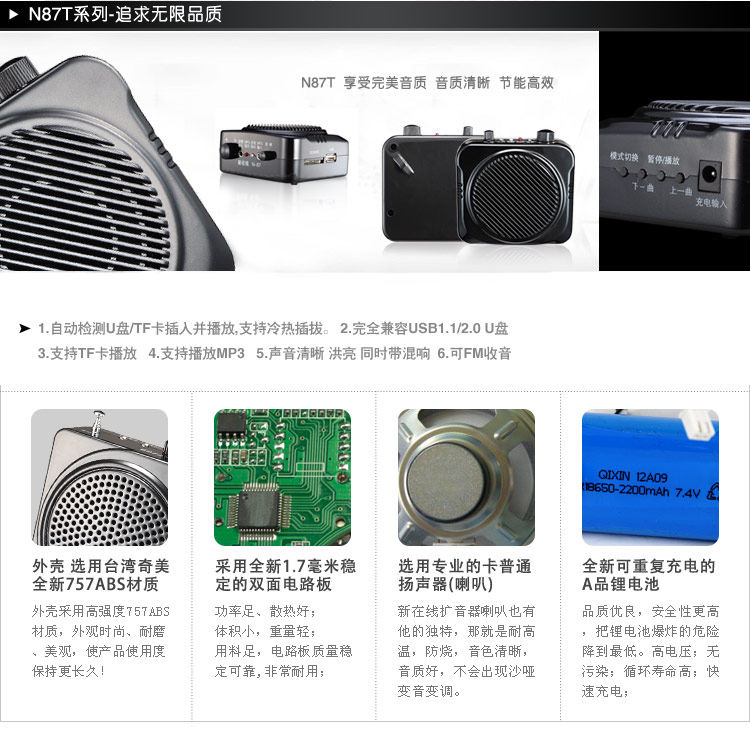

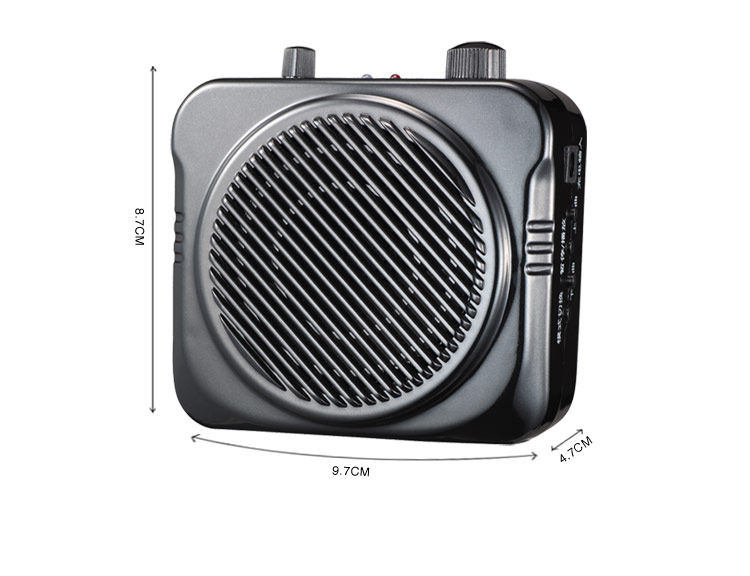
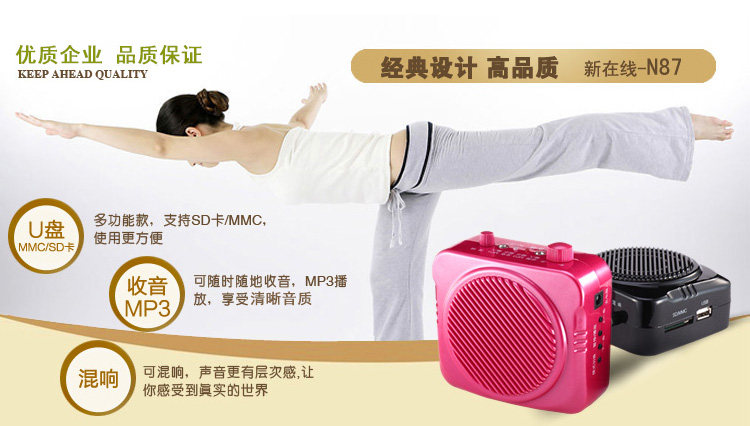
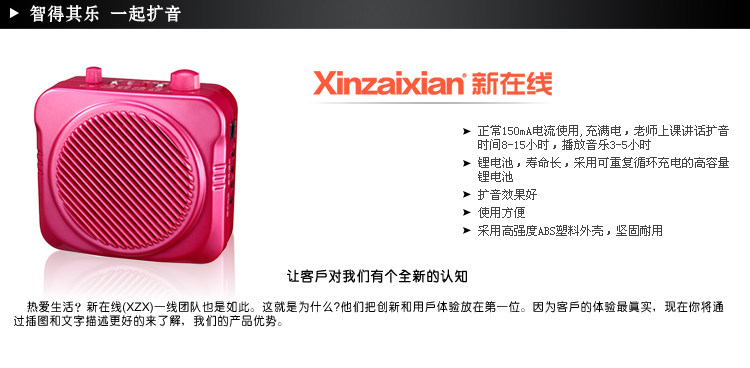
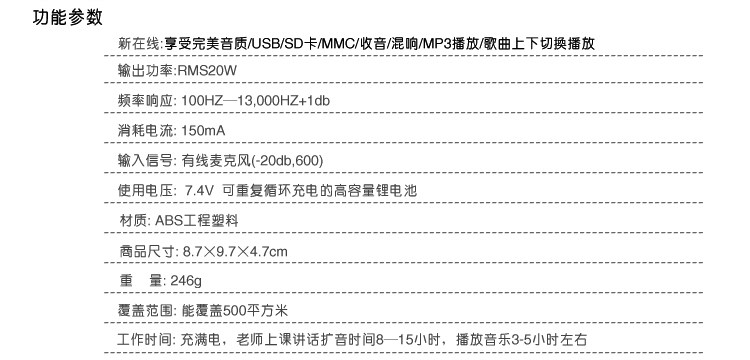
多功能扩音器-广泛使用!
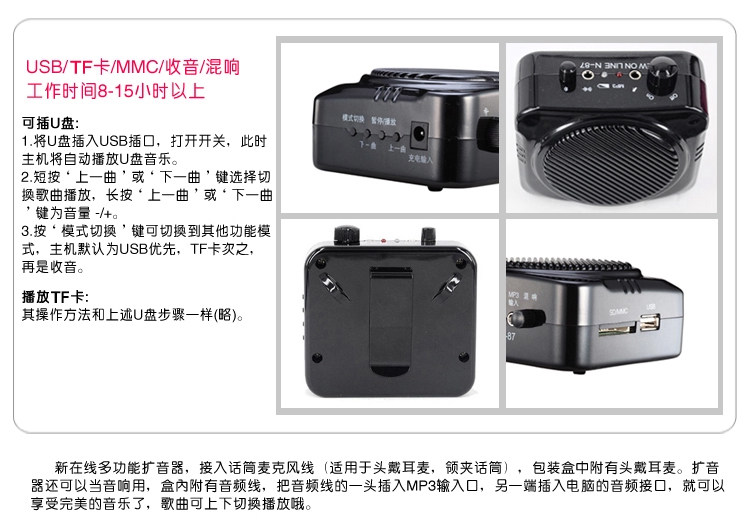
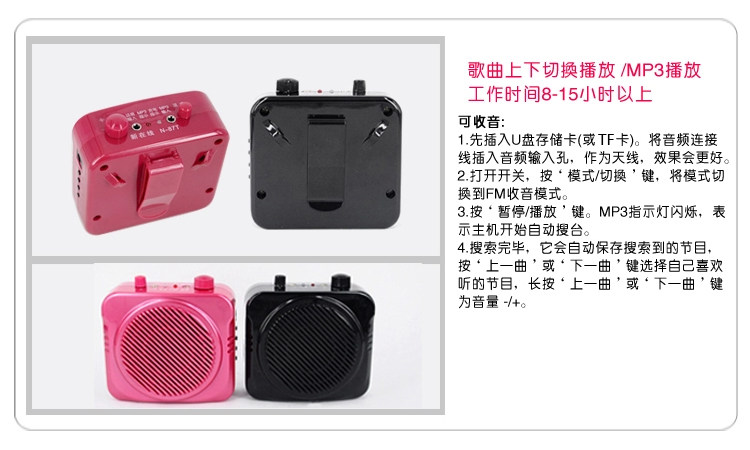
This machine has a FM radio feature? How to use the radio?
A: This is a machine with FM radio function, the MP3 audio cable insertion hole stretch, turn on the power switch, press the mode switch button on the microphone in the radio hear noise release, and then tap the middle play to enter the automatic station search, end search platform approximately 1-2 minutes, press the arrow keys to change channels on it, specifically to receive the number of channels, depending on how much of the strength of local FM stations and signals, if it is in use within the building, as close to a window or outdoors better signal.
1. Start using a megaphone
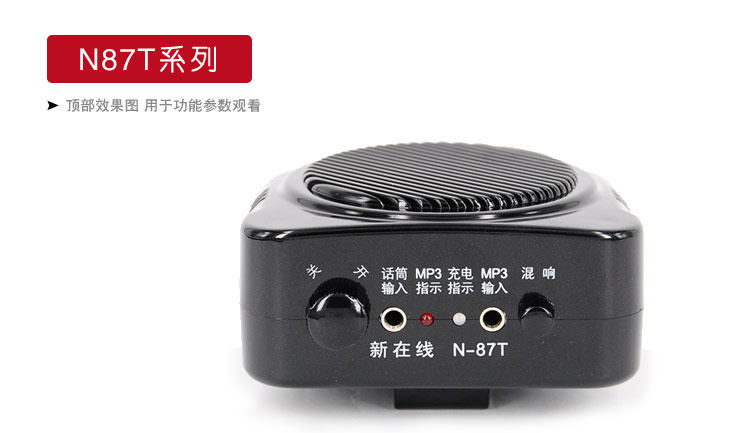
Clockwise switch knob, indicator lights, indicating that the host is turned on
You can adjust the volume buttons to adjust the microphone output volume, clockwise to increase volume, counter-clockwise to reduce the volume. If called clamor occurs, please adjust the volume appropriately small.
2. Host wear
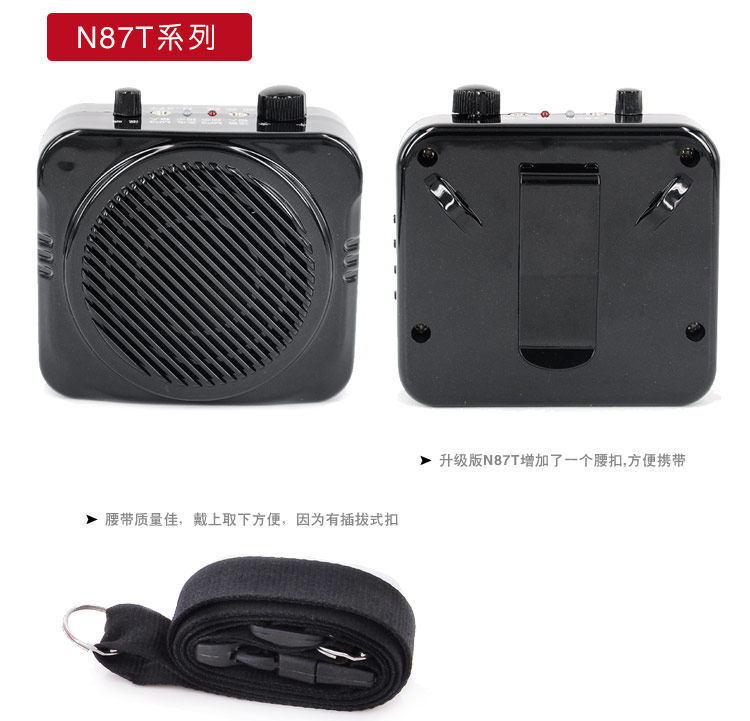
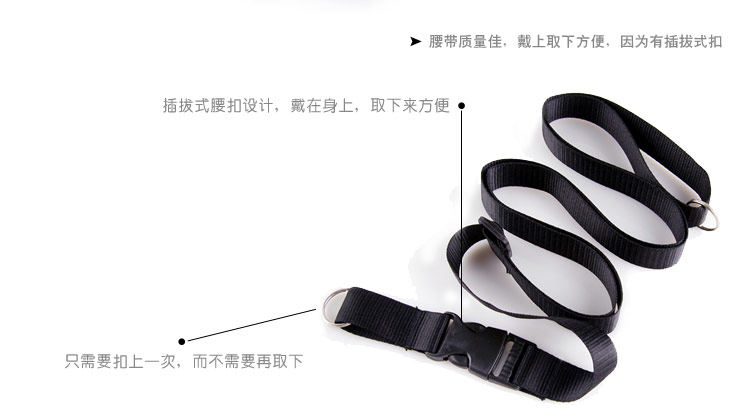
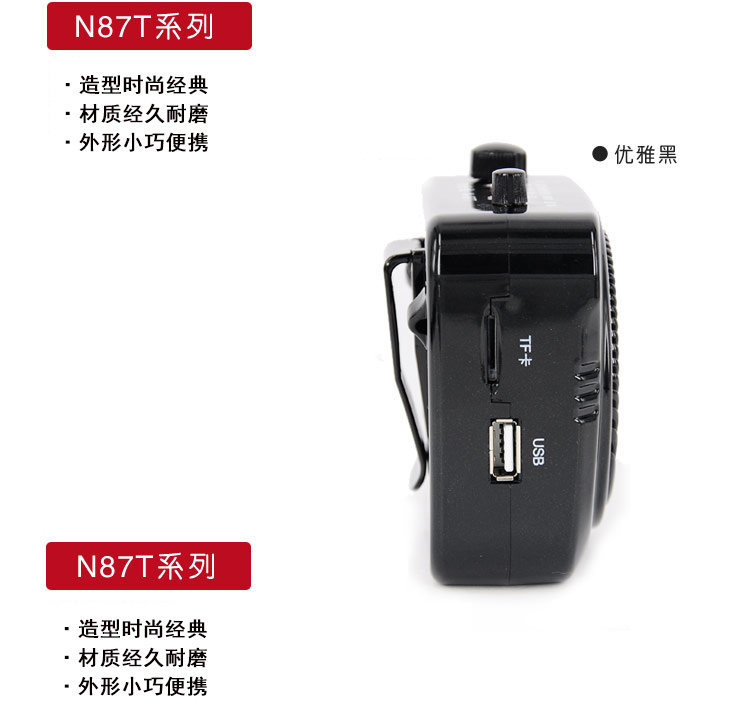
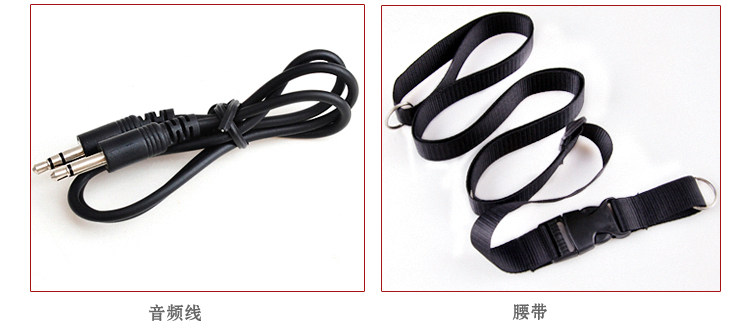
It can be carried through with the host belt the host hanging around the waist, can be hung on the front or back of the body
The length of the belt can be adjusted.
3. Use the microphone
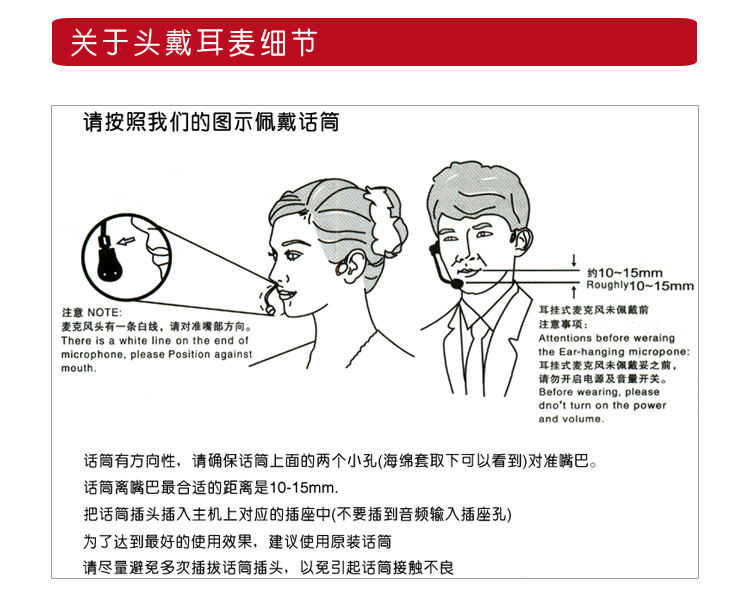
Directional microphone, make sure the microphone above the two holes (sponge under taking can see) aligned Mouth
The most suitable distance away from the mouth microphone is 20-30mm
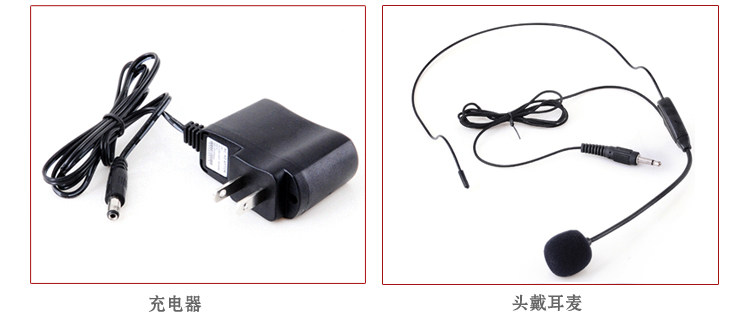
The head of the microphone is inserted in the corresponding socket on the host (not into the audio input jack hole)
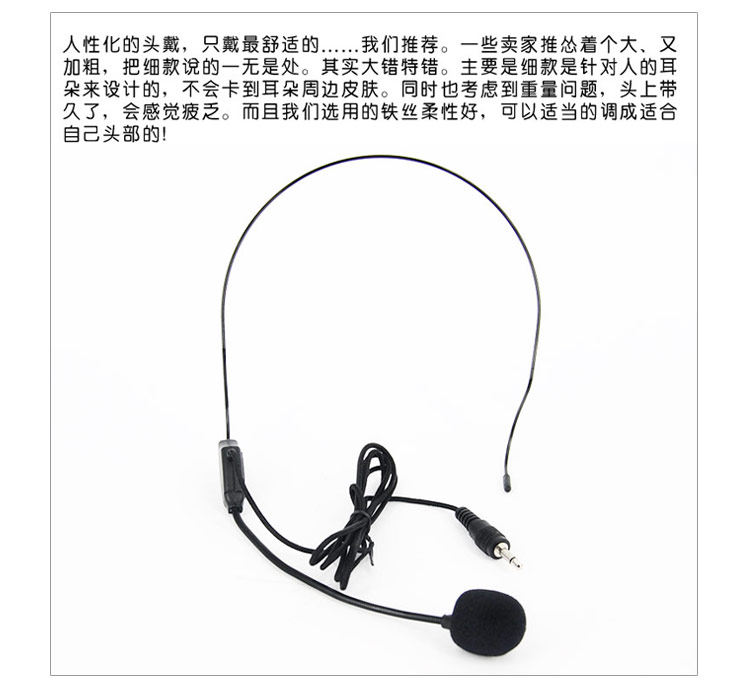
To achieve the best results, we recommend using the original microphone
Try to avoid multiple plug microphone plug in order to avoid poor contact microphone
4. Charge
Use of the product, if the green LED lights dimmed gradually extinguished. It said lack of electricity, should be charged as soon as possible
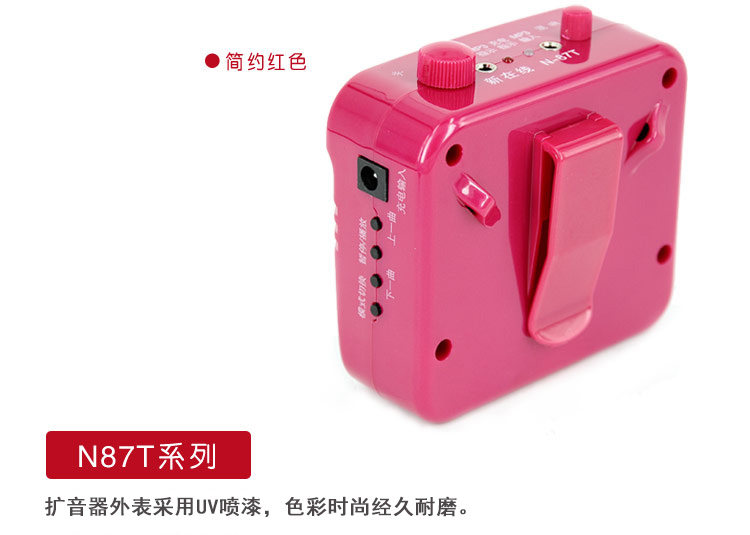
When charging, first off the host, and then the charger plug into the charger socket on the host
The charger into the power socket 90v-220V are applicable
When charging, LED indicator light flashes red and green when the LED turns red, indicating charging is complete
To prolong battery life, we recommend the rechargeable battery runs out later.
5. Battery Replacement:
During the warranty period, please Do not attempt to replace the battery
In order to achieve optimum performance and avoid loudspeakers being damaged, please use the original battery supplied
When replacing the battery, make sure the battery polarity is correct
6. Frequently Asked Questions:
Q: Why does my microphone will clamor to call?
A: In order to prevent the occurrence of shouting, please note the following:
1: The correct wearing microphone
2: Adjust the volume knob to the right place, a small space where the sound should be appropriately adjusted smaller.
Q: The megaphone charging generally need more time?
A: The microphone charging time is generally 3-5 hours, and has a relationship with temperature, time and other factors.
Q: How long is the life of lithium batteries can be replaced?
A: The life of lithium batteries is generally more than 2 years, can be replaced, concrete can contact us
Q: My loudspeakers how no sound?
A: If your microphone no sound, please do not be nervous, please check that the microphone is not inserted in the wrong position, the battery has power switch has been turned on, if you still can not solve the problem and contact us.
Precautions:
After receiving the product,
1. Check the package to see if there had been opened or damaged
2. Open the computer and accessories packaging, check the box is damaged
3. confirmation and then sign, if you receive a product damaged, please contact us, reject the same route back!
For the first time used a microphone, save packing boxes, do not be thrown away. If you return, then 10 days, please keep complete and tidy box and packaging box attachment
When must keep all items shipped in the box when there is no man-made damage and scratches return package, otherwise the restaurant is not to be returned, please understand!
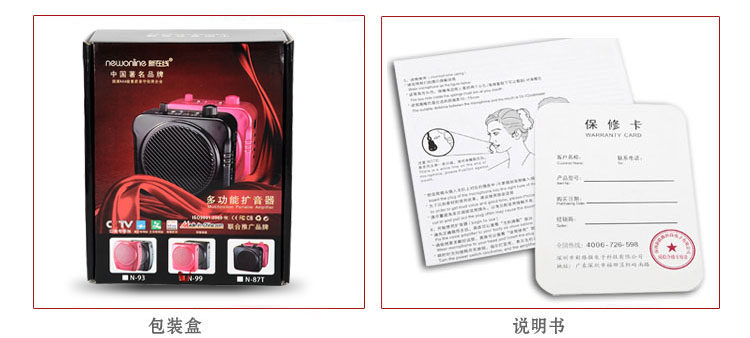
2. Read the manual, if you use the microphone to lend to others, tell the user to use or allow users to look at the manual