X1T Bluetooth Wireless


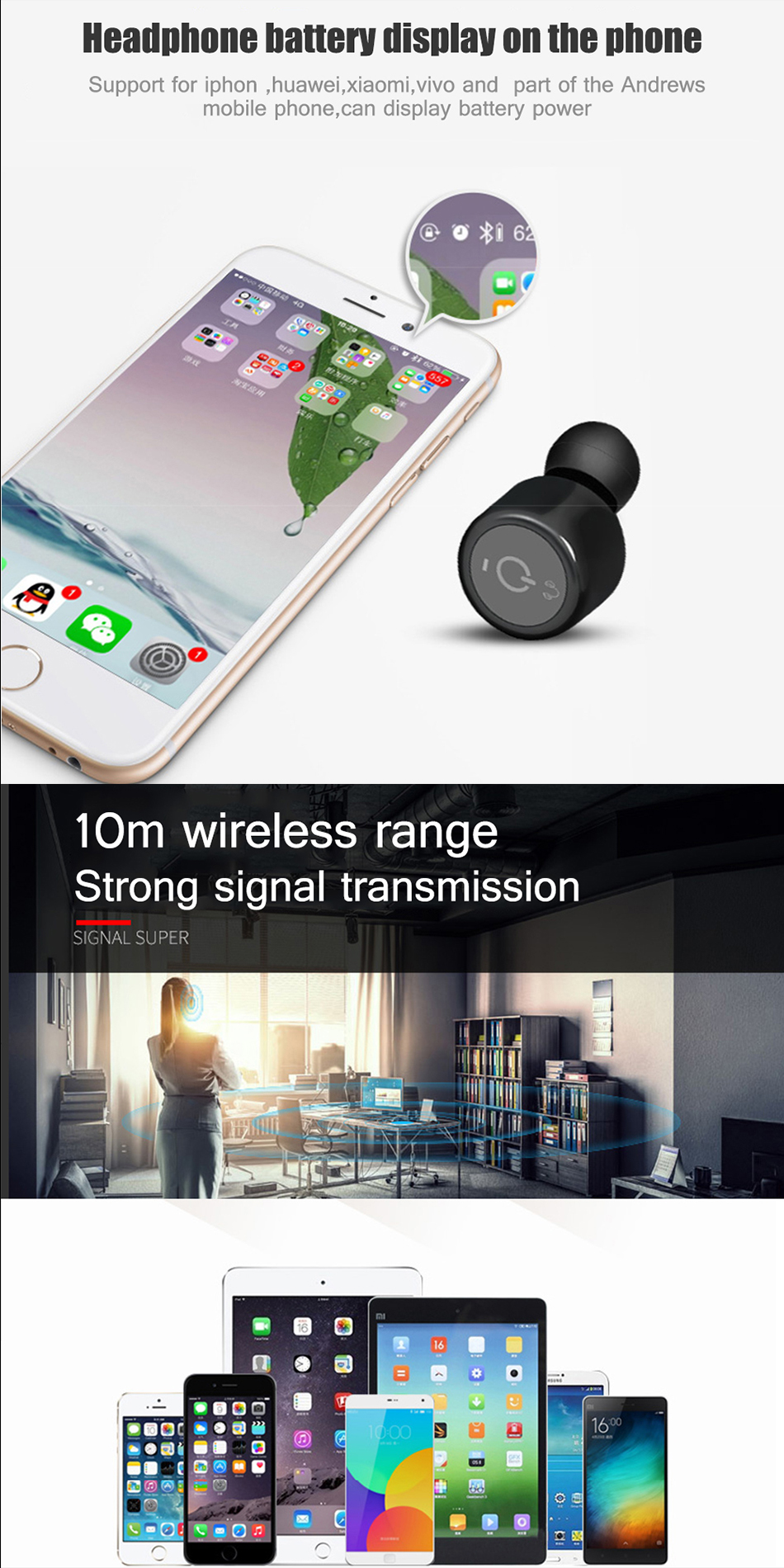


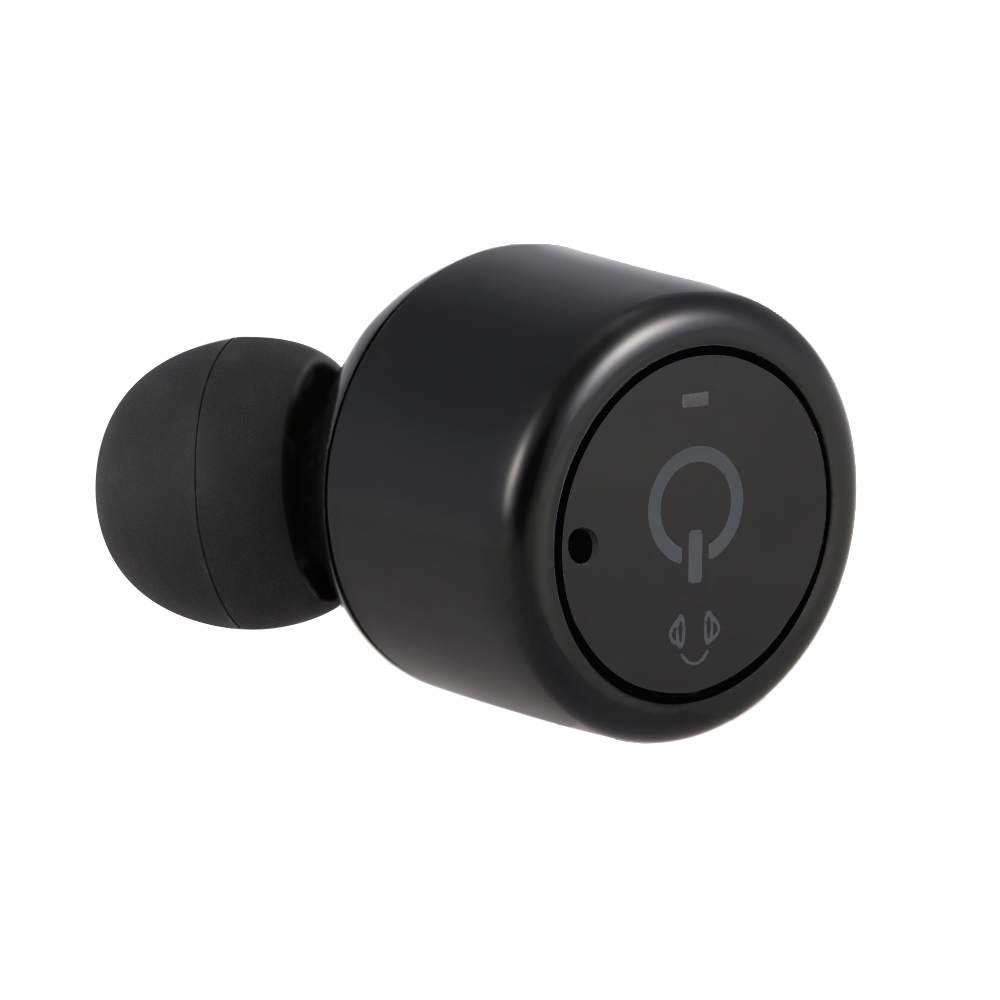





X1T Bluetooth Wireless
Jam out with your hands out!
Experience rich streaming sound, hands-free convenience, and total comfort with the all-new X1T wireless sports earbuds. State-of-the-art technology pairs this earplug-style set with your laptop, tablet, smartphone, iPod, or any Bluetooth-enabled device. Each bud delivers incredible sound clarity, extra bass, and natural noise cancelling as you maintain focus throughout your day. This sweatproof chargeable pair boasts extended battery life for long walks or gym sessions.
Enjoy our intuitive design with a single multi-function button that initiates device pairing, plays and pauses music,and lets you accept incoming calls with the built-in mic and receive helpful voice prompts, Blast some tunes and keep busy with the sleek X1T. Handsfree has never been so handsome!
Specifications
Bluetooth Version : V4.2
Bluetooth Chipset : CSR
Supported Profile: A2DP 1.3 / HFP 1.6 / HSP 1.2 / AVRCP 1.6 / DI 1.3
Battery Capacity: 65mAh * 2 rechargeable polymer Li-ion battery
Working Range:10M
Playback Time: one for 5-6 hrs, a pair for 3-4 hrs
Standby Time: one for 120 hrs, a pair for 60 hrs
Charging Time : 1.5 hrs
Receive Sensitivity : -90dBm
Features
-- Bluetooth V4.2+CSR for best stereo sound, with built-in mic you can also take calls
-- Latest Bluetooth version V4.2, faster & more stable connection, save more power and extend battery life than V4.1
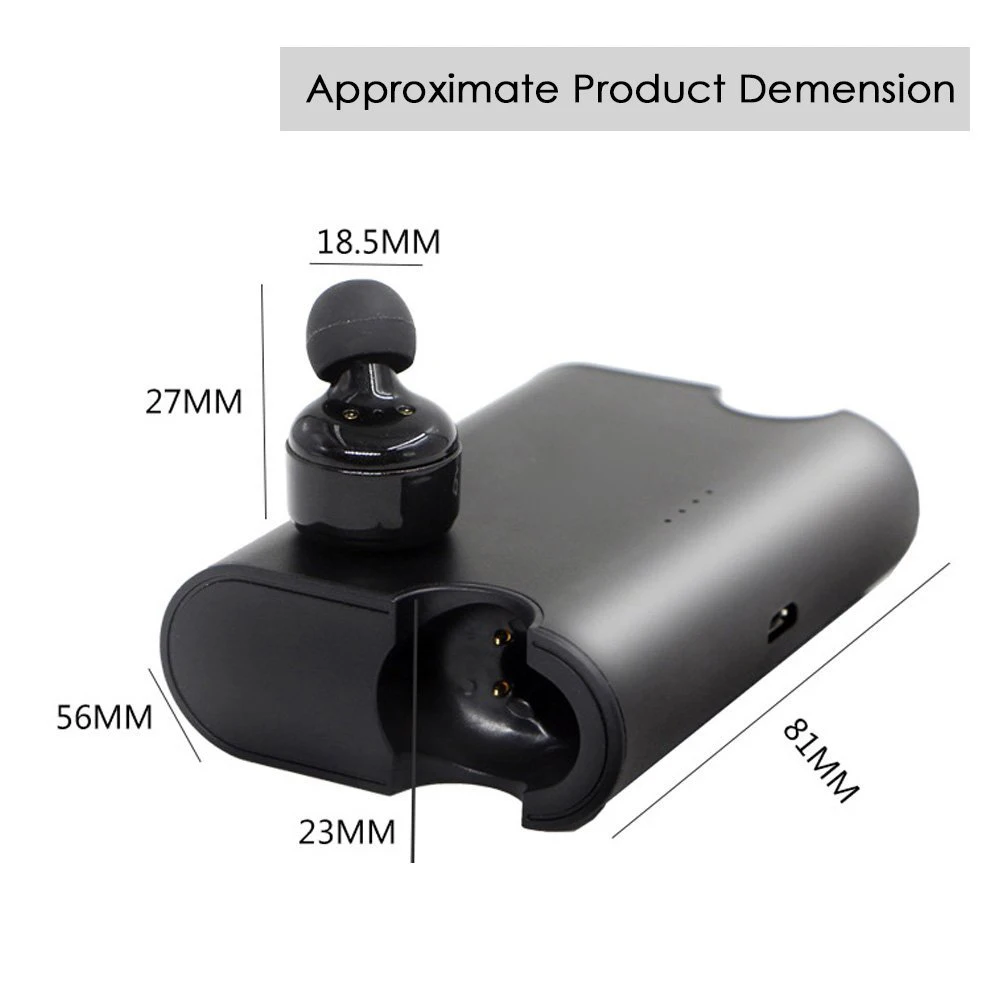
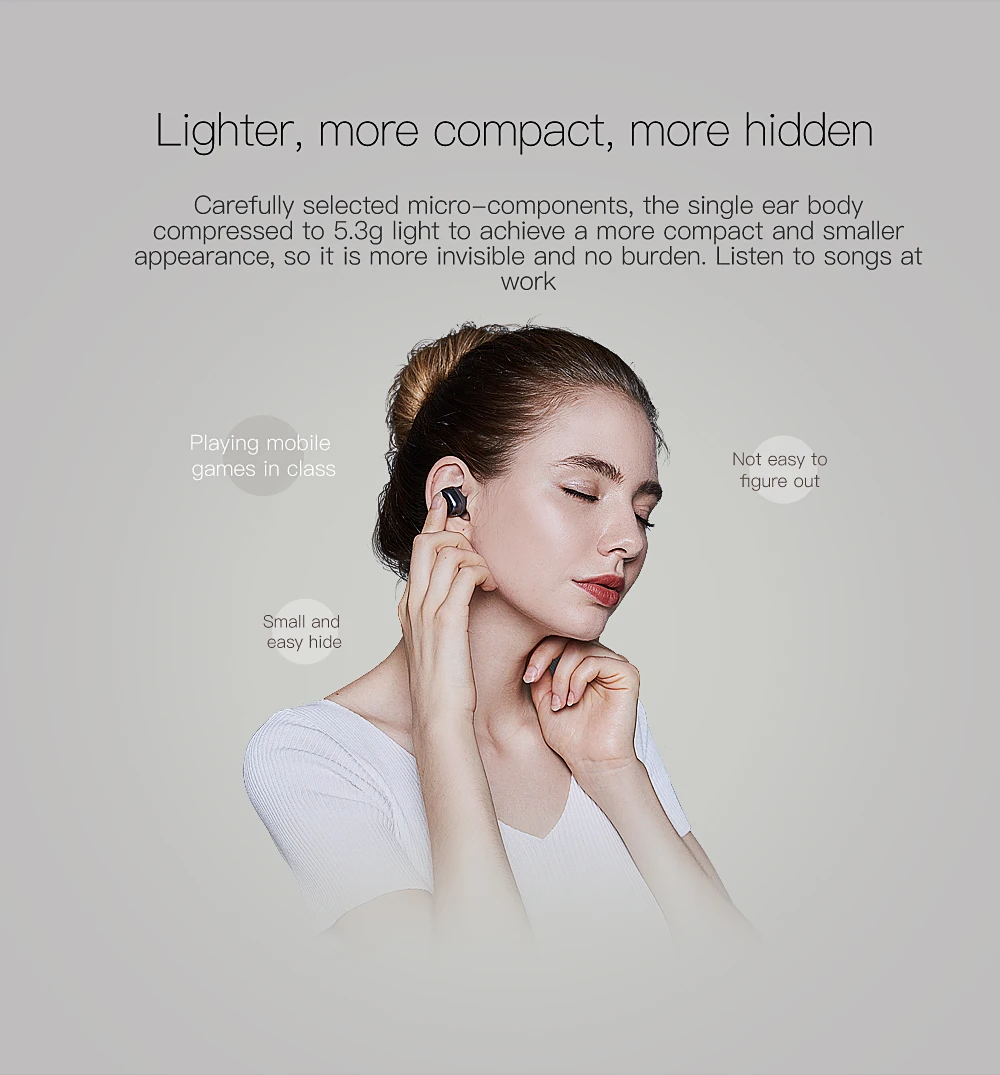
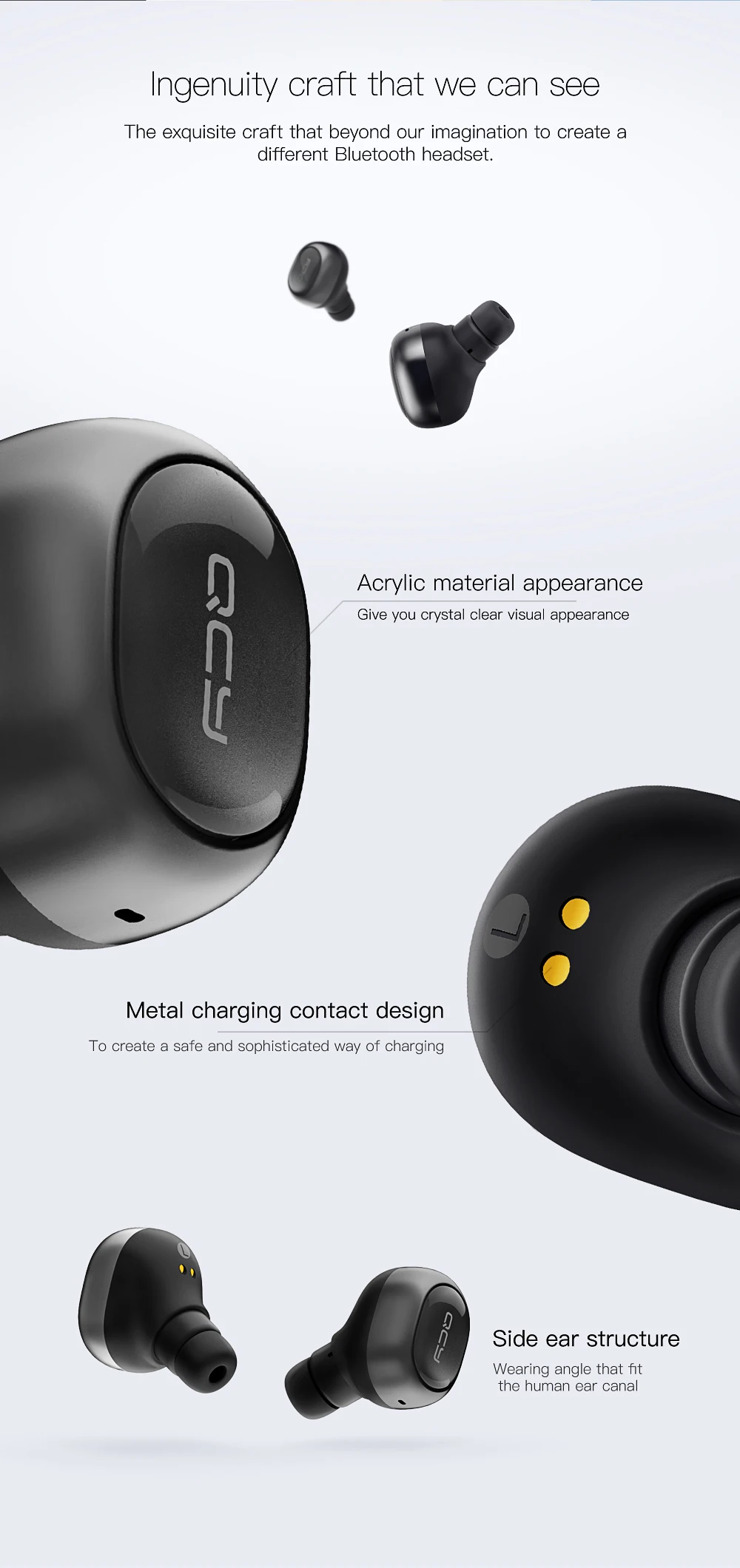
-- 18.5 * 18.5mm size makes it the smallest true wireless bluetooth earphone on the market now.
-- Built-in 65mAh * 2 rechargeable batteries which supports 3-4 hours playback time.
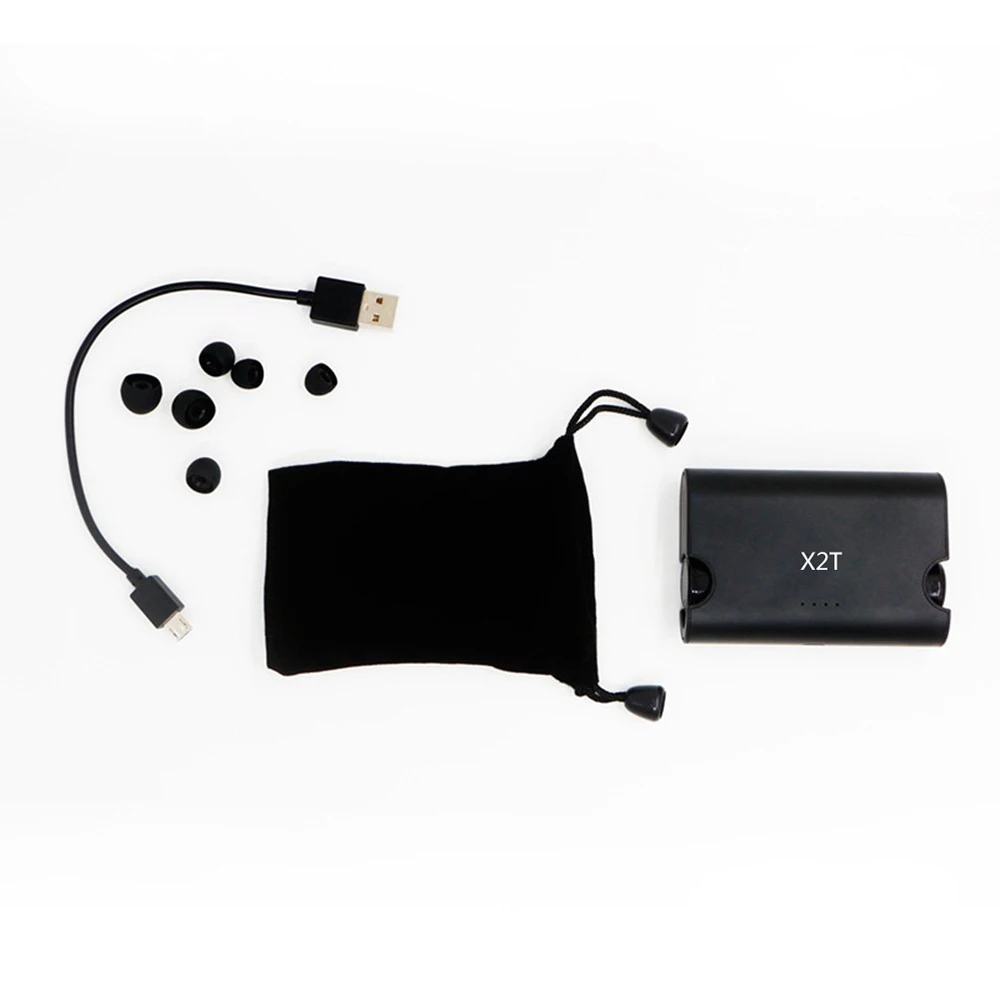
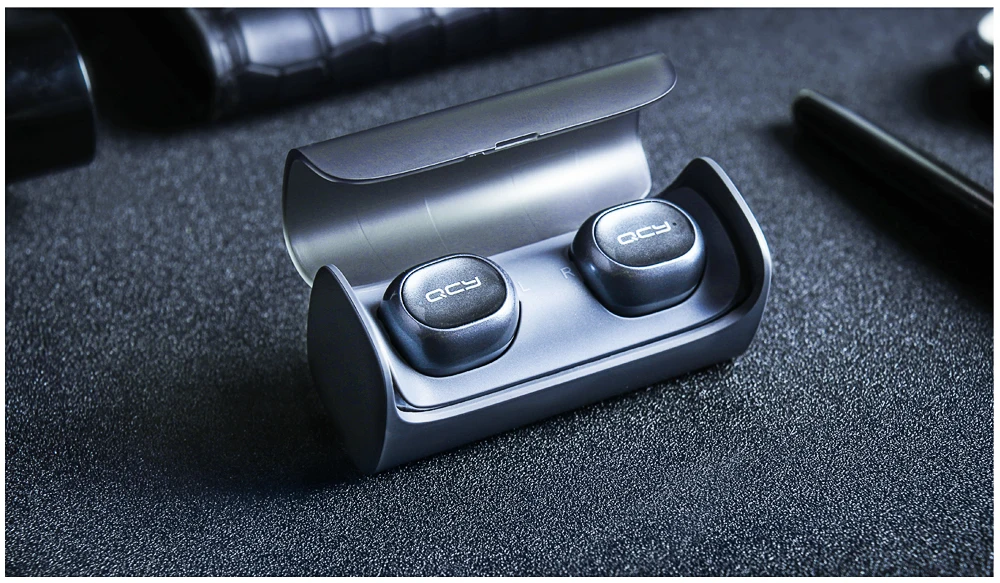
-- Customized one-to-two charging cable, charging two earbuds at the same time, 1.5 hours for full charging.
-- CVC6.0 noise cancellation makes the sound clearer.
-- Flexible usage, use two earbuds at a time or just one.
Connection Method
Step 1: Power on the 1st earbud for 5 seconds, make the 1st earbud red and blue light flashing alternately , and wait for pairing
Step 2: Turn on the Bluetooth function on your Bluetooth device (like iPhone), find the device "X1T" and click it to connect the 1st earbud
Step 3: Power on the 2nd earbud for 1 second, make the 2nd earbud red light flashing, after 2 seconds, the 2nd earbud is connected to 1st earbud automatically, then the 2nd earbud's blue light is flashing. Then you can enjoy your music world.
Notes: For the first connection, if can't pair successfully, please charge the earphones to make sure the earphones have enough power, then long-press the function key for 8 seconds to clear the connected lists
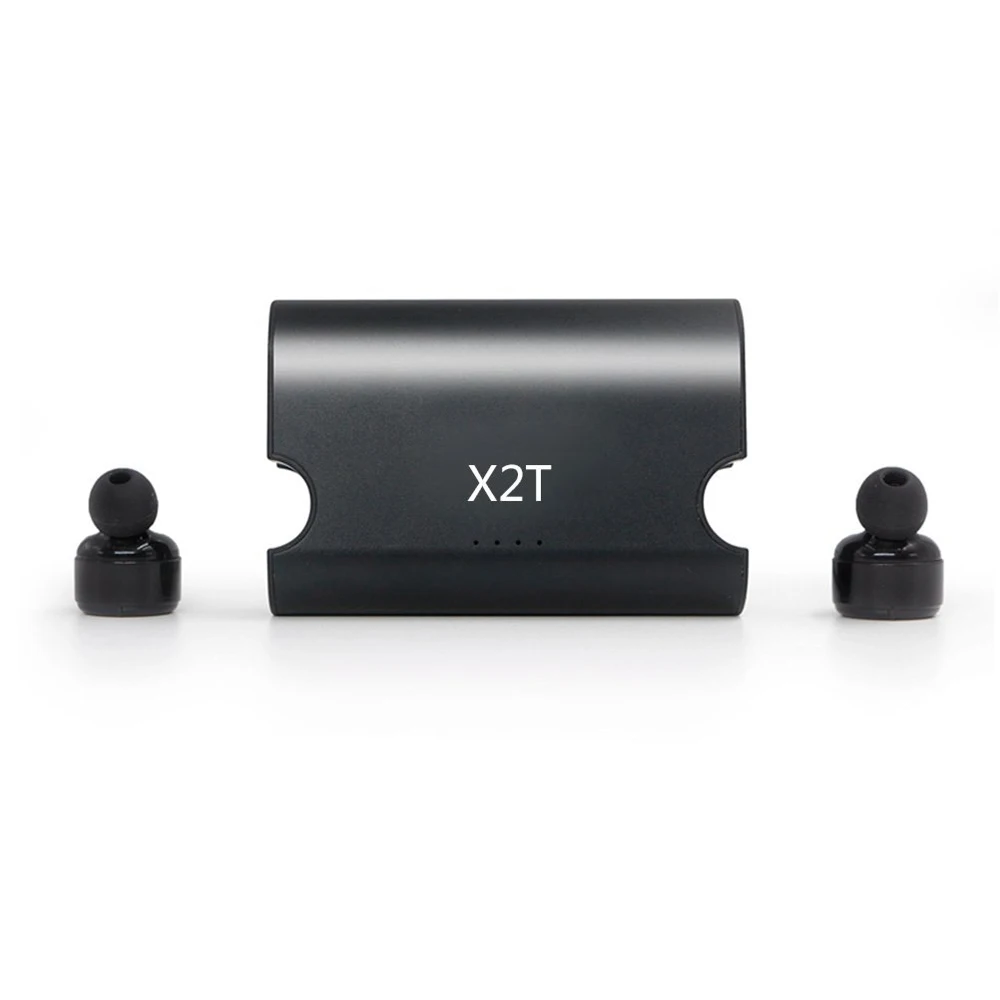
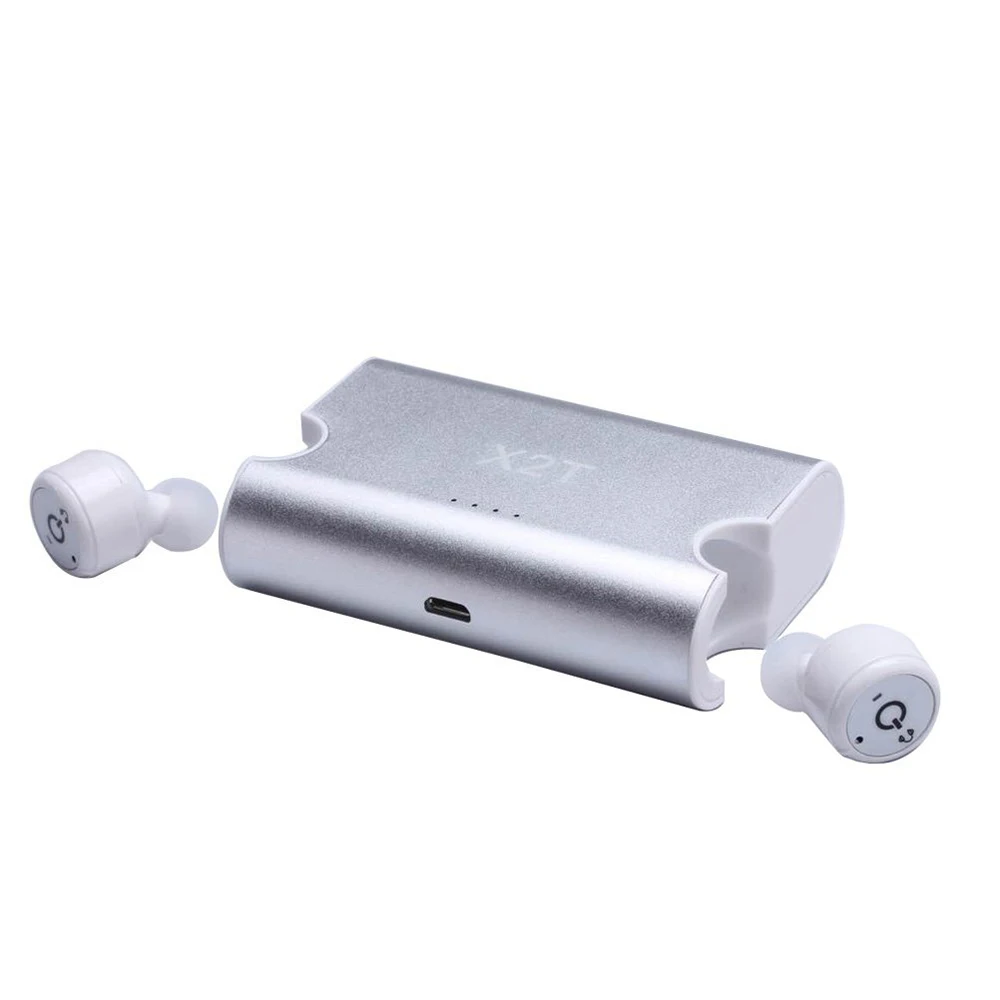
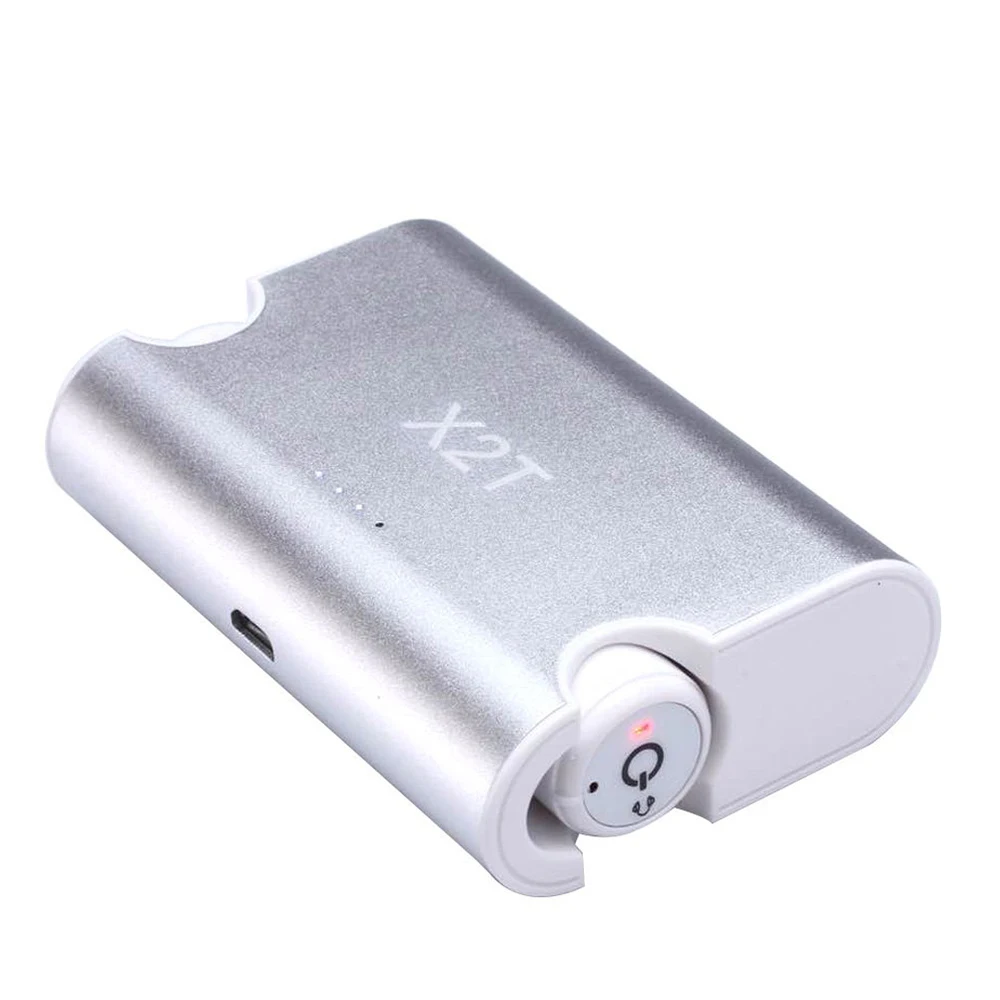
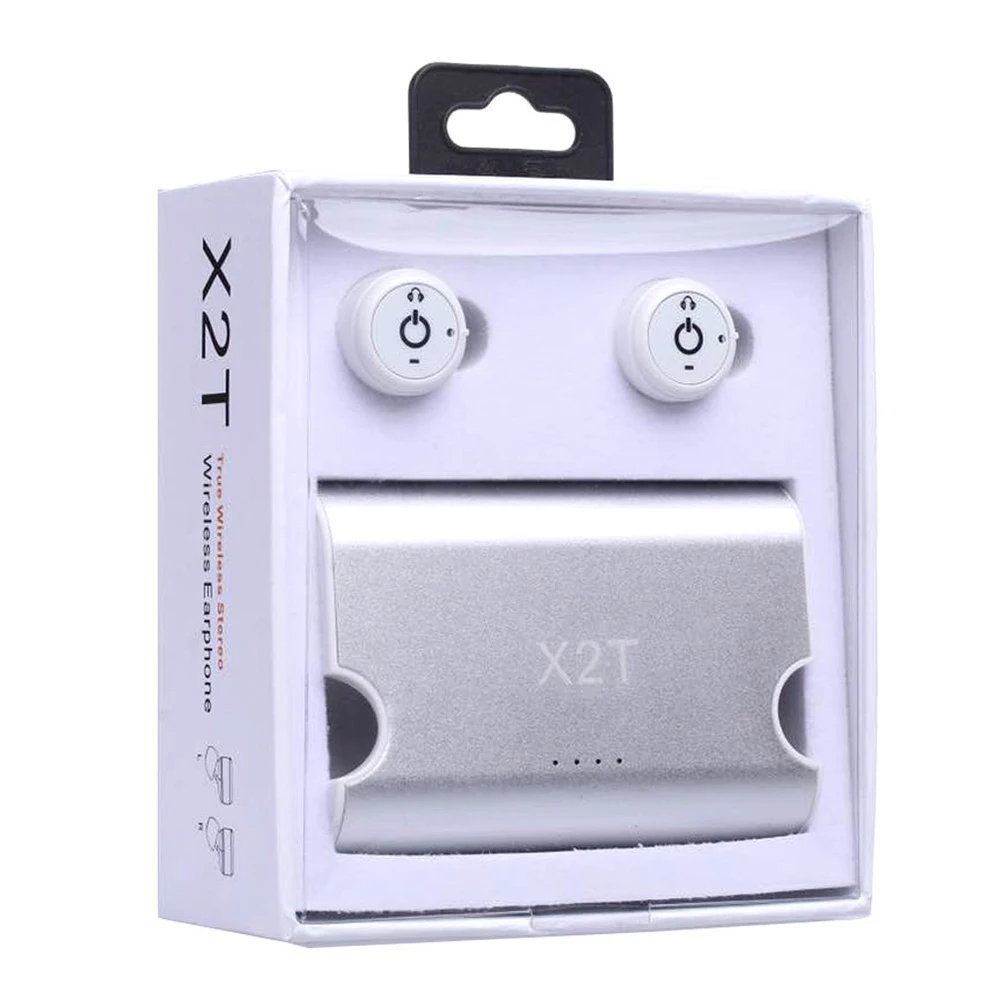
X2T Bluetooth Wireless (Upgrade of X1T)
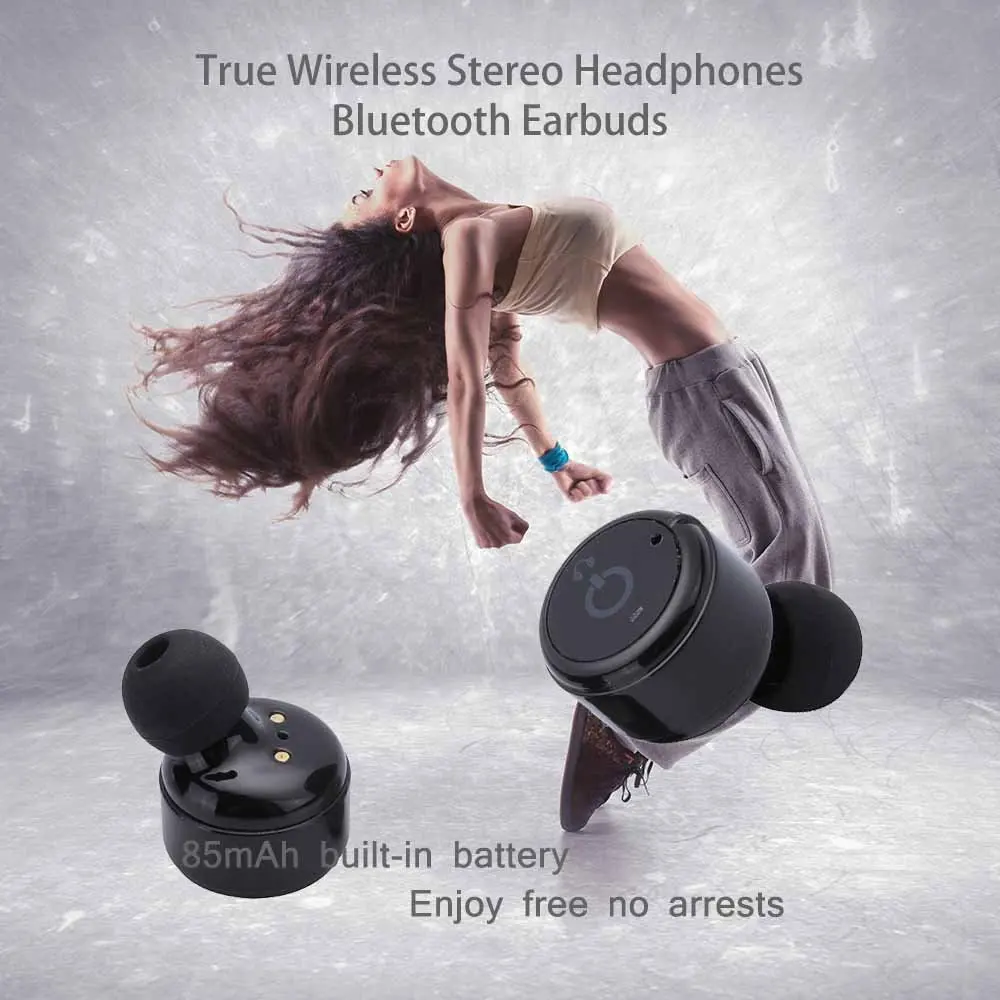

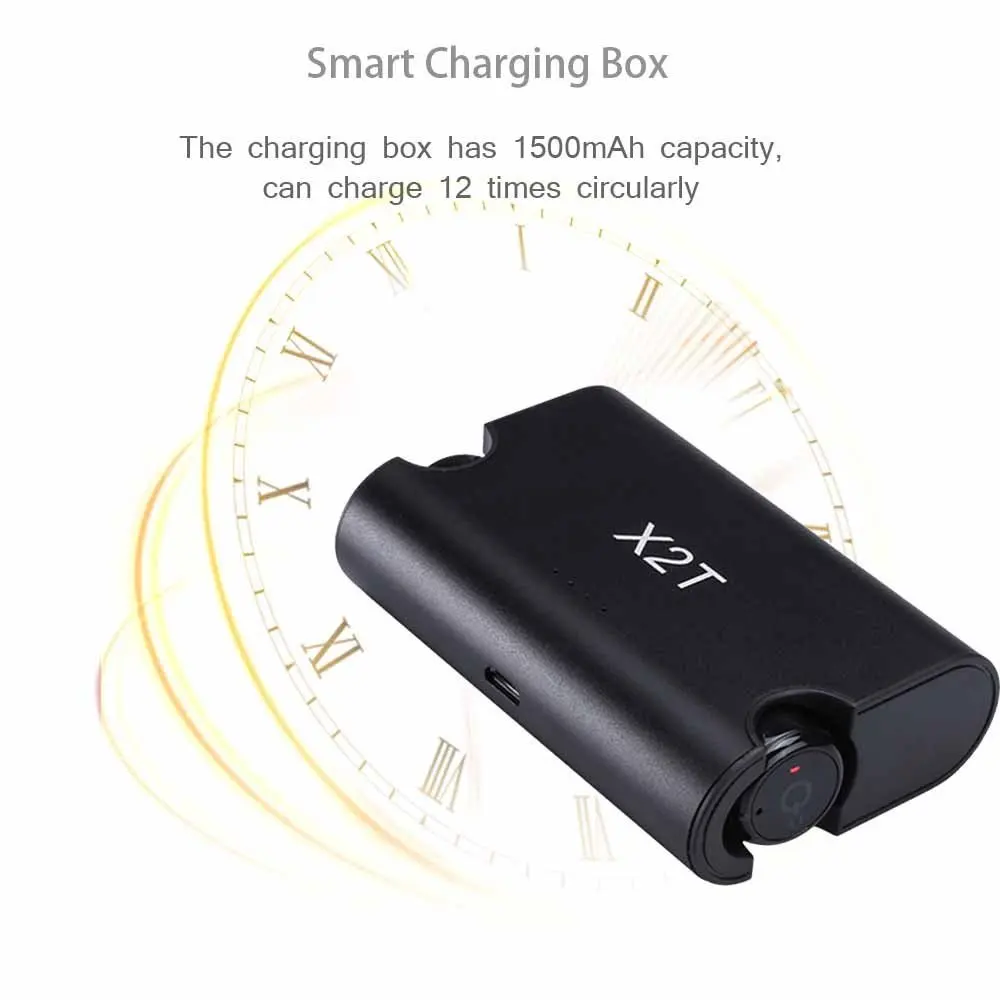
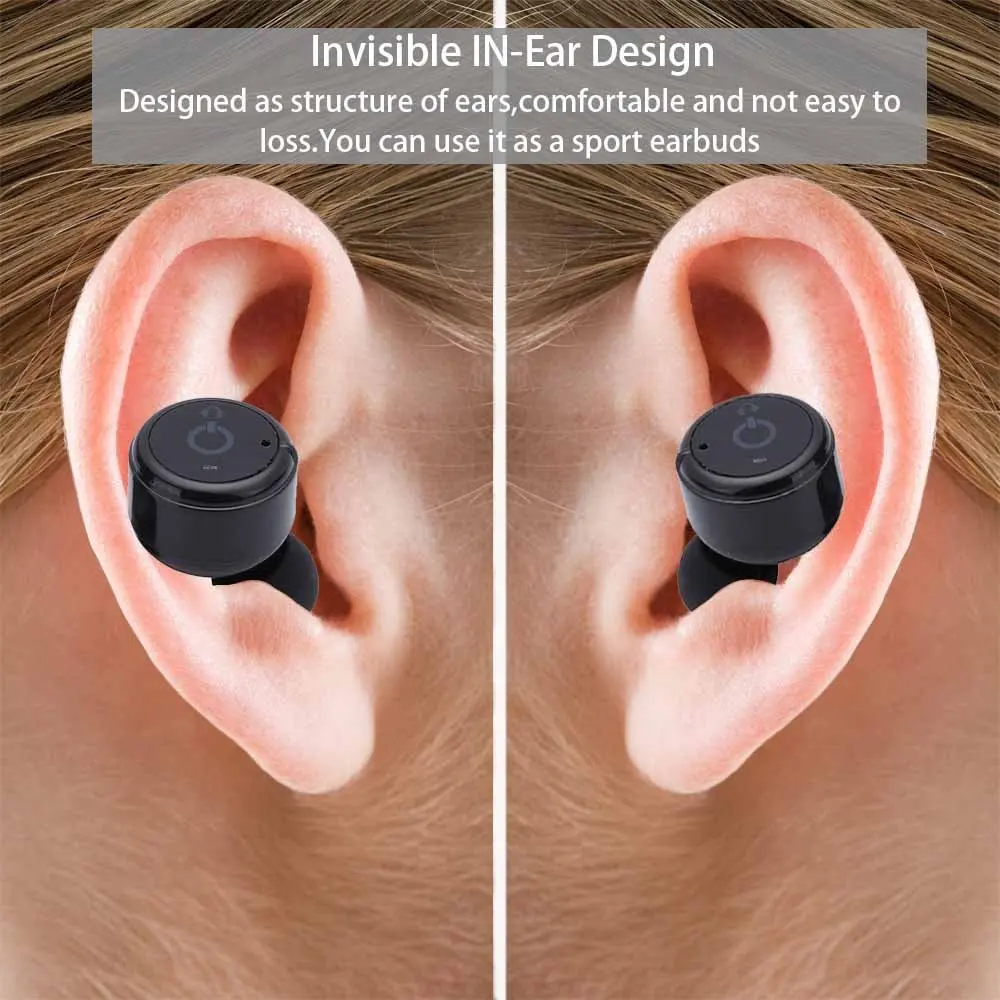
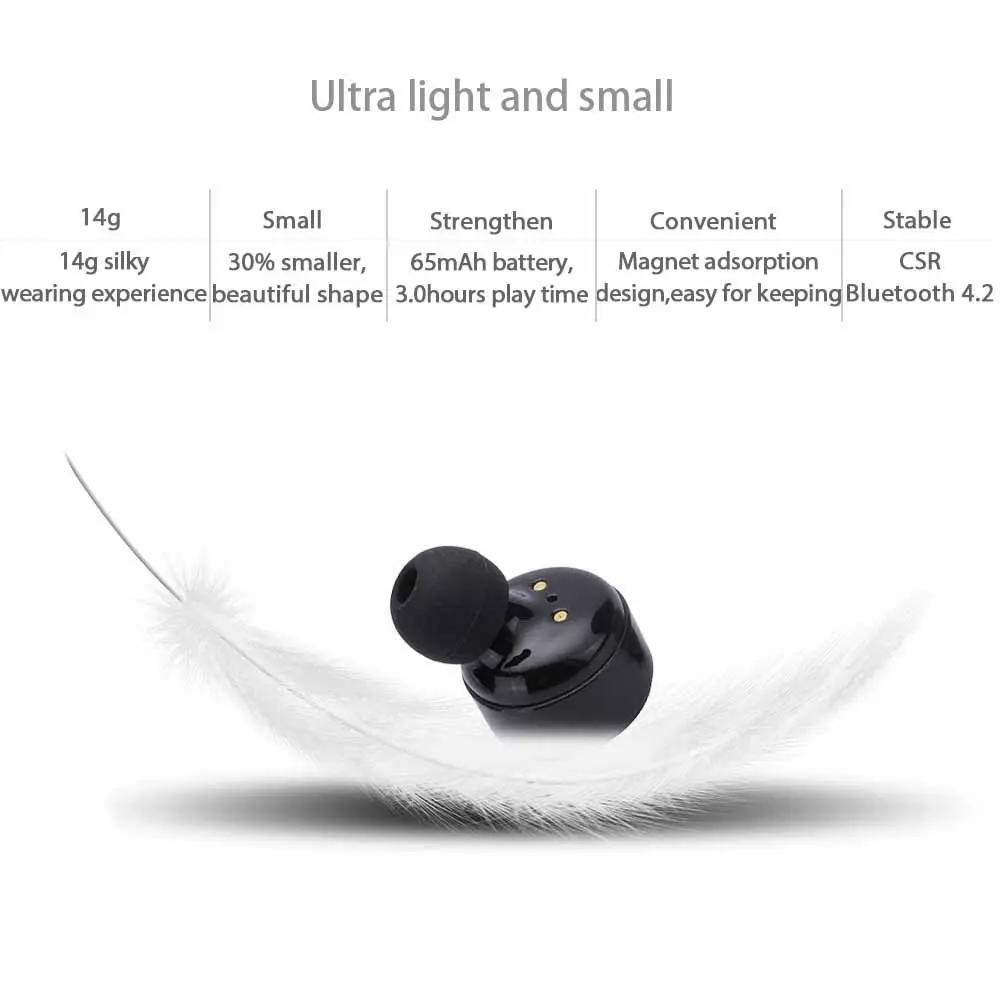
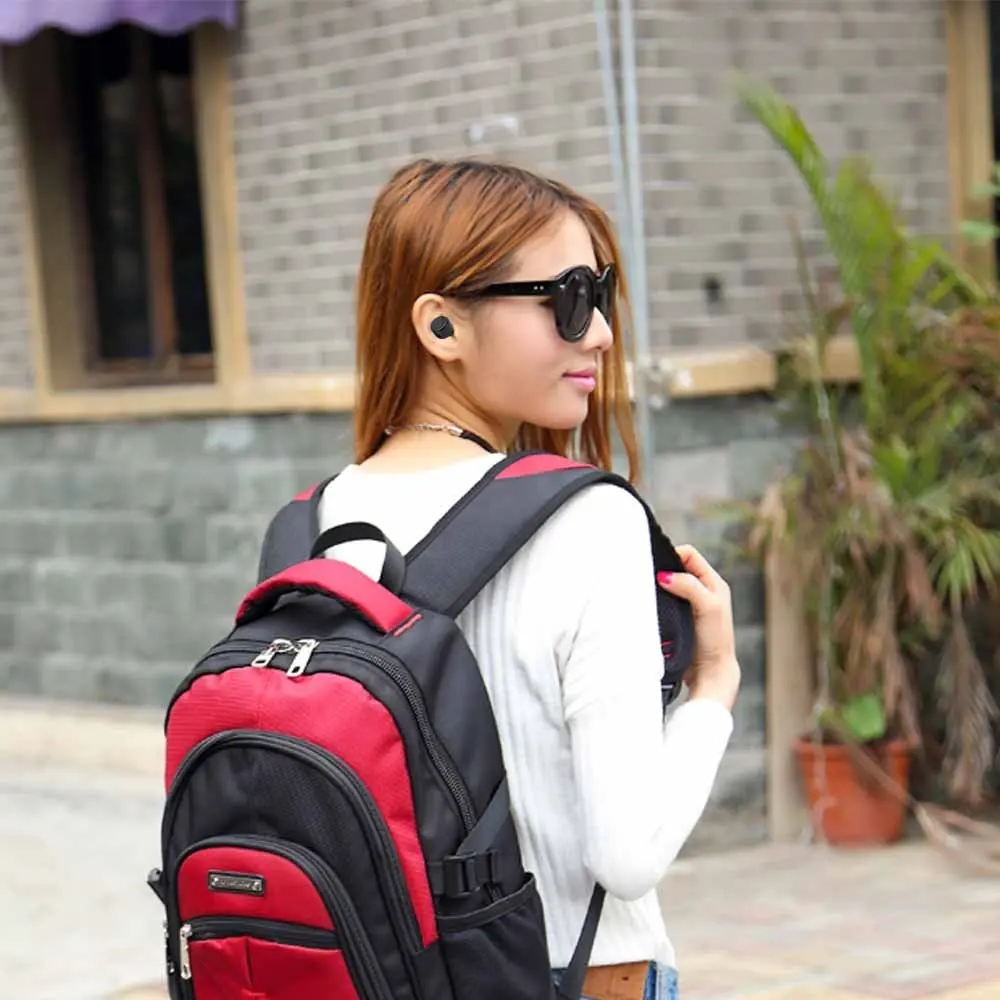
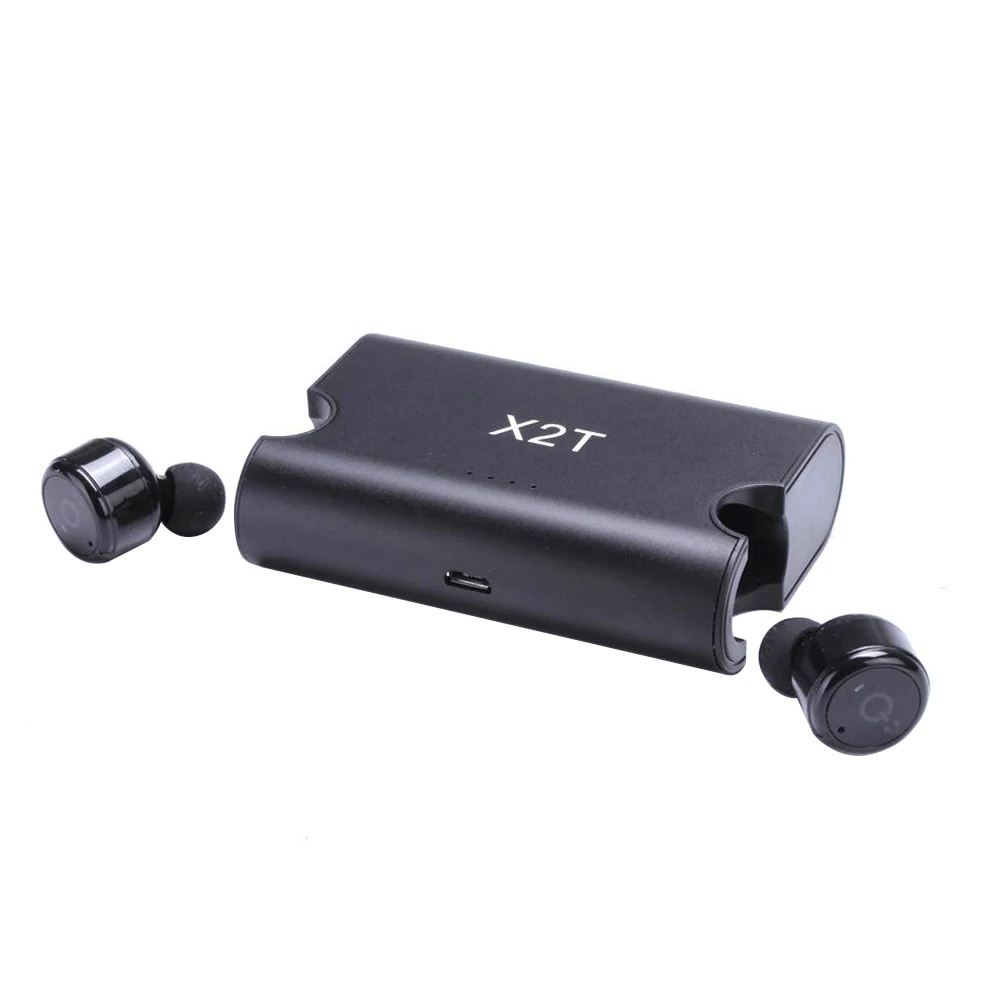


Features
-- Bluetooth V4.2+CSR for best stereo sound, with built-in mic you can also take calls
-- Latest Bluetooth version V4.2, faster & more stable connection, save more power and extend battery life than V4.1
-- 18.5 * 18.5mm size makes it the smallest true wireless bluetooth earphone on the market now.
-- Built-in 65mAh * 2 rechargeable batteries which supports 3-4 hours playback time.
-- Customized one-to-two charging cable, charging two earbuds at the same time, 1.5 hours for full charging.
-- CVC6.0 noise cancellation makes the sound clearer.
-- Flexible usage, use two earbuds at a time or just one.
Connection Method
Step 1: Power on the 1st earbud for 5 seconds, make the 1st earbud red and blue light flashing alternately , and wait for pairing
Step 2: Turn on the Bluetooth function on your Bluetooth device (like iPhone), find the device "X2T" and click it to connect the 1st earbud
Step 3: Power on the 2nd earbud for 1 second, make the 2nd earbud red light flashing, after 2 seconds, the 2nd earbud is connected to 1st earbud automatically, then the 2nd earbud's blue light is flashing. Then you can enjoy your music world.
Notes: For the first connection, if can't pair successfully, please charge the earphones to make sure the earphones have enough power, then long-press the function key for 8 seconds to clear the connected lists
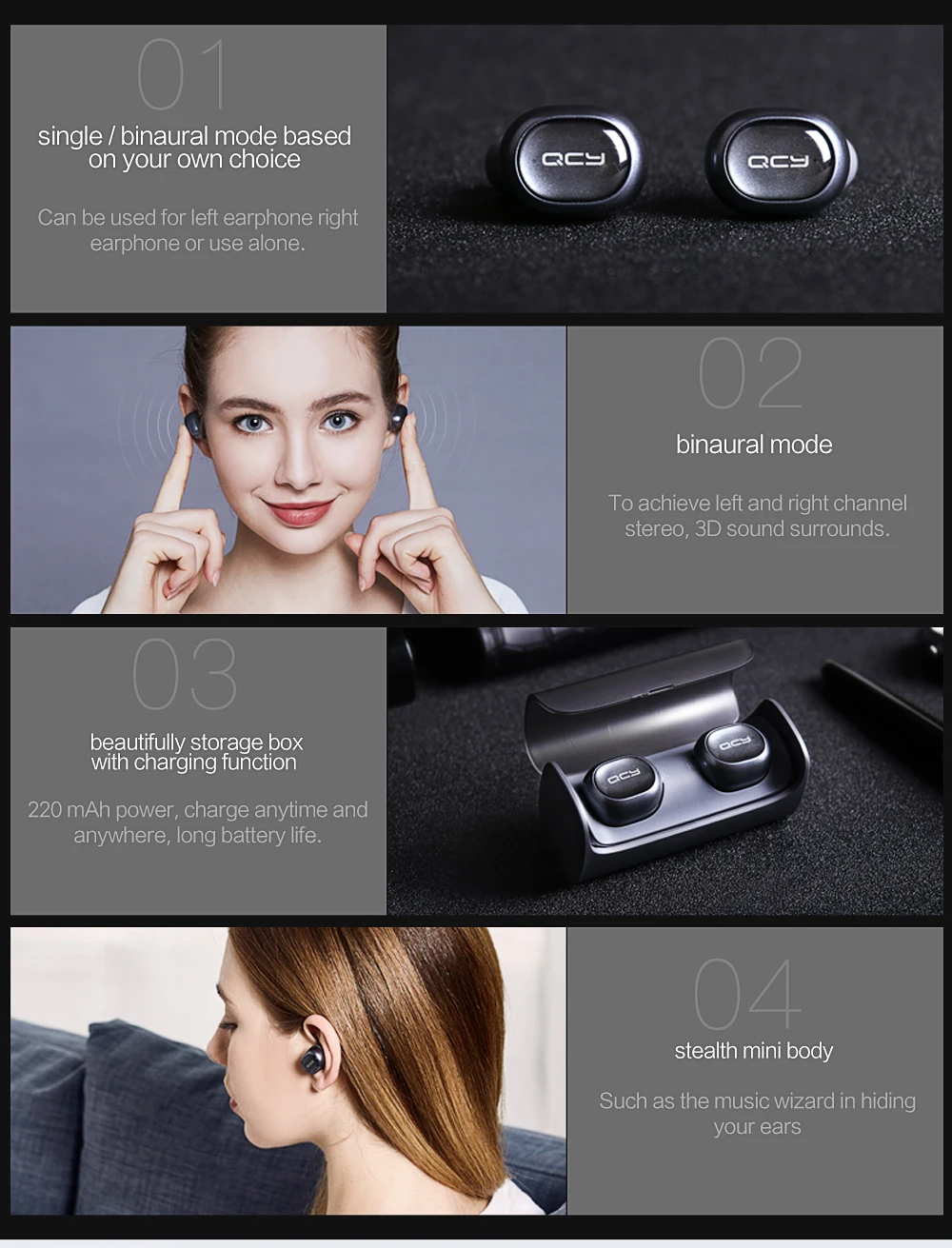
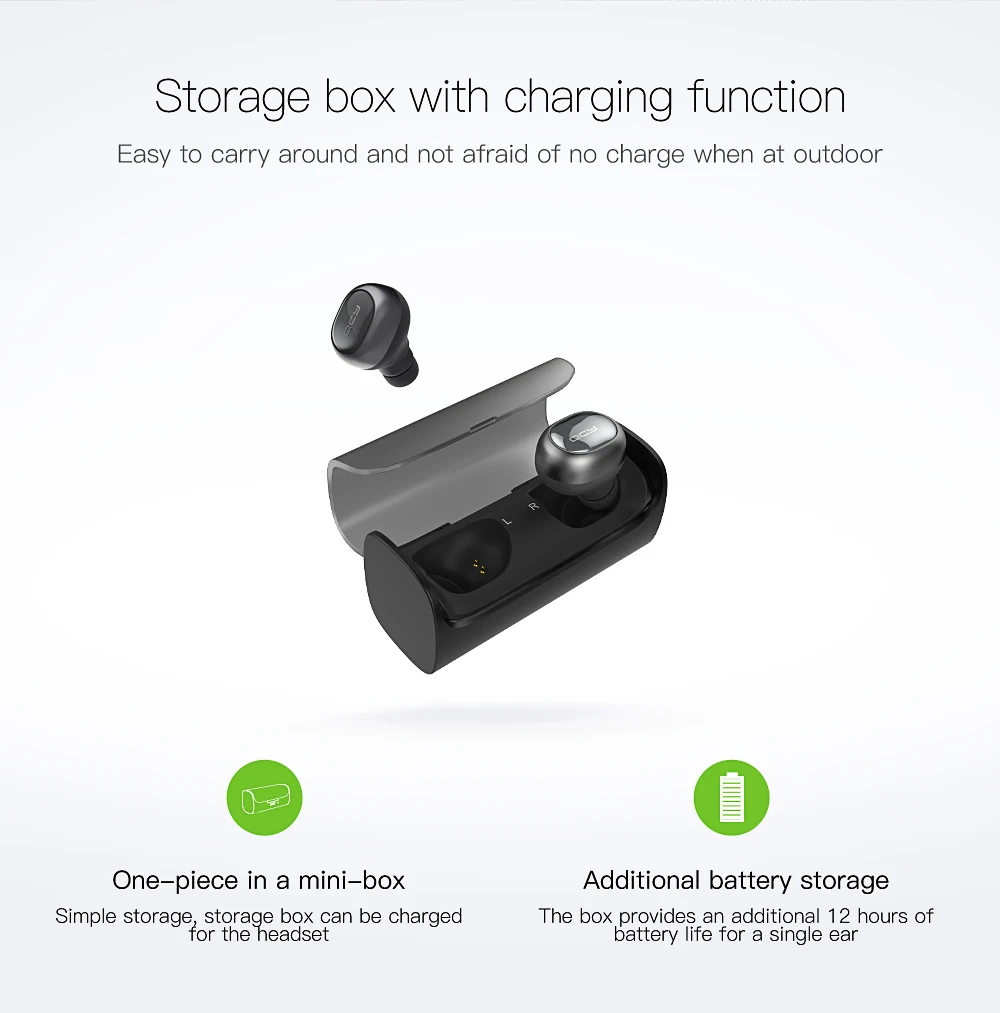
QCY Q29






How to pair
1. Pairing Earphone First: Long press MFB of L and R earphone at the same time for 6 seconds until the red and blue lights flashing with prompt voice "Pairing", mean while Double click the MFB (L and R is on pairing each other) hearing a beep to finish pairing with prompt voice "Your device is connected".
2. After paired: any one earphone power off (the other one will also be shut down).
3. Then to pair mobile phone: Long press MFB of any one earphone for 6 seconds until the red and blue lights flashing with prompt voice "Pairing".
4. To turn on the phone bluetooth to search "AWEI T2R" or "AWEI T2L" and click for connection (with prompt voice "the device is your connected")
5. The other earphone long press MFB for 3 seconds with prompt voice "Power on", then connected automatically to complete the final pairing.


