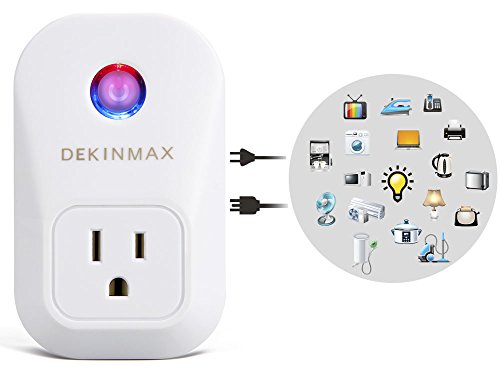
DEKINMAX WiFi Smart Plug Outlet,Works with Alexa Echo,Wireless Energy Monitoring Socket with Timing Function,Remote Control Light Switch,Control Your Devices from Anywhere , No Hub Required
DETAIL INFORMATION
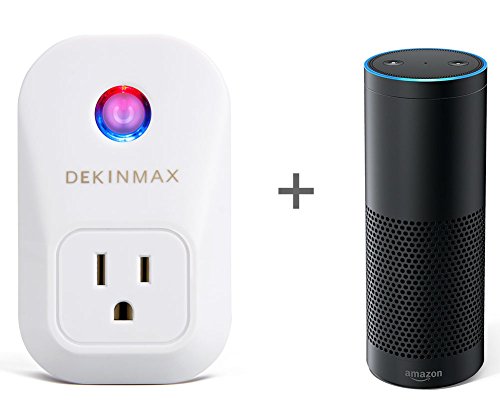
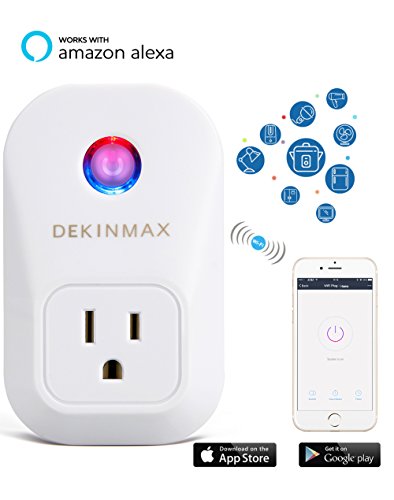
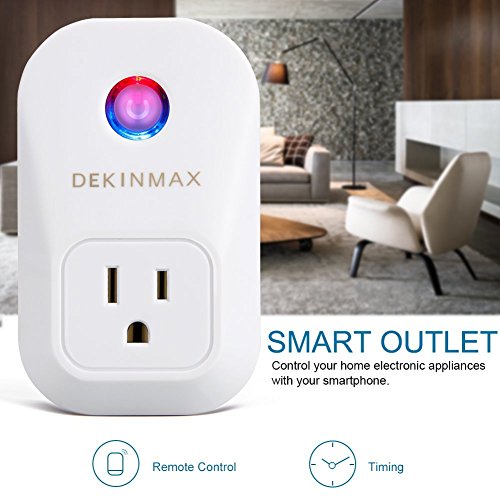
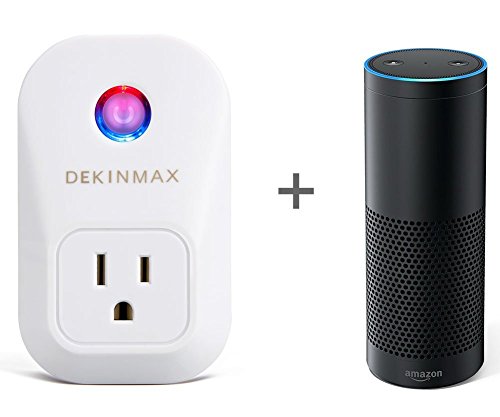
- PHONE & ALEXA CONTROL - By Tuya App, take full control of this remote smart plug with your smart phone; By Alexa, easily command the device with your voice
- TIME SCHEDULE - With timing mode, you can switch the plug on or off, schedule everything in an organized way. It can be a special reminder
- OVERCHARGE PROTECTION - With the advanced smart chip, in fact you don't need to worry about overcharge. Of course, you can use the time schedule for a safer charge.
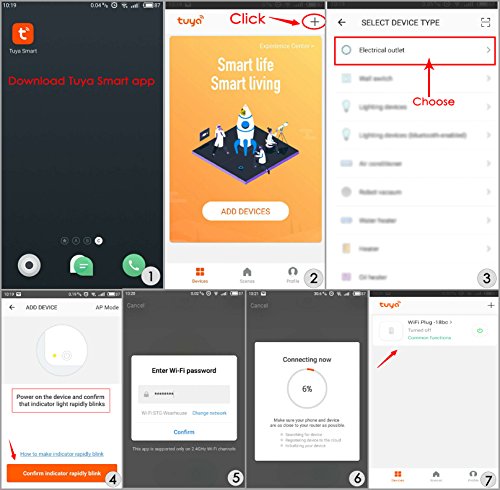
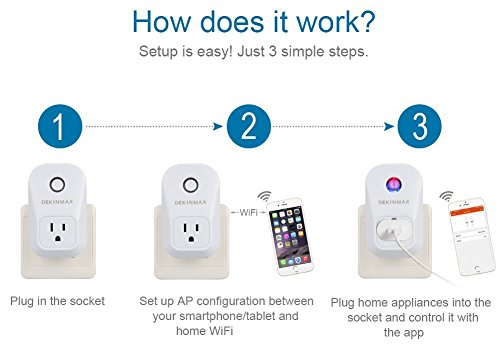
- PLUG AND PLAY - Plug into the socket, the outlet can connect to your phone within minutes, no battery required
- WARRANTY - Our team provide technical support, including setup. Also we offer a full money back guarantee with all of our products and services. Please feel free to contact us if you have any problem
- Item Dimension : 4.32 x 9.91 x 5.84 Cm
- Package Weight : 0.14 Kg
- Model No. : Smart-Outlet
- Availability : Available (Usually ships in 1-4 business days)


DEKINMAX Smart Plug Switch Outlet,Works with Amazon Alexa Echo, No Hub Required,Wi-Fi, Control your Devices from Anywhere
DETAIL INFORMATION
- PHONE & ALEXA CONTROL - By Tuya App, take full control of this remote smart plug with your smart phone; By Alexa, easily command the device with your voice
- TIME SCHEDULE - With timing mode, you can switch the plug on or off, schedule everything in an organized way. It can be a special reminder
- OVERCHARGE PROTECTION - With the advanced smart chip, in fact you don't need to worry about overcharge. Of course, you can use the time schedule for a safer charge.
- PLUG AND PLAY - Plug into the socket, the outlet can connect to your phone within minutes, no battery required
- WARRANTY - Our team provide technical support, including setup. Also we offer a full money back guarantee with all of our products and services. Please feel free to contact us if you have any problem
- Item Dimension : 4.32 x 9.91 x 5.84 Cm
- Package Weight : 0.14 Kg
- Model No. : Smart-Outlet-2
- Availability : Available (Usually ships in 1-4 business days)
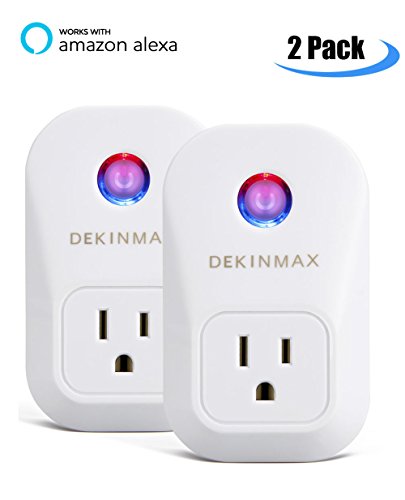
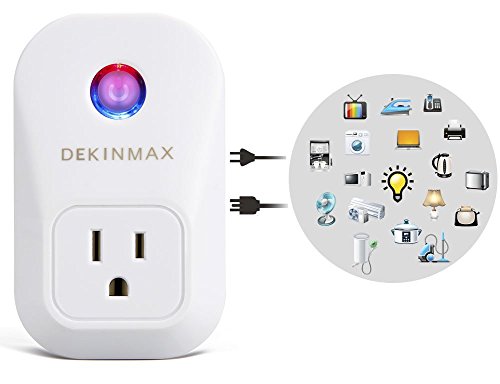
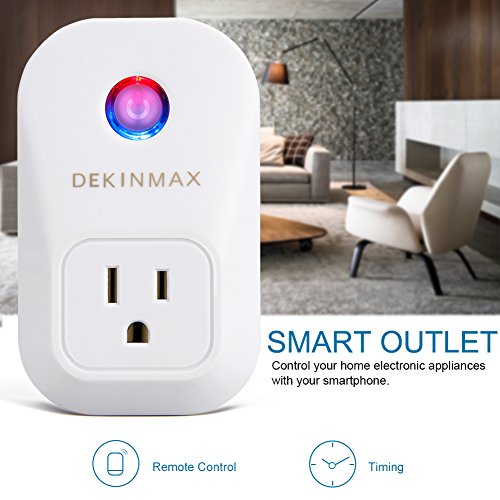

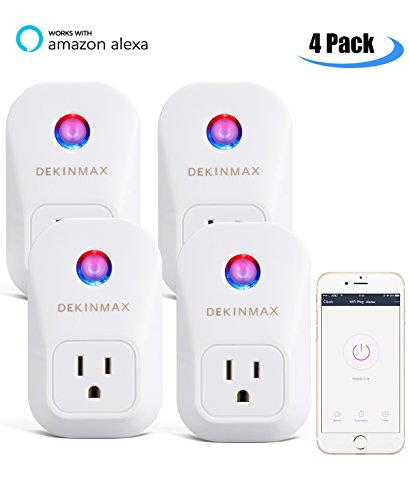
Smart Plug,DEKINMAX Smart Outlet Timing Switch Smart Socket,No Hub Required, Wi-Fi, Works with Alexa,Control your Devices from Anywhere
DETAIL INFORMATION
- PHONE & ALEXA CONTROL - By Tuya App, take full control of this remote smart plug with your smart phone; By Alexa, easily command the device with your voice
- TIME SCHEDULE - With timing mode, you can switch the plug on or off, schedule everything in an organized way. It can be a special reminder
- OVERCHARGE PROTECTION - With the advanced smart chip, in fact you don't need to worry about overcharge. Of course, you can use the time schedule for a safer charge.
- PLUG AND PLAY - Plug into the socket, the outlet can connect to your phone within minutes, no battery required
- WARRANTY - Our team provide technical support, including setup. Also we offer a full money back guarantee with all of our products and services. Please feel free to contact us if you have any problem
- Item Dimension : 4.32 x 9.91 x 5.84 Cm
- Package Weight : 0.52 Kg
- Model No. : Smart-Outlet-4
- Availability : Available (Usually ships in 1-4 business days)