1. Product Description
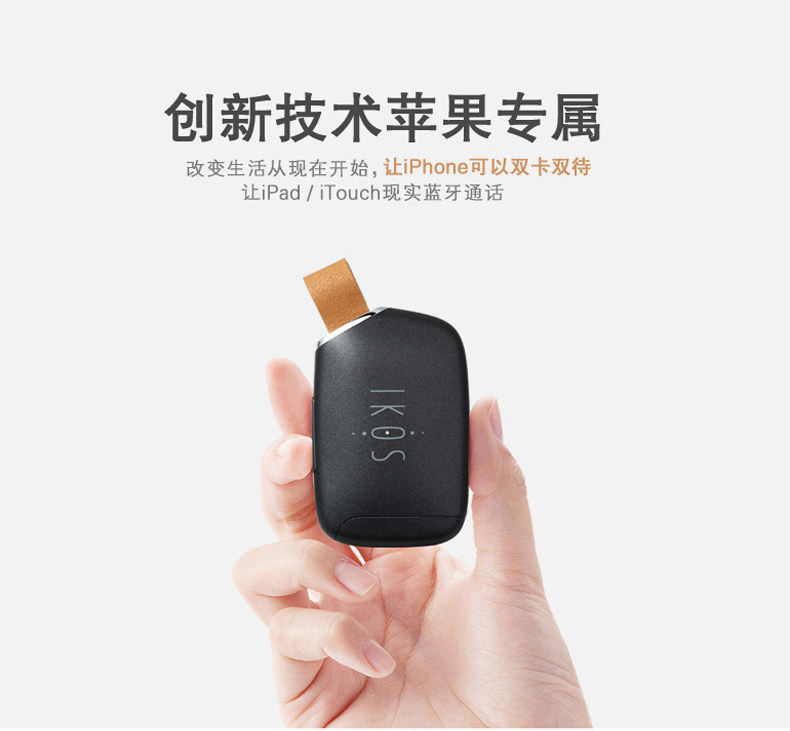
Apple SIM card equipment is a new type product combined with MODEM via Bluetooth, to make the Apple devices with IOS App SIM card to realize the function of voice calls and text messages, and especially allows users to use a mobile phone to realize double card double stay function.
2.Product Overview
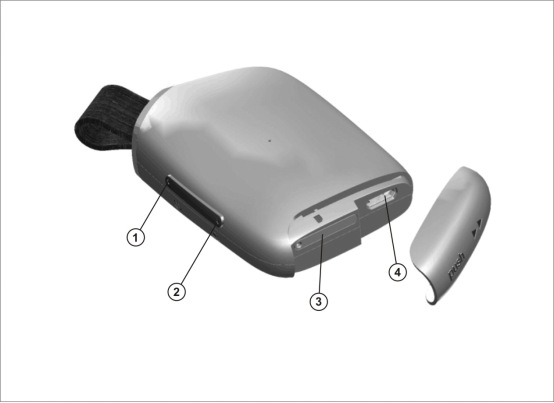
1--the switch machine button: long press for 5 seconds to turn it on, long press for 3 seconds to turn it off
2--the camera button: take key, click on the photograph
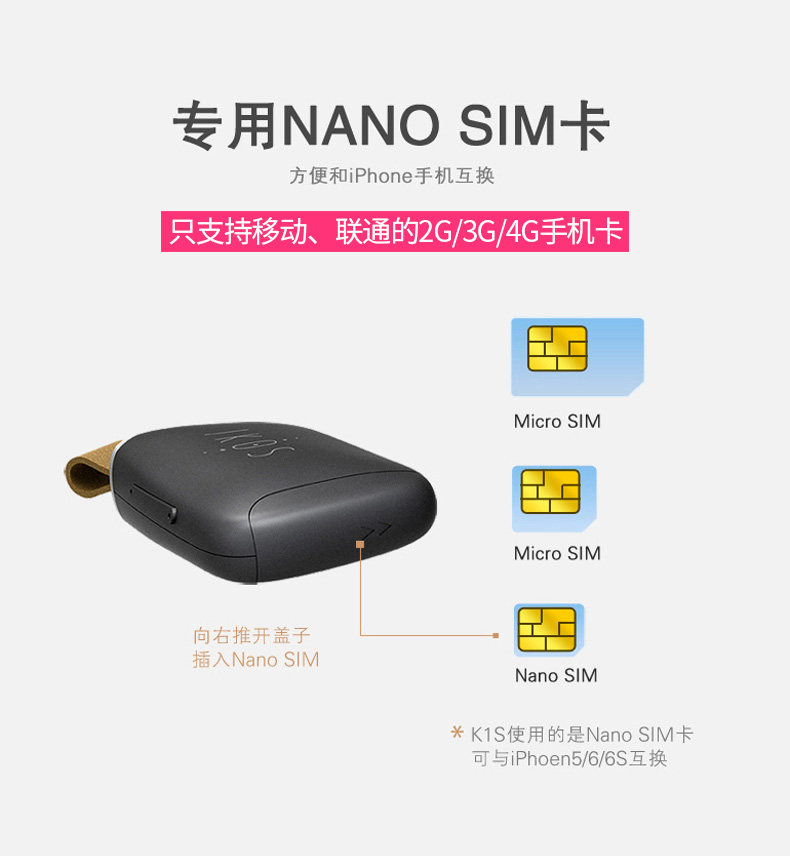
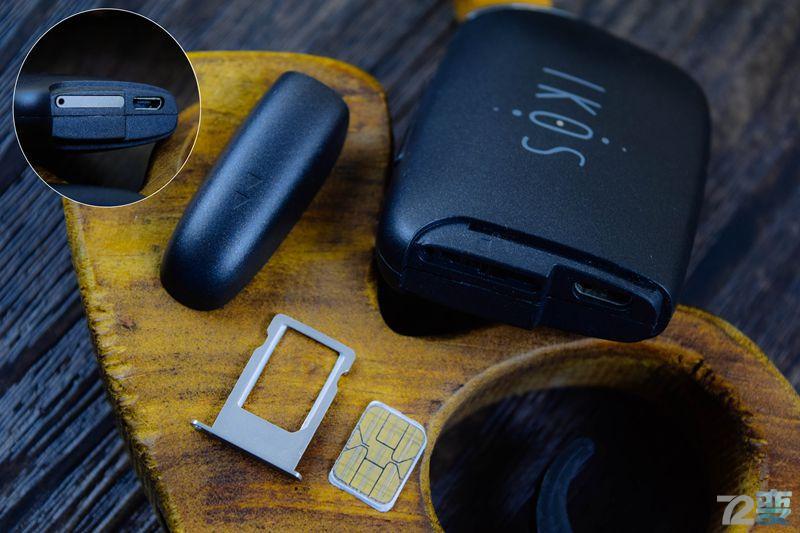
3--SIM card slot, Nano SIM card(SIM insert down)
4--Micro USB charging hole
3.The APP software functional requirements
1. The Bluetooth version of the iOS device is 4.0 (the iPhone 4s +)
2. The iOS version of iOS7.1 +
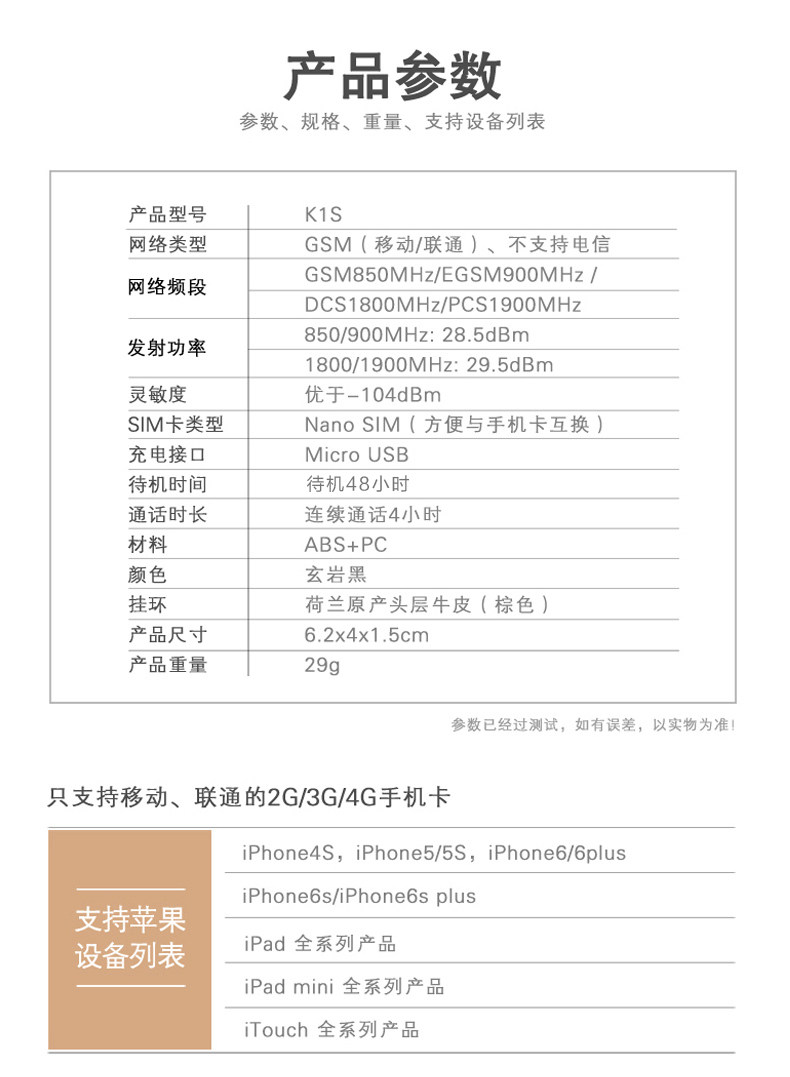
3. Support unicom/mobile GSM network, only support calls and text messages, does not support data function
4. Support for multiple languages (tentative: in Chinese and English)
5. Support equipment low electricity to remind function, (App popup window remind low battery, similar IOS native low battery remind)
6. Support the user device via a Bluetooth connection to remind function (App successfully connected, pop-up window within the App shows successful connection)
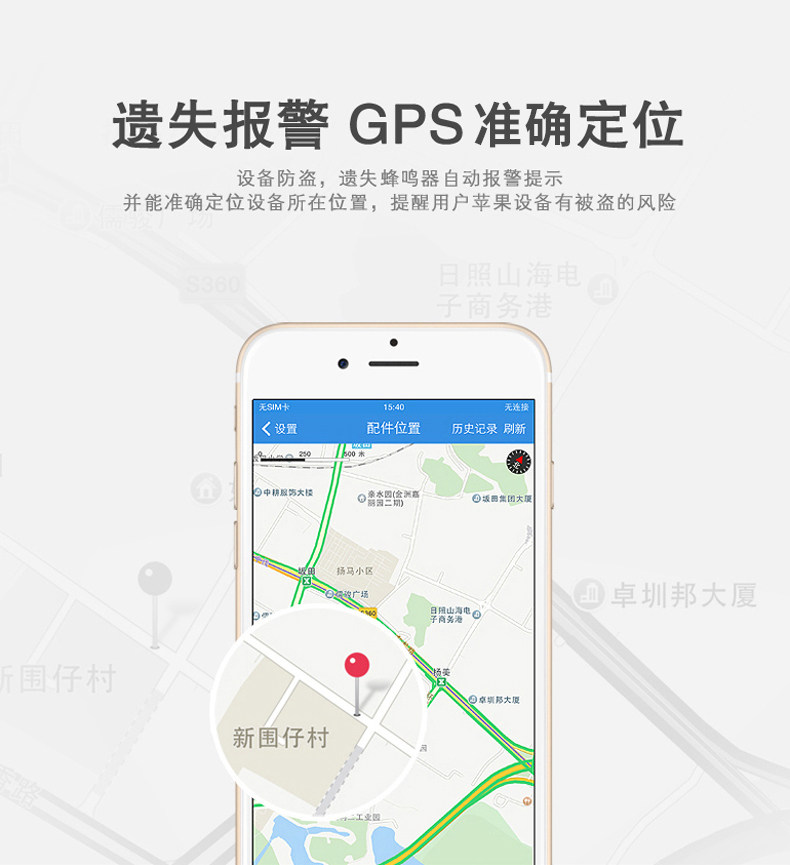
7. Have anti lost alarm function
8. Support reading phone original address book function, and address book synchronization function
9. Support phone number display equipment, telecommunications operator name and equipment power function
4.Product specification
Hardware Function:
1.Through the connection to the iOS APP,( iOS7.1 system or above)
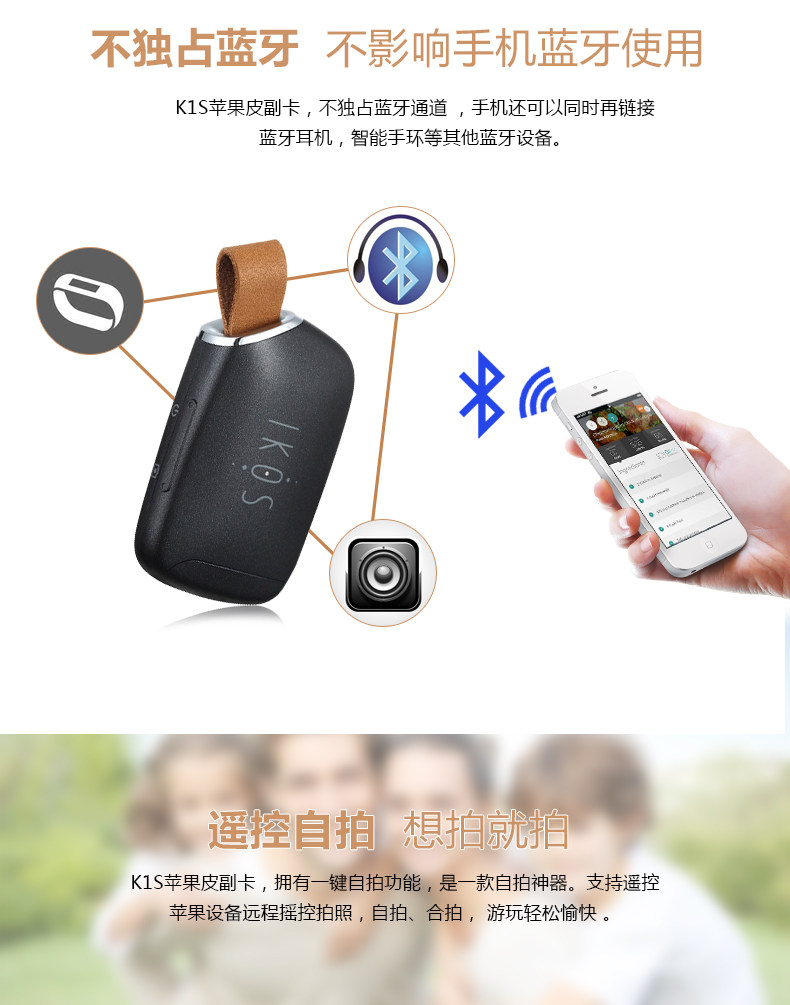
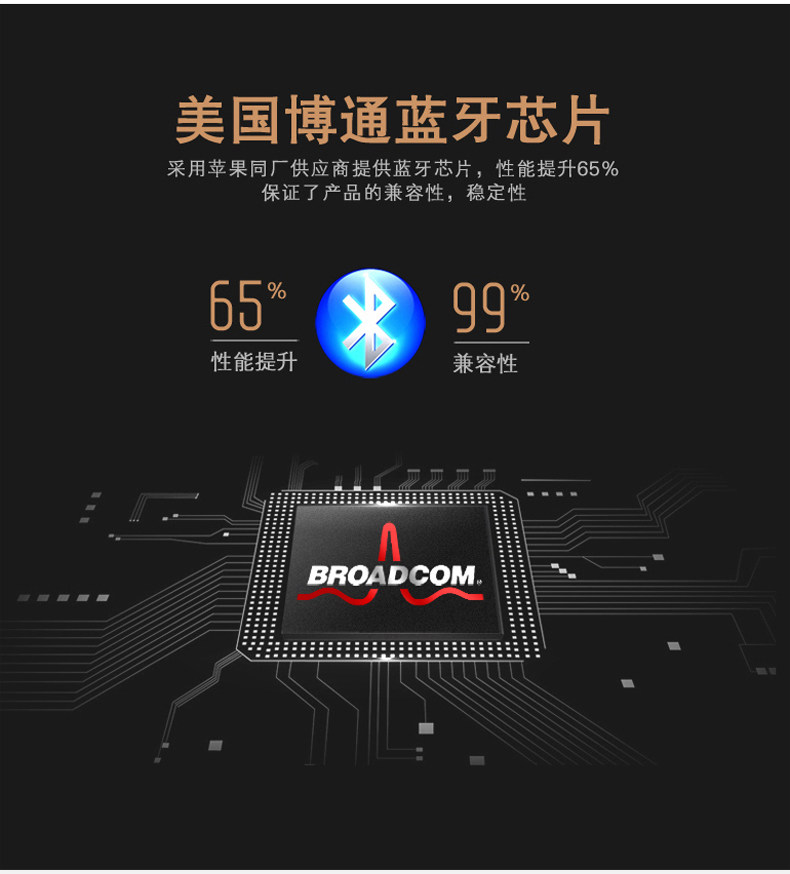
2.BT Bluetooth module, signal transmission distance for 10 meters, support Class I standard
3.support more than 400 Mah capacity of the battery, in order to support more than 4 hours and 30 hours standby
4.support mobile phones loss prevention function, distance, buzzer continued to whine, continuous chirp can be key to eliminate the noise
5.support for mobile phone functions, the realization of buttons on the equipment after the phone app to ring the bell
6.plug the device: SIM card types: MICRO SIM card
USB port types: MICRO USB
The MODEM Performance Indicators:
1. the types of network: the GSM
2. network band: GSM850MHz EGSM900MHz/DCS1800MHz/PCS1900MHz global spectrum
5. Product Instructions
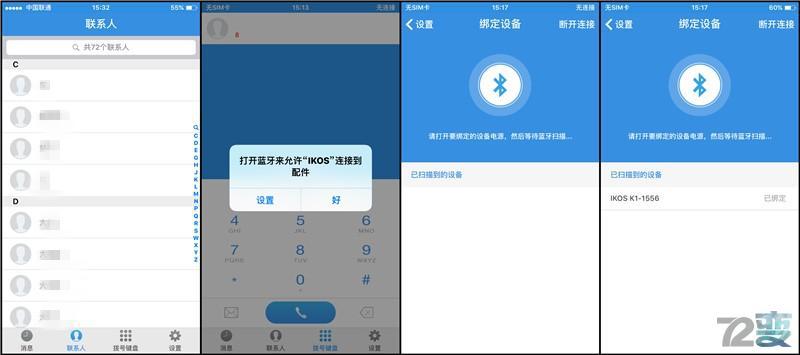
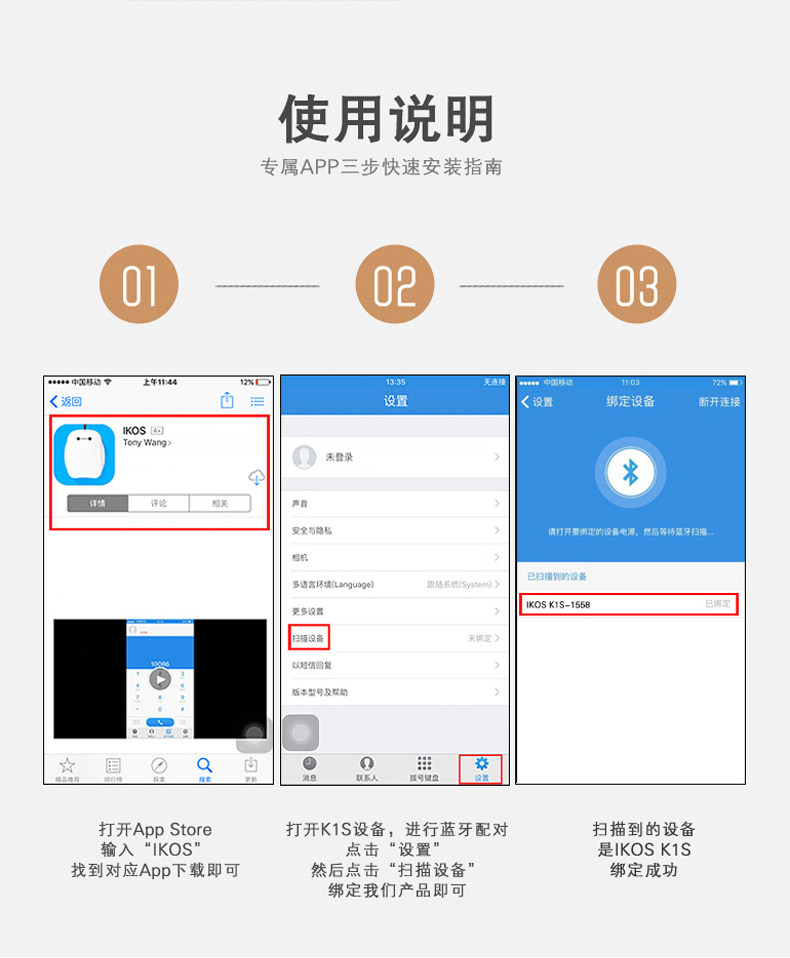
1. First, open the Bluetooth function of the IOS device
2. Please search the APP “ikos” in the APP Store, and download to install
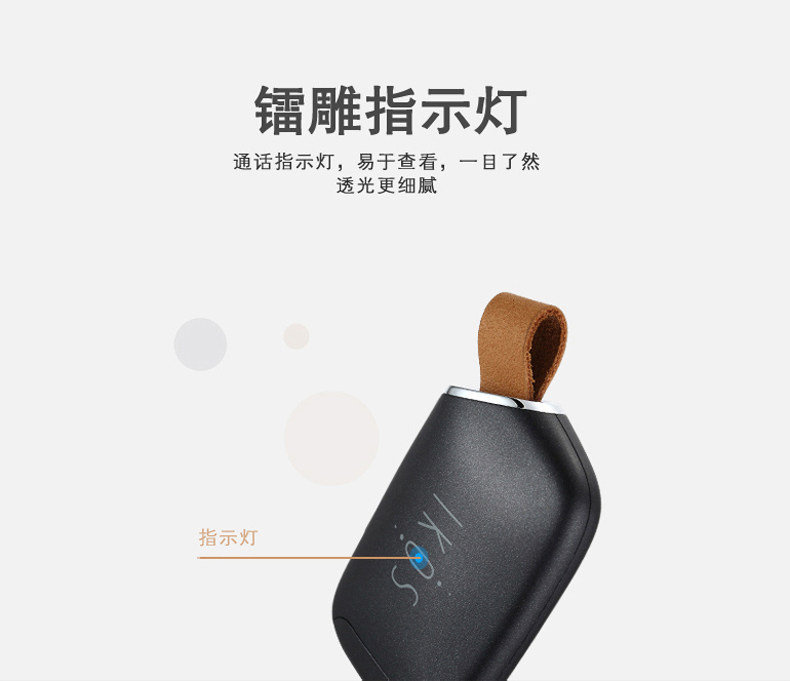
3. Press the product side keys for 4 seconds long, red and green light is flashing into pairing mode
4. Enter the IKOS APP - > Settings - > device in the search to find IKOS (Note: Pairing in IKOS APP, Instead of pairing in iOS devices with Bluetooth!)
5. Click on the equipment as well as displaying the connected device after red light, green light flashing, such as green light flashing a 6 seconds, or on behalf of the GSM registered the Internet can be used normally, answering the phone call, the short message to send and receive functions
Q&A:
1. Couldn’t find App or App not running properly?
1). Please make sure iPhone’s iOS version is 7.1+, Bluetooth standard be Bluetooth 4.0.
2). Please make sure it’s iPhone 4+ devices.
3). Please make sure you’ve selected the correct App to download.
4). Please make sure that the Bluetooth function of the iOS device has been turned on.
2.Can not receive SMS or Phone call on AppPhone?
1). Please make sure App Phone is connected to iPhone and within working range.
2). Please make sure SIM card registered to network successfully, with Carrier’s name listed on upper-left corner, Green LED flashing slowly.
3). Please make sure AppPhone is not out of power.
4). Please re-download App and re-connect.
5). Please try to turn OFF iPhone’s Bluetooth, reboot, and turn ON.
3.How long is the charging time for battery?
Normally around 2 hours.
Red LED on while charging, Green LED on when fully charged.
4.How long does battery last for one fully charge?
Continuous talk time: ≤ 4 hours
Standby time: 30 hours
Advice
1. Use of Nano SIM card directly
2. Want to be in shutdown state bottoms SIM card
Battery icon with capacity display will be shown on top right corner.
For better using experience, please remember to charge your AppPhone timely.
=========================================================
转自网络:
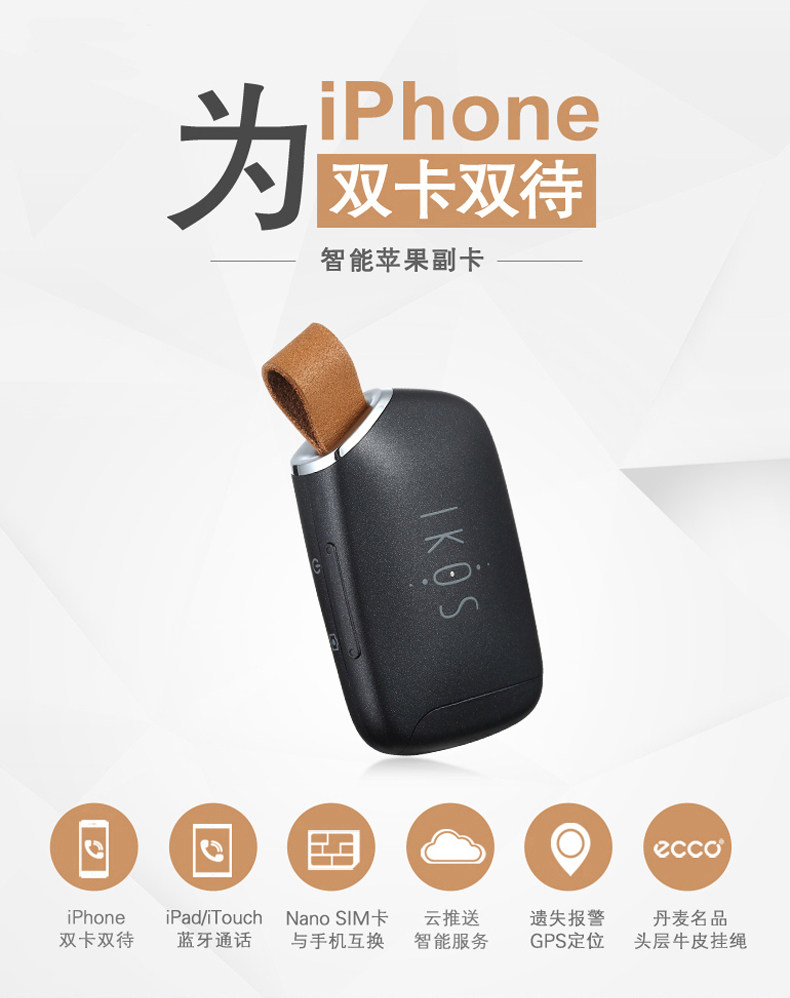
如今苹果手机已经算时下最热门的智能手机,其外观和系统深受很多用户的喜爱,正因为这样苹果在设计上一直走得比较孤傲,比如单卡设计,从一至今未曾改变过,特别是对于商务人士,手上多张sim卡已经很平常的事,只能选择往口袋多塞一部手机,不仅不方便携带,加上平时丢三落四而错过一些重要的电话和信息,对于此类问题,相信是很多苹果手机用户的困扰,是否能通过简单又方便的方式来让苹果手机实现双卡双待呢?当然是肯定的。接下来为大家介绍一款由IKOS团队推出的一款新品“IKOS智能苹果副卡”,这次经过多方面的积累以及用户的意见而推出的新品,如果早前体验过“IKOS K1苹果副卡”的用户相信都非常熟悉这个品牌,这次又带来怎么样的改变和惊喜呢?
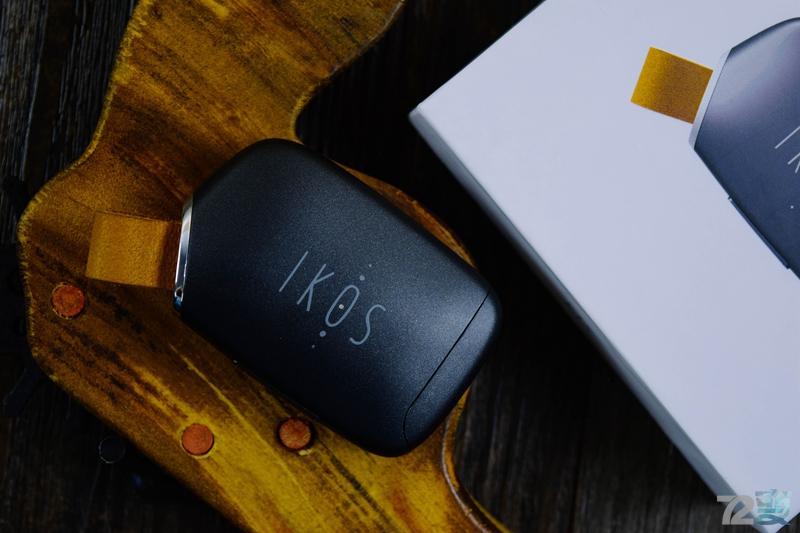
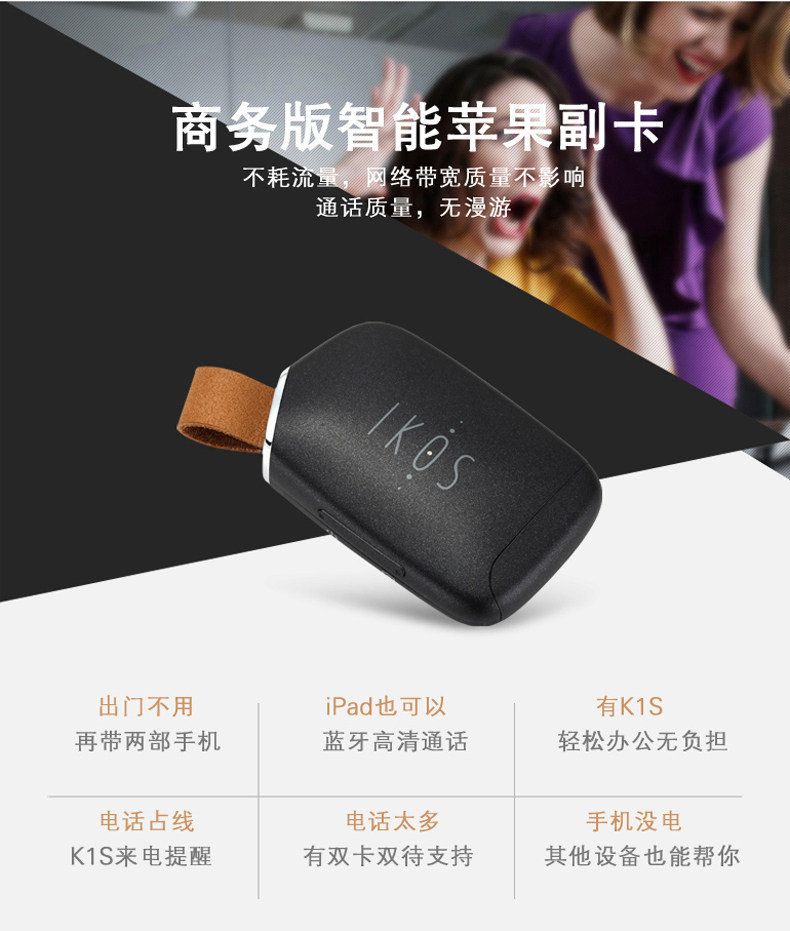
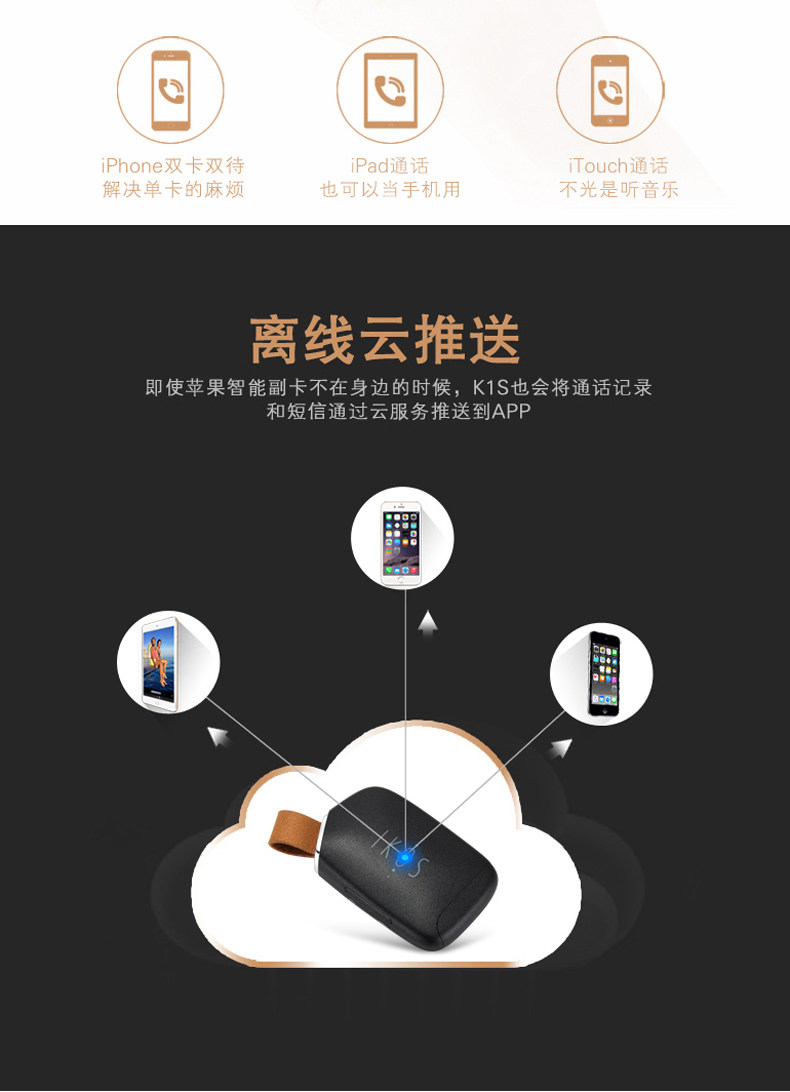
说到类似这种双卡双待的副卡,相信会有很多用户开始吐槽,不是出现不稳定,就是忘记携带而错过重要电话以及信息,就像老胡这样的,平时就不喜欢往口袋装太多东西,而且还有丢三落四的习惯,稍一不注意就会忘记携带副卡在身上而错过重要信息,而这次IKOS推出的K1S商务版就是来针对这些问题进行改进,就算忘记携带智能副卡在身上,K1S会自动将通话记录以及信息通过云服务推送到APP上,来保证不错过重要的信息,看到这个功能之后,相信很多用户都开始感兴趣,究竟真的能实现这样的功能吗?接下来一起来跟着老胡体验下这款新品是不是真的能俘获我们的芳心。
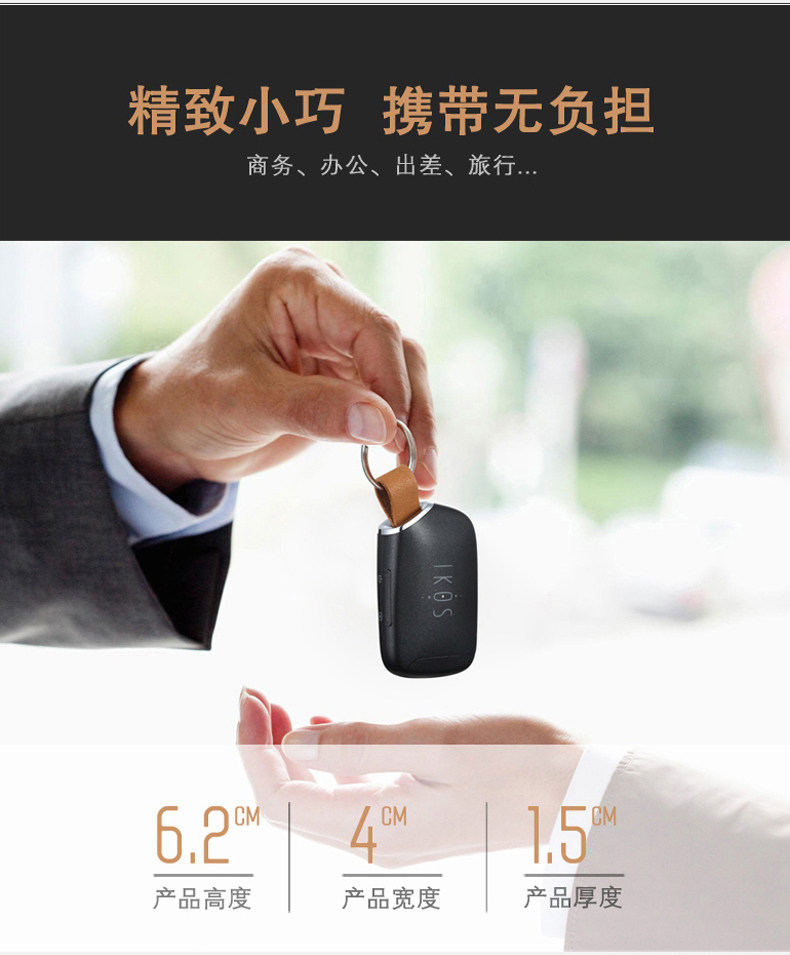
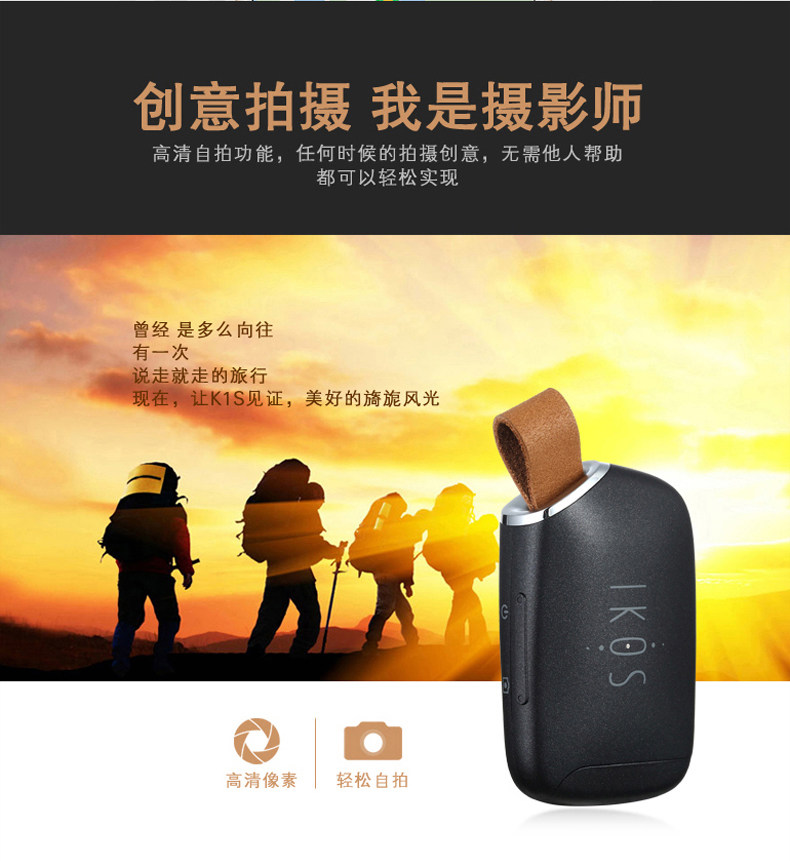
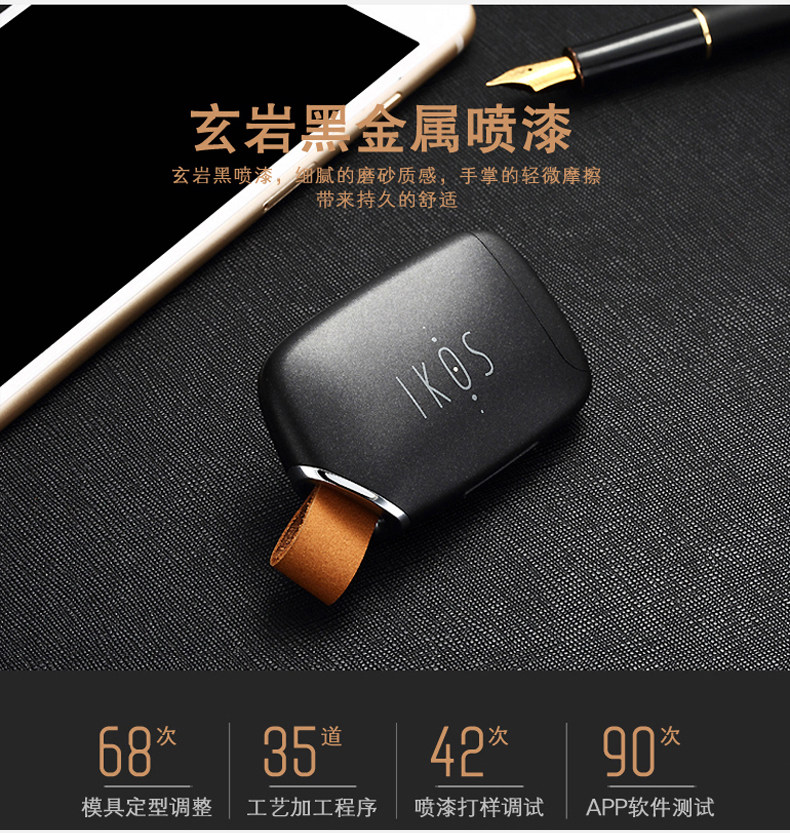
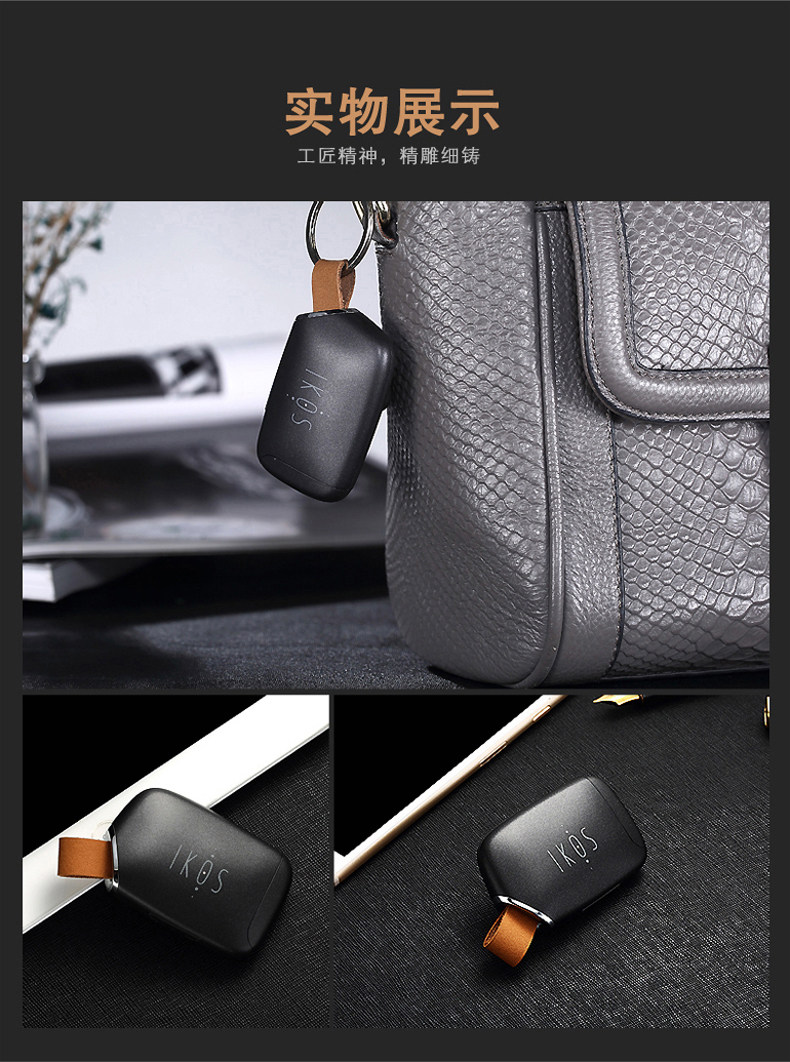
IKOS智能苹果副卡 外观 细节

IKOS智能苹果副卡 亮点功能“离线云推送”
其中一项最大的亮点功能就是支持“离线云推送”,相信这个功能是很多苹果手机用户实现双卡双待最期待的功能之一,毕竟有时候因为忘记携带副卡而错失了重要的电话或者信息,有了这个功能,即时副卡不在身边,只要有电话呼入或者信息进来,都会自动将通话记录以及信息通过云服务推送到APP上,让我们不再错过任何一通重要的电话或者信息,也解决了忘记携带的麻烦。
IKOS智能苹果副卡 客户端 体验