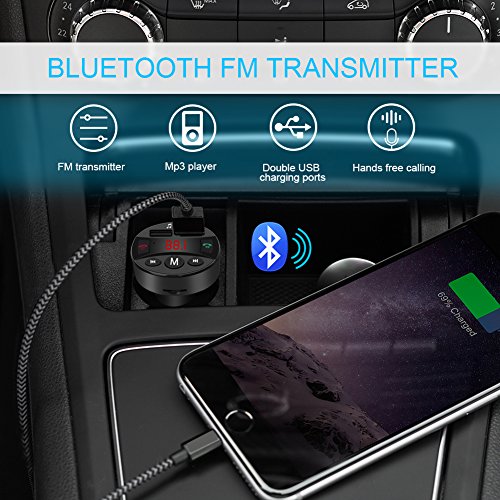
Studio : NiocTech Publisher : NiocTech Binding : Electronics Product Description
Frequency and Volume Adjustment
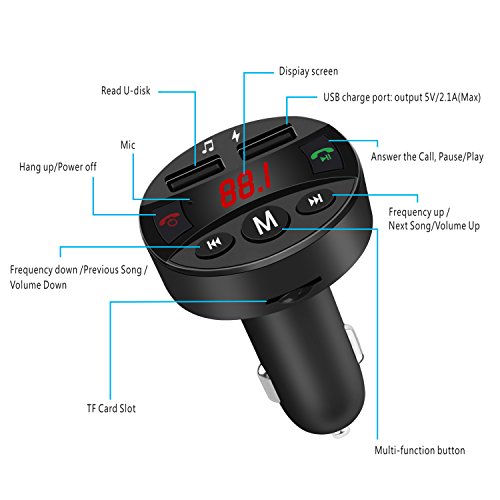
1.Press the button M first and press the button Previous and Next to adjust FM frequency from 87.5-108Mhz.
2.Long press the button Previous and Next to adjust the volume
Using U-disk and TF Card Function
1)Plug the FM transmitter into your vehicle's cigarette lighter.
2)Tune the car FM radio frequency to a blank FM station. Then tune the FM transmitter into the same frequency with the car FM radio.
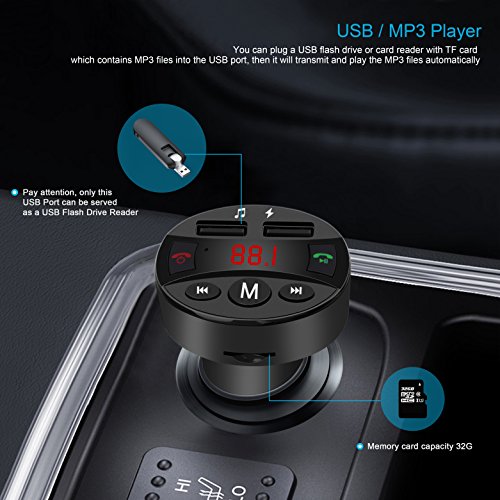
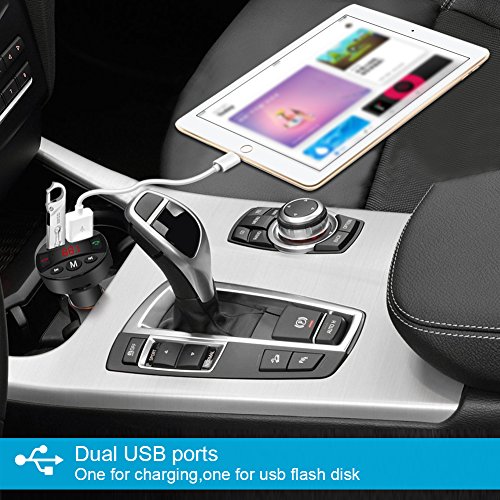
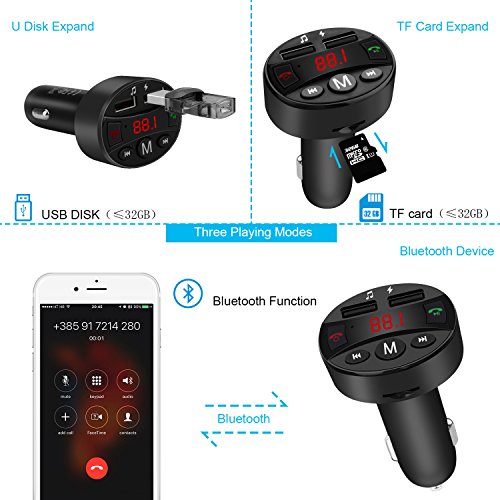
3)Insert the TF card/U-disk into the device, it will automatically detect and play the MP3 format music in the TF card/U-disk.
4)Music selection: Press the button Previous and Next to select your favorite song.
Using Bluetooth Function
1)Using the FM transmitter for the first time, you need to pair your smart device with it.
2)Plug the car charger of the FM transmitter into your car cigarette socket, the Bluetooth mark BL flashes means it's in pairing mode.
3)Turn on the Bluetooth function of your smart device, search for Bluetooth devices and select FM36
4)If paring is successful, the Bluetooth mark BL will stay on.
5)Tune the car FM radio frequency to a blank FM station. Then tune the FM transmitter into the same frequency with the car FM radio.
6)Now you can enjoy your music through the car stereo.
Audio Source Mode Switch
When this FM transmitter is playing music from your U-disk, long Press M button for about 2 Seconds then play music from TF card (if TF card is inserted), long press M button for about 2 seconds once again and short press the button Pause play music from your smart device via Bluetooth ( if Bluetooth is paired)
Make/Answer a Call
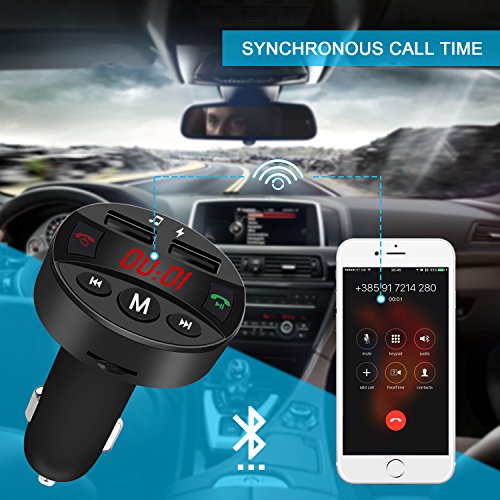
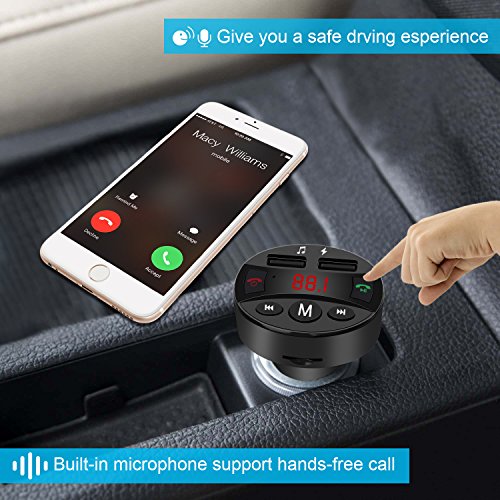
The transmitter can make or answer a call after successfully connected to your phone via Bluetooth.
Note
1.The transmitter will connect to the last paired smart device automatically when turns on next time.
2.If the noisy is too loud, please try other blank FM station
0
|