

All of the Wi-Fi. None of the Hassle.
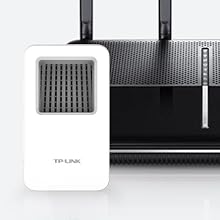
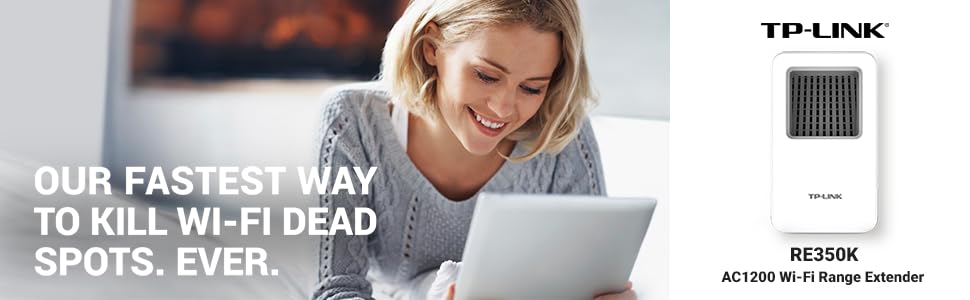
Easily expand your Wi-Fi with the RE350K, the only range extender with a mobile app and 4-minute setup. The range extender plugs into any outlet to eliminate coverage dead spots with fast dual band AC1200 Wi-Fi. Use the RE350K’s dedicated mobile app to easily find the best setup spot and manage your Wi-Fi settings. The powerful range extender expands your home’s Wi-Fi coverage up to 10,000 square feet.

Mobile App for Fast Setup
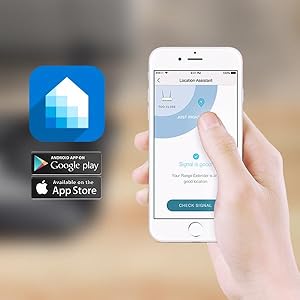
The free Kasa app, available for Android and iOS, uses your router’s Wi-Fi signal to help you find the best spot to set up the RE350K.
In less than four minutes, the Kasa app lets you expand your wireless network across your home.

Fast Setup

Network Management

Wi-Fi Extension

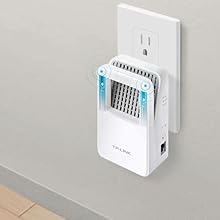
Modern Design
![]() |
![]() |
![]() |
![]() |
|---|---|---|---|
|
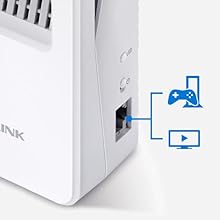
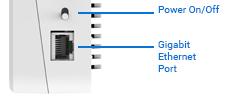
Gigabit Ethernet Port for Reliable Performance A Gigabit Ethernet port creates a high-speed, reliable wired connection for devices like smart TVs, PCs, and game consoles. |
High Speed Mode When you need the fastest connection possible, you can use the High Speed mode to combine both bands into one. |
Works with Any Router The RE350K works with any wireless router, letting you expand your Wi-Fi network for complete coverage no matter where you are in your home. |
Lifetime Service and Industry-Leading Warranty Need help setting up your TP-LINK device? Our team is here 24/7 for toll-free technical support, including setup, no matter when you purchased our product. Plus, our 2-year warranty gives you worry-free service. |
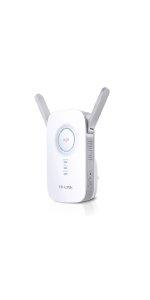
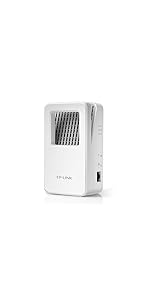
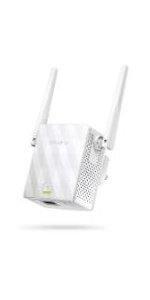
![]() | ![]() | ![]() | ![]() | ![]() | ![]() | |
|---|---|---|---|---|---|---|
| RE580D | RE450 | RE350 | RE350K | RE200 | N300 | |
| Wireless Standard | AC1900 | AC1750 | AC1200 | AC1200 | AC750 | N300 |
| Technology | Dual Band Wi-Fi | Dual Band Wi-Fi | Dual Band Wi-Fi | Dual Band Wi-Fi | Dual Band Wi-Fi | Wi-Fi |
| Placement | Desktop | Wall Plug | Wall Plug | Wall Plug | Wall Plug | Wall Plug |
| Interface | 5-Gigabit Ports | 1-Gigabit Port | 1-Gigabit Port | 1-Gigabit Port | 1-Ethernet Port | 1-Ethernet Port |
| Connection Speed | Best | Best | Better | Better | Better | Good |
| High Speed Mode | Concurrent Mode Boost | ✓ | ✓ | ✓ | ✓ | |
| Easy (RE) Setup Button | Touchscreen Setup | ✓ | ✓ | ✓ | ✓ | ✓ |
| AP Mode | ✓ | ✓ | ||||
| Antennas | 3-External Antennas | 3-External Antennas | 2-External Antennas | 2-Internal Antennas | 3-Internal Antennas | 2-External Antennas |
| Signal Indicator | ✓ | ✓ |