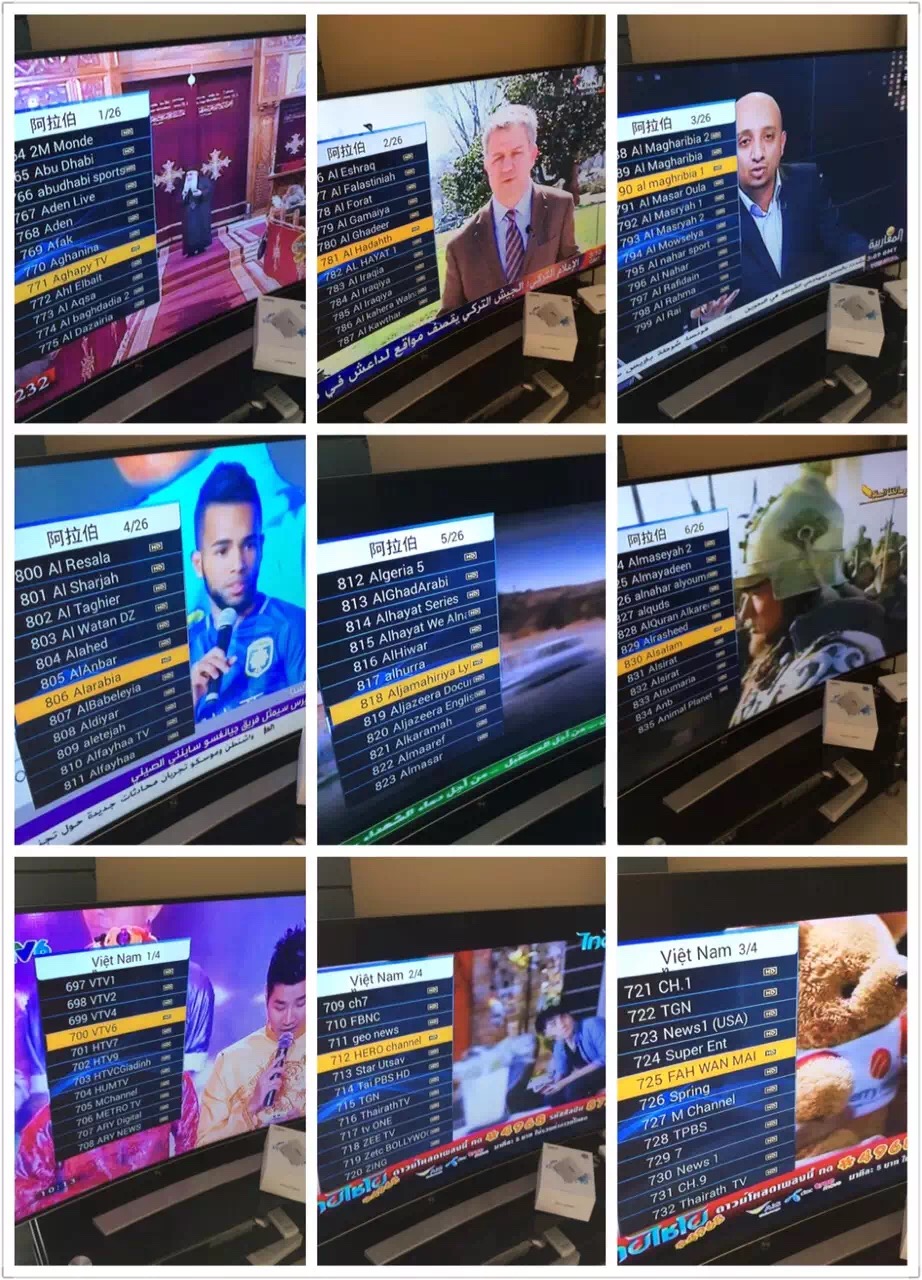
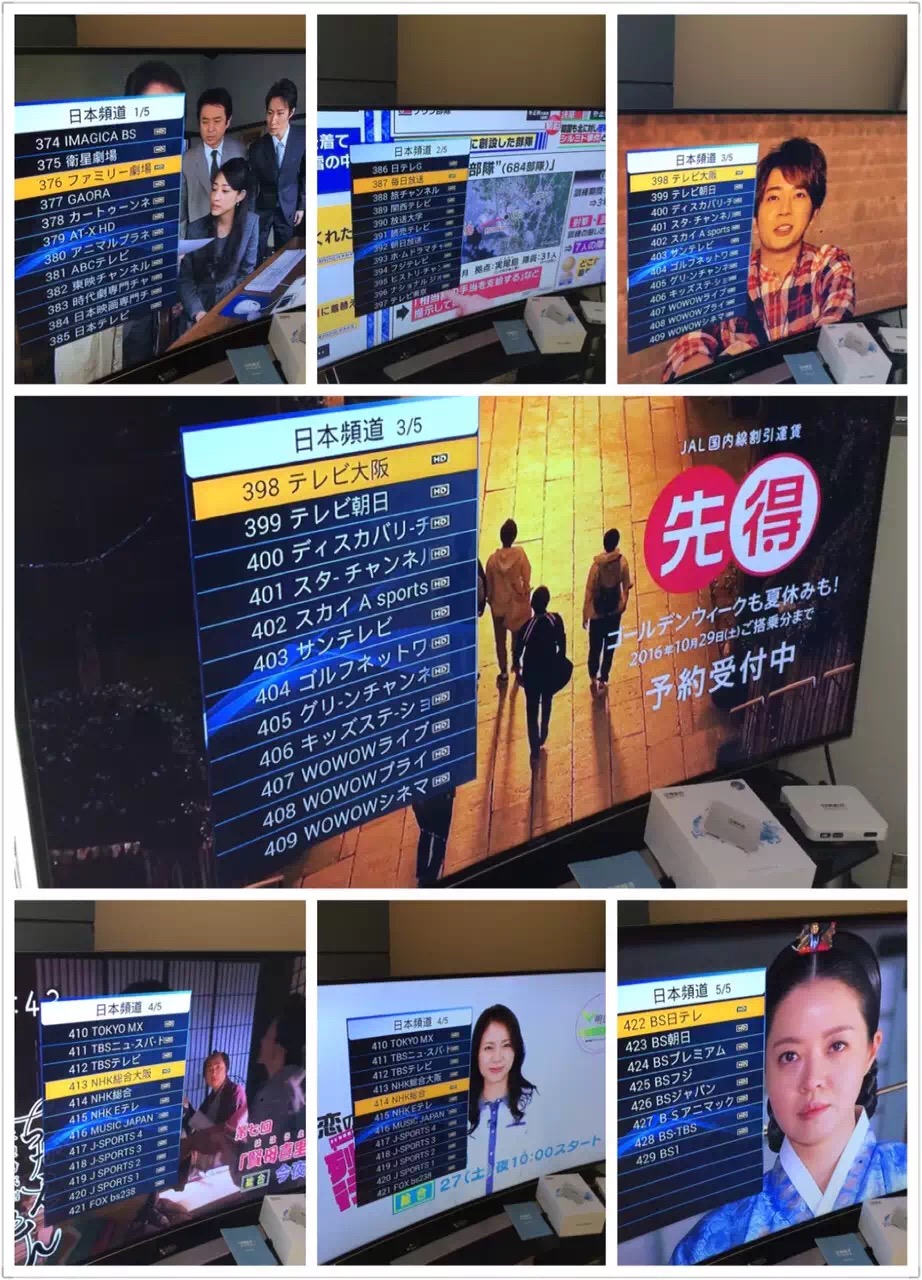
Specifications:
Package Contents:


| Hardware Spec: | ||||||
| Operation System | Android 5.1 | |||||
| Language | Chinese,English...Multi-Language support | |||||
| Chipset and Gpu | 8 Core (4+4) 4 CoreARM Cortex-A53 + Mail 400MP2 GPU | |||||
| SDRAM | DDR3 1G | |||||
| Nand Flash | 16GB eMMC | |||||
| Storage Extension | Support MicroSD(TF) ,Up to 32GB | |||||
| Power Supply | DC 5V/1A | |||||
| Interface: | ||||||
| HDMI Out | 1xHDMI,HDMI1.4 | |||||
| USB Port | 2XUSB 2.0 | |||||
| Audio Input | 1x3.5mm Headphone Jack(for Karaoke) | |||||
| Network | 1xRJ45 LAN Port | |||||
| Power Supply | 1xDC Jack | |||||
| Card Reader | 1xMicroSD(TF) Slot | |||||
| Antenna | Build in Wi-Fi antenna | |||||
| Network | ||||||
| Wi-Fi | Support 802.11 b/g/n Wireless protocol | |||||
| Cable Network | 10M/100M BaseT | |||||
| Media Parameter: | ||||||
| Audio Container: | Support MP1、MP2、MP3、WMA、WAV、OGG、OGA、APE、FLAC、M4A、3GPP…etc Audio formats.Muliti -EQ mode,Support Synchronized lyrics and full-page lyric display. | |||||
| Audio Out | HDMI | |||||
| Video Decoder | TP,TRP,TS,VOB,WMV,M2P,M2T,M2TS,MJPG,MKV,MOV,MP4,MPEG,MPG,MTS,M2P,FLV,H.264-4K…etc | |||||
| Video Encoder | IVX3,DIVX4,DIVX5,H.264,H.265,MPEG-1,MPEG-2,MPEG-4,WMV,Xvid,VC-1…etc | |||||
| Resolution | Full 2160P@30fps | |||||
| Image browser | Support JPG、JPEG、BMP、GIF、PNG…etc photo format. | |||||
| Text-Reading | Support TXT、LRC、PDF、Html、Htm…etc formats(Depends on APK install)。 | |||||
| Software Extension | Support Google Play & APK install。 | |||||
| DLNA Protocol | Support DLNA Protocol | |||||
| Remote Control | Support IR Remote controller. | |||||
| Package | ||||||
| Dimension | 118mm*118mm*18mm | |||||
| Net Weight | ||||||
| Gift Box Size | 160mm*140mm*85mm | |||||
| Carton Box Size | ||||||
| Accessory List | ||||||
| 1.Standard Package: 1xHDMI、1xManual、1xAdapter(DC 5V/1A), 1x IR Remote Controller. | ||||||
Installation of the UBTV Apps:
1. Goto App Market on the Home Page, click on it and click accept to download the app store.
2. Enter the App Market,, click on Installer(GEN 2) and chose to download all the apps inisde.
3. To watch the Live Channels, go back o Home Page, click on APP, choose the UBTV app and you can now access the channels.
-------------------------------------------------------------------------------------------------------------------------------------------------------------------------------------------------------------------------------------------------


Specifications:
Package Contents:
Hi, there have been some debate on the warranty policy on some sites that we see.
Just to clarify, we are an authorised reseller from Unblock Tech.
We provide local shop warranty for a period of Six Months- this warranty is for the hardware as well as their proprietary UBTV app. This warranty will not apply for third party apps that are also inside the box, as third pary apps are not maintained by Unblock Tech.
After six months (from date of purchase) , if you face any issues with the hardware or the UBTV app, you can bring it back to us and we will send to Unblock to see if they are willing to change or repair (usually they will unless its a user-caused damage. This is a FOC service from us.