Item Descriptions:
Recording:
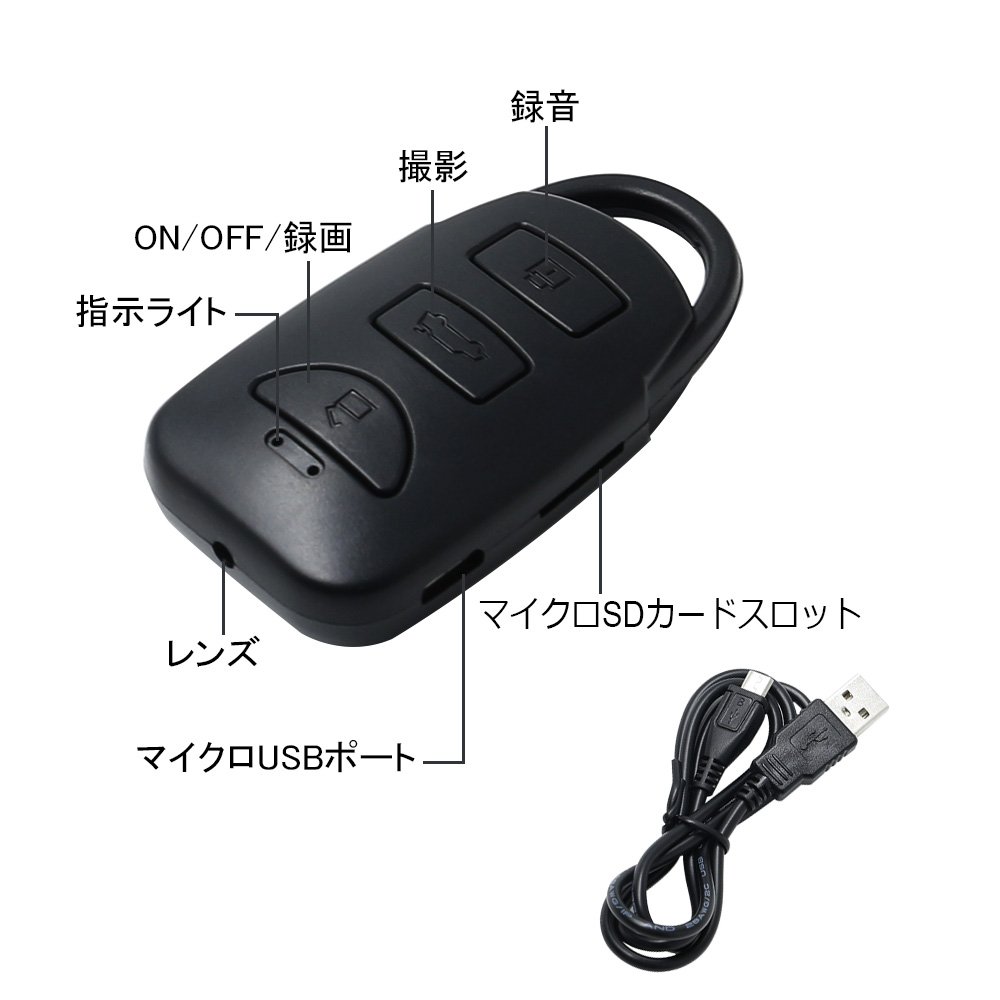
① Press and hold the button once, the blue light blinks once, then the blue light goes on and enters the standby mode.
① When you push the button briefly, the blue light flashes three times, then goes out and recording starts.
Save video
Tooth
① When you press the button briefly, the blue light will light, the movie will be saved and you will return to the standby mode
Loop recording:
When the memory becomes full, delete the oldest video file and save the latest video file (save it as one AVI video file every 3 minutes).
Shooting:
From the standby mode, pressing the button ② shortly, the red light flashes three times, then turn off, start taking pictures automatically
Photo
Save
Tooth
② Press the button briefly, the red light will light, the picture will be saved and will return to the standby mode
recording:
When you press the ③ button briefly from the standby mode, the red light and the blue light blink three times, then turn off, recording starts.
recording
Save
Tooth
③ When you press the button briefly, the red light and the blue light will light, the recording will be saved and you will return to the standby mode
Recording while charging
After connecting the adapter for 10 seconds, press the ① button briefly once, the blue light flashes three times, then goes out and recording starts.
PC camera:
After connecting the USB cable to the PC, display the mobile disk and press the ① button once to automatically become the PC camera.
Note: PC is not supporting this function because the operation system is different
reset:
When the product is unresponsive, press ① and ② button at the same time
Connect with PC
To
Turn off the device and connect it to the PC using a USB cable.
During this connection, the device has no action.
If the equipment is not read by the PC, please reconnect and make sure the USB driver / cable is normal
charging:
Connect the mini USB port of the charging cable to the device.
Then connect the USB port of the charging cable to the USB port of the AC adapter.
When in the charging state, the blue light is on and the red light flashes.
When charging is completed, the blue light turns on and the red light turns off
Features:
- Please enter model number Confirm this is compatible:
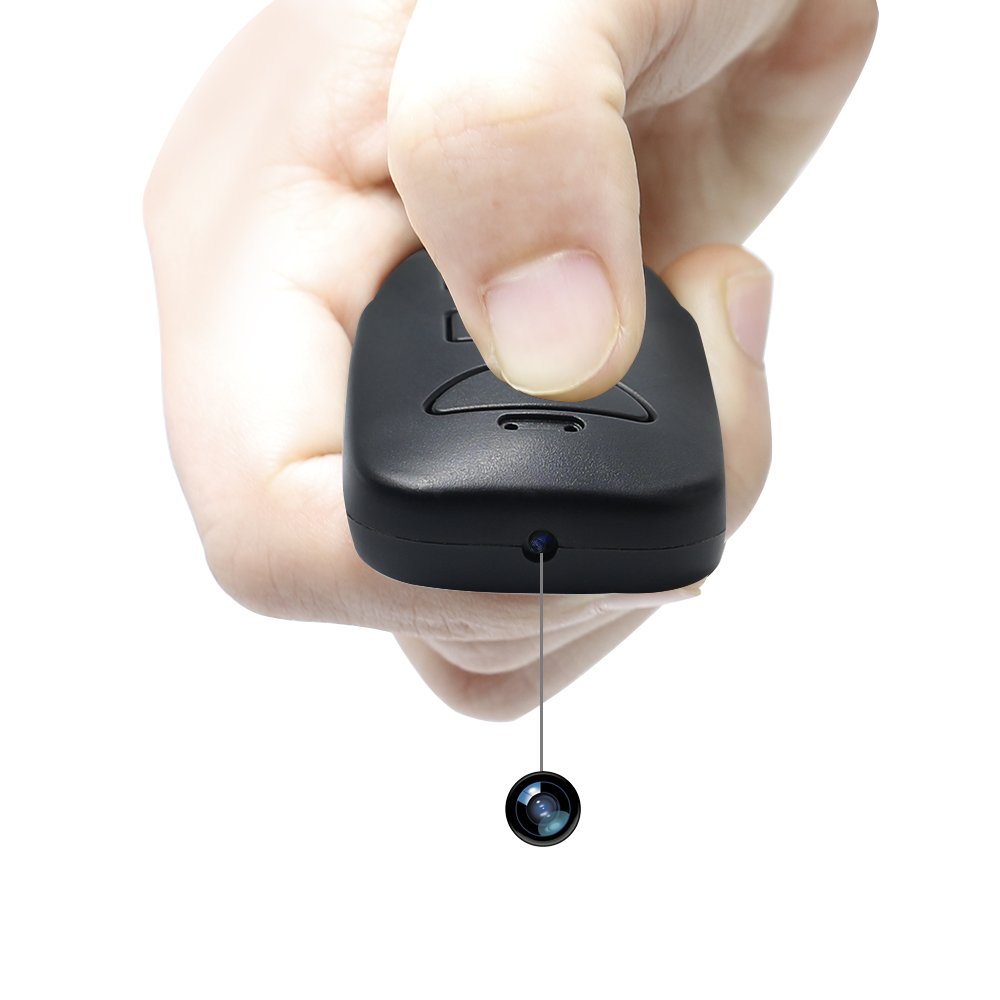
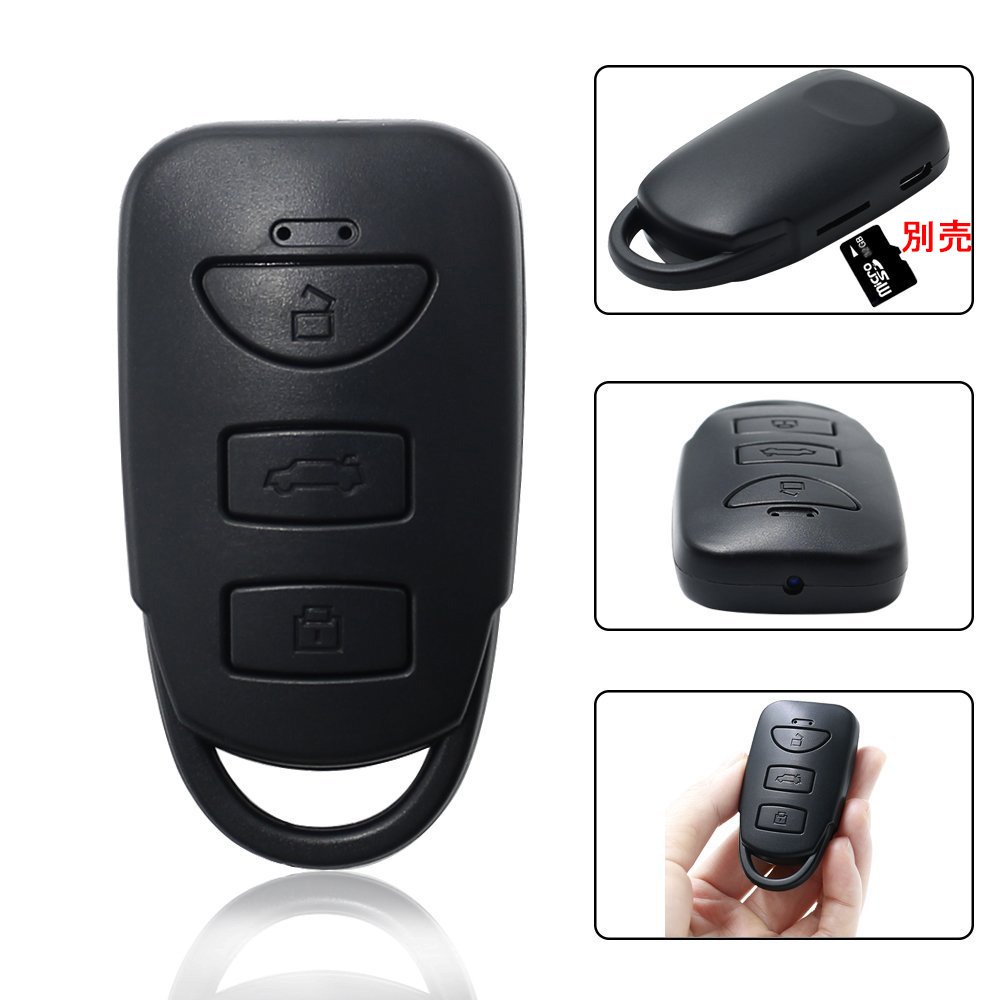
- It is a super lightweight keyless miniature camera basically built-in ultra small video camera in the key of the car, that [keyless].
- It is characterized by having no unnaturalness wherever you carry it.
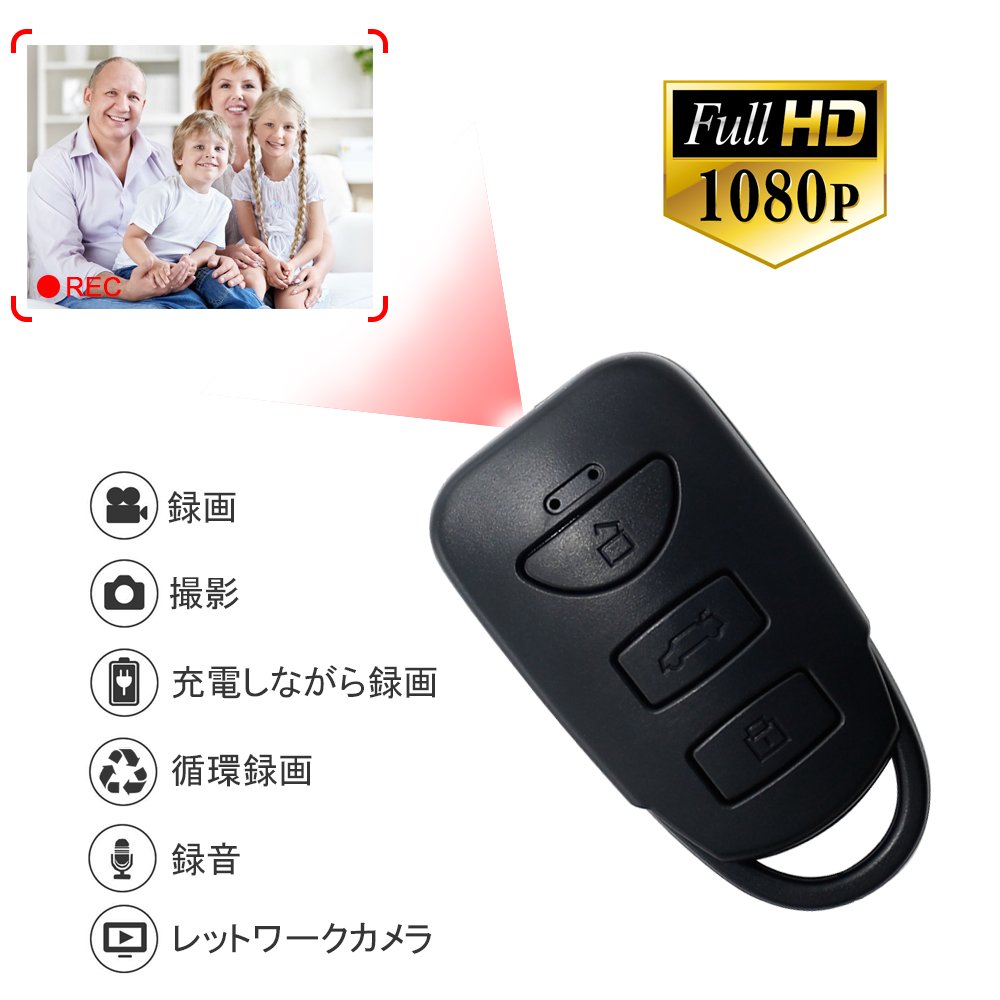
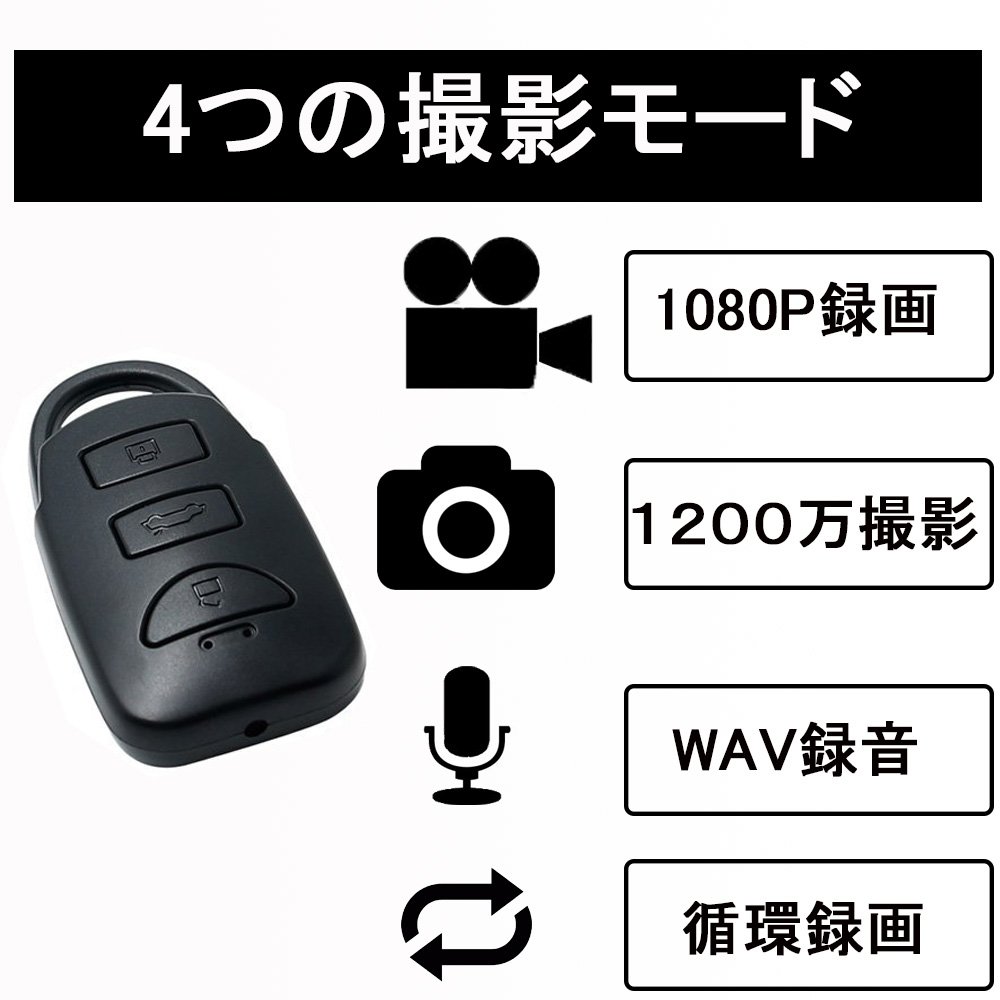
- High image quality: Recorded: 1920 × 1080 px Picture: 4032 × 3024 px I want to shoot with beautiful image quality corresponding to high image quality 1080 P
- The operation method is also very simple with 1, 2, 3 operations.
- It is a category of camouflage cameras that you can recommend from beginners to advanced!
- Multi-function: Movie shooting · Photography shooting · Single recording function · Recurring recording · Date setting function.
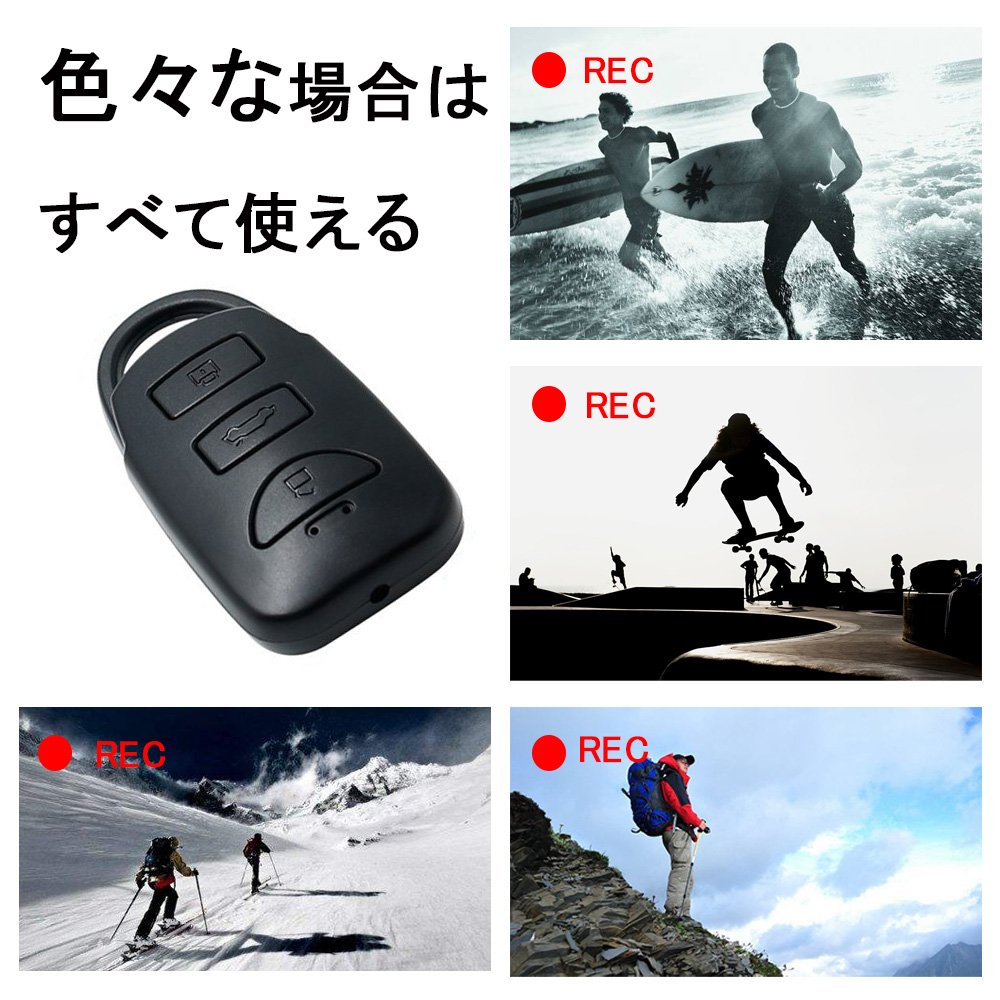
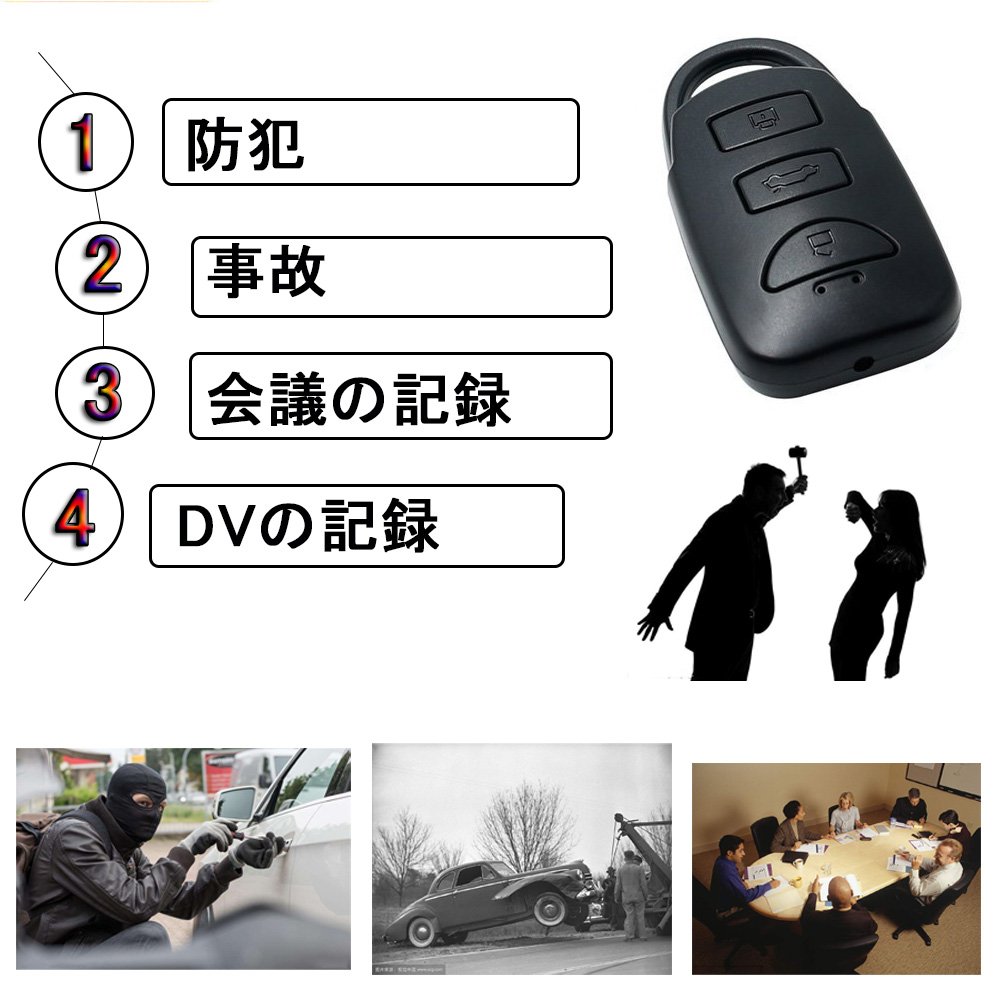
- It has a very high degree of freedom and it is possible to take pictures in various situations.
- When you go out, you can feel comfortable shooting easily.
- Where a person who owns a car carries it is not quite unnatural.
- Being active in various scenes There is no mistake!
Product information:
Shipping Weight: 58 g
Package Dimensions: 3.81 x 5.89 x 12.50 cm
SHIPPING METHOD
Delivered directly from Japan by Japan Post. It will take 3 to 5 business days to prepare the order for shipping. We guarantee careful packing and safe shipping.Please note that in some cases additional import or VAT charges may incur and have to be borne by the client.
1. Japanpost registered mail
Shipment by Japanpost Registered Mail (Standard). Trackable any time with tracking number. Insurance is not available. Delivery time usually is between 1-3 weeks from the date of dispatch. Some items are not eligible for Standard Shipping.
2. Qxpress Standard
Shipment by Qxpress standard service. Trackable at any time with tracking number. Registered and insured up to a value of item price and shipping fees.Delivery time is usually between 5-10 business days from the date of dispatch.
3. EMS
Shipment by Expedited Mail Service. Trackable at any time with tracking number. Registered and insured up to a value of $200 and usually delivered in 2-6 business day from the date of dispatch.

| Japanpost registered mail | Qexpress | EMS | |
|---|---|---|---|
| Shipping Method | Japanpost Registered Mail (Standard) | Standard Qexpress | EMS (Expedited Mail Service) |
| Trackable | Yes | Yes | Yes |
| Insured | N/A | Yes (Up to item price and shipping fees) | Yes (Up to $200.00) |
| Asia | 1-3 weeks | 5-10 days | 2-5 days |
| Oceania; North America; Central America and the Middle East | 2-4 weeks | 6-14 days | 2-6 days |
| Europe | 2-4 weeks | 6-16 days | 3-8 days |
| South America and Africa | 2-4 weeks | 10-18 days | 4-8 days |
NOTICE:
- For overseas delivery, please be aware that damage to the outer box can be seen.
- If you would like to avoid as much damage as possible, please choose the EMS shipping method.
"According to Qoo10 guide line,overseas shipping fees will be charged to you extra if you choose Qxpress standard shipping.We recommend you to compare the total price of your purchase with EMS."
