Item Descriptions:
color:
black
how to use:
1, Please leave your computer's antivirus software.
I have a wired LAN adapter connected.
3. If the computer is automatically pop-up installation program click on installation, otherwise follow the above image to manually install.
In case of unrecognized:
Normally supported OS
For Windows 8.1 / 8/7 / Vista (32/64 bit), XP, 2003/2000, MAC OS X, Linux, it becomes free driver.
However, in the case of Win10, some personal computers may not be applied.
The computer system becomes a free driver if a driver is included.
However, some computer systems are not accompanied by a driver.
It is necessary to install the drive when using it.
If you need to install the drive, please do not hesitate to contact us.
I will send you the drive file as soon as possible.
(Win 7 - 32 / Win 7 - 64 / Win 8 - 32 / Win 8 - 64 / Win 10 - 32 / Win 10 - 64).
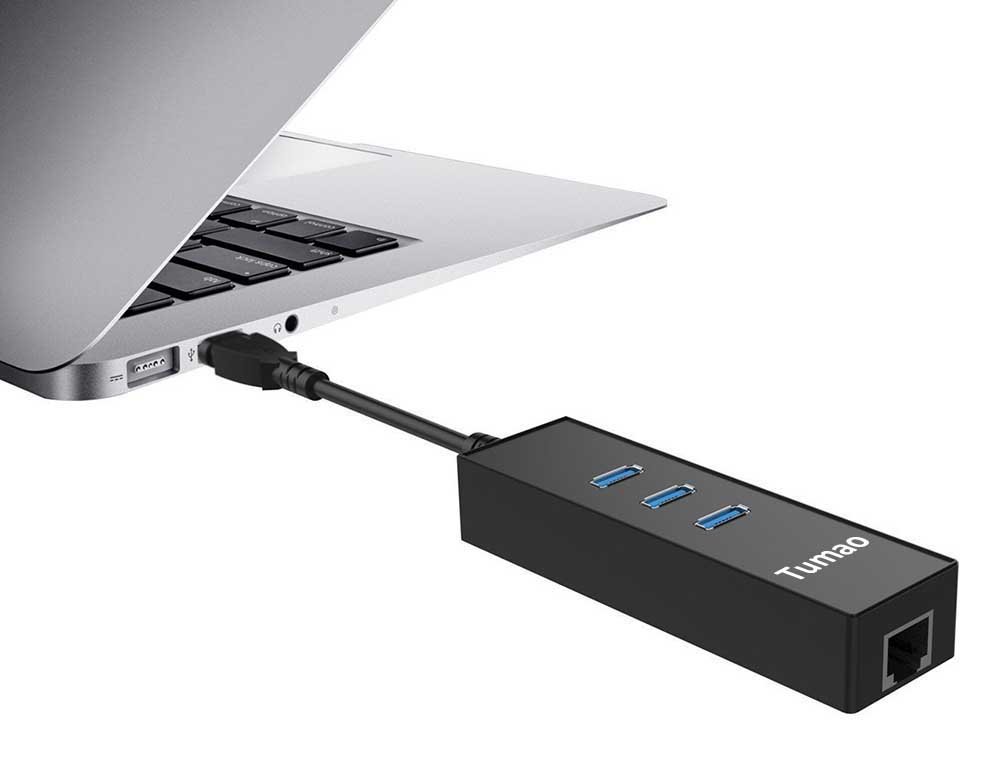
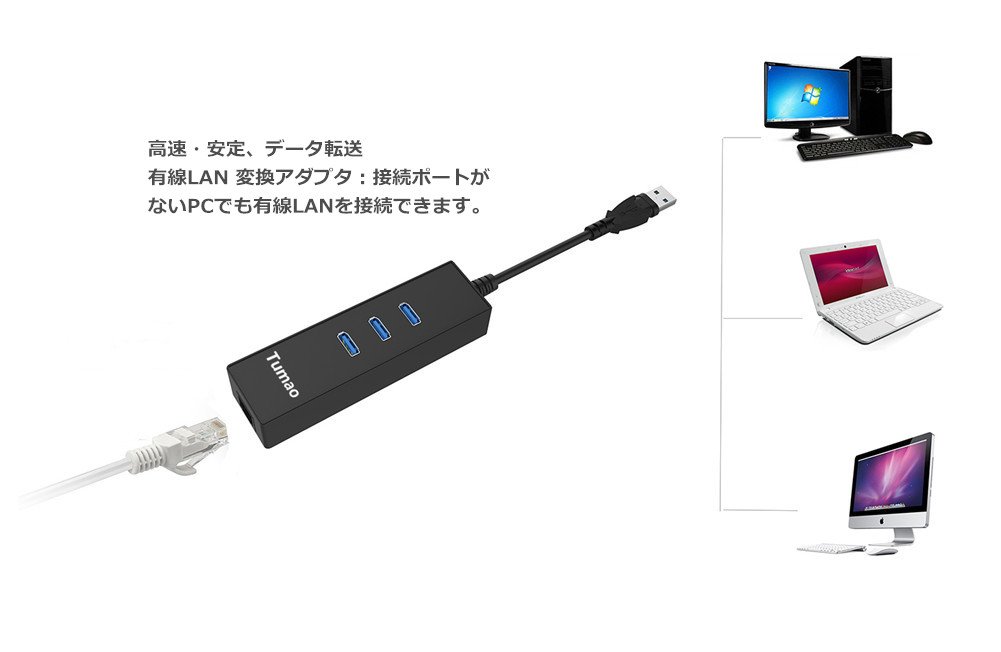
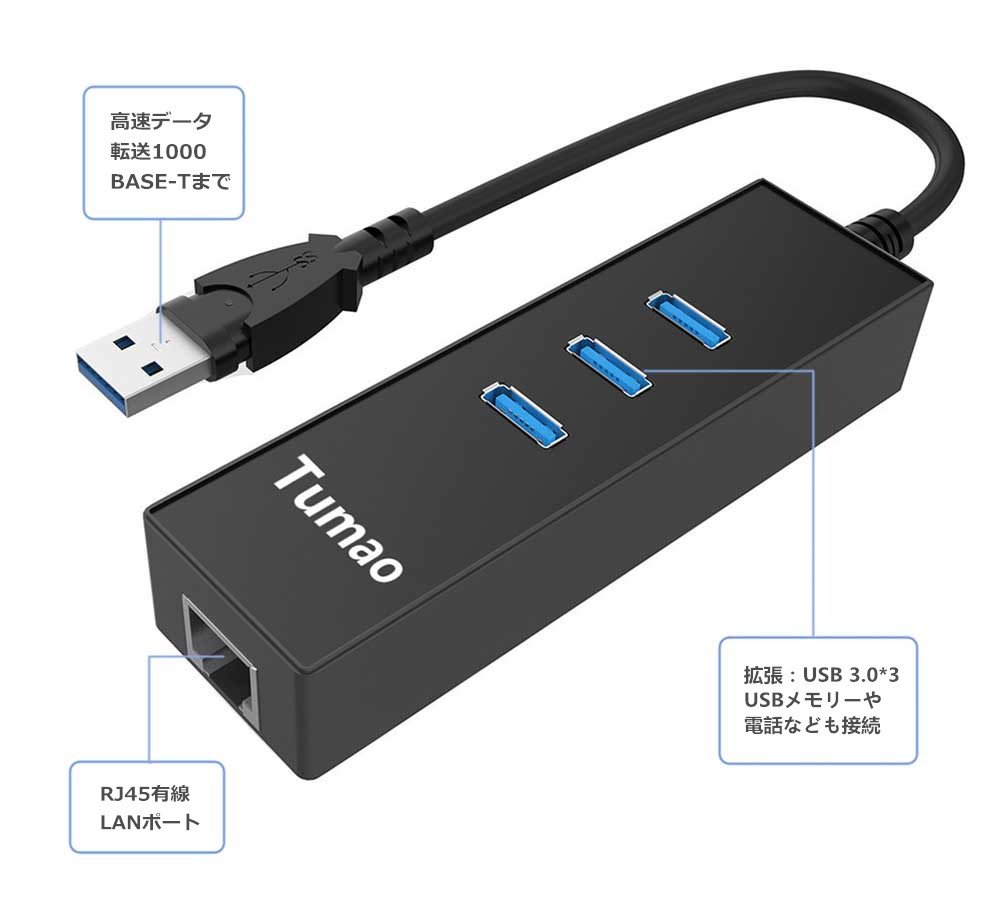
PC with no connection port → Wired LAN conversion adapter You can connect a wired LAN even on a PC without a connection port.
Wired LAN connection will be possible using connection port such as Macbook Air and Surface Pro which do not have LAN port
You can enjoy comfortable high speed internet even at hotels and accommodation where there is only wired LAN environment.
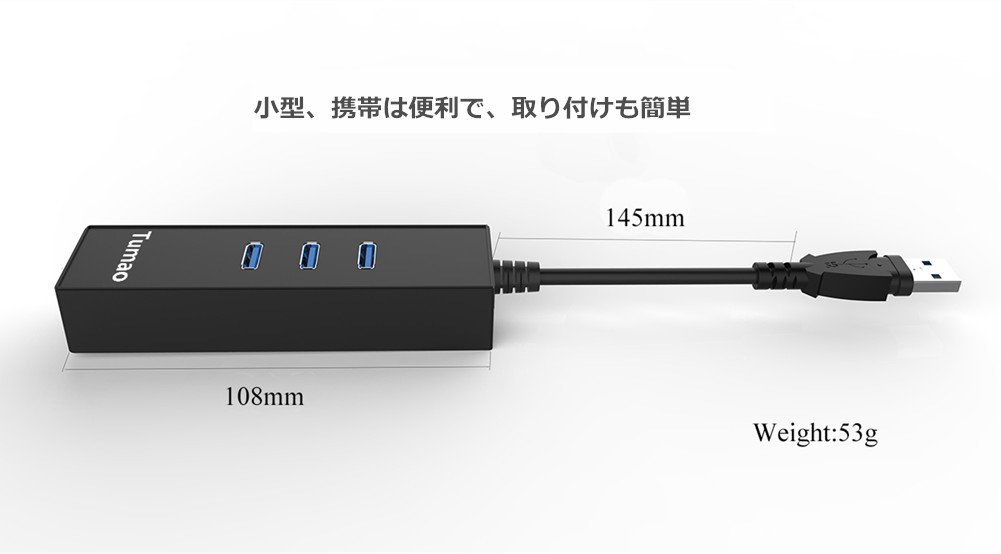
Compact, portable is convenient, easy to install.
Furthermore, it is a compact design that fits in the palm of your hand, so it will not get in the way when traveling or on a business trip.
Supported OS: Windows 8.1 / 8/7 / Vista (32/64 bit), XP, 2003/2000, MAC OS X, Linux
High speed, stable, data transfer: Equipped with a USB 3.0 & 10/100/1000 Mbps Ethernet port, it can be connected to the wired environment by high-speed and stable data transfer.
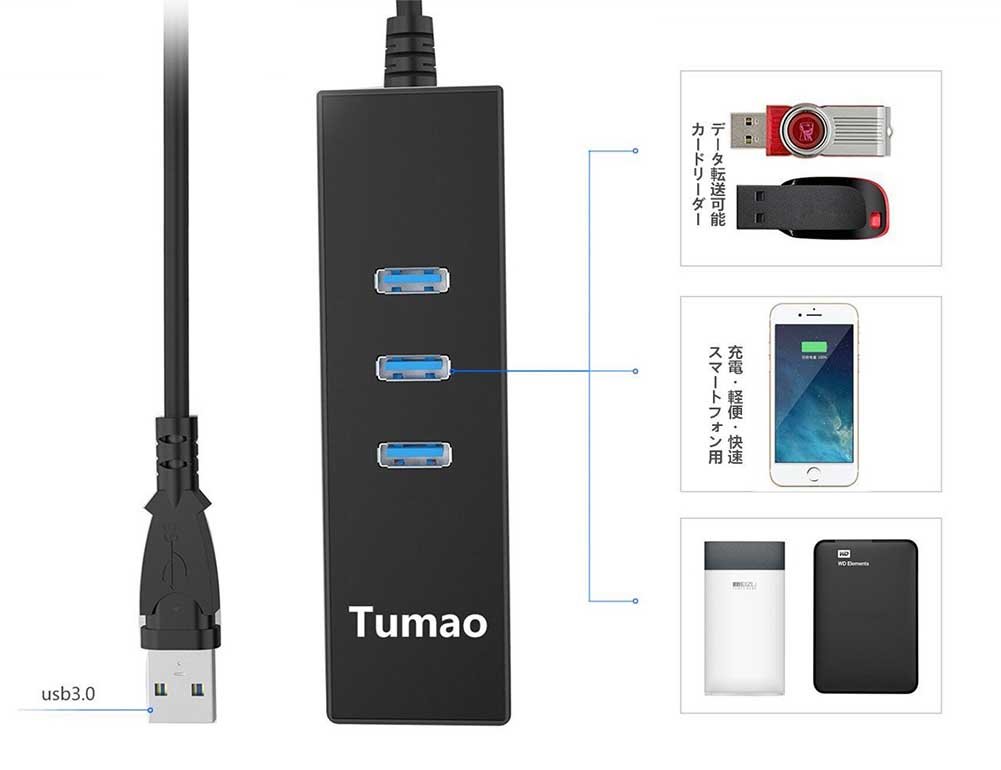
We will install three USB 3.0 hubs.
You can also connect a USB memory, mouse, etc even on a PC such as Macbook Air or Surface Pro with few USB ports.
Features:
- Please enter model number Confirm this is compatible:
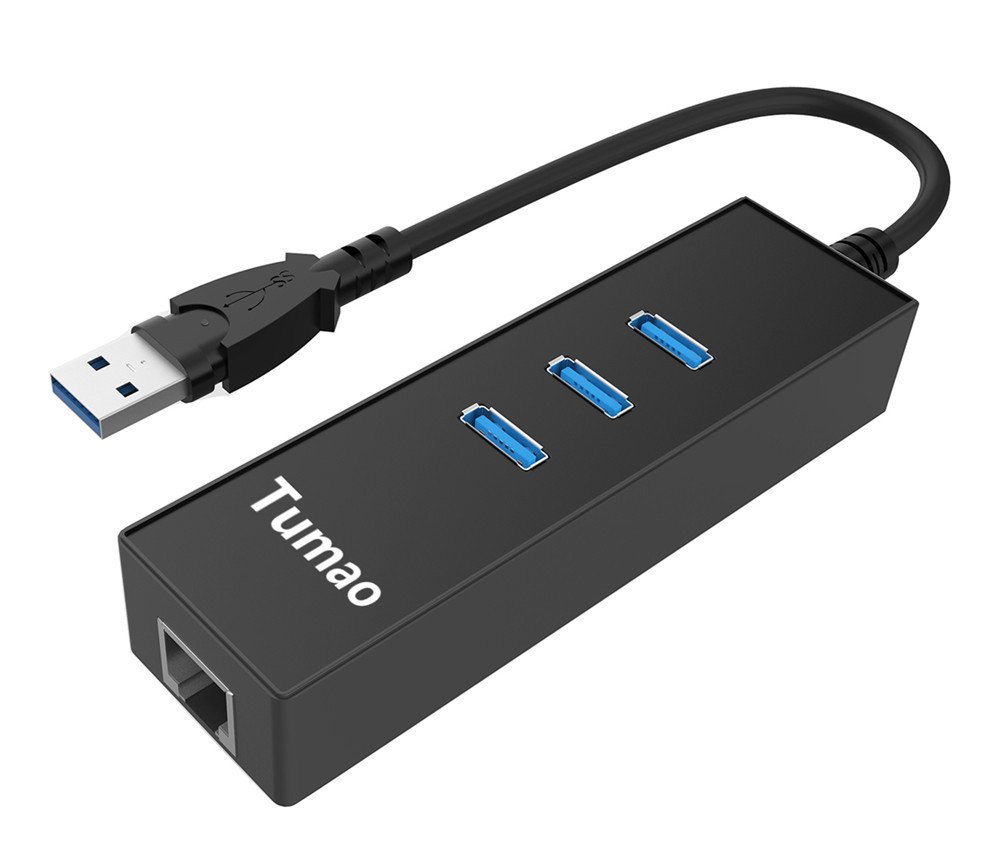
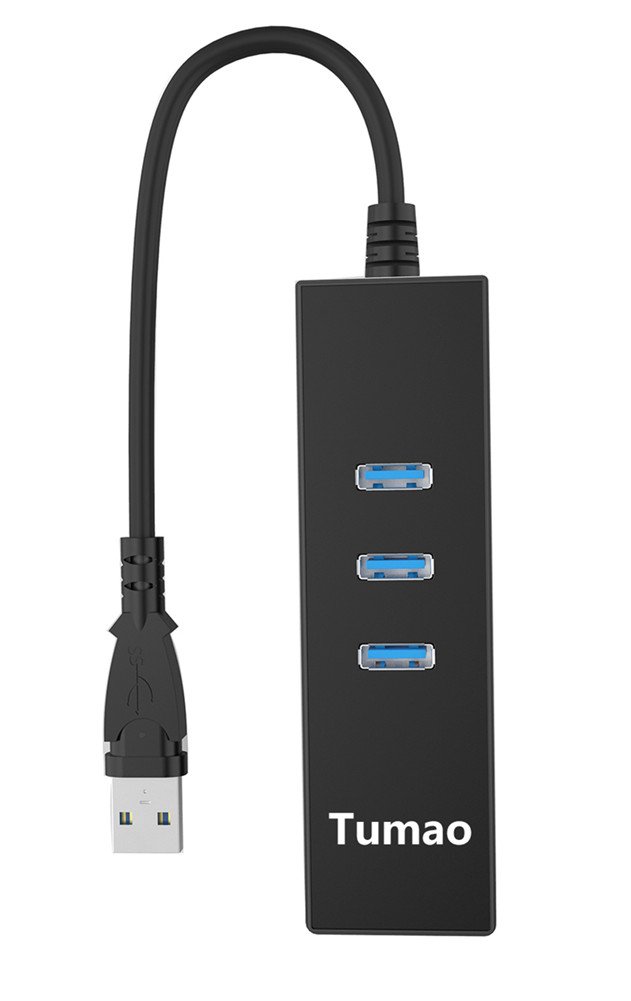
- It becomes 3 port usb 3.0 hub.
- Ideal for thin type PC without wired LAN port, USB 3.0 gigabit LAN adapter which enables high speed network communication.
- The enclosure is full of luxury and is plastic durable.
- Compact and lightweight design.
- Succeeded to further reduce the size and weight than conventional products.
- It is completely unobtrusive when carrying with a laptop computer or the like.
- It can be connected cleanly.
- It corresponds to multiple models.
- It is applicable to Windows 10/8/7 / Vista, XP, 2003/2000, MAC OS X, Linux system.
- Installation of the driver is unnecessary in the Mac OS system, it can be used easily by just inserting it.
- High speed Giga & USB 3.0; high speed.
- Since USB 3.0 is 5 Gbps, 1000 Mbps Giga can be transferred easily.
- It is upward compatible with the USB 2.0 / 1.1 specification.
- 100% satisfied!
- - There are six months from the date of purchase.
- We offer 6 months warranty service and professional customer service & technical support.
- If you have problems with our products or stores, please contact us directly.
- Package Contents: Plastic USB 3.0 Gigabit Ethernet Adapter
Product information:
Shipping Weight: 81 g
Package Dimensions: 2.59 x 9.80 x 15.39 cm
Customer reviews from Japan:

 There was a problem with the wired LAN but it became available.
windows10 32bit & 64bit, windows7 64bit, wired LAN could not be used. I received a driver from the seller, but did not improve. I changed the router and it is available normally. However, since I do not intend to use that router, I checked the cause and found that the DHCP server does not recognize the device and does not exist on the intranet, so when I assigned an IP address etc., the intranet can be used However, it did not connect to the Internet. Furthermore, it turns out that the MAC address is 000000000000 and it is supposed not to exist. Since the MAC address can be changed, it can be used by assigning a MAC address appropriately. I do not know if this is okay, but it is troublesome to investigate further, so I will use it as far as I can. In addition, unless it is a problem of manufactured solids, if you are using a PR - 500 KI of FLET'S PR - 500 KI as a router for routers, it is highly likely that a malfunction will occur. Even if we are convinced of thinking that Windows 10 is not a formal counterpart even at this time even if it is an old equipment of production end in the first place, we can not make the best evaluation. Furthermore, in my case a problem is occurring in Windows 7, and if one of the two routers NTT East's FLET'S HIKARI is useless, even a lower rating may be good. It is a star 1 if it is a famous manufacturer or expensive equipment, but it is inexpensive and there is room for improvement so it is star 3.
It was possible to connect successfully at reasonable price
Since the product I used so far becomes a driver error by chance, I bought this affordable price. It was automatically recognized by win 10 and it was easy to connect. I was concerned that the speed was lower than the previous product when checking the line speed. Since it does not have a big hindrance on actual use, it is a wait. There is a problem in durability if it is at this price, but it is satisfied.
I can communicate with WIN 10
We are using WIN10 HOME Ver1607. After connection, setup started automatically and communication was done in a couple of minutes. It is slightly warm even with continuous use. It uses it instead of WIFI, it can be used stably without out of communication. The cable is thick and solid. It may be difficult to walk around. The length of the cable is as shown in the photograph. It seems easy to use a little longer.
The specification was "?"
I have returned it. In the explanation of the product page, "USB 3.0 Hub is equipped with 3 ports", but the package is specified as "three hi-speed USB 2.0 port". In the table of the package is written "USB 3.0 3 port HUB", but it can be said that it is a nice way of saying because it can not be said that the host side only 3.0 and the device side 2.0 contradicts. Even if it is a 2.0 x 3 hub, it is reasonably priced, so ☆ 3. Since amazon is not direct sales, even if asking for specifications to amazon, the answer is "Please contact the distributor".
No big problem
Used on Windows 8. Introduction When connecting to a PC, since it is not an installation screen that is described in the Amazon item description, I thought it was a defective item, but the wired LAN was connected without problem, and work such as setting was unnecessary. However, when connecting the wired LAN cable, it did not stop unless you slightly tilt the connector. I can not expect completion degree as much as that made in Japan, including texture, but it is a functional-oriented product.
I use it without trouble with Win10.
I use it for more than half a year, almost every day for a long time. It is compact, the robustness of the connector is enough, there is no problem such as disconnection of the net connection, it is used conveniently in Windows 10. I feel slightly warmth when I grasp it. I use it only to the extent of backing up LAN and iPhone, but I think that it is stable operation. recommendation.
It was usable normally on Windows 10.
The OS corresponding to the item description did not have Windows 10, but I tried to purchase because there was a review of other people saying it works. Just by connecting, you can automatically recognize and use LAN adapter and USB hub without problem. Other similar products with Windows 10 compatible notation are a little expensive so I think that it was good to purchase cheaply.
SHIPPING METHOD
Delivered directly from Japan by Japan Post. It will take 3 to 5 business days to prepare the order for shipping. We guarantee careful packing and safe shipping.Please note that in some cases additional import or VAT charges may incur and have to be borne by the client.
1. Japanpost registered mail
Shipment by Japanpost Registered Mail (Standard). Trackable any time with tracking number. Insurance is not available. Delivery time usually is between 1-3 weeks from the date of dispatch. Some items are not eligible for Standard Shipping.
2. Qxpress Standard
Shipment by Qxpress standard service. Trackable at any time with tracking number. Registered and insured up to a value of item price and shipping fees.Delivery time is usually between 5-10 business days from the date of dispatch.
3. EMS
Shipment by Expedited Mail Service. Trackable at any time with tracking number. Registered and insured up to a value of $200 and usually delivered in 2-6 business day from the date of dispatch.

| Japanpost registered mail | Qexpress | EMS | |
|---|---|---|---|
| Shipping Method | Japanpost Registered Mail (Standard) | Standard Qexpress | EMS (Expedited Mail Service) |
| Trackable | Yes | Yes | Yes |
| Insured | N/A | Yes (Up to item price and shipping fees) | Yes (Up to $200.00) |
| Asia | 1-3 weeks | 5-10 days | 2-5 days |
| Oceania; North America; Central America and the Middle East | 2-4 weeks | 6-14 days | 2-6 days |
| Europe | 2-4 weeks | 6-16 days | 3-8 days |
| South America and Africa | 2-4 weeks | 10-18 days | 4-8 days |
NOTICE:
- For overseas delivery, please be aware that damage to the outer box can be seen.
- If you would like to avoid as much damage as possible, please choose the EMS shipping method.
"According to Qoo10 guide line,overseas shipping fees will be charged to you extra if you choose Qxpress standard shipping.We recommend you to compare the total price of your purchase with EMS."
