Product Features:
Electrical Rating 90V-265V / 10A / 50-60Hz / 2200W;
Current rating 10A
Voltage rating 90V-245V
Frequency rating 50HZ-60HZ
Power rating 2200w
Temperation rang -10°C ~ 55°C
Voltage rang 90V-265V AC
size 53x53x28 (mm)
Attention:
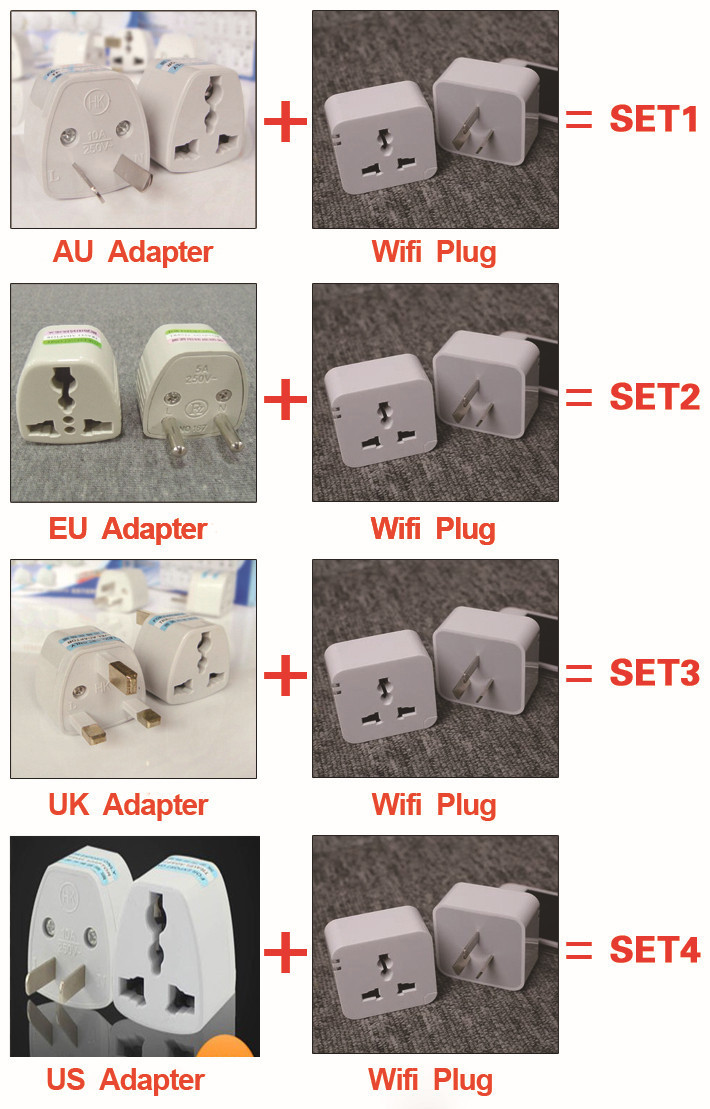
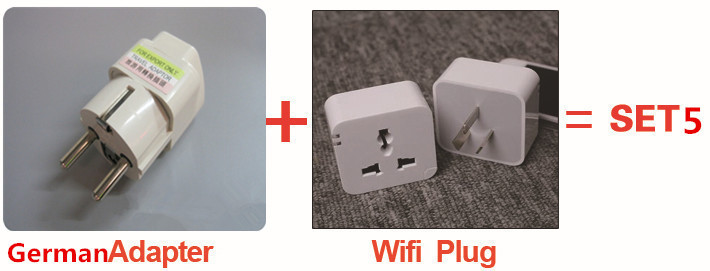
1.You could choose EU/UK/US/AU adapter ,if no special demand,we will not to send it,thanks
Package include:
(1) 1*wifi plug (haven't retail box)
(2) 1*EU or UK or US or AU adapter (pls leave a message to us which you want)
(3) 1*instruction
Feature demonstration: v.youku.com/v_show/id_XNzE1Njk5Nzc2.html
Operating instructions: v.youku.com/v_show/id_XNjgzNzIyOTMy.html


Four Steps Setting:
Step1: Scan the QRcode and download the app. (iOS and Android supported)
Step 2: Power on the Kankun smart socket and find the wifi hotspot 'OK_SP3' (the Kankun ID) and connect it.
Step 3: Open the app and go to setting, select a router which can provide internet connection to Kankun and input the password to make Kankun connect to the internet.
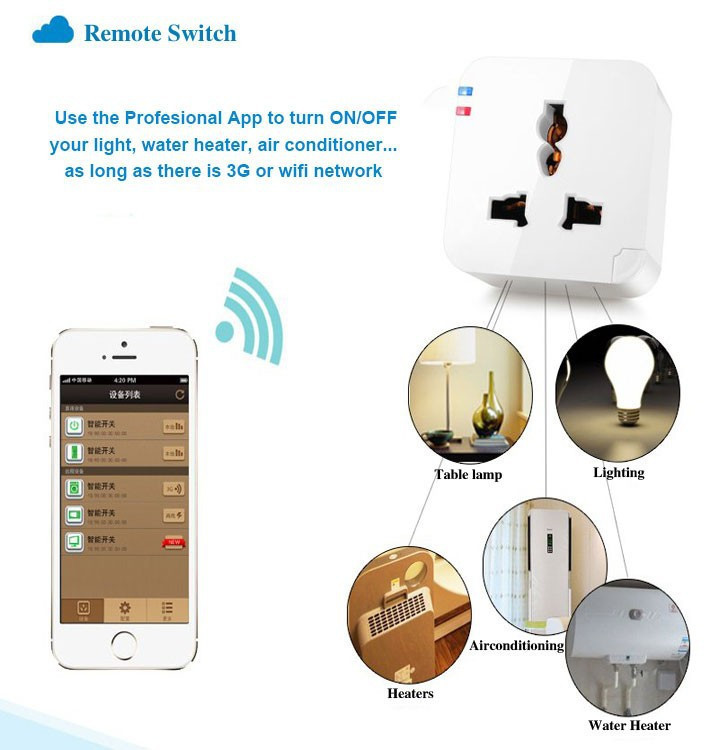
Step 4: Go to device management list, you will find the kankun already on the list and under your control. Try to switch ON/OFF...
You don't need to set again when you power off the Kankun and power on again.
iOS and Android are with the same instruction

Following is the App screen shoot:

If you do not change your phone language to English, the App will not be English Language, it will be Chinese Language:


