

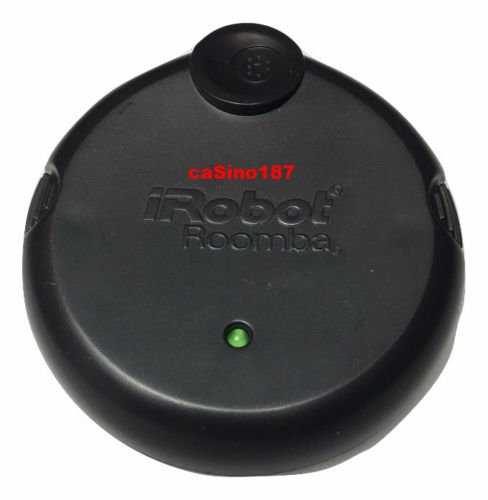

Product Description
An Osmo Upgrade Pod is a small device used when a robot software update is needed. When you've received an Osmo, please use the following procedure to update the Roomba. 1. Place Roomba on the Home Base 2. Lift Handle to access the serial port. 3. Plug the Osmo in to the serial port. Ensure the black tab on the Osmo fits into the slot below the serial port. 4. Wait a few minutes for the software update. The indicators on the robot and Osmo will flash when the update is in progress. 5. The indicators will stop flashing and the Roobma will play a tone when the sofware update is complete. 6. Remove the Osmo. The Software update is now complete. Note: If the Osmo is removed too early or an error occurs when downloading the code, both the CLEAN and troubleshooting indicators will flash red. Simply remove and re-insert the Osmo to restart the download process.Feature
Irobot Roomba Osmo upgrade for 600/700/800 Series Roombas