Studio : LinkS Publisher : LinkS Binding : Electronics Product Description
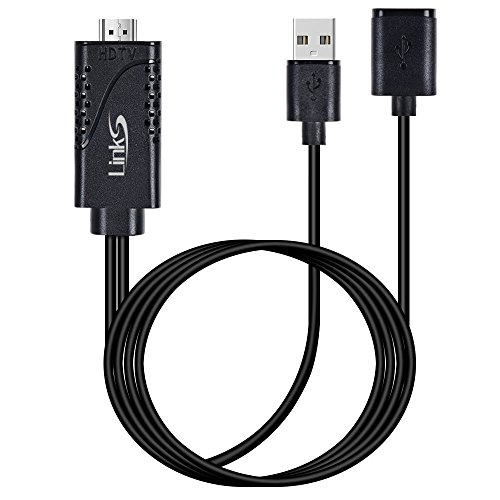
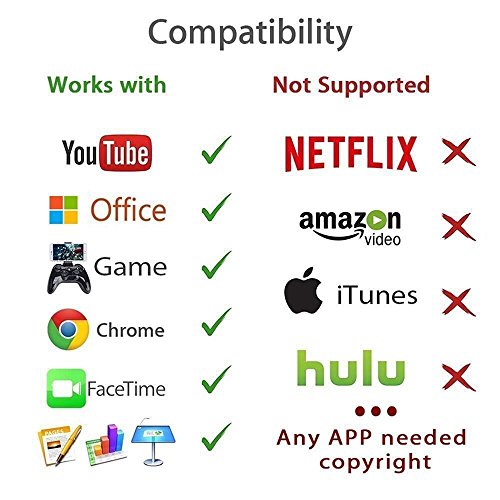
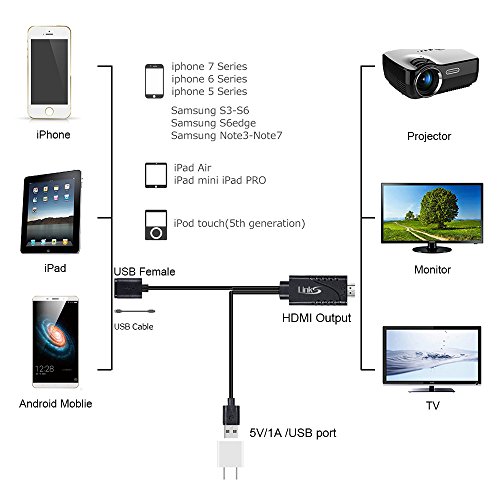
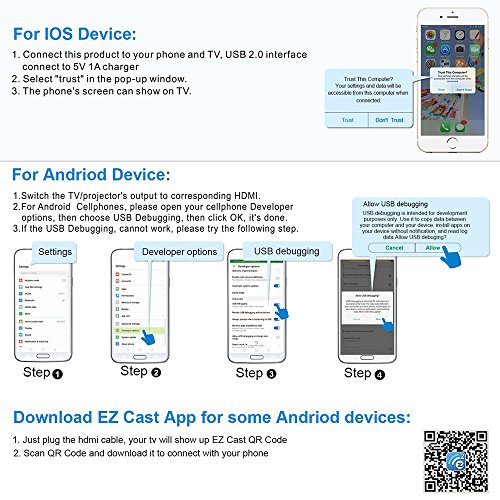
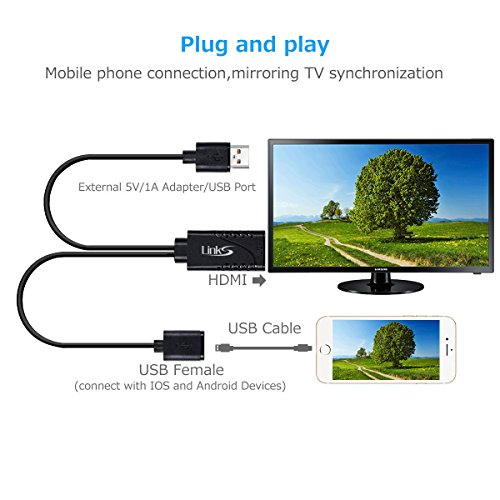
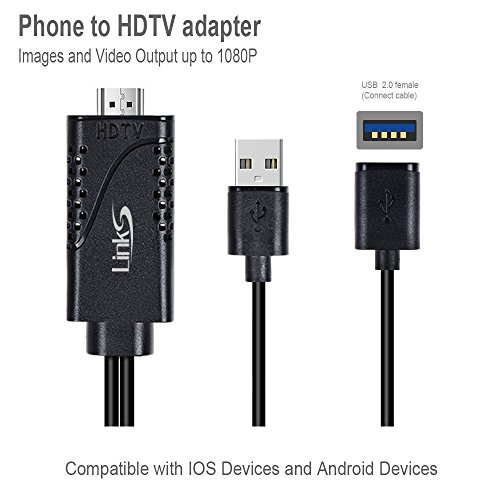
How to use? Step 1: Connect it:? Connect this product to your phone and TV,USB 2.0 interface connect to 5V/1A charger. Insert the lightning cable HDMI connector into the HDMI of TV/Monitor/Projector, and synchronize the TV signal source with the current signal of HDMI.? Step 2: Trust for Different Devices For ISO Devices Connect the moblie phone and the lightning cable with the USB cable, just click"Trust", wait 10 seconds to synchronize the phone screen with the TV.? For Android Cellphone? Please open your cellphone"Developer Options", then choose "USB debugging", then click"OK", trust the devices.? If it still can not work, please scan the code software on the TV to download " EZCAST" apps. Friendly Note: 1. Not work with Apps which have "HDCP" video copyrights protection like Netflix, Honda motor... due to they aren't authorized for third-party software sharing. 2.This requires external USB cable to supply power,please use original or high quality device cable to make sure additional cable could transfer data not just a charging cable. Our Customer Satisfaction Promise.? ONE-YEAR SOLID WARRANTY: Once you buy our product, you can get our 1 year warranty. We offer 12-month warranty and friendly customer service.? ?For any defective product or product you aren't satisfied with, you can freely contact us for a refund or a replacement.?
0
|