Item Descriptions:
size:
HDMI
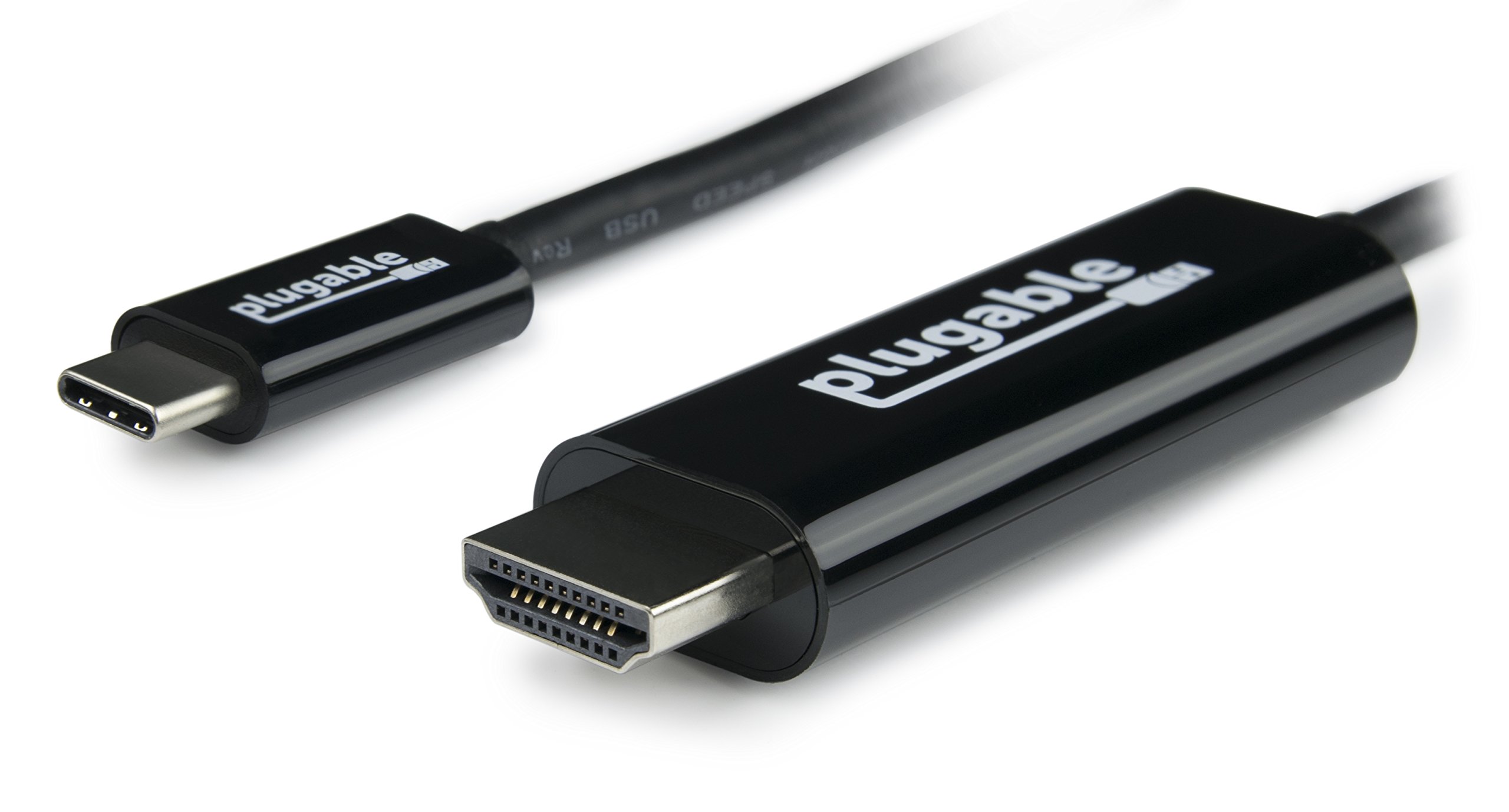
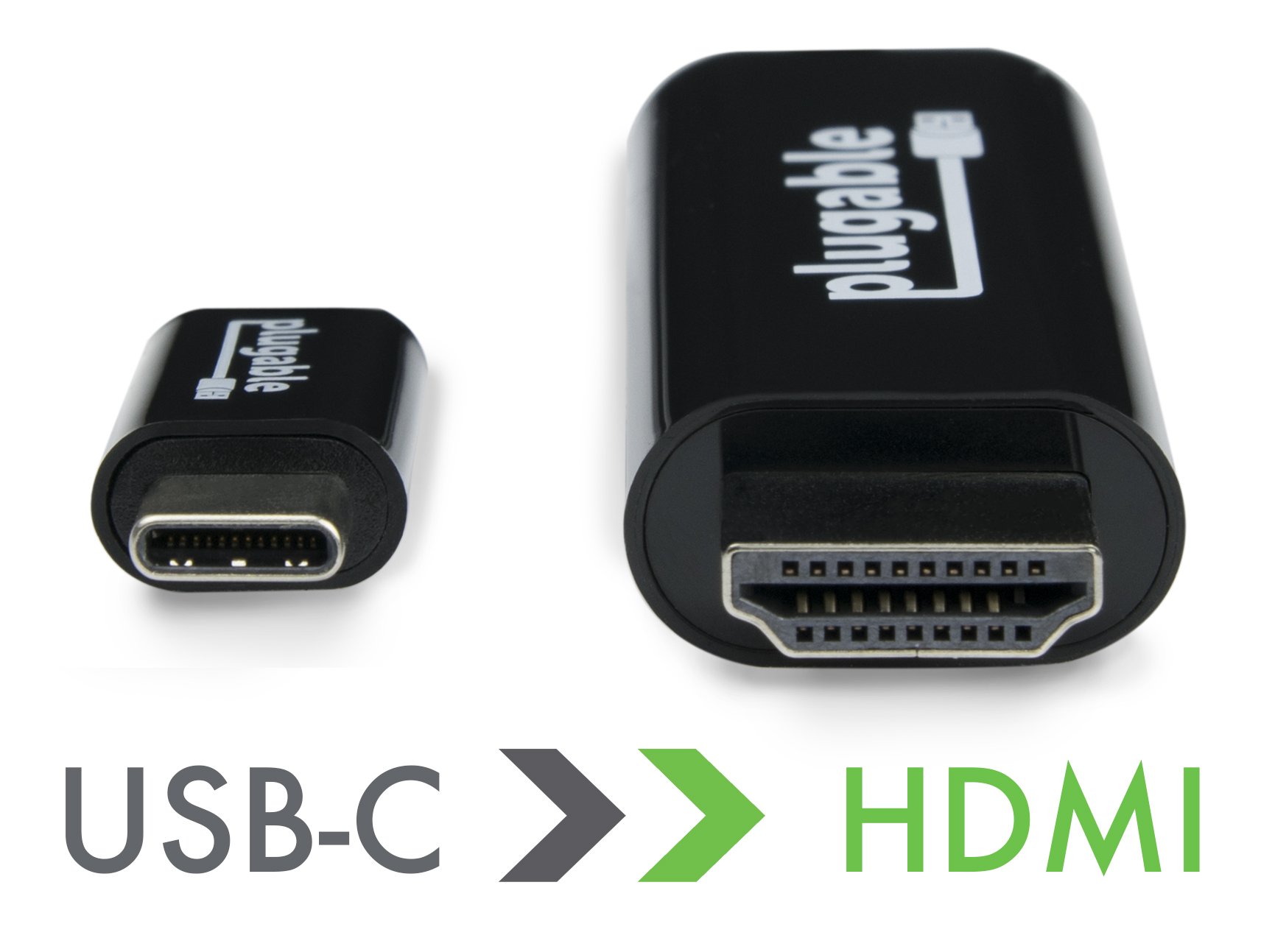
Plugable USB Type-C - HDMI 2.0 conversion cable
By using this Plugable USB Type-C to HDMI conversion cable, you can connect to a system with Thunderbolt 3 and USB Type-C (USB-C) ports compatible with "VESA Display Port Alternative Mode" with 3840 × 2160 @ 60 Hz (4 K / UHD
You will be able to connect an HDMI monitor up to resolution.
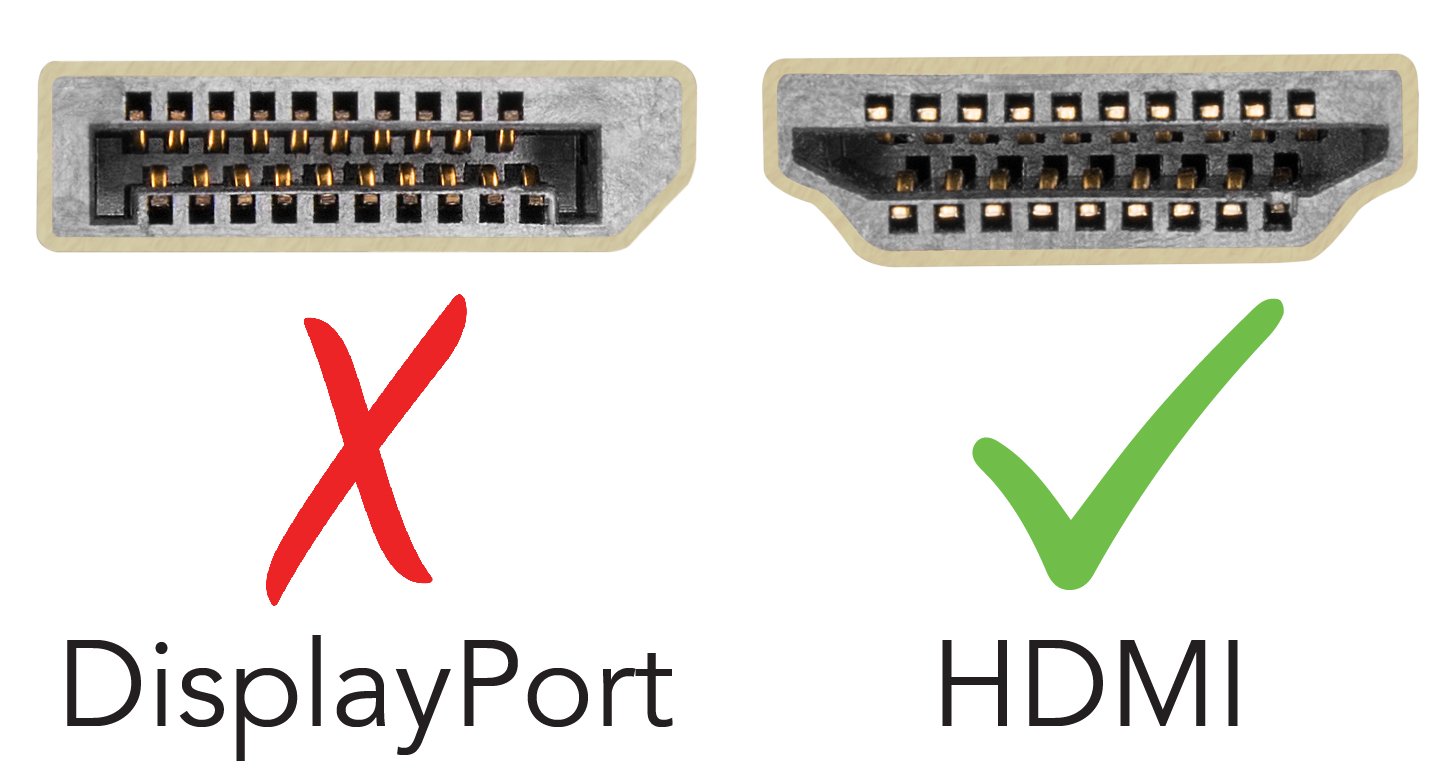
Due to the chip set built in the cable, the DisplayPort signal is converted to HDMI 2.0 signal.
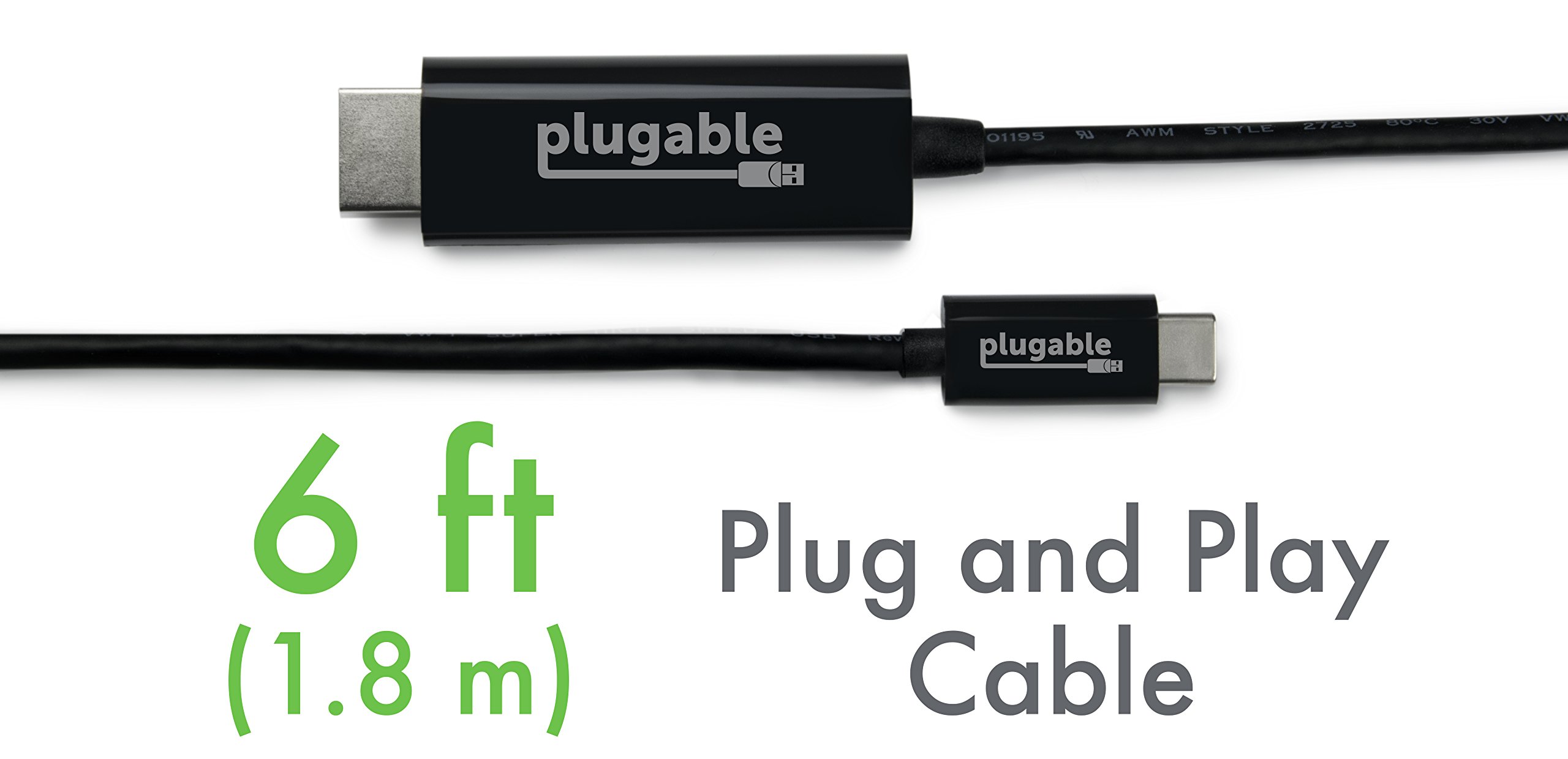
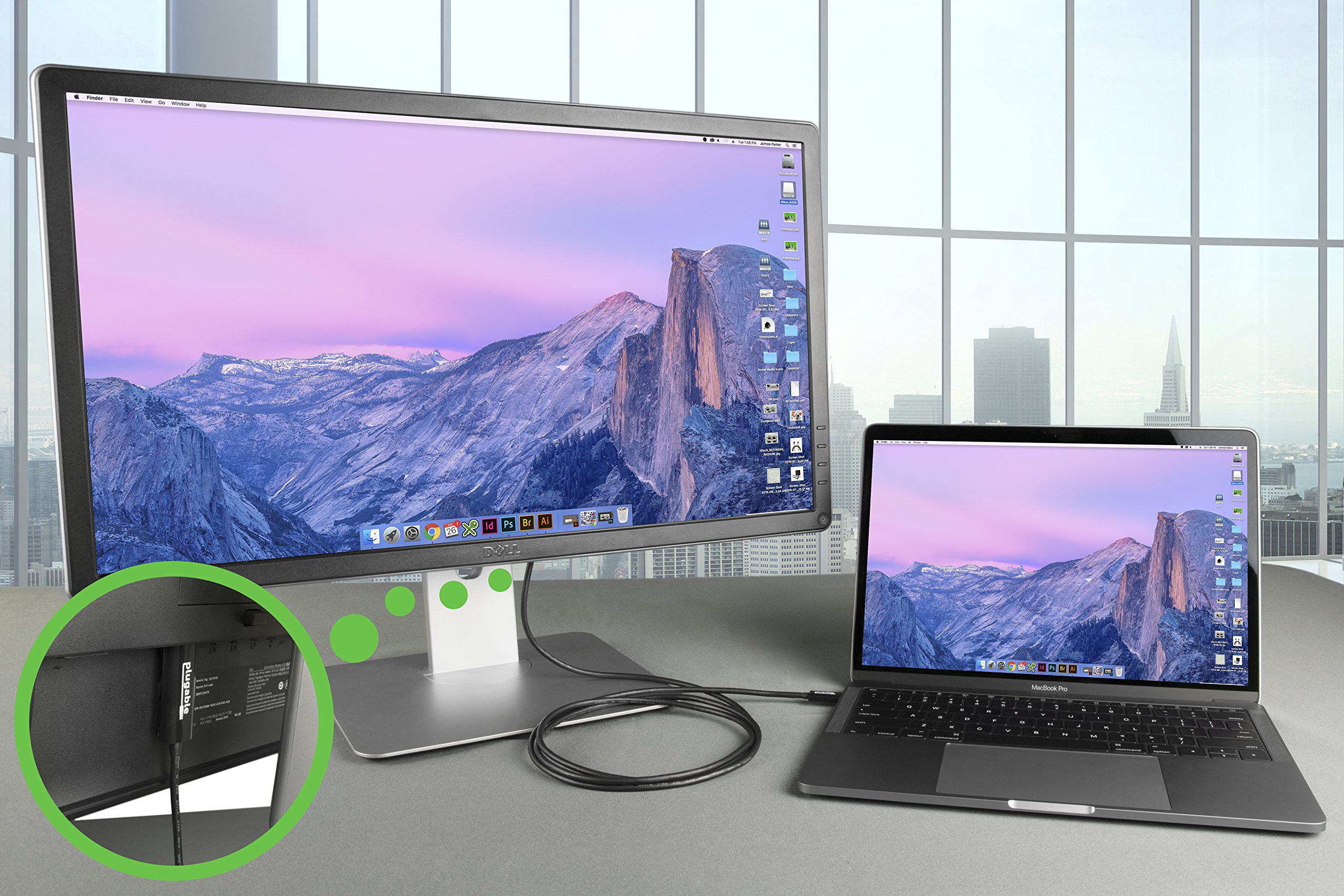
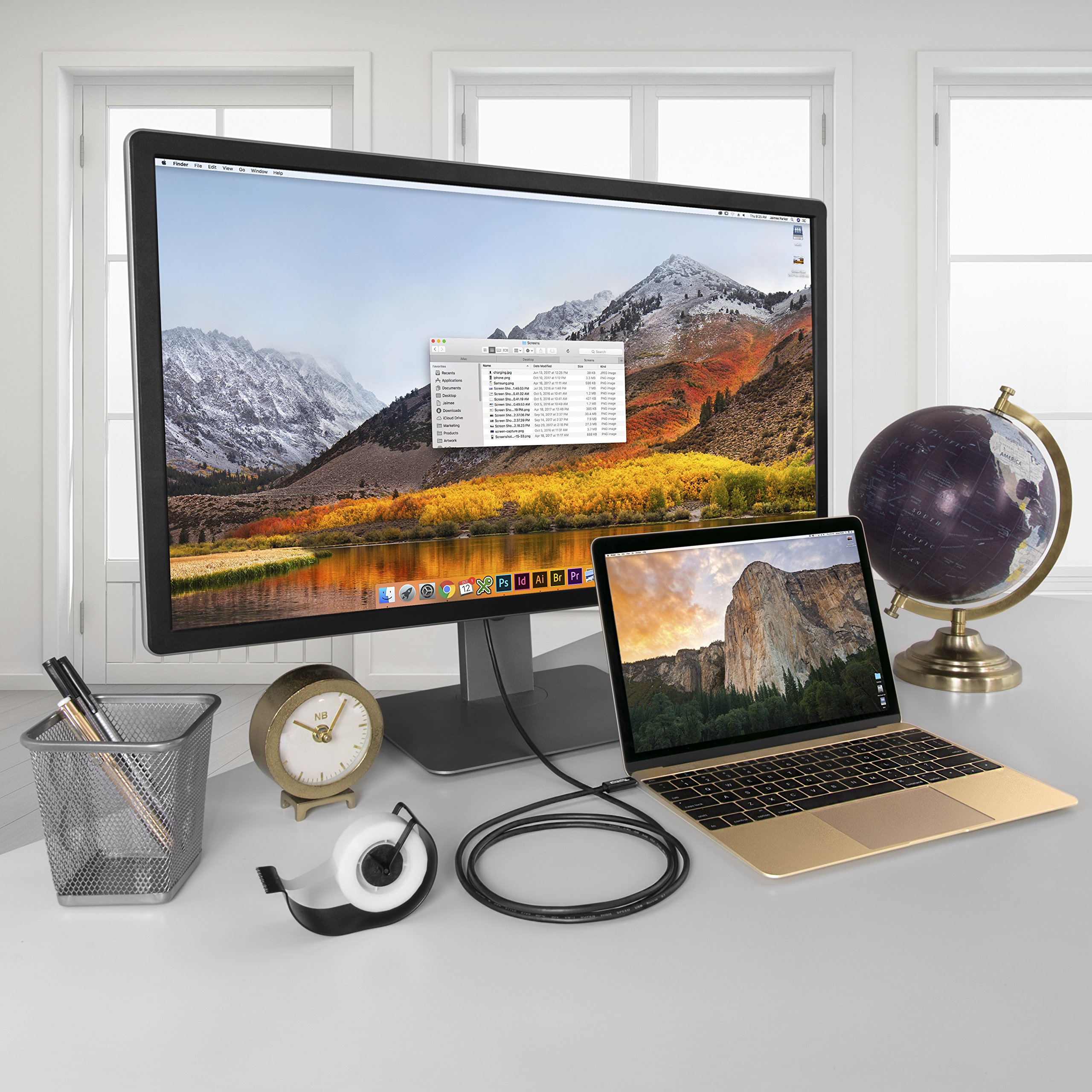
With this simple 1.8 m simple USB Type-C cable, you can connect an HDMI compatible monitor to the system without combining other conversion adapters and cables, making it a neat configuration.
With the bandwidth of the USB Type-C and HDMI 2.0 standards, it supports screen resolutions up to 3840 x 2160 @ 60 Hz (4 K @ 60).
It can be used without trouble with HDMI 1.4 monitor or general resolution of 4 K or less (3840 x 1440, 2560 x 1440, 1920 x 1080, etc.).
Note 1: 4K @ 60 Hz Notes on resolution:
Although this cable itself supports up to 60 Hz refresh rate at 4 K resolution, the maximum resolution that can be actually used depends on the specifications of the system and monitor being used.
In order to set the 4K @ 60 Hz resolution, the HDMI input port of the monitor must be HDMI 2.0 compliant.
Also, Apple 12 "Retina MacBook 2015/2016, for example, does not support refresh rate 60 Hz output at 4 K resolution and the refresh rate is limited to 30 Hz.
Note 2:
This conversion cable needs to be inserted directly to the USB Type - C port of the computer system.
When using a USB Type-C hub or the like, the DisplayPort substitute mode can not be used.
(This is not the case in the case of a USB device that can pass through DisplayPort substitute mode.)
Note 3: Simultaneous use of multiple DP substitute mode · adapter / cable
Even on motherboards with multiple USB Type-C or Thunderbolt 3 ports, video output in alternate mode may be limited to one at a time.
In such a case, it is not possible to connect multiple alternative mode adapters and cables.
performance
Adapters and cables compatible with "USB Type-C substitute mode" are very good for very easy connection of additional external monitors when the system side supports this mode.
Since "DisplayPort substitute mode" directly accesses the GPU of the system by the special function enabled from USB 3.1, as in the case of using a USB external graphics adapter as before, there is a performance impact
There is no need to worry about.
External monitors connected using such "alternate mode" adapters and cables can provide and perform similar performance to monitors connected directly to the graphics port that is included with the motherboard of the system.
If the GPU on the system side has sufficient capability, it can be comfortably used even for applications requiring a lot of system resources such as video and photo editing, games, etc.
compatibility
Supported systems
For systems compatible with "USB Type-C DisplayPort Substitution Mode", this conversion cable can be fully plugged and played on Windows, Mac, and Linux.
It is not necessary to install this special driver.
The external monitor is displayed by the host system's main GPU function and its driver.
This cable has been verified with the following system.
(Please refer to the table of supported systems on occasion on the product information page.
2017 MacBook Pro / iMac
2016 MacBook Pro
2015/2016 MacBook Retina
HP Specter x 360 13 "/ 15"
Chromebook Pixel 2015
Gigabyte "GA-Z170X-Gaming 7", "GA-Z170X-Gaming GT", "GA-Z170X-UD5 TH" Alpine Ridge base Thunderbolt 3 motherboard
Dell XPS 13 (9350, 9360)
ell XPS 15 (9550, 9560)
Lenovo P50 / P70
Lenovo Yoga 900/910
Samsung Galaxy S8 / S8 +
If you have a built-in speaker on an HDMI TV or monitor, you can also transfer audio.
Multichannel audio only supports LPCM encoding.
Non-compliant system
Most tablets and smartphones equipped with a USB Type-C port do not support "video output in alternative mode".
The ASMedia USB 3.1 controller does not support "Video output in alternative mode".
HDR output is not supported.
Package Contents
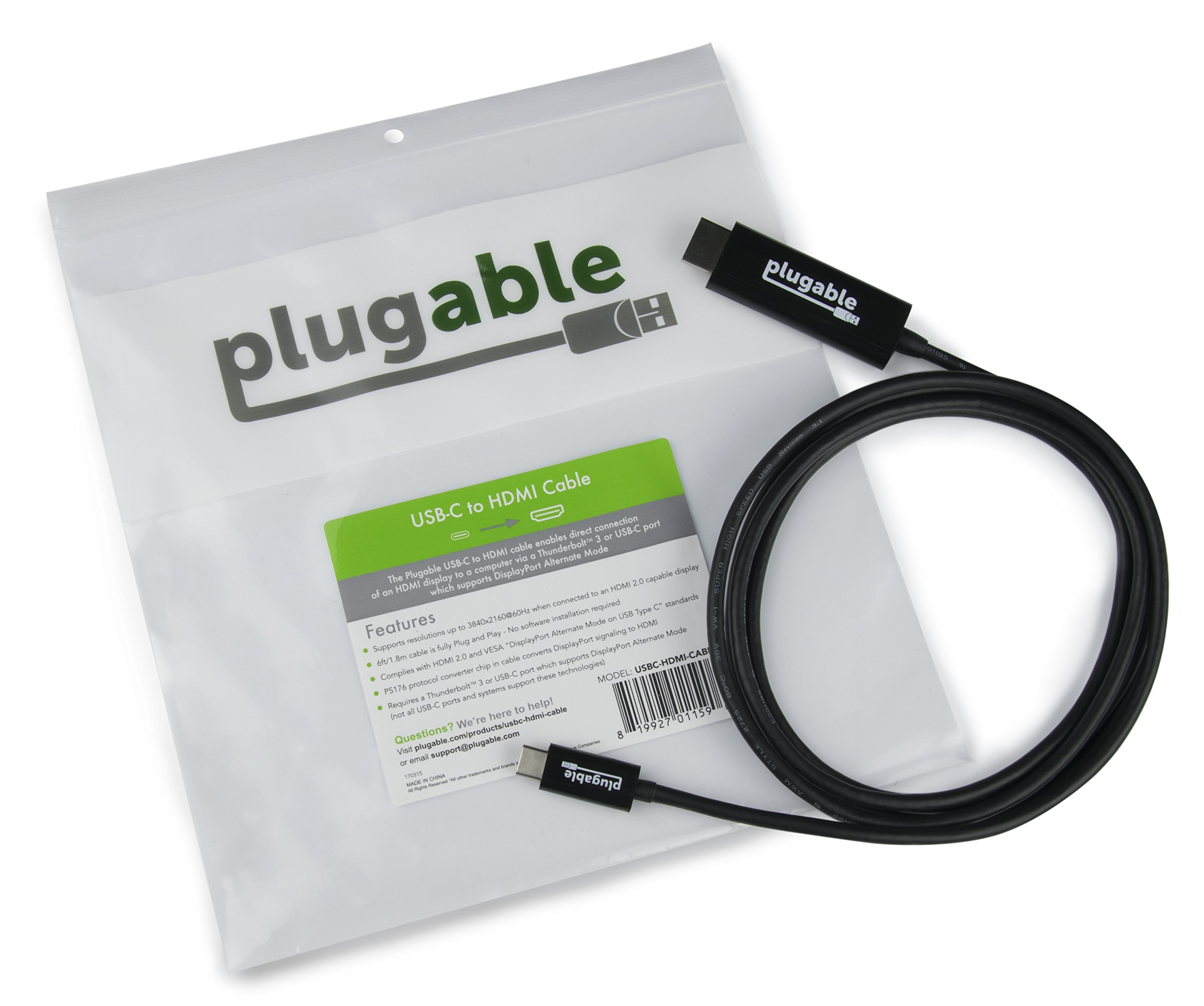
Plugable USB Type-C - HDMI 2.0 conversion cable (total length 1.8 m) x 1
Features:
- Please enter model number Confirm this is compatible:
- This is a 1.8 m video cable that allows you to connect the HDMI monitor to the USB - C port using the DisplayPort substitute (Alt) mode of USB Type C (USB - C) compatible system.
- This cable supports resolutions up to 3840 x 2160 @ 60 Hz with USB Type-C and HDMI 2.0 bandwidth.
- It can be used with HDMI 1.4 standard monitors or general resolutions lower than 4K (3810 x 1440, 2560 x 1440, 2560 x 1080, 1920 x 1080, etc.).
- It can be connected by plug & play, no special driver etc need to be installed.
- It is compatible with Mac OS X, Linux and Windows DisplayPort alternate mode compatible system.
- It can be used in various systems equipped with "USB Type-C Alternate Mode by USB Type-C" compliant USB Type-C port or Thunderbolt 3 port.
- Such systems include, for example, MacBook Pro 2016/2017, MacBook Retina 2015/2016, Dell XPS 13 (9350/9360), XPS 15 (9550/9560), HP Specter x 360 13/15 inch, Lenovo Yoga 900/910
- , ThinkPad P50 / P70 and others.
- Even in future new systems, it can be used if it is a system compatible with "DP substitute mode".
- "DisplayPort substitute mode" is not supported by all USB Type-C (USB-C) ports and systems with them.
- Also, in order to display at 4 K @ 60 Hz, the HDMI input port of the monitor must conform to the HDMI 2.0 standard.
- MacBook Retina 2015 12 "only supports up to 4K @ 30 Hz for the system itself, please refer to the following compatibility column for details.
- Plugable products offer 1 year warranty and email support.
- If you have any questions, please do not hesitate to contact us.
Product information:
Shipping Weight: 77 g
Package Dimensions: 2.01 x 18.01 x 19.89 cm
SHIPPING METHOD
Delivered directly from Japan by Japan Post. It will take 3 to 5 business days to prepare the order for shipping. We guarantee careful packing and safe shipping.Please note that in some cases additional import or VAT charges may incur and have to be borne by the client.
1. Japanpost registered mail
Shipment by Japanpost Registered Mail (Standard). Trackable any time with tracking number. Insurance is not available. Delivery time usually is between 1-3 weeks from the date of dispatch. Some items are not eligible for Standard Shipping.
2. Qxpress Standard
Shipment by Qxpress standard service. Trackable at any time with tracking number. Registered and insured up to a value of item price and shipping fees.Delivery time is usually between 5-10 business days from the date of dispatch.
3. EMS
Shipment by Expedited Mail Service. Trackable at any time with tracking number. Registered and insured up to a value of $200 and usually delivered in 2-6 business day from the date of dispatch.

| Japanpost registered mail | Qexpress | EMS | |
|---|---|---|---|
| Shipping Method | Japanpost Registered Mail (Standard) | Standard Qexpress | EMS (Expedited Mail Service) |
| Trackable | Yes | Yes | Yes |
| Insured | N/A | Yes (Up to item price and shipping fees) | Yes (Up to $200.00) |
| Asia | 1-3 weeks | 5-10 days | 2-5 days |
| Oceania; North America; Central America and the Middle East | 2-4 weeks | 6-14 days | 2-6 days |
| Europe | 2-4 weeks | 6-16 days | 3-8 days |
| South America and Africa | 2-4 weeks | 10-18 days | 4-8 days |
NOTICE:
- For overseas delivery, please be aware that damage to the outer box can be seen.
- If you would like to avoid as much damage as possible, please choose the EMS shipping method.
"According to Qoo10 guide line,overseas shipping fees will be charged to you extra if you choose Qxpress standard shipping.We recommend you to compare the total price of your purchase with EMS."
