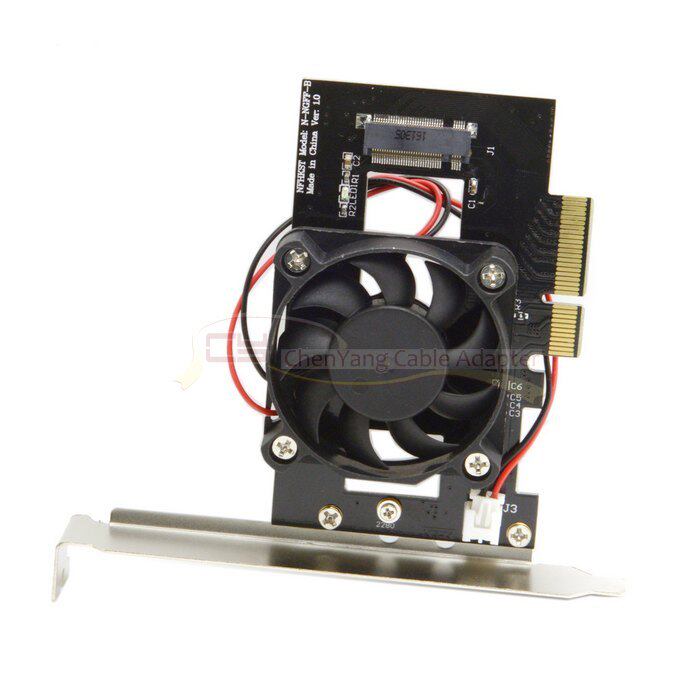
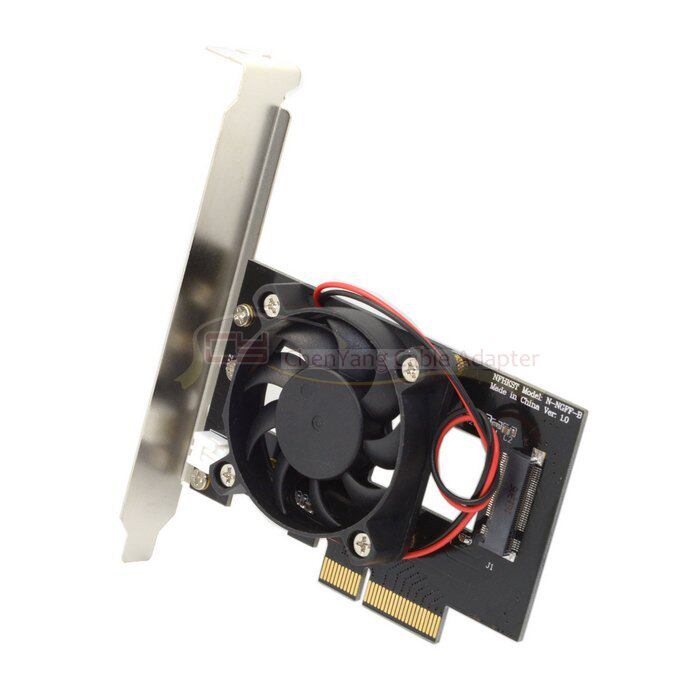
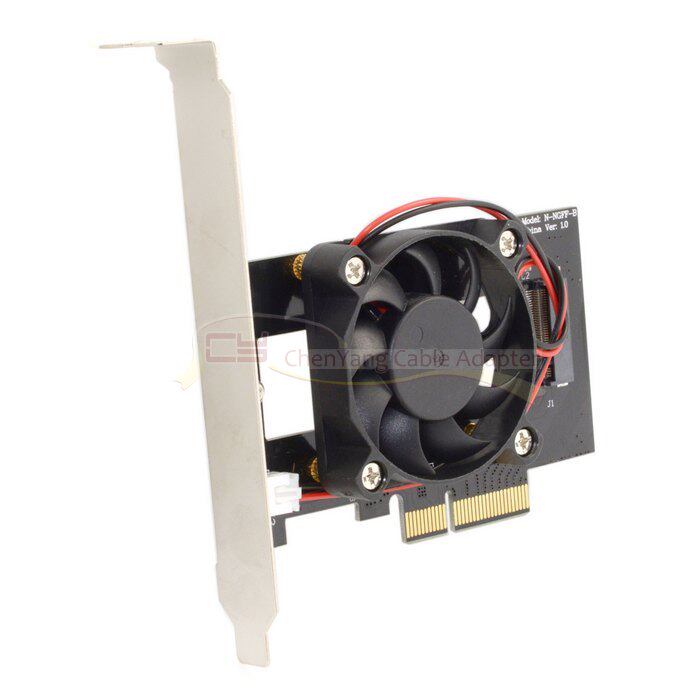
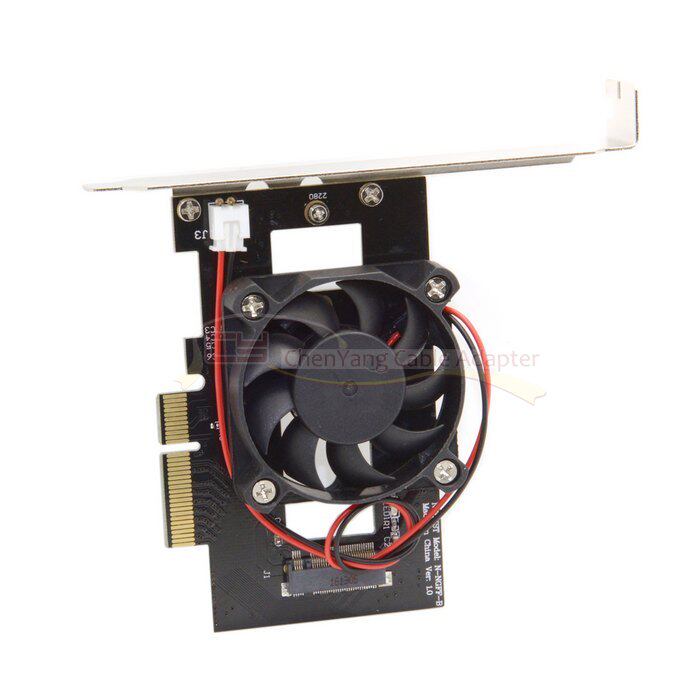
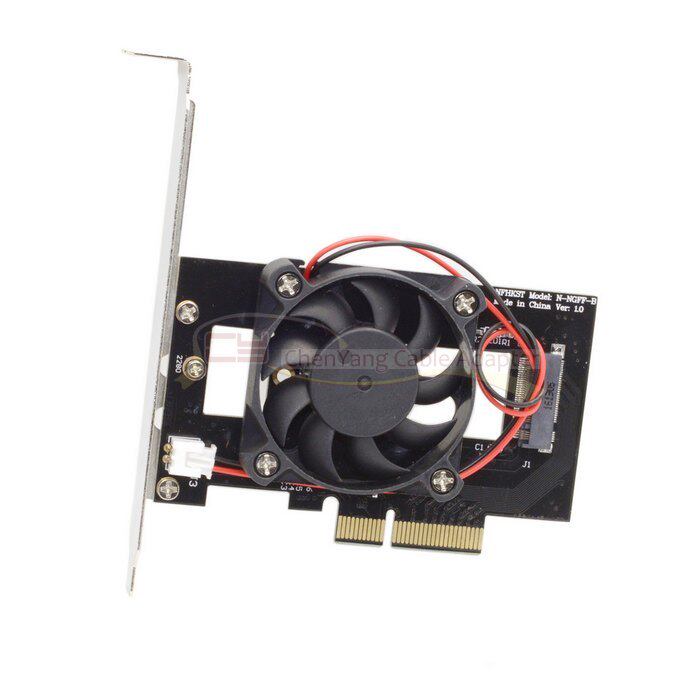
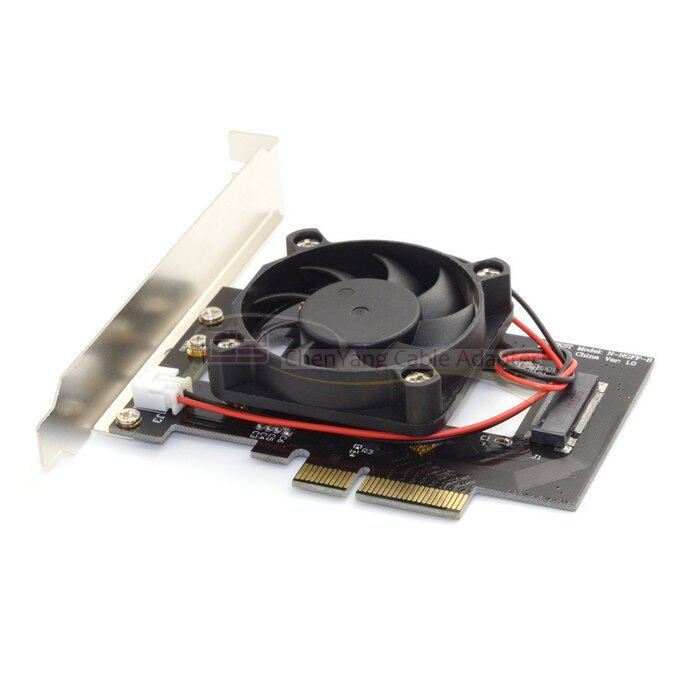
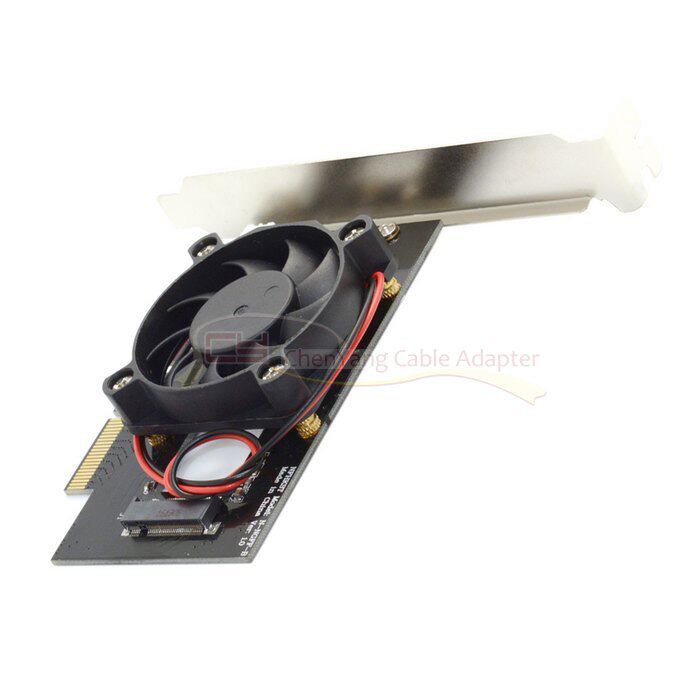
可以安装1个 M2 PCIe(67pin M key) SSD硬盘到 台式机电脑、工作站或者服务器的PCIex4 插槽。
支持三星950PRO、SM951、XP941、浦科特M6E等型号M.2 SSD。,是台式机电脑、工作站与服务器安装固态硬盘的一种经济实惠的解决方案。
注意:如果你的主板芯片组是9系列以下,不要使用pm951、sm951、pm950 XP941等PCIe x4规格硬盘!
并不是你主板有PCIE接口就能使用PCIE接口的固态硬盘,关键要看你的主板BIOS能不能支持PCIE接口的固态硬盘!
9系列以下的芯片组正常情况下是肯定不能支持PCIE接口固态硬盘启动的!
AMD芯片组主板不建议购买!
NVME协议的盘对AS SSD测试软件兼容性不好,建议使用Crystal DiskMark软件测试速度!
另外,这个转接卡是插主板的PCIE显卡插槽,不要插错位置!如果插入PCI插槽可能会烧毁转接卡和硬盘!
注意: 在windows7及windows 2008R2操作系统中,需安装M-key或NVME SSD的补丁,
You can install one M2 PCIe (67pin M key) SSD drive to the PCIex4 slot on your desktop computer, workstation, or server.
Support Samsung 950PRO, SM951, XP941, Plextor M6E and other models M.2 SSD. , Is an economical solution for installing SSDs on desktop PCs, workstations and servers.
Note: If your motherboard chipset is less than 9 series, do not use PCIe x4 hard drives like pm951, sm951, pm950 XP941!
Not your motherboard PCIE interface will be able to use the PCIE interface SSD, the key depends on your motherboard BIOS can support PCIE interface SSD!
9 series of chipsets under normal circumstances is certainly not support PCIE interface solid state drive started!
AMD chipset motherboard is not recommended to buy!
NVME protocol disk AS SSD test software compatibility is not good, it is recommended to use Crystal DiskMark software test speed!
In addition, the adapter card is plugged into the motherboard PCIE graphics slot, do not insert the wrong location! If you insert the PCI slot may burn the riser card and hard disk!
Note: In windows7 and windows 2008R2 operating system, you need to install patch of M-key or NVME SSD,