Time to Upgrate your HIFI Speaker to Wirelese HIFI Speaker
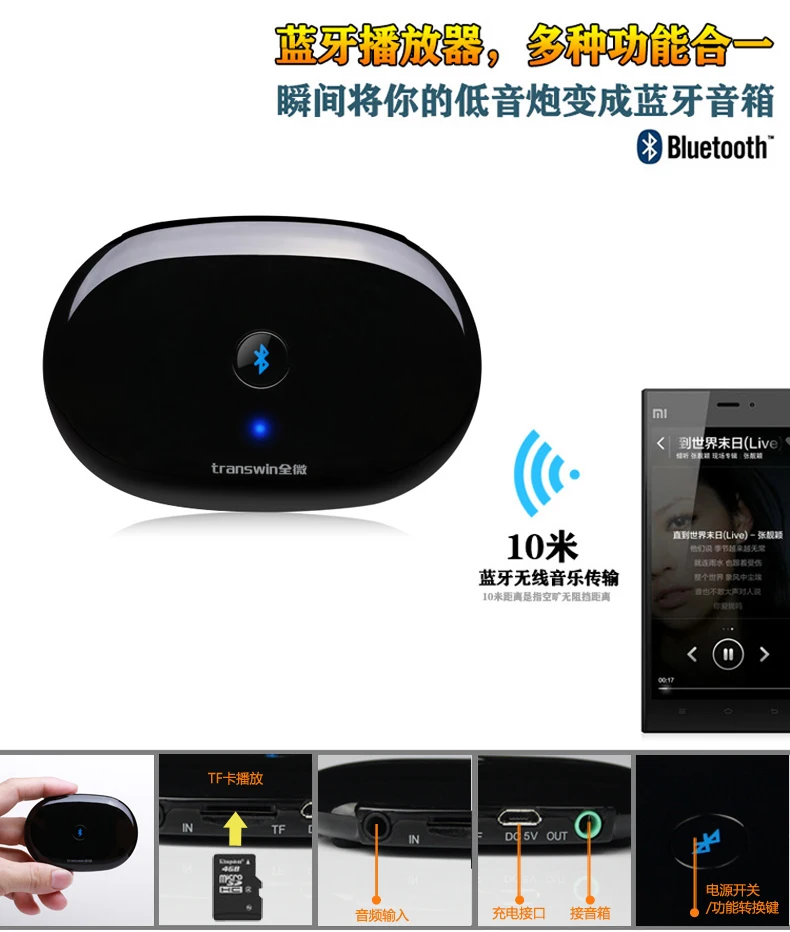
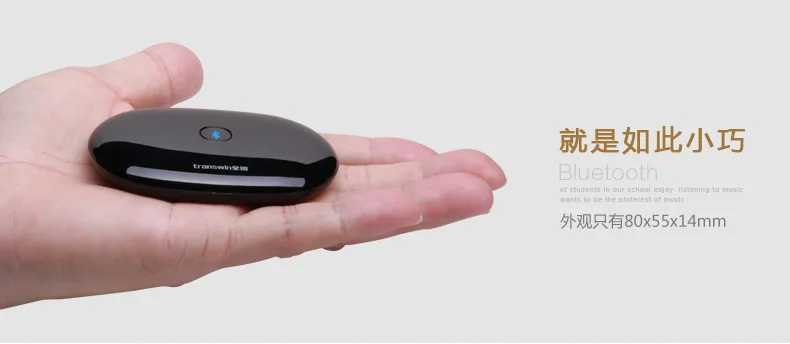
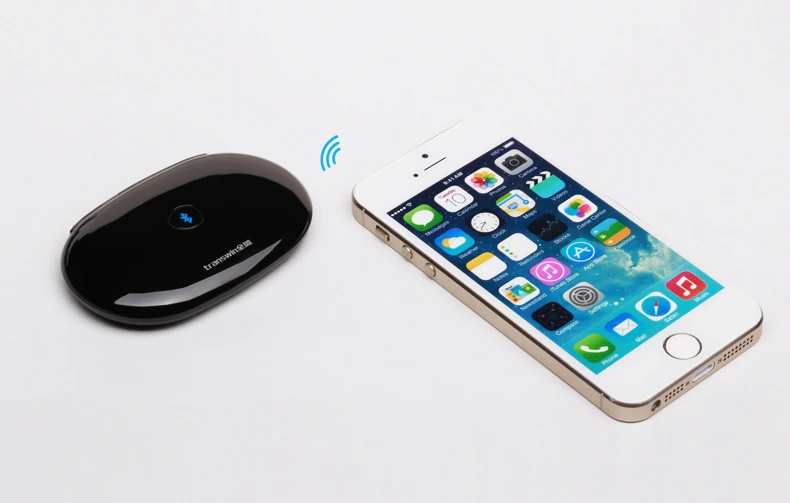
2017 Hot Portable Bluetooth Wireless Music Audio Receiver Adapter HIFI Stereo Speaker for iPhone, Android
Product Presentation:
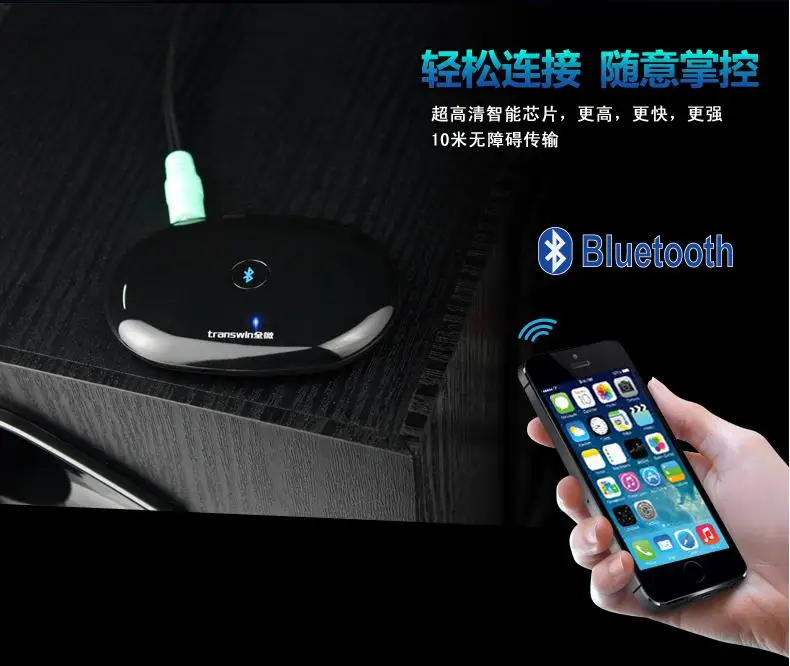
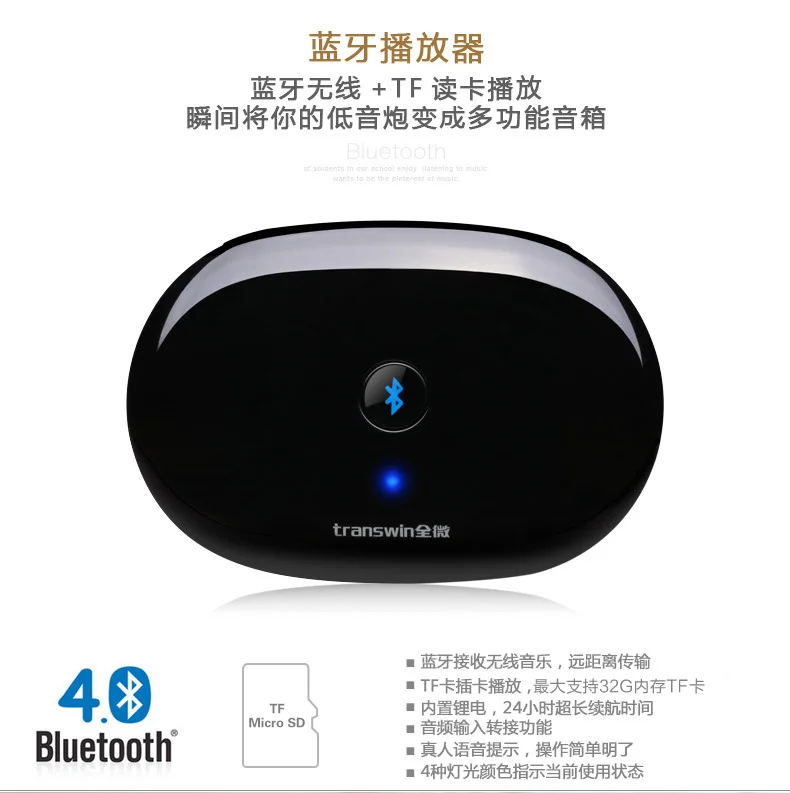
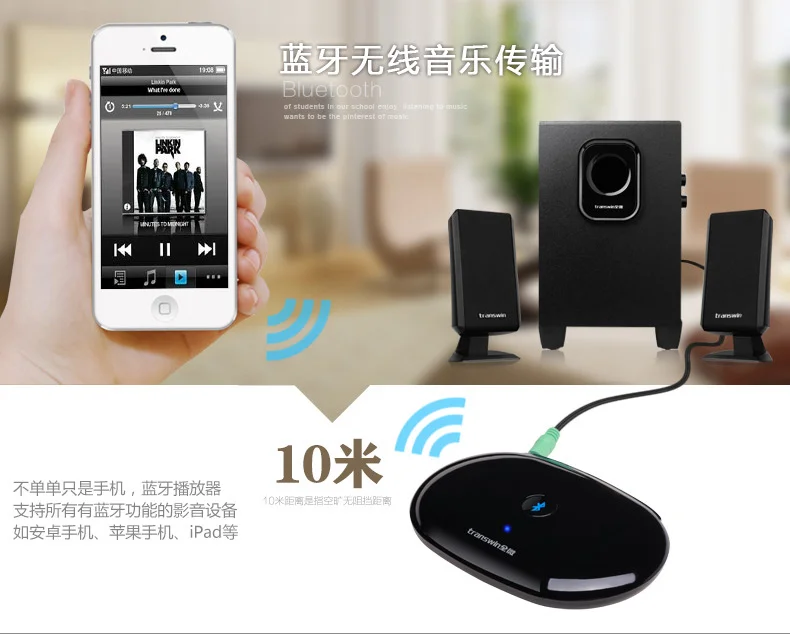
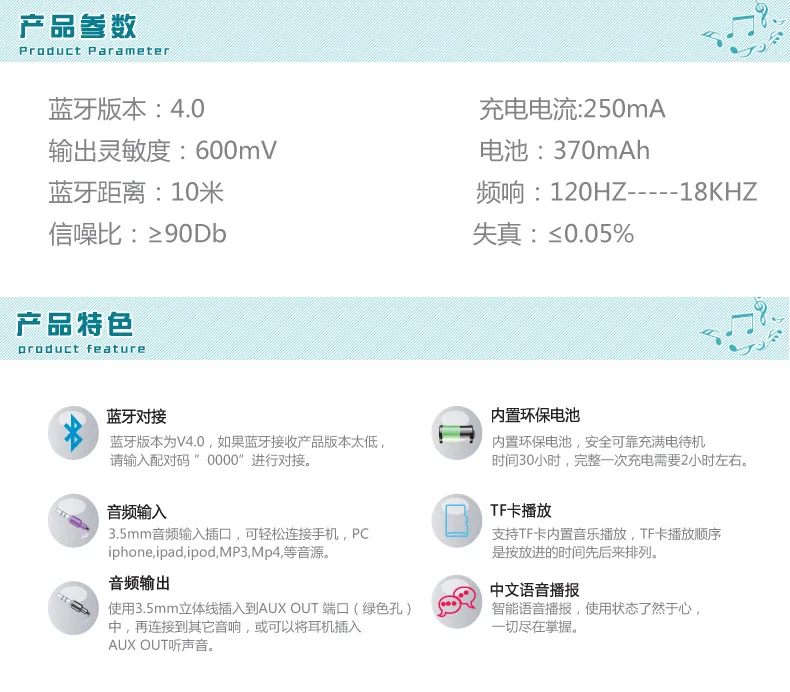
1. Wireless music bluetooth receiver, remote transmission (10m)
2. TF Card player, supports 32G capacity at most
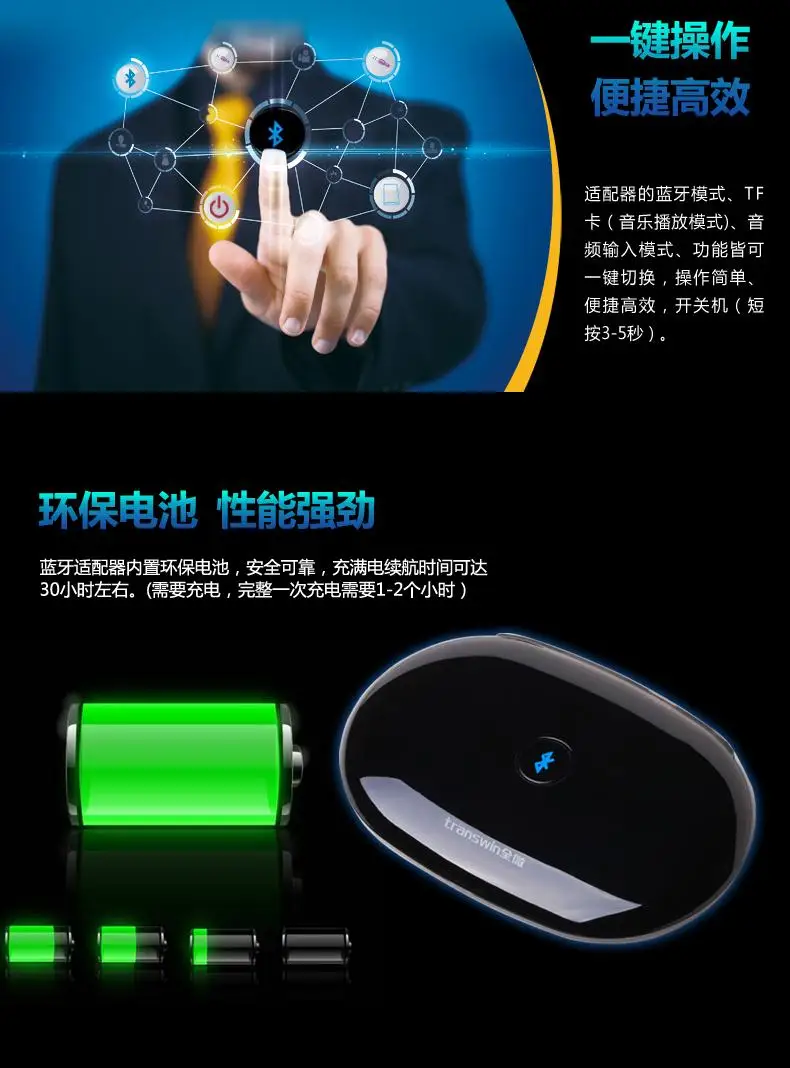
3. Built-in lithium battery, provides 24-hour endurance
Operation Instructions:
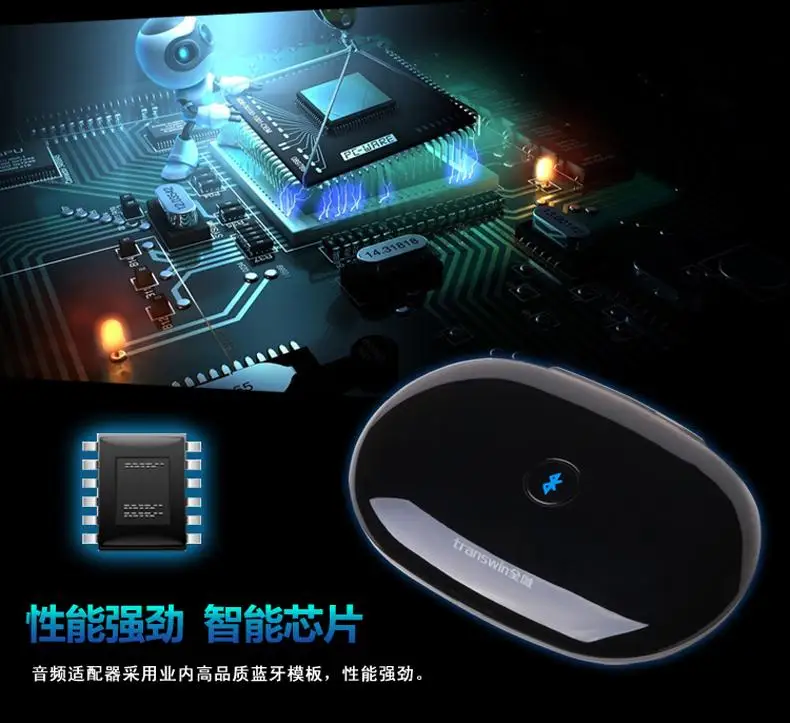
Adapter type: Wireless Bluetooth audio adapter (it cannot be used solely and shall be used with speakers)
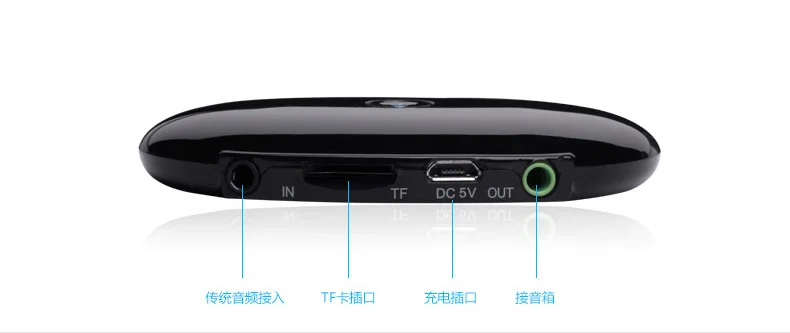
Input mode: 3.5mm stereo, TF card, Bluetooth
Bluetooth version is V4.0, and if the version is low, please input pairing code ‘0000' to perform butt joint
Power supply mode: USB charging, built-in 3.7V, 370mA polymer battery
TF card model decoding support nondestructive music formats: APE/FLAC/WAV/WMA/MP3...etc. The play sequence of TF card is based on the time order
Pairable audio: PC/iPhone/iPod/Mobile phone/Bluetooth function product
Function setup: Bluetooth (default), TF card, AUX IN
Under the conditions without connecting and playing Bluetooth, it will enter into sleep mode after 8 minutes, stand-by current: 1uA
After connecting with the speaker, press the power switch on the top, the machine will send the voice prompt: Allies has been turned on, enter into Bluetooth and wait for the connection, search for the name of Allies in the Bluetooth device and choose to pair.
When connecting the device to the Bluetooth-supported products, the speaker will send prompt: successful Bluetooth connection, then you can play music
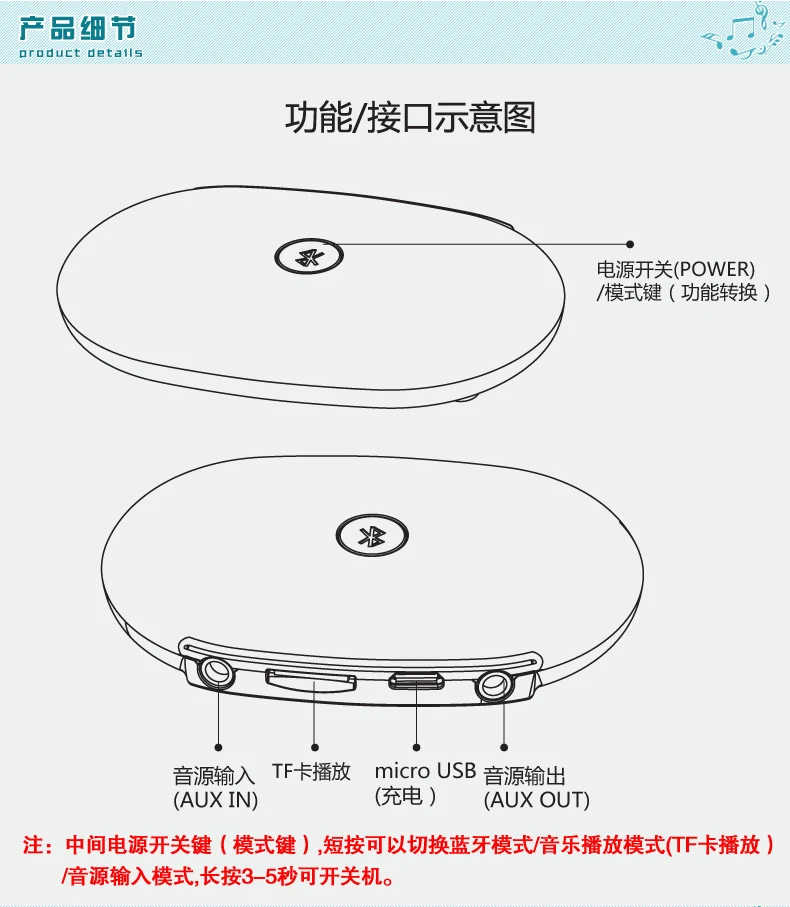
Startup & shutdown: long press the POWER key within 3-5 seconds
LINE IN mode: insert 3.5mm audio line to the jack, which means that it enters into audio input play mode, connect the speaker so that it can send music via the device
The condition instructions of Red, Blue, Yellow, Green light:
1) Red light: charging mode, plug into PC power source, the Red light is on; and after the power is in saturation, the Red light will be off
2)Blue light: Bluetooth mode, it will flicker once within 0.5 seconds in matching conditions; in Bluetooth on-line state, it will flicker twice within 5 seconds
3)Yellow light: TF Card mode
4)Green light: AUX input mode
Charging function: when plugging the USB data cable, the device can be connected to the computer. If the red light is on, you can charge the adapter. (The complete charging time is about 2 hours, while the standby time is about 30 hours)

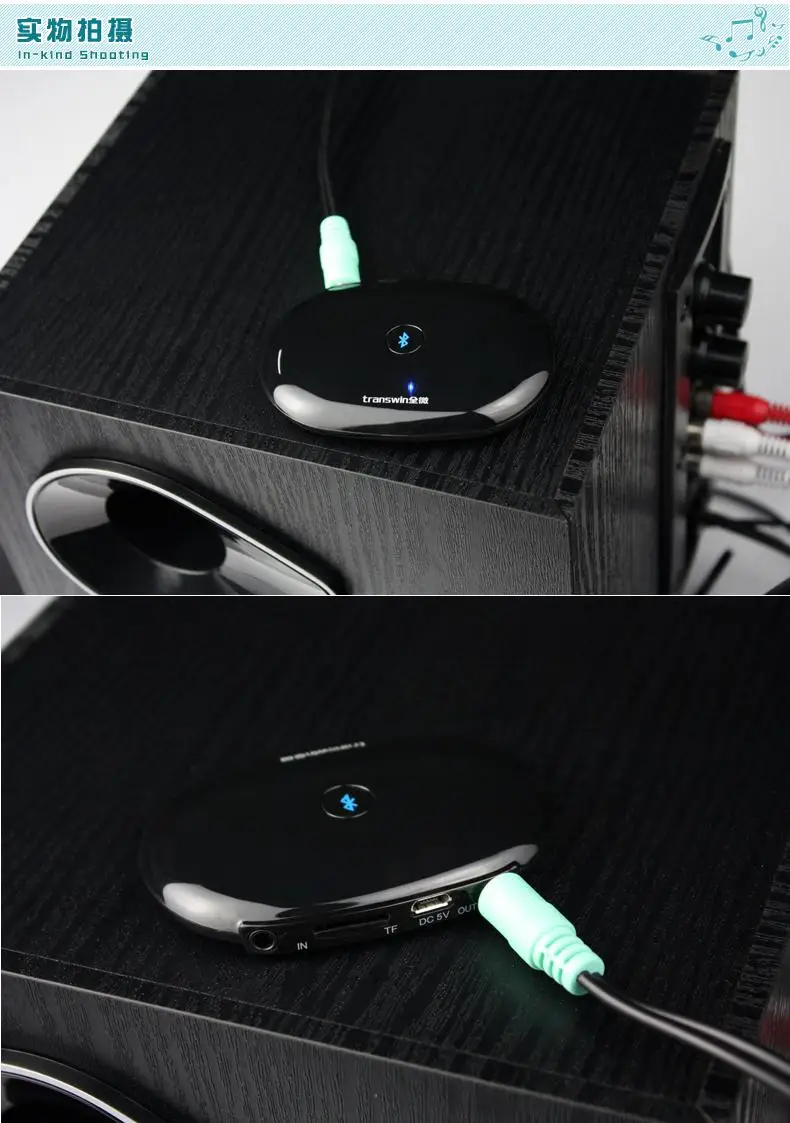
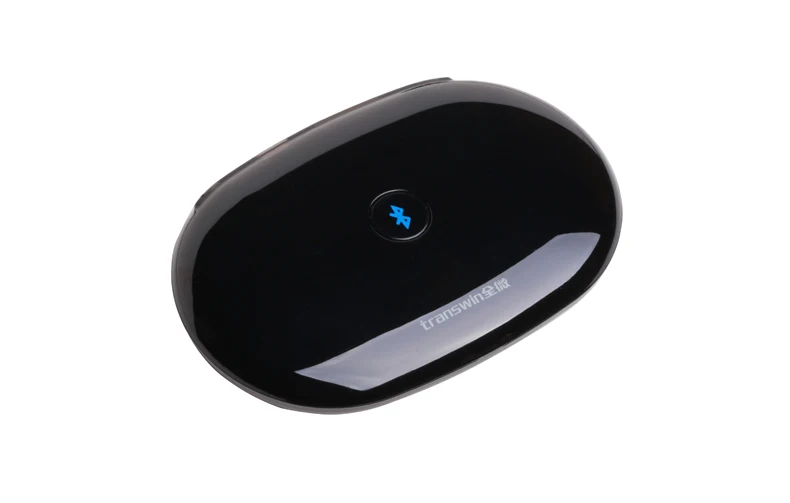
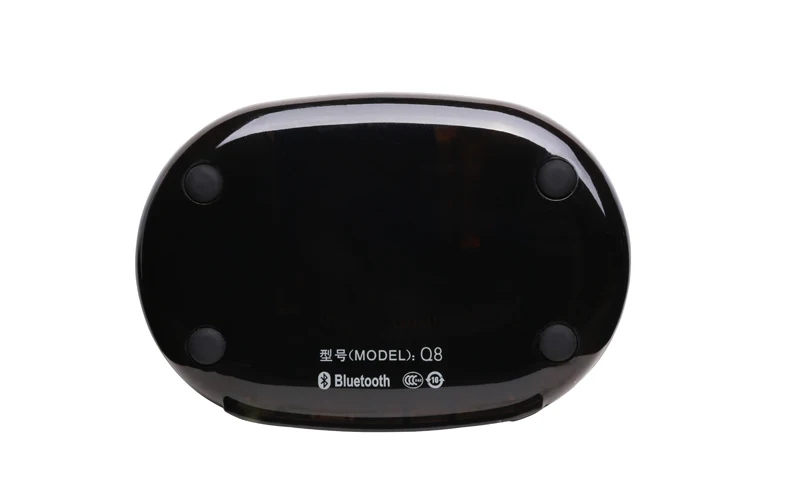
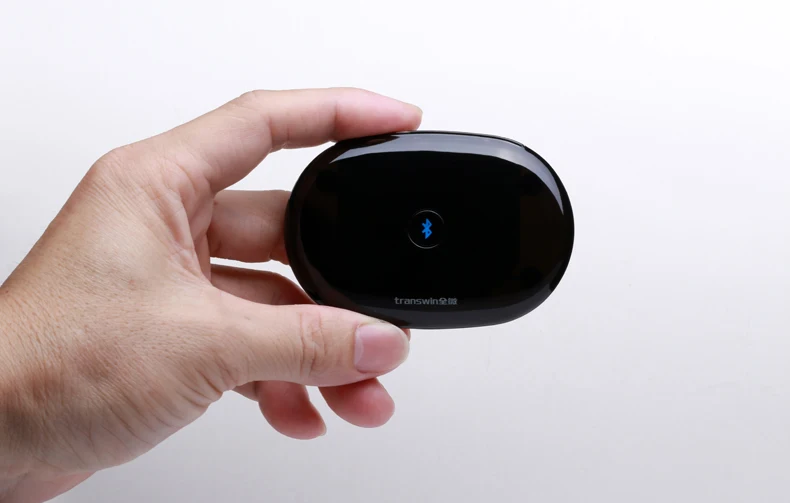
Use case
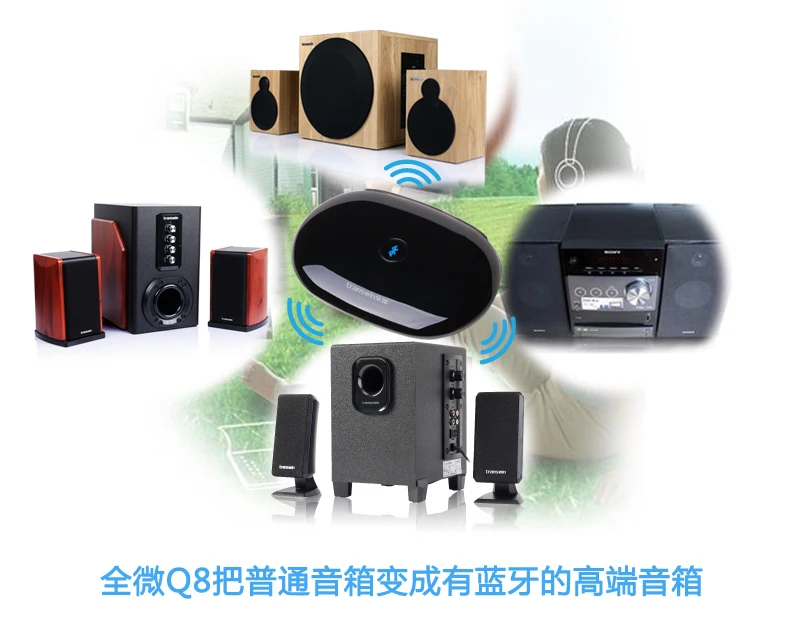
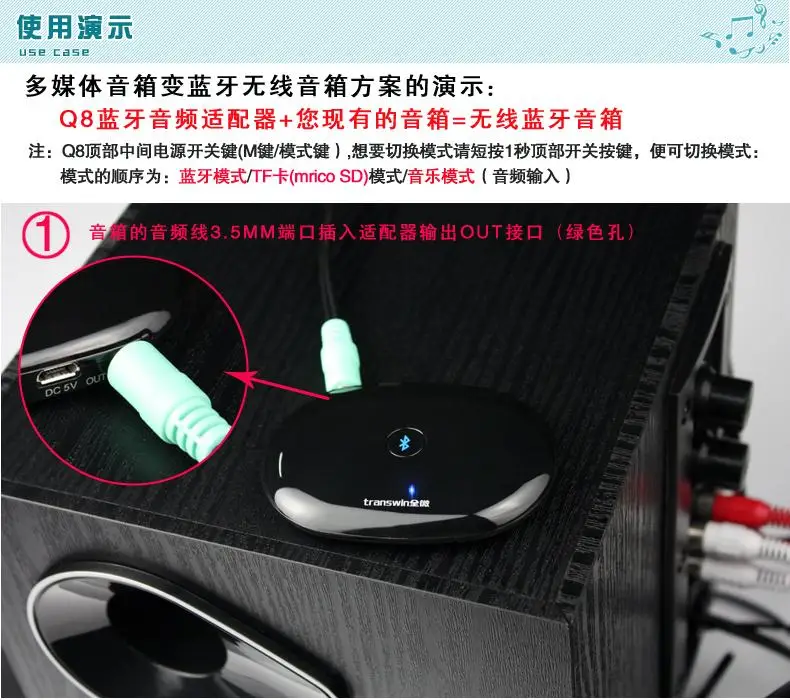
Method to turn the multi-media speaker into wireless Bluetooth speaker:
Q8 Bluetooth audio adapter+your current speaker=wireless Bluetooth speaker
Note: there is a power key (M key/mode key) at the top middle of Q8; press the power key for 1 second if you want to switch the mode; the sequence of mode is Bluetooth mode/TF card (micro SD) mode/music mode (audio input)
1. Insert the 3.5mm jack audio cable of the speaker to output interface of the adapter (Green jack)
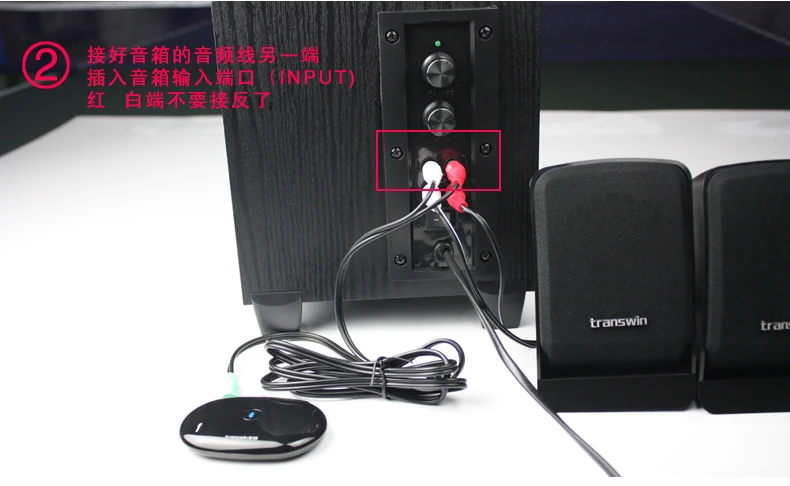
2. The other side of the audio cable which is connected to the speaker shall be inserted into input port (INPUT) of the speaker; You cannot inversely connect the red and white port.
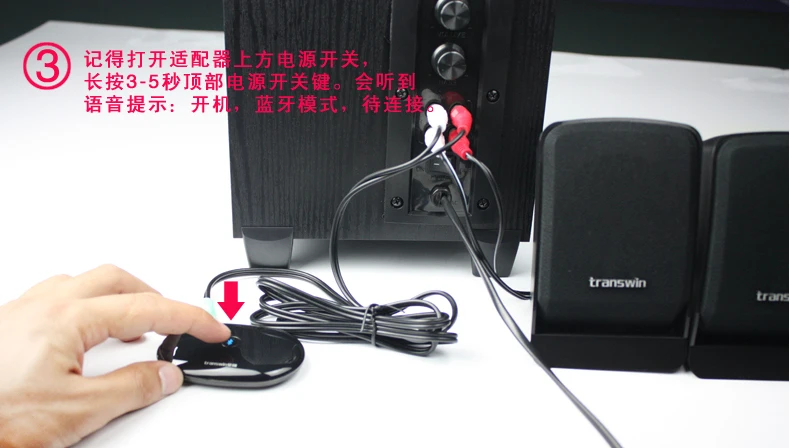
3. Remember to long press 3 or 5 seconds at the top power key of the adapter to open the power switch. You will hear a voice prompt: starting up, Bluetooth mode, waiting to connect.
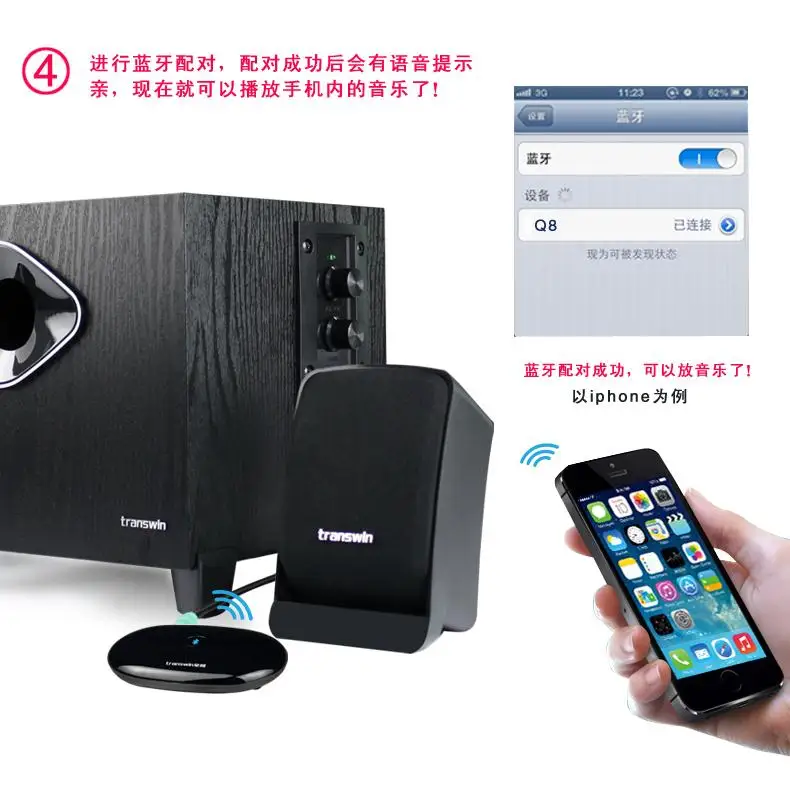
4. Perform Bluetooth pairing and it will appear voice prompt after successful pairing so that you can play the music in your mobile phone
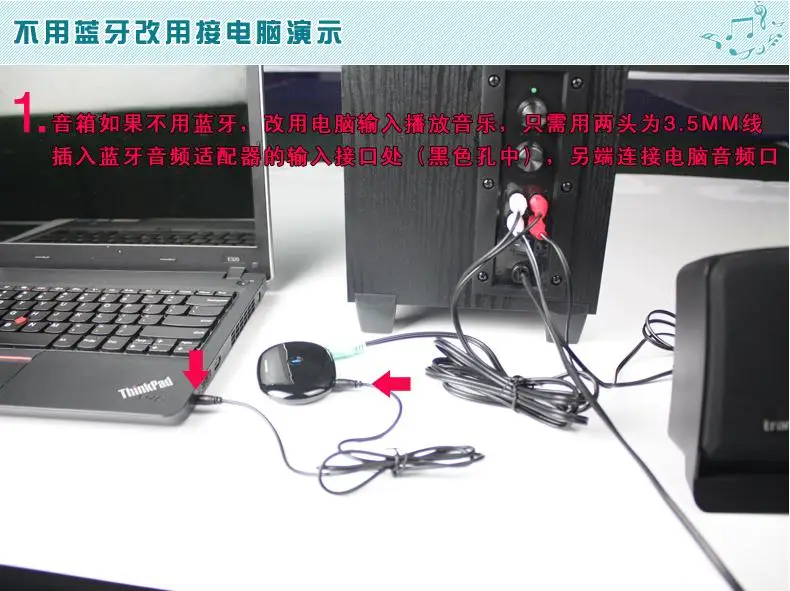
Used to connect your computer rather than using Bluetooth
1. If without Bluetooth, you can change to use the computer input to play the music; in such a case, you only need to insert the audio cable with 3.5mm jack on both sides to input interface of the Bluetooth audio adapter (Black jack), and then the other side is connected to the computer audio port.
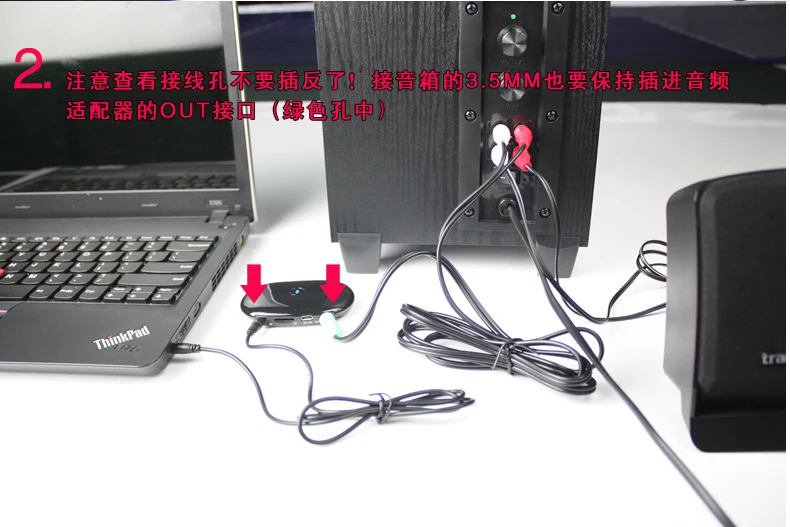
2. Pay attention that you cannot connect the input and output port inversely.
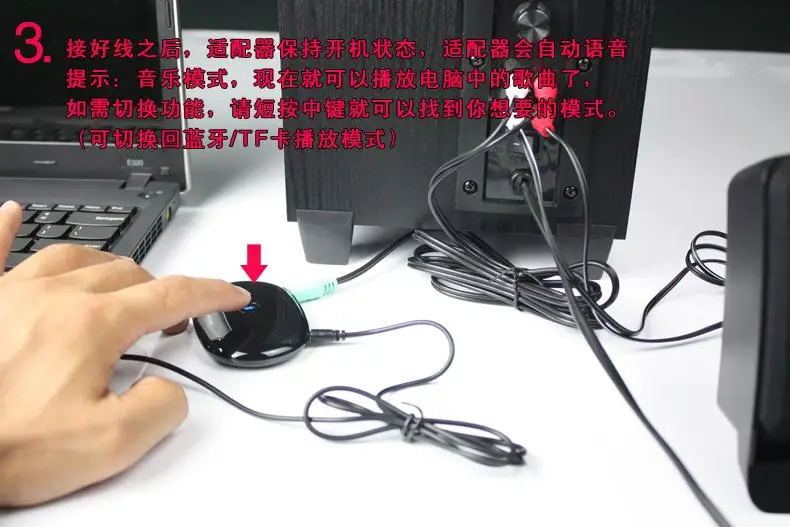
3. After connecting the cable well, the adapter will be powered on and appear auto voice prompt: music mode. Now you can play music in computer and if you need to switch function, shot press the middle key so that you can find out the mode you want (you can also switch back to Bluetooth/TF card play mode).
Ship Tips
(1) Please Make Sure You Choose The Color, When We Shipped, We Can't Change Color.
(2) Please Fill In Detailed Address (Including Telephone, Postal Code)
(3) Singapore post Is Cheapest Transport Way, and it has no tracking information, so Make Sure You Can Accept Its Transportation Time (about 25-60days)
(4) If you need to track your package, please choose China Air Registed Mail Buyers Purchase Protection
(5) 24 Hours Ship Your Order, Shipping More Than 120 Days Not Receive The Package, We Will Refund Money To You.
