Studio : Zodiac Publisher : Zodiac Binding : Electronics Product Description
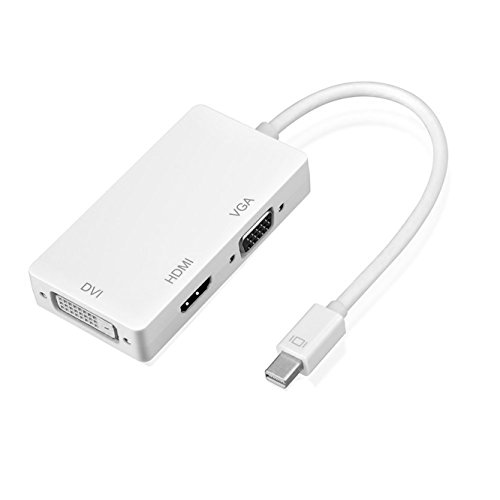
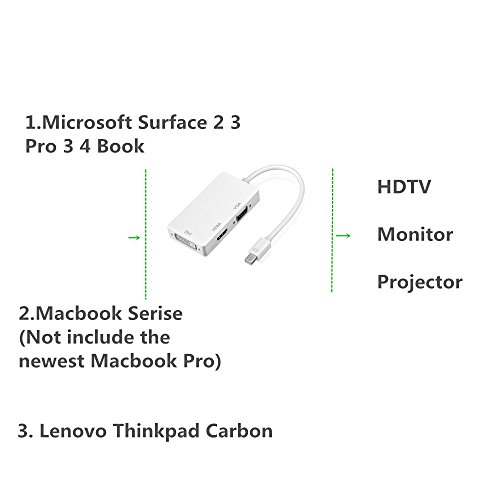
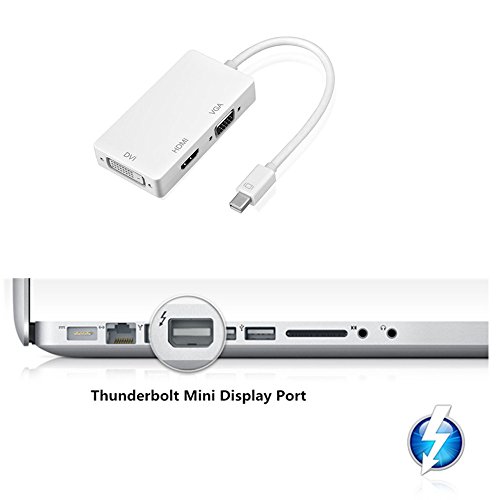
Mini DisplayPort Thunderbolt to HDMI/DVI/VGA Adapter How to use:
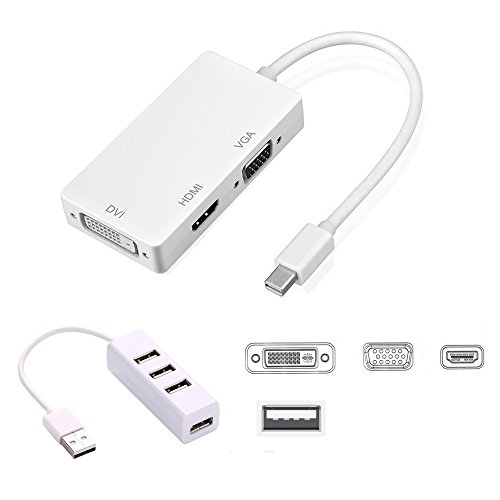
You can only plug a port among 3 output ports at one time, when you want to use the DVI output, you just need to connect the DVI devices with a DVI cable. And when you want to use the HDMI output, you just need to connect the HDMI devices with a HDMI cable. When you want to use the VGA output, you just need yo connect the VGA devices with a VGA cable.
Note:
1.Support Mini Display Port 1.1a Dual-mode input.Note:Mini Display Port is NOT compatible with Macs (before 2008) that have Mini-DVI. Please check your port before purchase
2.The HDMI can support audio output for iMac (Late 2009) and Mac Book Pro (Mid 2010),Macs made before 2010 are NOT able to output audio over Mini DisplayPort. Not compatible with 2009 Early Macbook. More info and then check the Model Identifier field in Hardware Overview
3.Automatic detect the display by plugging and unplugging it.Support HDMI/DVI/VGA output with the max resolution of 1920x1080p@60Hz, 225MHz/2.25Gbps per channel (6.75Gbps all channel), 12bit per channel (36bit all channel) deep color
4.Only supports 1 display output at a time A separate HDMI/DVI/VGA cable is required, not included, Not compatible with Thunderbolt 3 (USB-C) ports
Specification:
Output
Video:HDMI/DVI/VGA
Input:
Mini Display Port Male 20pin
Output: HDMI Female Type A 19pin
Connector:DVI Female (24 1) VGA Female 15Pin
Vertical Frequency Range:50/60Hz
Video Amplifier Bandwidth:2.25Gbps/225MHz HDMI/DVI/VGA:480i/480p,576p,720p,1080i/1080p
External Power Supply:No external power needed
Power consumption (Max):700mW
Warranty Policy:
45 days money-back and 12-month exchange!
0
|