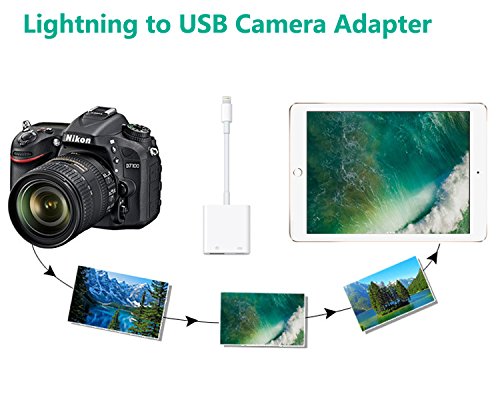
Studio : FA-STAR Publisher : FA-STAR Binding : Electronics Product Description
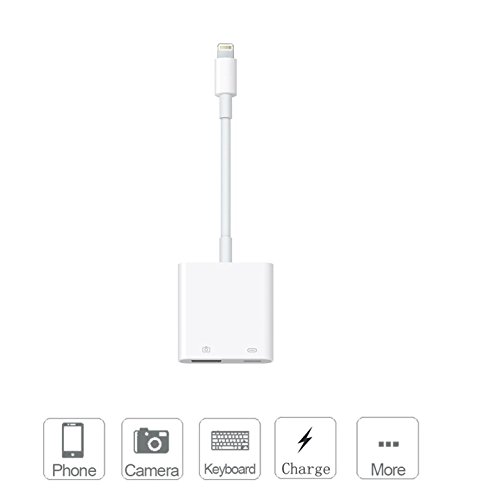
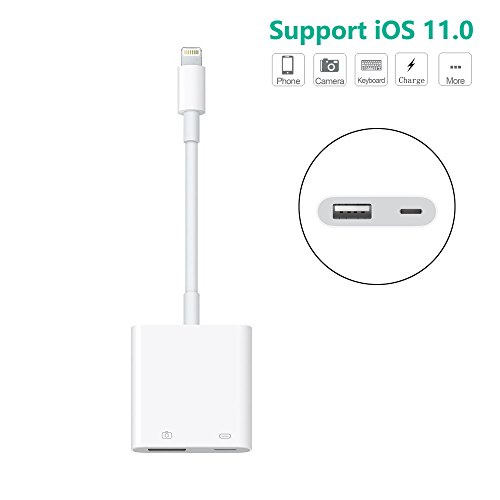
FA-STAR lightning to usb adapter with an usb power interface add great capability and versatility to your iphone or iPad with lightning interface.
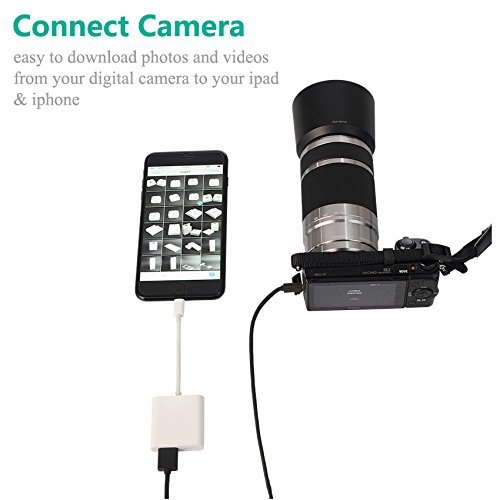
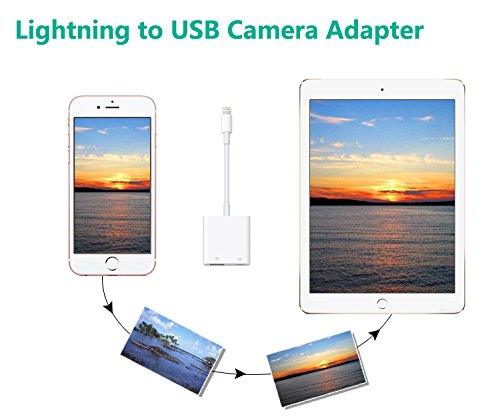
- Transfer photos or videos from camera to iphone or ipad directly.
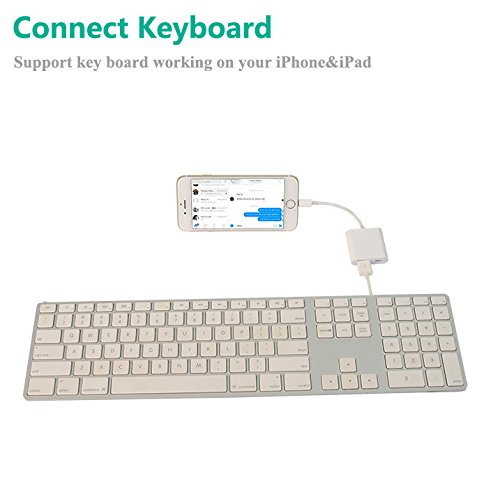
- Capable of USB peripherals,such as hubs,keyboard,audio devices or SD and Micro SD card readers,etc.
- Trasfer photos or videos at USB3.0 speed...
Compatible Models:Requires iOS 9.3 or later
- For iPhone:iPhone 7,iPhone 7 Plus,iPhone 6s,iPhone 6s Plus,iPhone 6,iPhone 6 Plus,iPhone SE,iPhone 5s,iPhone 5c,iPhone 5
- For iPad:iPad Pro 10.5-inch,iPad Pro 12.9-inch (2nd Generation),iPad Pro 12.9-inch (1st Generation),iPad Pro 9.7-inch,iPad mini 4,iPad mini 3; iPad mini 2,iPad mini,iPad Air 2,iPad Air,iPad with Retina display To import photos from a camera or iOS device:
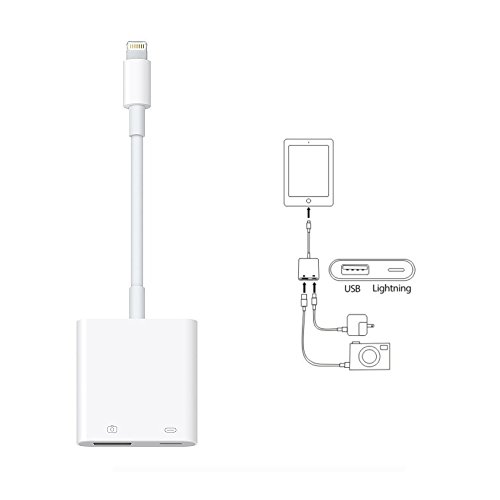
1.Turn on iPhone iPad and attach the Lightning to USB Camera Adapter to the Lighting port.
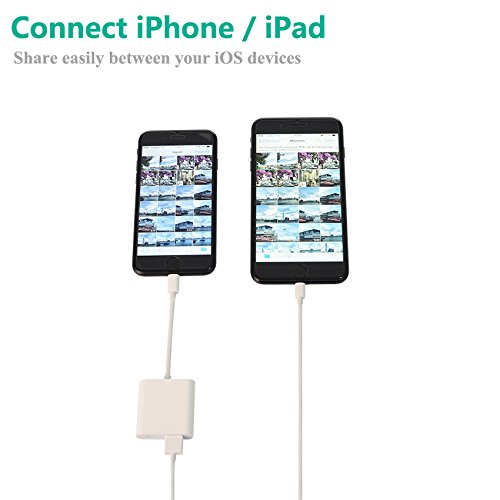
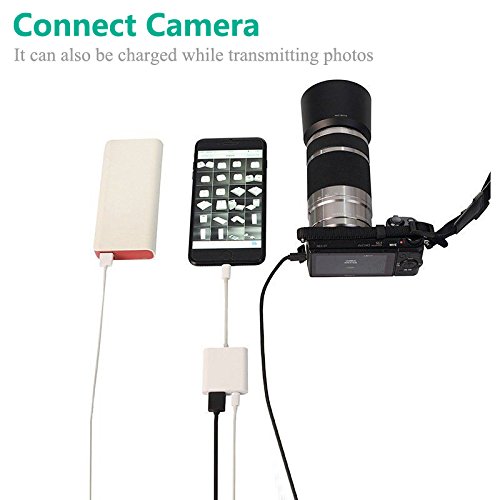
2.Turn on your camera or iOS device and connect it to the Lightning to USB Camera Adapter using the USB cable that came with your camera or device.
3.On iPhone iPad, select the photos and videos that you want to import.
4.If iPhone iPad is low battery, you can charge the device with power adapter or power bank while using this camera adapter. Package:
1 x Lightning to USB Camera Adapter
1 x Instruction book
0
|