FAQ:
1 Q: Why the computer/laptop can't detect the external drive ?
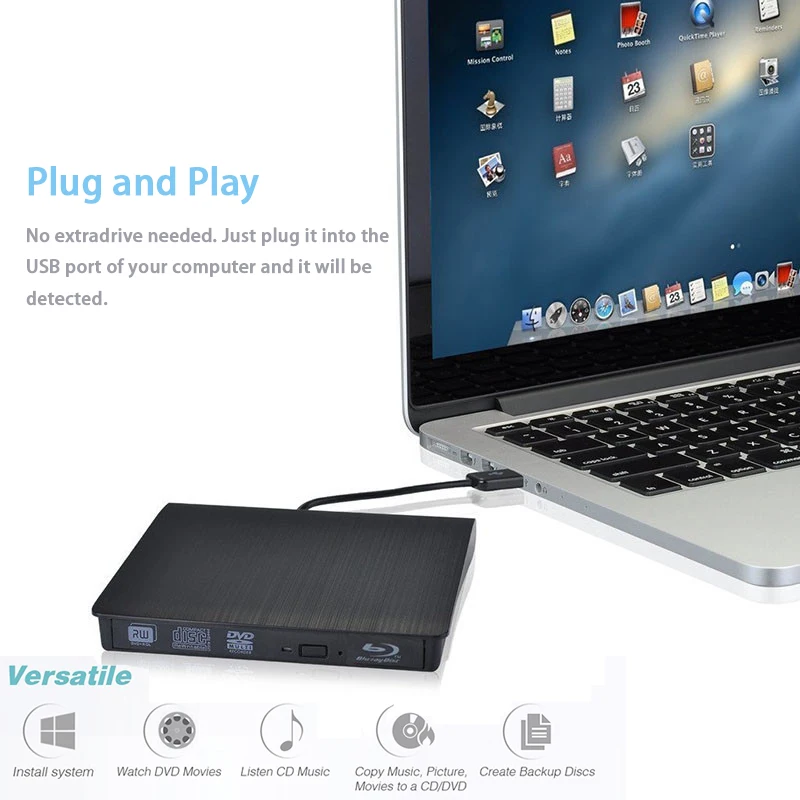
A: Connect the drive to a USB port on the motherboard if yours is desktop.Don't plug it into a USB Adapter port because the power maybe not enough to ensure the drive running.Make a normal restart of your computer/laptop or change to a different USB port.Check if the led indicator comes on or listen carefully if the drive spin the disc inside.This drive support plug and play,no extra drive needed.If all these method can't make it works,send email to us directly.
2 Q: The drive can't pop out from computer control or press the eject button,my disc is stucked inside.How to deal with this case ?
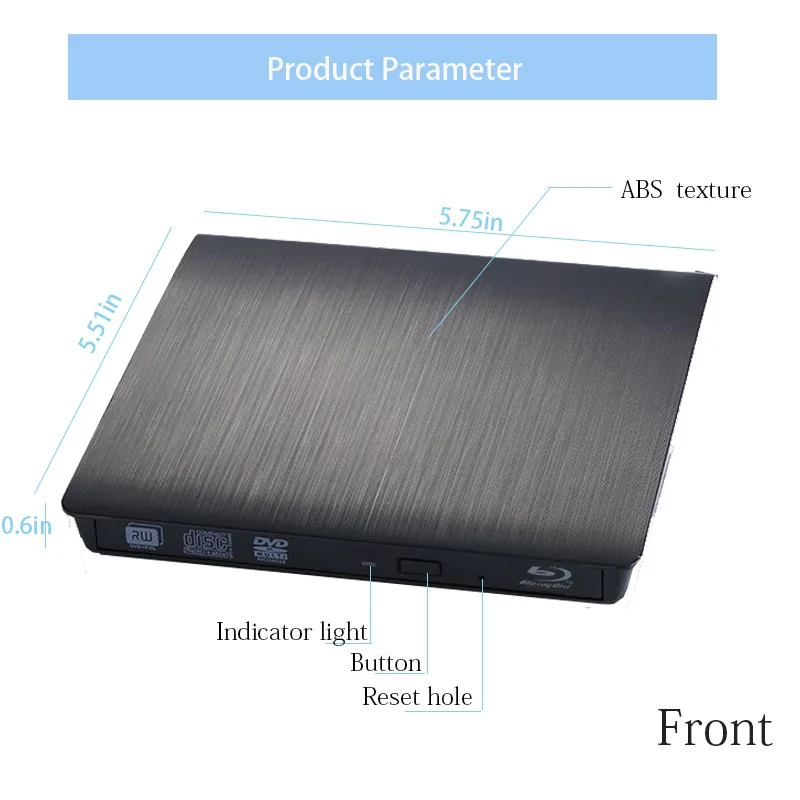
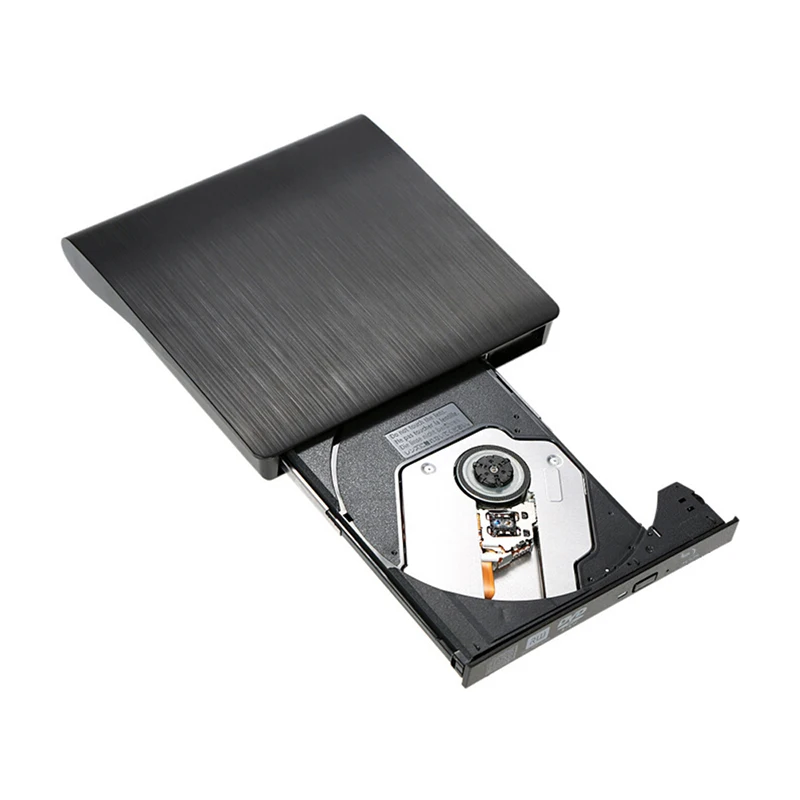
A: Restart your computer or replug the drive connector,try to power up it again to see if it can pop out the disc tray.You can also use a clip end,push it in the small hole on the front panel,force the drive to pop out the disc tray in case of emergency.
3 Q: Is this compatible with Windows 10?
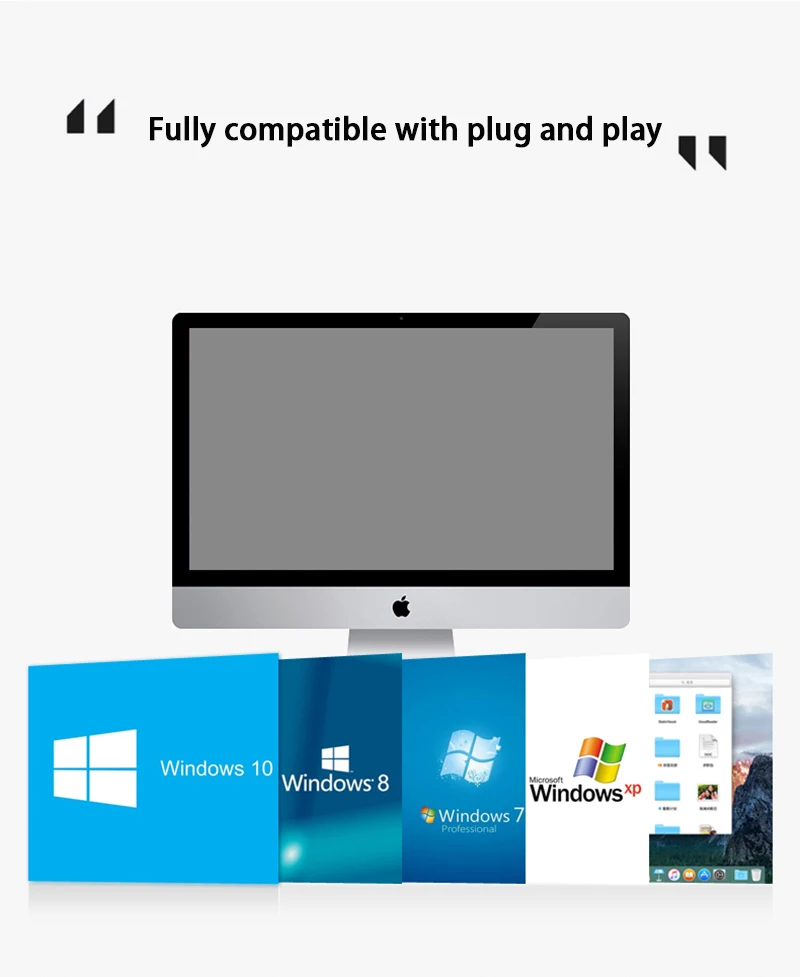
A: Many purchased buyers already confirmed it works well with windows 10,however there also a few buyers replied it can't work with Windows 10 system.So we guess this drive is not fully compatible with all the windows 10 system.This is caused by the compatible issue between windows 10 itself and the external hardwares.
4 Q: Is this only for Apple, or will it also work on Windows?
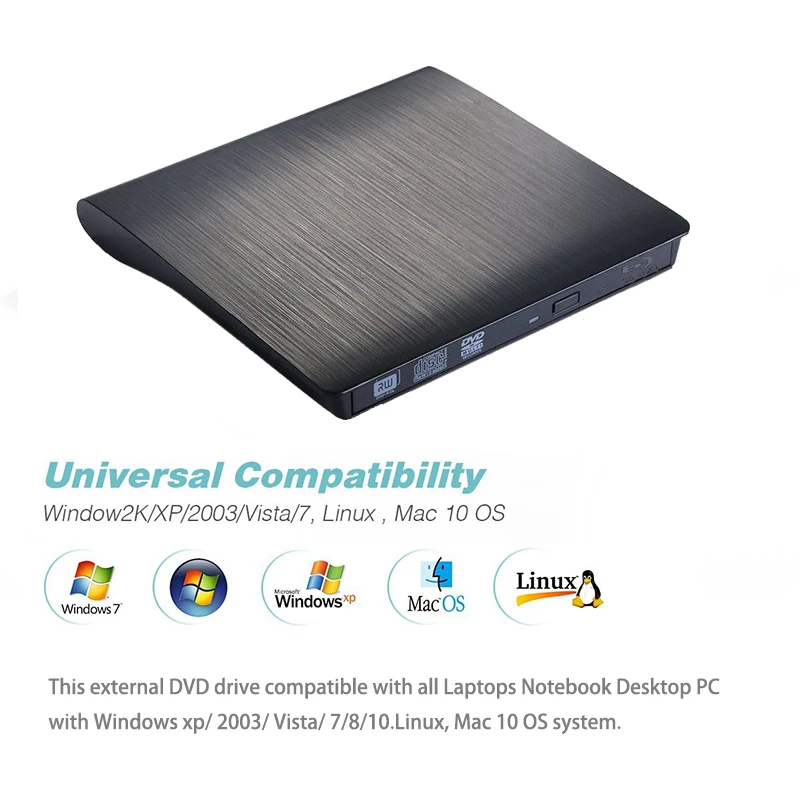
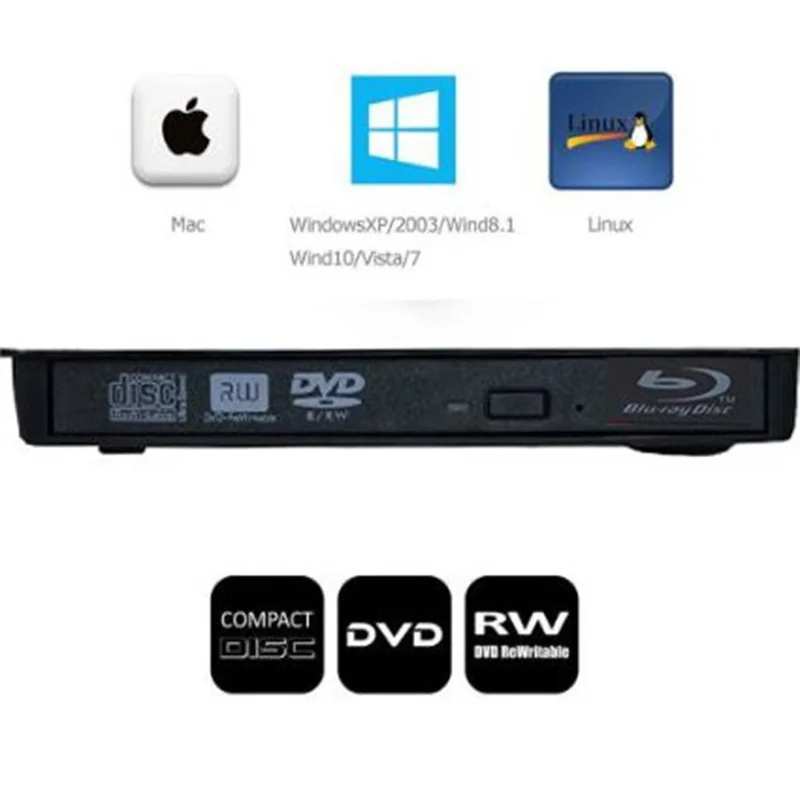
A: IT is compatible with Windows 2000, XP, Vista, 7, 8 and all versions of Mac OS system (Note: may not be fully compatible Windows 10)
5 Q: Can you plug this in to a new car with a usb and no cd player to play cds?
A: No, It can't play CD's in your car if connected to audio system, it is not a car DVD player. It is an external CD/DVD drive which can be connected only to Laptops or computers.
6 Q: Does this need a program installed on laptop to play a dvd?
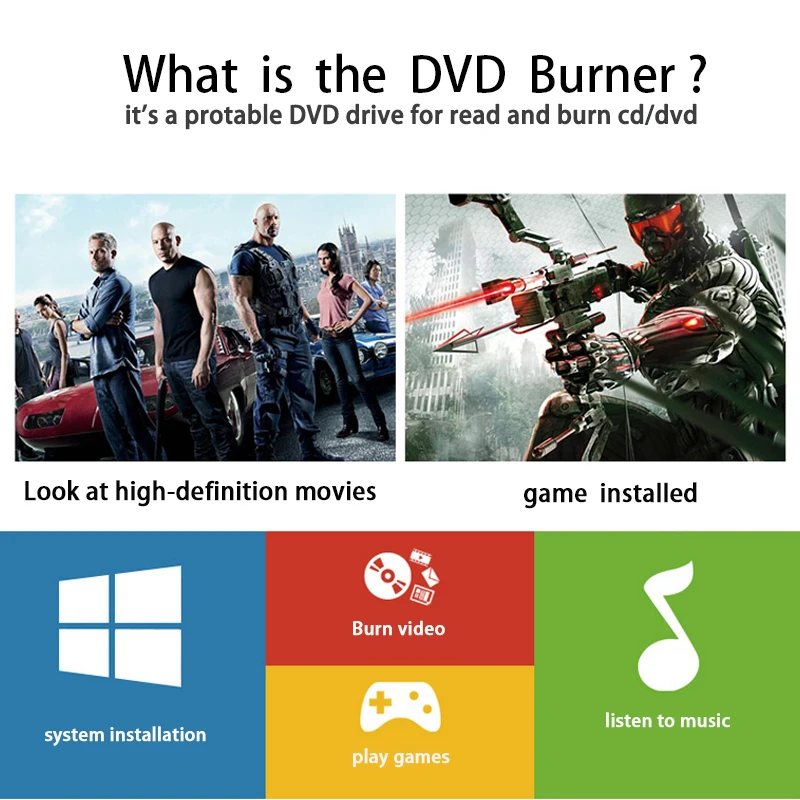
A: Yes you will need some sort of software/player on your PC, but that might be windows media player, depending on what version you have.


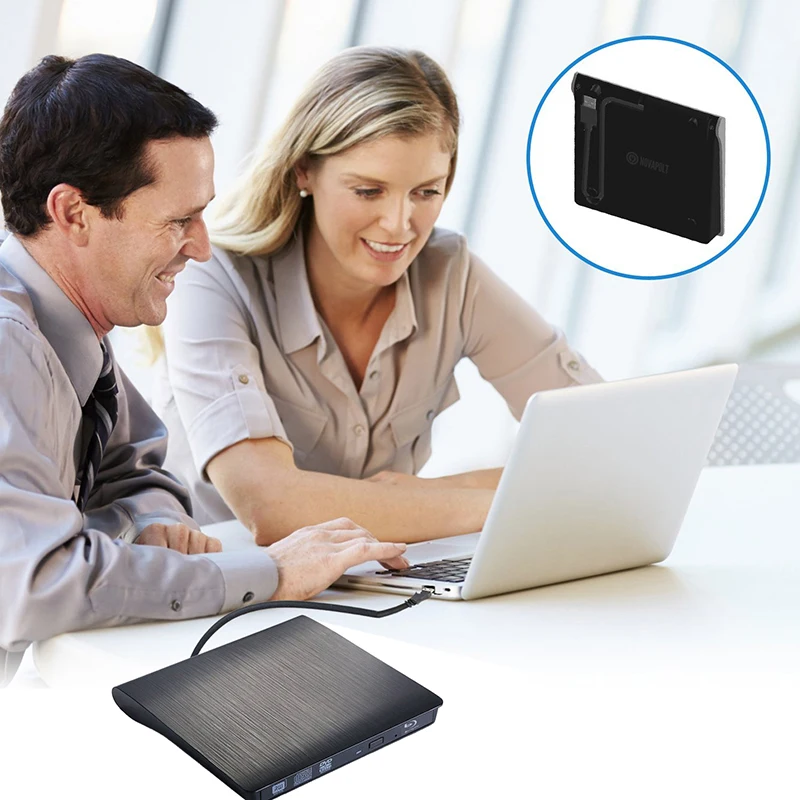
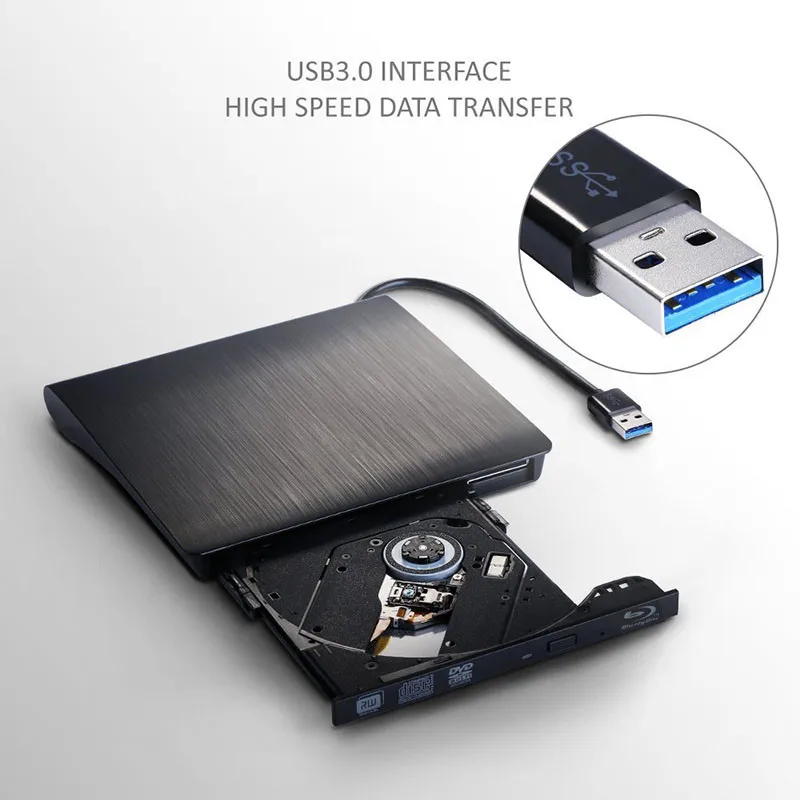
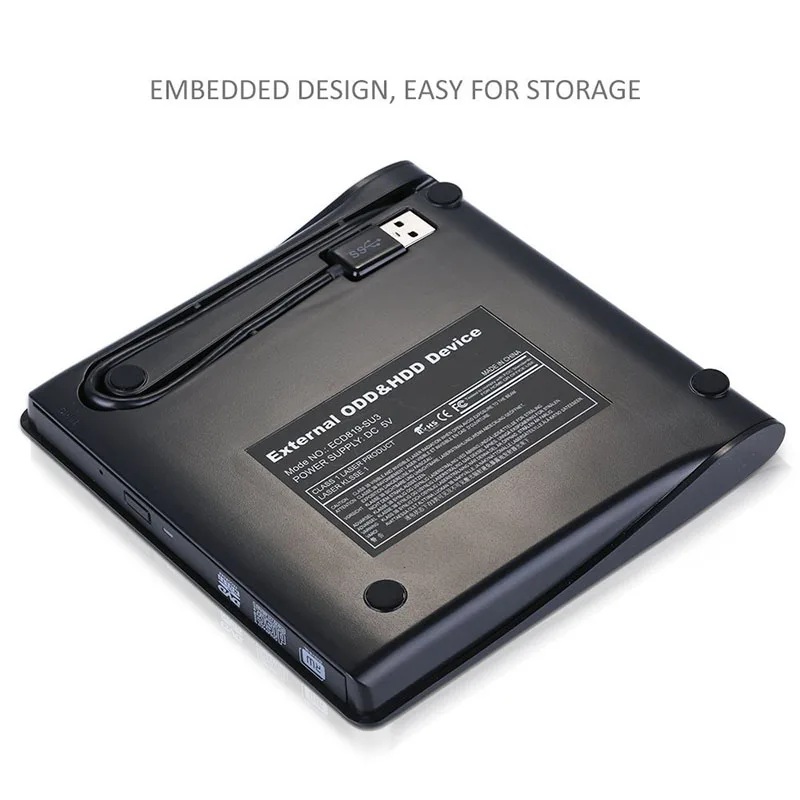
1.Please hook up the device to the direct USB port on your computer. If you connect it to a USB hub or extension cords, it maybe cannot recognize the Driver or not read the CD/DVD.
2.For the desktops, please connect the device to the USB port of the motherboard for normal use.
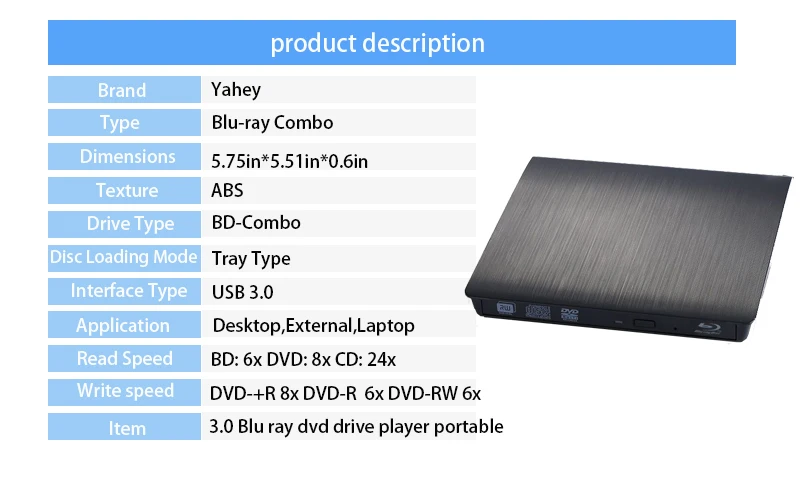
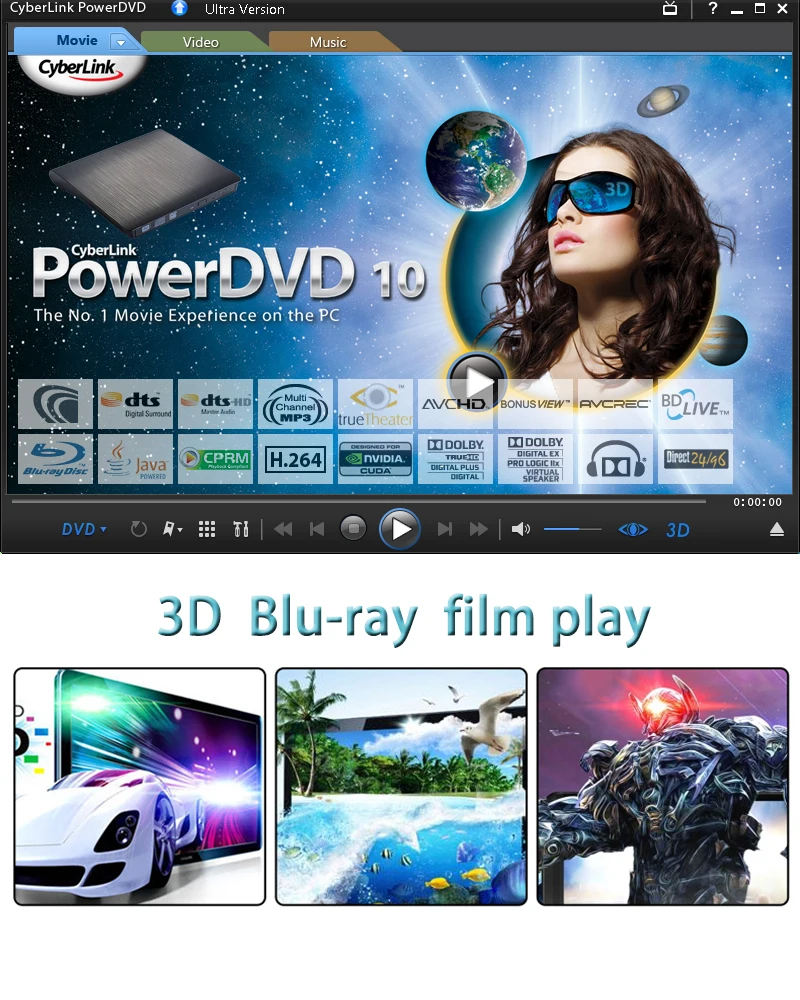
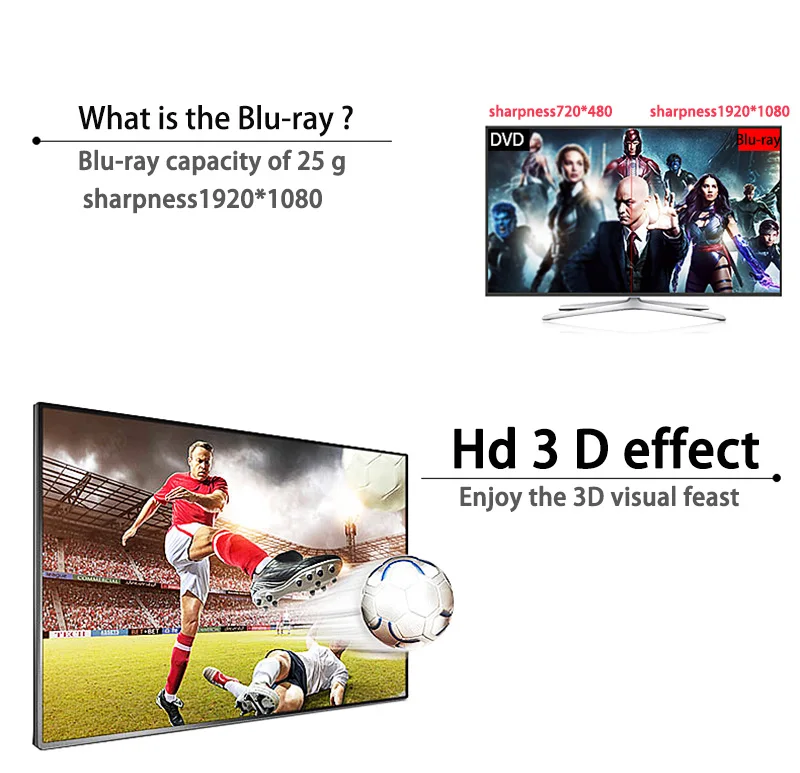
3.When you use this device to play Blu-ray disc on your computer, the player on your computer must support Blu-ray format(e.g. PowerDVD). Player software is not included. Desktop user must ensure that your desktop are comply with HDCP(laptop user does not have to). This drive can not convert DVD format to Blu-ray format, only when you use Blu-ray disc, it can play Blu-ray movies