Studio : Vission Smart Publisher : Vission Smart Binding : Electronics Product Description
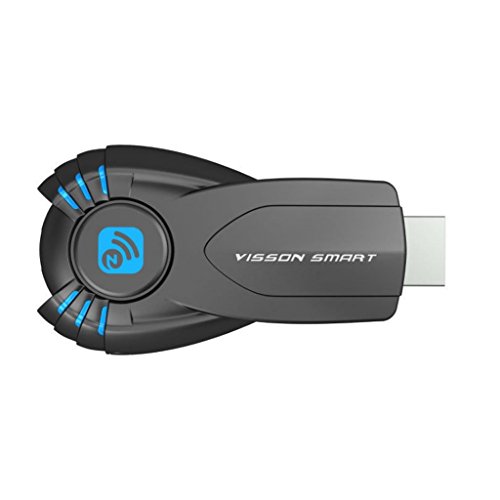
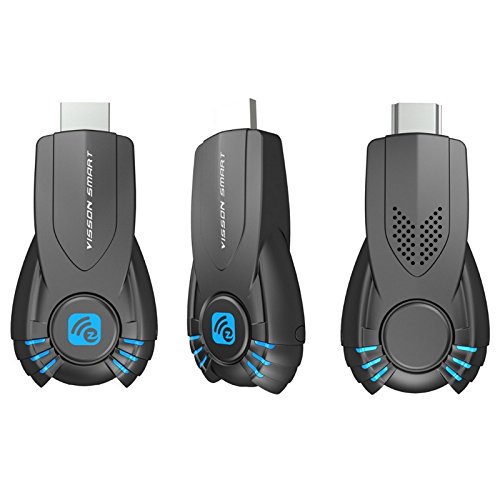
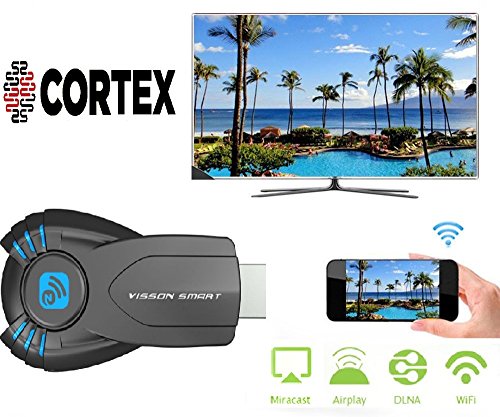
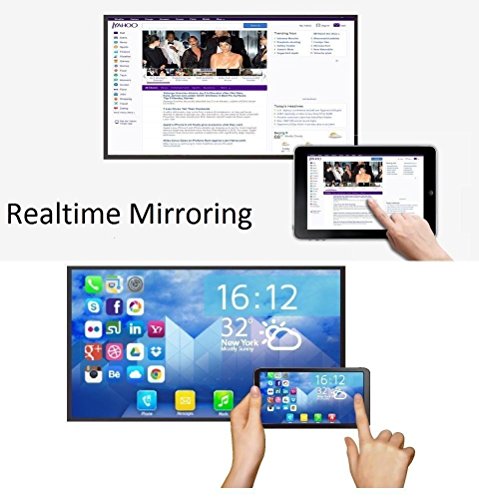
Cortex MiraCast Dongle is a Wi-Fi display dongle that allows you to Screen Mirror any type of multimedia content from a small screen device to a large screen display. This device is perfect for gaming, conference meetings, movies, and sharing any other multimedia content you desire. You can share things like pictures, videos, online movies, gaming, web browsing, online shopping, documents, etc. This small, lightweight device is convenient to carry with you anywhere you go.
How to connect:
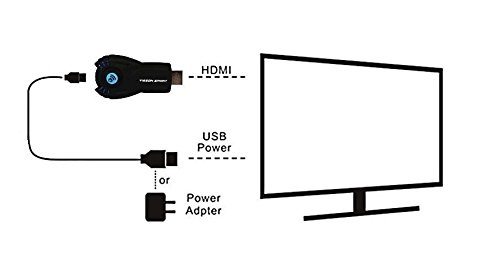
1. Plug in the Miracast HDMI to the Display. You can connect to a TV, Projector, or Monitor.
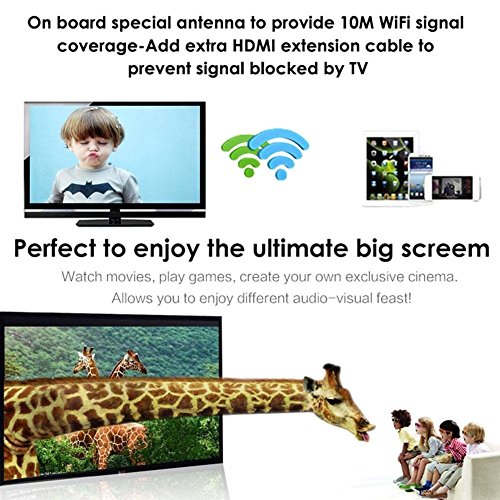
2. Connect the USB cord from device to the display. This USB cable will supply power for the Miracast device. It will also give device a long-range Wi-Fi antenna.
3.When connected properly. Turn on the display and the Miracast main page will be displayed. Go to your phone's "Settings"-"Wi-Fi", and choose the Miracast dongle network(recognize it according to SSID which is shown on display). The Wi-Fi Password is the PSK code shown on display.
Please make sure all cords are connected or device will not work properly.
Features:.
1.Supports DLNA/Miracast/Airplay.
2.External WiFi antenna for strong signal transmission.
3.Supports 1080P full HD.
4.Small, lightweight, and convenient for travel.
5.Easy to use. No App or installion needed.
6.Quick 150mbps transmission speed.
Device Requirements:
iOS: Supports iPhone 7.0↑
Android: Supports Android 4.4↑
Mac OS: Supports Mac OS 10↑
Windows: Supports Windows 8↑
Specifications:
Brand:Cortex MiraCast
Model:V5ii
Weight .06 ounces
Power:5V/1A
CPU:AM8252B
System :LINUX
Storage :DDR3 128MM
Interface:HDMI
What is Included:
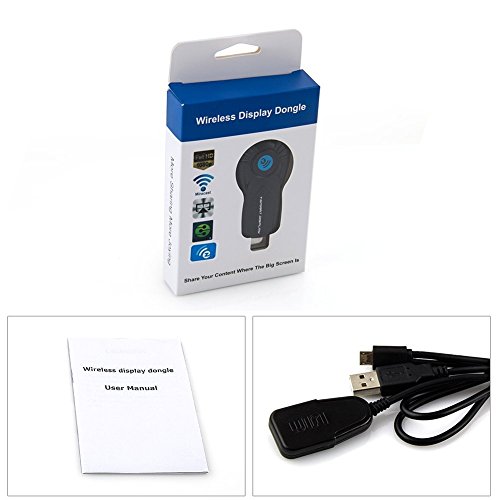
1 x MiraCast dongle
1 x Signal Power Cable
1 x User Manual
0
|